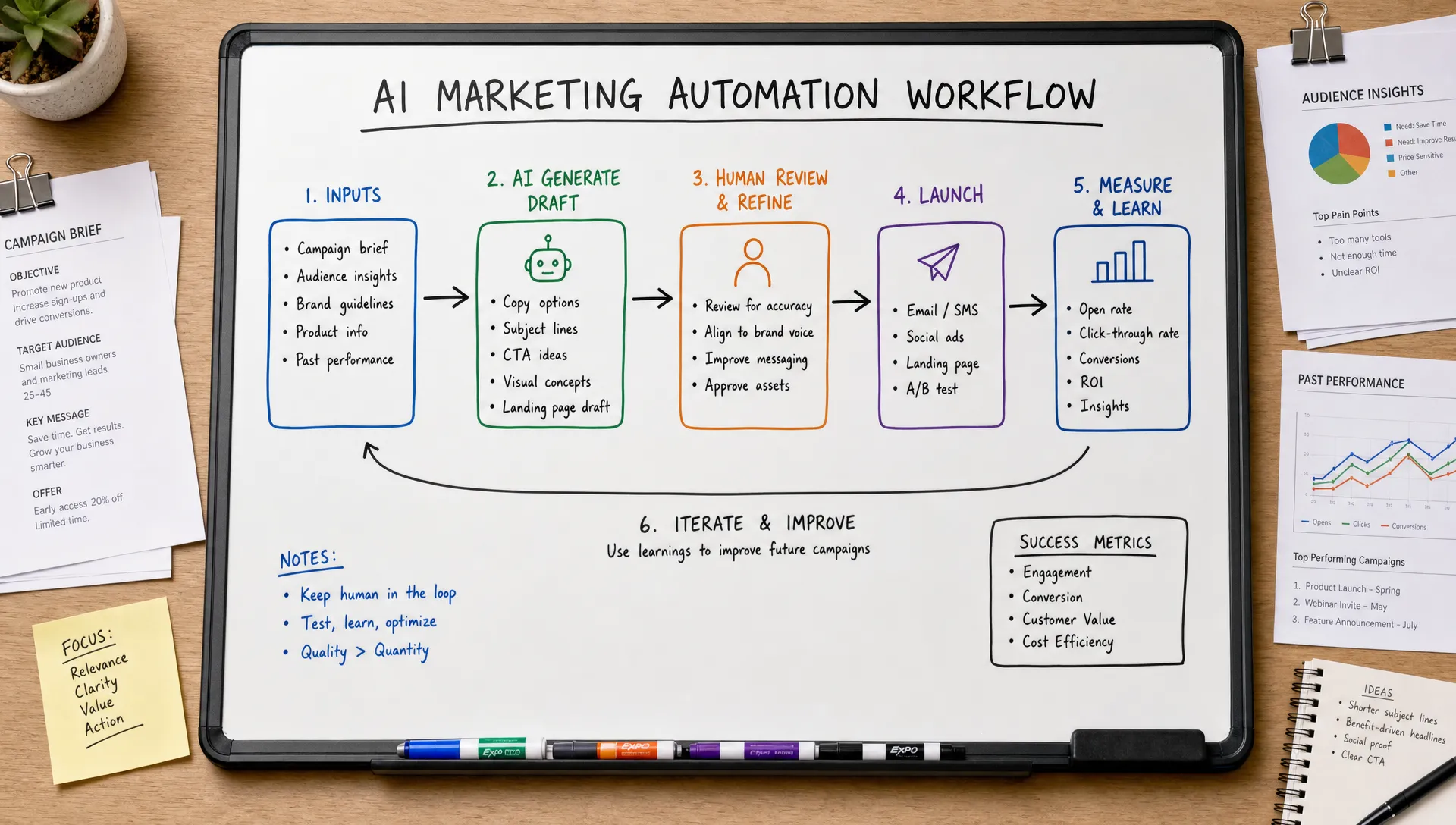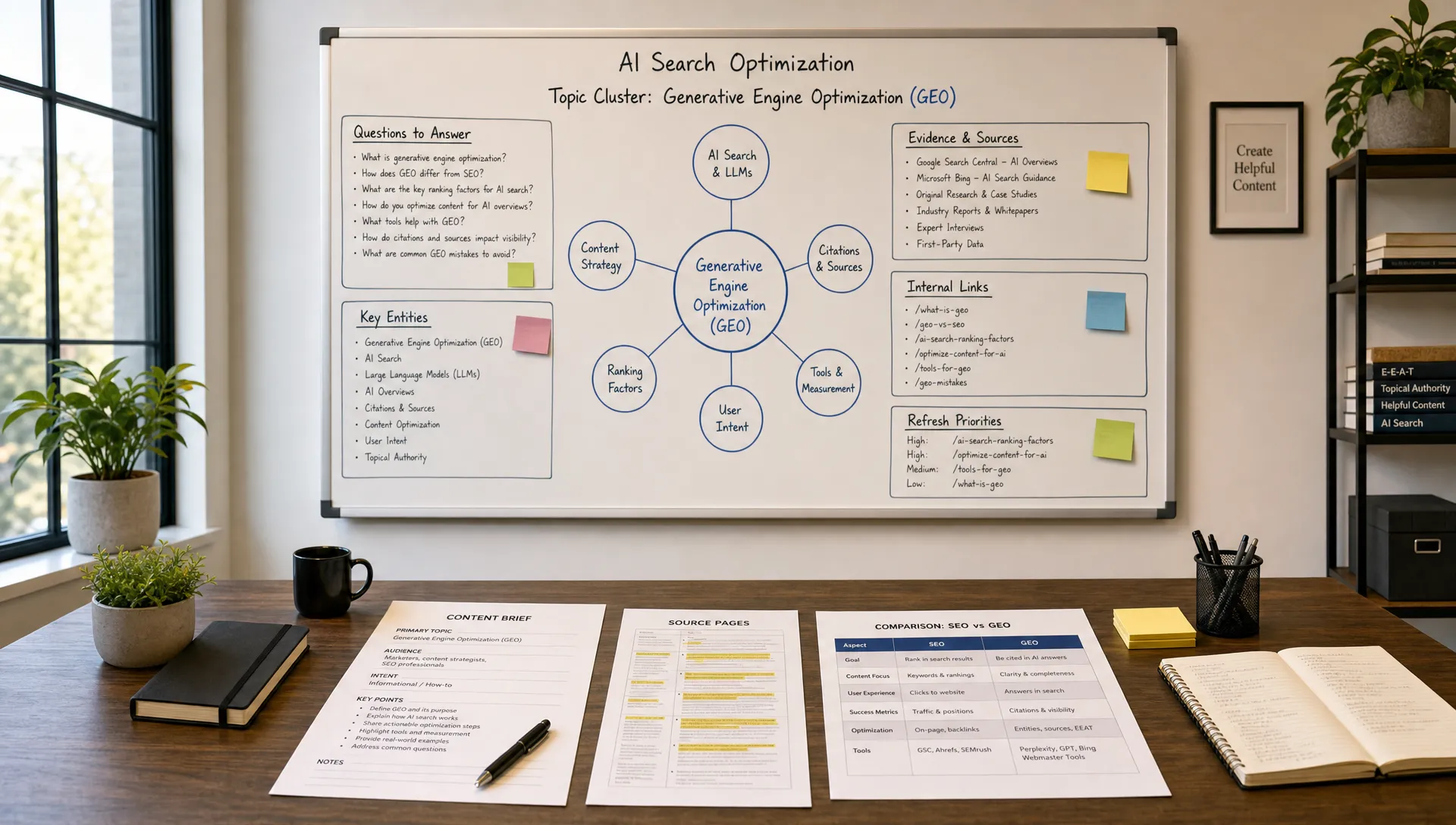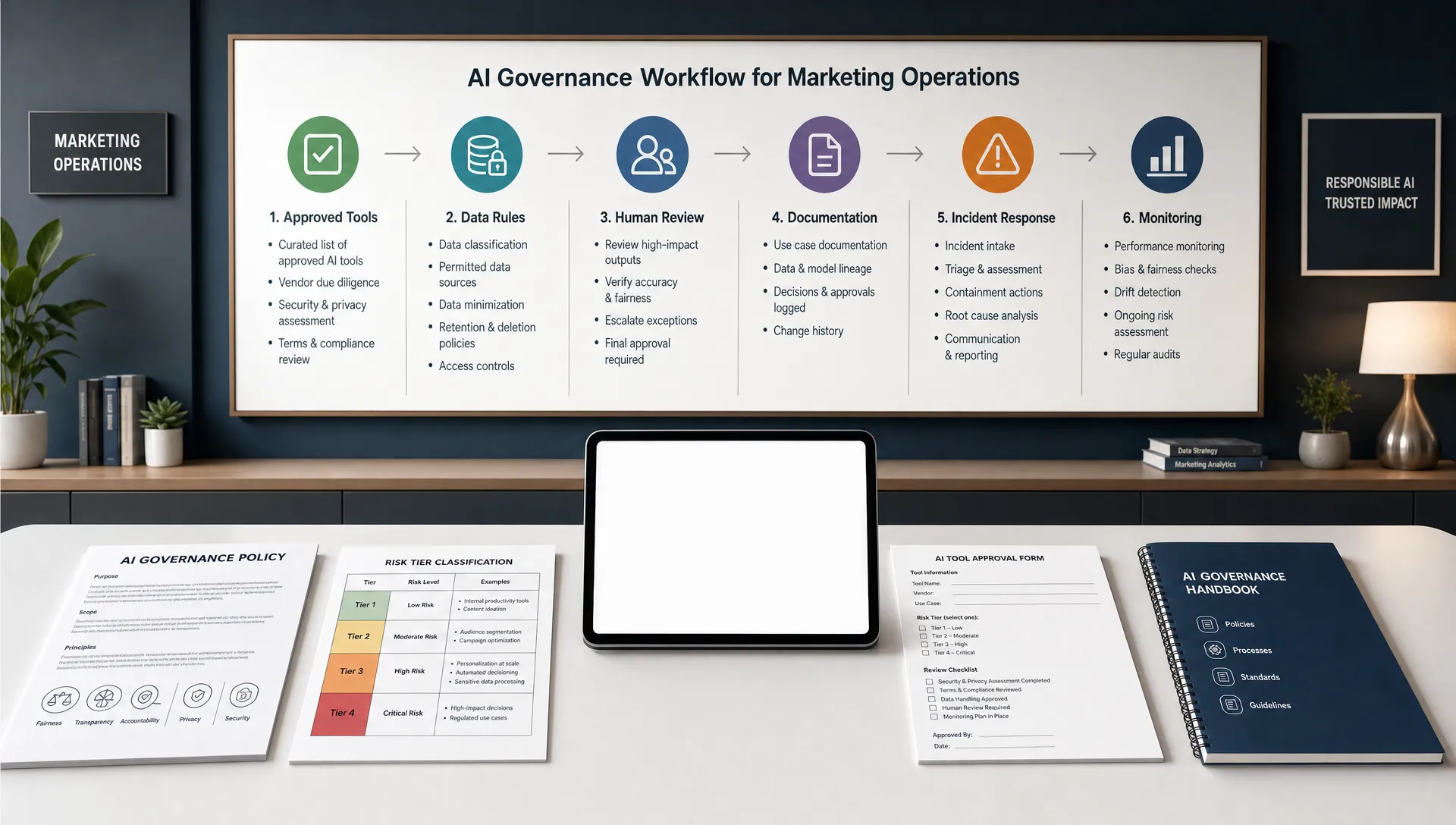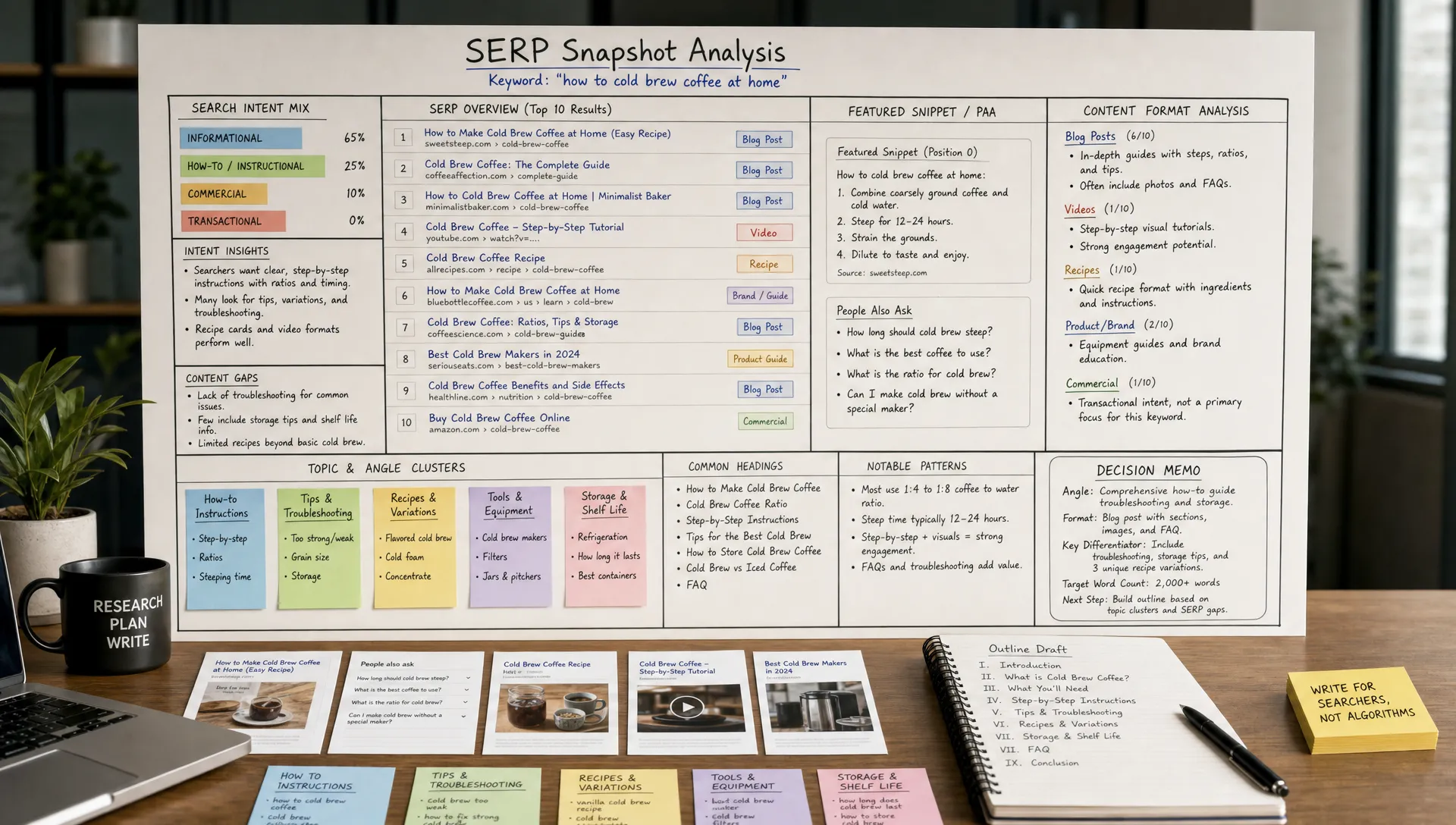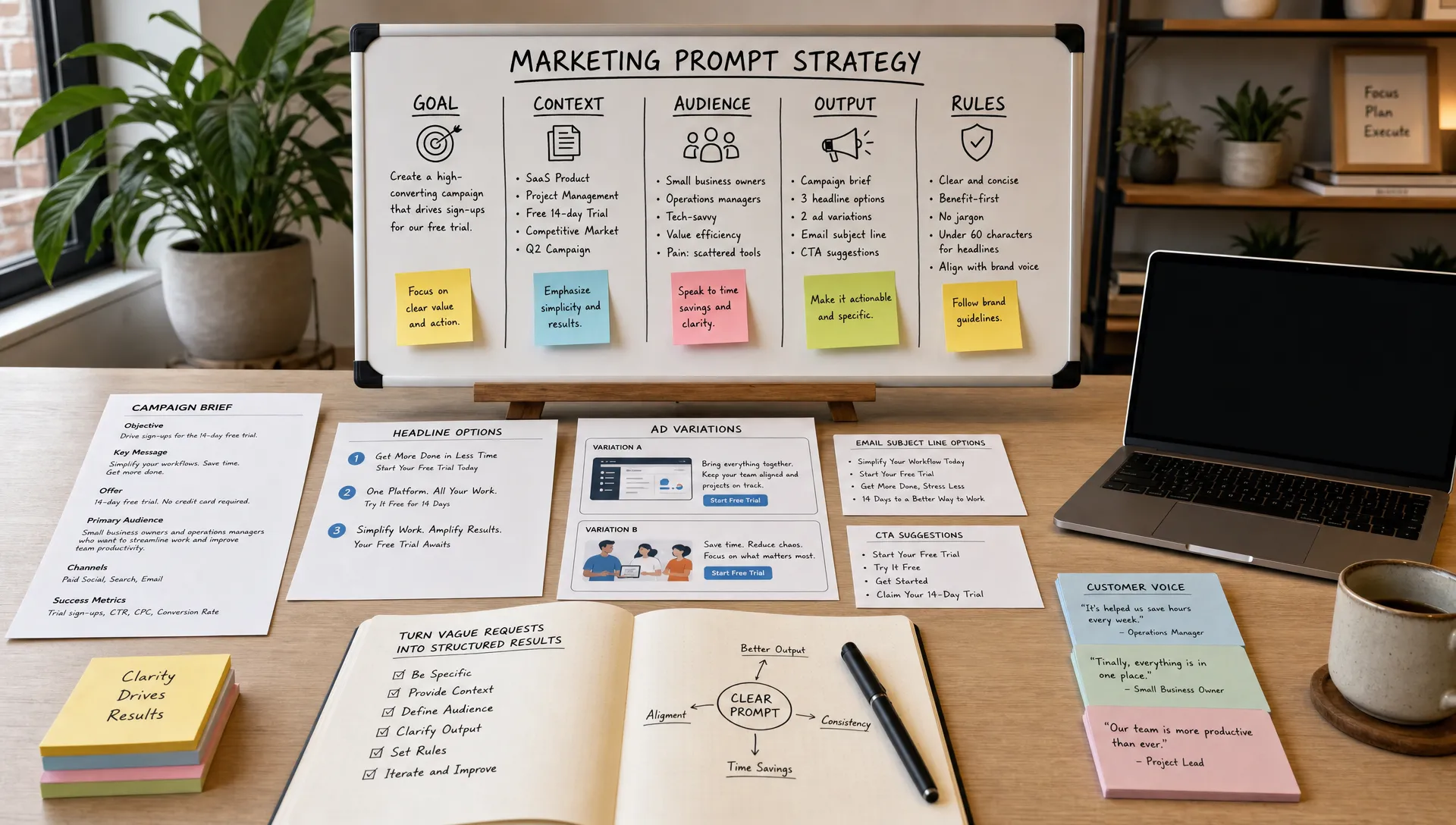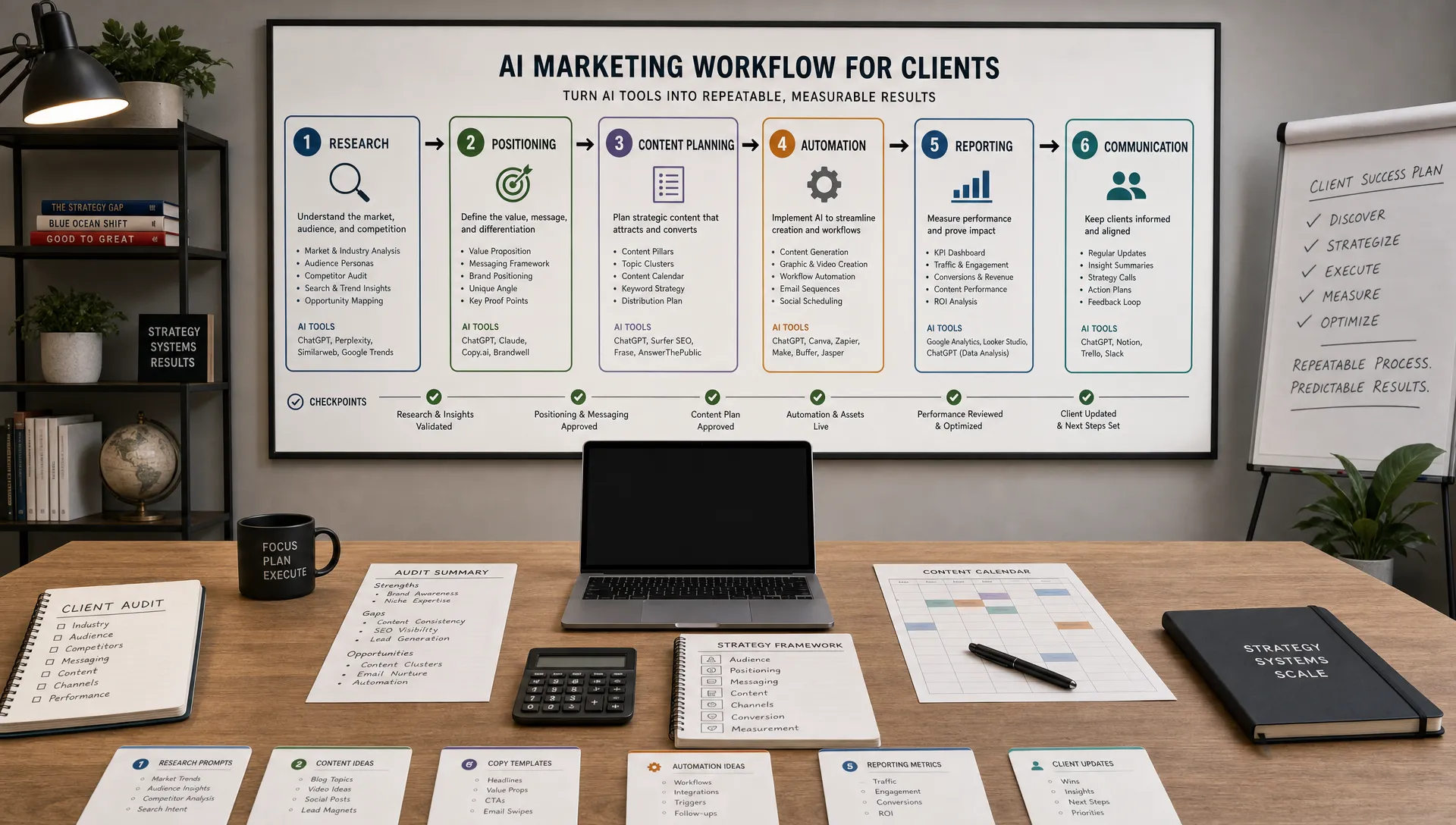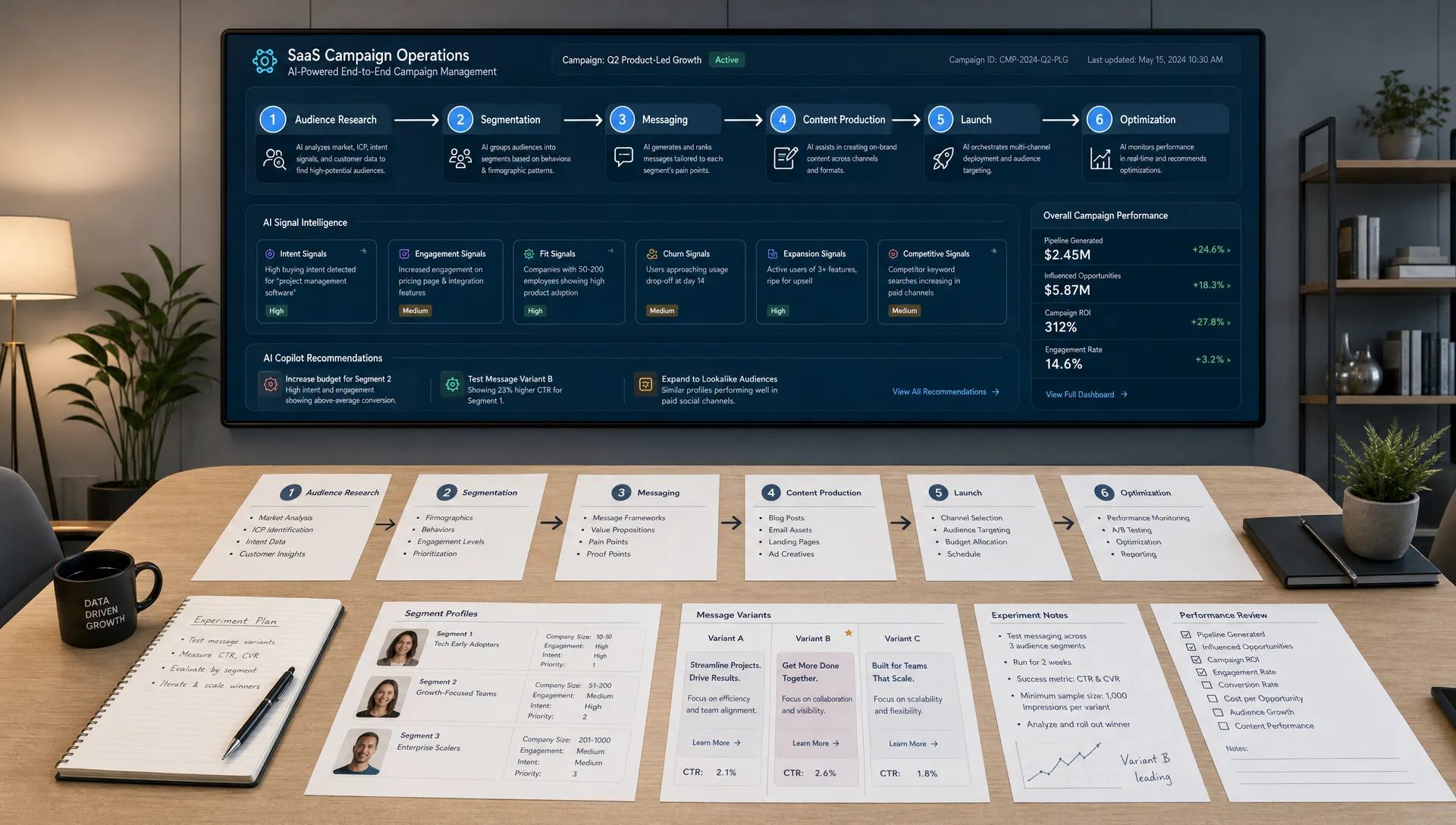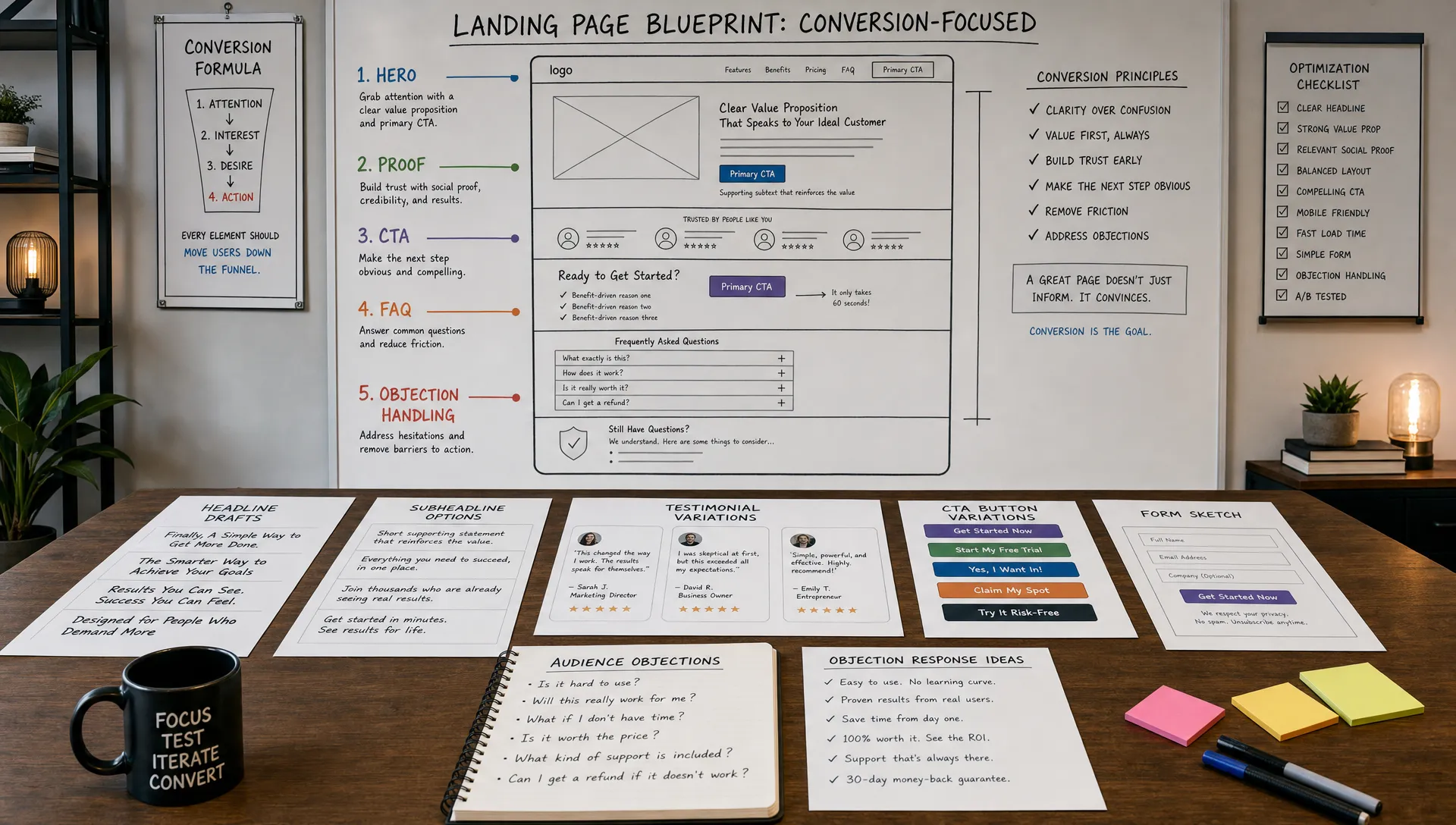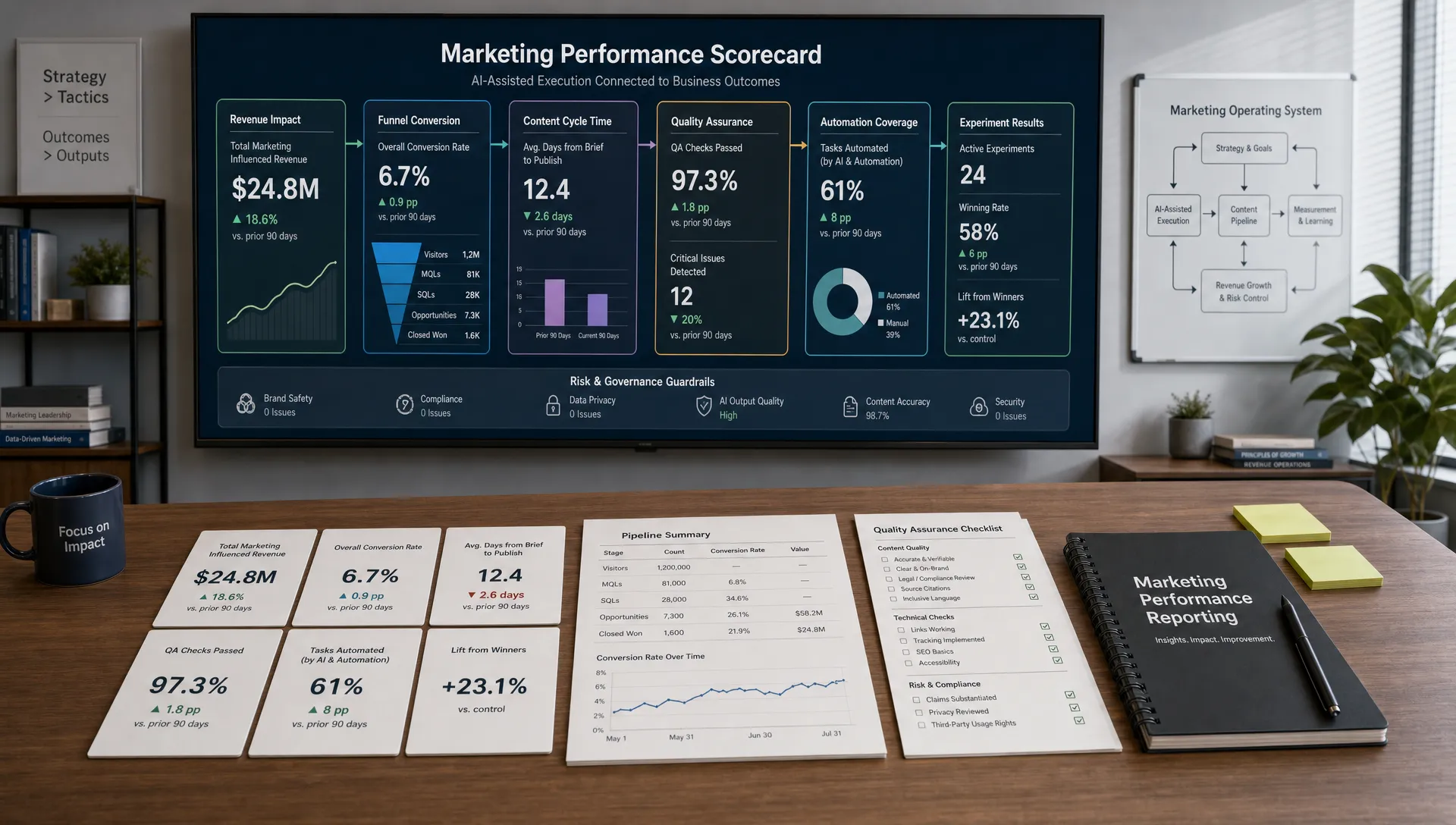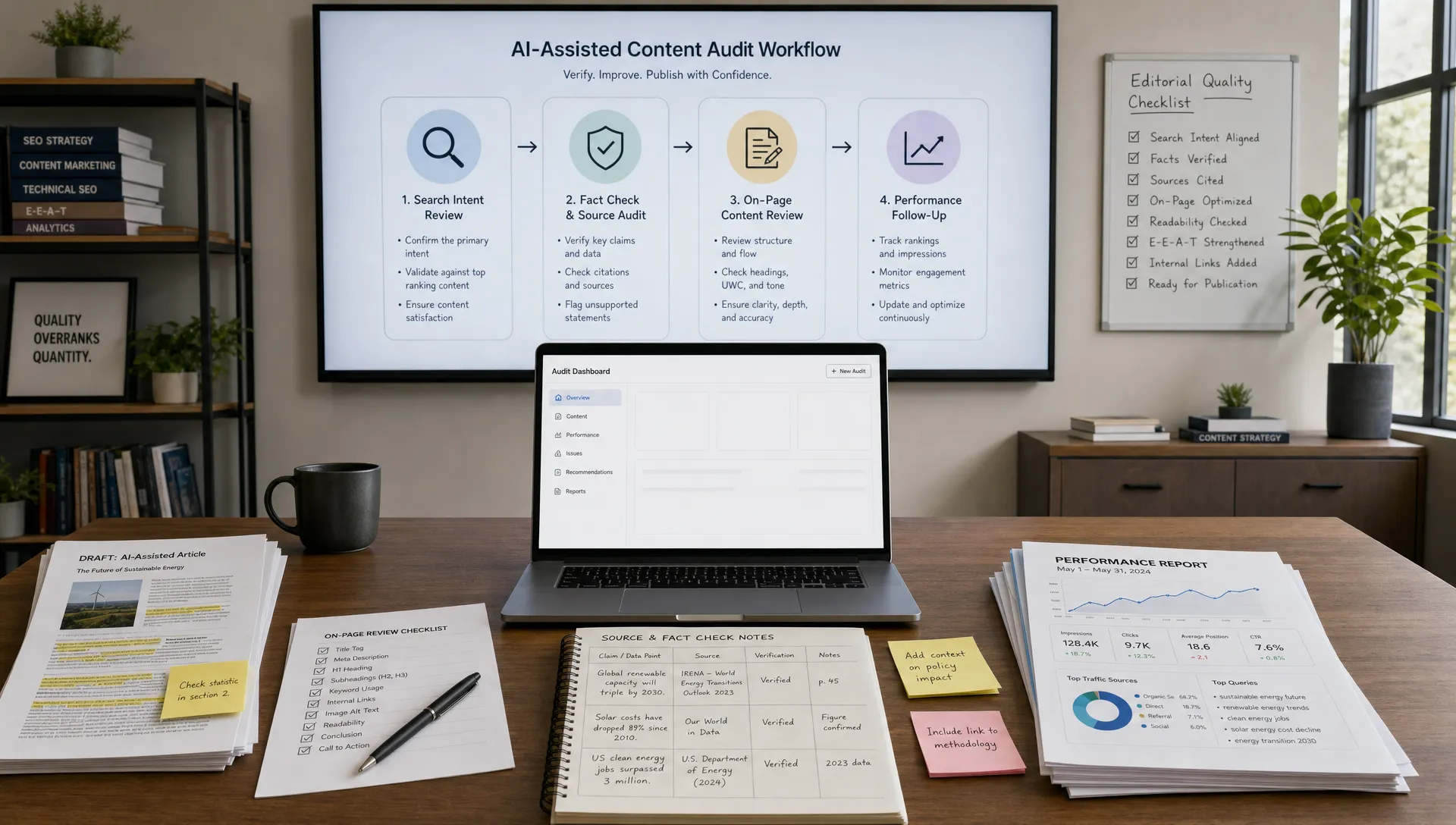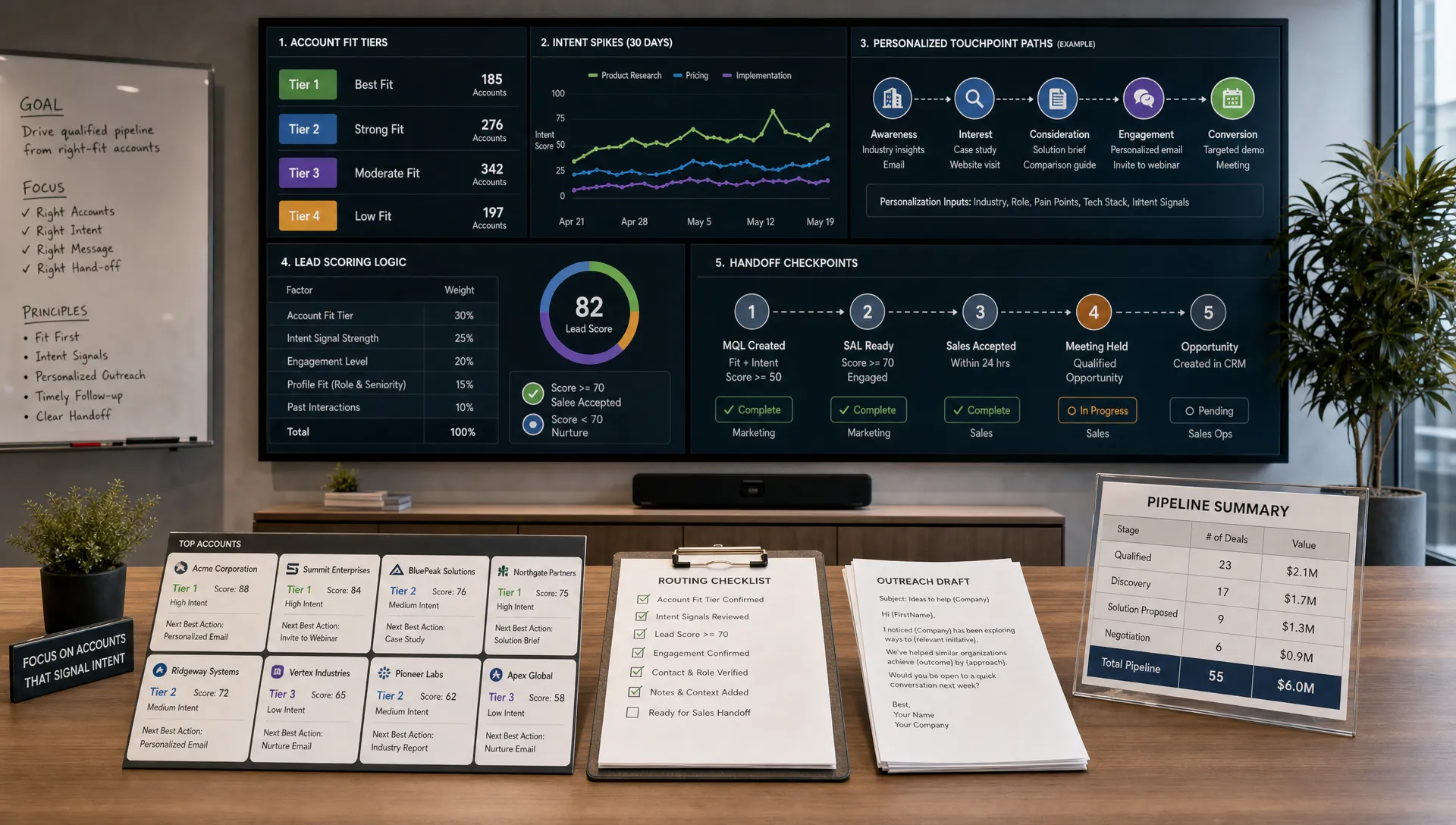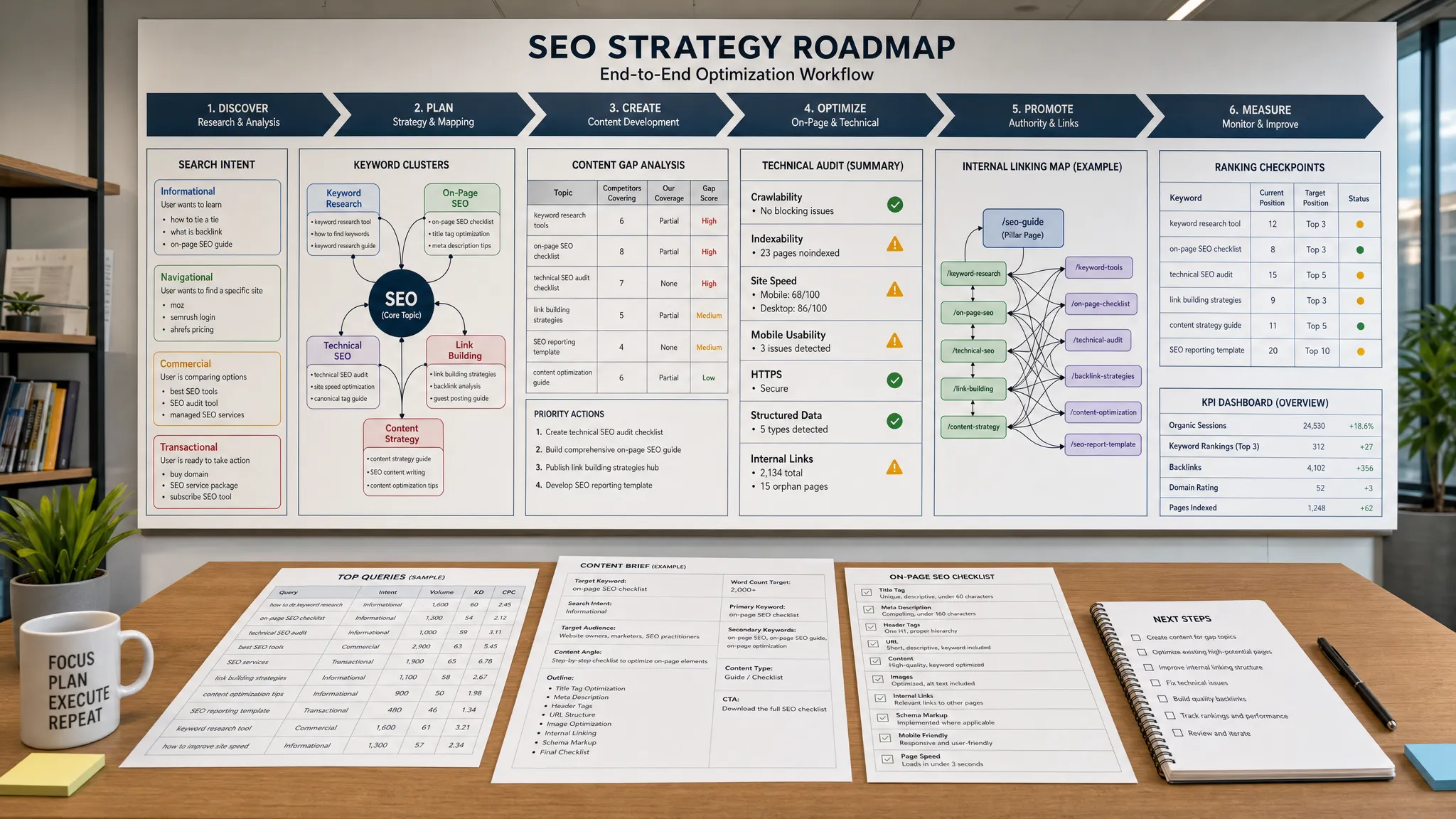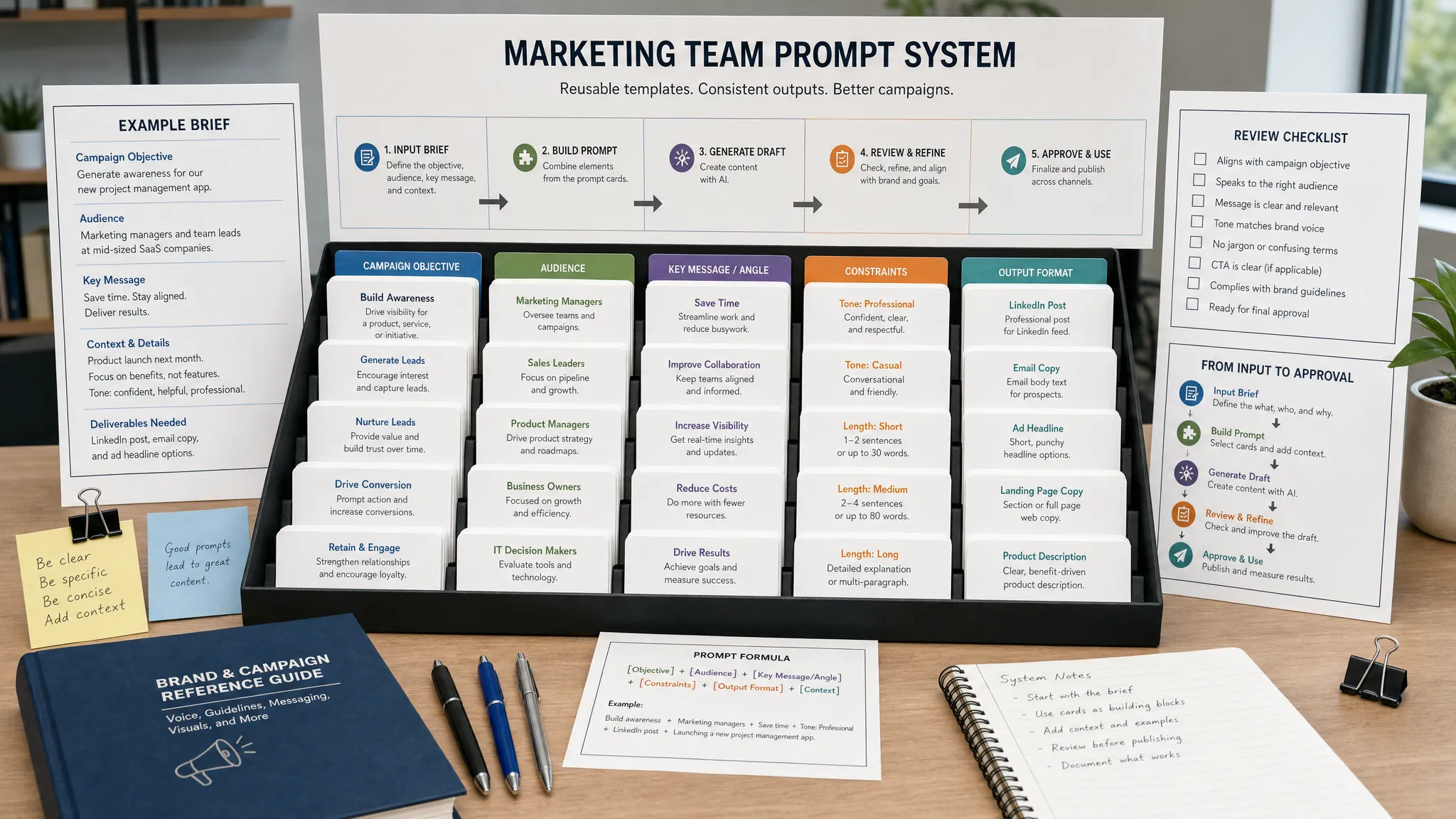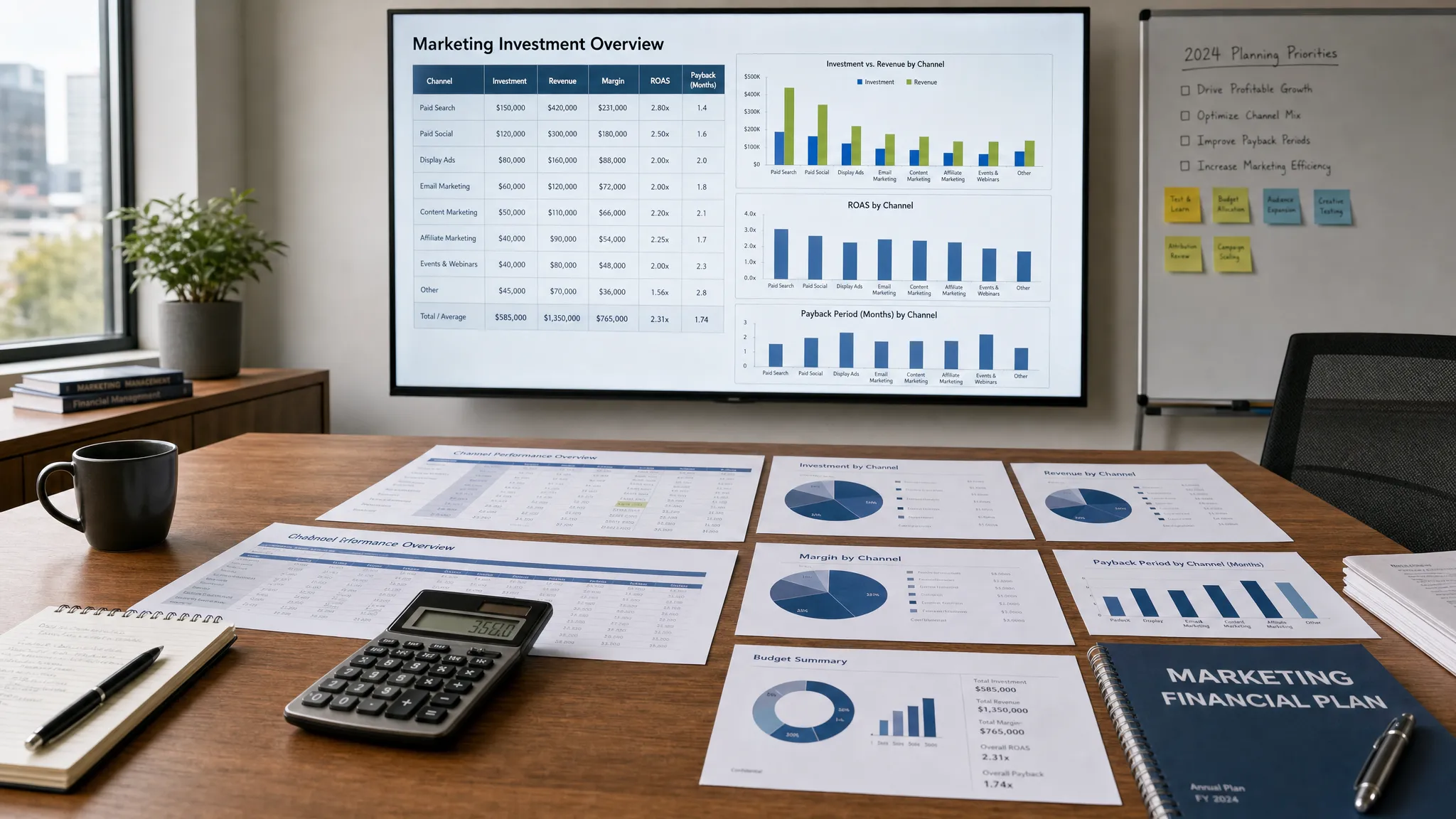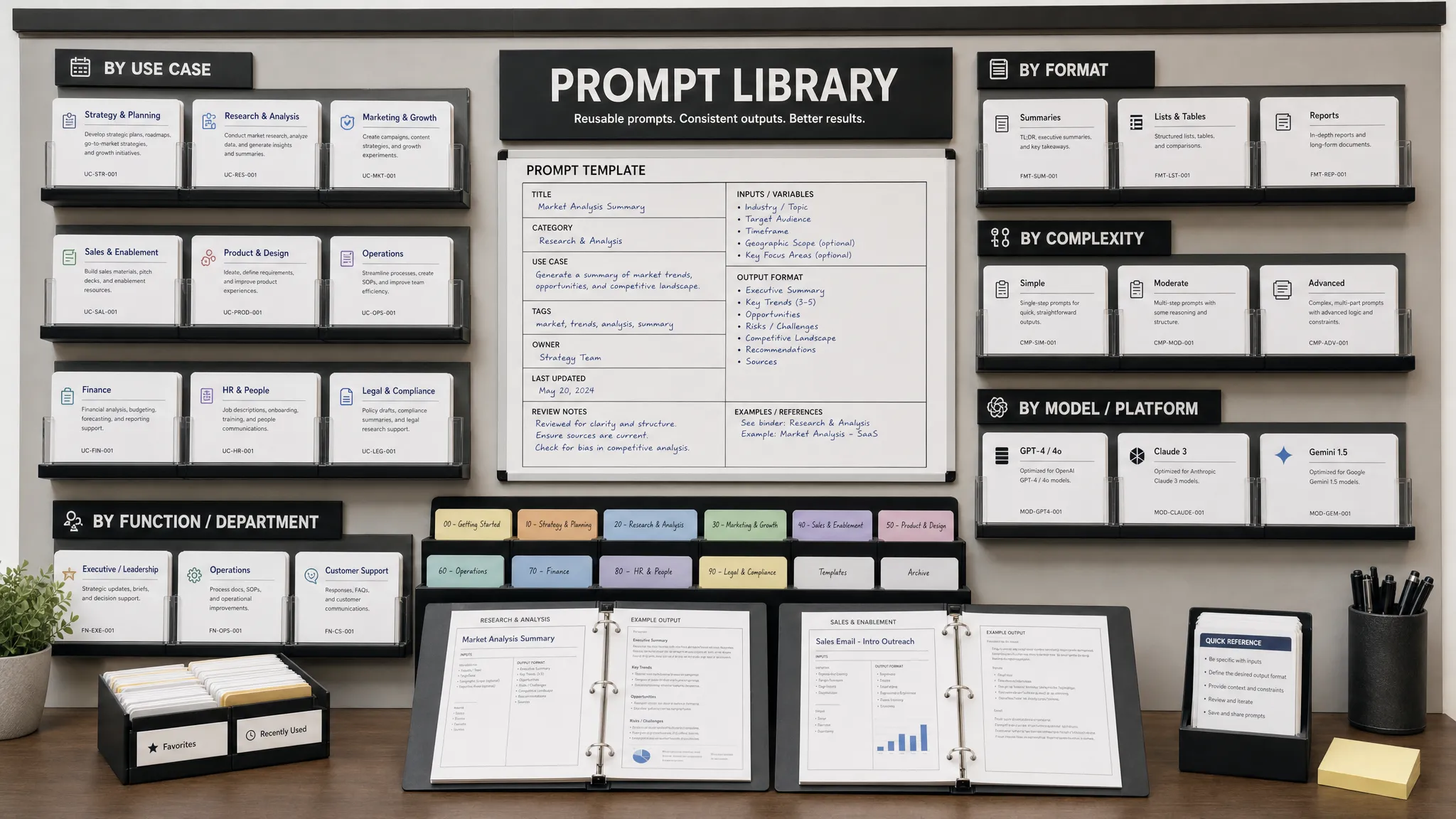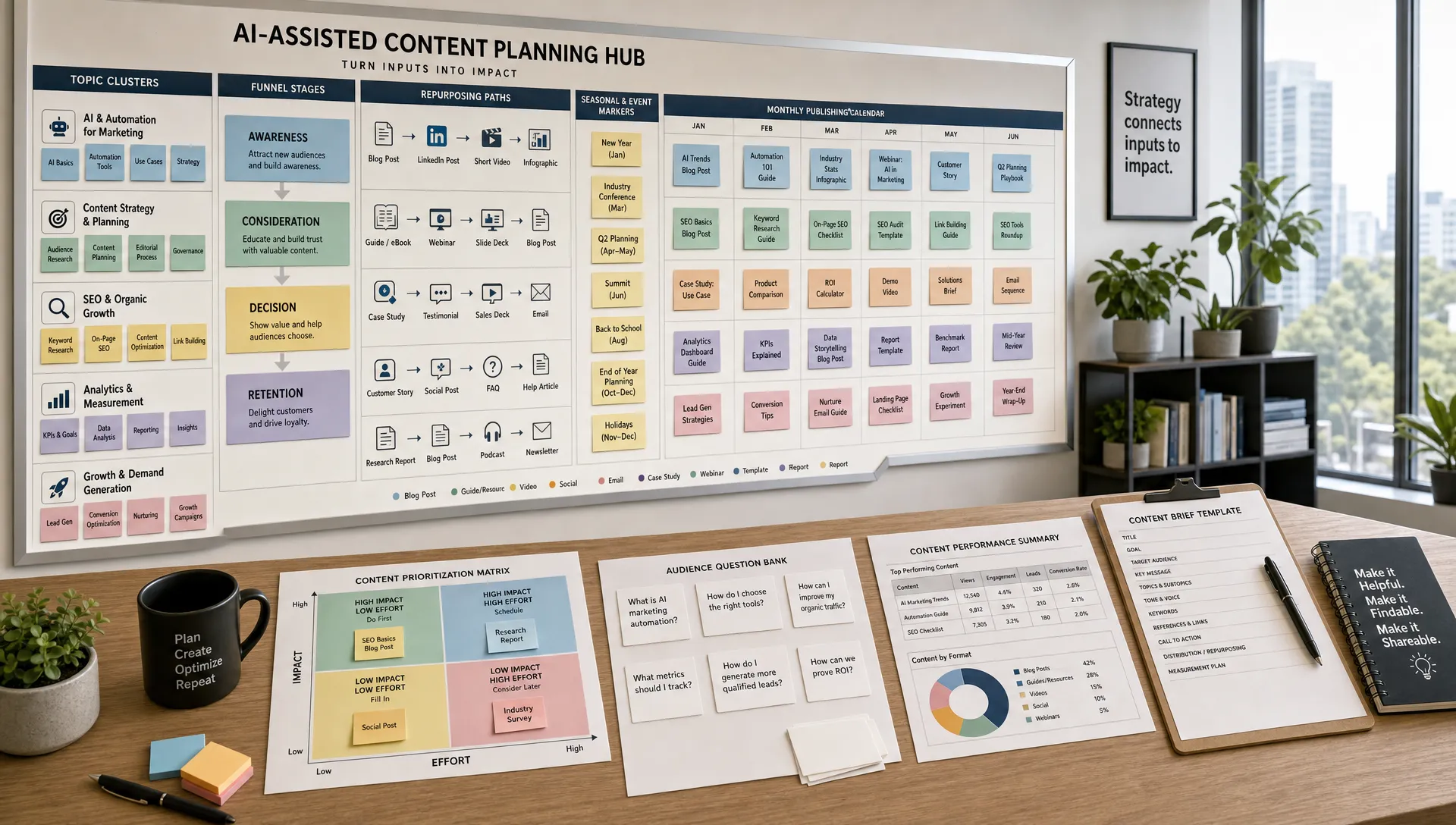
A smarter content calendar is not just a prettier spreadsheet. It is a decision system that helps your team choose the right topics, publish at the right time, reuse the right assets, and improve based on performance data.
AI makes that system faster and more adaptive, but only if you feed it strategy instead of asking it for random ideas. The goal is not to automate your entire editorial judgment. The goal is to reduce manual planning work, spot patterns humans miss, and give your marketers more time to create content that is useful, differentiated, and on brand.
Below is a practical workflow you can use to build an AI-assisted content calendar that supports SEO, social, email, lead generation, and customer education without turning your channels into a stream of generic posts.
The biggest mistake teams make with AI marketing is starting with a prompt like, “Give me 50 blog ideas for our company.” You will get ideas, but many of them will be too broad, too repetitive, or disconnected from revenue goals.
Before AI enters the workflow, define the strategic boundaries of your calendar:
This strategic input gives AI the context it needs to generate better recommendations. Without it, AI will optimize for volume, not relevance.
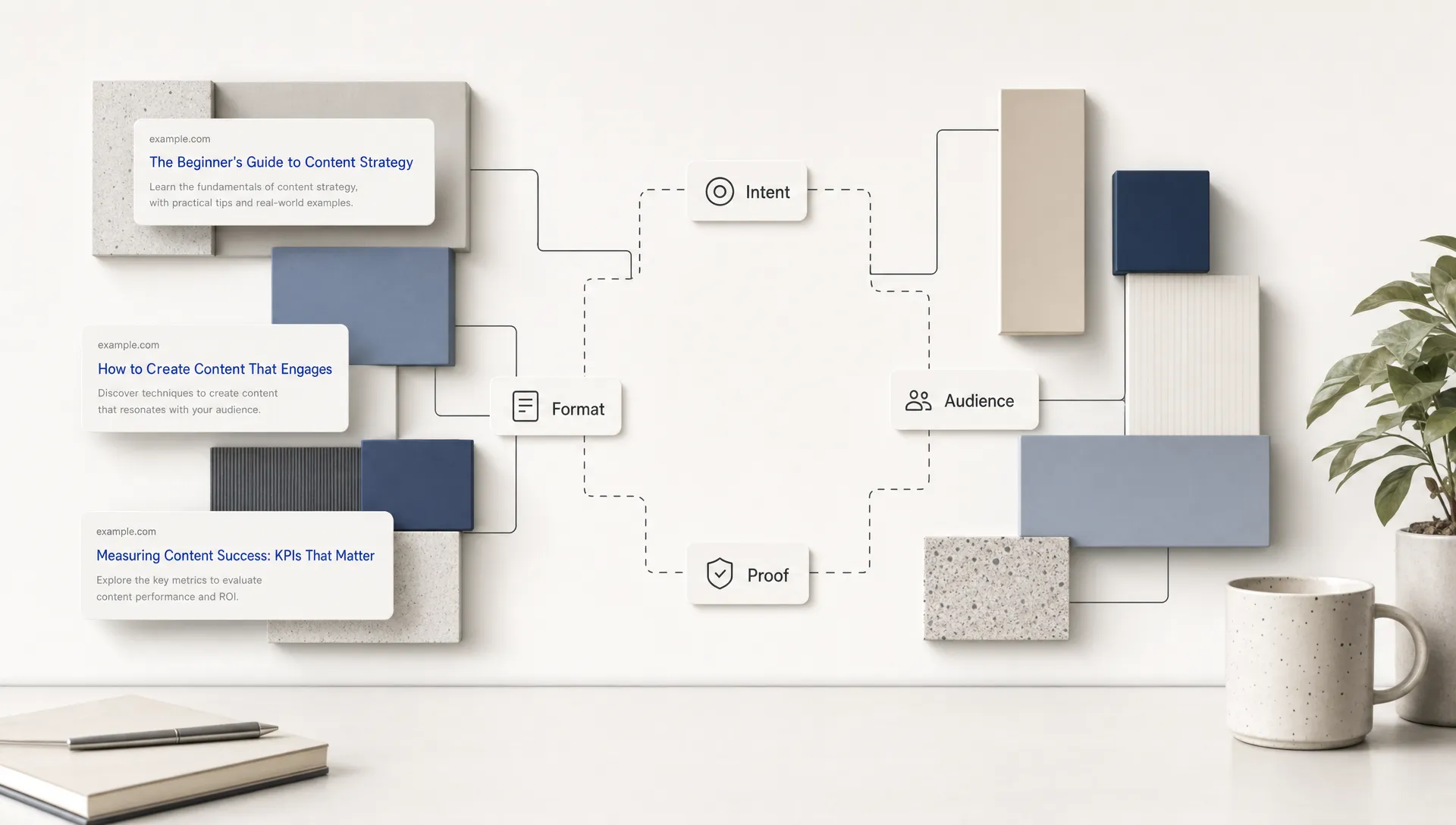
A good content calendar should answer three questions: why this topic, why now, and why in this format? If you cannot answer those questions, the content likely does not belong on the calendar yet.
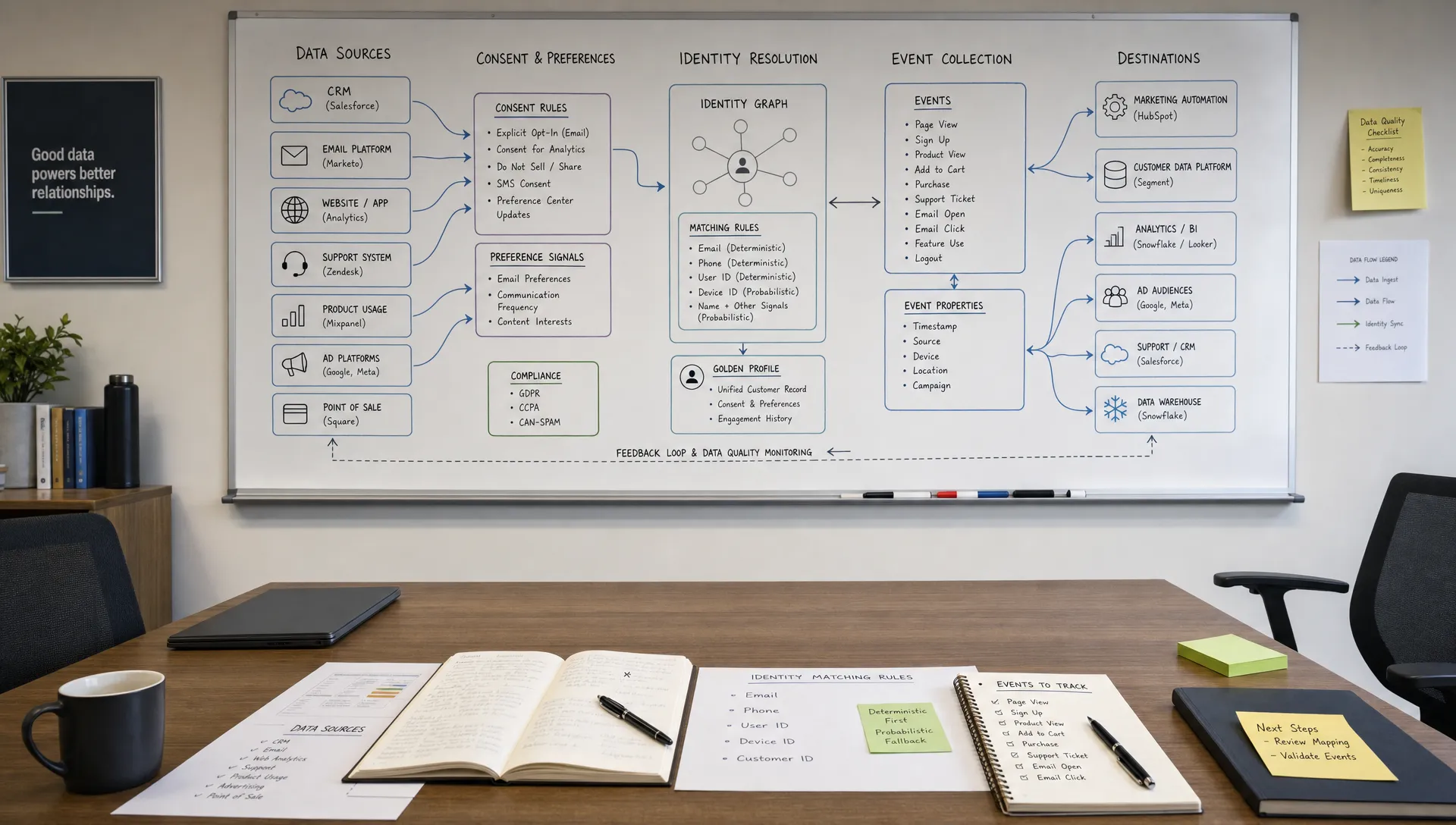
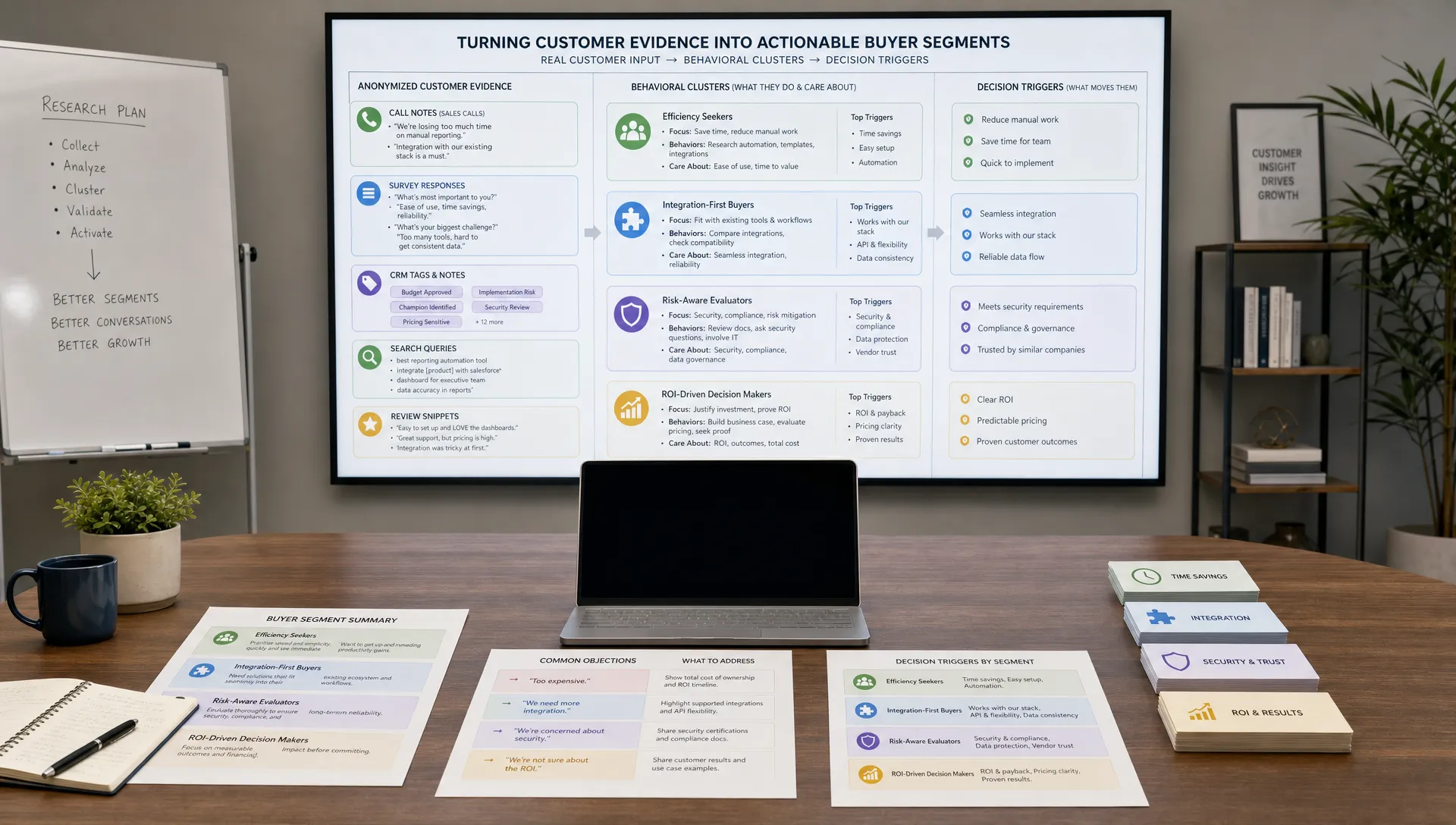
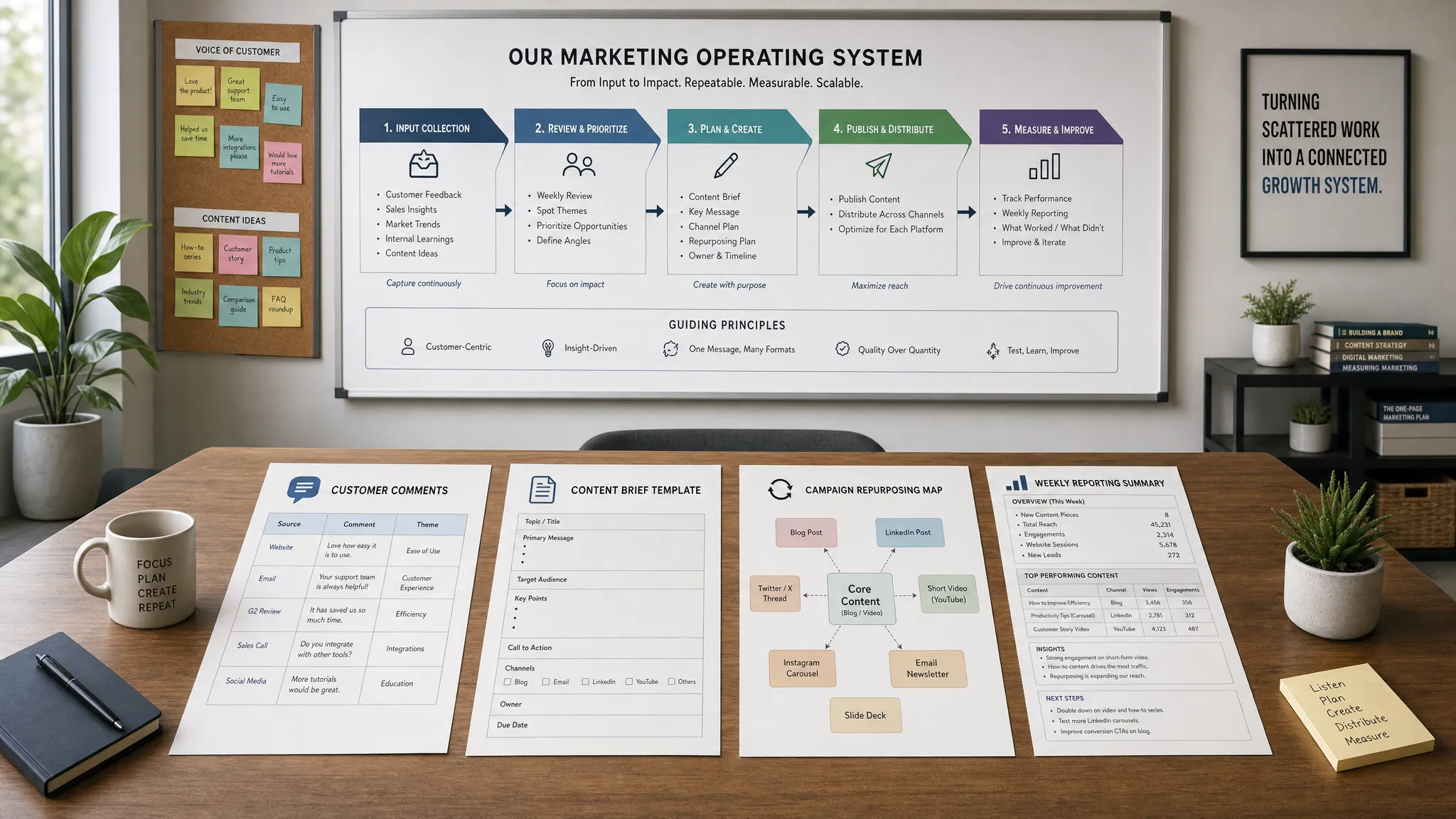
AI performs best when it has structured source material. Instead of treating your content calendar as a blank page every month, create a shared input library that AI can analyze and reuse.
Your input library can include:
This is where AI marketing automation becomes genuinely useful. Instead of asking AI to invent your strategy, you ask it to organize real market signals into useful clusters.
For example, a SaaS team might upload customer objections from demo notes and ask AI to group them by buying stage. A finance brand might collect seasonal tax questions and ask AI to identify which topics need evergreen guides versus timely social posts. A legal marketing team might use AI to turn frequently asked intake questions into educational content themes, while still keeping expert review in the process.
If you need broader inspiration for how AI fits into modern marketing operations, AIMarketer Hub’s guide to digital marketing and AI is a useful companion to this planning workflow.
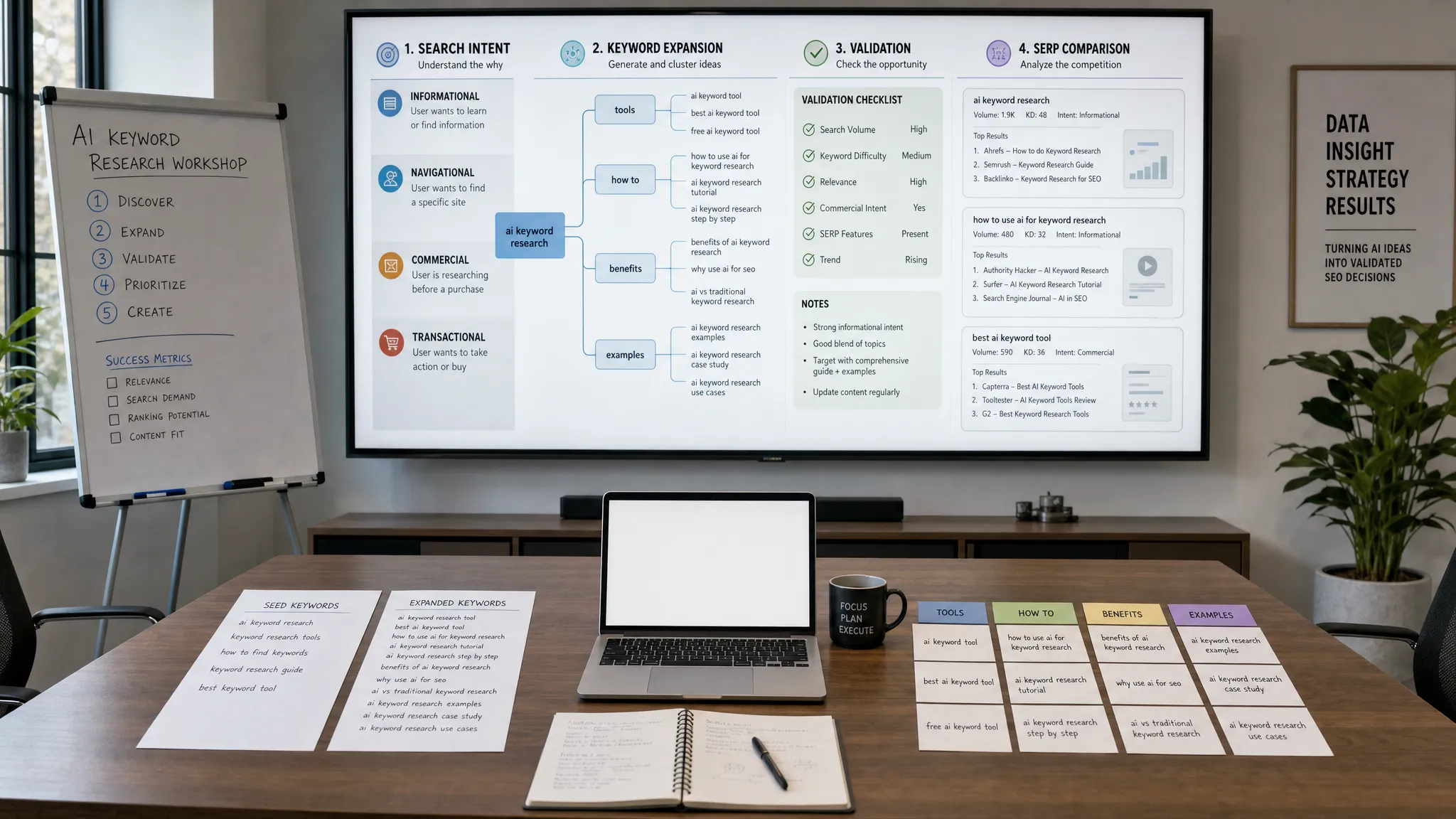
A traditional content calendar often starts with keywords. That still matters, but keywords alone do not tell you what the reader wants to do next.
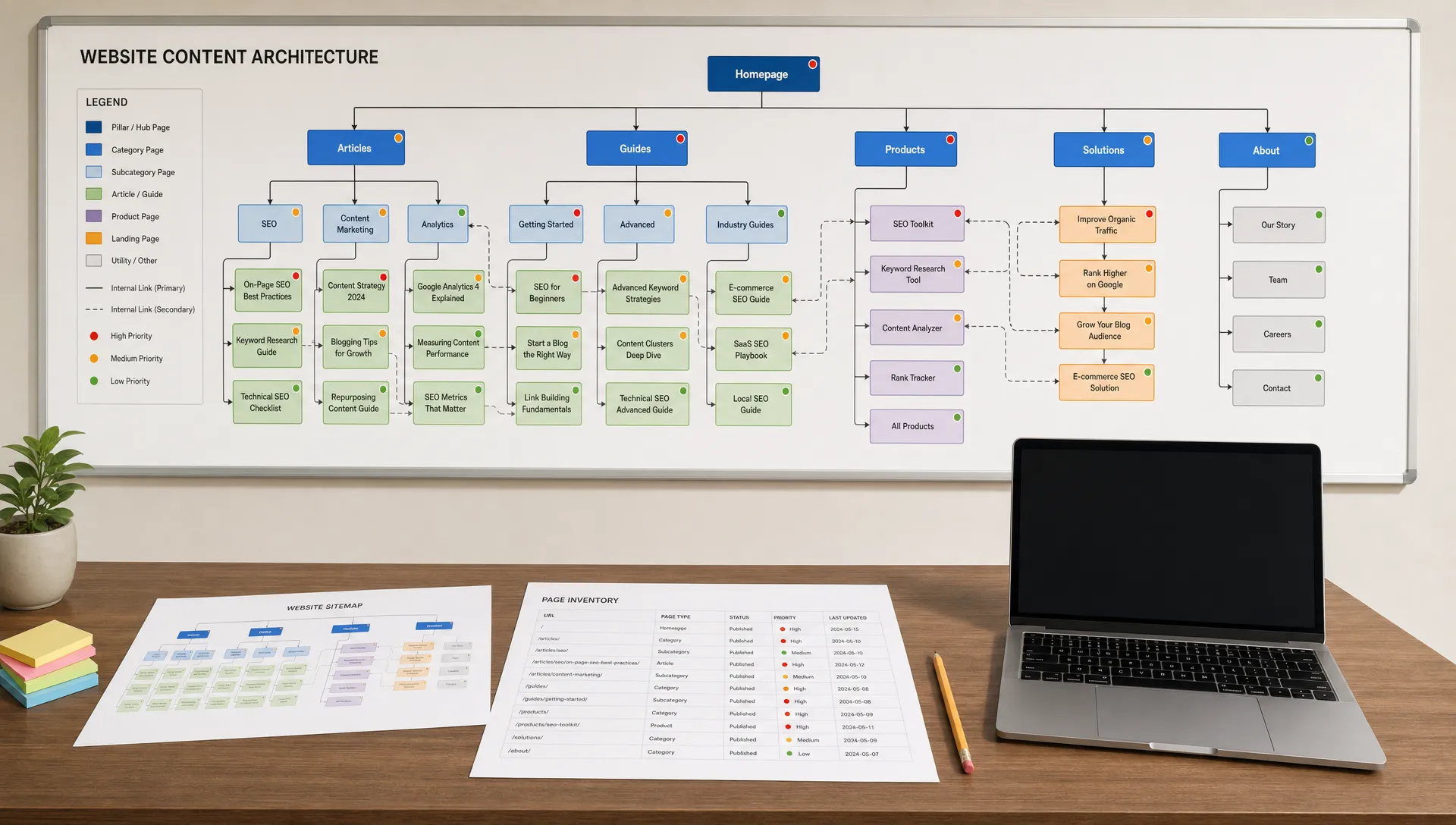
AI can help you organize topic ideas by search intent and customer journey stage:
For each cluster, ask AI to identify the likely user question behind the topic. This makes the calendar more human. “AI content creation” is a keyword. “How can a small marketing team publish more without losing quality?” is an intent. The second version leads to a stronger article, clearer angle, and better conversion path.
A useful prompt might be:
Analyze these customer questions, keywords, and content ideas. Group them into topic clusters by user intent and funnel stage. For each cluster, suggest one pillar piece, three supporting content ideas, and the best distribution channels. Flag any ideas that seem repetitive, too generic, or misaligned with our audience.
The “flag repetitive ideas” part is important. AI is good at generating volume, but your calendar should become more selective, not more crowded.
Not every good topic deserves immediate production. A smarter content calendar uses prioritization criteria so your team can choose what to publish first.
You can create a simple scoring model and ask AI to help evaluate ideas. For example, score each topic from 1 to 5 based on:
AI can assist with the first pass, but humans should make the final call. A topic with modest search volume might still be extremely valuable if sales teams can use it to answer a recurring objection. Likewise, a high-volume keyword may not be worth pursuing if it attracts the wrong audience.
This scoring step keeps the calendar grounded in strategy. It also helps prevent a common AI content problem: producing many low-impact posts simply because they were easy to generate.
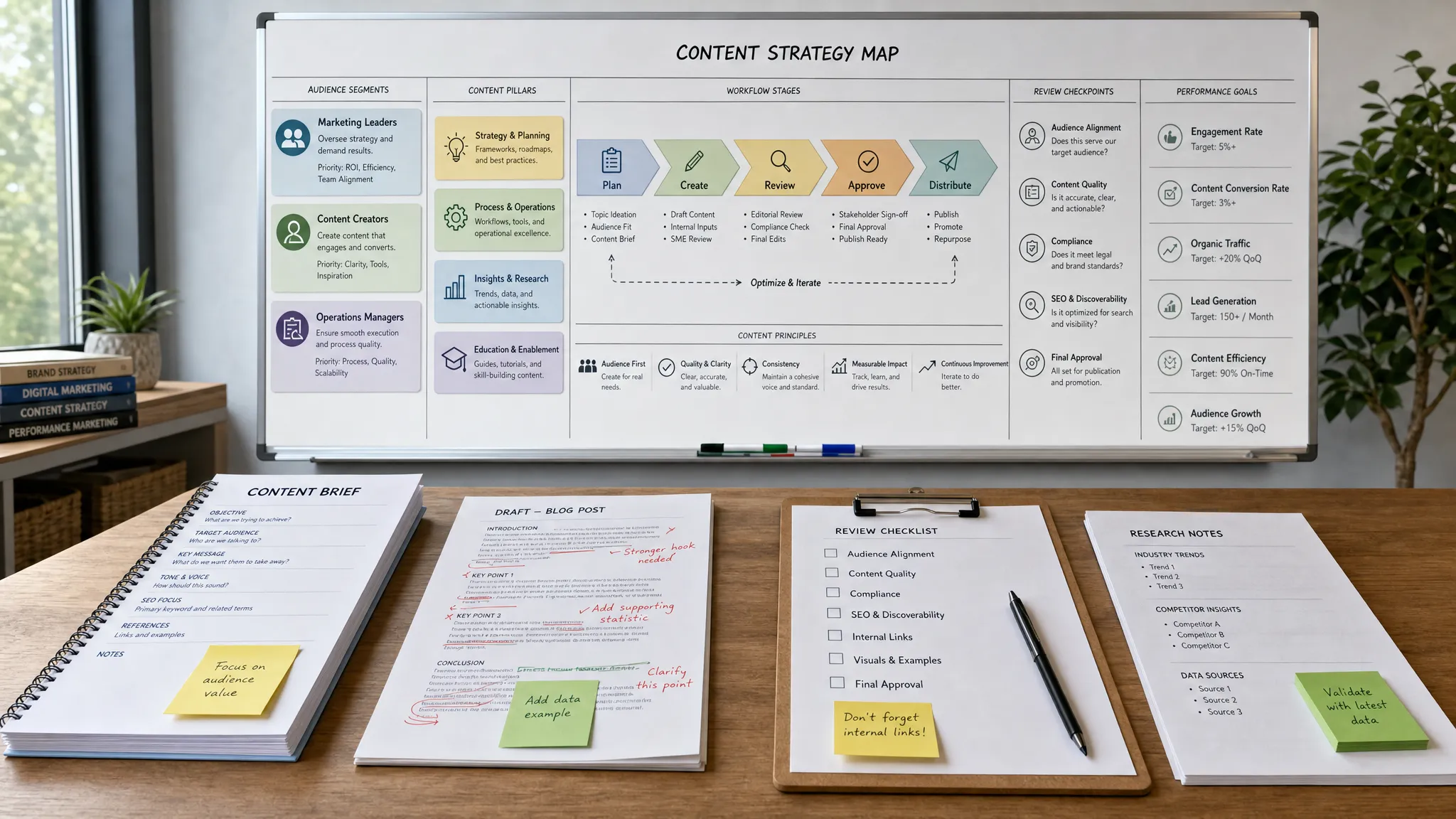
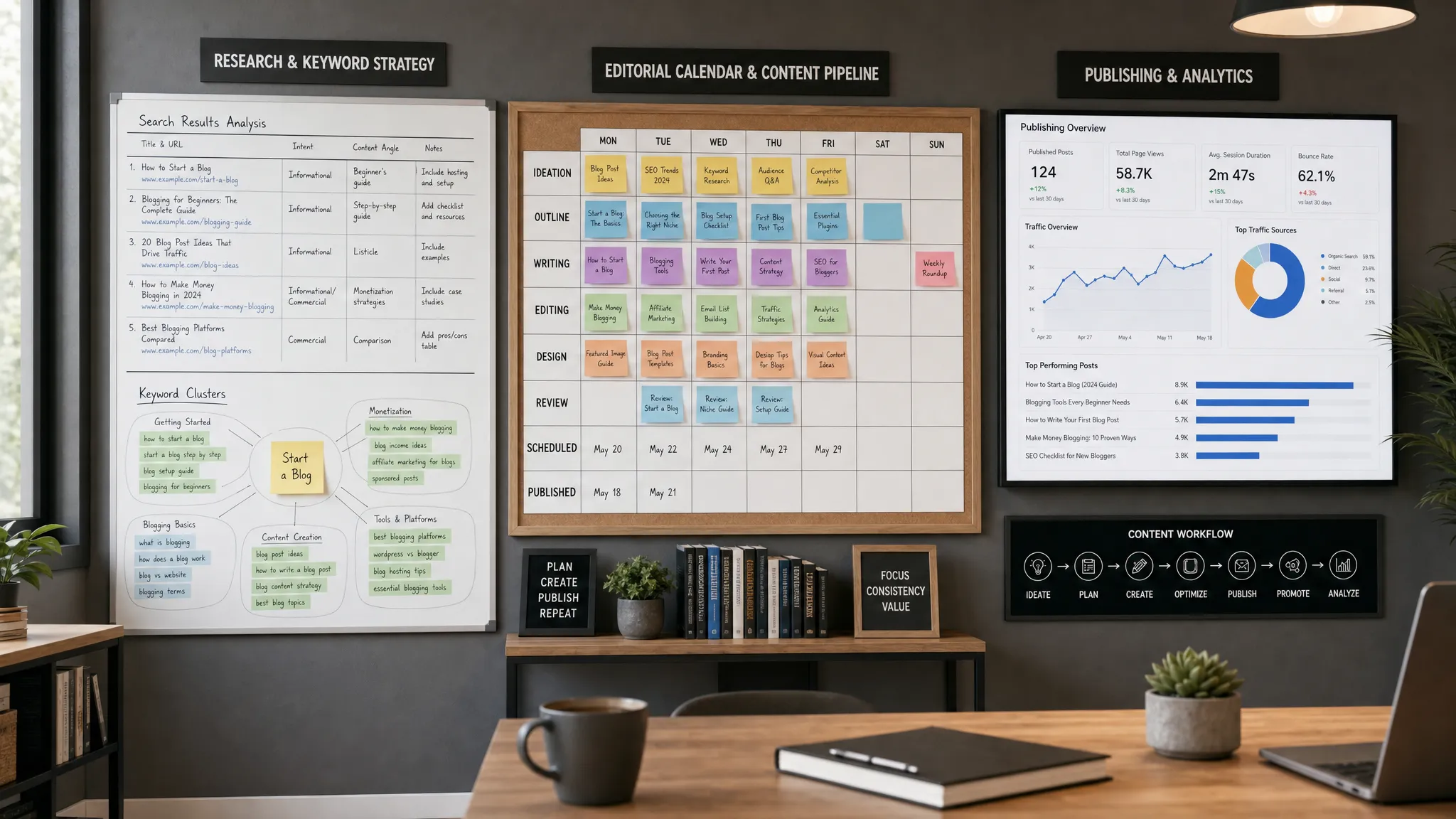
A content calendar becomes more powerful when it shows the full path from idea to performance review. At minimum, each calendar entry should include:
This structure helps AI support the whole workflow. It can draft briefs, generate outline options, suggest internal links, adapt a blog post into social posts, or identify content that should be refreshed.
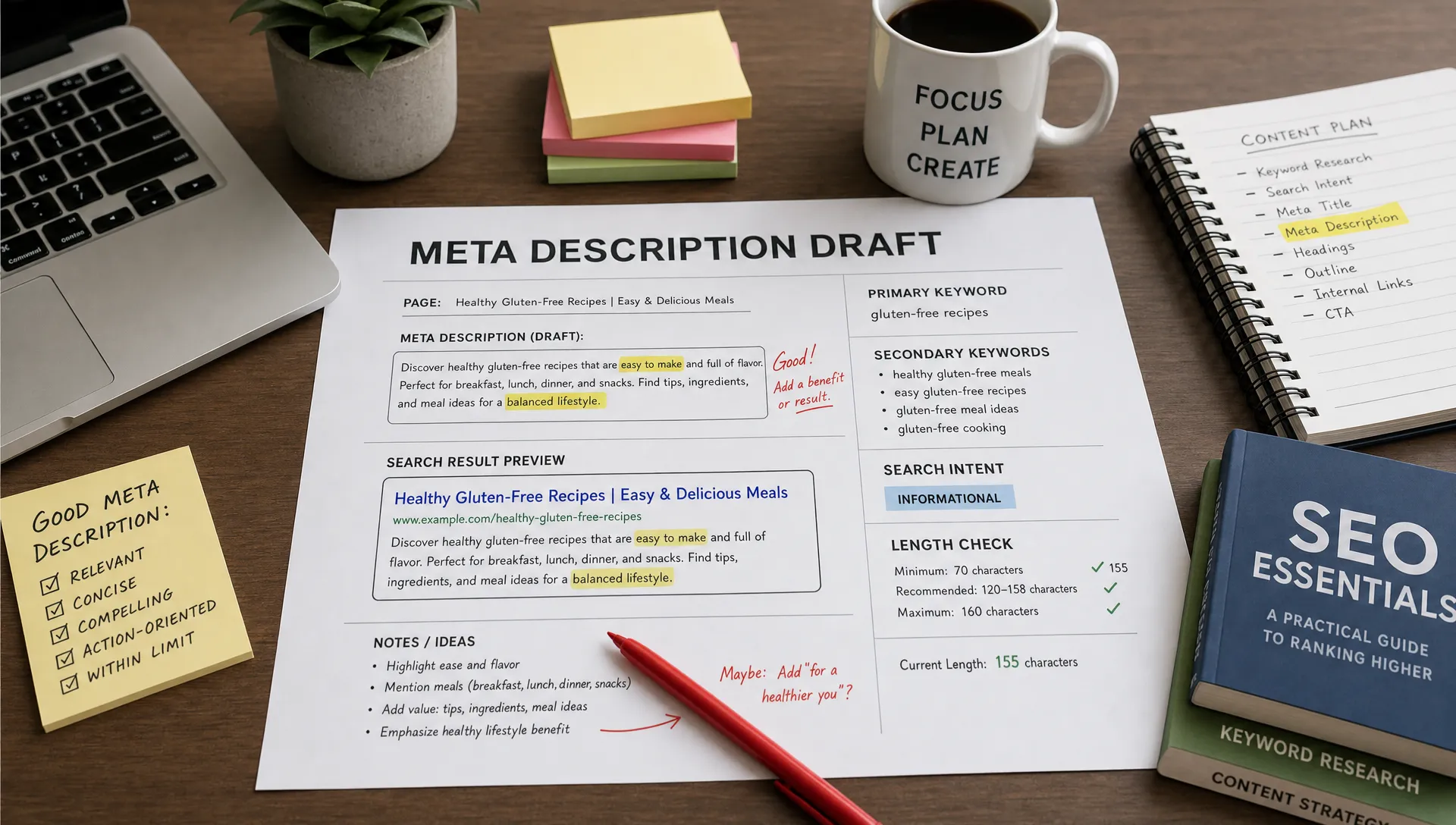
For SEO content, it is also wise to align with Google’s guidance on helpful, reliable, people-first content. AI can speed up planning and drafting, but the final content still needs expertise, originality, and usefulness.
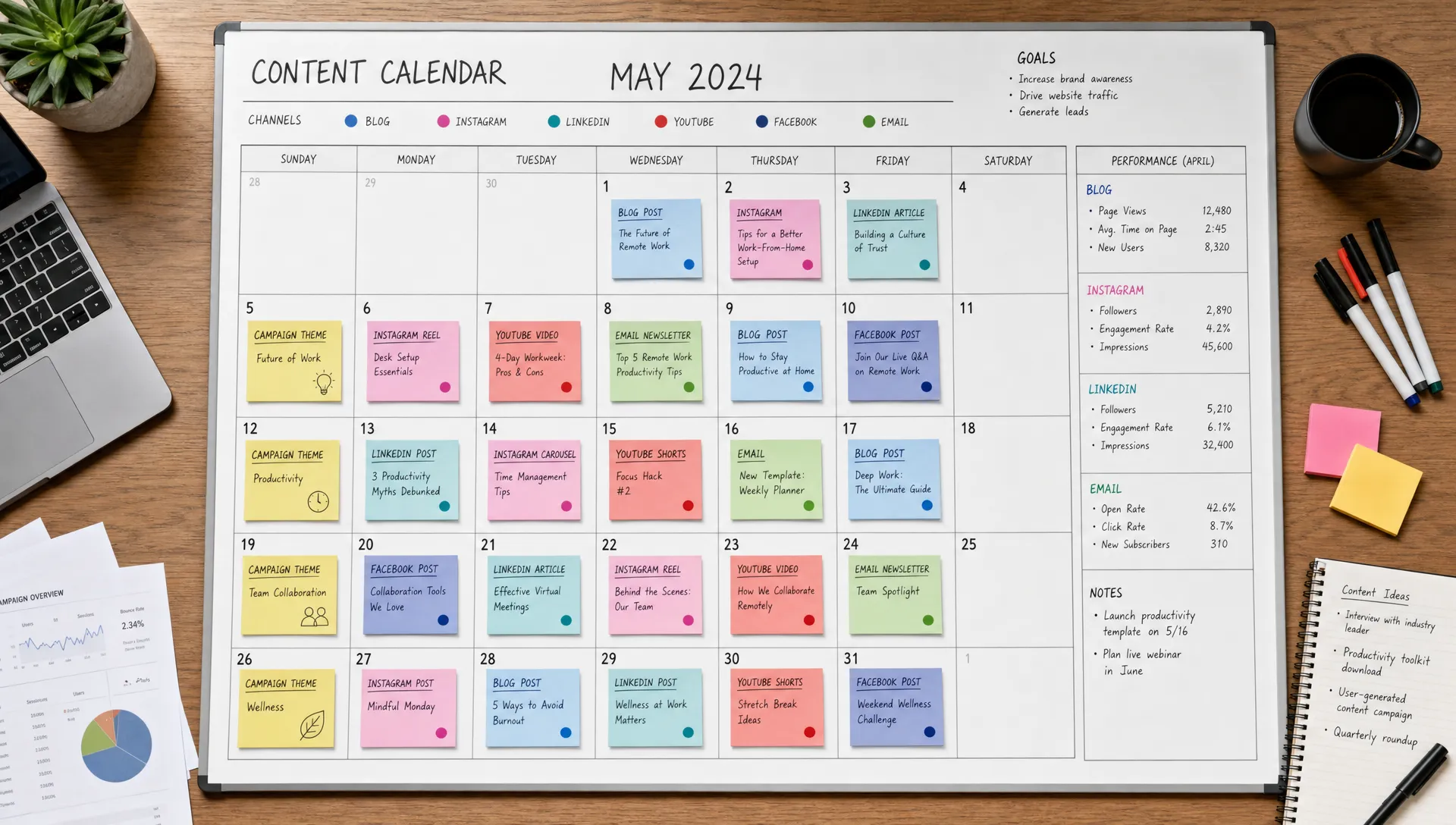
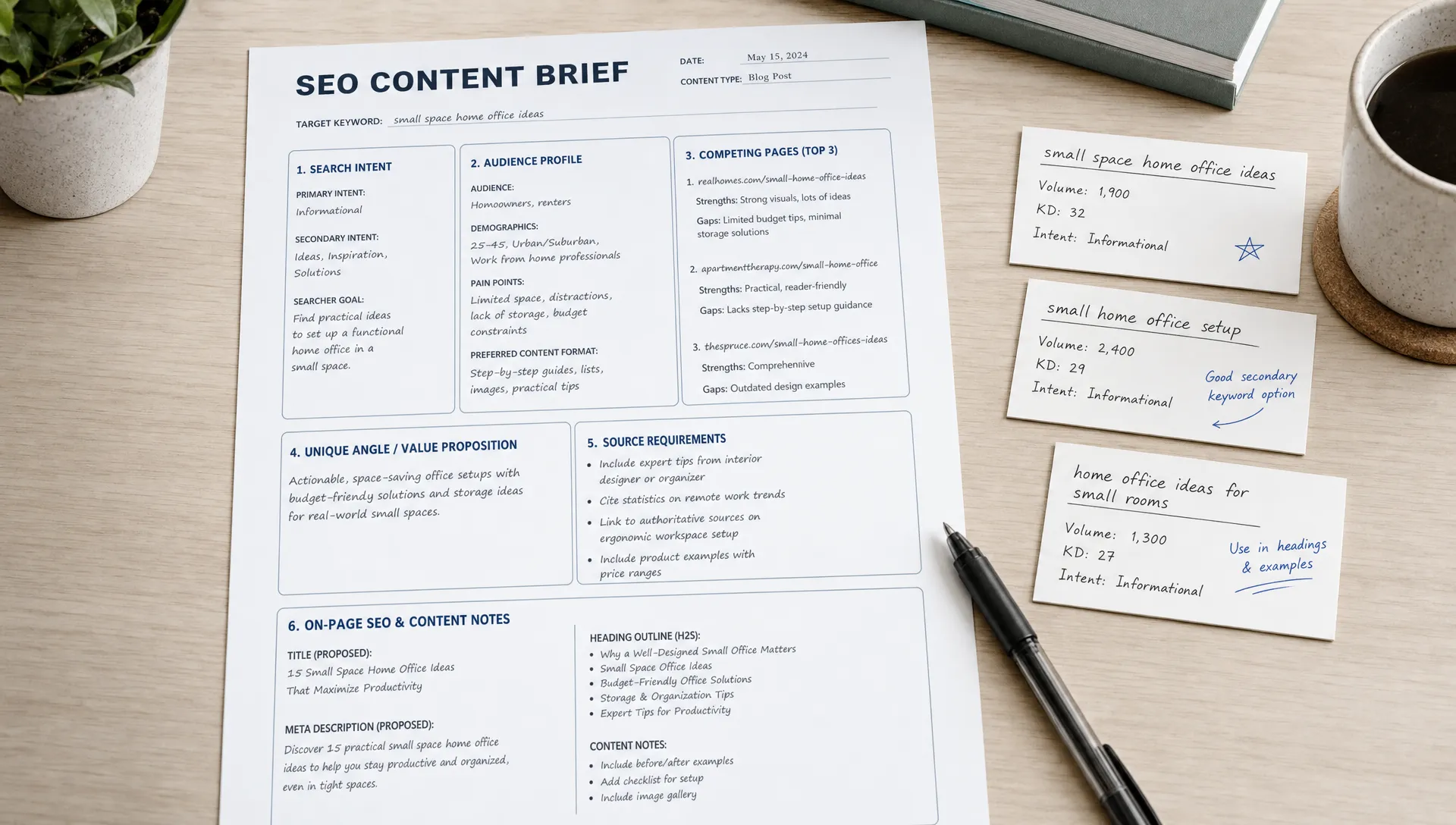
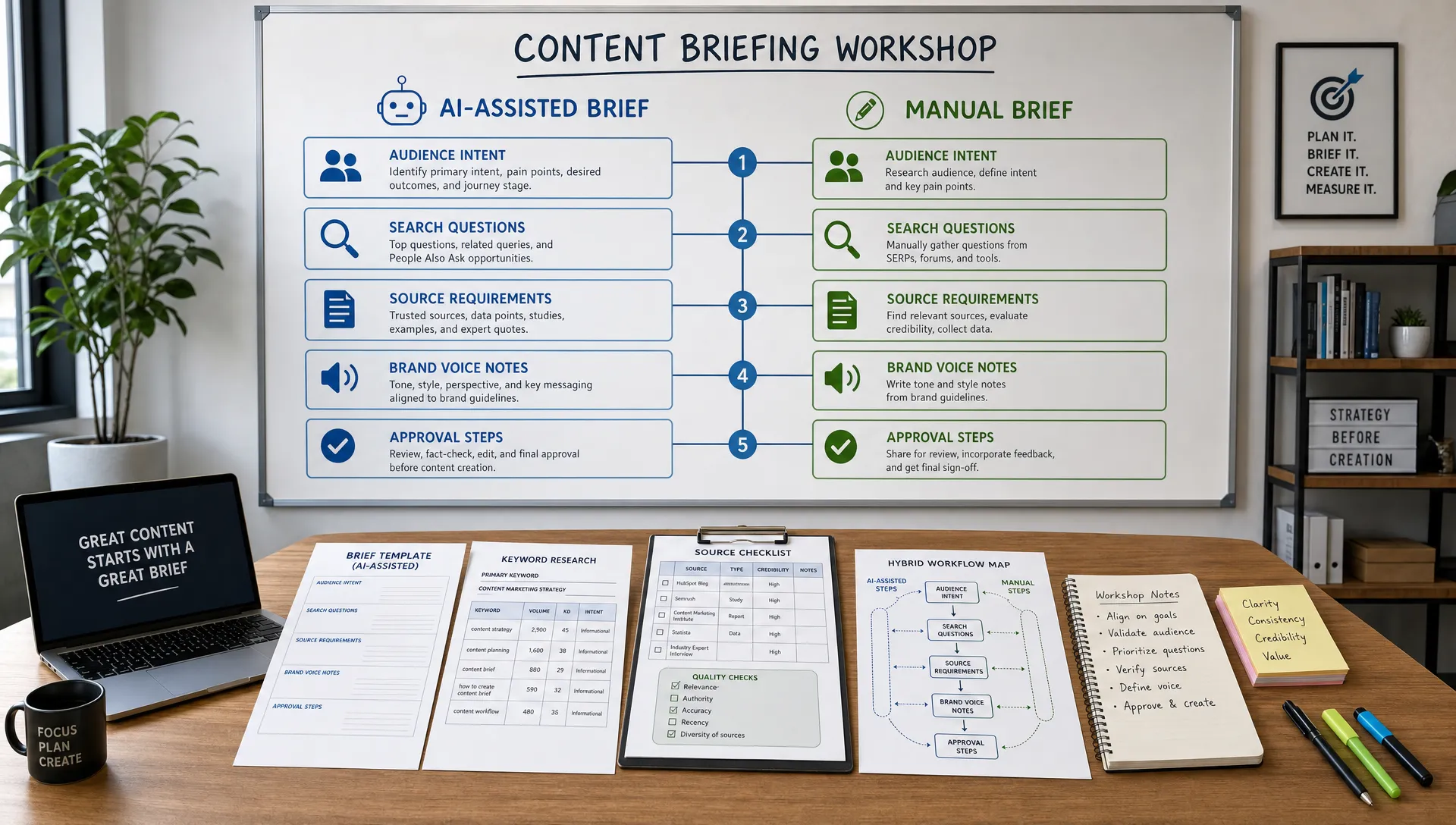
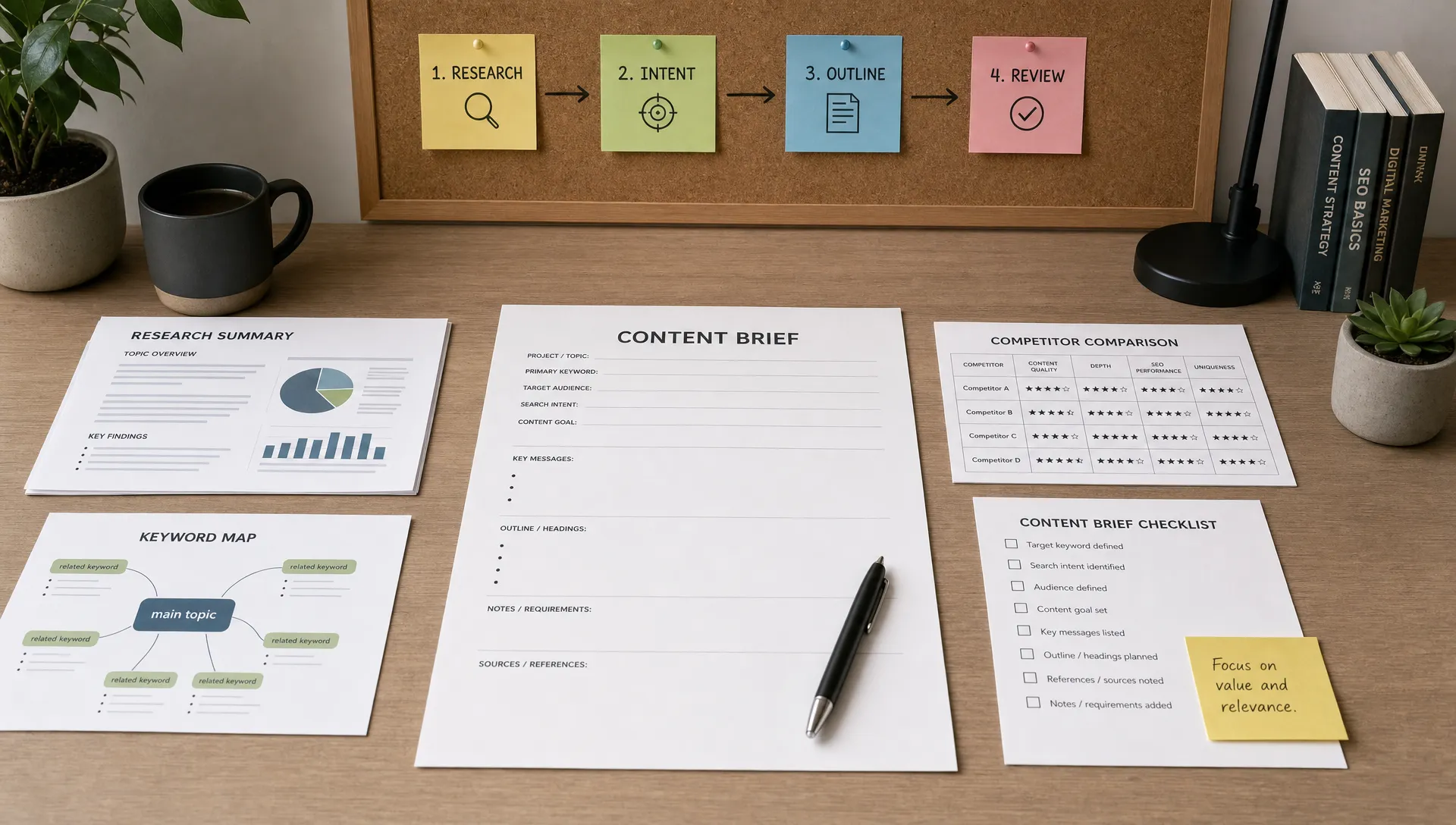
A strong content brief is one of the best uses of AI in content planning. It turns a vague idea into a clear assignment and reduces back-and-forth between strategists, writers, designers, and reviewers.
For each approved topic, ask AI to create a brief that includes:
However, do not treat the brief as final. Review it for accuracy, originality, and brand fit. AI may suggest claims that need verification, sections that are too generic, or examples that do not apply to your market.
The best briefs combine AI efficiency with editorial standards. Your team should add experience, customer context, product knowledge, and examples that competitors cannot easily replicate.
If you are using AI to accelerate drafting after the planning stage, it is worth reviewing practical AI content generation tips for better ROI so your calendar supports measurable business outcomes rather than isolated content output.
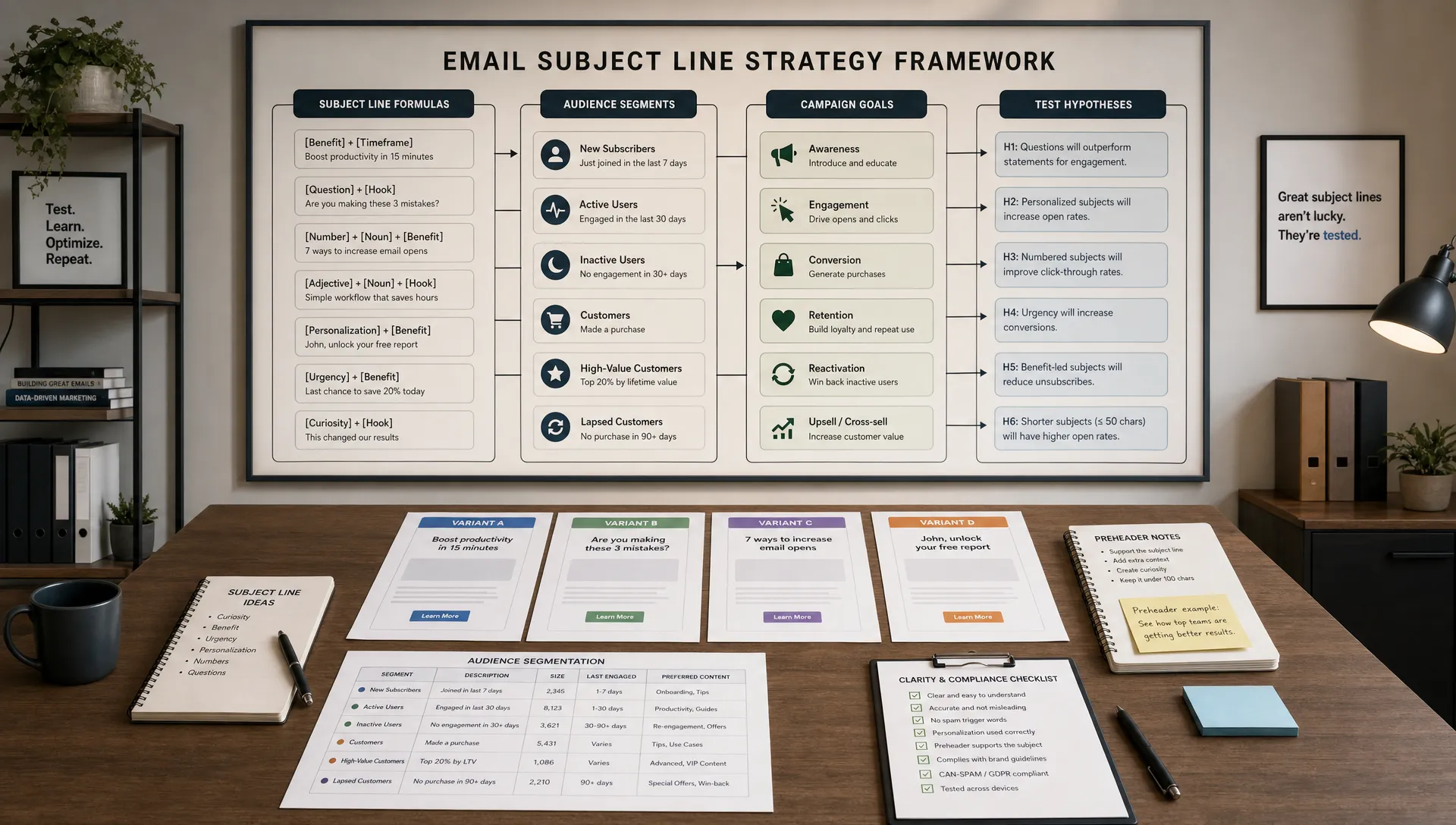
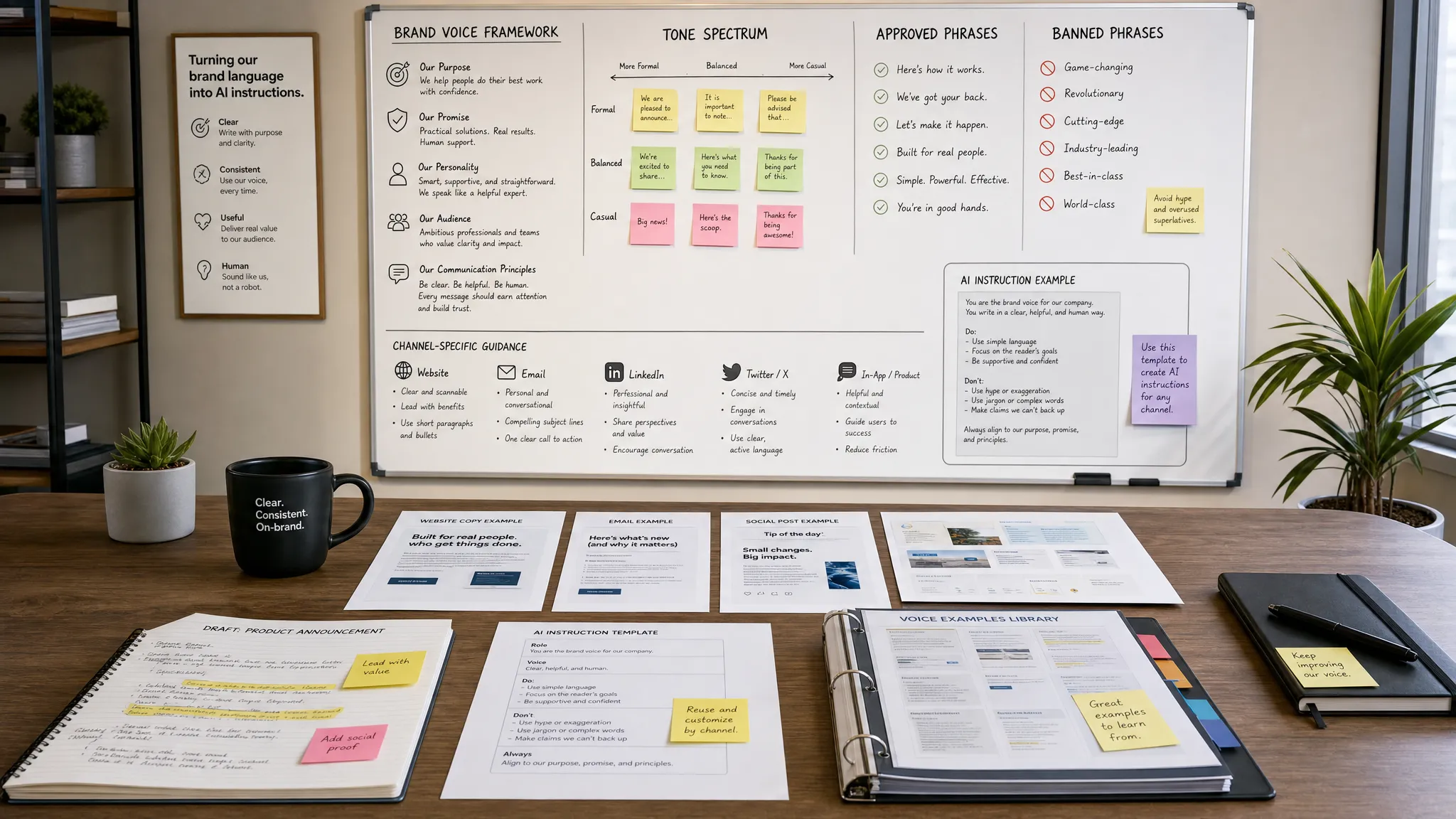
A smarter content calendar should include brand voice guidance at the planning level, not only during editing. Otherwise, every AI-assisted asset may sound slightly different.
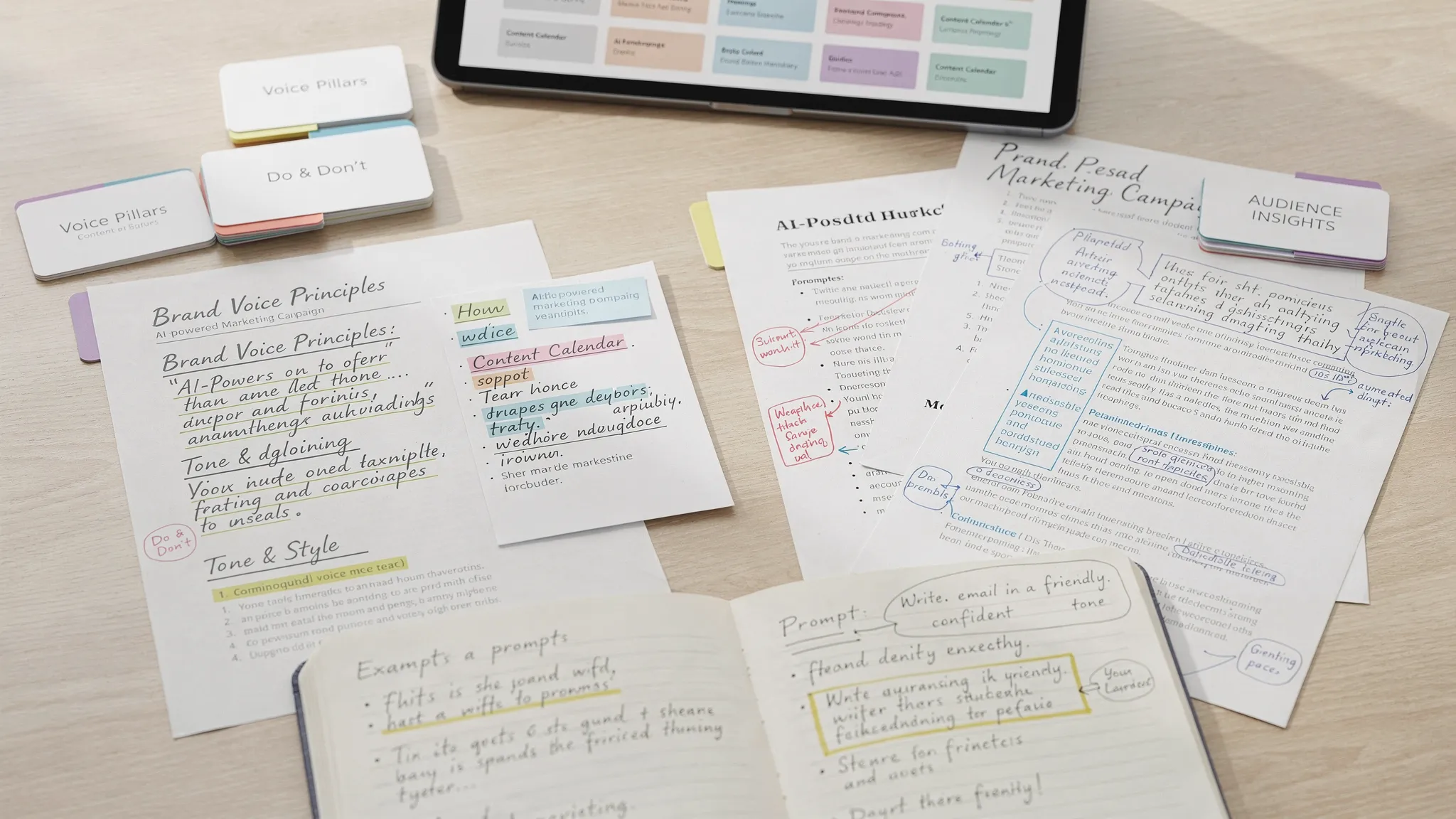
Add a brand voice field to your calendar or brief template. This can include tone notes such as “direct and practical,” “executive-friendly,” “warm but not casual,” or “educational with clear examples.” You can also include phrases your brand uses, phrases to avoid, and examples of approved content.
A practical prompt looks like this:
Rewrite this content brief in our brand voice. Keep the tone practical, clear, and confident. Avoid hype, vague claims, and overused AI phrases. Maintain the original strategy and audience intent.
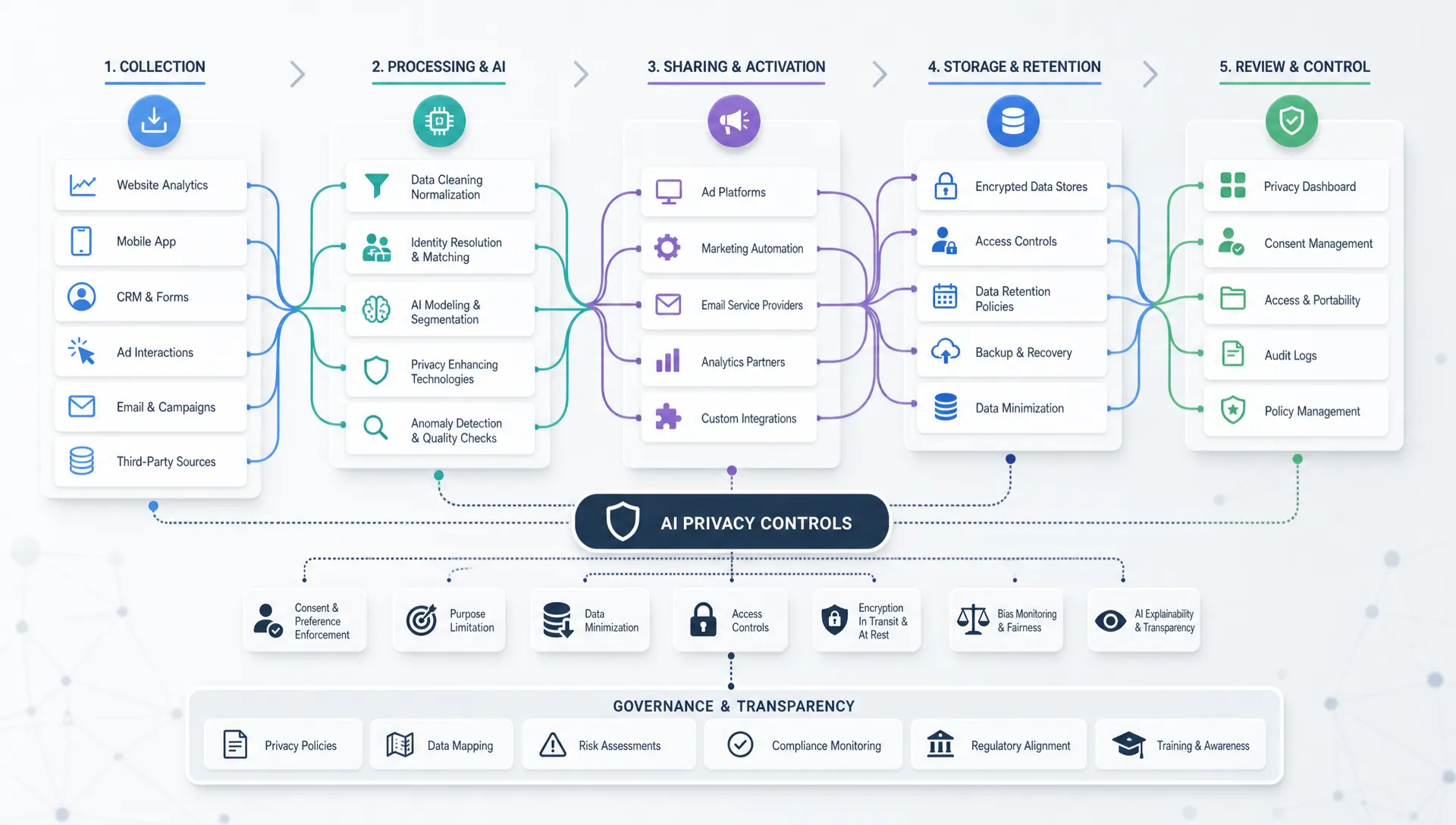
Brand voice is especially important when multiple team members or freelancers use AI tools. If everyone prompts AI differently, your calendar may look organized while your published content feels inconsistent. For deeper guidance, see AIMarketer Hub’s article on using AI for marketing without losing your brand voice.
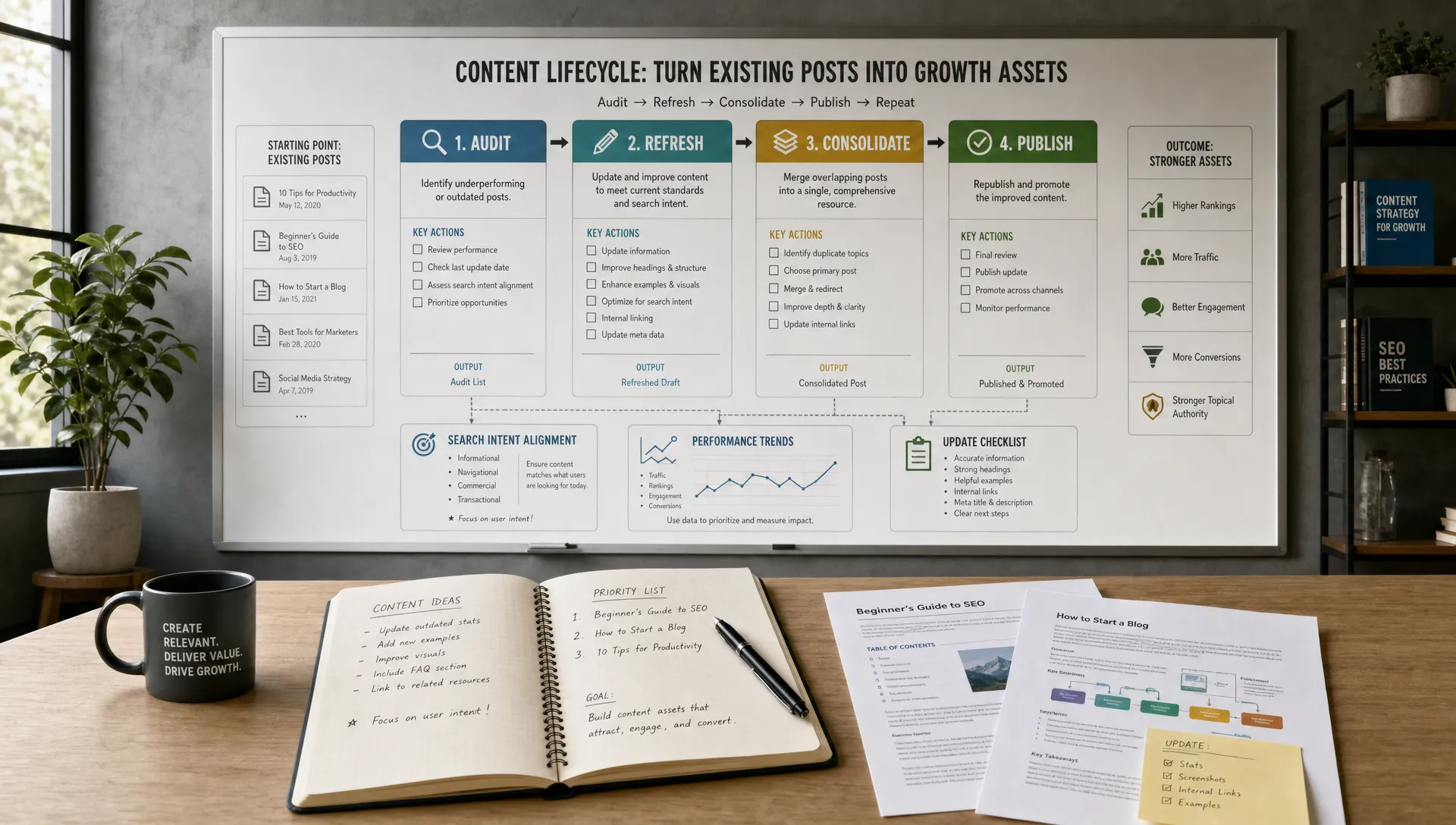
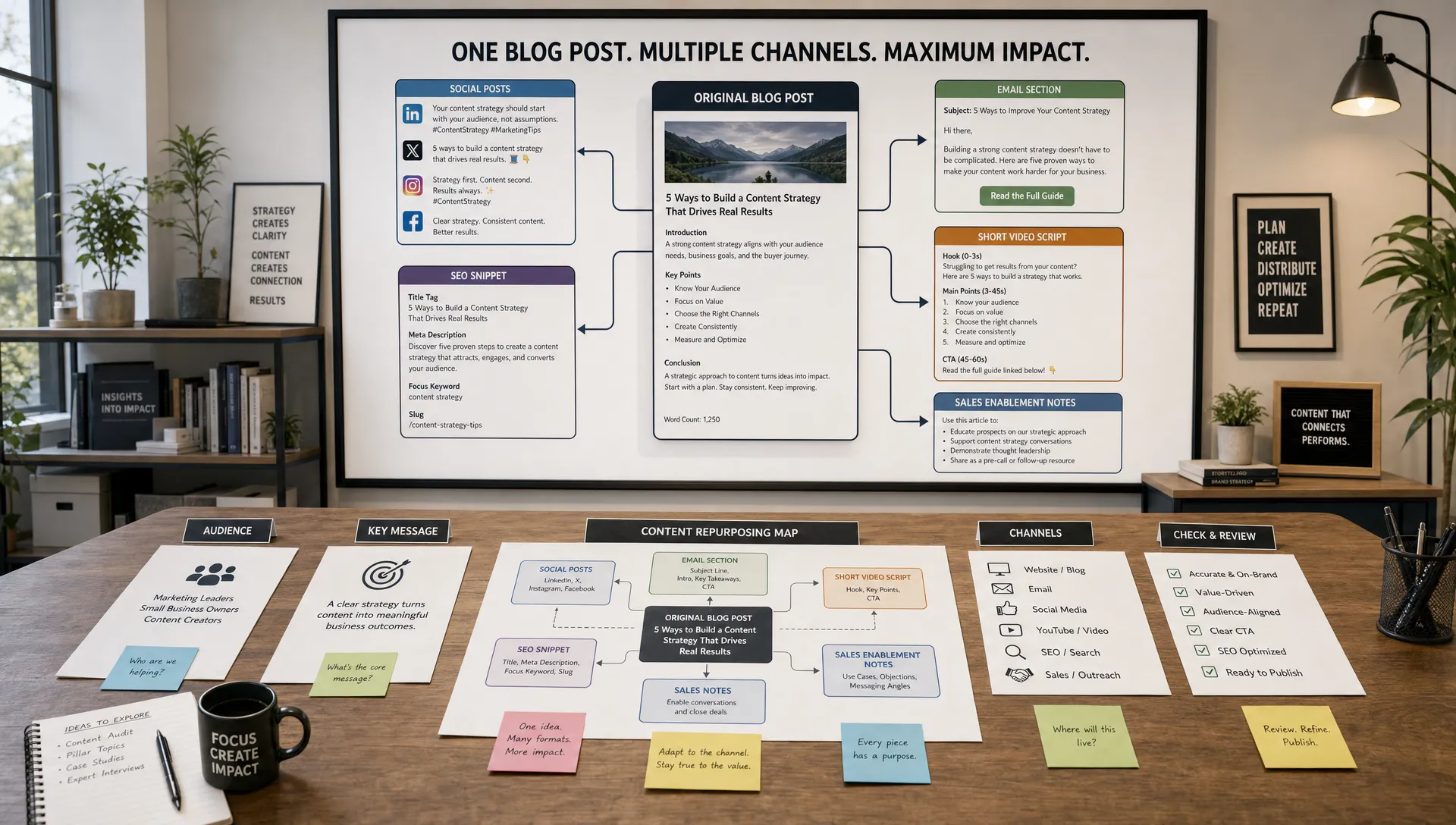
Many teams publish a blog post and only later ask, “What should we do with this on social?” A smarter calendar plans repurposing before the asset is created.
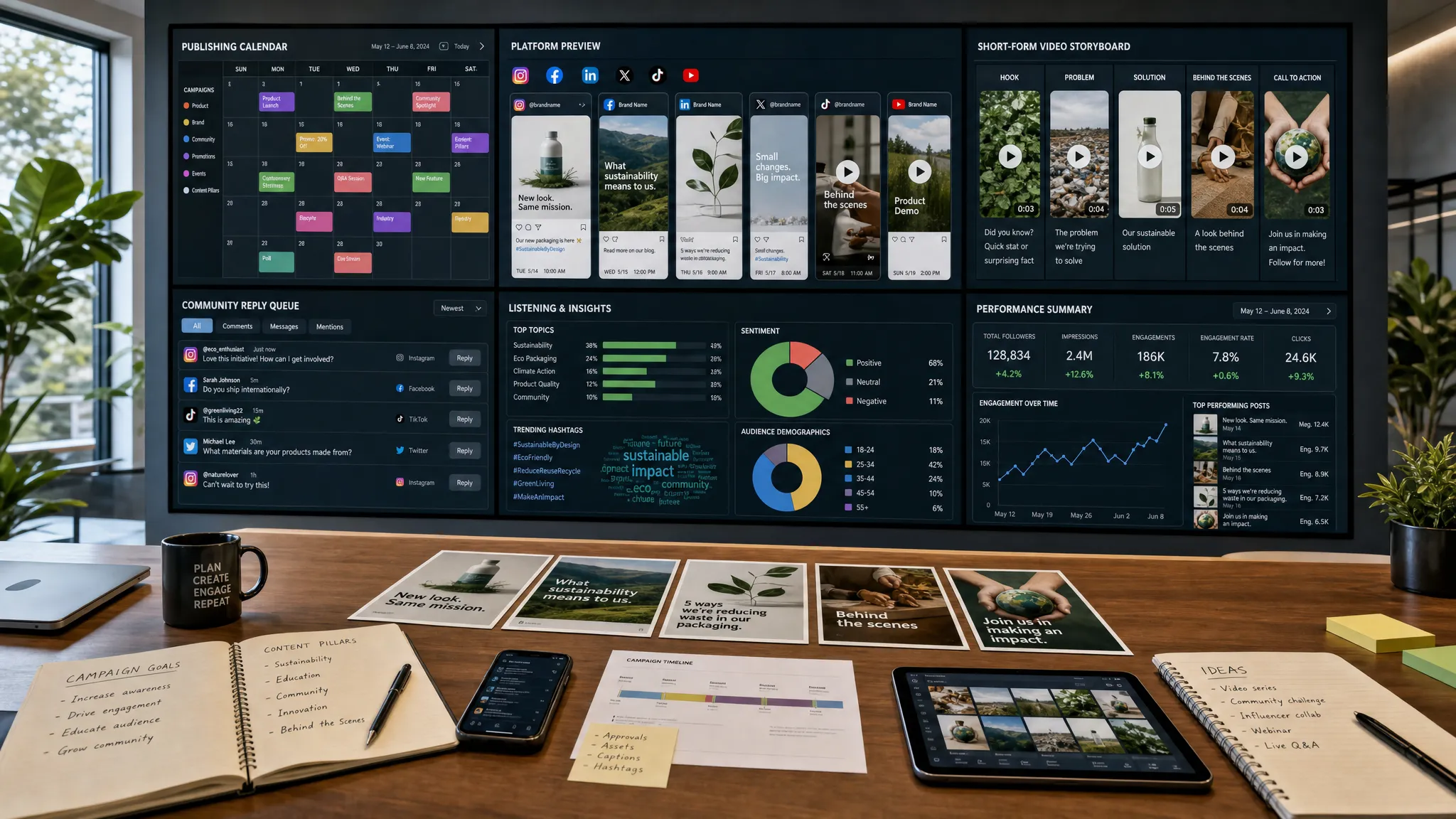
For each major content piece, ask AI to recommend derivative assets based on the original intent. A single research-backed guide might become:
This approach improves consistency across channels. It also makes content creation more efficient because each pillar asset has a built-in distribution plan.
The key is to adapt, not duplicate. A LinkedIn post should not sound like a shortened blog intro. An email should not simply paste the article summary. AI can create first drafts for each format, but the channel strategy should guide the final version.
AI can help identify seasonal opportunities, but you need to verify dates and business relevance. Add known industry events, product launches, budget cycles, holidays, webinars, and campaign milestones to your calendar before asking AI for recommendations.
Then ask AI to match topics to moments when demand is likely to rise. For example, a B2B software company may plan budget justification content before Q4 planning. A retail brand may prepare gift guides months before peak shopping season. A tax or finance company may build educational content ahead of filing deadlines, with expert review for accuracy.
Do not over-index on seasonal content, though. A strong calendar balances timely campaigns with evergreen assets that can compound through search, email nurture, and sales enablement.
A useful monthly mix might include:
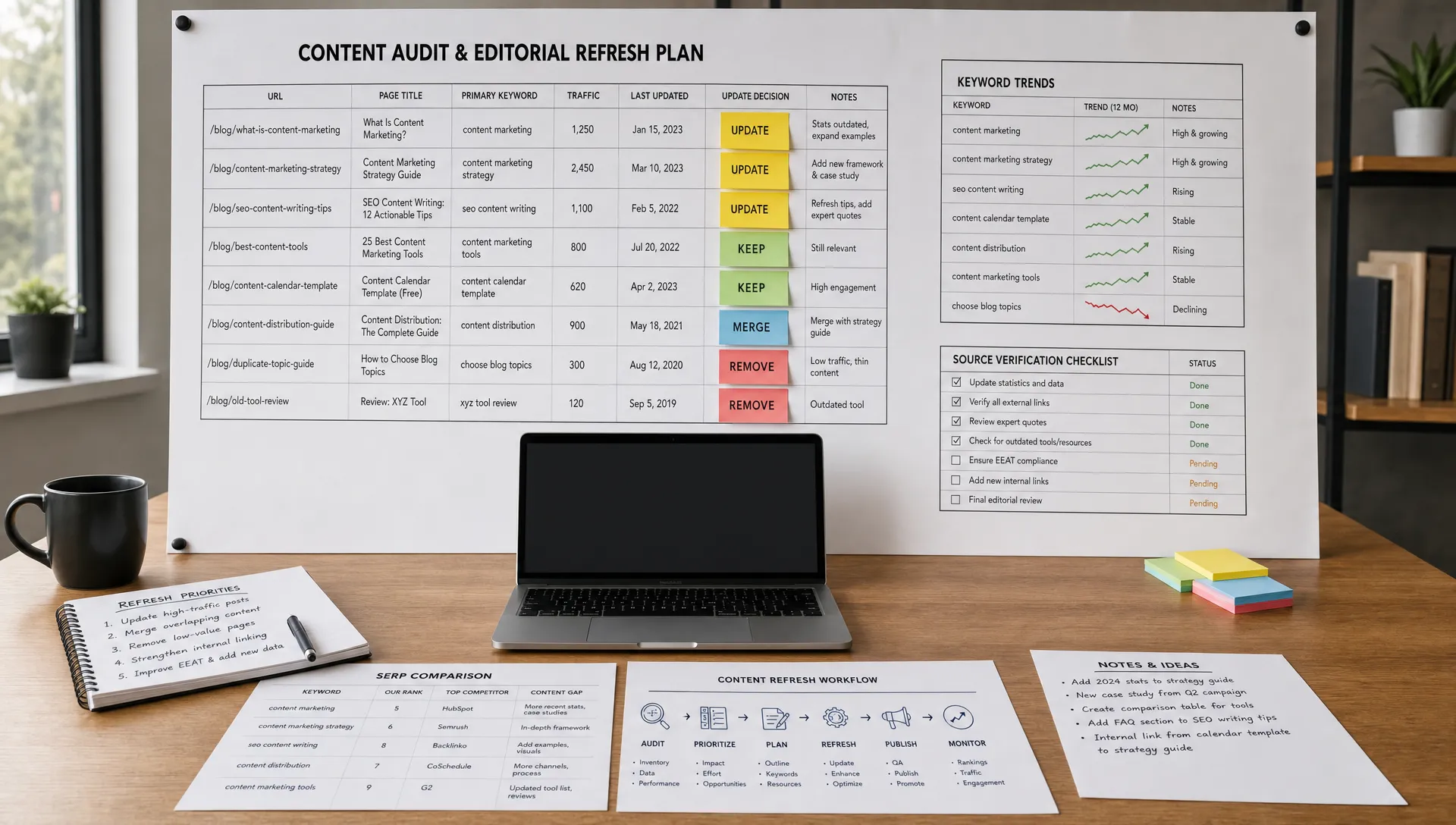
A calendar built with AI should not be static. The real advantage comes from using performance data to improve future planning.
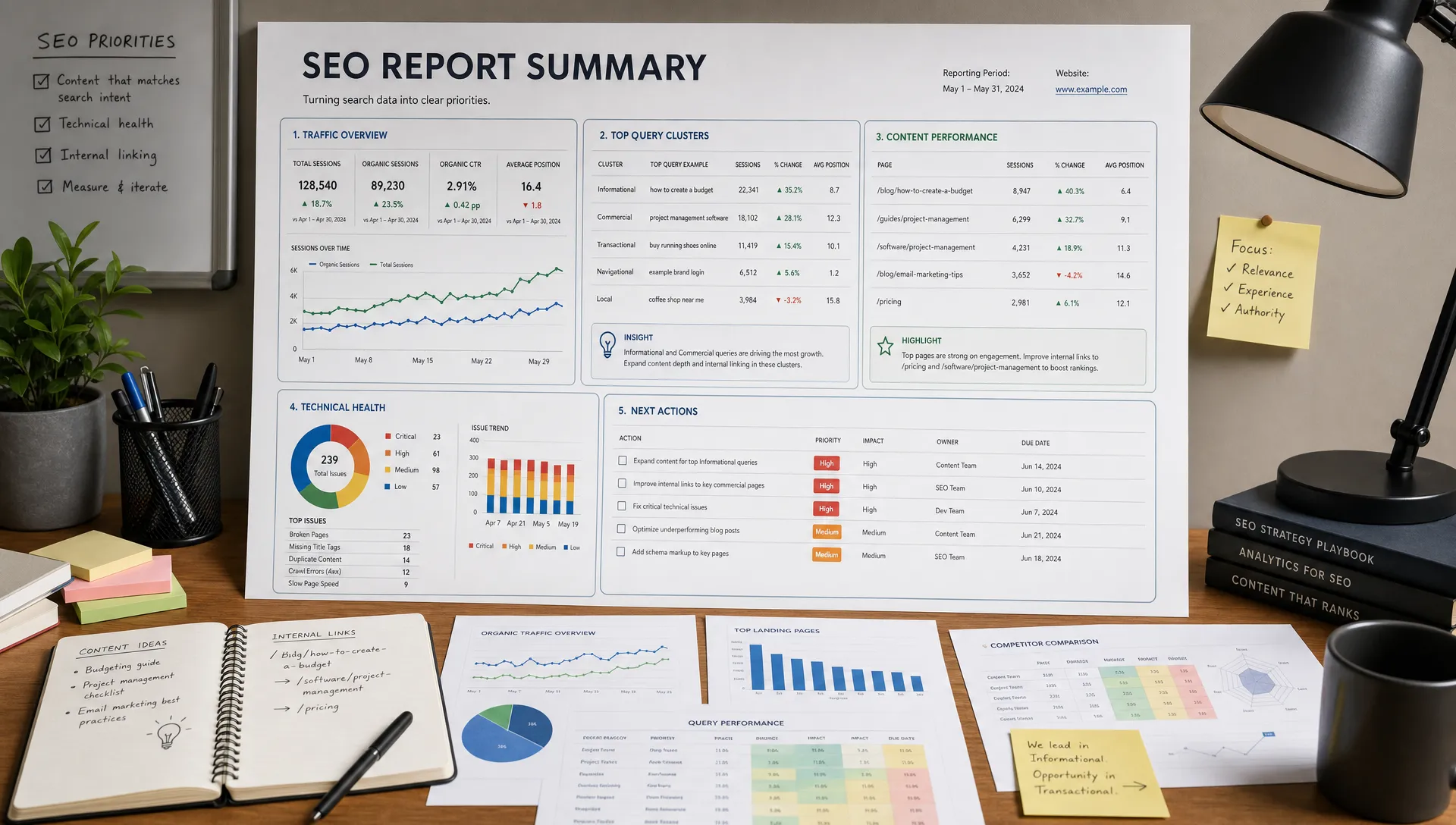
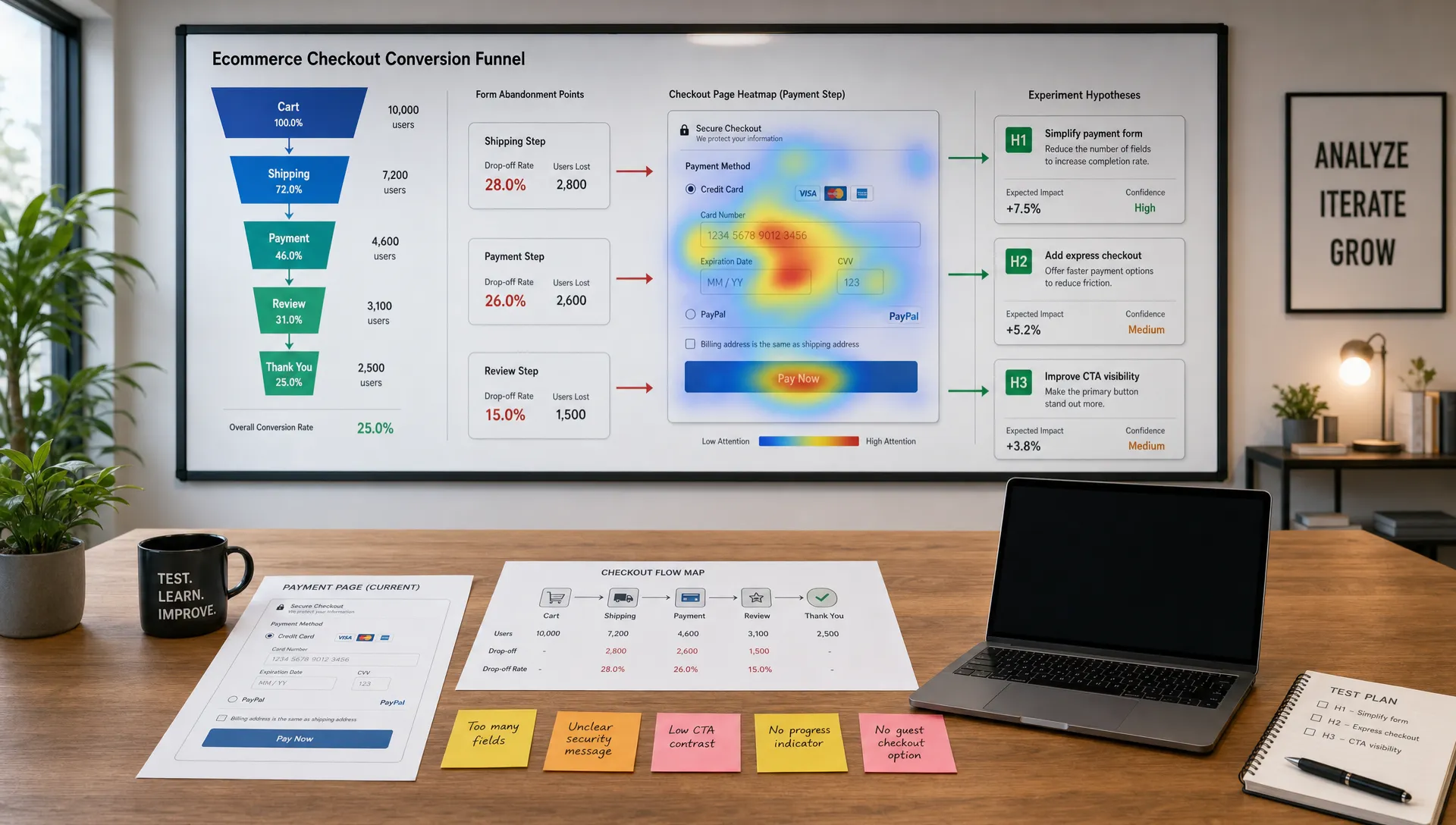
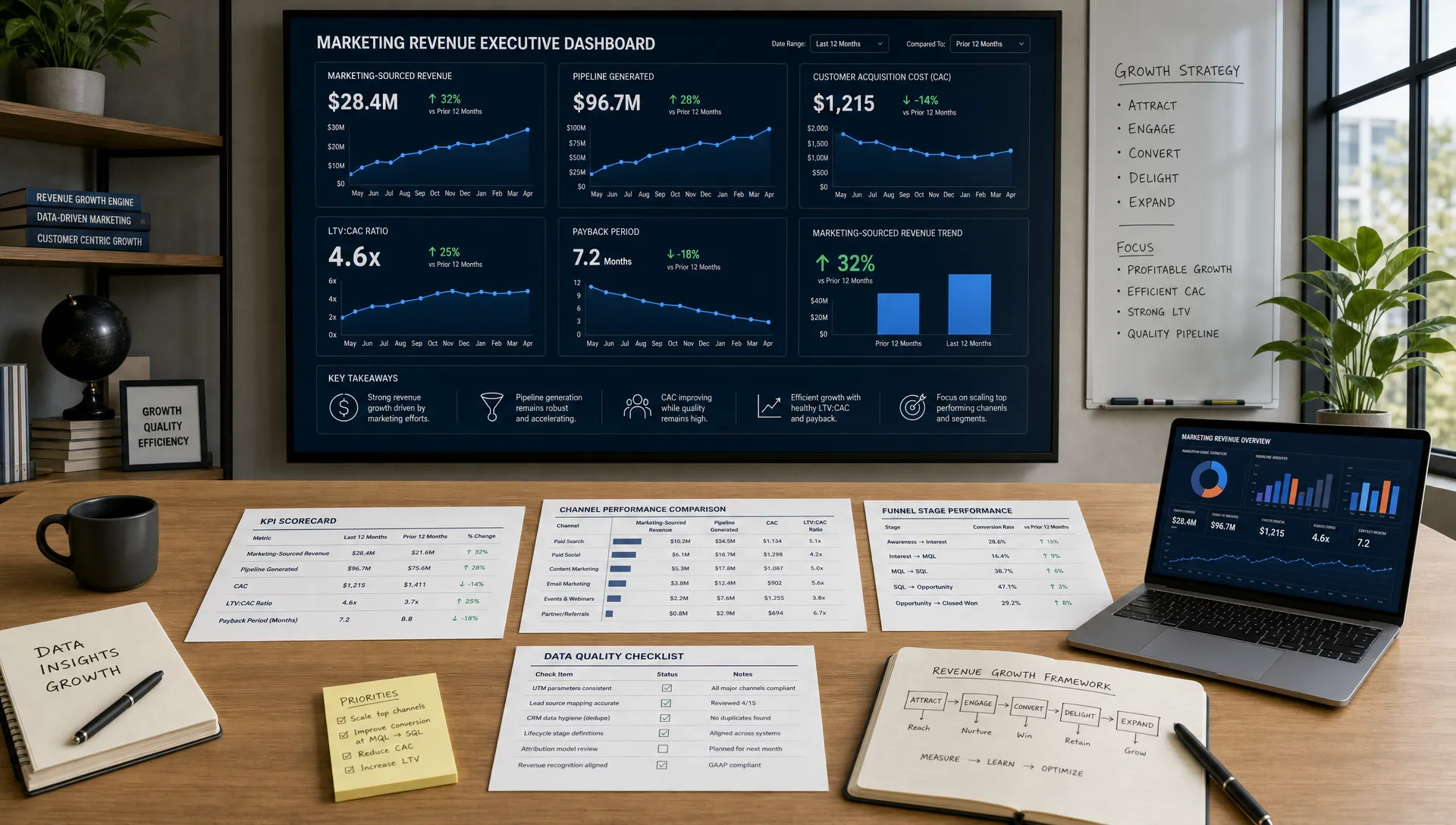
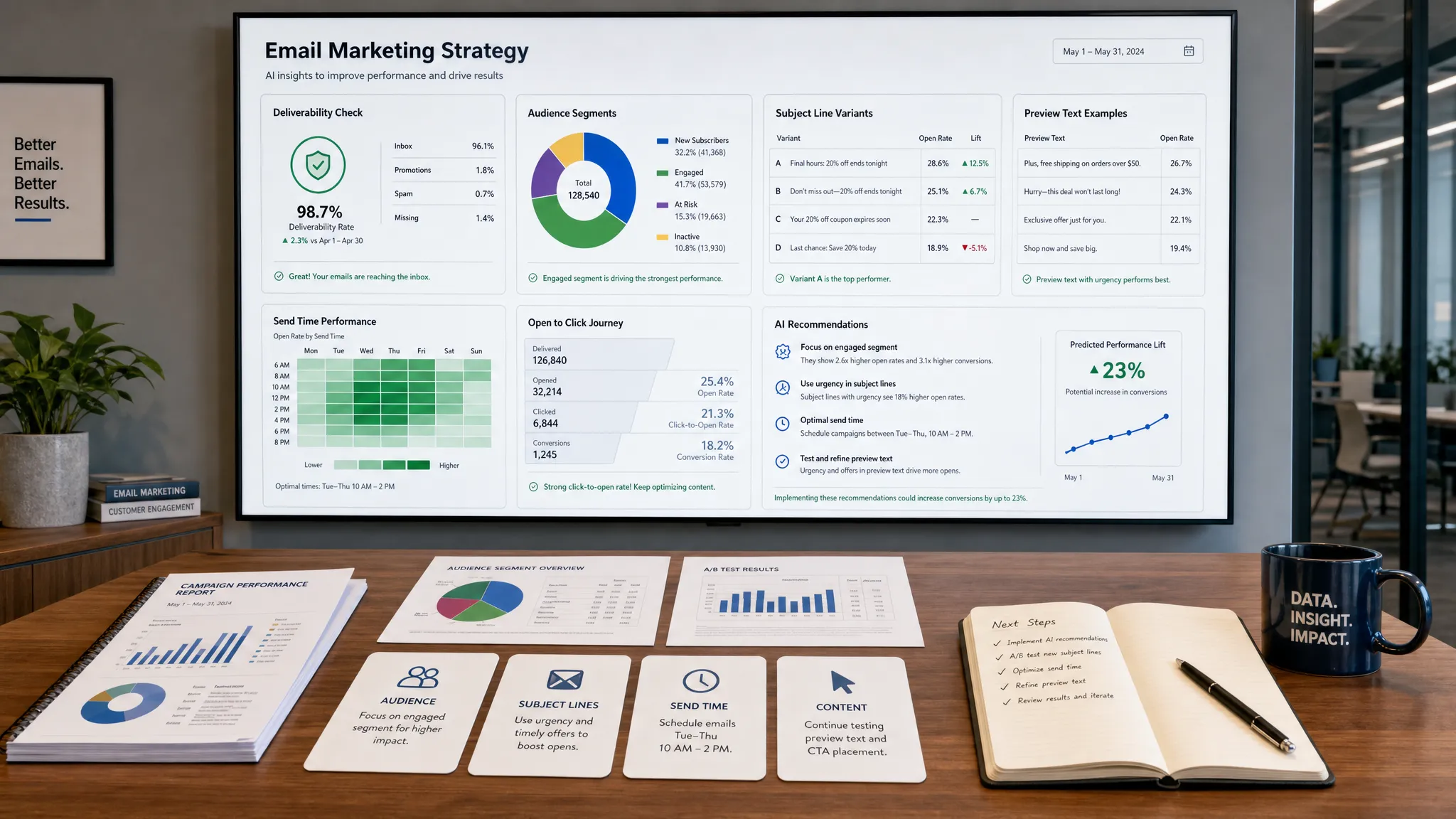
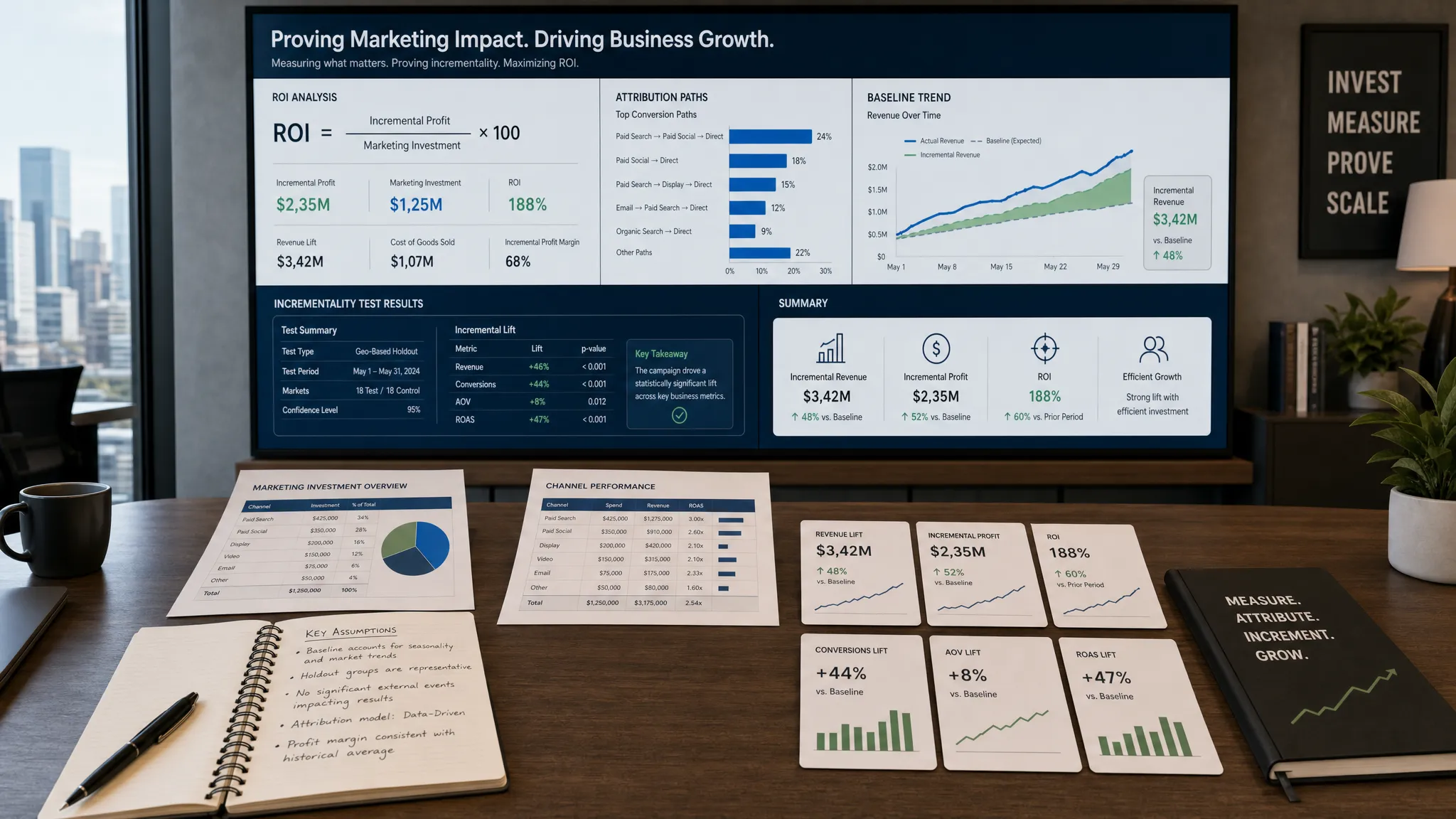
At the end of each month, review performance by topic cluster, funnel stage, and channel. Look beyond pageviews. Depending on your goals, useful metrics may include:
Feed these insights back into AI and ask for recommendations. For example:
Based on this month’s content performance, identify which topic clusters deserve more investment, which formats underperformed, which published assets should be refreshed, and which planned topics should be delayed or removed.
This turns AI-powered analytics into an editorial feedback loop. Instead of rebuilding your calendar from scratch each quarter, you continuously improve it based on what your audience actually responds to.
AI can make content planning faster, but it can also amplify weak strategy. Watch for these mistakes:
The best AI content calendars are not fully automated. They are guided systems where AI handles research assistance, clustering, drafting support, and optimization suggestions, while humans own strategy, judgment, and quality.
If you want to start small, use a weekly rhythm before building a complex system.
On Monday, review performance from the previous week and ask AI to identify patterns. On Tuesday, prioritize upcoming topics based on business goals, audience needs, and production capacity. On Wednesday, generate or refine briefs for approved content. On Thursday, create draft assets and repurposing plans. On Friday, review quality, update the calendar, and document learnings for the next cycle.
This cadence works because it keeps planning close to performance. Your team avoids the trap of creating a quarterly calendar that becomes outdated after three weeks.
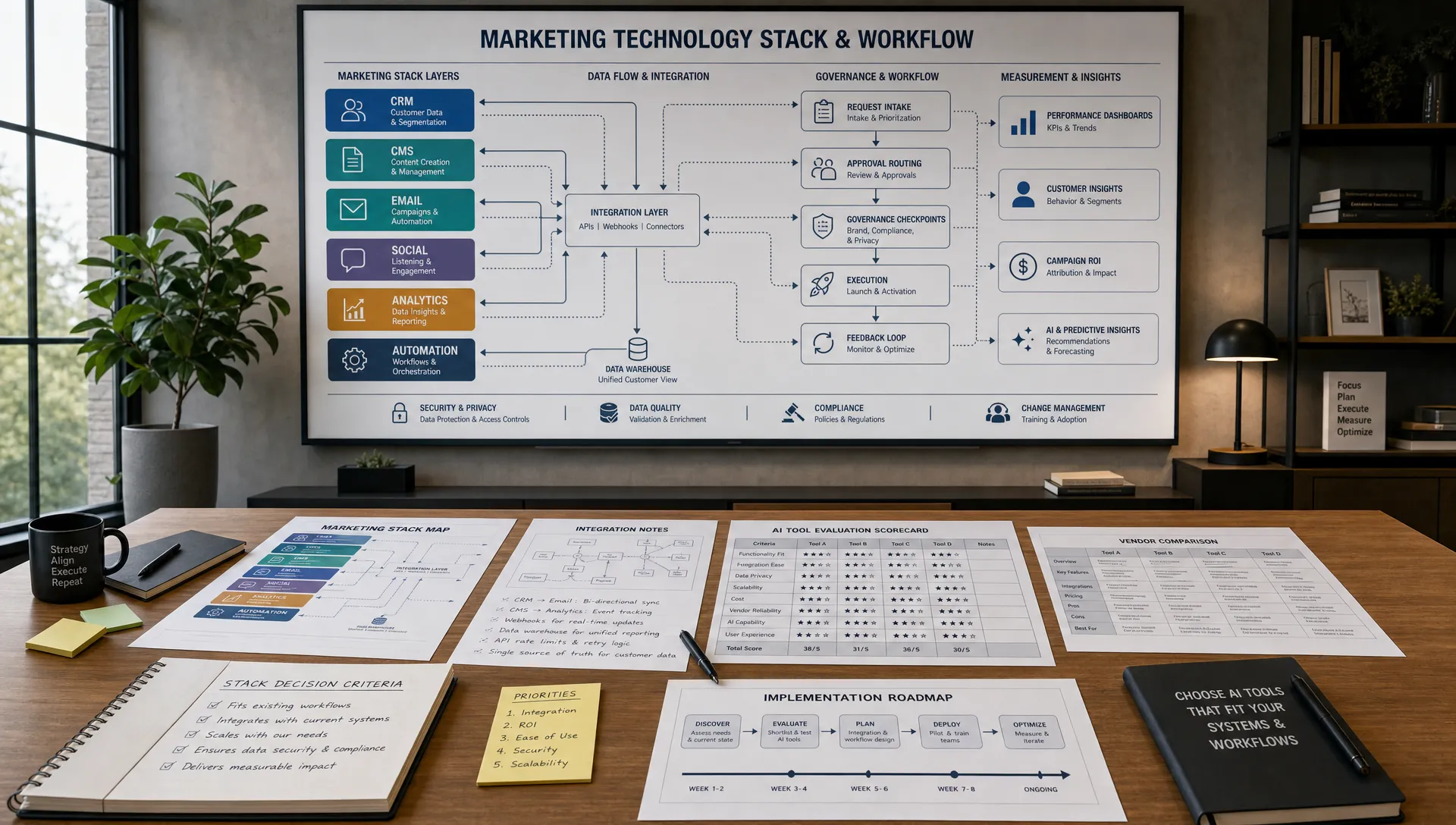
Over time, you can add more automation, integrations, and advanced reporting. But the foundation remains the same: clear inputs, strategic prioritization, strong briefs, human review, and continuous learning.
Can AI build an entire content calendar for me? AI can generate a strong first draft, but it should not own the entire calendar. You still need human strategy, customer insight, editorial judgment, and expert review to make sure the plan supports real business goals.
What should I include in an AI content calendar prompt? Include your audience, goals, offers, channels, publishing capacity, brand voice, existing content, target topics, and performance data. The more specific your inputs are, the more useful the AI output will be.
How often should I update an AI-assisted content calendar? Review it at least monthly, with a lighter weekly check-in if you publish often. Use analytics, campaign changes, customer questions, and sales feedback to adjust priorities.
Is an AI content calendar good for SEO? Yes, if it is built around search intent, helpful content, internal linking, and quality standards. AI can help identify gaps and organize topics, but SEO success still depends on expertise, relevance, and ongoing optimization.
How do I avoid generic AI content ideas? Start with real inputs from customers, sales calls, analytics, and your own point of view. Ask AI to cluster and prioritize those inputs instead of inventing ideas from scratch.
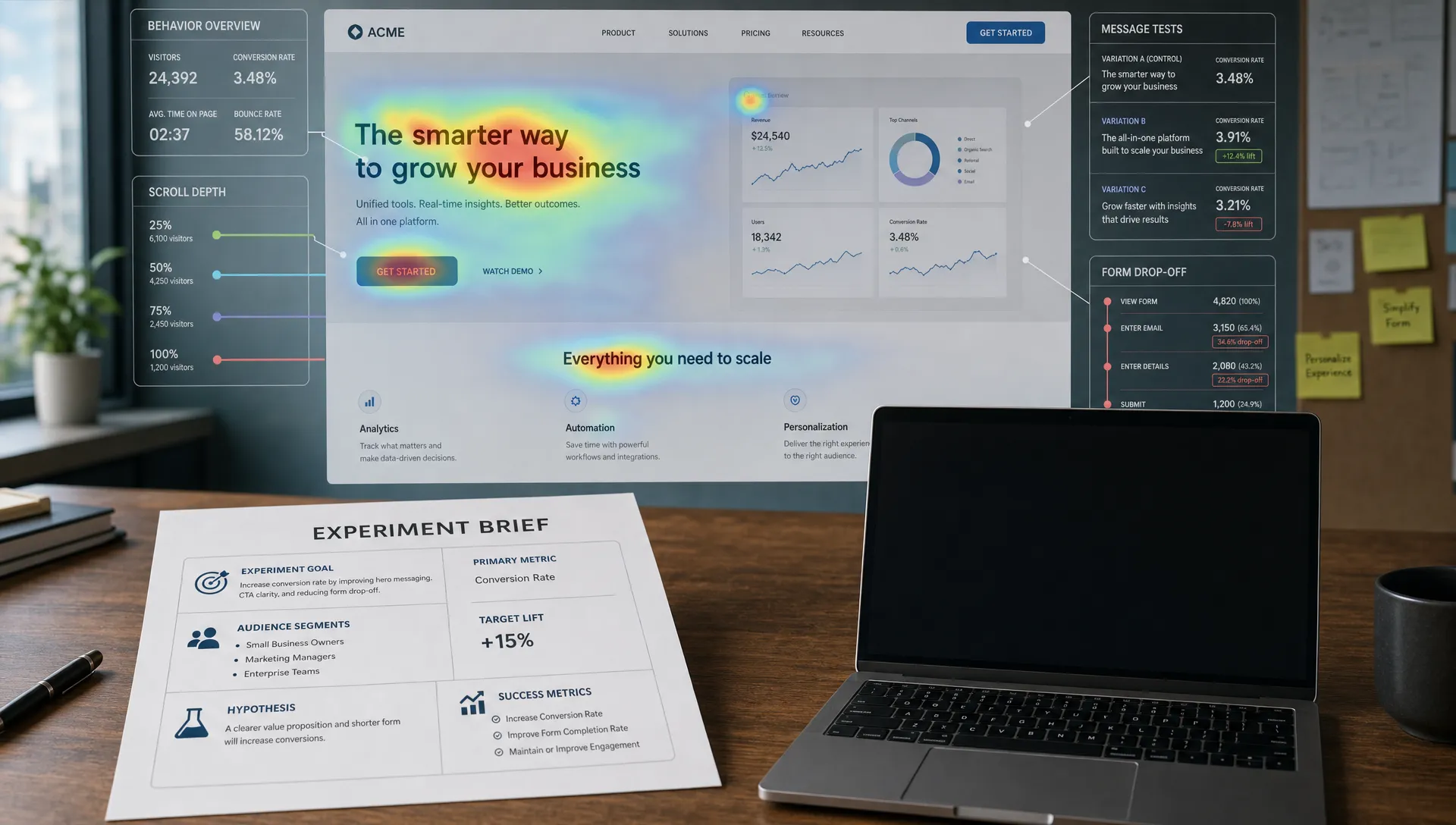
A smarter content calendar with AI gives your team more than publish dates. It gives you a repeatable system for choosing better topics, creating stronger briefs, planning distribution, protecting brand voice, and improving based on performance.
If you want practical resources for AI marketing, content creation, SEO tools, prompt workflows, and industry-specific guides, explore AIMarketer Hub. Use the platform as a resource library to sharpen your planning process and turn AI from a content shortcut into a strategic marketing advantage.