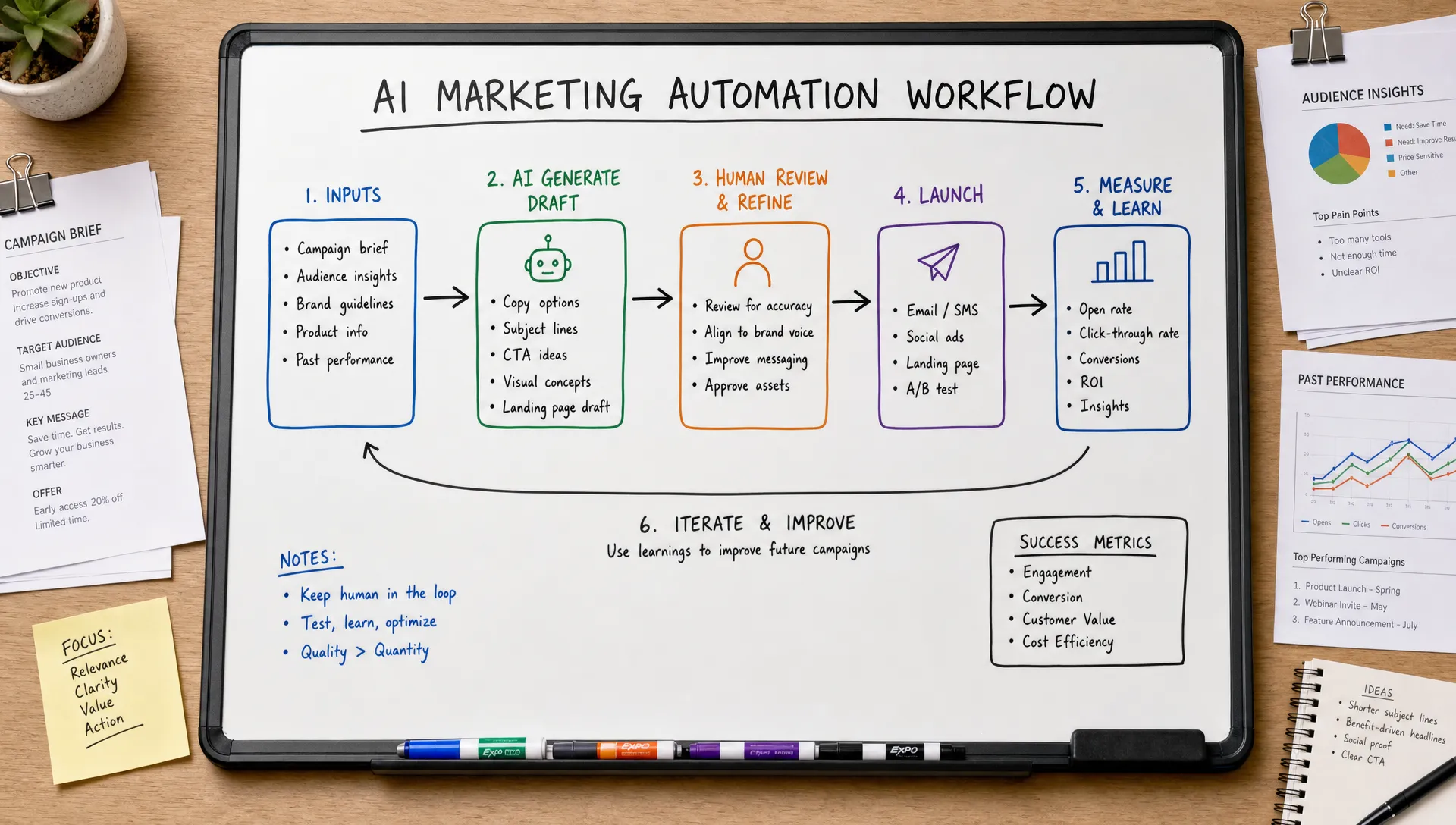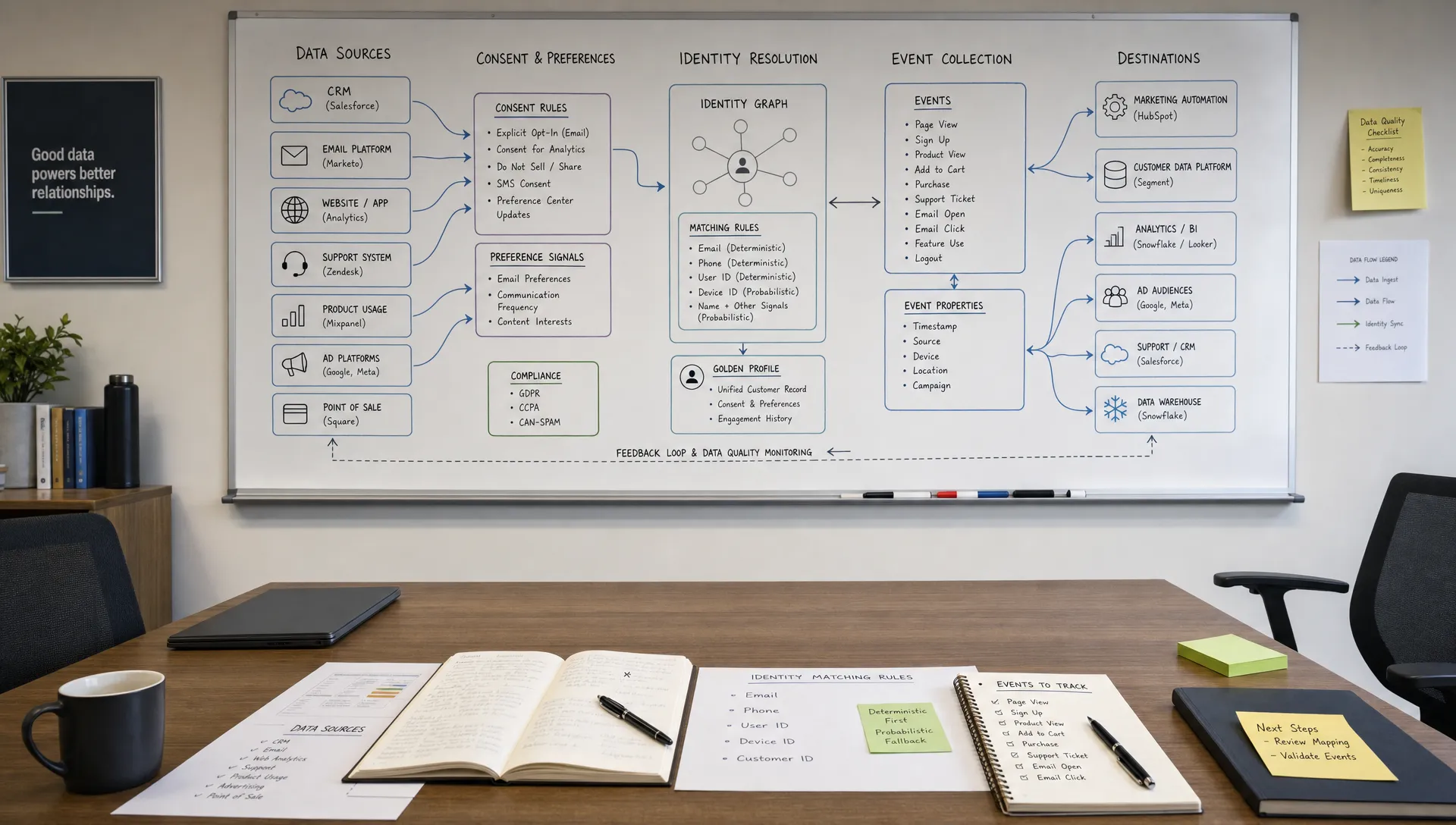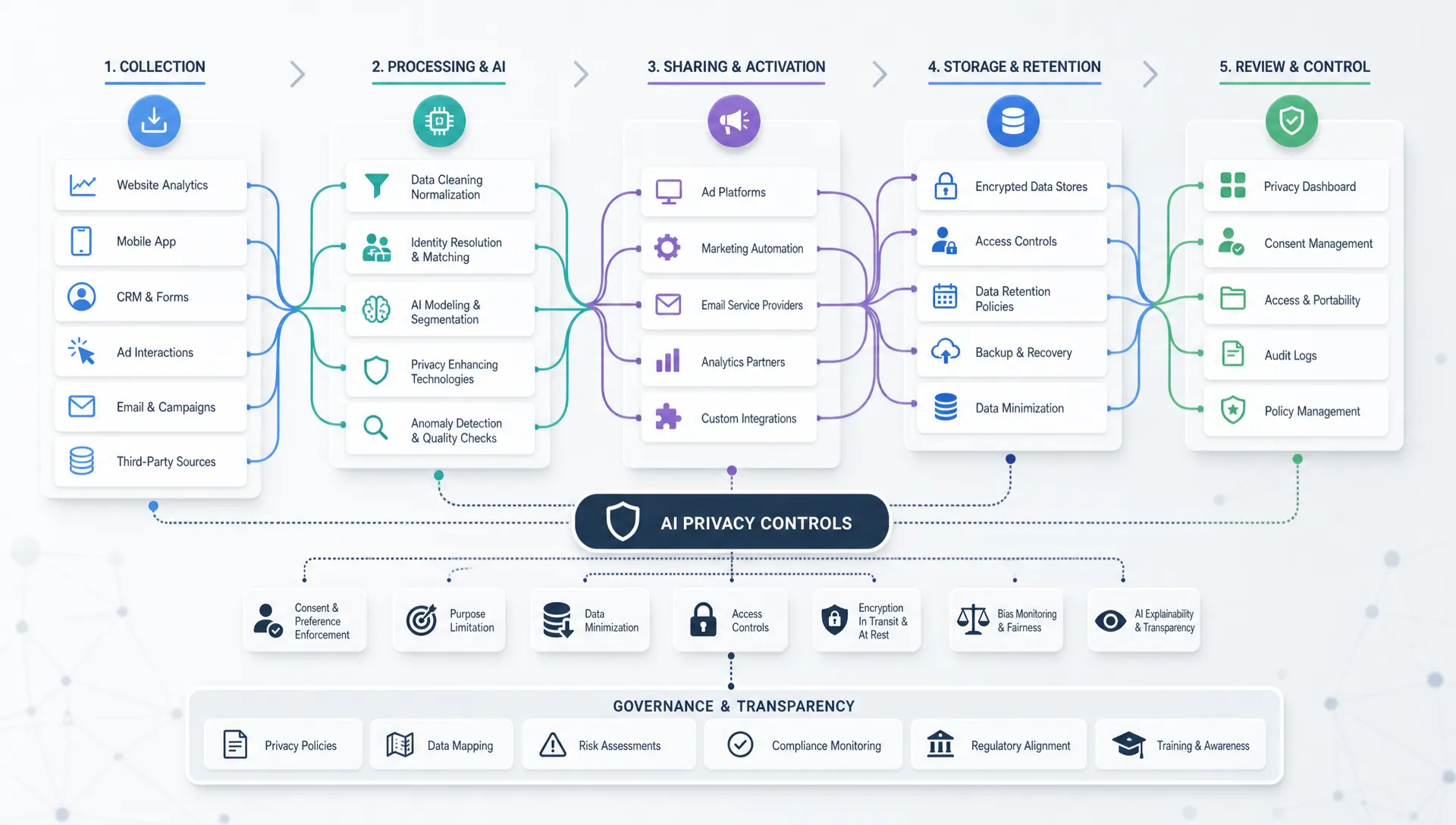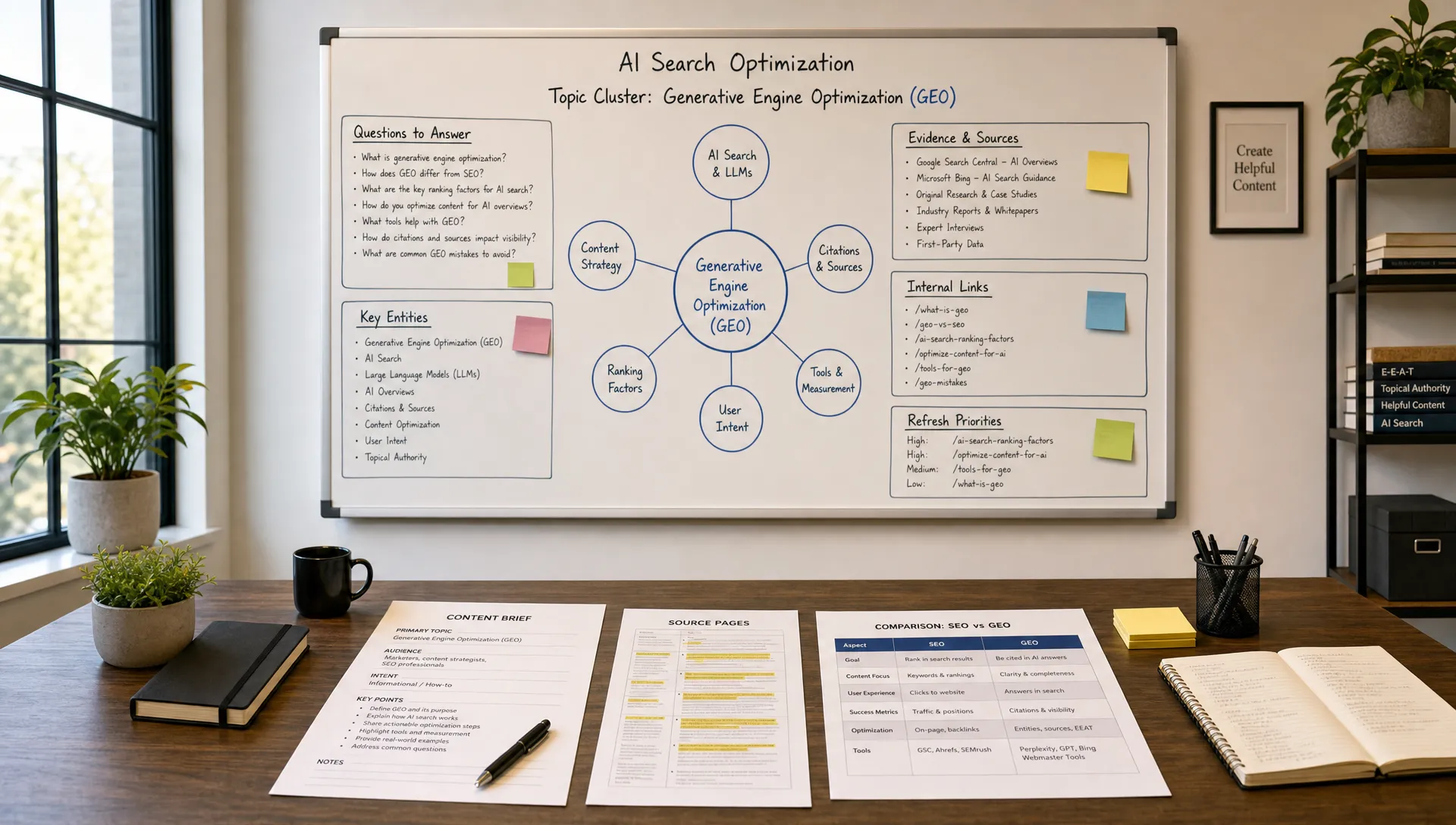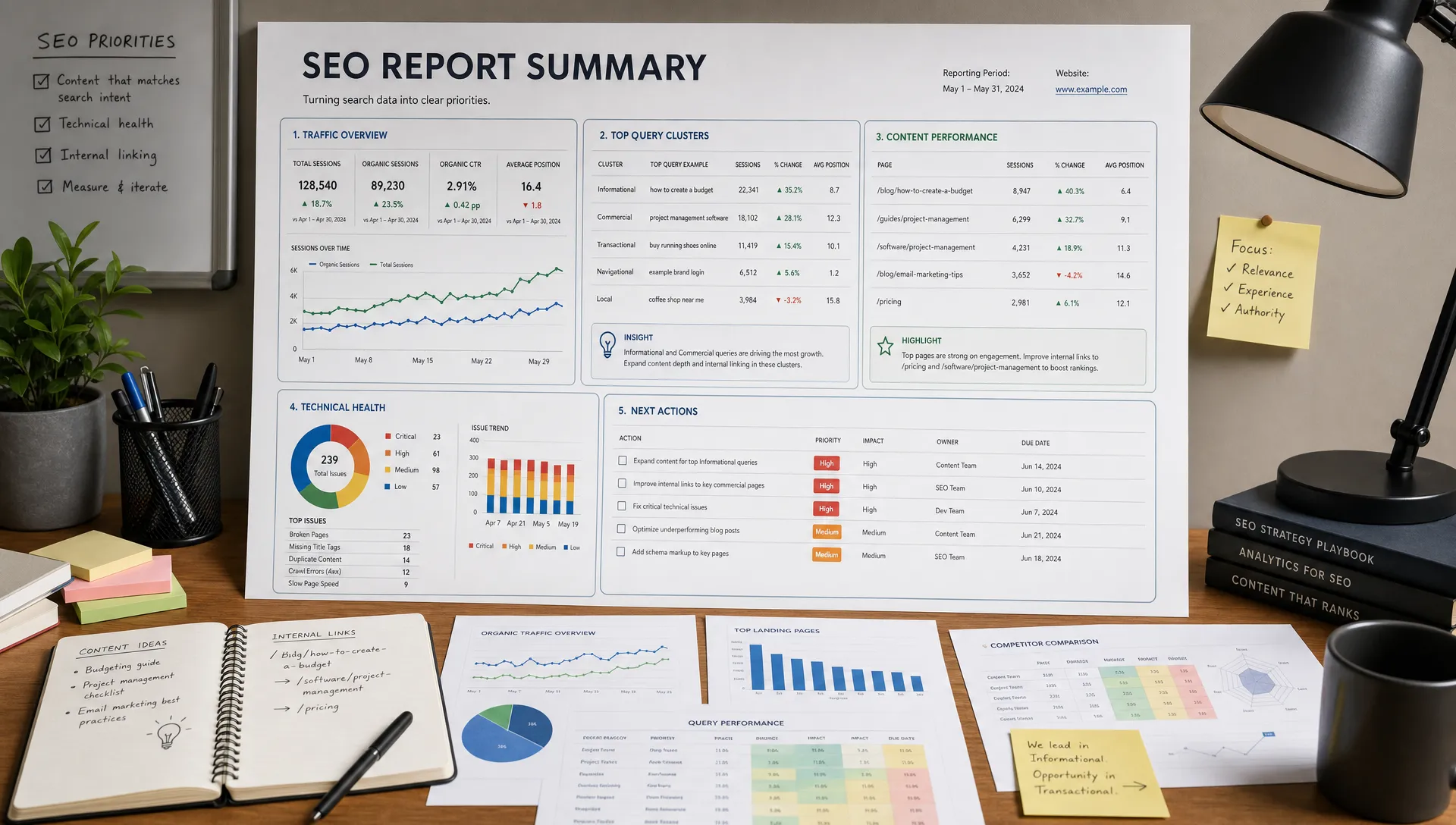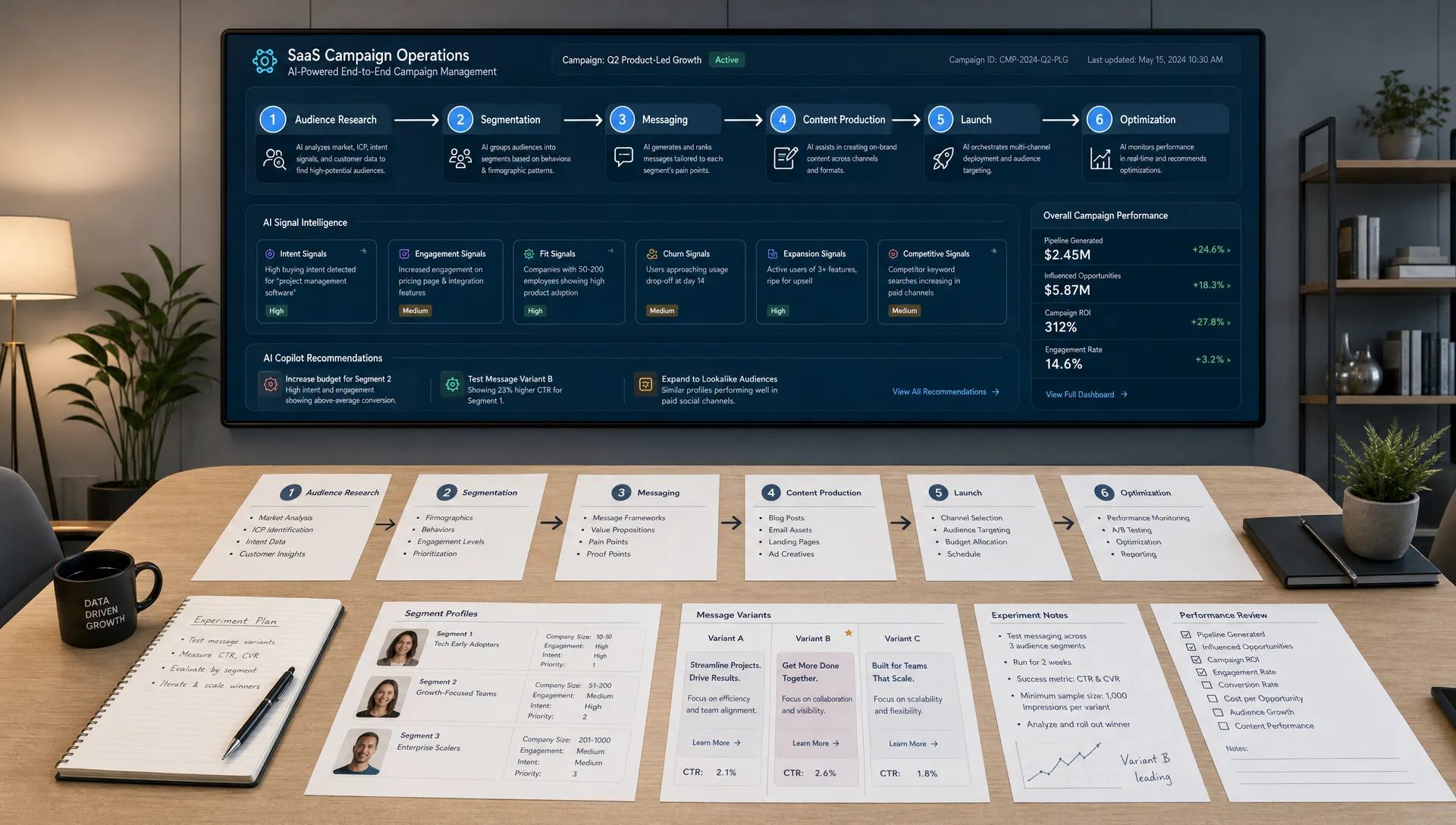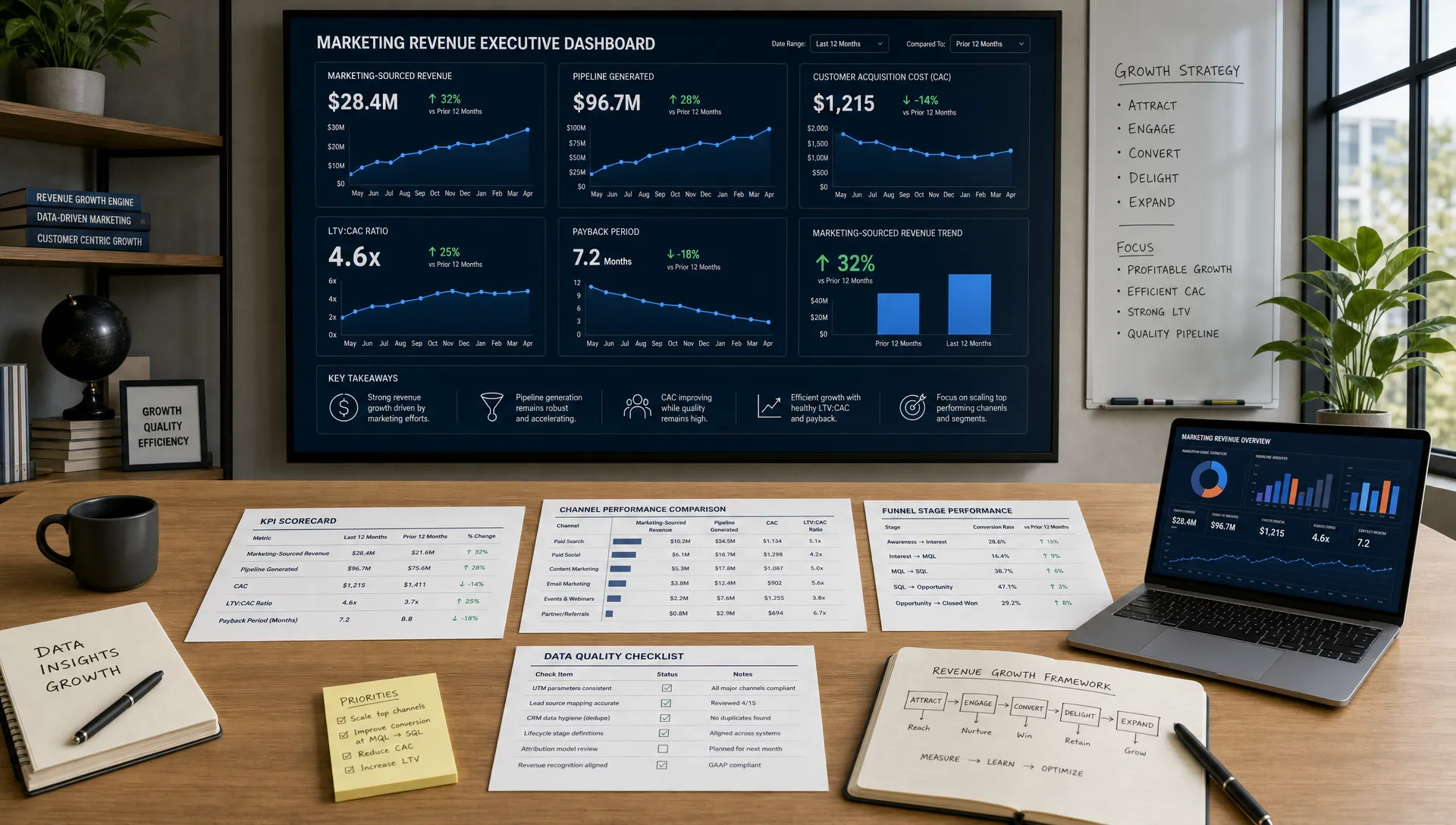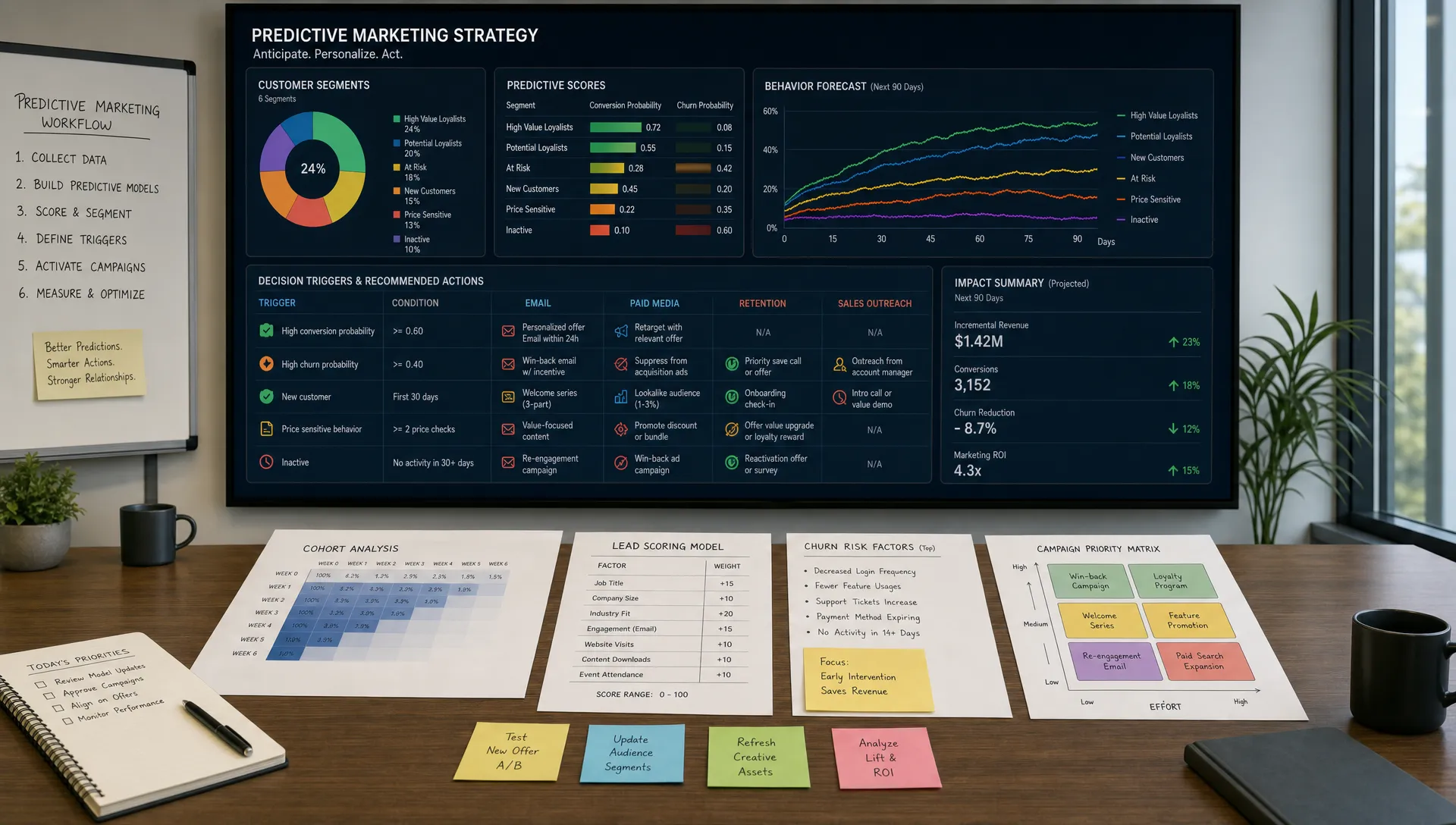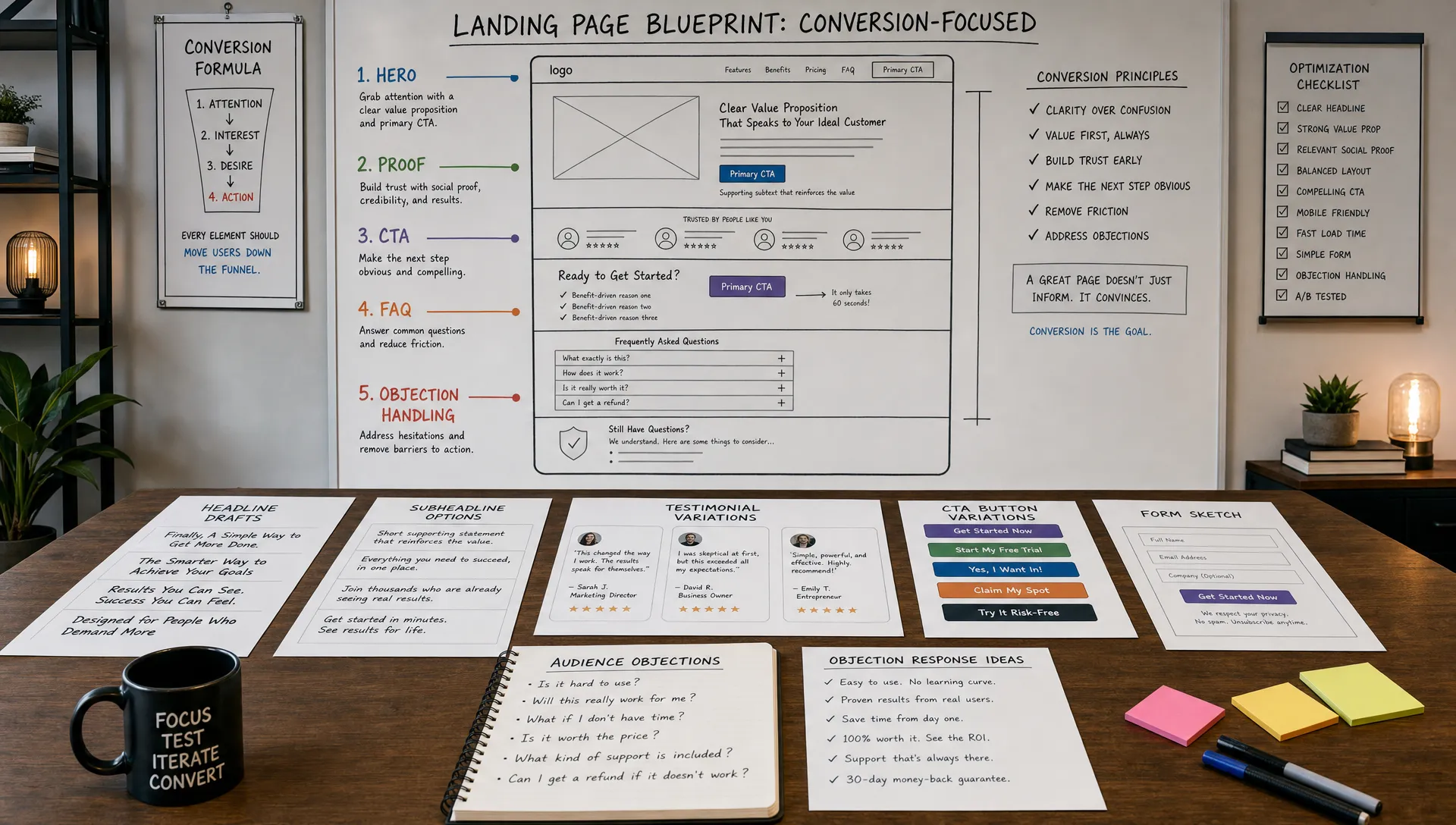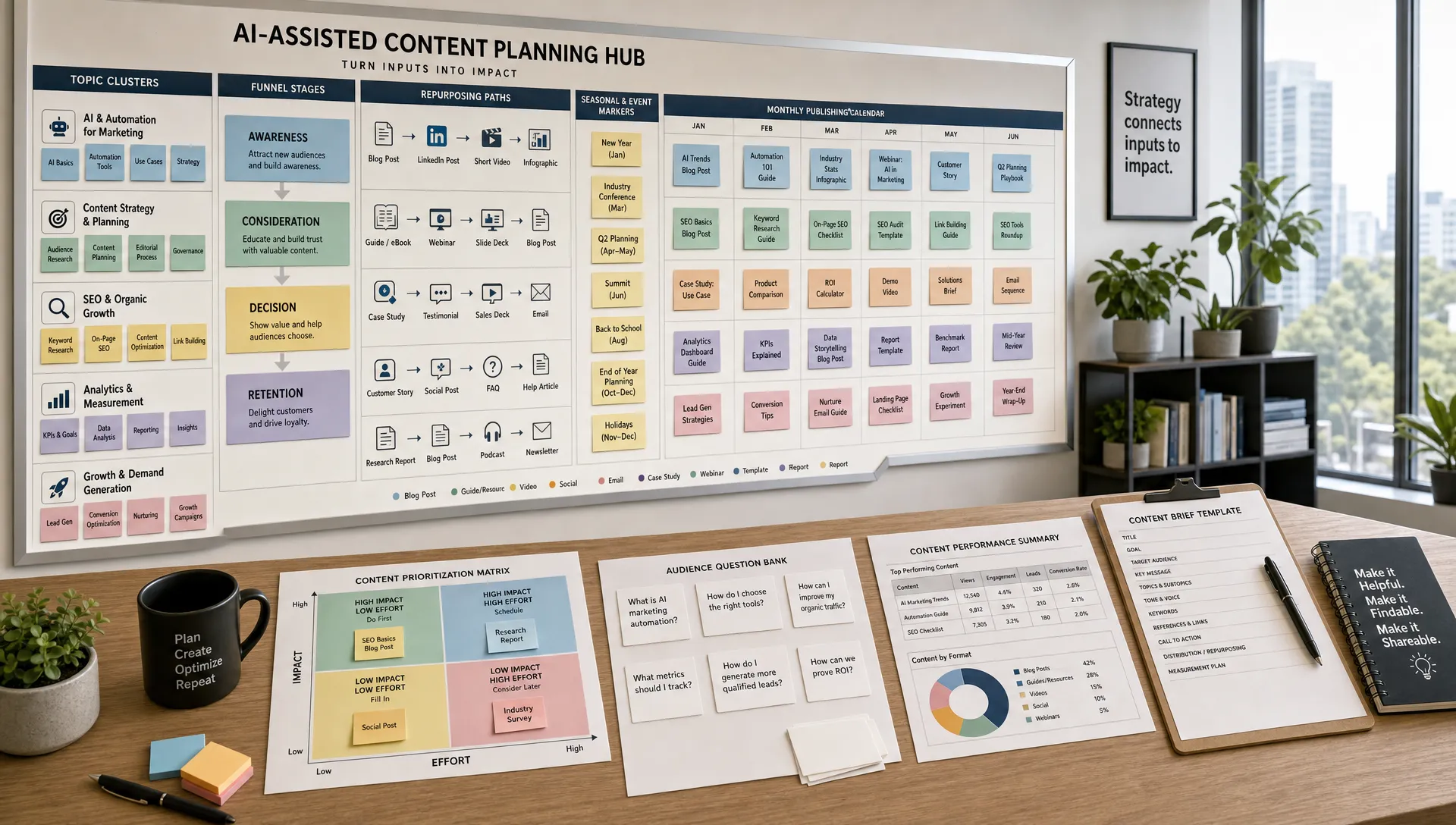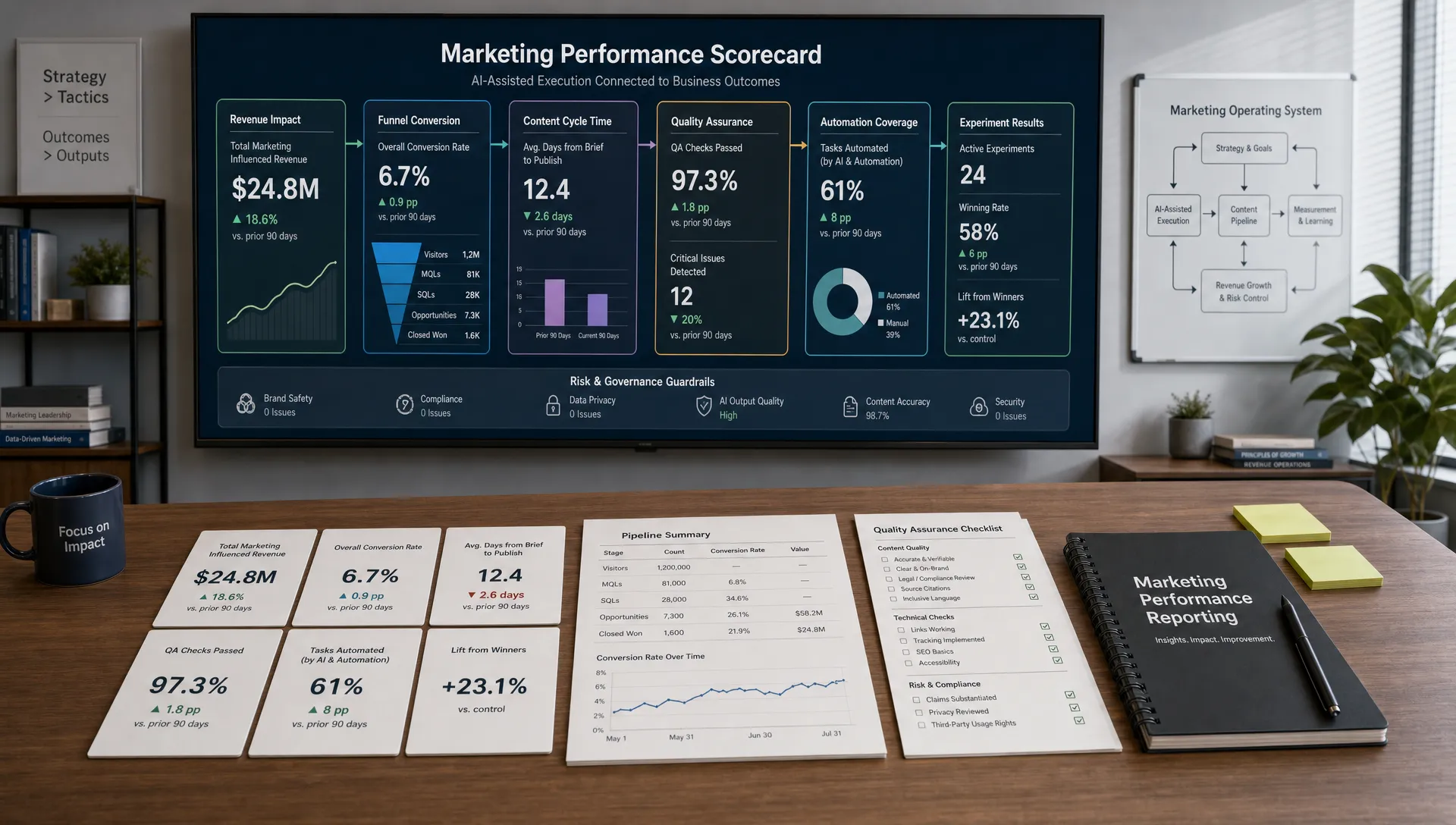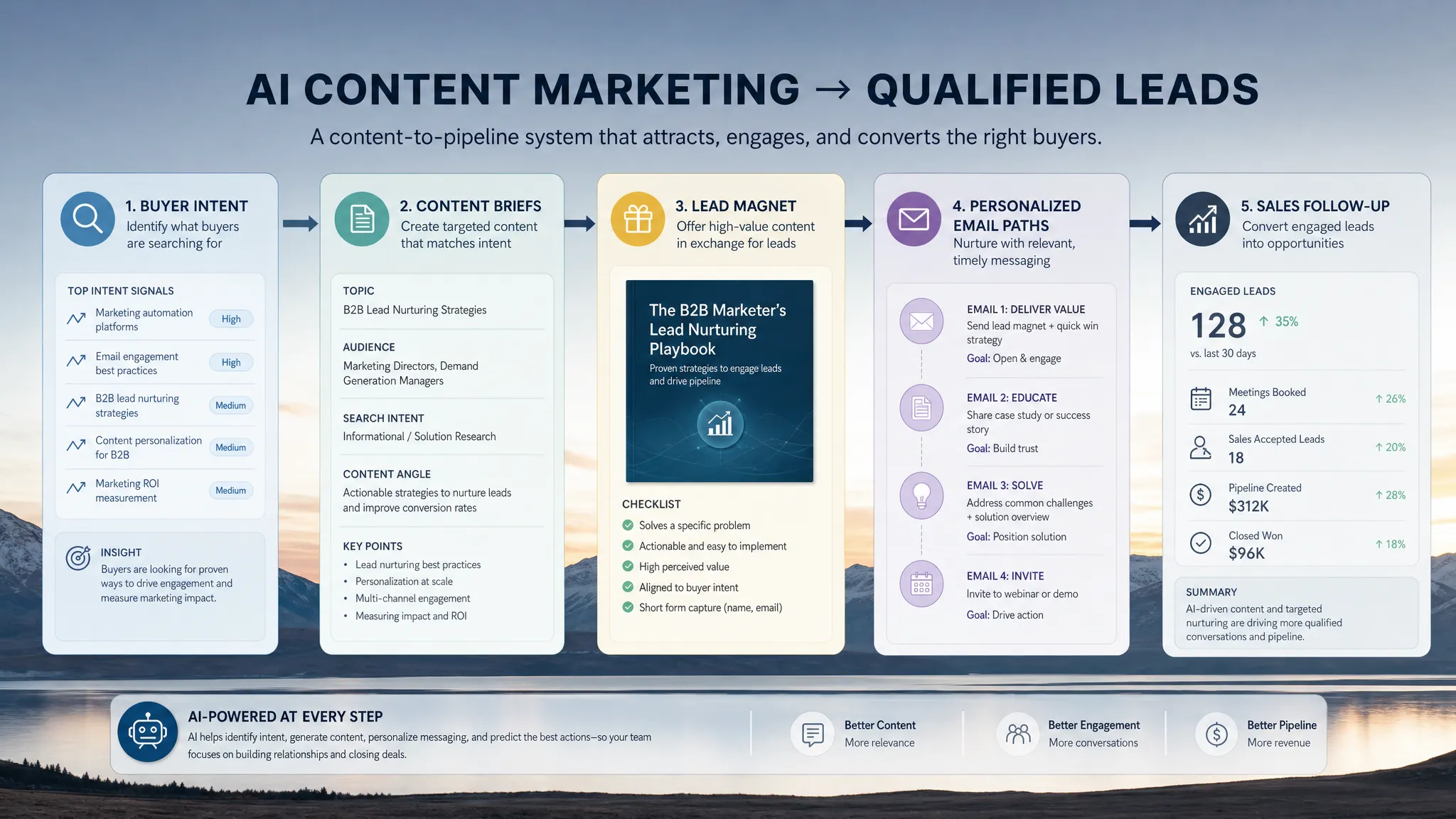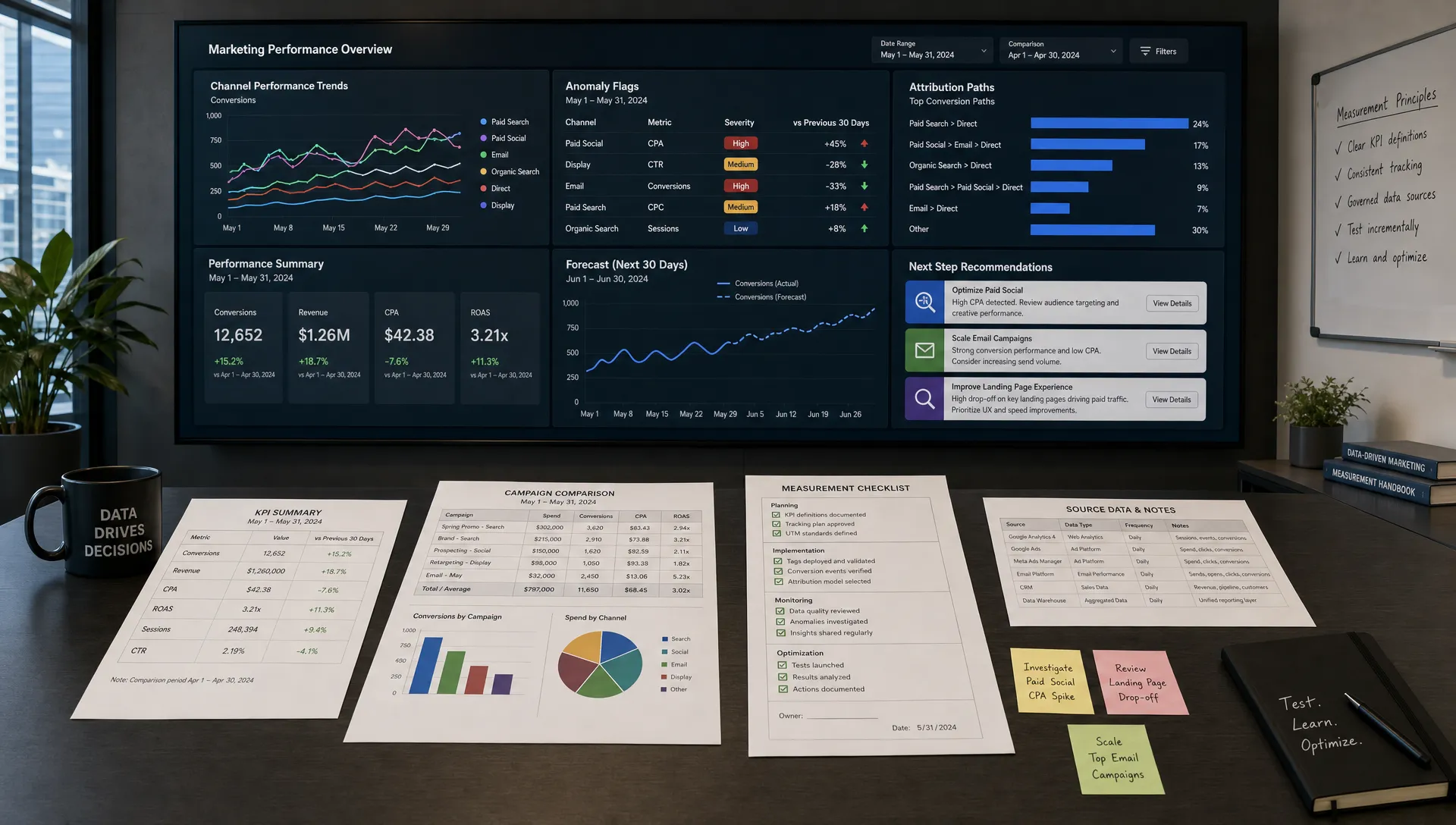
Marketing teams no longer need another dashboard that only says what happened last month. The real advantage comes from tools that can surface anomalies, explain performance shifts, forecast likely outcomes, and help teams decide what to do next.
That is why the best AI tools for marketing analytics are not just “AI add-ons.” They combine reliable data collection, clean reporting, attribution, predictive insights, and workflow automation so marketers can move from reporting to decision-making faster.
Below is a practical guide to the top platforms worth considering, what each one does best, and how to choose the right stack for your team in 2026.
A good marketing analytics platform should do more than visualize campaign metrics. At minimum, it should help you answer three questions:
AI can help with all three, but only when the underlying data is accurate and the tool fits your business model. Before choosing a platform, evaluate it against these criteria:
If your team is still defining how AI fits into your broader growth strategy, AIMarketer Hub’s guide to digital marketing and AI is a useful companion to this tools-focused review.
Google Analytics 4 remains one of the most important analytics tools for marketers because it sits close to the source of digital behavior: website visits, app events, conversions, acquisition channels, and audience activity.
GA4 includes automated insights, anomaly detection, predictive audiences for eligible properties, and integrations with Google Ads, BigQuery, Looker Studio, and other Google Marketing Platform products. For teams that rely heavily on SEO, paid search, YouTube, or app campaigns, GA4 is often the foundation of the analytics stack.
Its biggest advantage is accessibility. Many teams can start without a large software budget, then scale into deeper analysis through BigQuery exports and custom reporting. The tradeoff is that GA4 requires careful setup. Event naming, conversion tracking, consent settings, and channel grouping need to be planned well, or the AI-assisted insights will be based on messy inputs.
Best for: Small to enterprise teams that need reliable web and app analytics, especially if they already use Google Ads or Looker Studio.
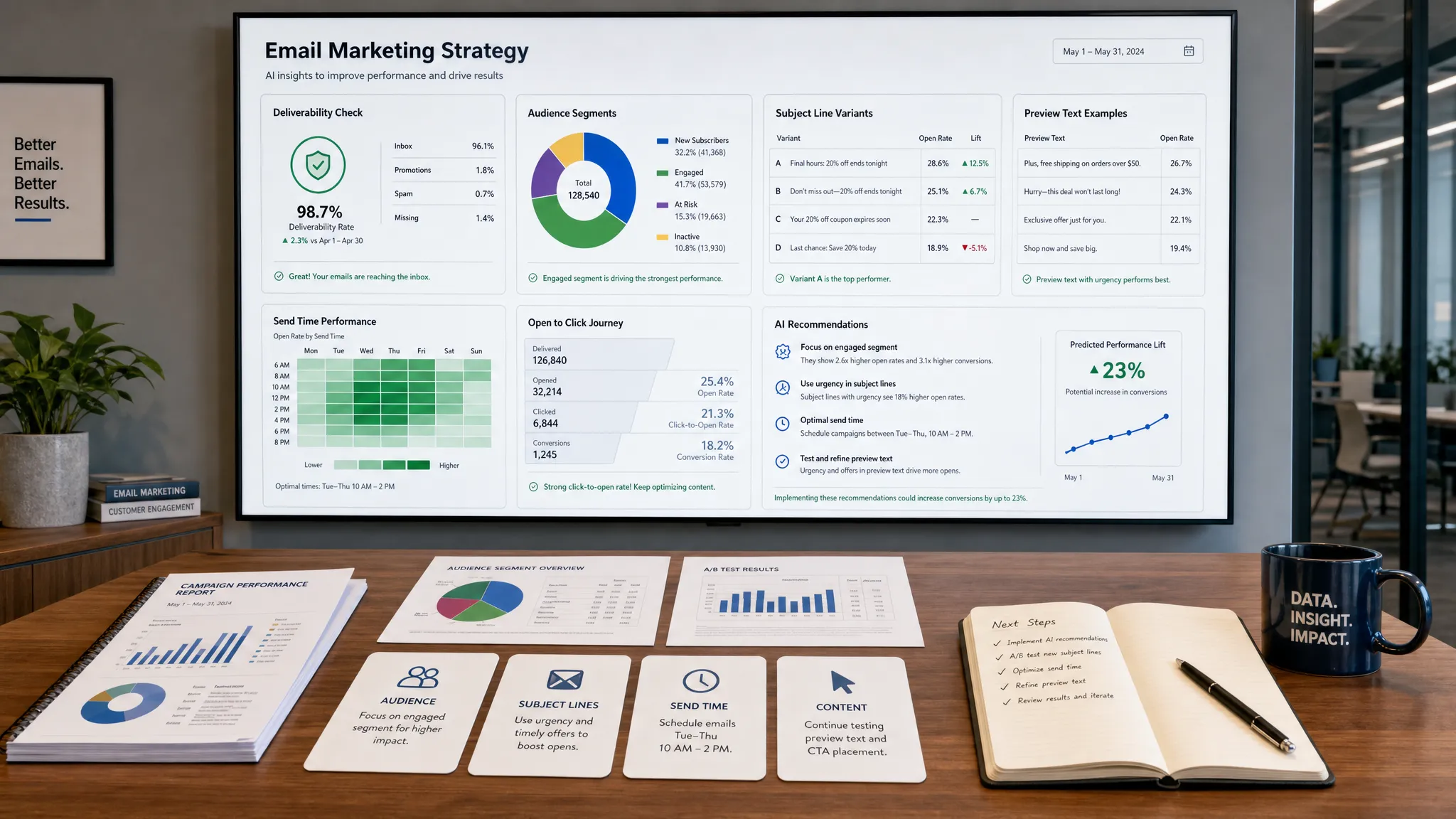
HubSpot Marketing Hub is especially useful for teams that want marketing analytics tied directly to contacts, lifecycle stages, campaigns, email engagement, landing pages, and sales outcomes.
Its strength is context. Instead of only showing that a channel generated traffic or leads, HubSpot can help marketers see how those leads progress through the funnel. That makes it valuable for B2B, SaaS, agencies, and service businesses where lead quality matters more than raw lead volume.
HubSpot has invested heavily in AI across its platform, but its analytics value comes from combining automation, CRM data, campaign reporting, and customer journey visibility. If your team struggles to connect content, email, paid campaigns, and sales pipeline, HubSpot can reduce the gap between marketing activity and revenue conversations.
Best for: B2B and lifecycle marketing teams that want analytics connected to CRM records, campaigns, automation, and sales follow-up.
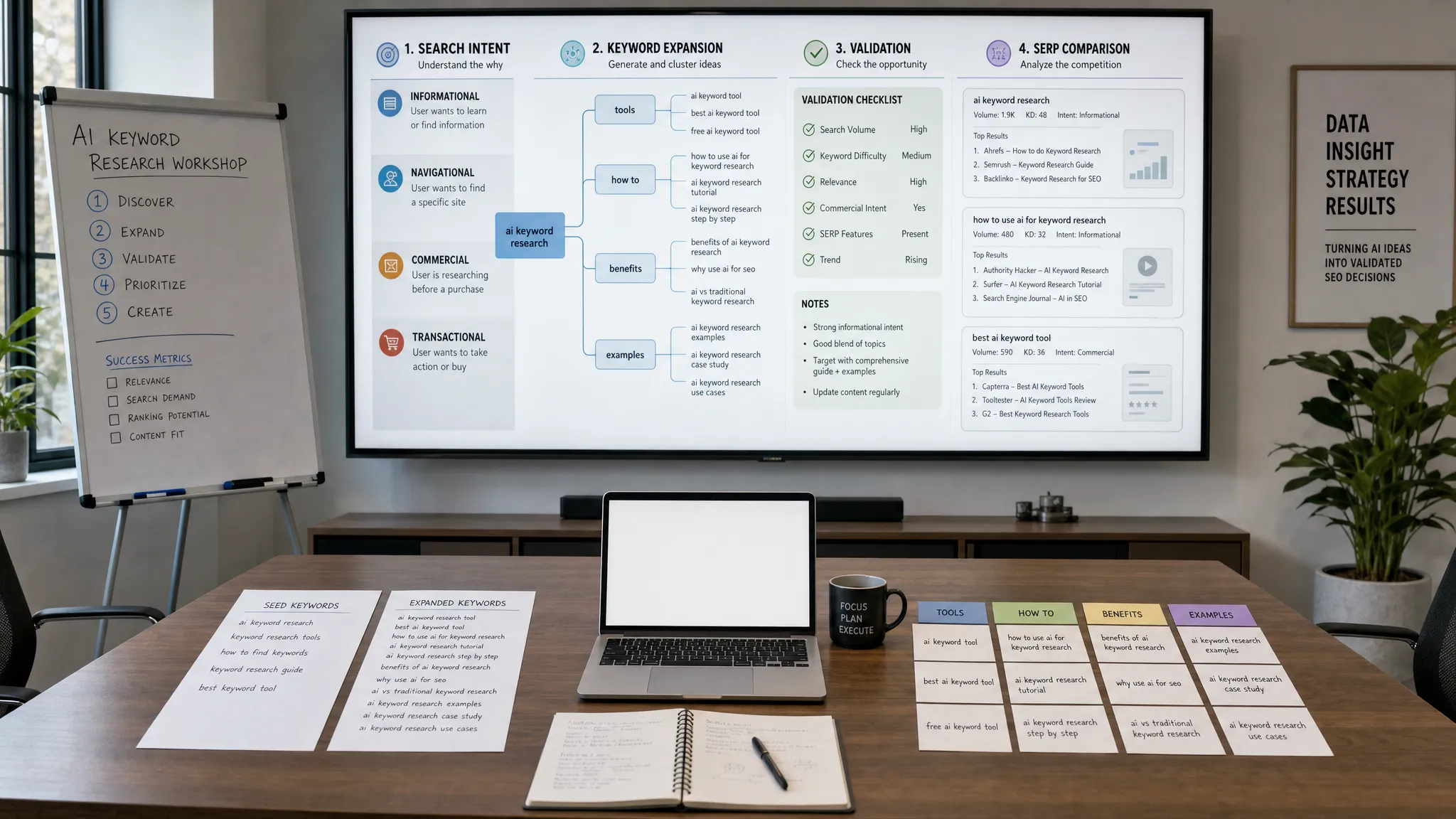
Semrush is one of the strongest platforms for search-focused marketing analytics. It helps teams analyze organic visibility, keyword opportunities, competitors, backlinks, content gaps, paid search activity, and market trends.
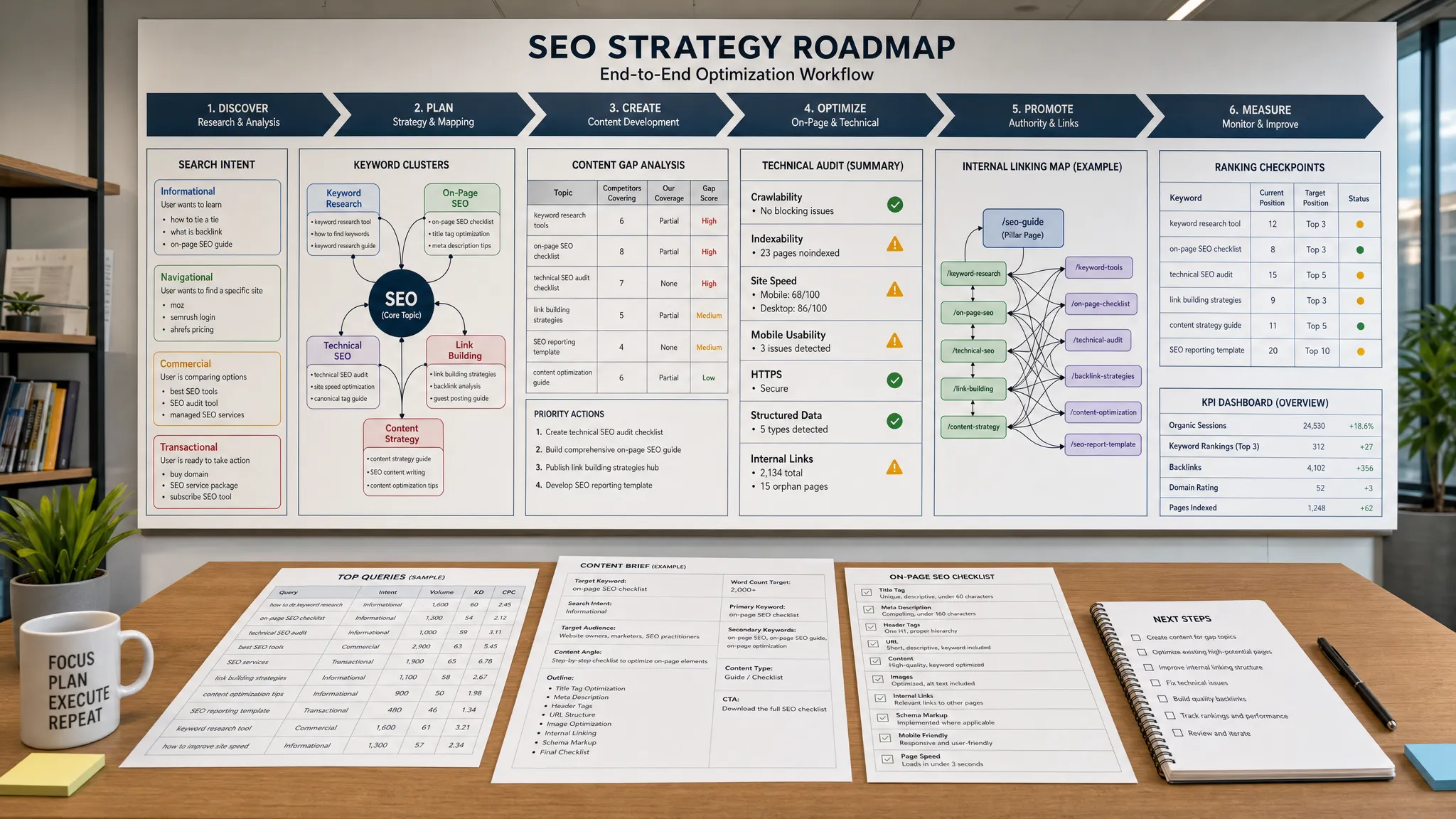
For AI marketing analytics, Semrush is valuable because it turns search data into practical recommendations. Teams can use it to identify topics worth targeting, monitor ranking movement, audit technical SEO issues, and compare their visibility against competitors. Its content and SEO features are particularly useful for marketers who need to prioritize work across a large editorial calendar.
Semrush is not a replacement for web analytics or CRM reporting. Instead, it works best alongside GA4, Search Console, and a content planning workflow. If content performance is a major part of your growth strategy, you can also explore AIMarketer Hub’s advice on AI content generation for better ROI to connect analytics with execution.
Best for: SEO teams, content marketers, agencies, and growth teams that need competitive visibility and search performance insights.
Ahrefs is another excellent platform for SEO analytics, especially for backlink analysis, keyword research, competitor research, and content performance tracking.
Its Site Explorer, Keywords Explorer, Content Explorer, and Rank Tracker tools help marketers understand where traffic opportunities exist and why competitors may be outperforming them. Ahrefs is particularly strong when your team needs to evaluate authority, link quality, organic traffic potential, and search demand before investing in content.
While Ahrefs is not a full marketing analytics suite, it earns a place on this list because SEO analytics is a major part of marketing decision-making. AI can generate content ideas quickly, but tools like Ahrefs help validate whether those ideas have demand, ranking potential, and competitive viability.
Best for: SEO professionals, content strategists, and teams focused on organic growth.
Amplitude is designed for product analytics, but it is highly relevant to marketing teams in SaaS, apps, subscriptions, marketplaces, and product-led businesses.
Marketing does not end when a user signs up. Amplitude helps teams analyze activation, retention, feature adoption, cohorts, funnels, and user journeys. For growth teams, this is essential because the best acquisition channel is not always the one with the cheapest lead. It is the one that attracts users who activate, retain, and expand.
Amplitude’s AI capabilities are built around faster exploration and insight discovery. Marketers and product teams can use it to understand which behaviors correlate with conversion or retention, then apply that knowledge to campaigns, onboarding, and lifecycle messaging.
Best for: SaaS, mobile apps, marketplaces, and product-led growth teams that care about activation and retention, not just acquisition.
Mixpanel is another strong product analytics platform that helps teams understand user behavior at the event level. It is especially useful for analyzing funnels, cohorts, retention, user paths, and feature engagement.
For marketing analytics, Mixpanel is valuable when conversion quality depends on what users do after they arrive. For example, a campaign may drive a high number of signups, but Mixpanel can show whether those users complete onboarding, invite teammates, use core features, or return after seven days.
That makes Mixpanel a good fit for marketing teams that work closely with product, growth, and customer success. It helps replace vanity metrics with behavioral evidence.
Best for: Growth teams that want to connect campaigns to product behavior and long-term user value.
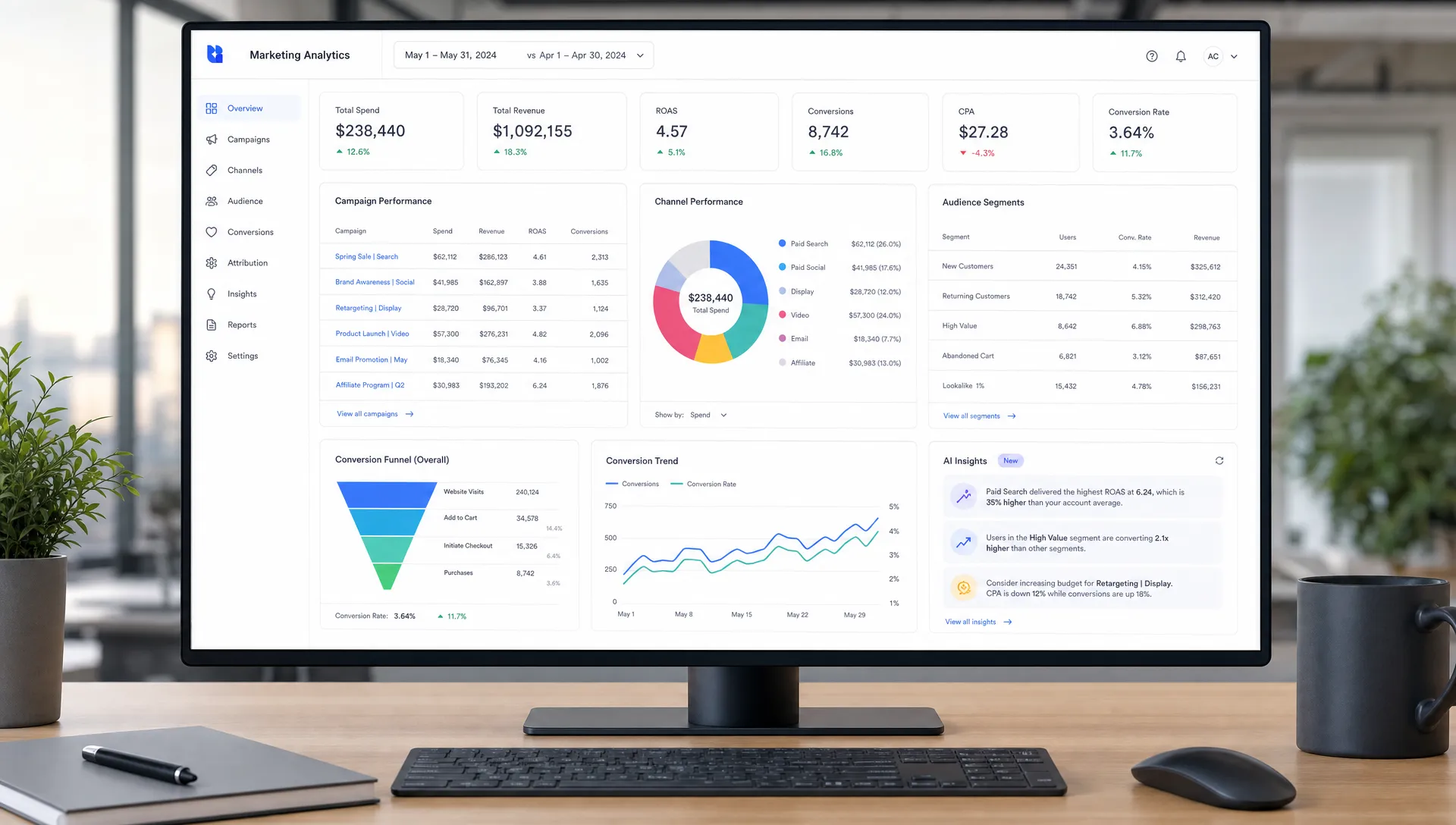
Adobe Analytics is a powerful enterprise analytics platform for organizations with complex digital journeys, multiple brands, large customer datasets, and advanced reporting needs.
Its AI and machine learning capabilities, associated with Adobe Sensei, can support anomaly detection, contribution analysis, segmentation, and predictive insights. For enterprise marketers, the appeal is depth. Adobe Analytics can help teams analyze customer journeys across touchpoints, audiences, devices, content, campaigns, and commerce experiences.
The platform is powerful, but it is not lightweight. It typically requires experienced implementation, governance, and analytics expertise. For organizations with the resources to support it, Adobe Analytics can become a central intelligence layer for digital experience optimization.
Best for: Large enterprises with complex customer journeys and advanced analytics requirements.
Tableau is a leading business intelligence platform that helps teams visualize and explore data from many sources. For marketing analytics, it is often used to build executive dashboards, campaign performance views, regional reporting, pipeline reports, and cross-channel performance analysis.
Tableau’s AI direction includes features like Tableau Pulse and natural language experiences within the Salesforce ecosystem. These capabilities are designed to make insights more accessible, helping users spot trends and ask questions without manually digging through every dashboard.
Tableau is best when your marketing data already lives across multiple systems and you need a flexible reporting layer. It is not a plug-and-play marketing analytics tool by itself. Its value depends on how well your data sources, metrics definitions, and dashboards are designed.
Best for: Marketing operations, revenue operations, and enterprise teams that need customizable BI across many datasets.
Microsoft Power BI is a strong choice for teams that already use Microsoft 365, Azure, Dynamics, Fabric, or Excel-heavy reporting workflows.
Power BI helps marketers combine data from ad platforms, CRM systems, spreadsheets, databases, and web analytics tools into interactive reports. With Copilot capabilities in Microsoft’s analytics ecosystem, teams can use natural language to help create reports, summarize data, and explore performance questions more efficiently.
For marketing teams, Power BI is especially useful when finance, sales, and operations already rely on Microsoft reporting. It can help create a shared view of pipeline, spend, revenue, and ROI across departments.
Best for: Organizations that want marketing analytics connected to Microsoft’s data and productivity ecosystem.
Salesforce Marketing Cloud Intelligence (formerly Datorama) is built for connecting, harmonizing, and analyzing marketing data across channels.
It is particularly useful for teams managing many campaigns, regions, brands, agencies, or media platforms. Instead of manually pulling performance data from every channel, marketers can centralize reporting and analyze performance through a more unified lens.
Its greatest value is operational. When teams spend too much time cleaning spreadsheets and reconciling channel reports, they have less time for optimization. Marketing Cloud Intelligence is designed to reduce that manual burden and support faster campaign decisions.
Best for: Larger marketing organizations, agencies, and enterprises that need cross-channel reporting at scale.
Supermetrics is not a traditional analytics dashboard first. Its core value is moving marketing data from platforms like Google Ads, Meta, LinkedIn, TikTok, Shopify, GA4, and other sources into destinations such as Looker Studio, Google Sheets, Excel, BigQuery, Snowflake, and Power BI.
That makes it extremely useful for marketing operations teams. AI-powered analytics are only as good as the data they can access. Supermetrics helps teams reduce manual exports and create more consistent reporting pipelines.
For smaller teams, Supermetrics can make Looker Studio or spreadsheet reporting much more scalable. For larger teams, it can support data warehouse workflows where advanced analysis, modeling, and AI tools sit on top of cleaner marketing data.
Best for: Teams that need automated marketing data extraction and reporting pipelines.
Triple Whale is built for ecommerce brands that need a clearer view of performance across paid media, store data, customer behavior, and profitability.
Ecommerce marketers often face a specific analytics challenge: ad platforms over-credit themselves, attribution windows vary, and profitability can be hidden behind revenue metrics. Triple Whale is designed to help brands bring ecommerce performance data into one place and make faster decisions about spend, creative, products, and customer acquisition.
Its AI-assisted features are most relevant for teams that want faster summaries, performance signals, and ecommerce-specific insight. It is best suited for direct-to-consumer brands rather than general B2B or enterprise analytics use cases.
Best for: DTC and ecommerce brands that need clearer campaign, revenue, and profitability analytics.
The best tool is not always the most advanced one. It is the one that matches your business model, data maturity, budget, and decision-making process.
If you are a small business or early-stage startup, start with GA4, Search Console, Looker Studio, and one channel-specific tool such as Semrush. This gives you a strong baseline without overwhelming your team.
If you are a B2B or SaaS team, prioritize CRM-connected analytics. HubSpot, Salesforce, Amplitude, Mixpanel, Power BI, or Tableau may be more useful than a channel-only dashboard because you need to understand lead quality, activation, pipeline, retention, and revenue.
If you are an ecommerce brand, focus on tools that connect ad spend to revenue and profitability. GA4, Shopify analytics, Triple Whale, Klaviyo, and a paid media reporting workflow can provide a better picture than ad platform dashboards alone.
If you are an enterprise team, invest in governance first. Adobe Analytics, Tableau, Power BI, Salesforce Marketing Cloud Intelligence, and warehouse-based reporting can be powerful, but they require clear metric definitions, data ownership, privacy controls, and implementation discipline.
A practical stack often includes four layers:
AI works best when these layers are connected. Without clean data and clear goals, even the most impressive AI summary can lead your team in the wrong direction.
The first mistake is trusting AI insights without checking the data source. If campaign tags are inconsistent, conversions are duplicated, or CRM stages are poorly maintained, AI will confidently summarize flawed information.
The second mistake is using too many dashboards. More dashboards can create more disagreement if every team defines revenue, leads, conversions, and attribution differently. Before adding another tool, align on metric definitions.
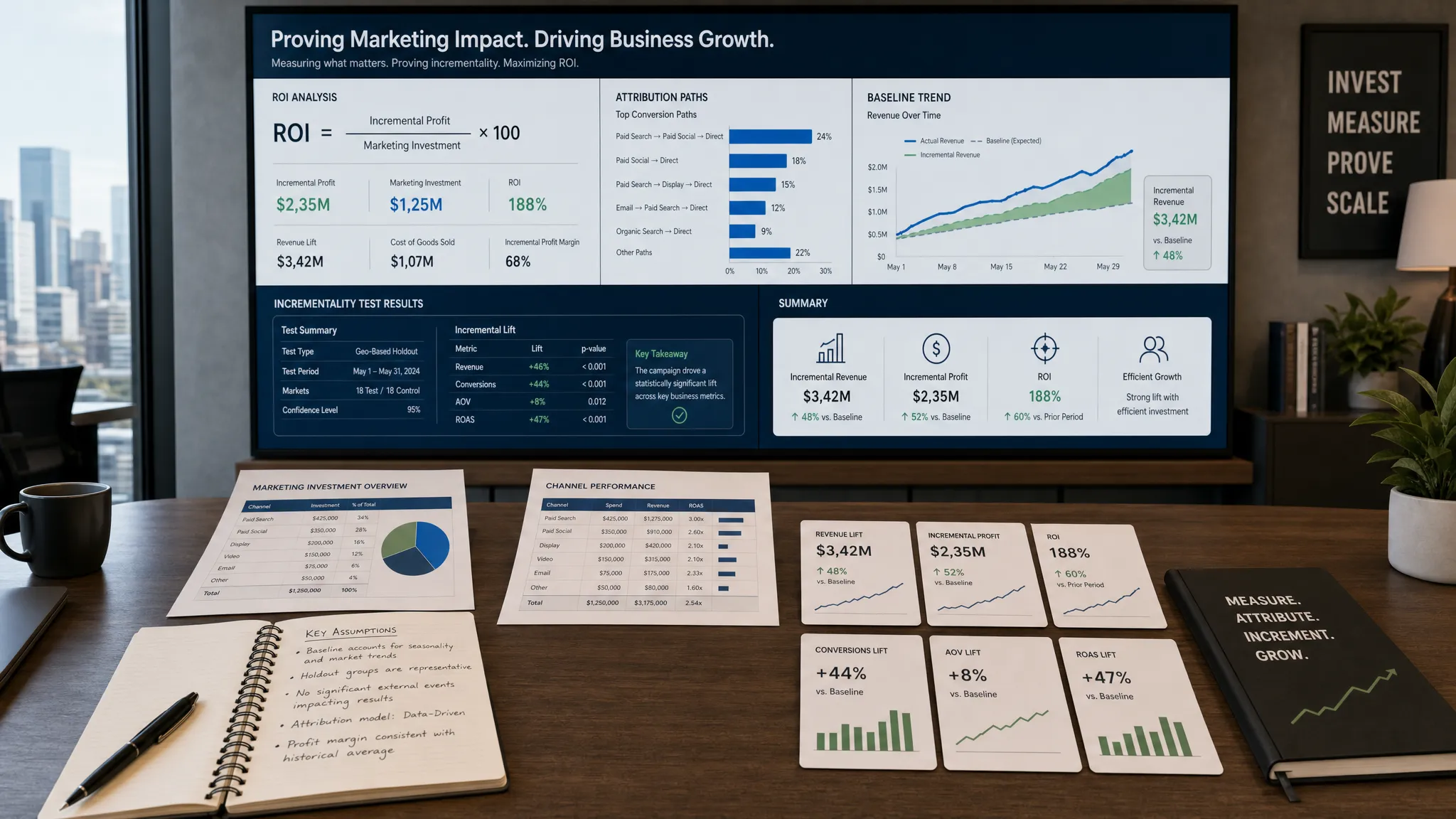
The third mistake is treating attribution as absolute truth. Privacy changes, cookie limitations, platform reporting gaps, and multi-touch journeys mean every attribution model has limitations. Use attribution as directional evidence, not as a perfect record of reality.
The fourth mistake is separating analytics from execution. Insights only matter if they influence budget allocation, creative testing, audience strategy, landing page optimization, sales follow-up, or retention campaigns. For more practical ways to connect AI to performance, AIMarketer Hub’s article on how AI for digital marketing improves performance expands on that operating mindset.
Start with one business question, not a dashboard. For example, ask, “Which channels bring customers with the highest retention?” or “Which content topics influence qualified pipeline?”
Next, identify the data needed to answer that question. You may need source data from GA4, CRM lifecycle stages, ad spend, content URLs, product usage, and revenue.
Then clean the basics. Use consistent UTM naming, conversion definitions, campaign names, and date ranges. This is not glamorous, but it is where much of the analytics value is created.
After that, use AI to speed up analysis. Ask for summaries, anomalies, segment differences, funnel drop-offs, and forecasted trends. Compare those outputs with human context from campaign managers, sales teams, and customer research.
Finally, turn insights into experiments. Shift budget, revise messaging, improve landing pages, update content, change audience segments, or test lifecycle emails. The goal is not to admire the insight. The goal is to improve the next decision.
What are the best AI tools for marketing analytics? The best options depend on your needs, but strong choices include Google Analytics 4 for web and app analytics, HubSpot for CRM-connected reporting, Semrush and Ahrefs for SEO analytics, Amplitude and Mixpanel for product-led growth, Adobe Analytics for enterprise journeys, and Power BI or Tableau for business intelligence.
Do I need an enterprise analytics platform to use AI in marketing analytics? No. Many teams can start with GA4, Search Console, Looker Studio, CRM reports, and SEO tools. Enterprise platforms become more valuable when you have complex data sources, multiple teams, strict governance needs, or advanced customer journey analysis.
Can AI replace a marketing analyst? AI can speed up reporting, summarize trends, detect anomalies, and help non-technical users explore data. It does not replace strategic judgment, data governance, experiment design, or business context. The best results come when analysts and marketers use AI as an assistant, not an autopilot.
Which AI analytics tool is best for B2B marketing? B2B teams usually benefit from CRM-connected tools such as HubSpot, Salesforce-based reporting, Power BI, Tableau, and attribution workflows that connect campaigns to pipeline and revenue. Product-led B2B teams may also need Amplitude or Mixpanel.
Which AI analytics tool is best for ecommerce? Ecommerce teams should consider GA4, platform analytics from their commerce system, Triple Whale, email and lifecycle analytics, and paid media reporting tools. The priority is connecting spend, revenue, customer acquisition cost, repeat purchases, and profitability.
The best AI tools for marketing analytics help teams spend less time collecting numbers and more time improving performance. Start with the decisions you need to make, then choose tools that give you trustworthy data, useful insights, and a clear path to action.
If you want practical resources for building a stronger AI-powered marketing operation, explore AIMarketer Hub. You will find marketing guides, AI tools, SEO resources, prompt libraries, calculators, and industry-specific insights designed to help teams automate, optimize, and grow with more confidence.