For lean marketing teams, video is no longer a campaign luxury. Buyers expect product explainers, social clips, founder insights, customer stories and short educational videos before they ever speak to sales. The challenge is not whether video works. The challenge is producing enough good video without turning your small team into a burned out production studio.
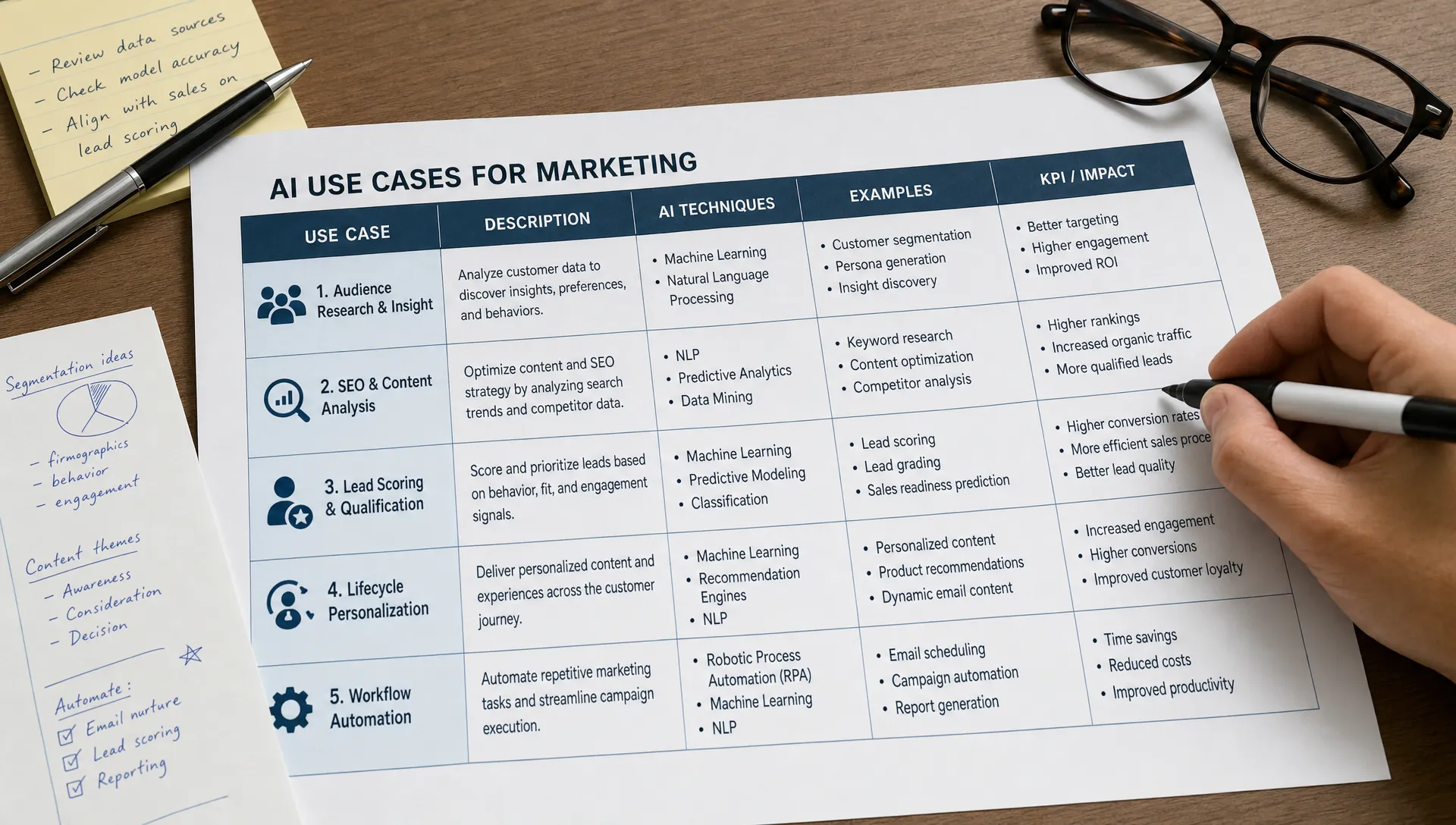
That is where AI for video marketing helps most. Used well, AI does not replace the marketer, strategist or editor. It removes friction from research, briefing, scripting, editing, captioning, repurposing and performance analysis so your team can publish consistently with fewer handoffs.
The workflow below is built for lean teams that need repeatable output, brand control and measurable impact. It assumes you do not have a dedicated video department, but you do have customer knowledge, subject matter expertise and a clear business goal.
Buying more AI tools will not fix a broken content process. If your team starts every video from scratch, debates the hook for days, loses files in scattered folders and measures every clip by views alone, AI will only help you create chaos faster.
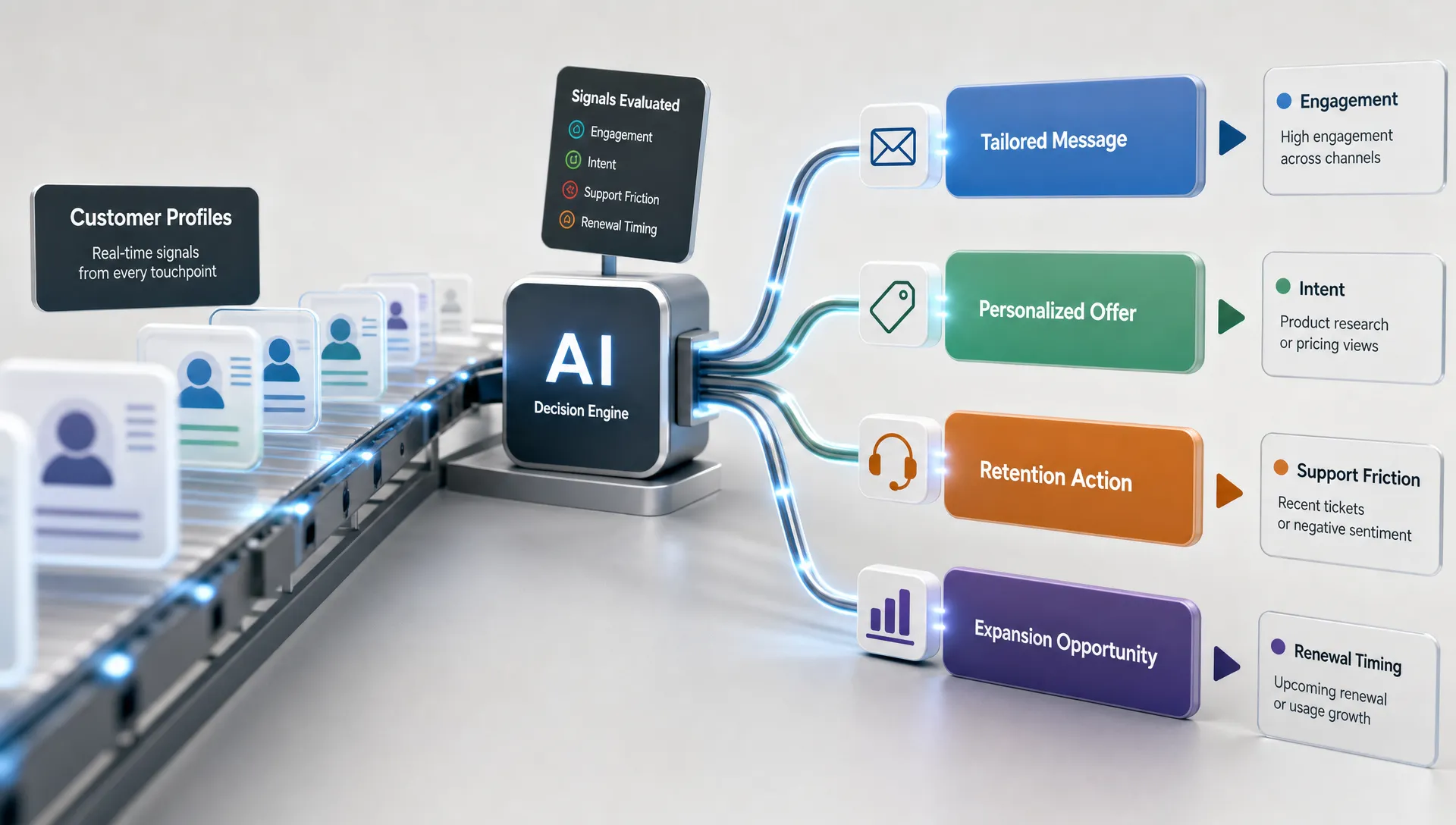
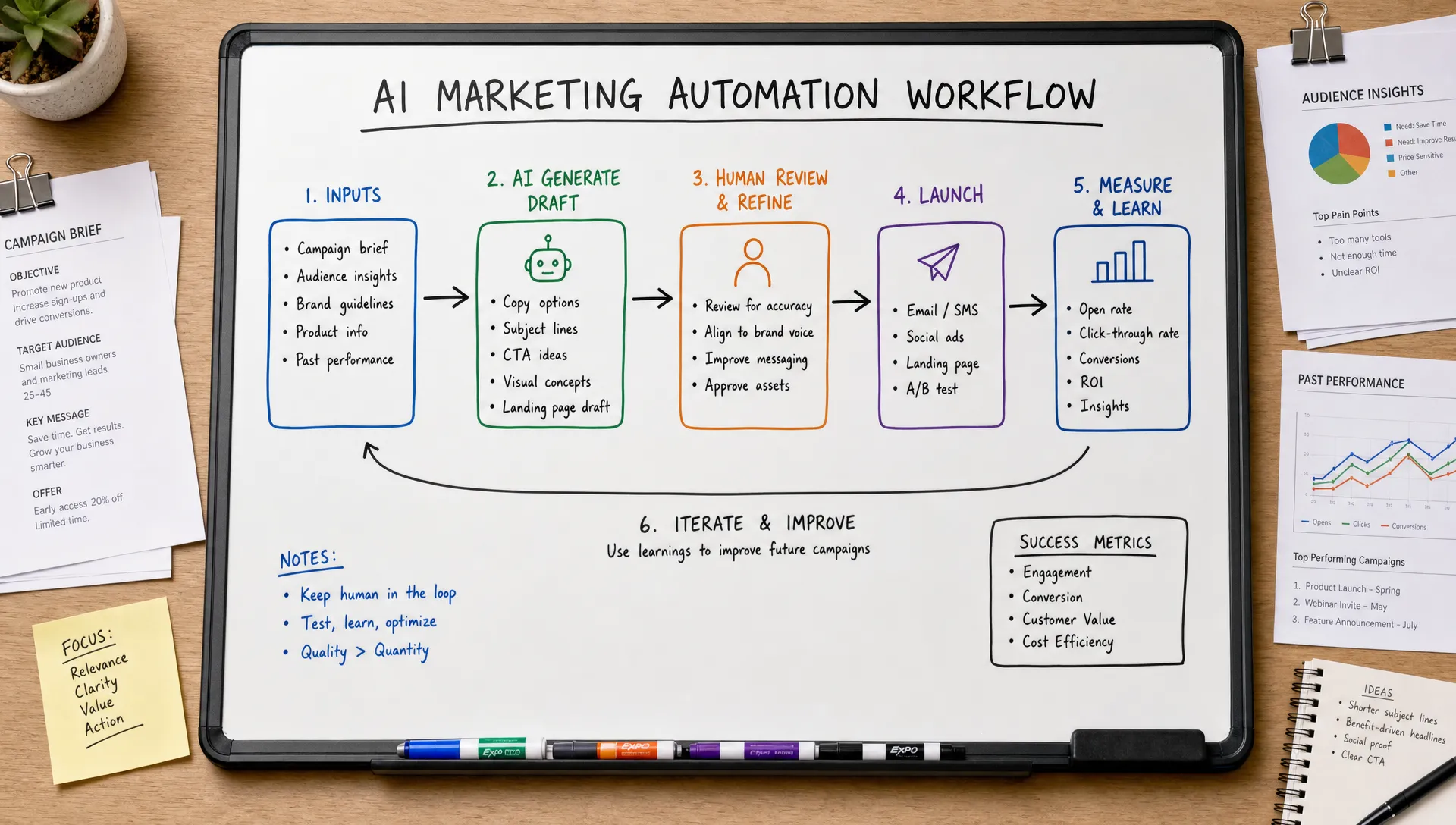
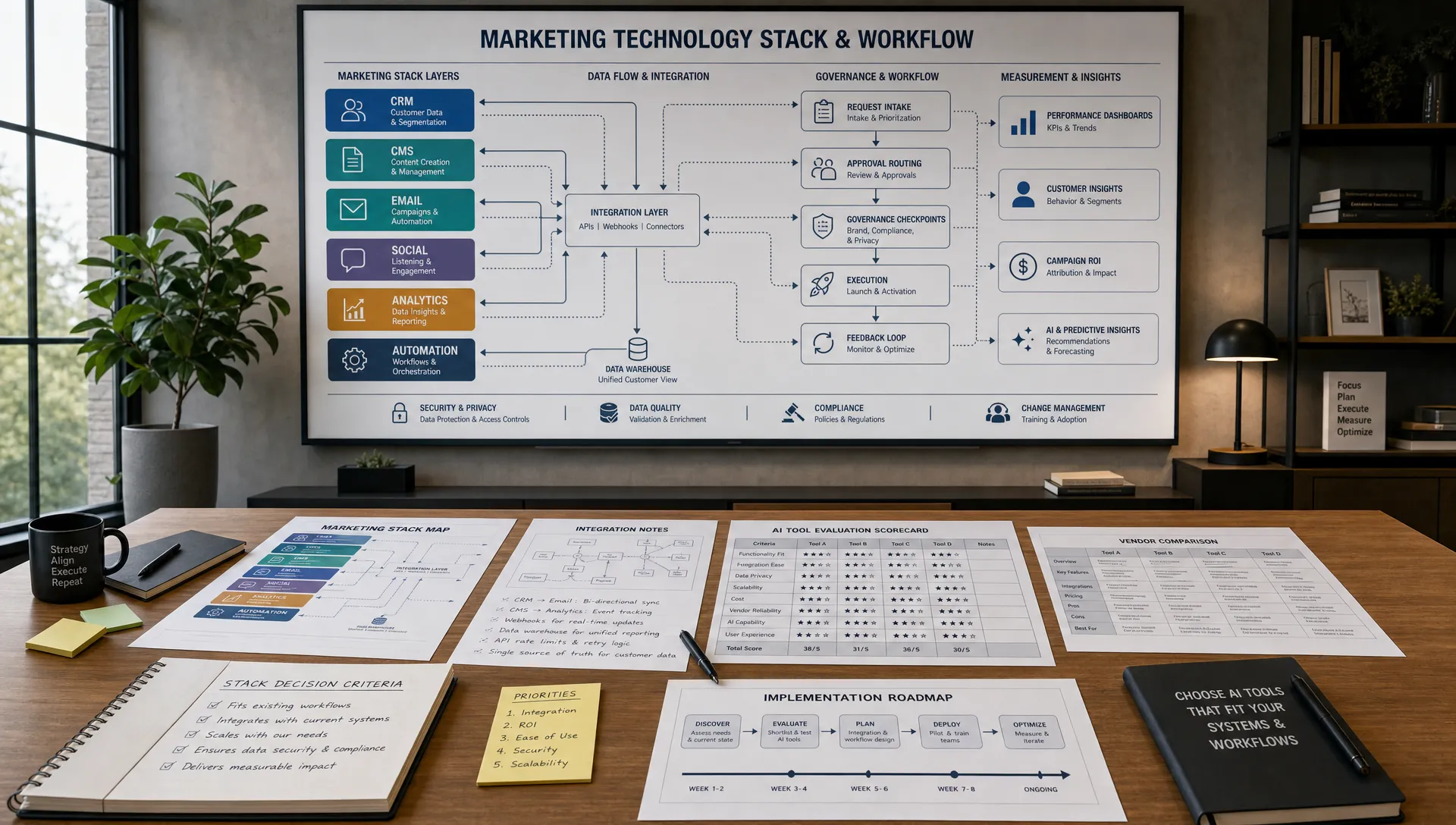
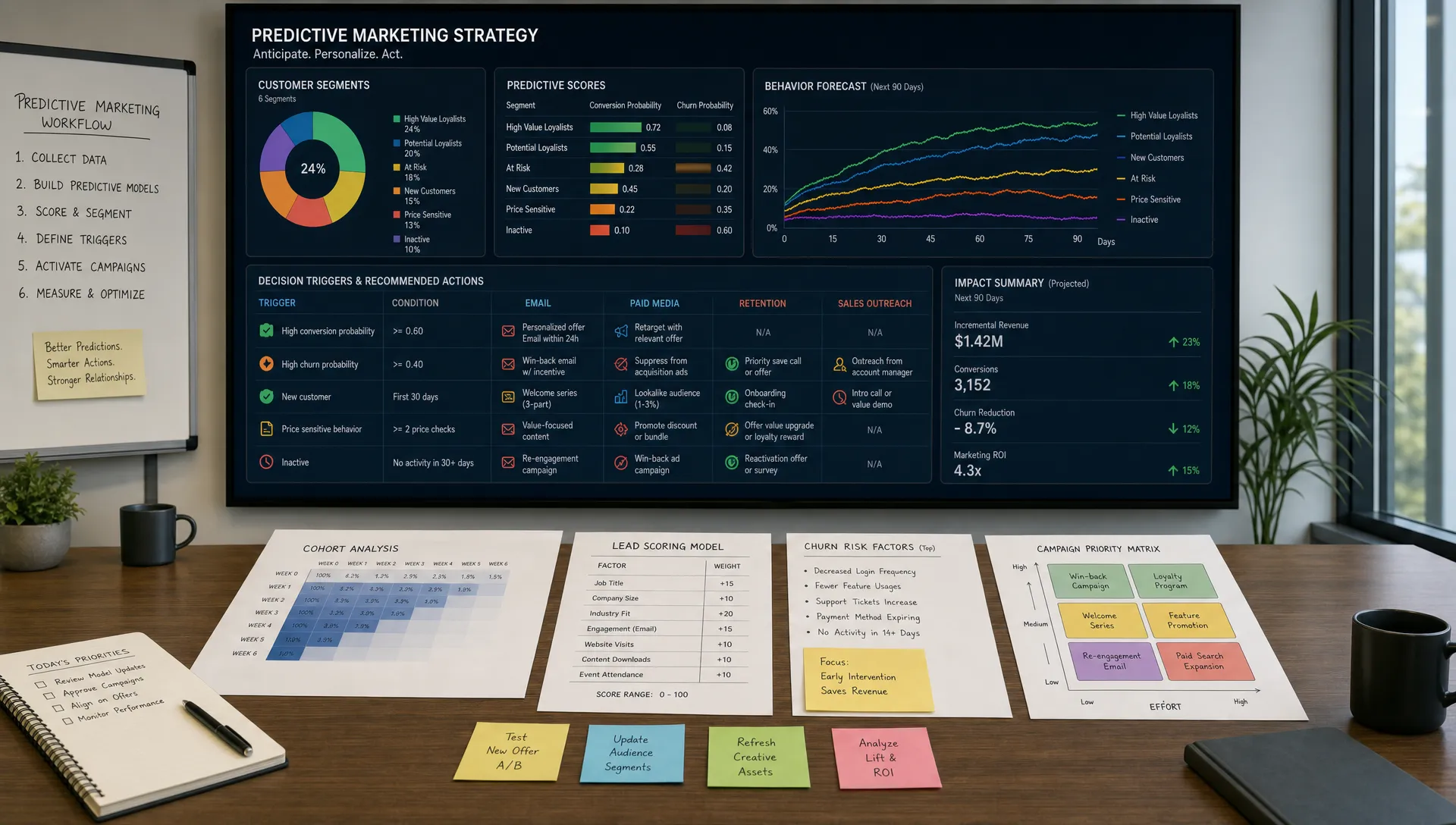
A workflow gives AI a job at each stage. Strategy stays human led. AI assists with speed, variation and synthesis. This is the same operating principle behind high performing AI marketing programs: start with the business problem, define the repeatable process, then choose the technology. AIMarketer Hub covers this broader mindset in its guide to what smart teams do differently with digital marketing and AI.
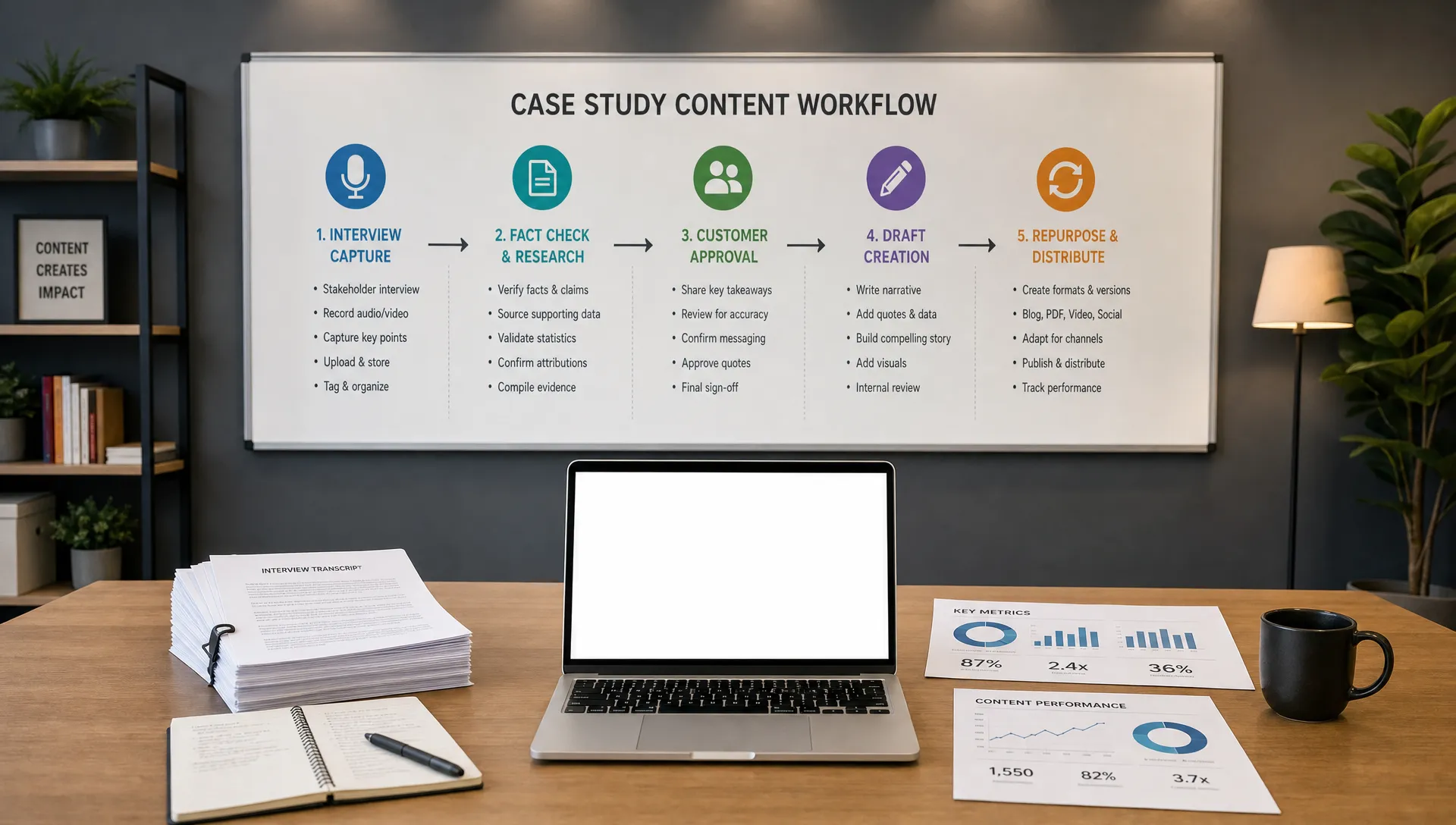
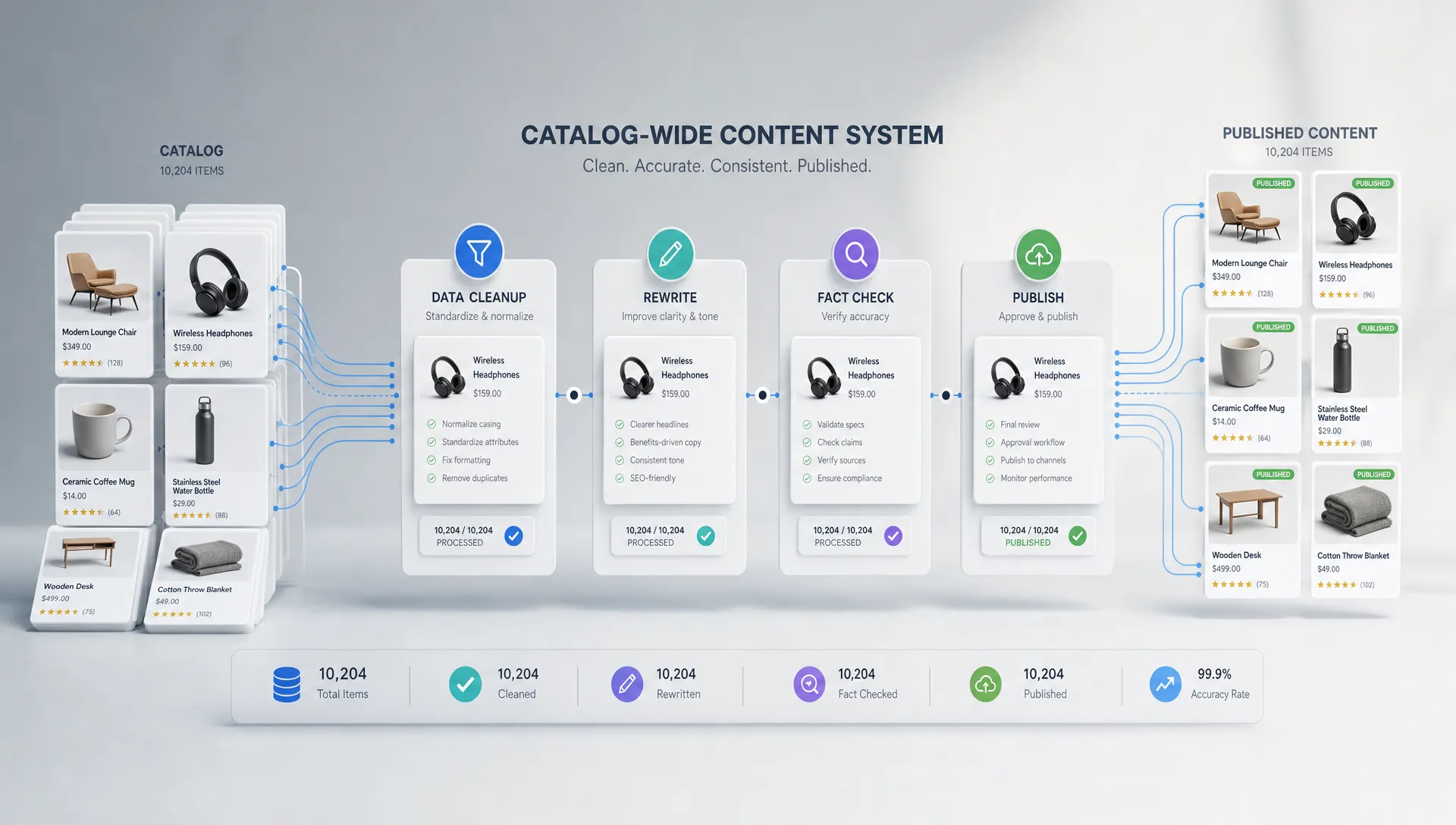
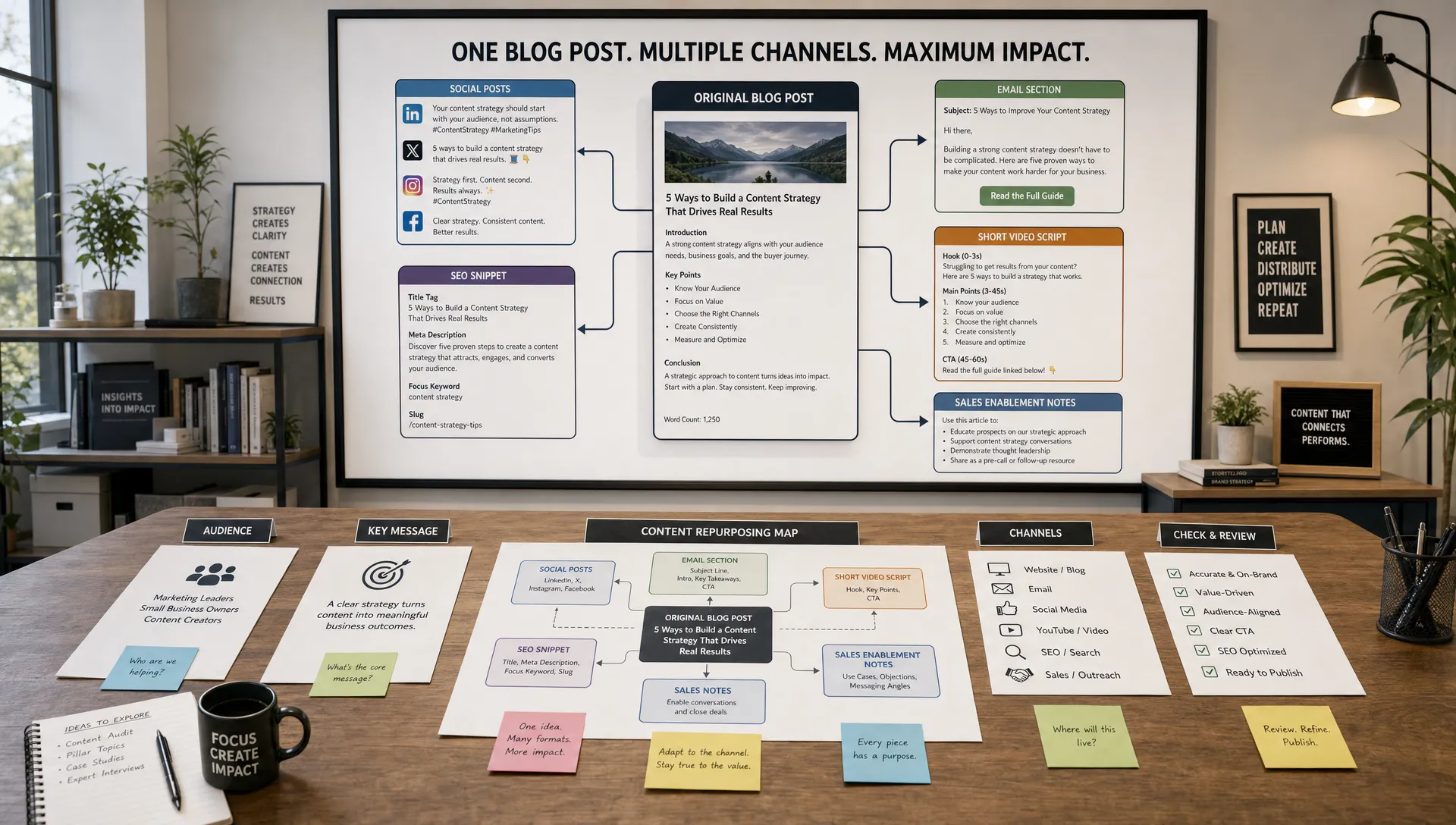
For video, the practical goal is simple: turn one approved idea into multiple useful assets without losing quality. A single expert interview might become a YouTube video, three LinkedIn clips, five short vertical videos, an email embed, a blog section and ad creative variations. AI helps package that idea for each context, but the team still decides what is true, useful and on brand.
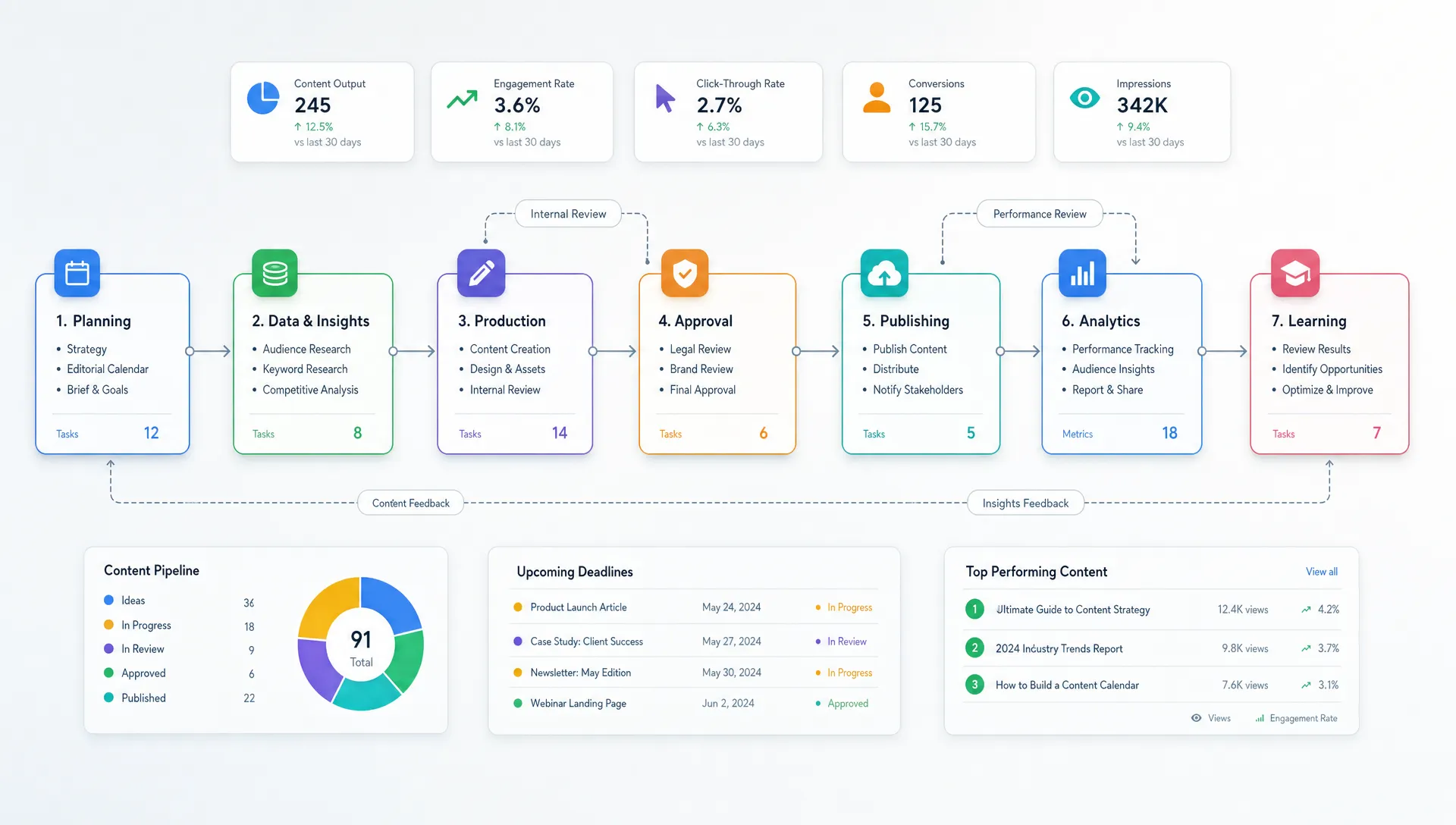
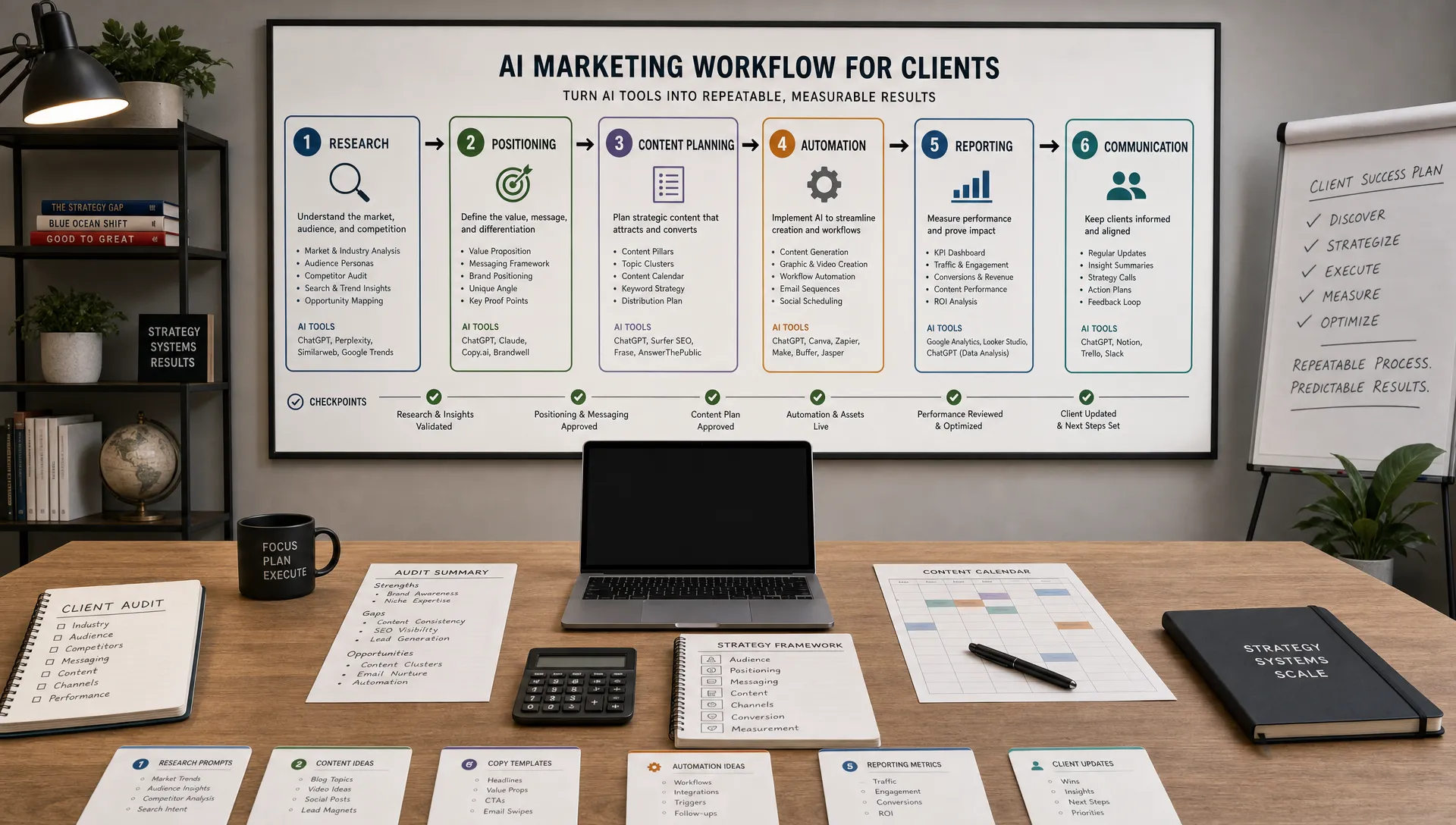
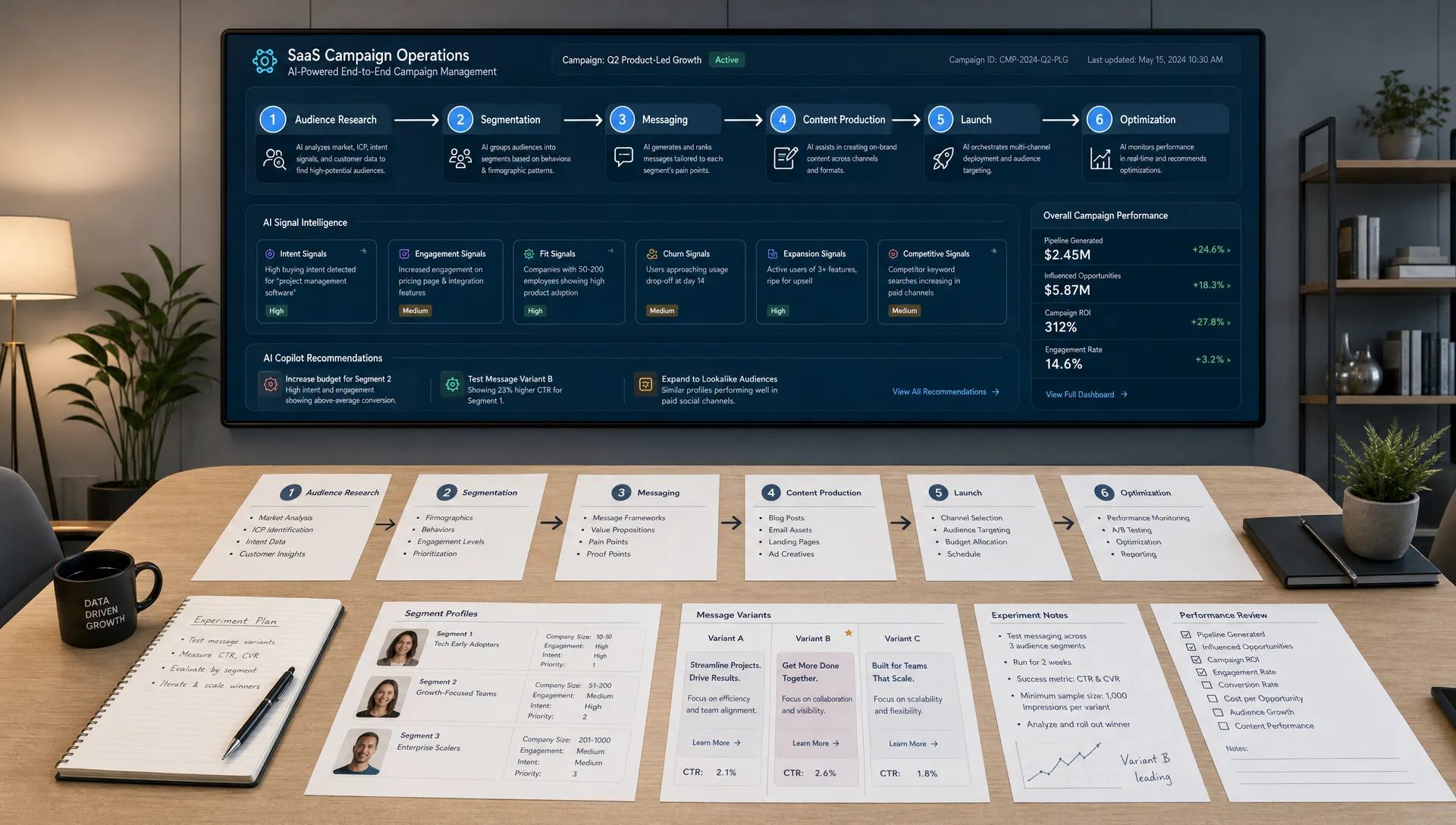
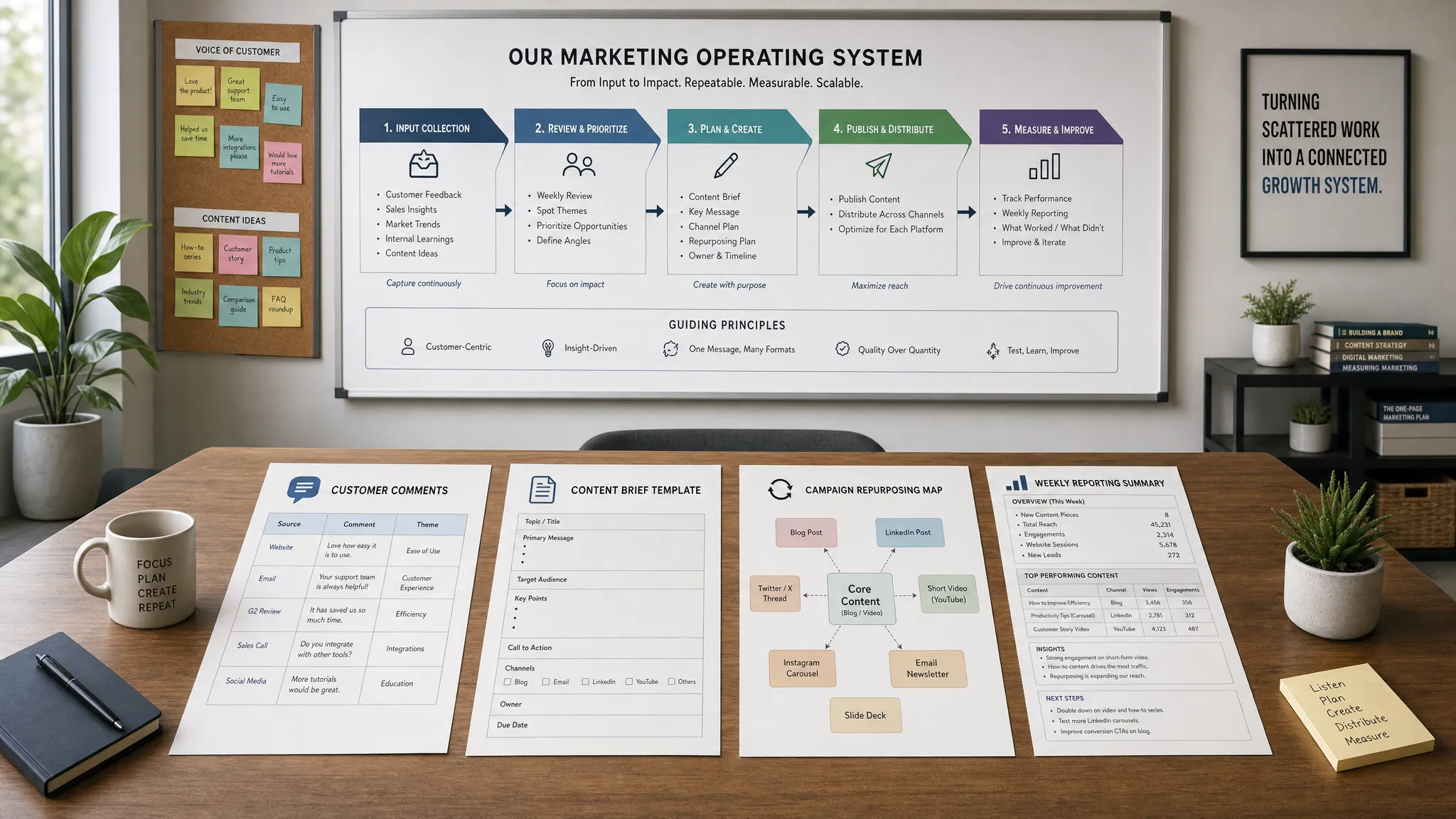
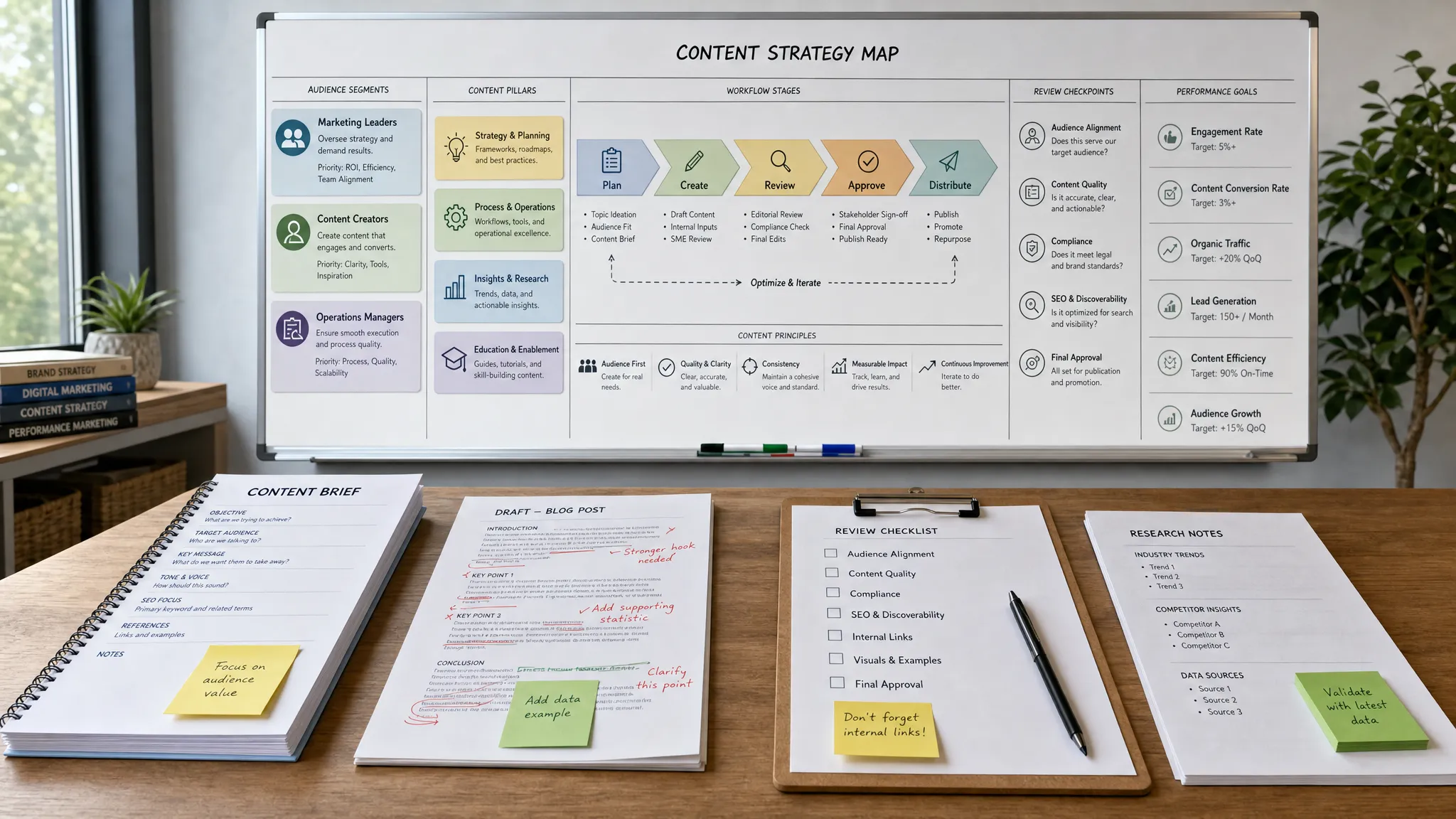
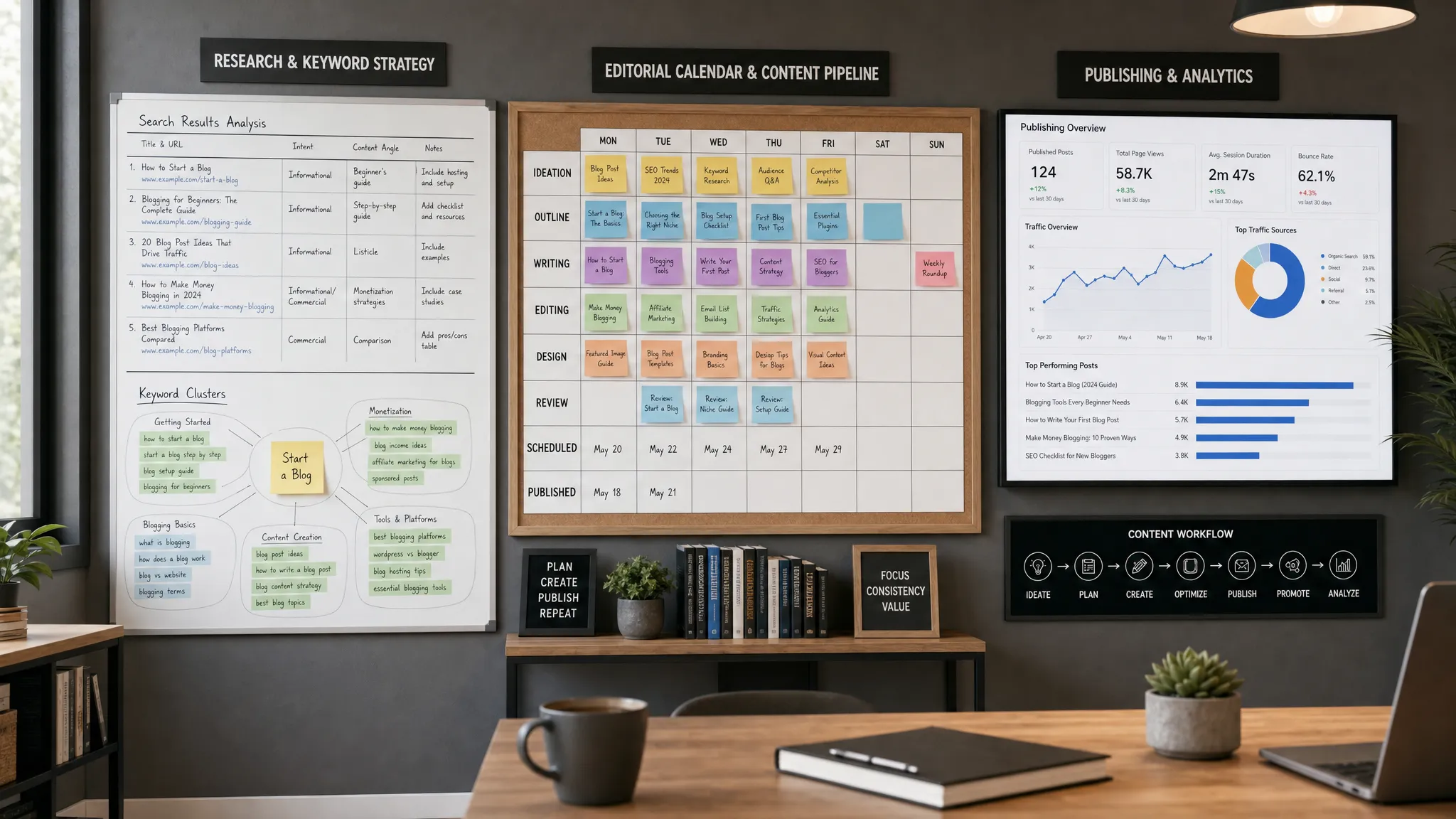
A lean video system should move through seven stages. Each stage has a clear owner, a clear AI use case and a clear output.
| Stage | AI can help with | Human team owns | Output |
|---|---|---|---|
| Audience focus | Summarizing research, clustering questions and identifying themes | Choosing the buyer segment and business goal | Video angle |
| Briefing | Turning notes into creative briefs and outlines | Approving the message, offer and claim | One page brief |
| Scripting | Drafting hooks, scripts, intros, CTAs and variants | Voice, accuracy and final structure | Approved script |
| Production | Generating shot lists, captions, voiceovers or rough edits | Filming, brand judgment and legal permissions | Raw and edited video |
| Repurposing | Creating clips, titles, captions and channel versions | Prioritizing channels and quality control | Asset package |
| Distribution | Suggesting posting formats, metadata and campaign copy | Calendar, audience targeting and budget | Published campaign |
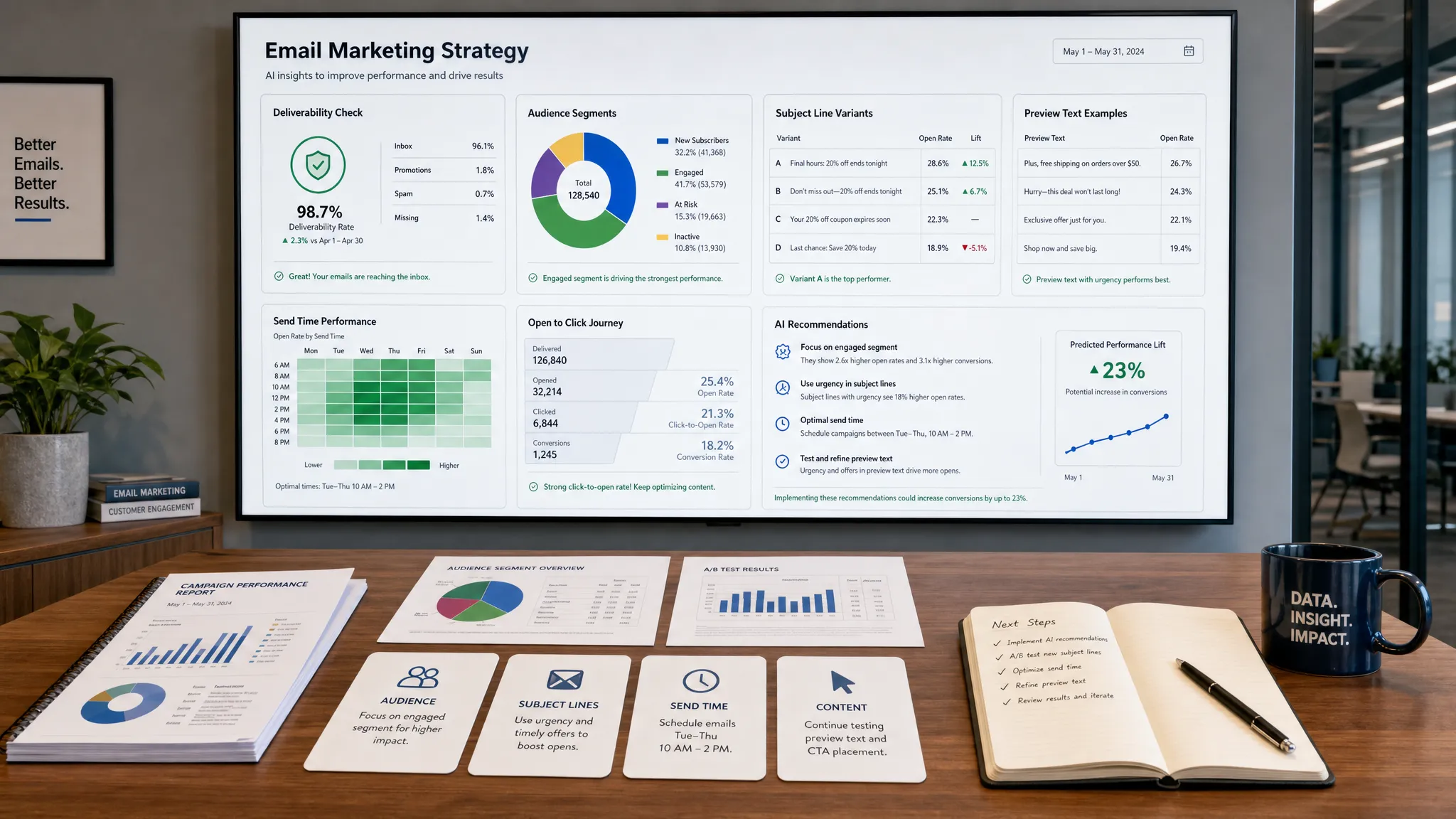
| Measurement | Summarizing analytics, spotting patterns and drafting test ideas | KPI interpretation and next decisions | Optimization plan |
This workflow works because it separates speed from judgment. AI is excellent at first drafts, variations and pattern recognition. Humans are still responsible for strategic taste, customer empathy, ethics and final approval.
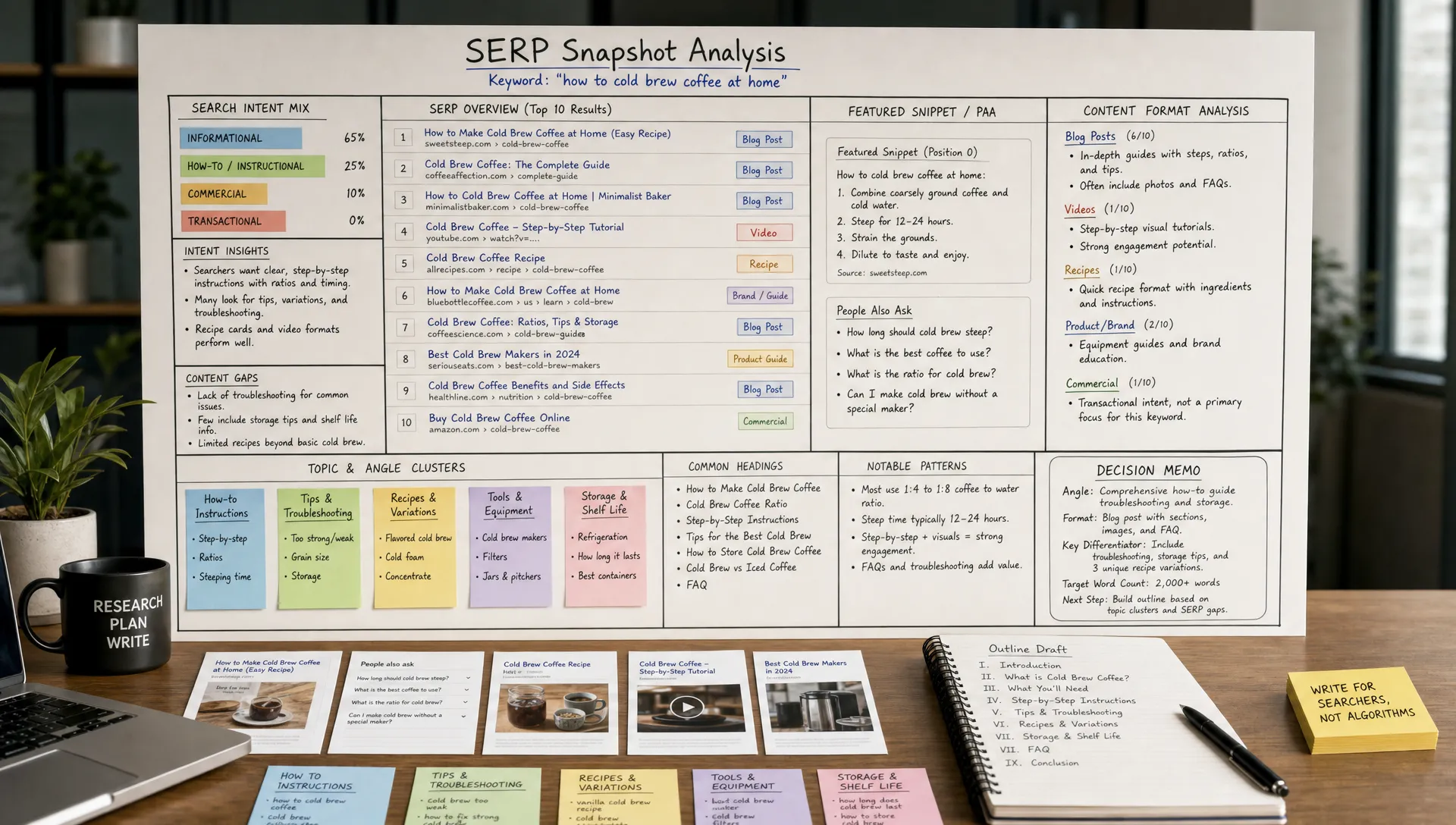
The fastest way to waste time on video is to make each asset serve everyone. Lean teams need constraint. Before touching an AI tool, define three things:
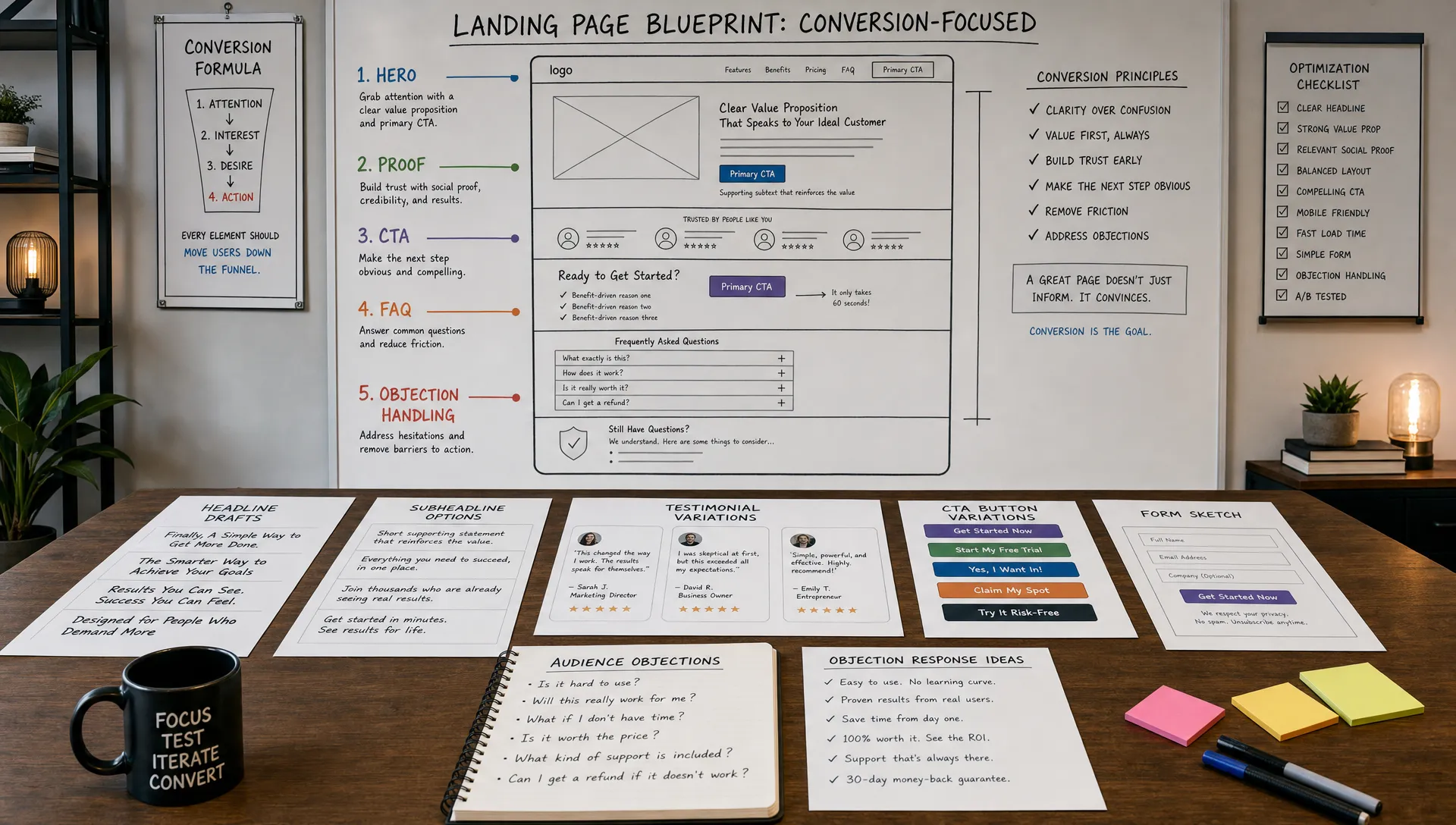
This step matters because video marketing spans the full funnel. A top of funnel educational clip should not be judged the same way as a product demo retargeting ad. The first earns attention and trust. The second helps a known prospect reduce risk and take action.
For example, instead of asking AI to “write a video about our product,” give it a tighter instruction: “Create a 45 second LinkedIn video outline for operations leaders who are struggling to reduce manual reporting time. The goal is to make them understand why disconnected marketing data slows decision making and invite them to read a guide.”
The output will be more useful because the strategic choice was already made.
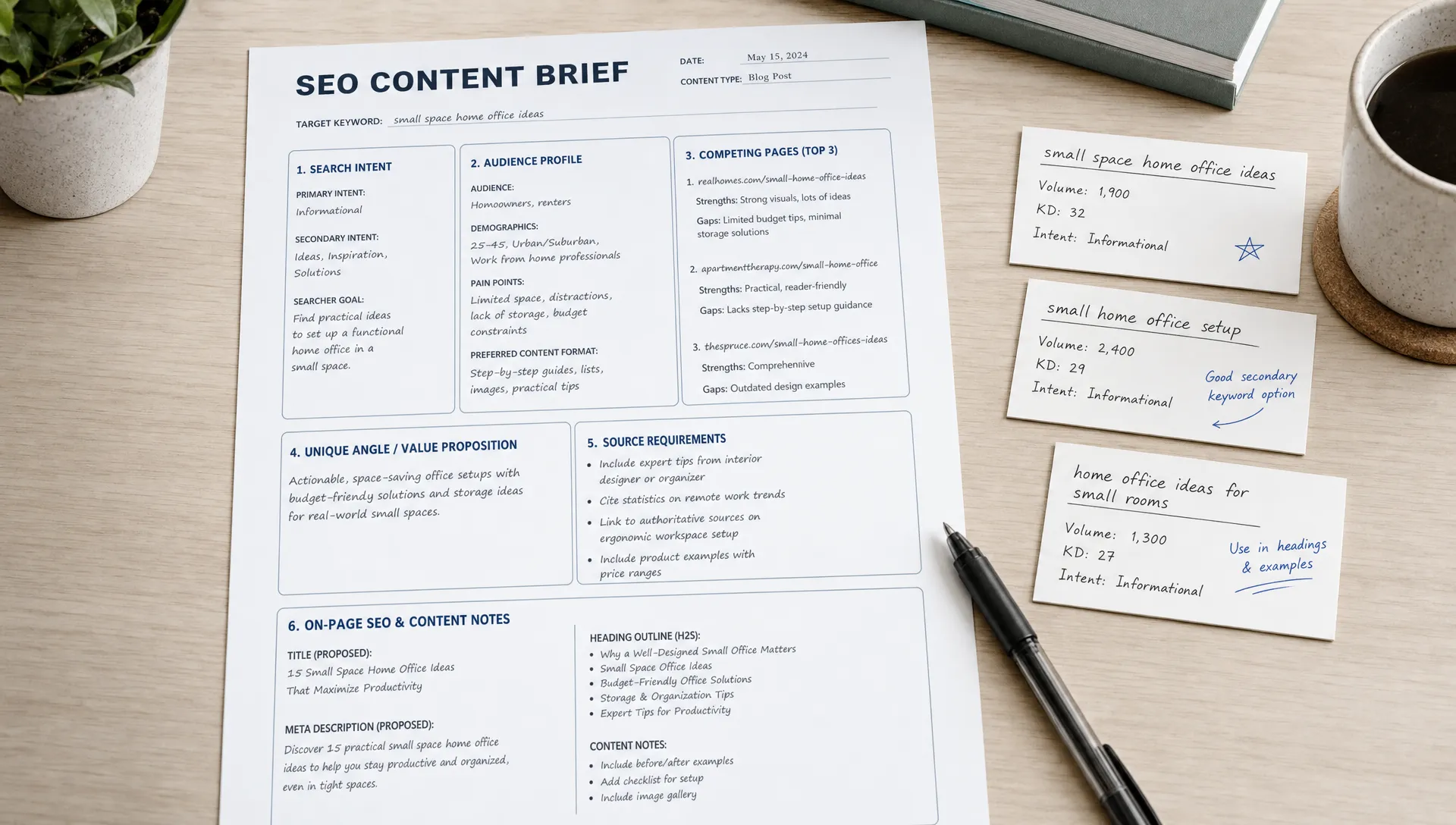
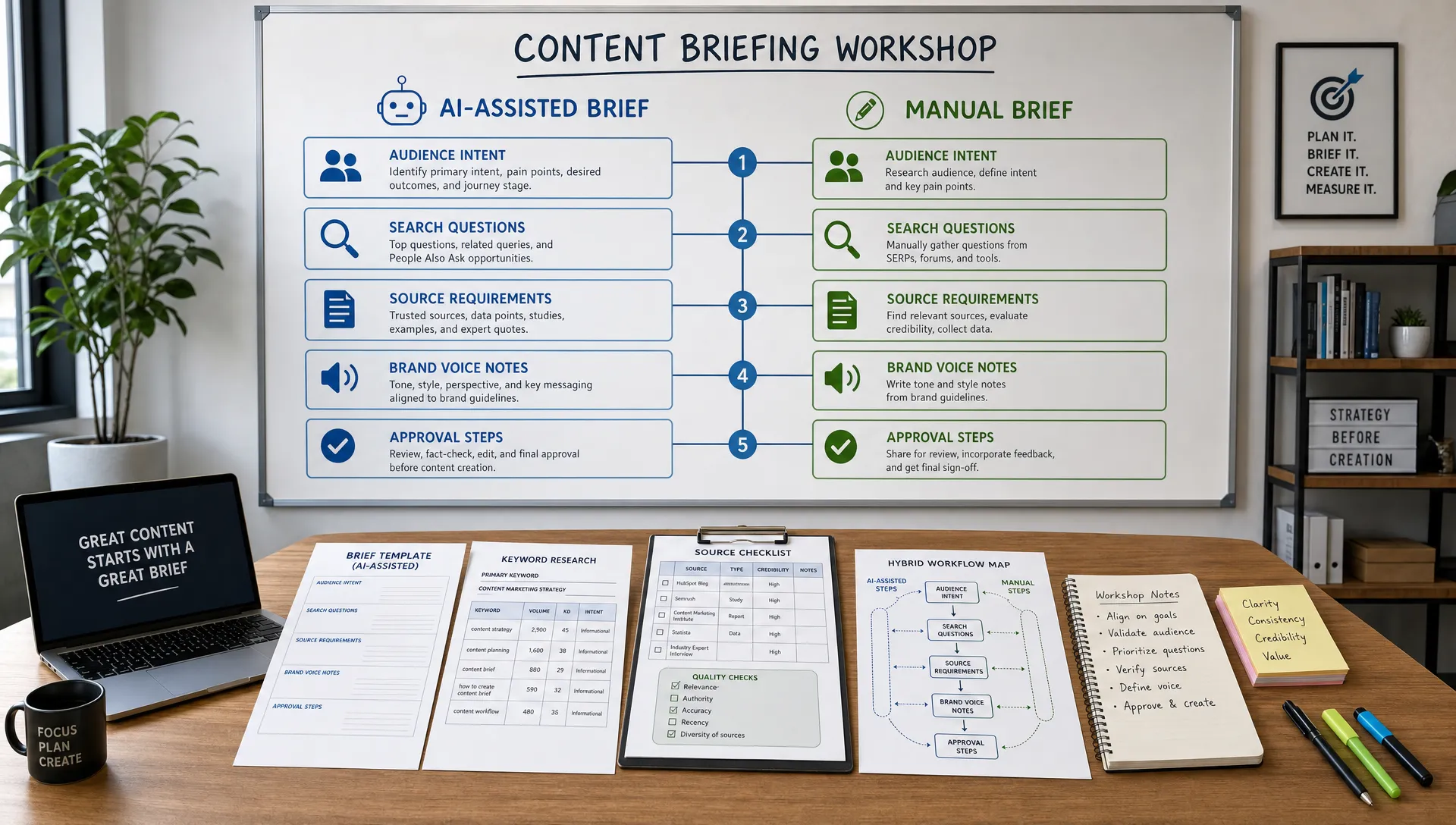
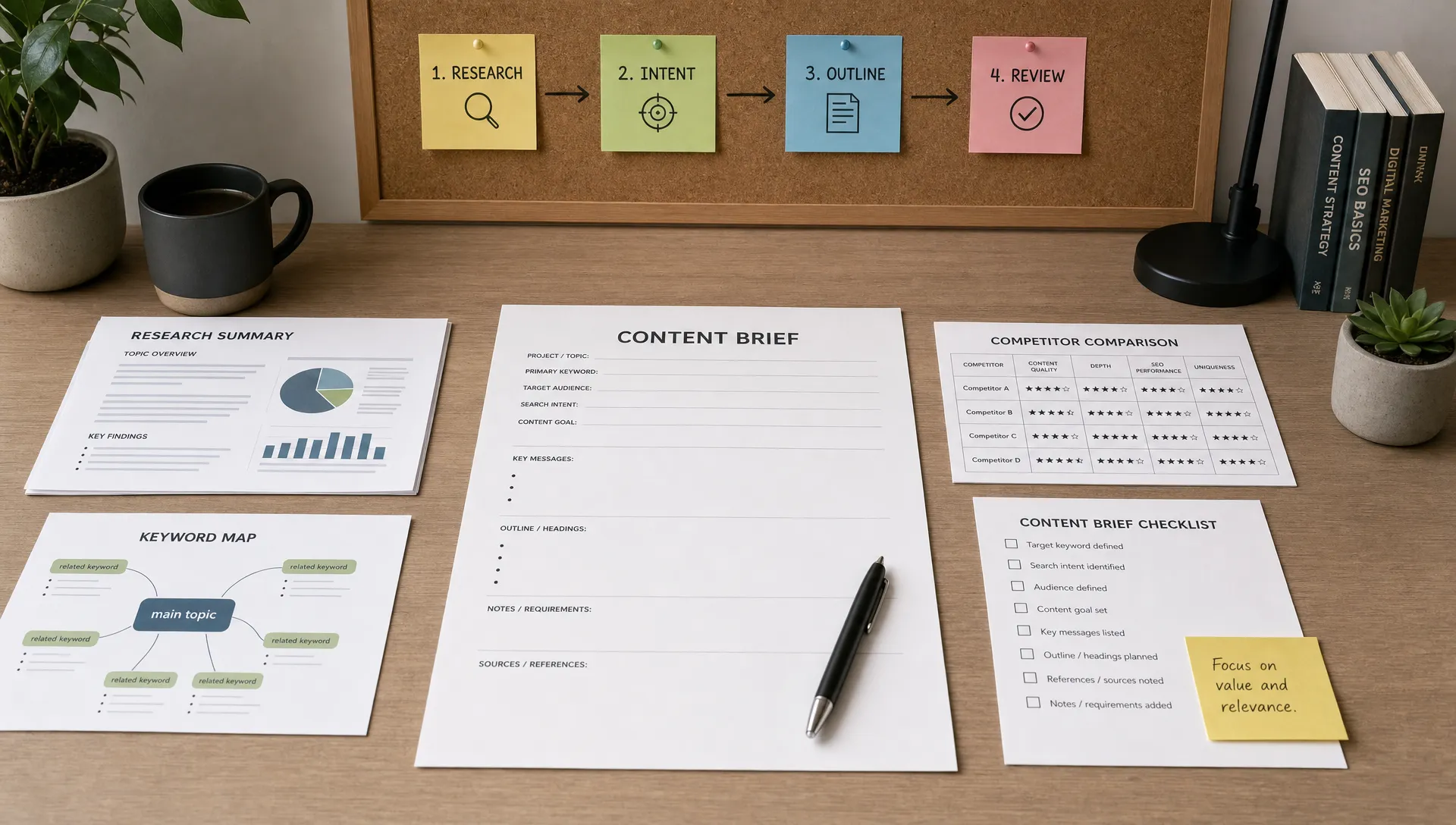
A brief is the difference between a smooth production cycle and endless revision. For lean teams, the brief should be short enough to use every week but structured enough to prevent vague creative requests.
A practical video brief includes:
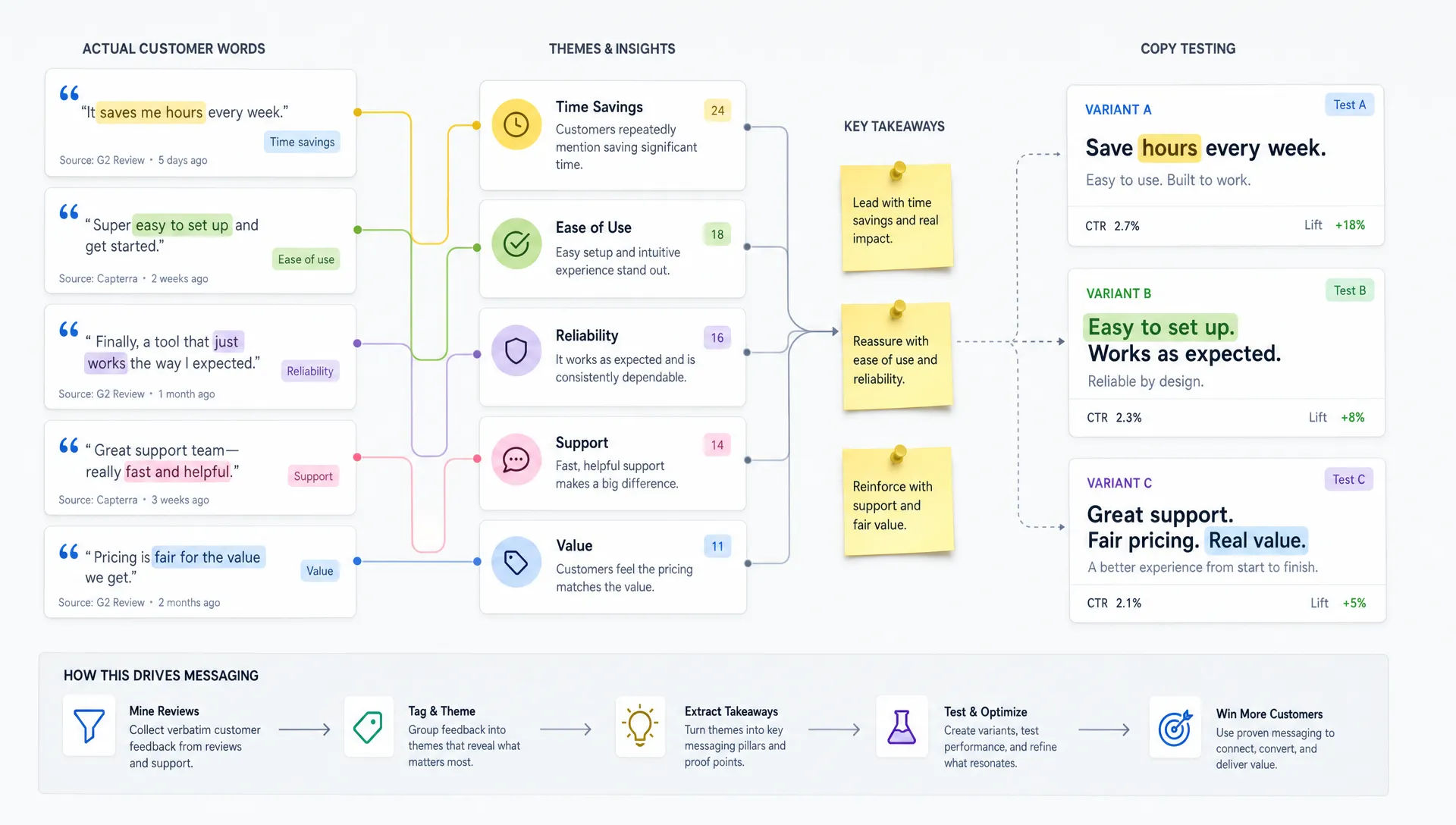
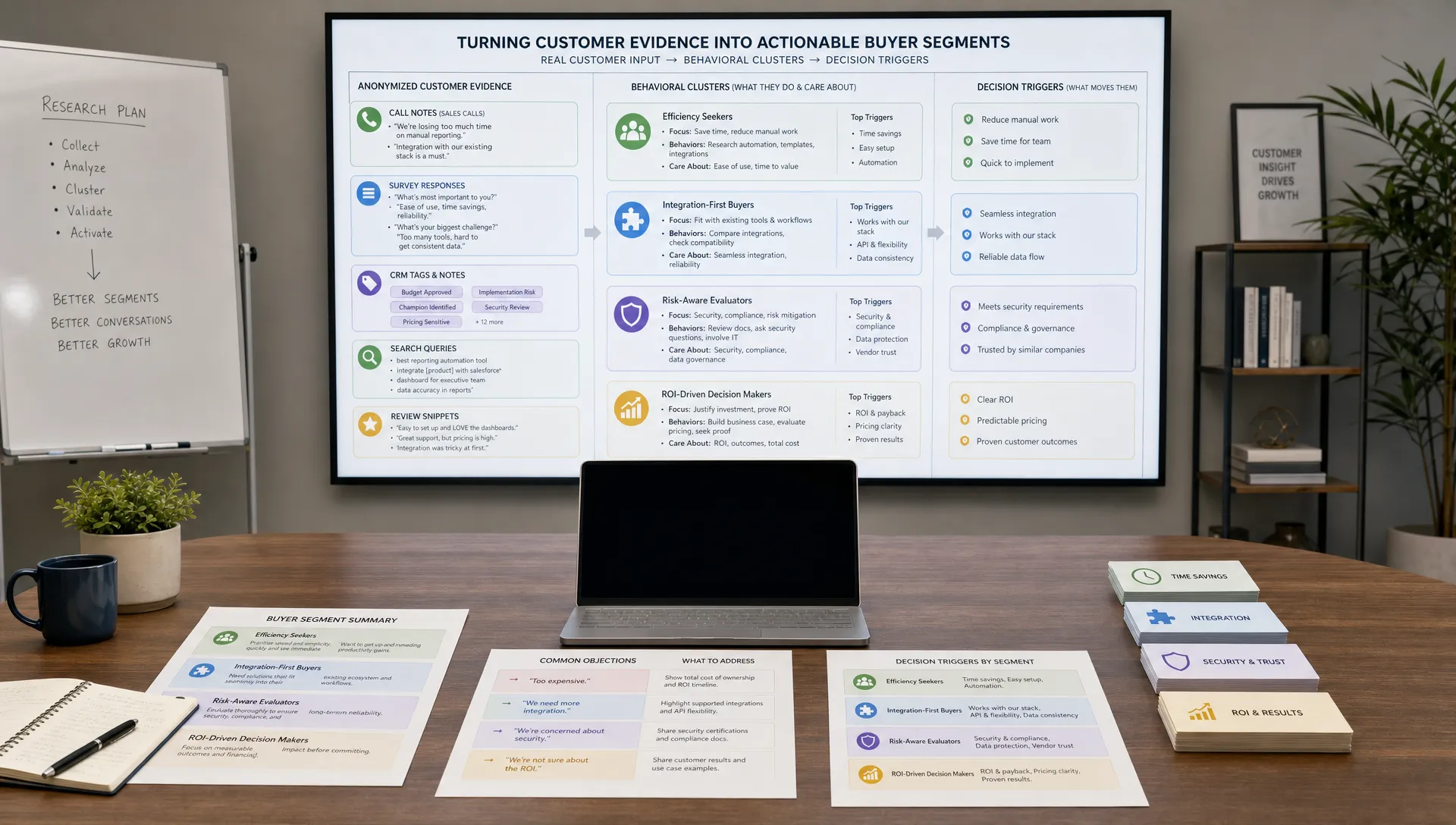
AI can create the first version of this brief from raw materials your team already has, such as sales call notes, customer support tickets, webinar transcripts, survey responses, product documentation and blog content. This is one of the highest value uses of AI content generation because it turns scattered context into a usable production plan.
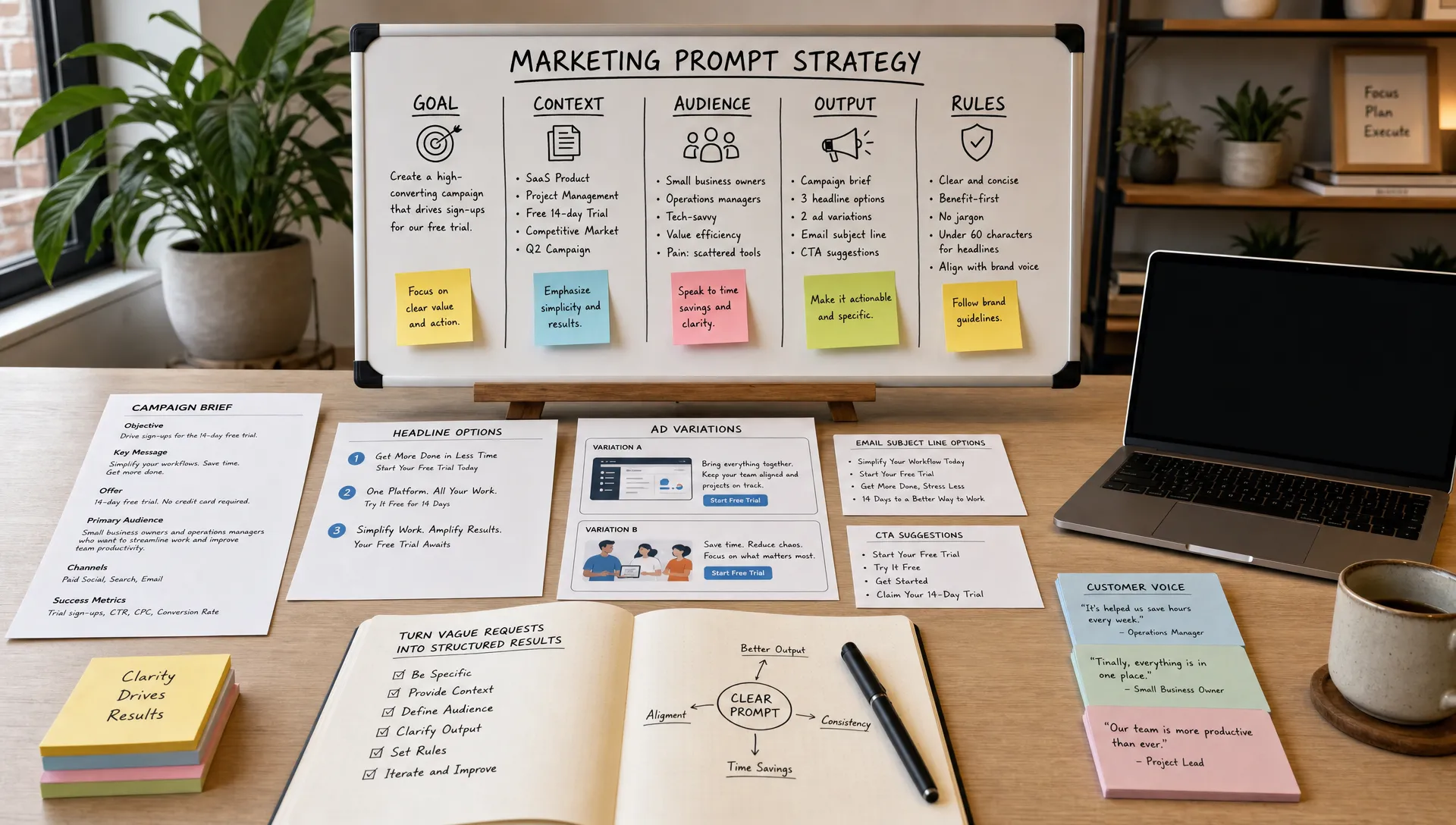
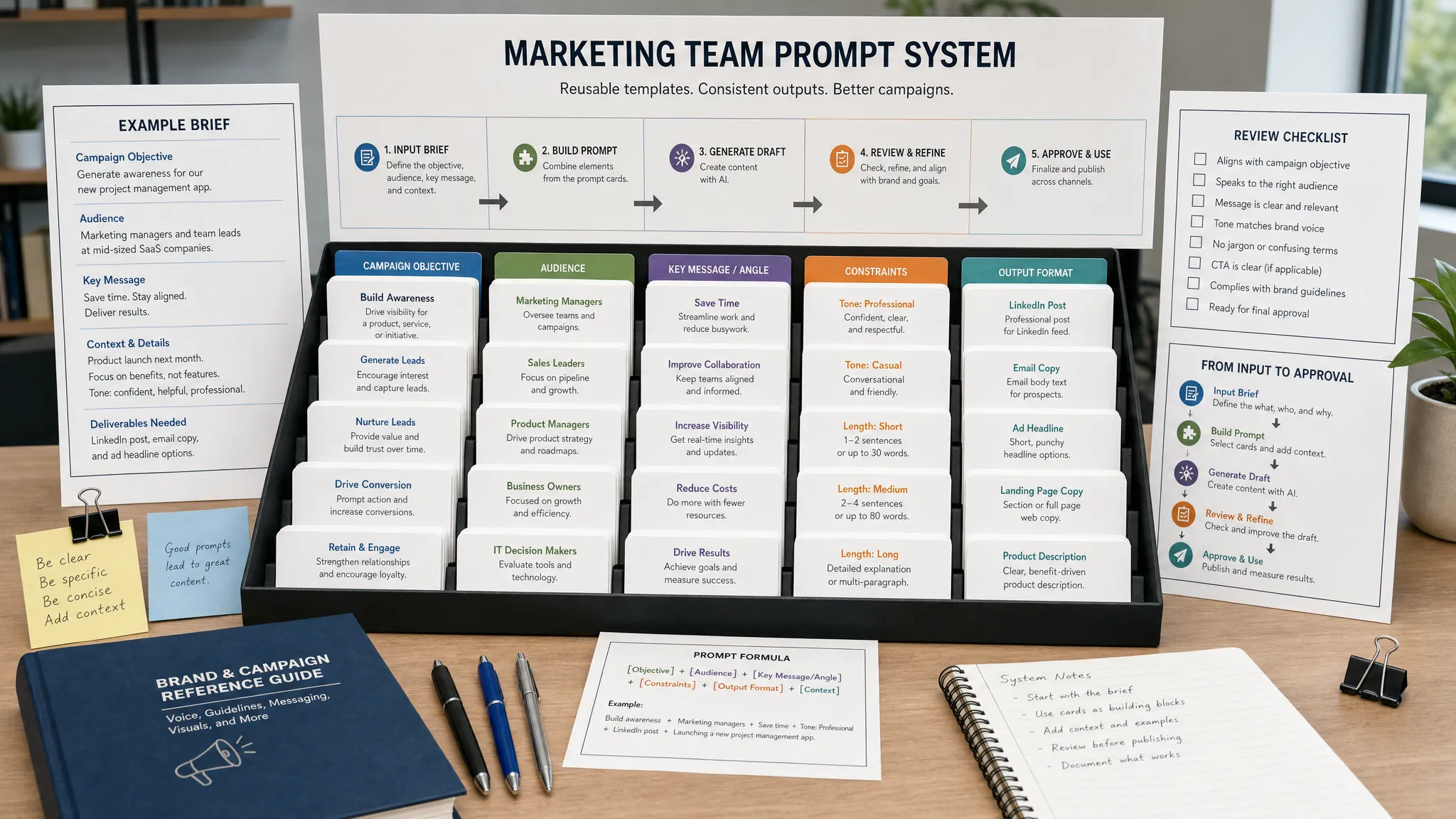
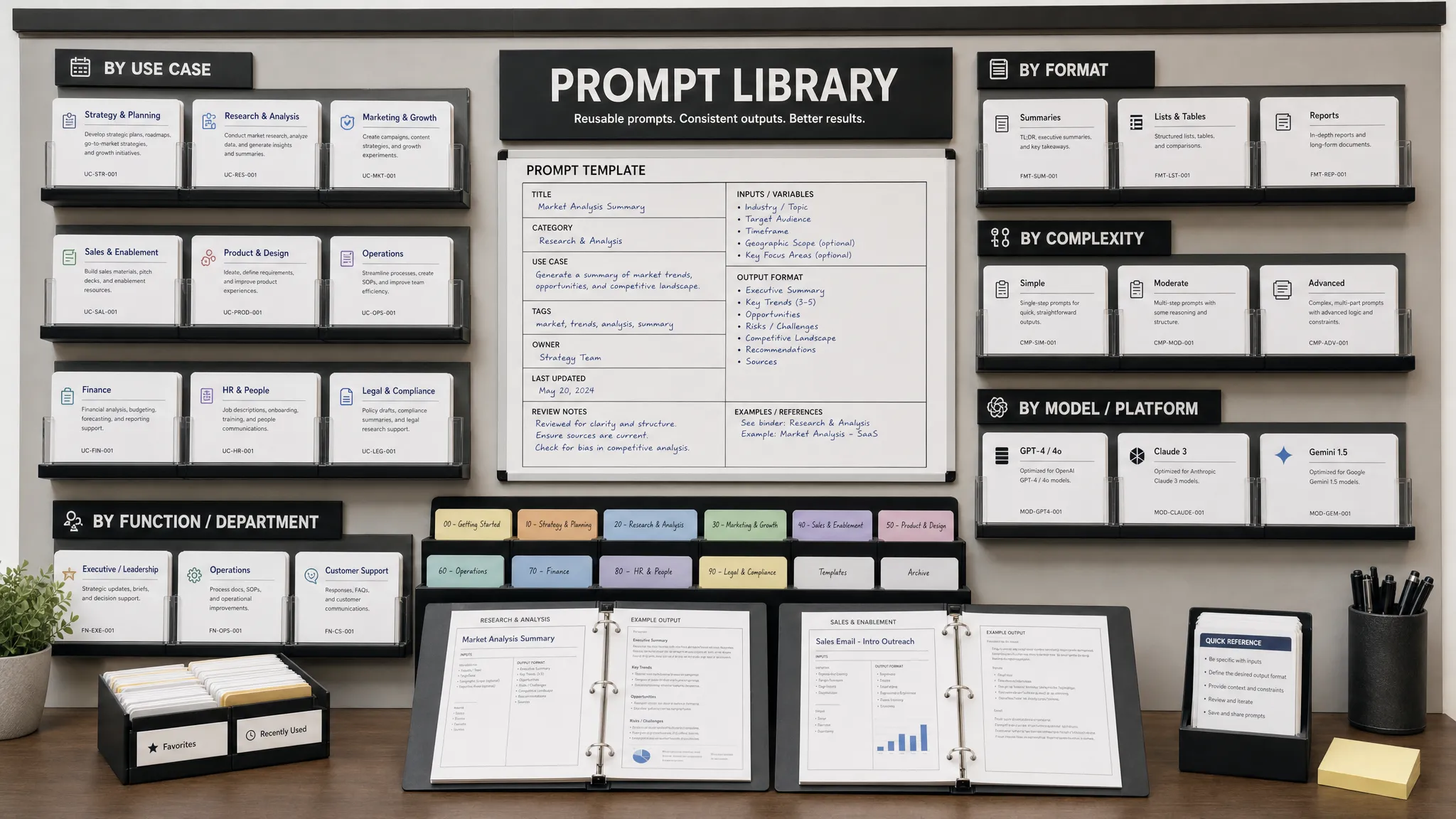
A good prompt might look like this:
Create a video creative brief from the notes below. The audience is [audience]. The video should be [length] for [channel]. Identify the strongest angle, the viewer problem, three proof points, possible objections, a simple structure and a CTA. Do not invent claims. Flag missing information.
The last sentence is important. AI should help you see gaps, not fill them with confident guesses. If the tool cannot find evidence for a claim, the brief should say so.
Lean teams often spend too long trying to write one perfect script. A modular script is easier to test, revise and repurpose. It breaks the video into components that can be swapped without rewriting the entire asset.
| Script module | Purpose | Example direction |
|---|---|---|
| Hook | Earn attention in the first few seconds | Name the problem or challenge a common belief |
| Context | Show the viewer you understand their situation | Describe the cost of the problem in plain language |
| Value | Teach, demonstrate or explain the solution | Offer a framework, checklist or product walkthrough |
| Proof | Reduce doubt | Use a customer example, process detail or credible data point |
| CTA | Tell the viewer what to do next | Invite a relevant next step tied to the funnel stage |
AI is helpful here because it can generate multiple hooks, shorten a script, convert a formal voice into a conversational one or adapt a long script into a 20 second version. Your team should still read every line out loud. Video scripts that look good on a page often sound stiff when spoken.
A simple review rule works well: if a real team member would not say the sentence in a customer conversation, rewrite it.
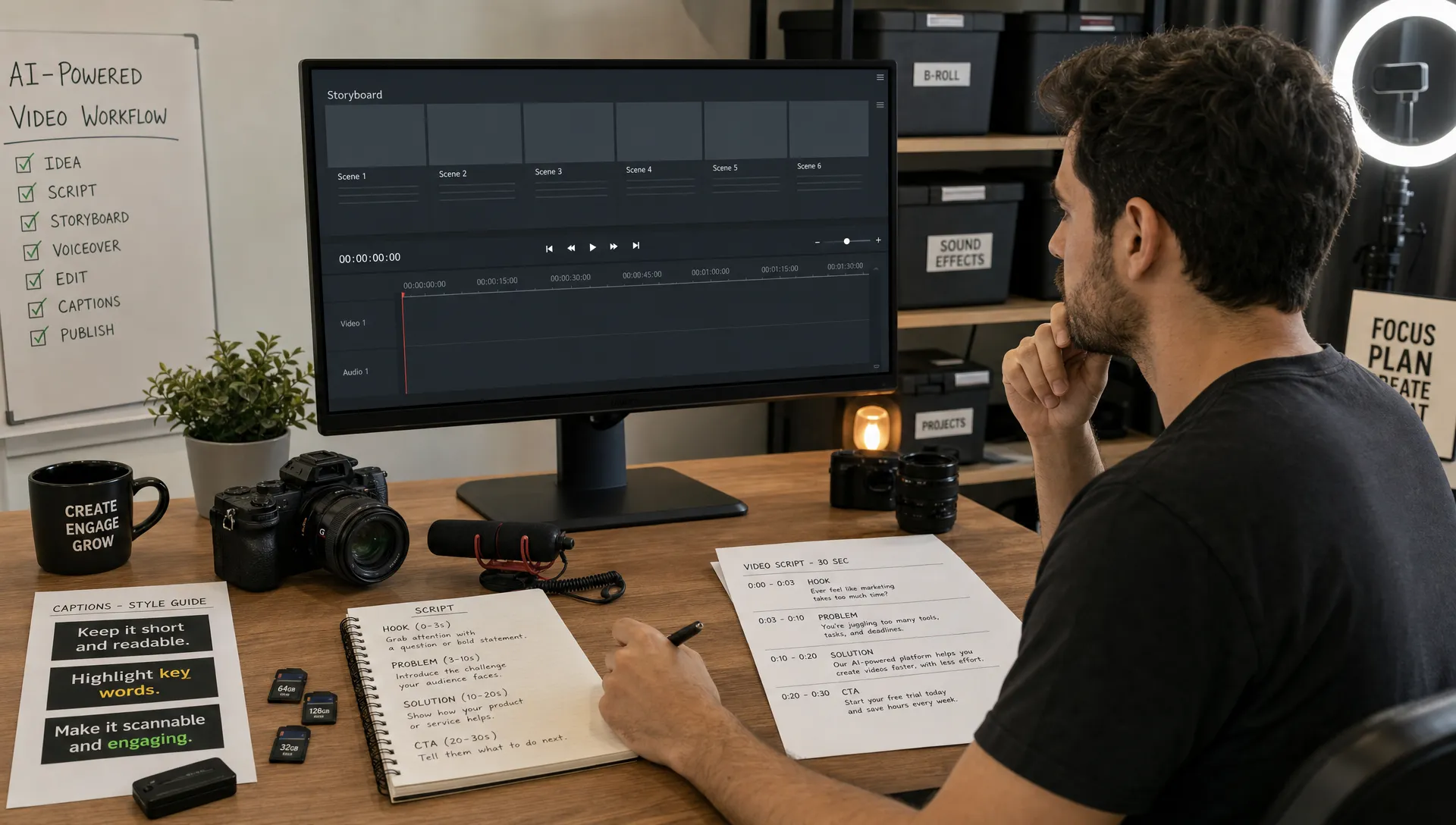
A lean team does not need a full studio to start. In many B2B and service businesses, the most useful videos are built from simple production formats: a subject matter expert speaking to camera, a screen recording with narration, a customer question answered in under a minute, a webinar clip with captions or a product walkthrough.
AI can support production by creating shot lists, suggesting B-roll ideas, generating captions, cleaning transcripts, improving audio quality, removing filler words or assembling a rough cut. The key is to standardize your formats so every video does not require a new creative process.
For example, a weekly “answer one customer question” format might use the same structure every time: question, short answer, example, next step. Once the format is clear, AI can help draft the outline and channel captions in minutes.
Security and file management also become part of the workflow. Video projects often include customer recordings, unreleased product demos, employee footage, cloud editing access and shared drives. If your team lacks dedicated IT support, a dependable managed IT services partner can help keep storage, device access, backups and cybersecurity controls from slowing down production or creating unnecessary risk.
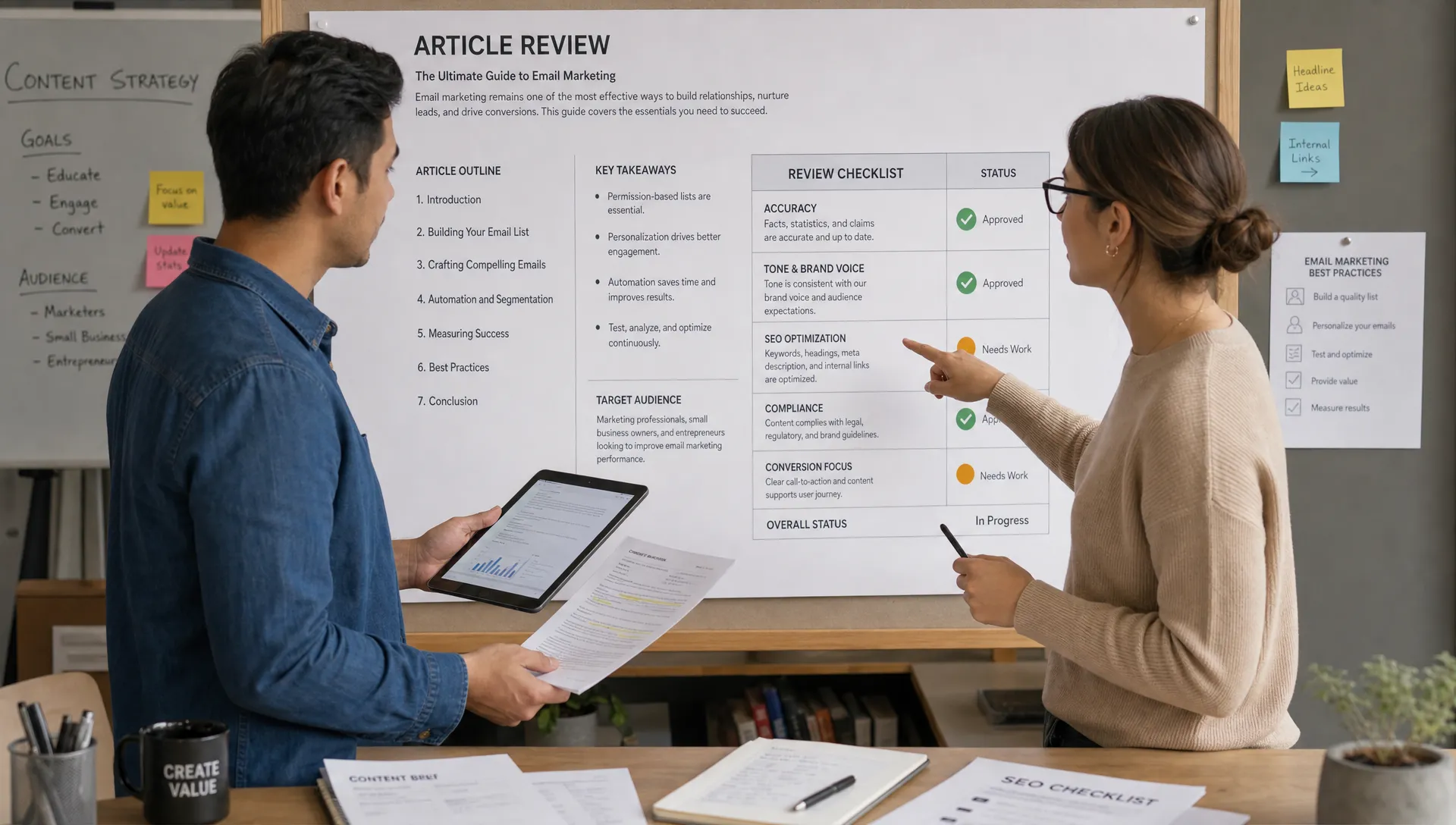
AI editing tools can save hours, especially for captions, transcript based edits, silence removal, resizing and clip selection. The mistake is publishing AI-selected clips without a human quality pass. Short clips can easily lose context, overstate a claim or make a speaker sound more absolute than intended.
Use AI to create the first cut, then review for four things: accuracy, context, pacing and brand fit. Accuracy means the clip says something true. Context means the excerpt does not distort the original meaning. Pacing means the video moves quickly enough for the channel. Brand fit means the visuals, language and tone match how your company wants to be remembered.
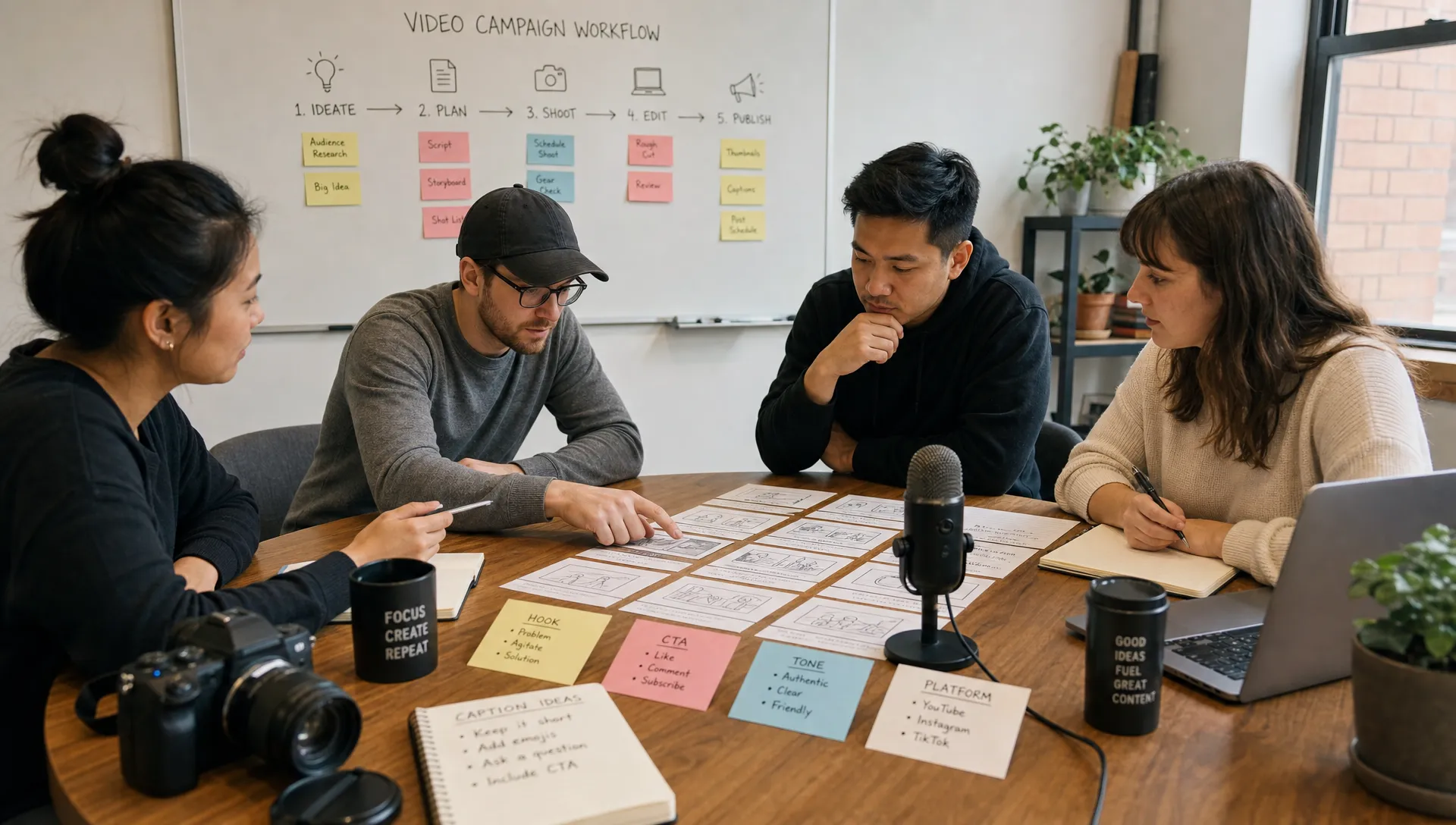
Accessibility should also be part of editing, not an afterthought. Captions help viewers who watch without sound and support users who are deaf or hard of hearing. Clear on screen text, readable contrast and concise visuals improve performance for everyone, not only people with accessibility needs.
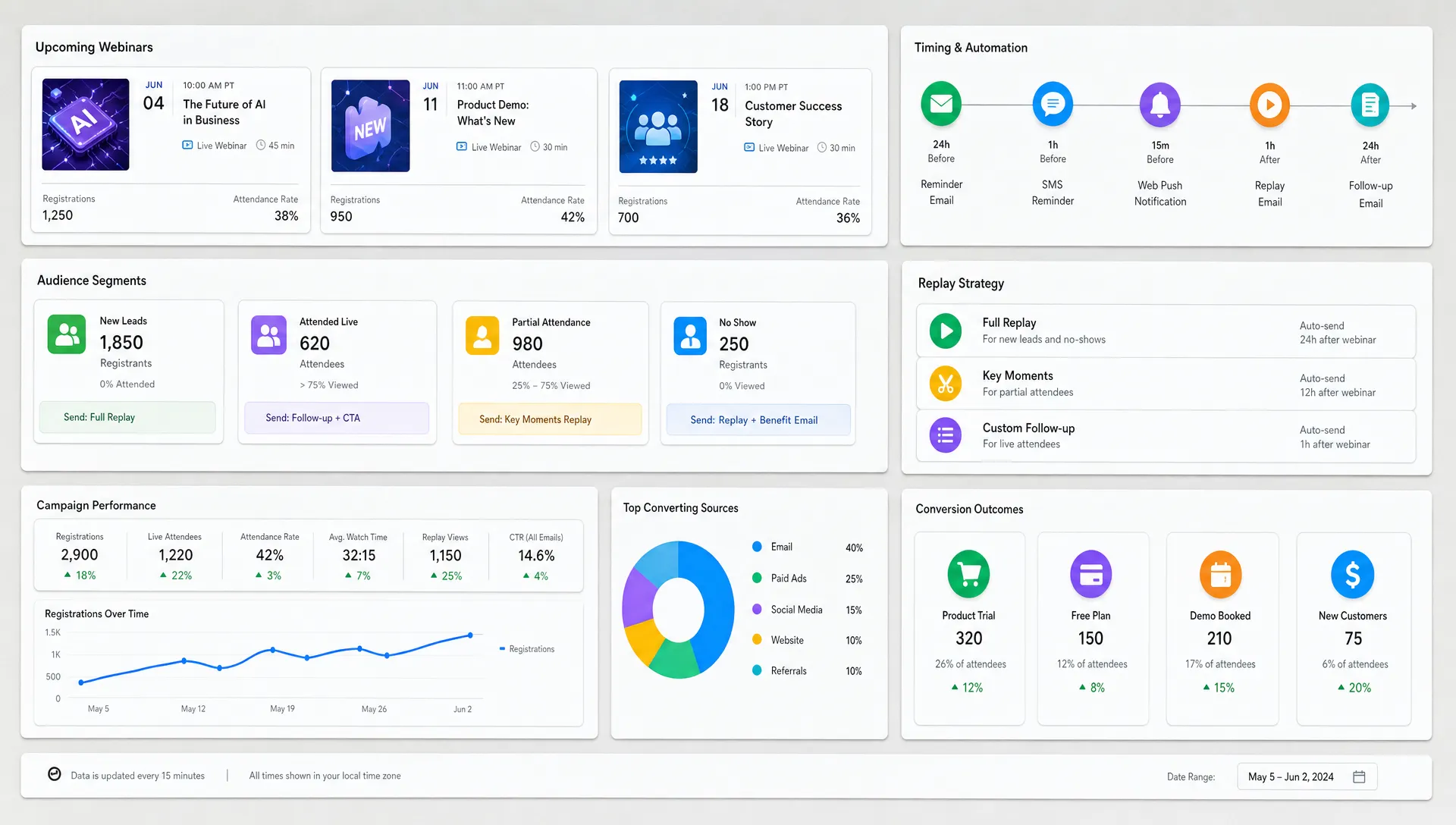
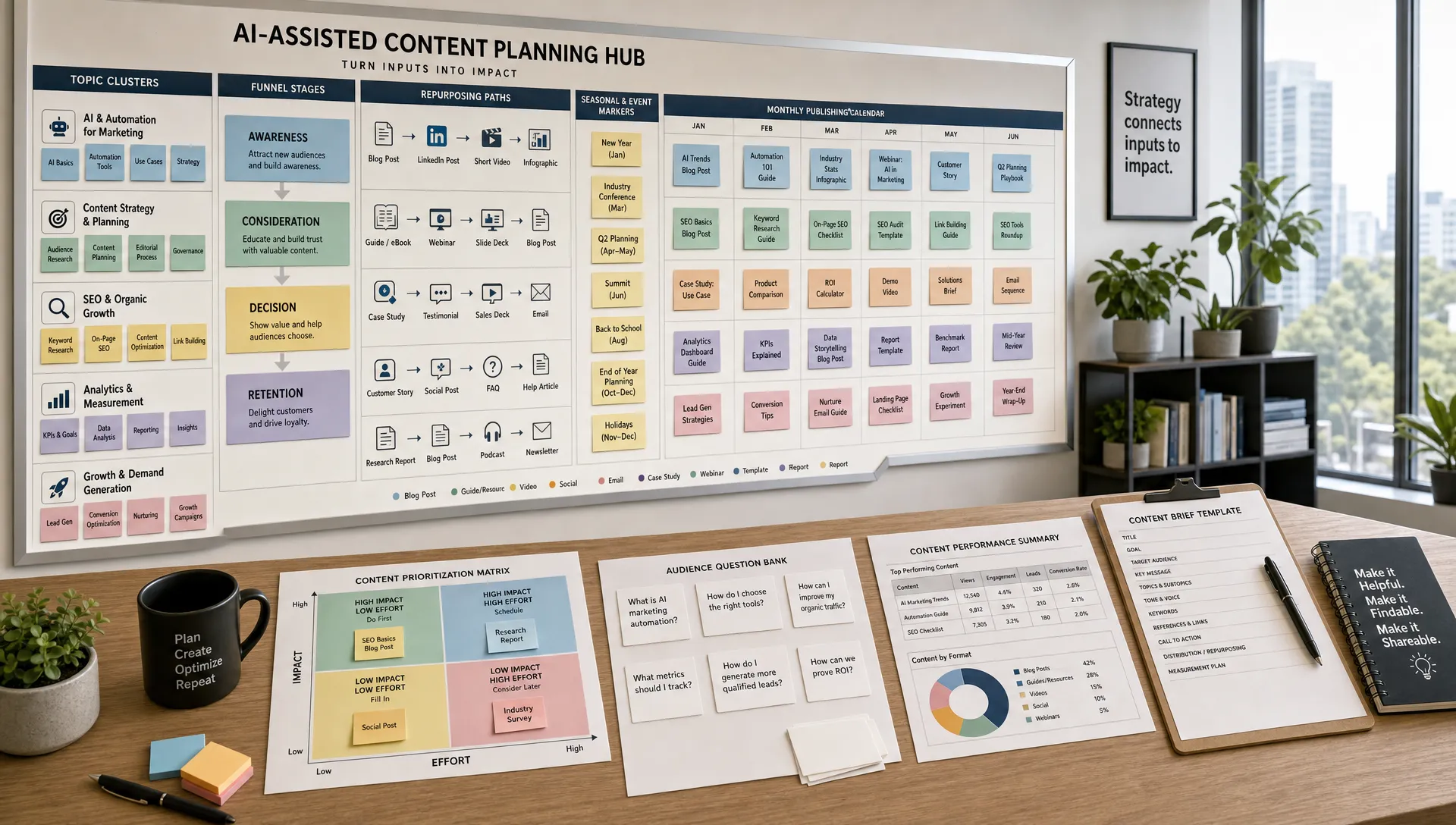
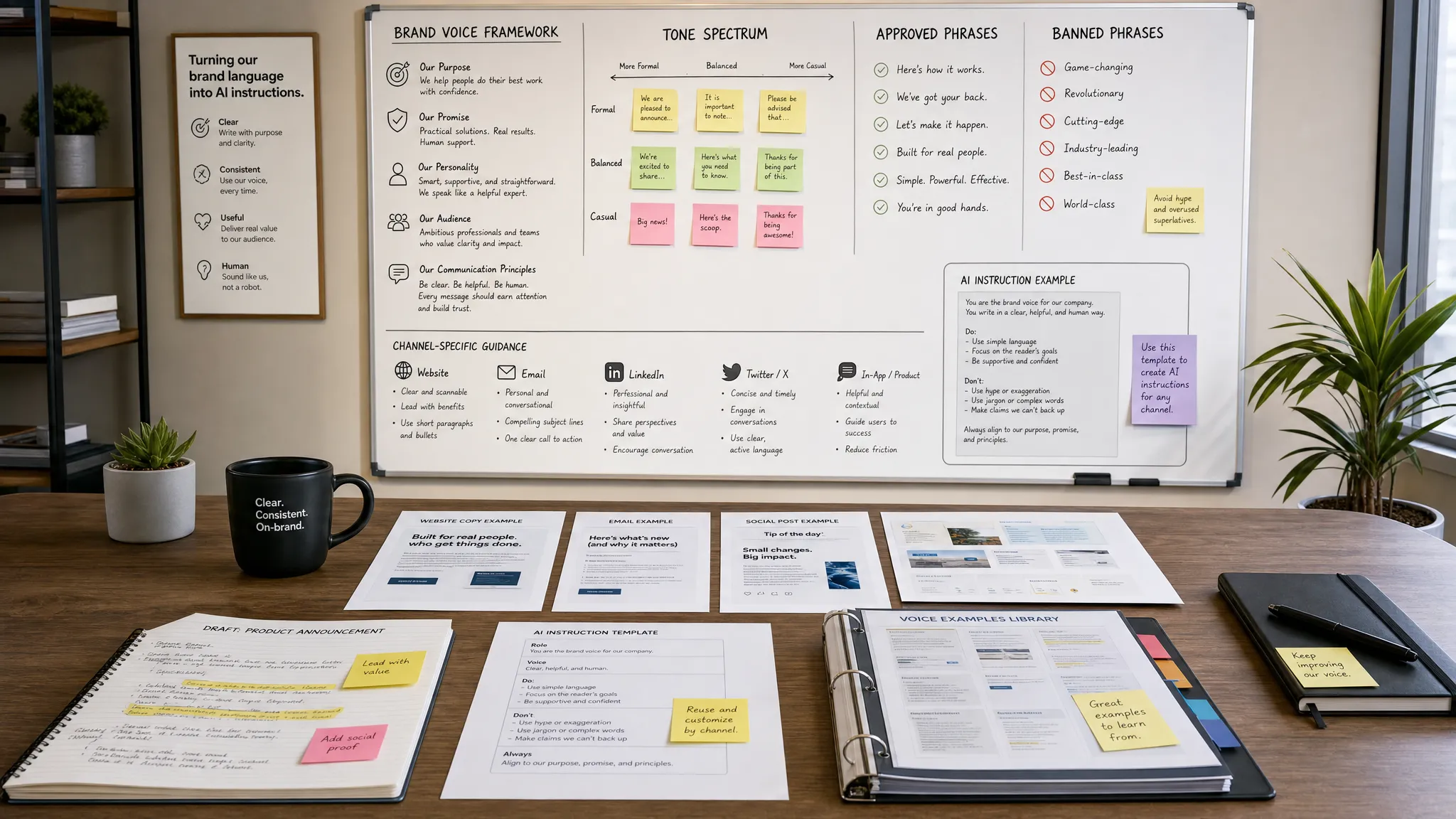
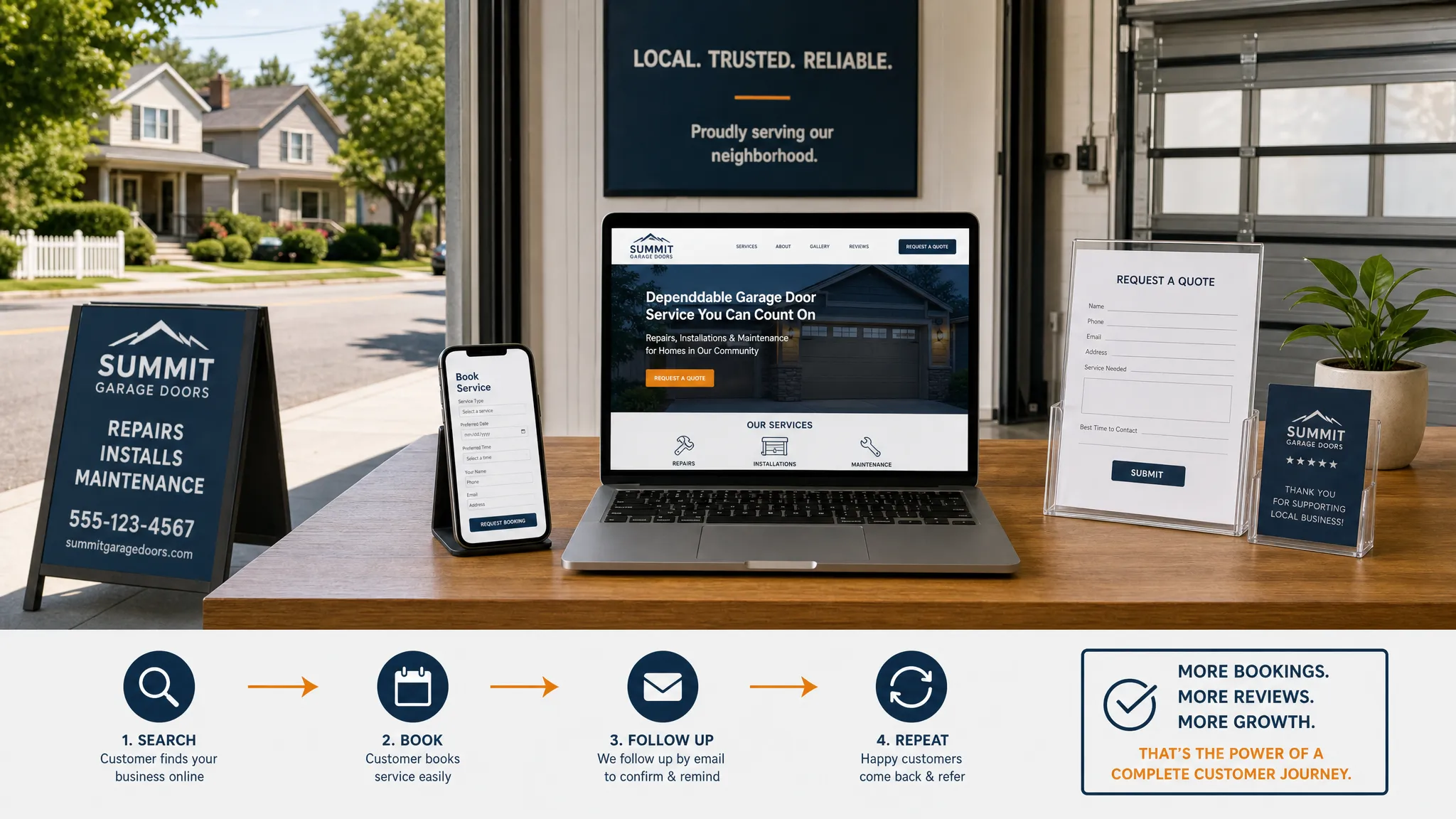
Repurposing is where AI video marketing becomes especially useful for lean teams. Instead of treating each platform as a separate project, create one “core video” and convert it into a package of channel specific assets.
| Core asset | Repurposed formats | AI assistance |
|---|---|---|
| 5 minute product explainer | 3 short clips, email summary, landing page embed and sales follow up copy | Clip extraction, transcript summary and CTA variations |
| 30 minute webinar | 8 social clips, blog outline, FAQ answers and nurture email ideas | Topic clustering, title options and highlight detection |
| Customer interview | Testimonial clip, case study outline, quote cards and objection handling snippets | Quote extraction, theme analysis and script adaptation |
| Founder POV video | LinkedIn post, newsletter section, short vertical clips and ad concept | Hook variations, caption drafts and audience angle testing |
The goal is not to post the same thing everywhere. The goal is to adapt one idea to the way people consume content on each channel. A YouTube viewer may want depth. A LinkedIn viewer may respond to a strong point of view. A prospect on a pricing page may need reassurance and proof.
If you are still building your stack, AIMarketer Hub’s overview of the best AI tools for content creation in 2026 can help you compare options across writing, editing, SEO, design, video and research.
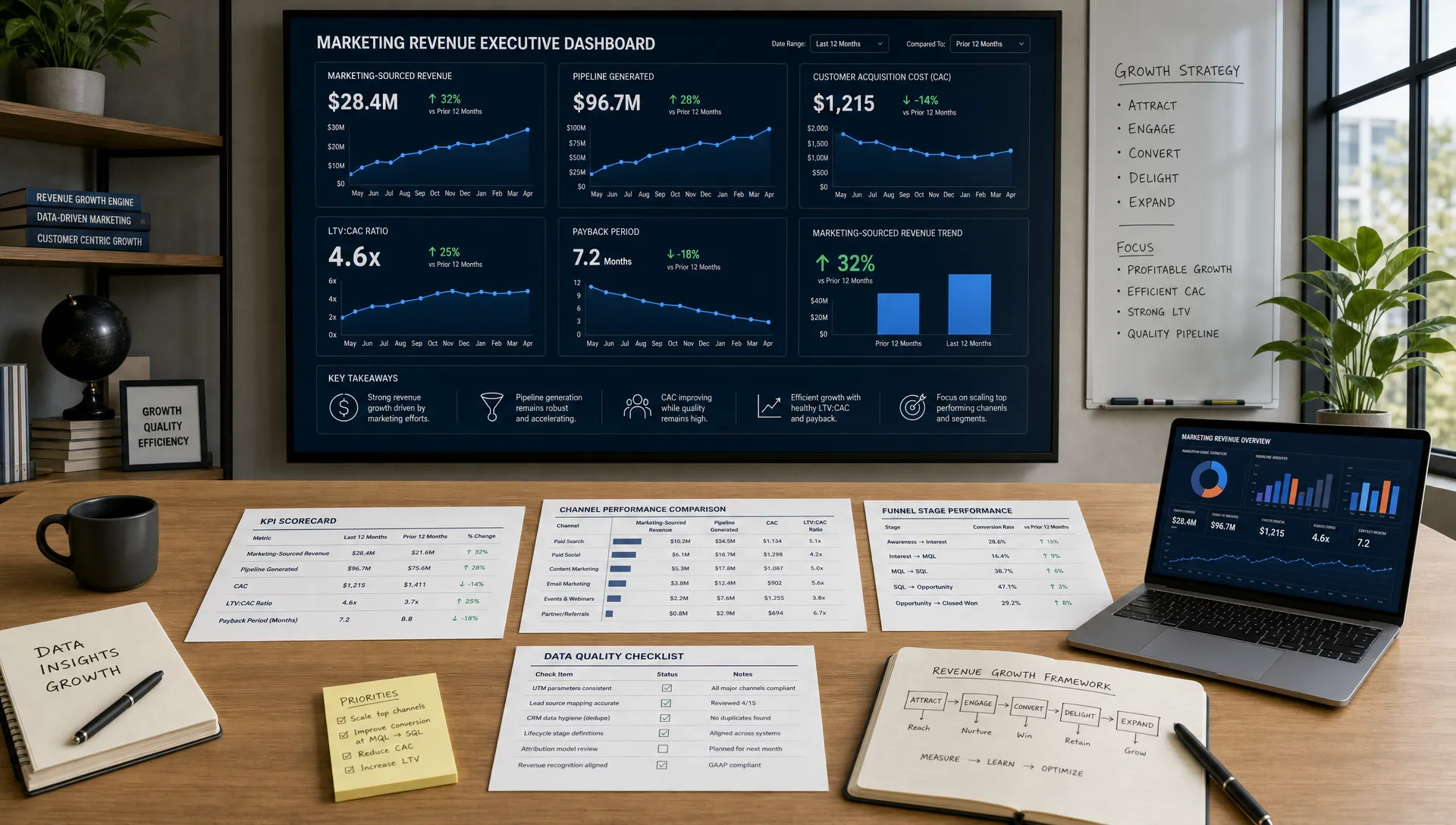
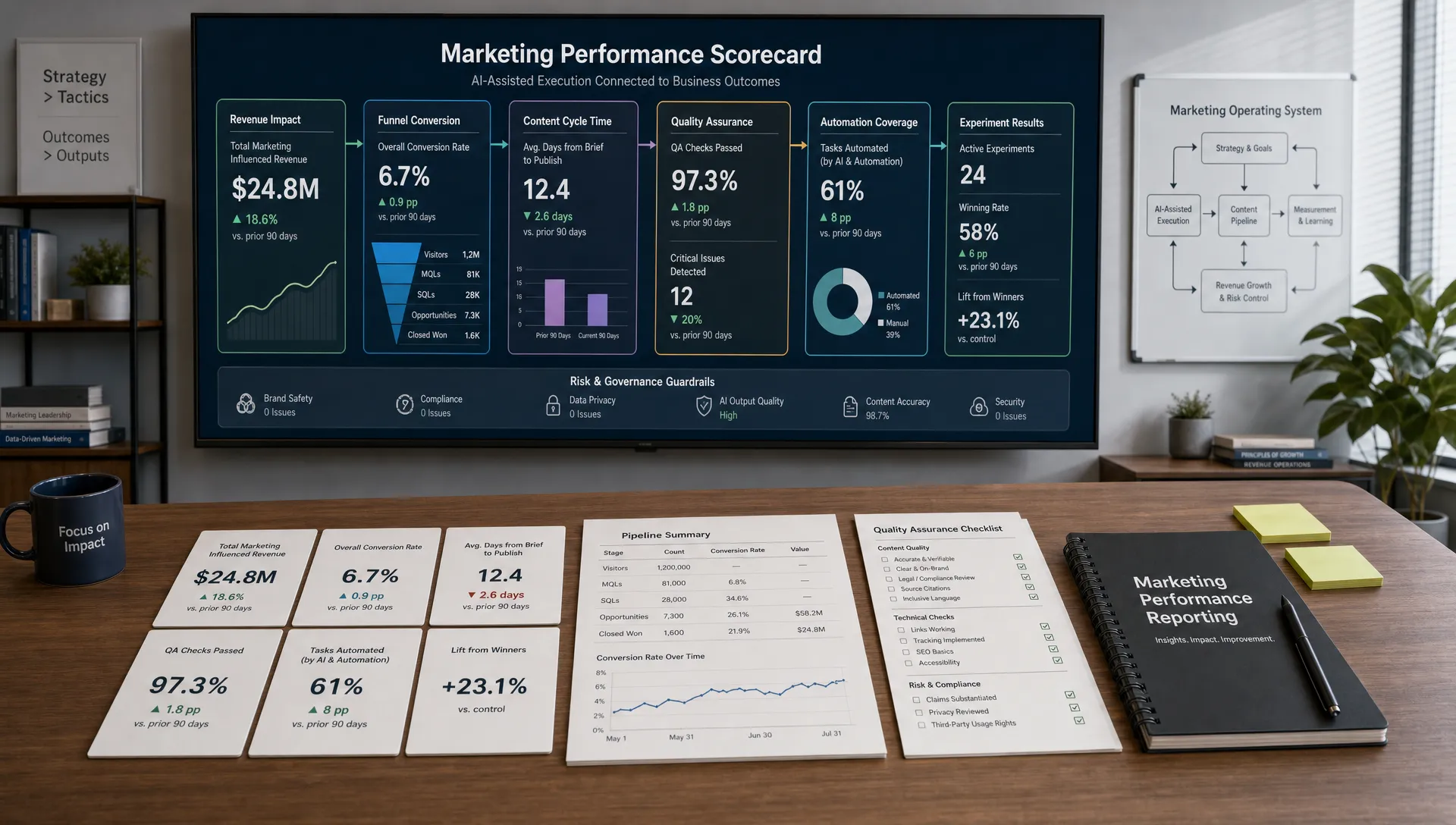
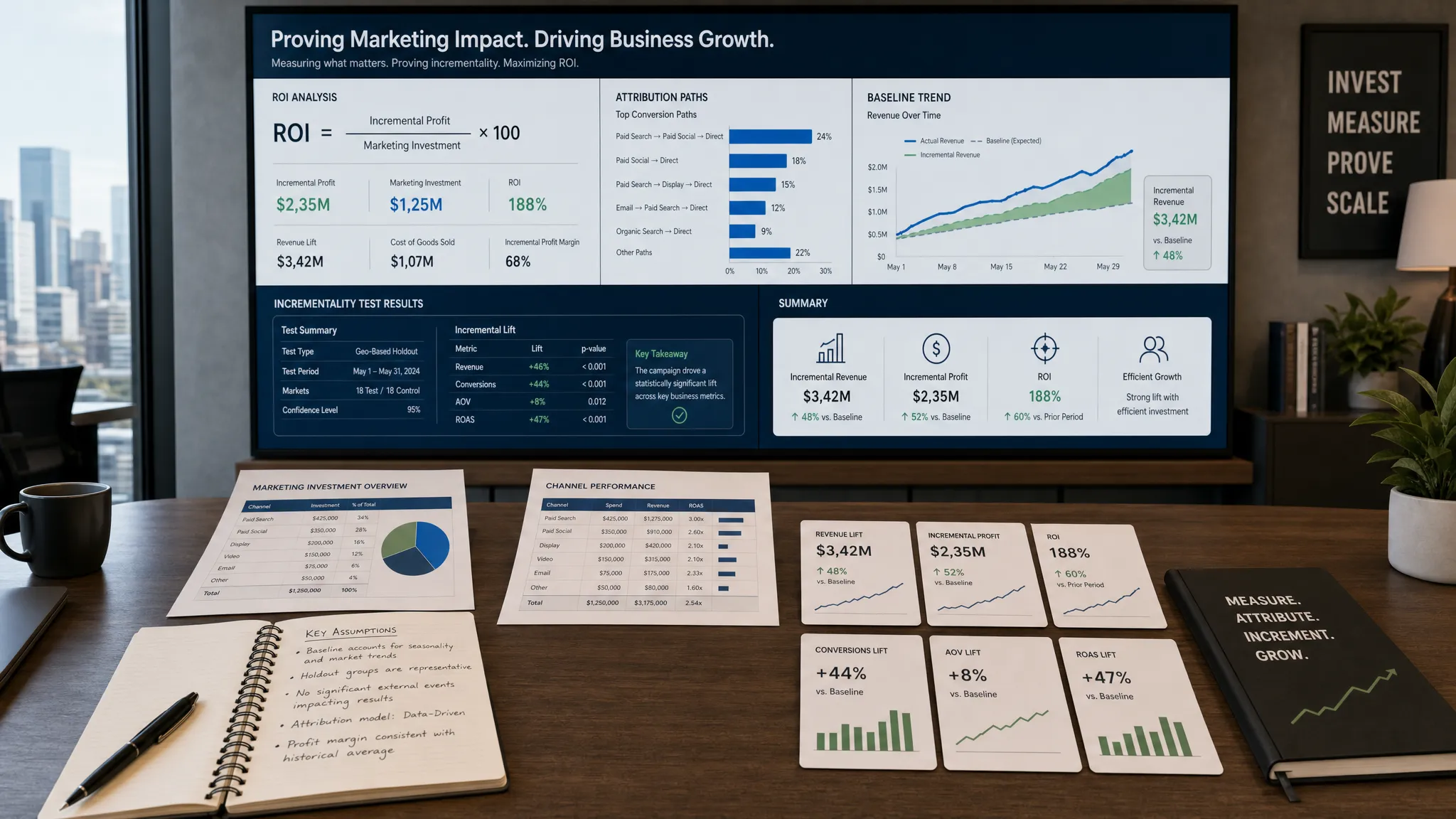
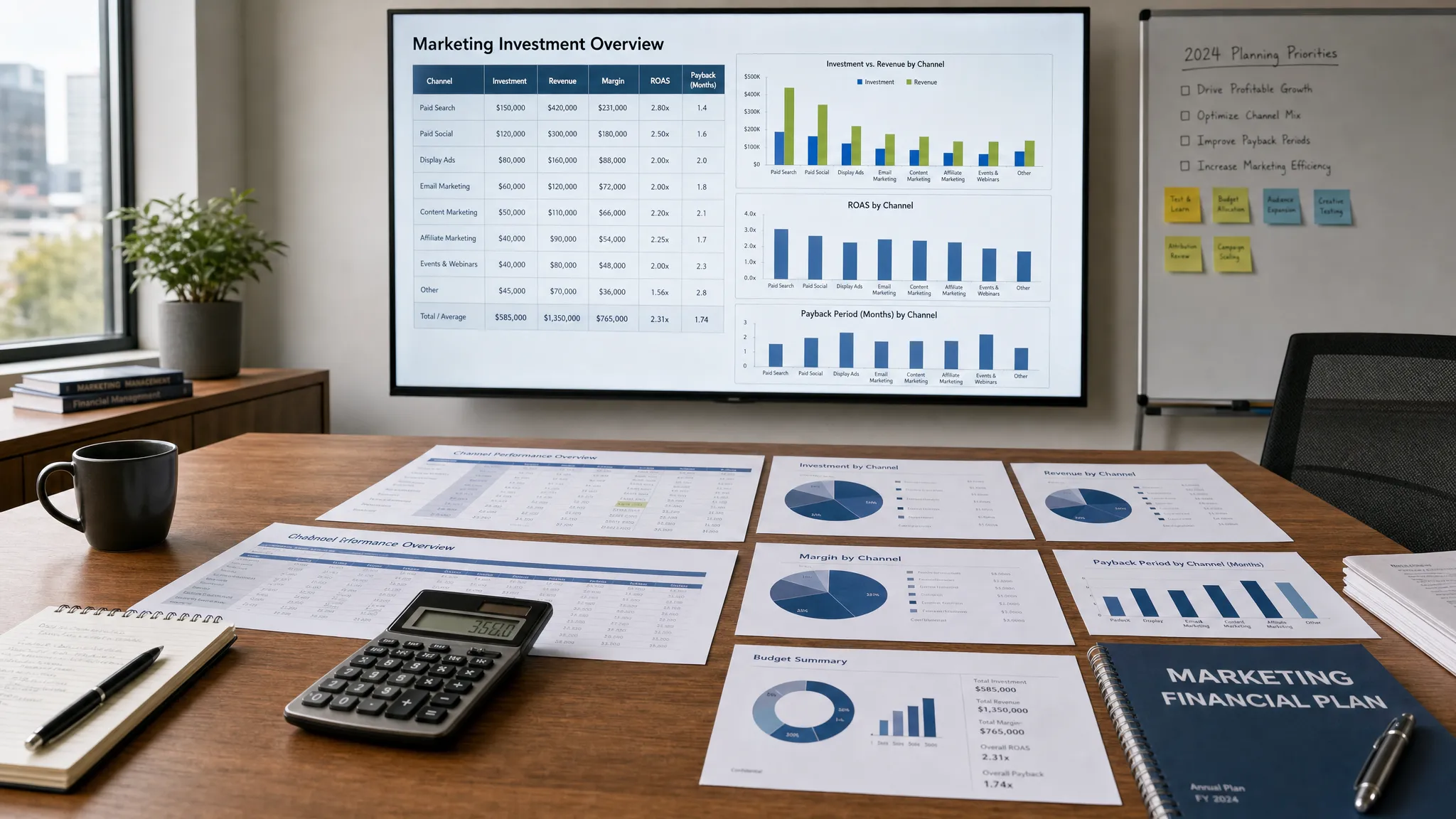
Views matter, but they rarely tell the whole story. A 20 second awareness clip and a 6 minute product walkthrough should not share the same scorecard. Lean teams need a small set of metrics tied to the job of each video.
| Video goal | Better metrics to watch | What to learn |
|---|---|---|
| Awareness | Hook retention, reach among target audience and shares | Did the topic earn attention from the right people? |
| Education | Average watch time, completion rate and saves | Did viewers find the explanation useful enough to stay? |
| Demand creation | Click through rate, engaged visits and email signups | Did the video create interest in the next step? |
| Sales support | Demo page visits, influenced opportunities and sales feedback | Did the video reduce confusion or objections? |
| Retention | Help center engagement, support ticket reduction and customer feedback | Did the video help customers succeed? |
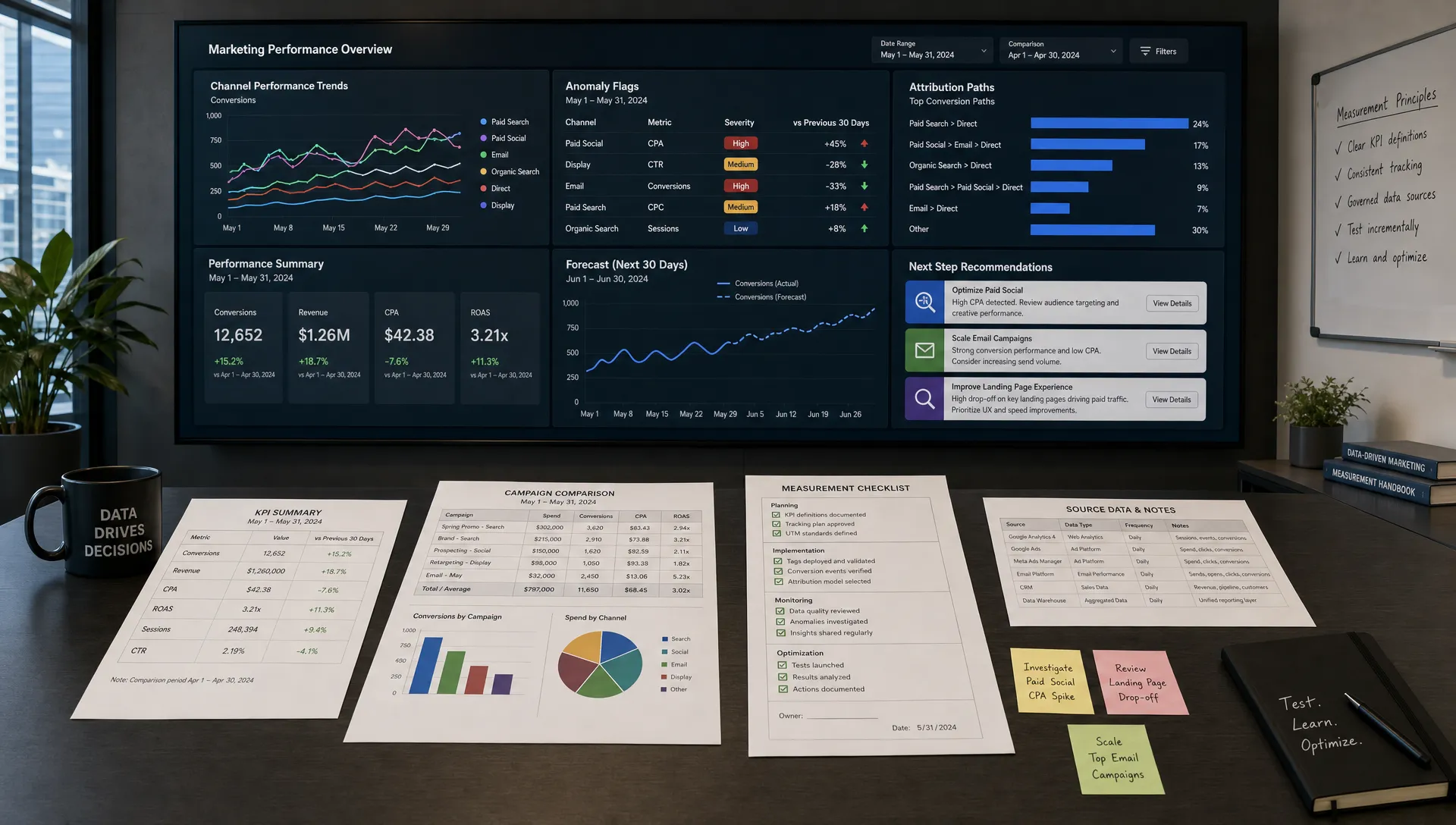
AI-powered analytics can summarize performance patterns across videos, but do not outsource interpretation. A clip with low views but high conversion from a narrow audience may be more valuable than a viral post that attracts the wrong people. The right question is not “Did this video get attention?” It is “Did this video move the right audience closer to the right action?”
A monthly video review should answer three questions: which topics earned qualified attention, which formats helped people take action and what should be repeated, retired or improved next month.
Your stack should match your workflow, not the other way around. Most lean teams need tools in five categories: research and planning, scripting, production, editing and analytics.
For research and planning, use AI to summarize customer notes, identify recurring questions and turn existing content into video briefs. For scripting, use AI content generation to create outlines, hook options and length variations. For production, consider tools that support screen recordings, captions, basic audio cleanup and simple brand templates. For editing, look for transcript based editing, resize options for social formats and easy collaboration. For analytics, connect video data to campaign performance so you can see what influences pipeline, signups or qualified engagement.
Avoid building a stack that only one technical person can operate. A lean workflow should be documented well enough that another marketer can step in, follow the brief template, produce a basic asset and know how to review it before publishing.
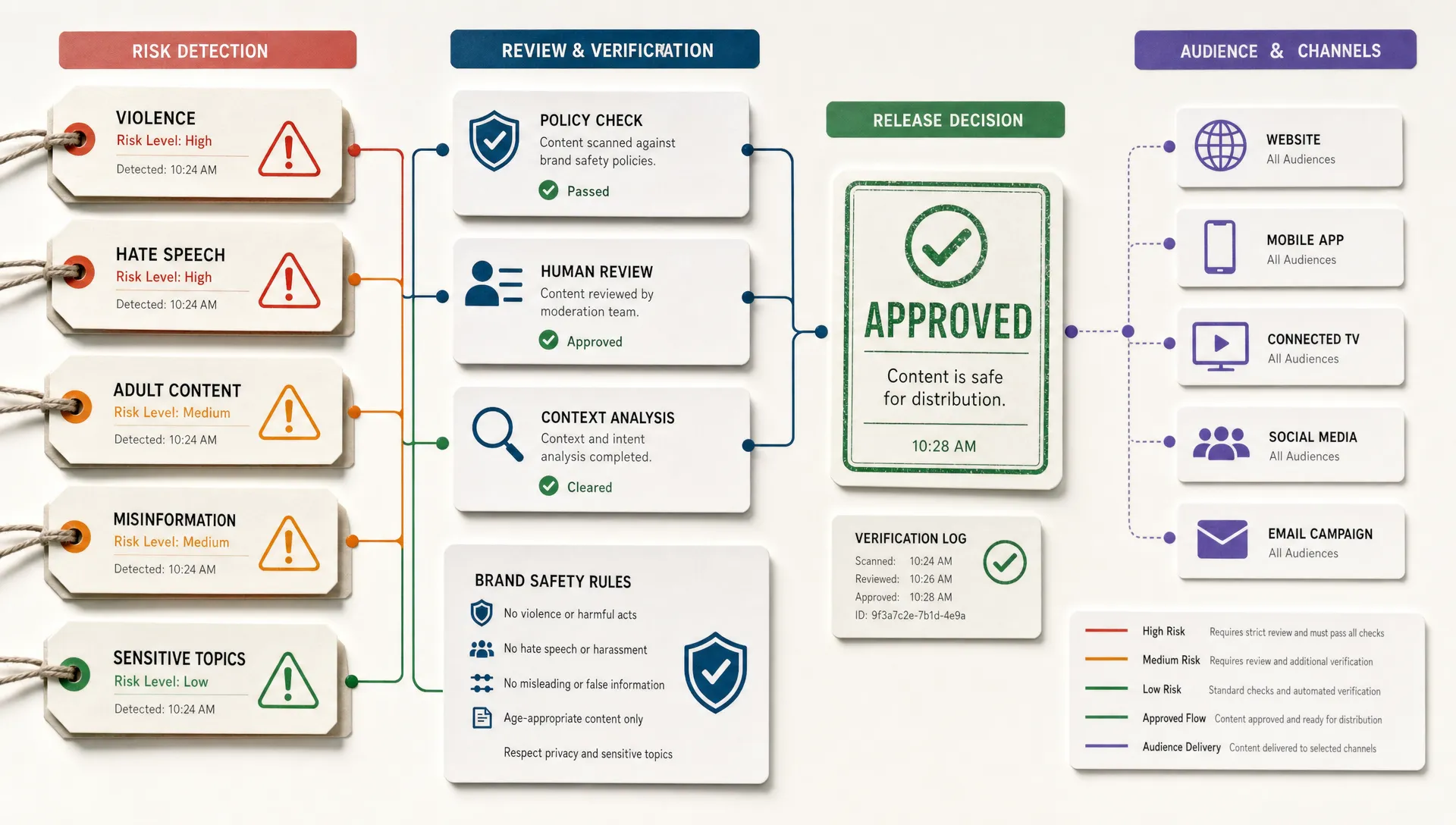
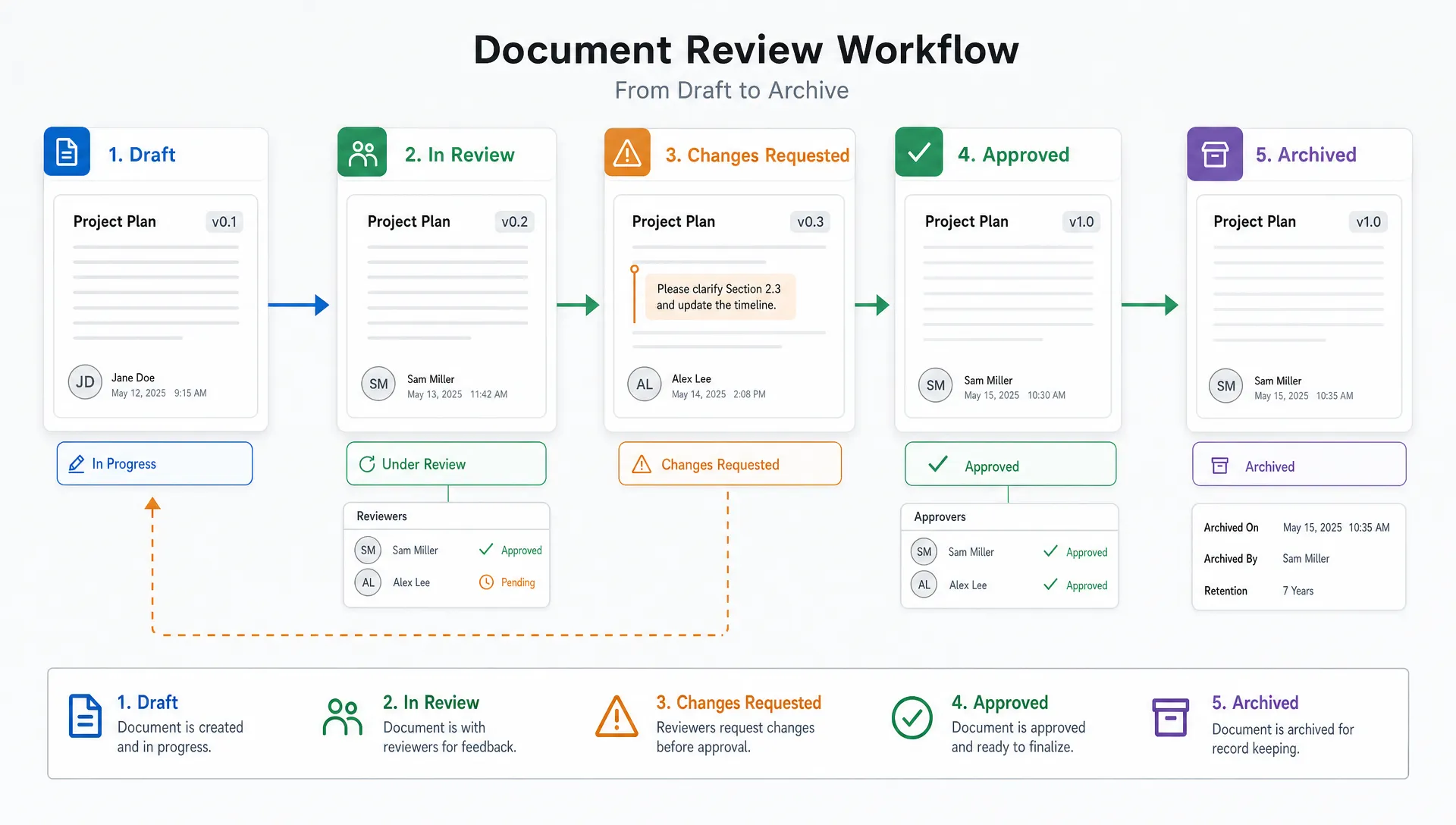
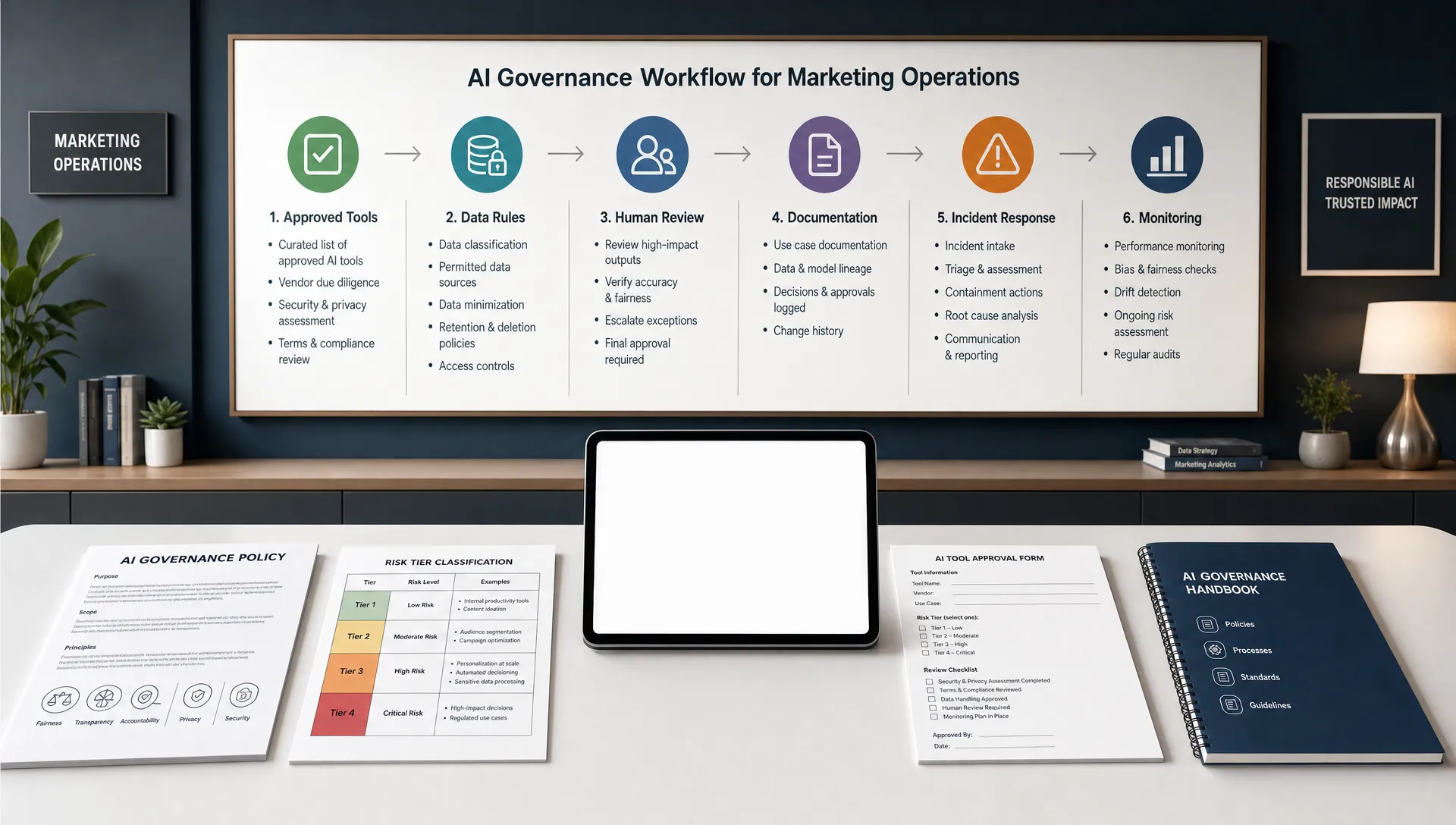
AI makes content faster, which means review systems become more important. Before any AI-assisted video goes live, check the claims, permissions, brand voice, captions, visuals and CTA.
This is especially important in regulated or trust-sensitive industries such as finance, legal, healthcare, cybersecurity and B2B SaaS. A video can spread faster than a blog post, and an inaccurate claim in a 15 second clip can create real brand risk.
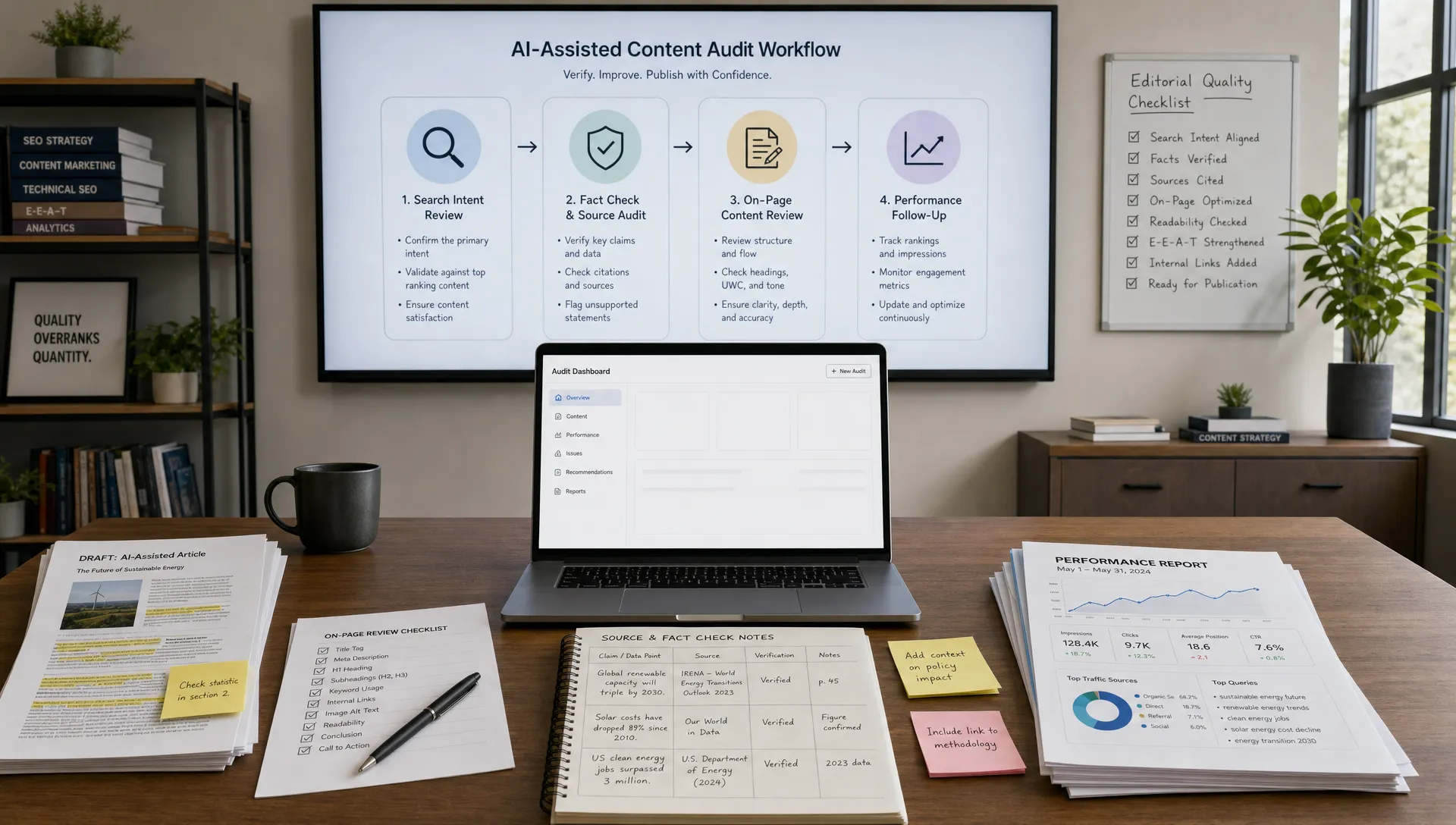
A practical approval process should include a content owner, a subject matter reviewer when needed and a final brand or marketing reviewer. For a deeper review framework, use AIMarketer Hub’s AI content quality control checklist for marketing teams to adapt your process across video, written content and campaign assets.
Do not try to launch a full video operation in one week. Start with one repeatable format and prove the workflow.
| Timeline | Focus | Deliverable |
|---|---|---|
| Week 1 | Choose audience, goal and format | One video brief template and one core topic list |
| Week 2 | Script and produce a pilot batch | Three short videos or one core video with clips |
| Week 3 | Repurpose and distribute | Channel captions, thumbnails, email copy and posting schedule |
| Week 4 | Review and improve | Performance notes, revised prompts and next month’s topic plan |
By the end of 30 days, your team should have more than a handful of videos. You should have a working system: a brief template, a repeatable format, a review checklist, a file structure, a measurement routine and a clearer sense of what your audience actually watches.
That system is the real advantage. AI tools will change, but a strong workflow will keep producing value.
How can a small team start using AI for video marketing? Start with one repeatable format, such as customer question videos, product walkthroughs or short educational clips. Use AI for briefs, outlines, captions, transcript cleanup and repurposing, then keep human review in place for accuracy and brand fit.
Can AI create full marketing videos without filming? Yes, some tools can generate videos from scripts, images, voiceovers or avatars. That can be useful for explainers and quick tests, but many brands still benefit from real employee, founder, product or customer footage because it builds trust and feels more specific.
What is the best video length for AI-assisted marketing videos? The best length depends on the job. Short clips often work well for awareness and social distribution, while longer videos are better for demos, webinars, tutorials and sales enablement. Let the viewer’s intent decide the length.
How many videos should a lean team publish each month? A realistic starting point is one core video per week or one core video every two weeks, repurposed into several clips and supporting assets. Consistency matters more than volume if your team is still building the workflow.
What should humans review before publishing AI-generated video content? Humans should review factual claims, context, permissions, accessibility, visual quality, brand voice and the CTA. AI can speed up editing and adaptation, but final accountability should stay with the marketing team.
AI for video marketing is most powerful when it helps lean teams do focused work more consistently. Start with a clear audience, turn customer insight into structured briefs, use modular scripts, repurpose each core asset and measure performance by intent.
AIMarketer Hub helps marketers build practical AI-powered workflows with guides, tools, prompt resources, SEO support and industry-specific insights. If video is becoming part of your growth strategy, build the system first. The output will follow.