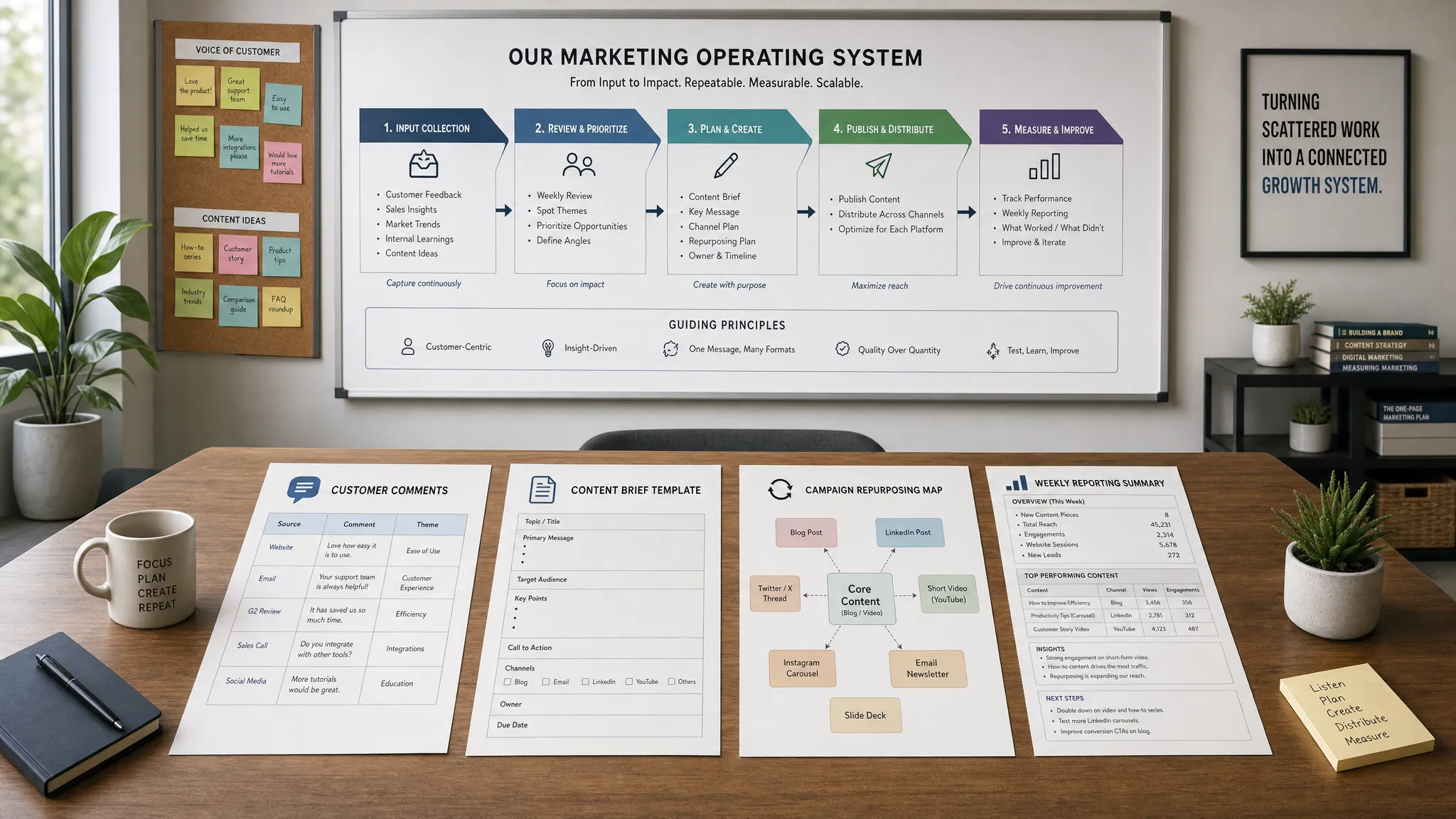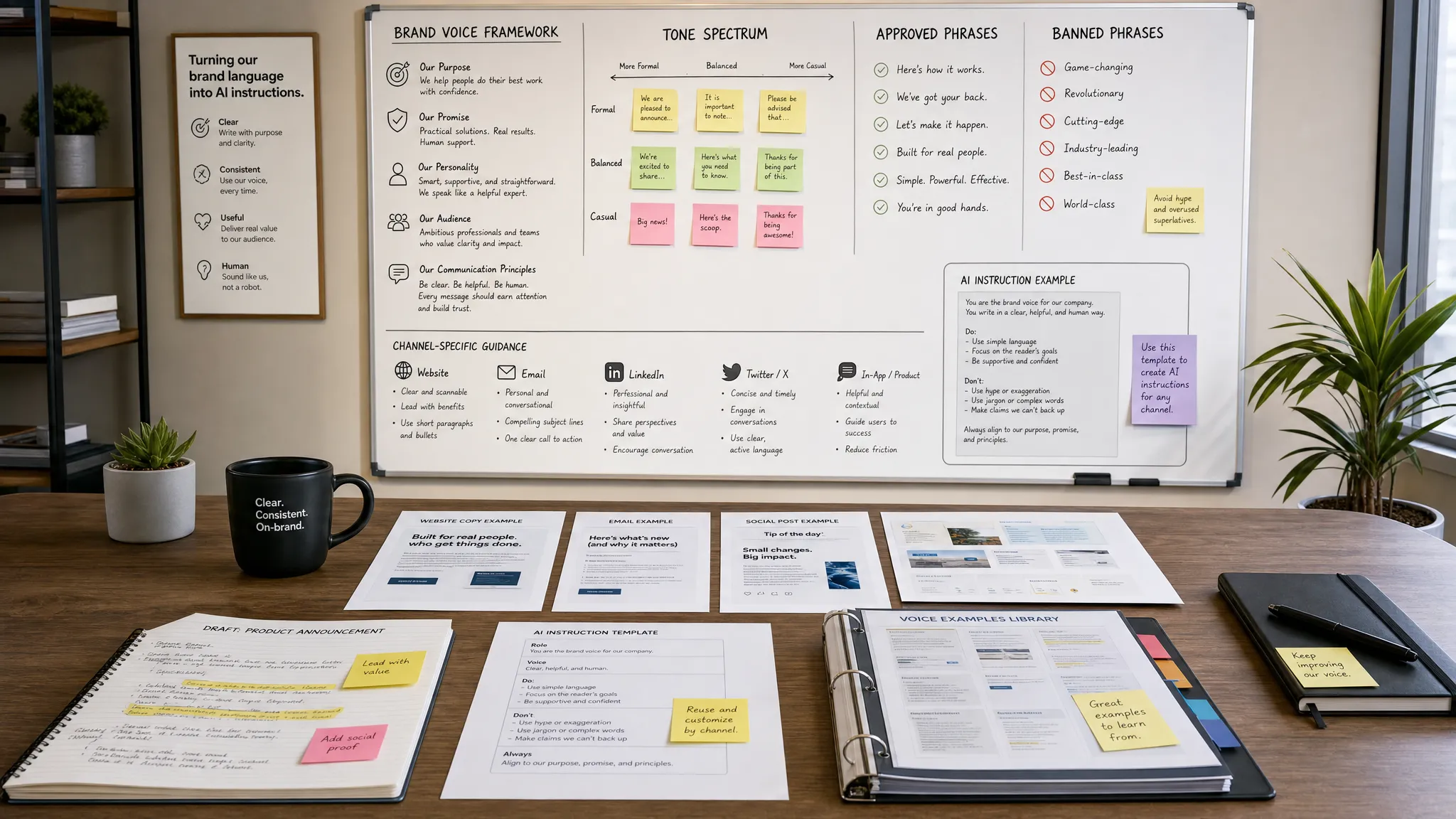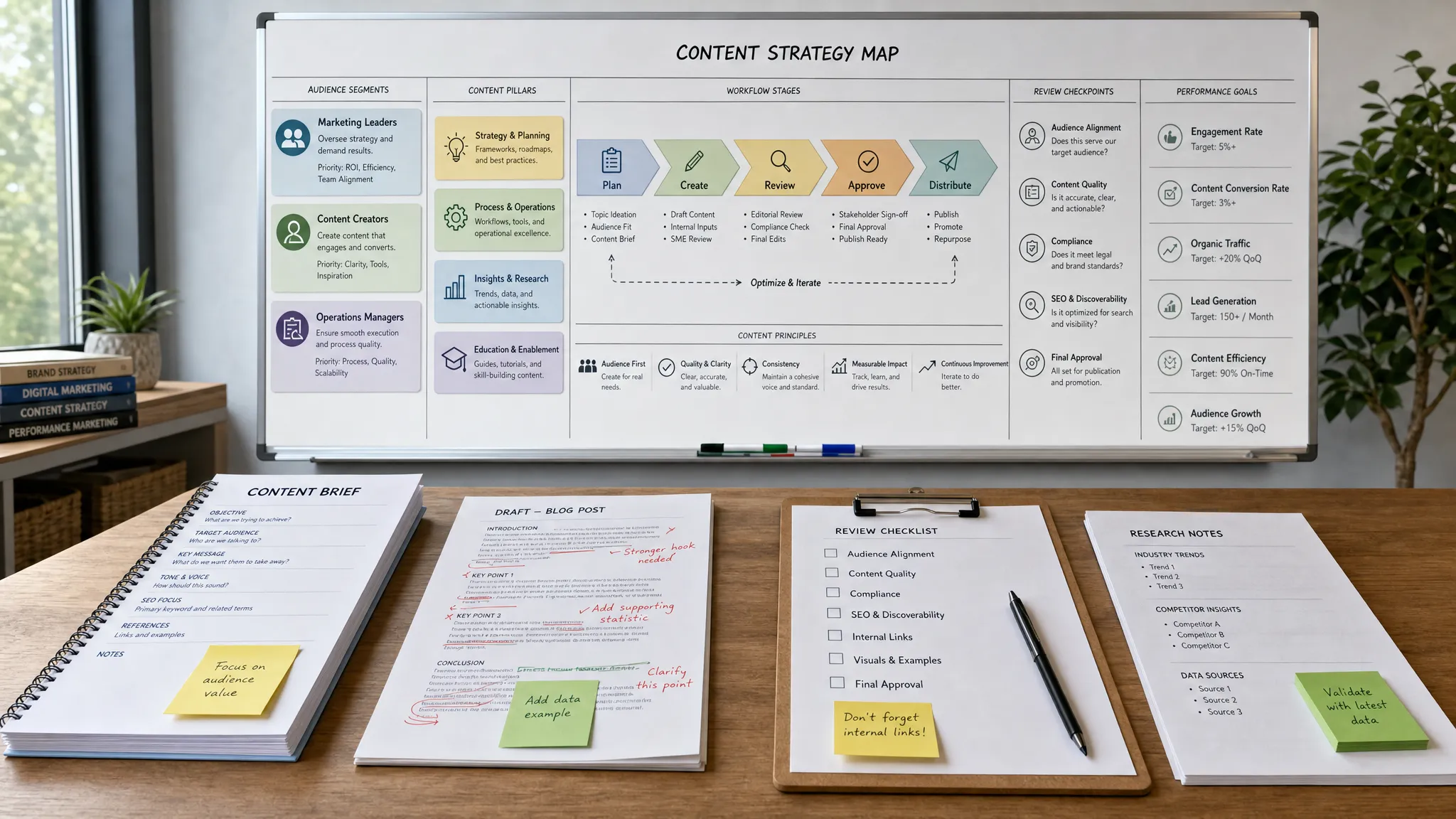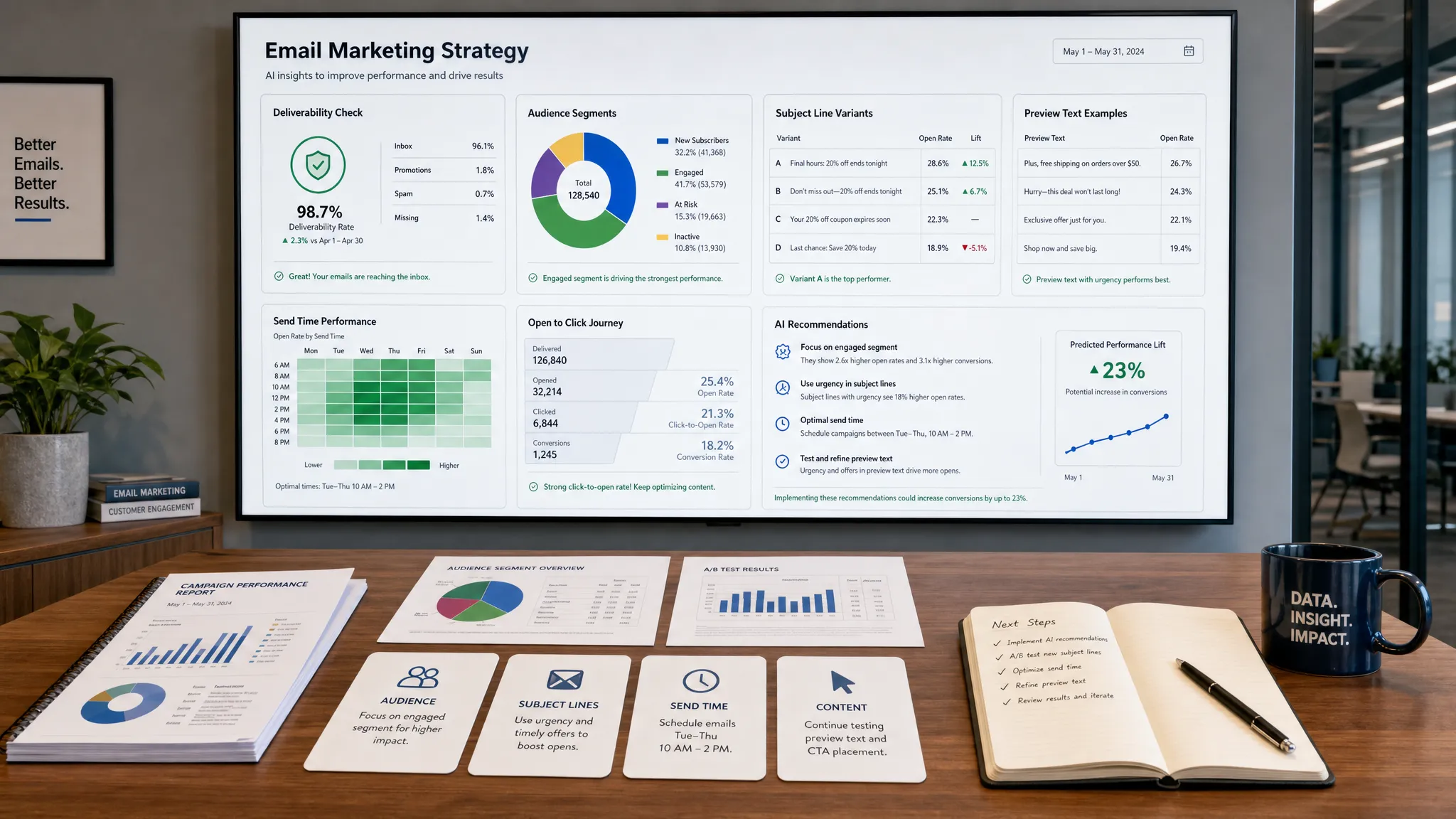
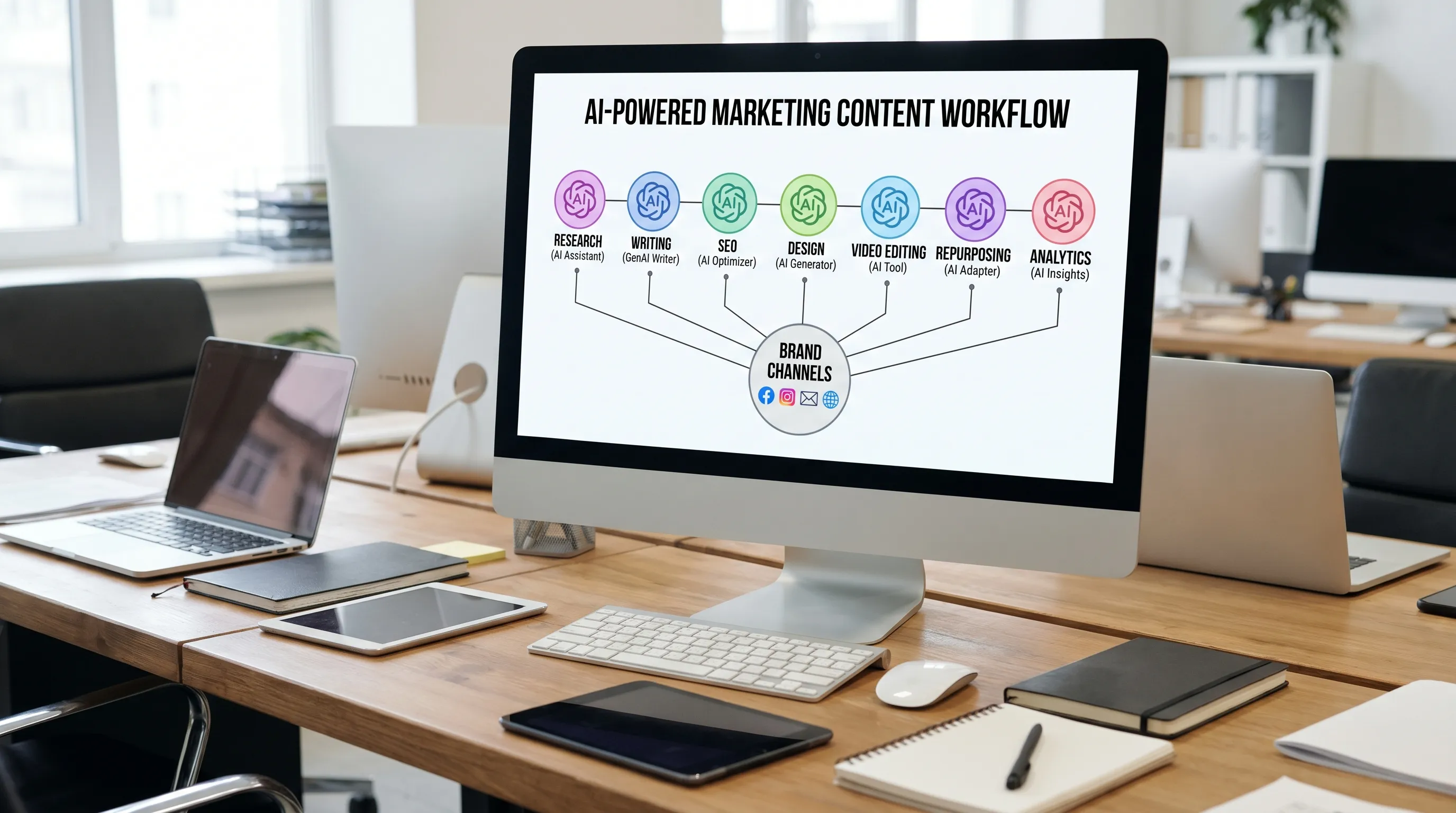
AI content creation has matured from “write me a blog post” prompts into full production systems for research, planning, drafting, design, video, repurposing, optimization, and performance analysis. The best AI tools for content creation in 2026 are not necessarily the flashiest. They are the tools that fit your workflow, protect brand quality, reduce production bottlenecks, and help your team publish content that people actually want to read, watch, save, and share.
That distinction matters. Generative AI can speed up content work dramatically, but it can also create generic articles, inaccurate claims, duplicate ideas, and off-brand assets when used without strategy. Google’s own guidance on AI-generated content is clear that the focus is not whether content is AI-assisted, but whether it is helpful, original, and created for people.
Use this guide to compare the strongest AI content tools by use case, understand where each one fits, and build a practical 2026 content stack without overspending.
Before comparing tools, define what “best” means for your team. A solo consultant publishing LinkedIn posts has different needs than a SaaS company producing SEO pages, webinars, sales enablement content, and customer education assets.
The smartest buying decision starts with workflow, not hype.
Look for five things:
Generative AI has real economic potential. McKinsey estimated that generative AI could add $2.6 trillion to $4.4 trillion annually across use cases, with marketing and sales among the major areas of impact. But productivity gains only show up when teams redesign how content gets produced, reviewed, and measured.
If you want the short version, start here:
Pricing, feature limits, model access, and enterprise controls change frequently, so always verify current product details before committing to a paid plan.
ChatGPT remains one of the most flexible AI tools for content creation because it can support almost every stage of the content workflow. Marketers use it to brainstorm ideas, create outlines, draft blog posts, rewrite copy for different audiences, summarize research, generate social captions, build email sequences, and turn one asset into many channel-specific variations.
Its biggest advantage is versatility. A content marketer can use it in the morning to create a webinar outline, then use it again in the afternoon to rewrite landing page copy, generate FAQ ideas, and turn a long article into a LinkedIn carousel script.
Best for: Ideation, first drafts, content repurposing, campaign brainstorming, email copy, social posts, and prompt-driven workflows.
Where it shines: ChatGPT is especially useful when you give it strong inputs, such as audience details, product positioning, examples of your tone, search intent, and conversion goals. It performs much better as a collaborator than as a one-click publisher.
Watch out for: It can produce plausible but inaccurate statements, so use it with human review and source verification. Avoid asking it to invent statistics, quotes, case studies, or customer results.
Claude is popular among writers, strategists, and editorial teams because it tends to handle long context, tone, and structured reasoning well. It is a strong option for thought leadership drafts, executive ghostwriting, narrative editing, content audits, and rewriting dense material into clearer language.
For teams that care about voice, Claude can be useful for refining an article rather than simply generating it. You can feed it a rough draft and ask for stronger transitions, sharper positioning, clearer arguments, or more specific examples. That makes it valuable in the middle of the content process, where the goal is not just output, but quality improvement.
Best for: Long-form articles, editorial refinement, narrative structure, executive content, and transforming complex ideas into readable copy.
Where it shines: Claude is a strong partner for turning messy notes, interviews, or strategy documents into polished outlines and drafts.
Watch out for: Like any AI writing assistant, it still requires fact checking, originality checks, and brand review before publication.
Gemini is a natural fit for teams already working heavily across Google’s ecosystem. It can help with brainstorming, summarizing, drafting, and productivity tasks, especially when content collaboration happens in documents, spreadsheets, slides, and shared workspaces.
For marketing teams, Gemini can support content planning, customer research summaries, meeting recap drafts, campaign ideation, and early-stage copy development. Its value increases when your team wants AI assistance close to where daily work already happens.
Best for: Workspace productivity, document-based collaboration, research summarization, content planning, and early drafts.
Where it shines: Gemini can reduce friction for teams that do not want to move between too many separate writing and productivity tools.
Watch out for: As with all AI assistants, output quality depends heavily on prompt quality and the specificity of your source material.
Jasper is built specifically for marketing teams that need campaign copy, brand consistency, and repeatable content production. It is often used for ad copy, landing pages, email campaigns, blog drafts, social posts, and multi-channel campaign assets.
The main benefit of a marketing-specific AI platform is workflow alignment. Instead of starting from a blank prompt every time, teams can use structured campaign workflows, brand inputs, and content templates to speed up common marketing tasks.
Best for: Campaign copy, branded marketing content, ad variations, landing page drafts, email sequences, and repeatable content workflows.
Where it shines: Jasper is useful for teams that publish across several channels and want a more guided experience than a general chatbot.
Watch out for: It works best when your brand positioning, audience segments, value propositions, and messaging guidelines are already clear.
Copy.ai started as an AI copywriting tool and has expanded into broader go-to-market workflows. It can help marketing and sales teams create prospecting messages, content briefs, campaign assets, product copy, and repeatable workflows for demand generation.
For businesses that want AI to support not just content creation but also revenue workflows, Copy.ai can be useful. A team might use it to turn product positioning into email copy, sales enablement notes, ad angles, and social content.
Best for: GTM workflows, sales and marketing copy, outbound messaging, campaign variations, and repeatable content processes.
Where it shines: Copy.ai is a good fit when content creation is closely tied to sales pipeline, lead generation, and campaign execution.
Watch out for: Do not let automation flatten your message. Sales and marketing content still needs specificity, customer insight, and strong positioning.
Writer is designed for organizations that need stronger control over brand voice, terminology, compliance, permissions, and approved messaging. For enterprise teams, the main content challenge is rarely “Can we generate words?” It is “Can we generate useful content without creating legal, brand, or operational risk?”
Writer is especially relevant for companies with distributed teams, regulated industries, complex approval processes, or large content operations. It can help standardize language and reduce off-brand output across departments.
Best for: Enterprise content governance, brand consistency, controlled AI workflows, and cross-functional marketing teams.
Where it shines: Writer is built for organizations that need more than a chatbot. It supports a more managed approach to AI adoption.
Watch out for: Smaller teams may not need enterprise-level governance immediately. Start with your real risk level, not your future org chart.
Notion AI is helpful for marketers who already use Notion for planning, documentation, calendars, briefs, notes, and knowledge management. It can summarize meeting notes, turn rough ideas into outlines, rewrite draft sections, extract action items, and help organize content operations.
Its strength is not just content generation. It helps reduce the operational mess that surrounds content creation. If your team has scattered briefs, unstructured notes, forgotten campaign ideas, and inconsistent documentation, Notion AI can support a cleaner editorial process.
Best for: Editorial calendars, content briefs, meeting notes, internal documentation, knowledge bases, and content planning.
Where it shines: Notion AI is useful when your biggest bottleneck is organization, not writing ability.
Watch out for: It should not replace a dedicated SEO, design, or publishing workflow if your team needs specialized capabilities.
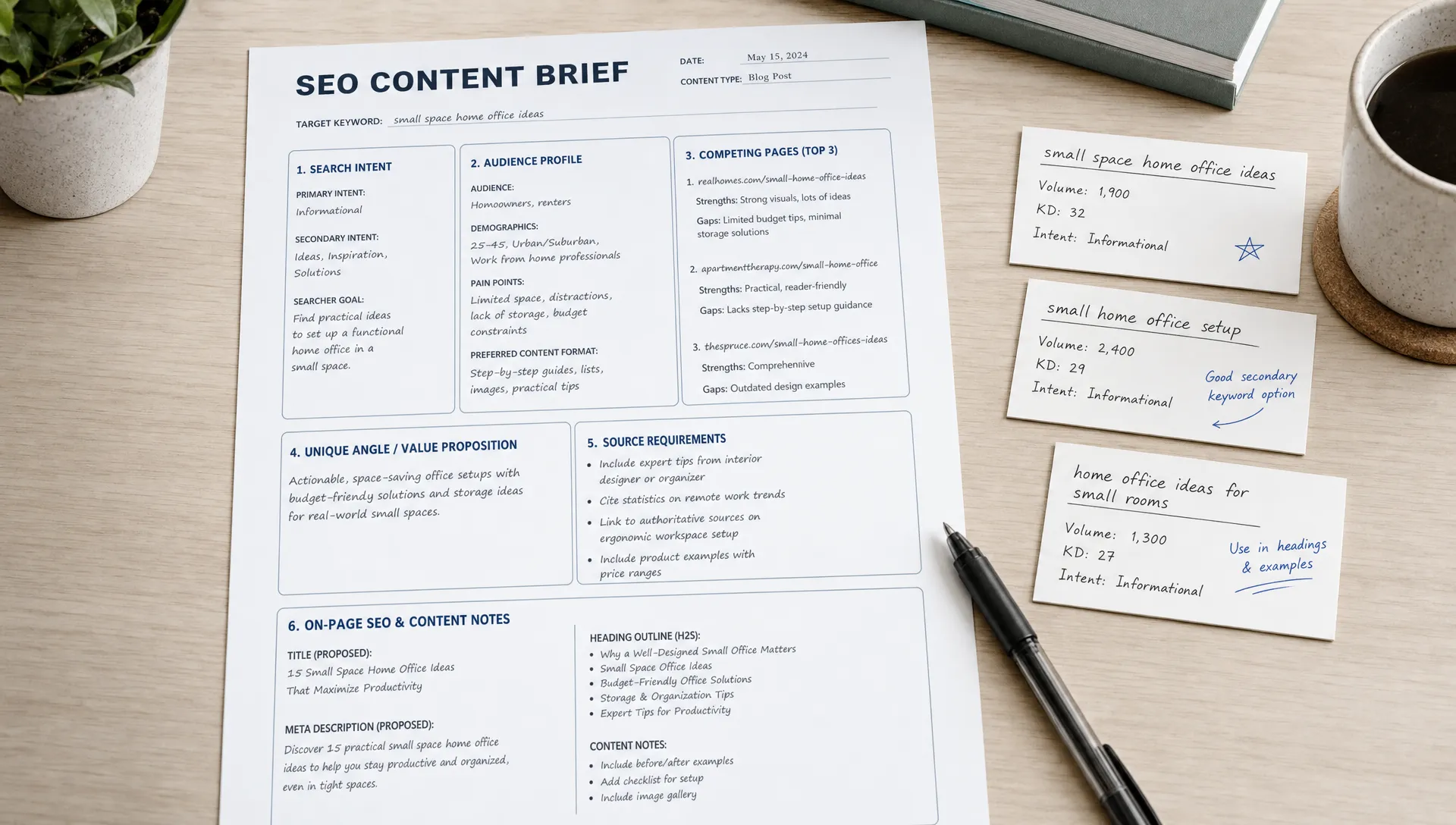
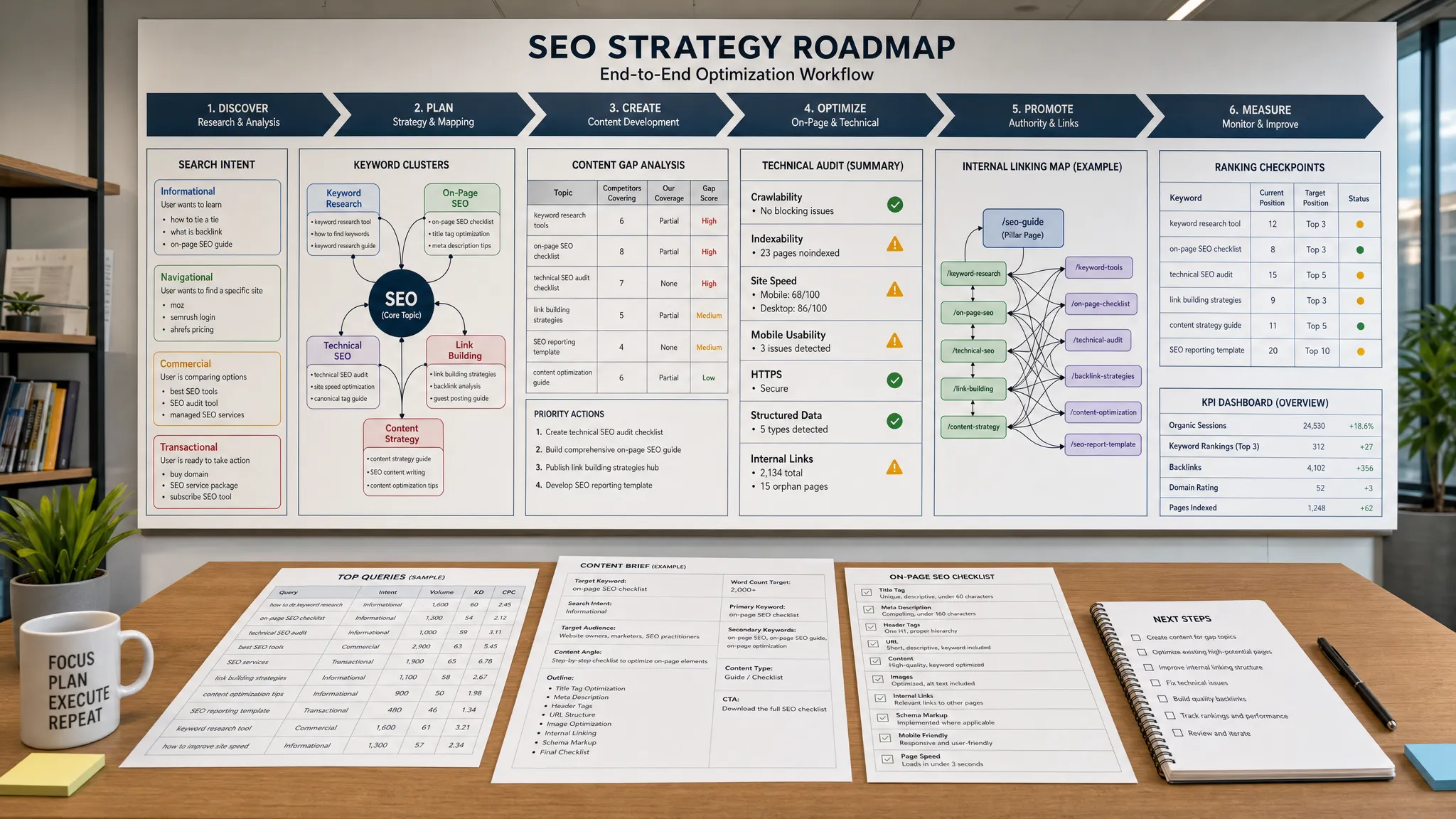
AI writing tools can generate drafts, but SEO content needs search intent, topical coverage, internal linking strategy, and editorial judgment. Tools like Surfer SEO and Clearscope help content teams analyze search results, identify related terms, build stronger briefs, and optimize drafts for topical relevance.
These platforms are particularly useful for blog posts, comparison pages, industry guides, and evergreen educational content. They can help writers understand what a searcher likely expects to see on the page, then build a more complete answer.
Best for: SEO briefs, content optimization, topic coverage, content refreshes, and search-focused editorial workflows.
Where they shine: They make the brief stronger before writing begins and help improve drafts before publication.
Watch out for: Do not treat optimization scores as the final goal. A high score does not automatically mean the content is original, persuasive, or useful. Add expert insight, examples, data, and a clear point of view.
Canva is one of the most accessible tools for creating social graphics, presentations, short videos, ads, thumbnails, lead magnets, and branded visual assets. Its AI features can help with design suggestions, copy variations, image generation, background removal, and fast layout creation.
For small teams, Canva is valuable because it reduces dependence on design resources for everyday marketing assets. A content marketer can create a blog header, Instagram post, webinar slide, PDF checklist, and short social video without switching platforms.
Best for: Social media graphics, presentation slides, blog visuals, ads, lead magnets, and lightweight brand assets.
Where it shines: Canva is especially useful for marketers who need to move quickly while maintaining a consistent visual identity.
Watch out for: Templates can make brands look similar. Customize fonts, layouts, colors, and imagery so your visuals feel distinctive.
Adobe Firefly and Adobe Express are strong options for teams that want AI-assisted image generation and creative production within Adobe’s ecosystem. They can support marketing visuals, image variations, text effects, quick designs, and creative exploration.
For brands that already use Adobe tools, these platforms can fit naturally into design workflows. They are especially useful for campaign concepting, moodboarding, social visuals, and creating variations that a designer can refine.
Best for: Visual ideation, campaign concepts, image generation, brand assets, and creative variations.
Where they shine: Adobe’s ecosystem is helpful for teams that need a bridge between AI experimentation and professional creative workflows.
Watch out for: AI images still need review for accuracy, brand fit, licensing considerations, and visual consistency.
Descript is a strong tool for marketers producing podcasts, interviews, webinars, product videos, and short-form clips. It is known for text-based audio and video editing, transcription, captions, filler word removal, and repurposing long recordings into shorter assets.
This is where AI can create major leverage. A single webinar can become a blog summary, social clips, email snippets, quote graphics, sales enablement notes, and a short video series. Descript helps reduce the editing burden that often prevents teams from repurposing content consistently.
Best for: Podcast editing, webinar repurposing, video captions, social clips, interviews, and content atomization.
Where it shines: Descript is ideal for teams that already create long-form audio or video but struggle to turn it into smaller assets.
Watch out for: Editing tools can speed up production, but strong storytelling still requires human judgment.
Runway is one of the better-known platforms for AI video generation and creative video workflows. It can help marketers experiment with motion assets, video concepts, background changes, visual effects, and short creative sequences.
Generative video is still an area where expectations need to be realistic. It can be powerful for concepting and social experimentation, but brand campaigns, product demos, and customer-facing videos often need careful art direction and review.
Best for: AI video experimentation, creative concepts, short visual sequences, and motion asset exploration.
Where it shines: Runway is valuable when your team wants to explore new creative formats without a full video production cycle.
Watch out for: Avoid using generated video where accuracy is critical, such as product functionality, customer testimonials, or regulated claims, unless carefully reviewed and approved.
Synthesia is designed for creating AI avatar videos from scripts. It is often used for training, internal communications, onboarding, product explainers, and educational content.
For marketing and customer education teams, avatar-based video can reduce the time needed to produce repeatable explainers. If your team frequently creates tutorials, internal enablement videos, or localized educational content, this type of tool can be useful.
Best for: Training videos, explainers, onboarding content, product education, and internal communications.
Where it shines: Synthesia can help teams create clear video content without scheduling presenters, studios, or full production crews.
Watch out for: Avatar videos are not always the best choice for emotional storytelling, founder-led content, or high-trust customer messages. Use them where clarity and scalability matter most.
Grammarly is a practical AI writing assistant for editing, clarity, grammar, tone, and style. It is not usually the first tool people think of when discussing generative AI, but it plays an important role in content quality.
Many AI-generated drafts sound polished at first glance but become repetitive, vague, or awkward under closer review. Grammarly can help catch sentence-level issues and improve readability across emails, articles, social posts, and documents.
Best for: Editing, tone checks, grammar, clarity, and everyday business writing.
Where it shines: Grammarly is useful across the entire company, not just the marketing team.
Watch out for: Do not accept every suggestion automatically. Some edits can flatten personality or remove intentional style choices.
Perplexity is useful for research discovery because it can help users explore topics, find sources, summarize information, and identify angles worth investigating further. For content creators, this can speed up the early research phase and reduce the time spent jumping between search results.
It is particularly helpful for understanding a new topic, gathering background context, comparing viewpoints, and finding sources that a writer can read directly before drafting.
Best for: Research discovery, source exploration, topic understanding, and early-stage content planning.
Where it shines: Perplexity can help writers move from a vague topic to a more informed brief.
Watch out for: Always open and verify original sources. Do not cite summaries without checking the underlying material.
There is no universal AI content stack. The right setup depends on budget, team size, content volume, risk tolerance, and channel mix.
A lean stack can work extremely well. Start with ChatGPT or Claude for ideation and drafting, Canva for visuals, Grammarly for editing, and a basic SEO tool for keyword validation. If you publish videos or podcasts, add Descript once repurposing becomes a repeatable need.
The goal is not to automate your personality away. The goal is to remove friction so your expertise shows up more often and in more formats.
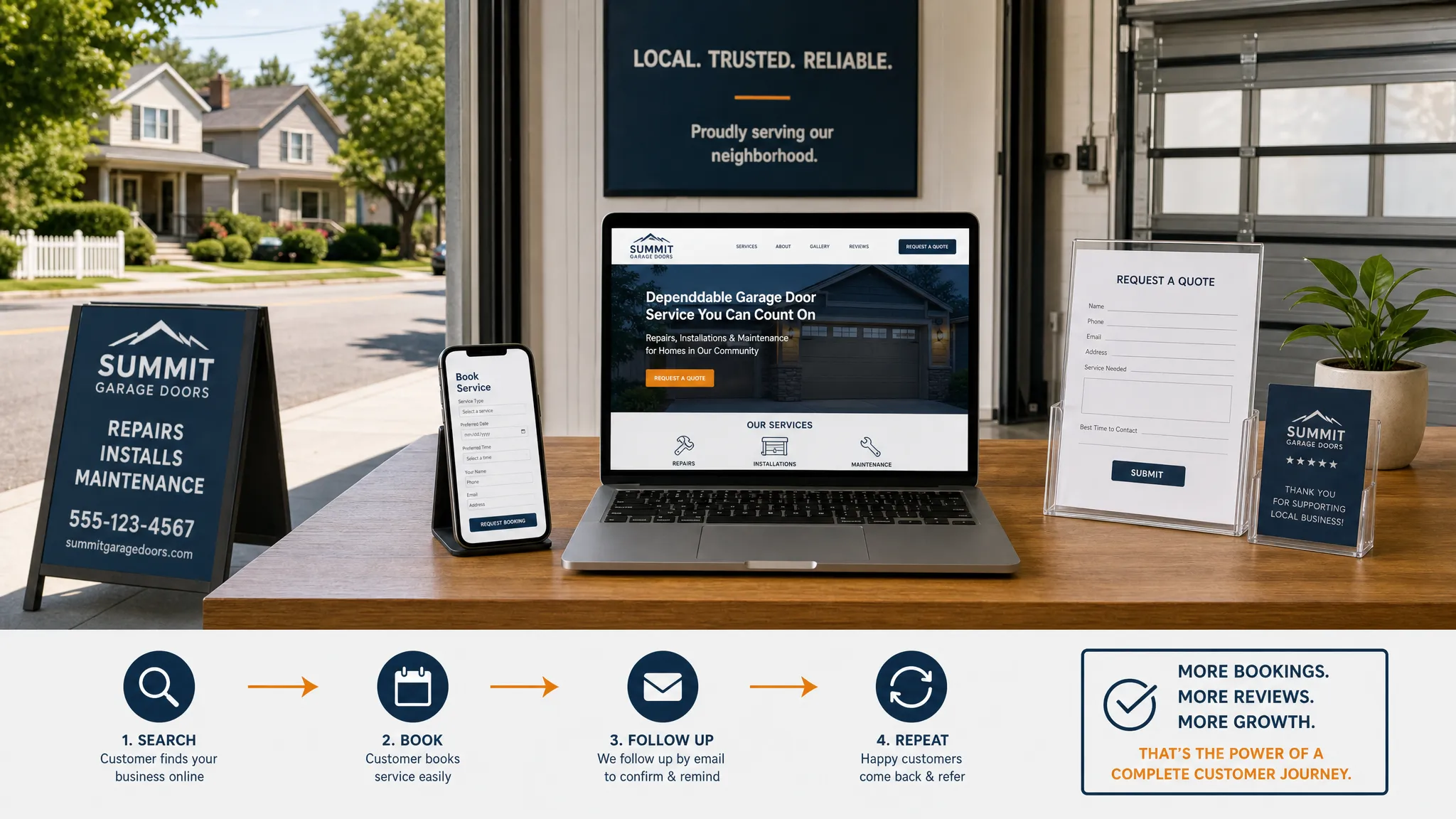
Small businesses often need practical content that drives calls, bookings, quote requests, and local visibility. A strong stack might include a writing assistant, an SEO optimization tool, Canva for social and promotional assets, and a workflow tool for planning.
If your website foundation, local SEO, or content strategy needs human execution alongside AI workflows, partnering with a specialist can help. For example, a local business could work with a web design and SEO agency to improve the site experience while using AI tools to scale supporting content.
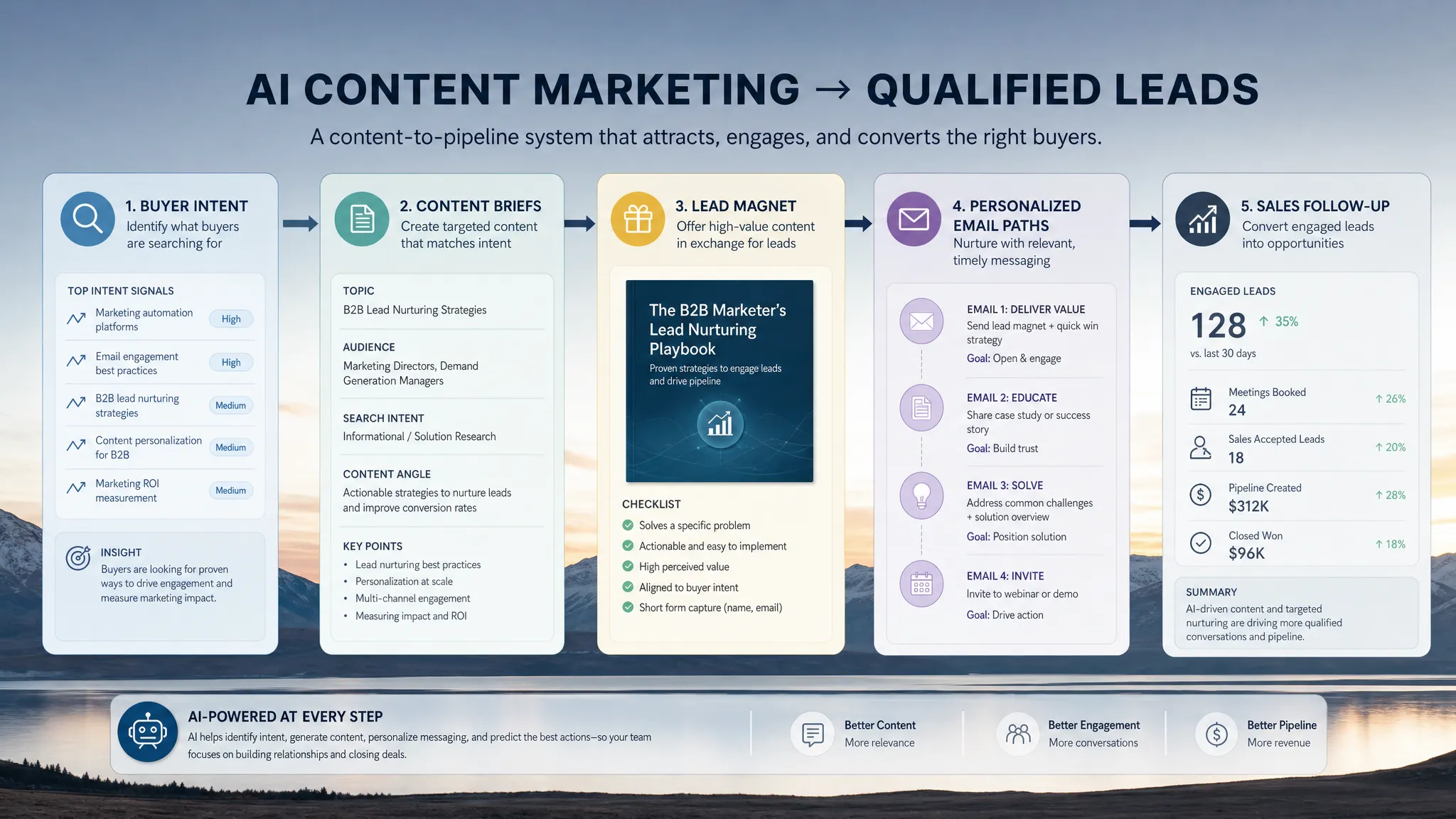
B2B teams usually need more than blog drafts. They need product-led content, comparison pages, case study support, sales enablement, email nurture sequences, webinars, and thought leadership. A practical stack might include Claude or ChatGPT for strategy and drafts, Jasper or Copy.ai for campaign workflows, Surfer SEO or Clearscope for search content, Descript for webinars, and a content operations workspace like Notion.
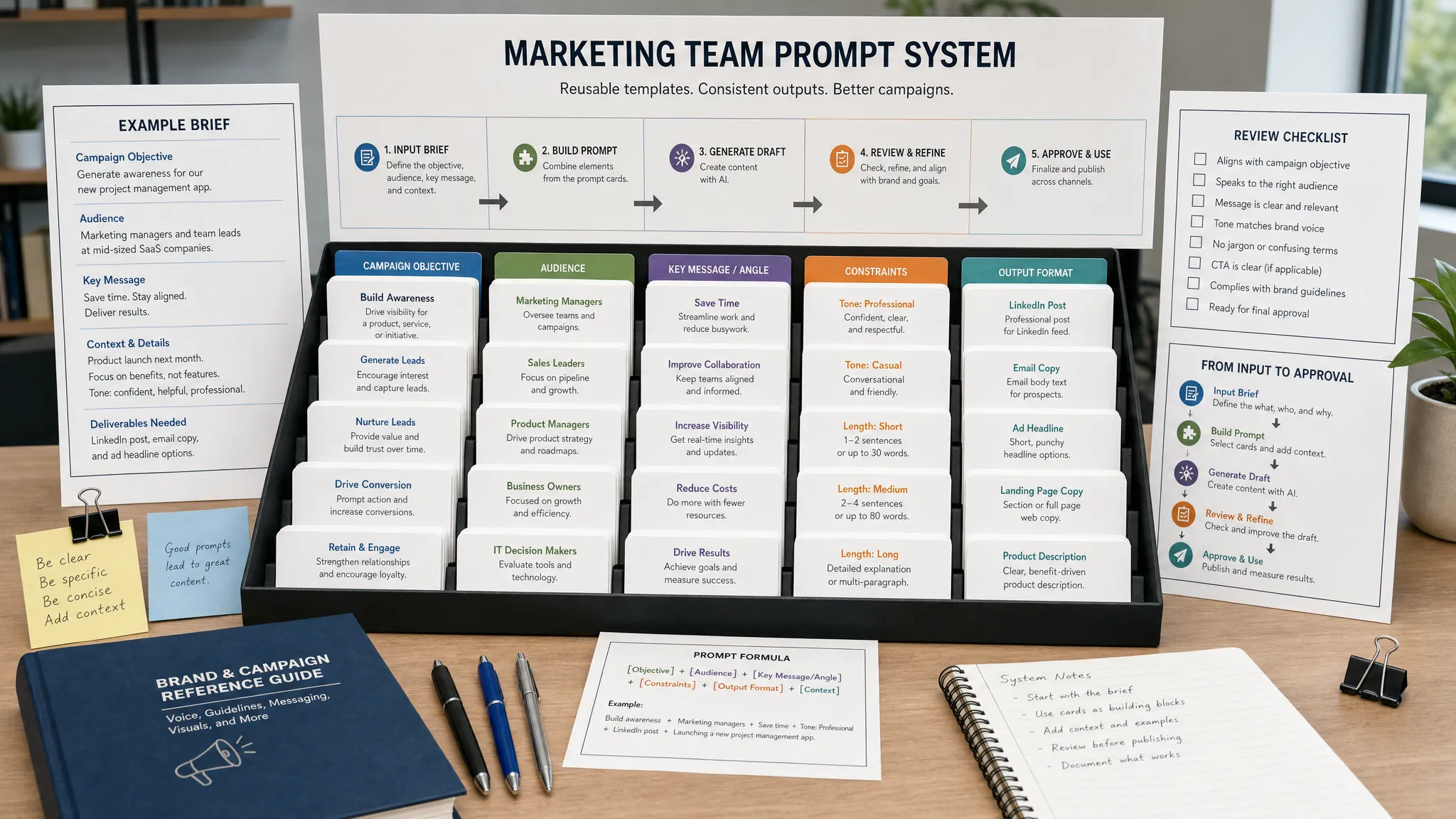
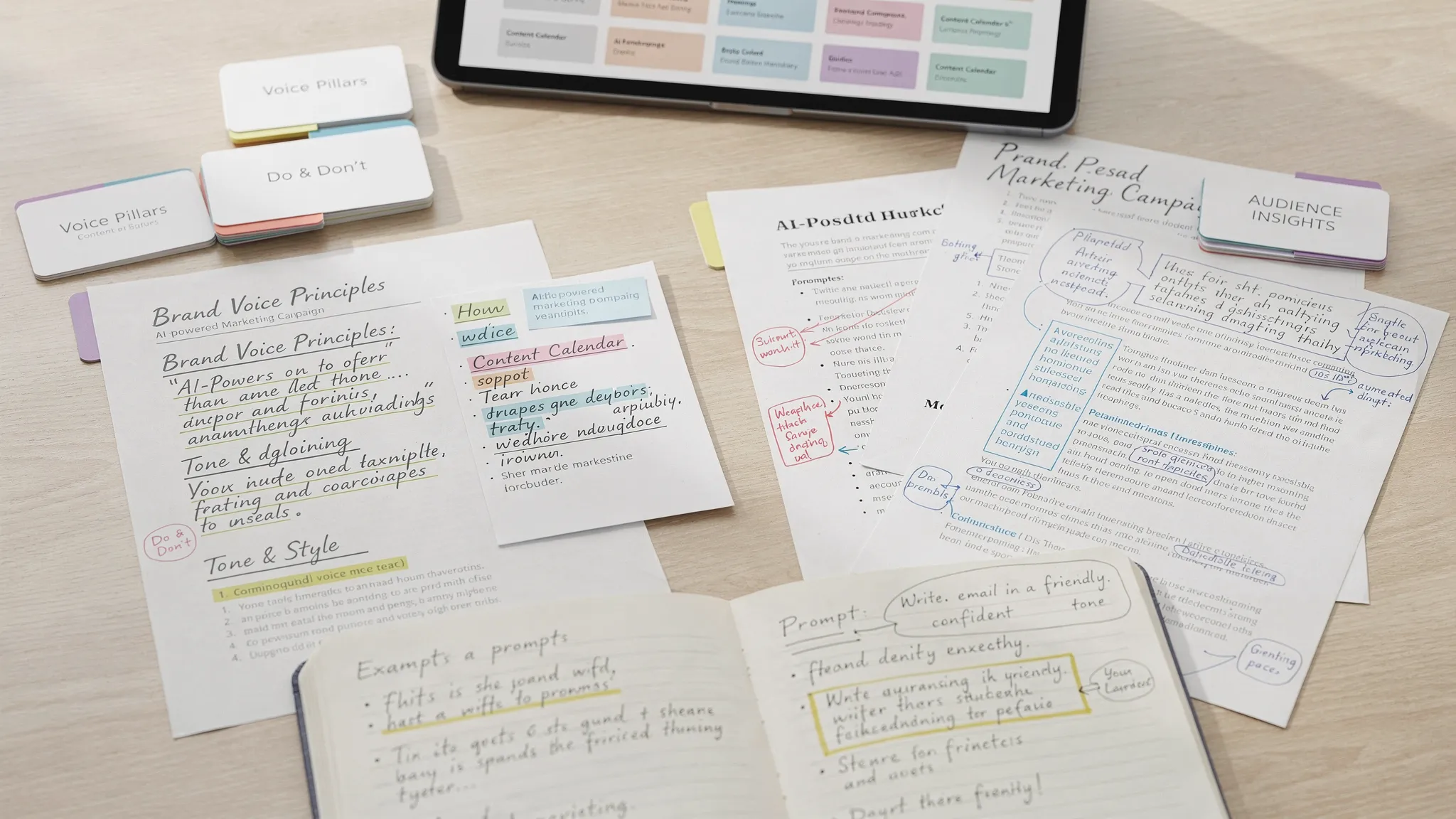
For this team type, consistency matters. Create approved prompts, messaging guidelines, content briefs, and review checklists so AI-assisted content does not drift away from your positioning.
Enterprise teams should prioritize governance. Tools like Writer can support brand and compliance controls, while general AI assistants may still be useful in approved contexts. Larger organizations should also define policies around data privacy, legal review, source verification, customer claims, and AI disclosure.
The NIST AI Risk Management Framework is a helpful reference for organizations thinking seriously about AI risk, trust, and governance.
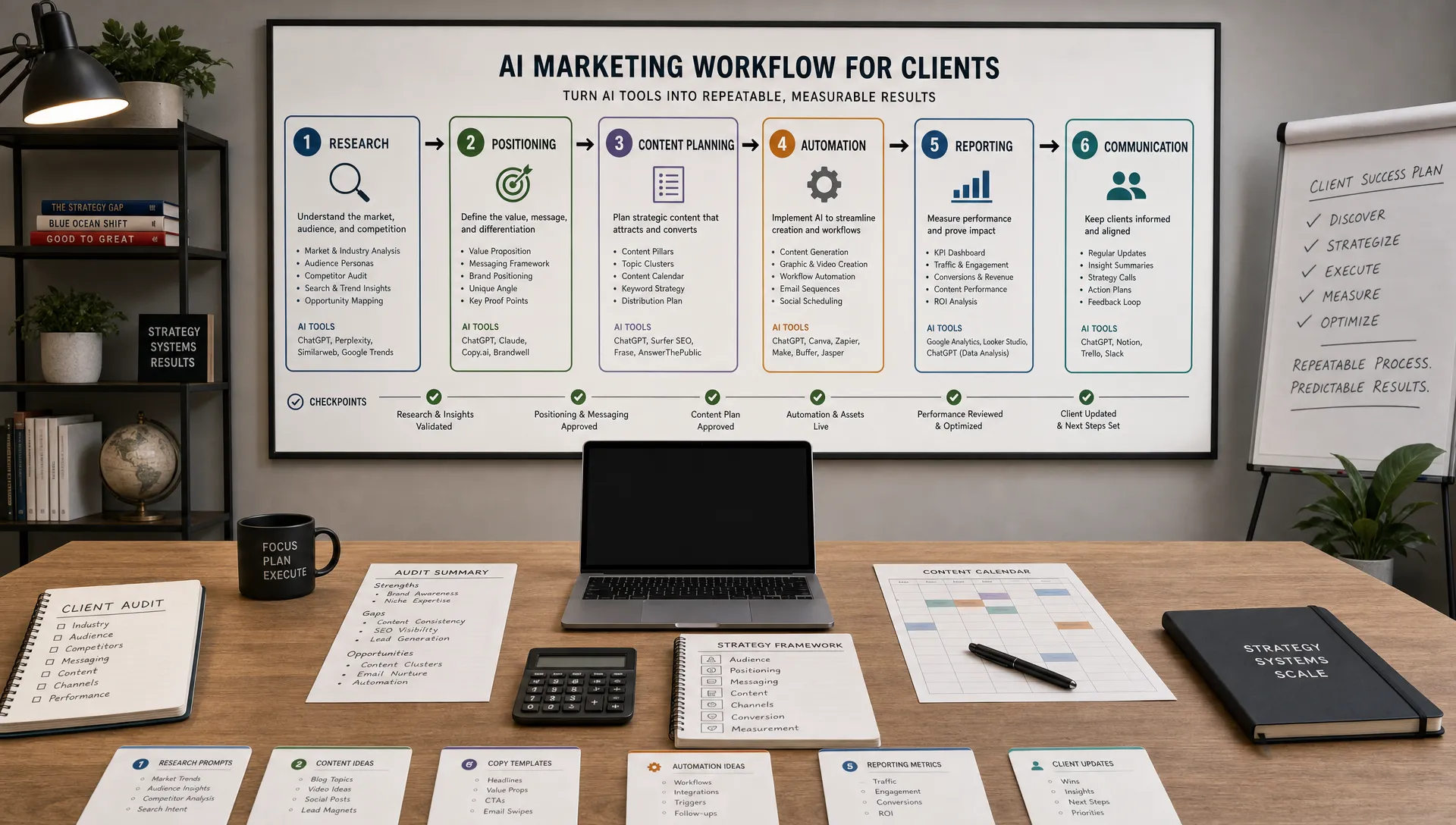
The best AI tools for content creation only work when the workflow is sound. Here is a practical process that keeps speed from damaging quality.
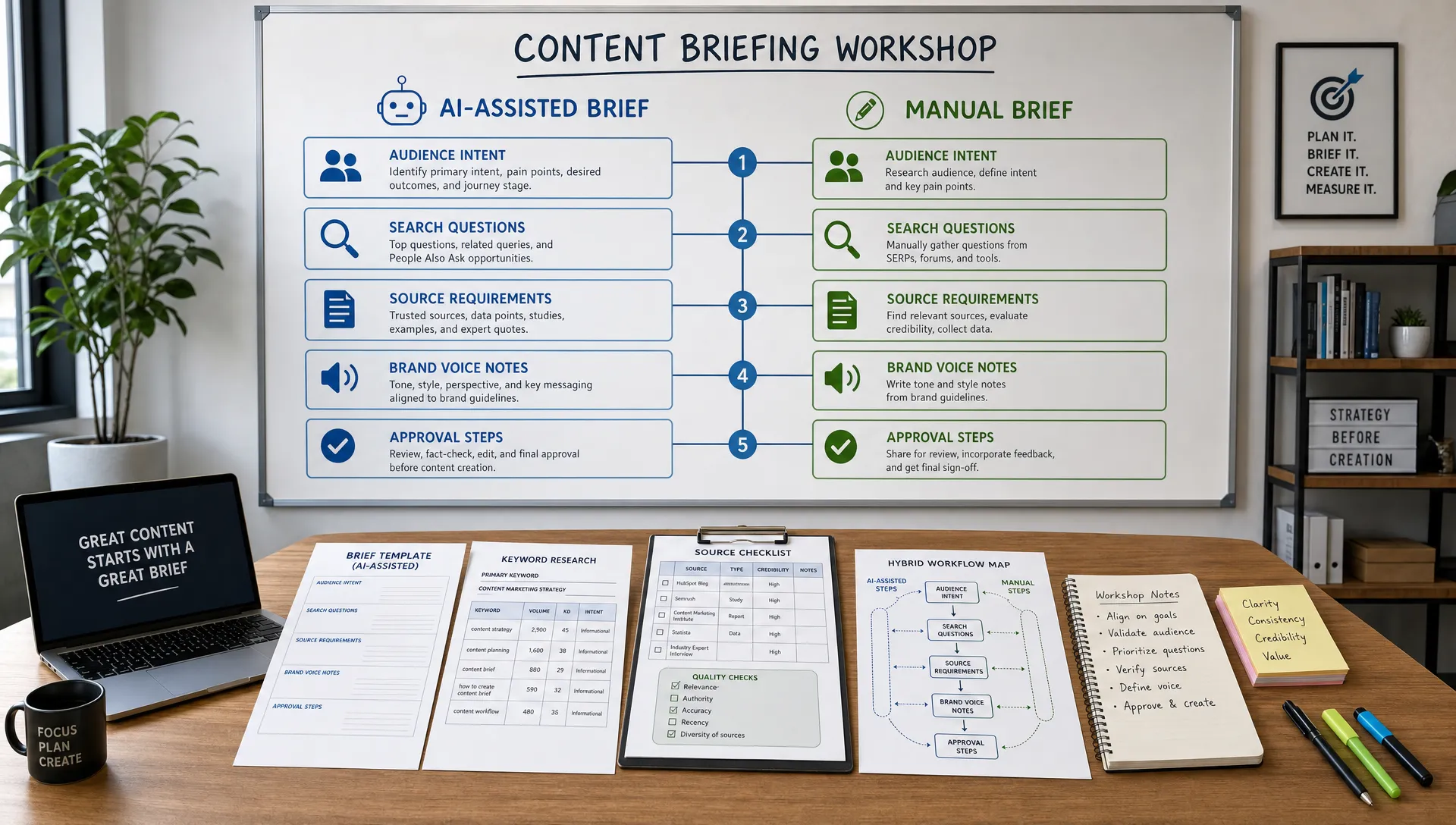
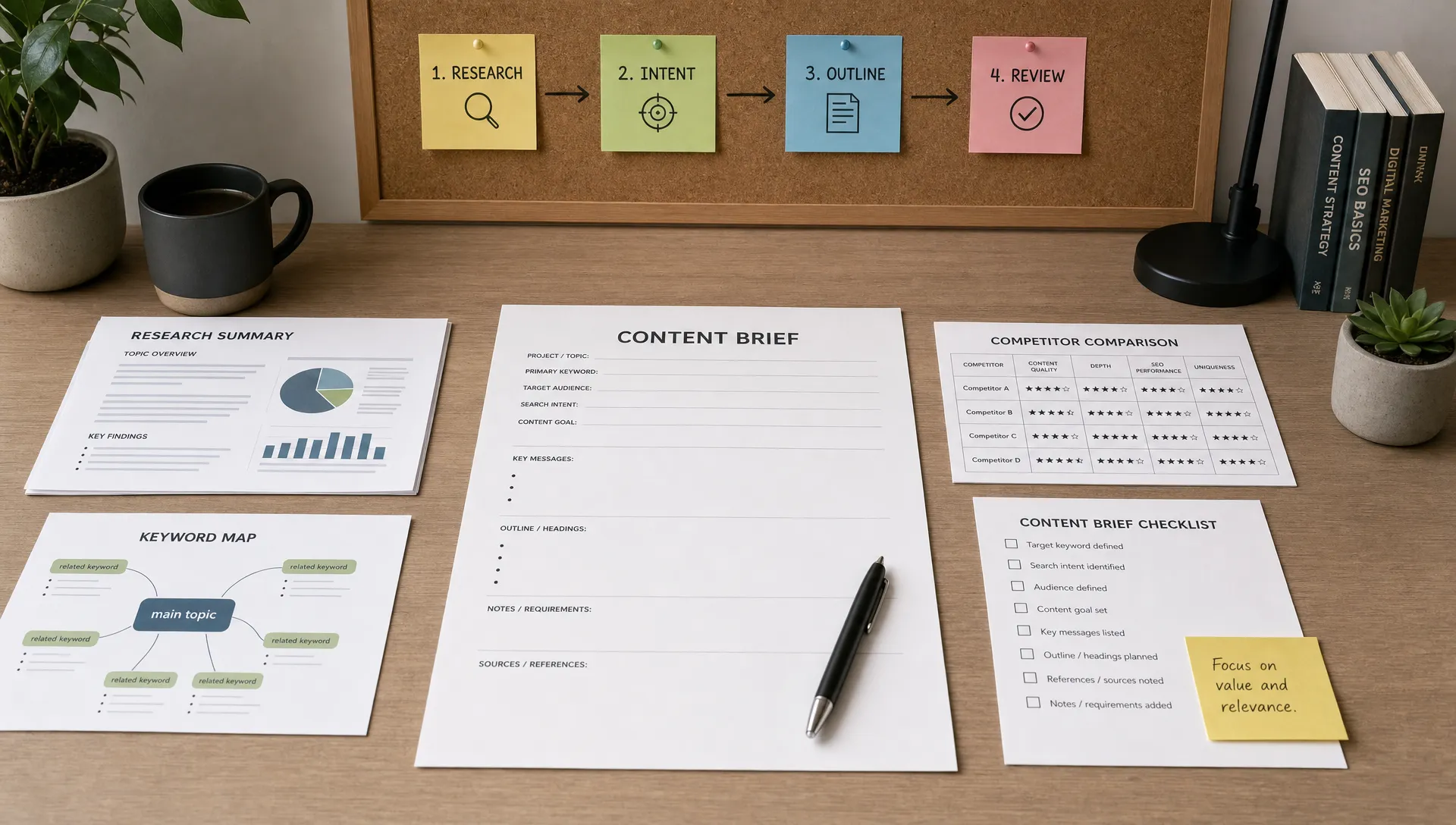
Do not begin with “write an article about X.” Begin with audience, intent, funnel stage, product relevance, objections, examples, internal links, external sources, and the action you want the reader to take.
A strong brief helps AI produce more specific content and helps human editors evaluate whether the piece is doing its job.
AI is excellent at generating angles, outlines, headlines, analogies, summaries, and draft variations. Treat those outputs as options. The editor’s role is to choose, combine, reject, and improve.
This is especially important for thought leadership. If your article could have been written by any competitor with the same prompt, it is not finished.
Strong content includes details AI cannot invent responsibly: customer insights, expert opinions, screenshots, internal data, original examples, product knowledge, and lessons from real campaigns.
This is where brands can separate themselves from generic AI content. Use AI to accelerate structure and production, then add proof that only your team can provide.
AI tools can hallucinate, misread sources, or produce outdated information. Check statistics, quotes, dates, legal claims, product claims, and competitor comparisons. If a claim affects buying decisions, compliance, health, finance, or legal interpretation, review it carefully.
A simple rule works well: no source, no statistic.
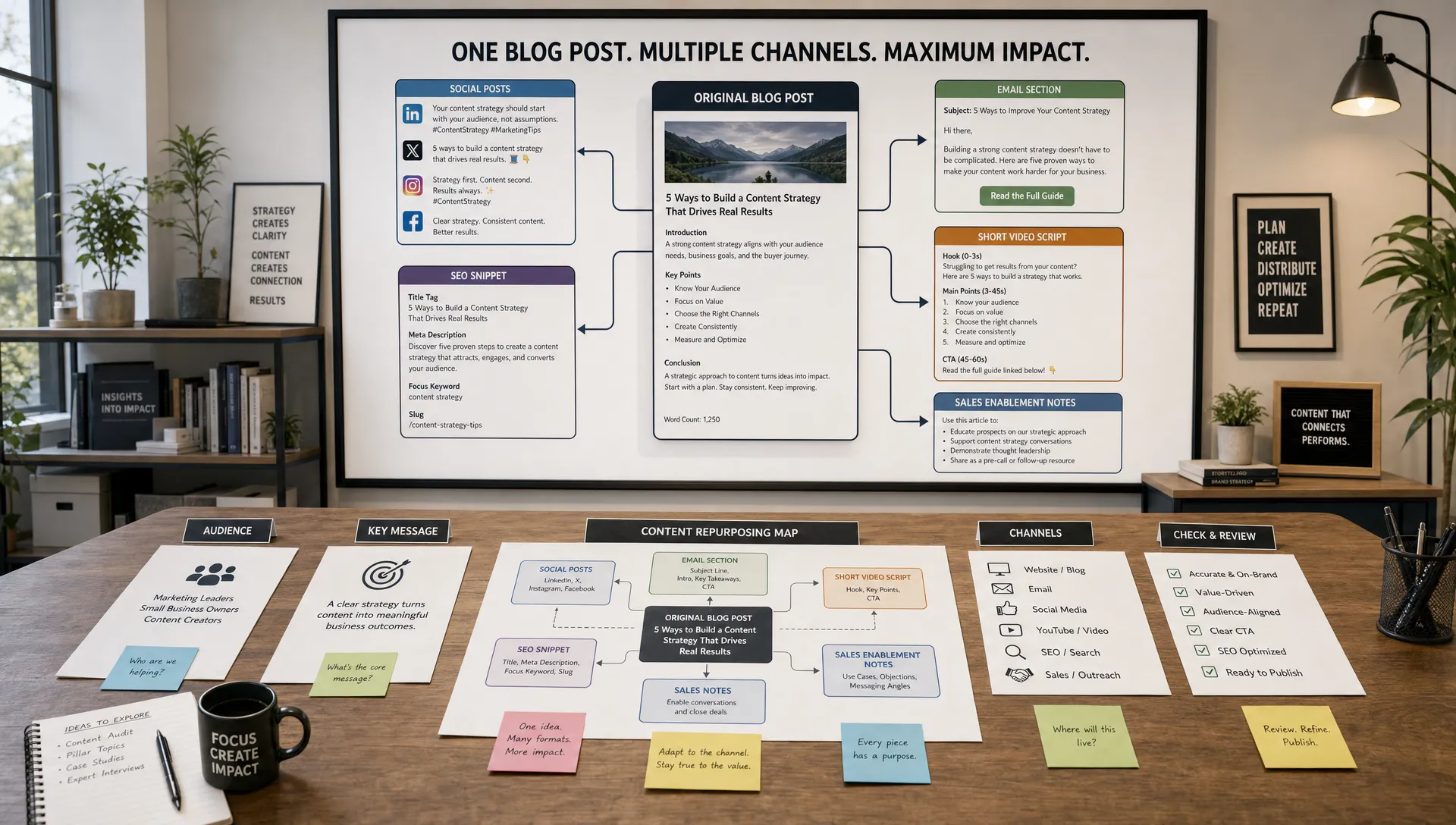
A blog article, LinkedIn post, email, YouTube script, and landing page should not sound the same. Use AI to adapt the core idea to each channel, but edit for format-specific behavior. Search users want complete answers. Email readers need urgency and clarity. Social audiences need a hook and a reason to engage.
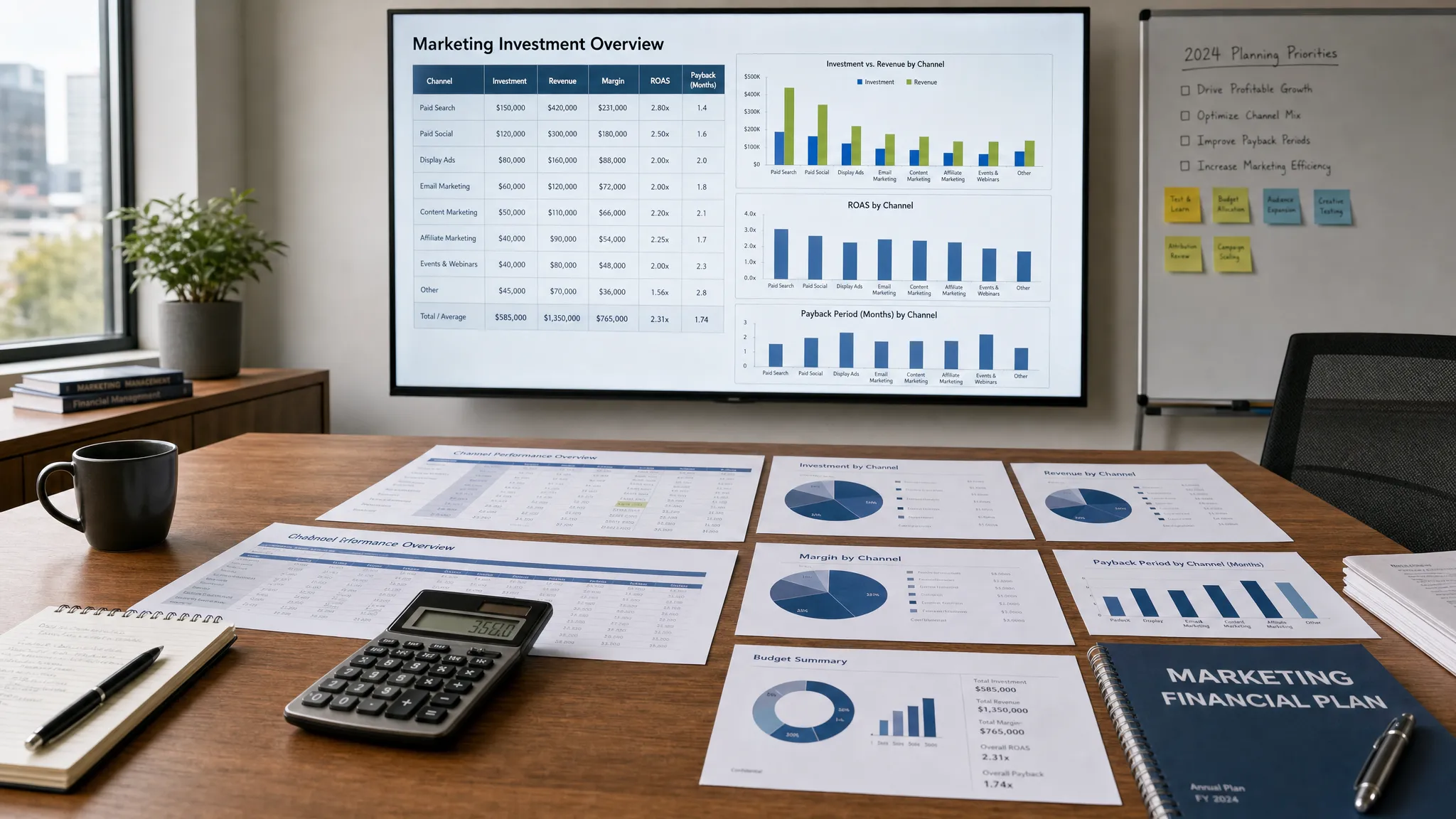
Content creation does not end at publication. Track rankings, clicks, engagement, conversions, assisted pipeline, scroll depth, and content decay. Refresh high-potential assets with new examples, stronger internal links, clearer calls to action, and updated sections.
This is where AI can help again by summarizing performance patterns and suggesting refresh opportunities, as long as your team makes the final strategic decisions.
AI can make good teams faster, but it can also make weak processes louder. Avoid these mistakes:
The best results come from pairing AI speed with human strategy, editorial standards, and performance feedback.
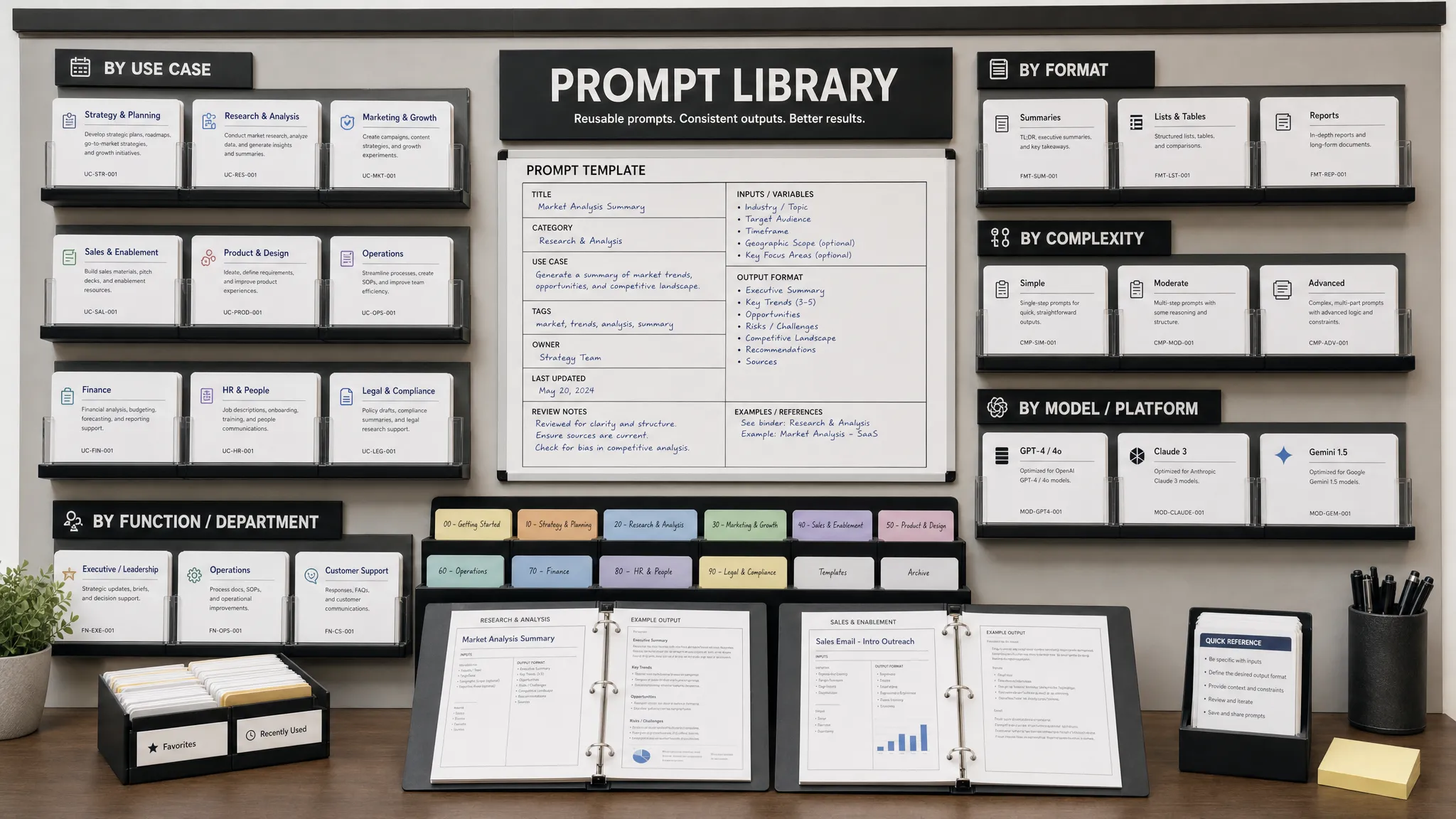
AIMarketer Hub is built for marketers and businesses that want practical AI marketing resources, not just theory. The platform brings together AI-powered marketing tools, expert guides, calculators, curated resources, SEO tools, performance analytics, and a prompt library for marketers.
That makes it useful as a support layer for your broader content stack. You might use specialized tools for writing, design, or video, then use AIMarketer Hub to sharpen your prompts, explore industry-specific guides, improve SEO workflows, and connect content creation to measurable marketing performance.
For teams in marketing, finance, legal, and SaaS, the biggest opportunity is not simply producing more content. It is producing better-targeted content faster, with clearer workflows and stronger decision-making.
What are AI tools for content creation? AI tools for content creation are software platforms that help marketers and creators plan, write, edit, design, record, repurpose, optimize, and analyze content. They can support blog posts, emails, ads, videos, graphics, social posts, landing pages, and internal documents.
What is the best AI tool for content writing in 2026? The best AI writing tool depends on your needs. ChatGPT is a strong all-purpose option, Claude is excellent for long-form editorial work, Jasper is built for marketing campaigns, and Writer is better suited for enterprise governance and brand control.
Can AI-generated content rank on Google? Yes, AI-assisted content can rank if it is helpful, original, accurate, and created for people. Google’s guidance focuses on content quality, not whether AI was used. Thin, generic, or misleading AI content is unlikely to perform well over time.
Should small businesses use free or paid AI content tools? Small businesses can start with free or lower-cost tools to validate workflows, then upgrade when they need brand controls, collaboration, SEO optimization, design features, or higher usage limits. The best paid tool is the one that removes a real bottleneck.
Do AI content tools replace human marketers? No. AI tools can speed up research, drafting, editing, and repurposing, but human marketers are still needed for strategy, positioning, customer insight, creative judgment, fact checking, and final approval.
How many AI tools does a content team need? Most teams need fewer tools than they think. A practical stack usually includes one writing assistant, one visual creation tool, one SEO or research tool, one editing tool, and one workflow or analytics layer. Add specialized video or governance tools only when the need is clear.
The best AI tools for content creation in 2026 are not magic shortcuts. They are leverage. Used well, they help your team move faster, test more ideas, repurpose stronger assets, and focus human energy where it matters most.
If you want practical prompts, AI marketing resources, SEO tools, calculators, performance insights, and industry-specific guides in one place, explore AIMarketer Hub. Use it to build a content system that is faster, more consistent, and more connected to real marketing growth.