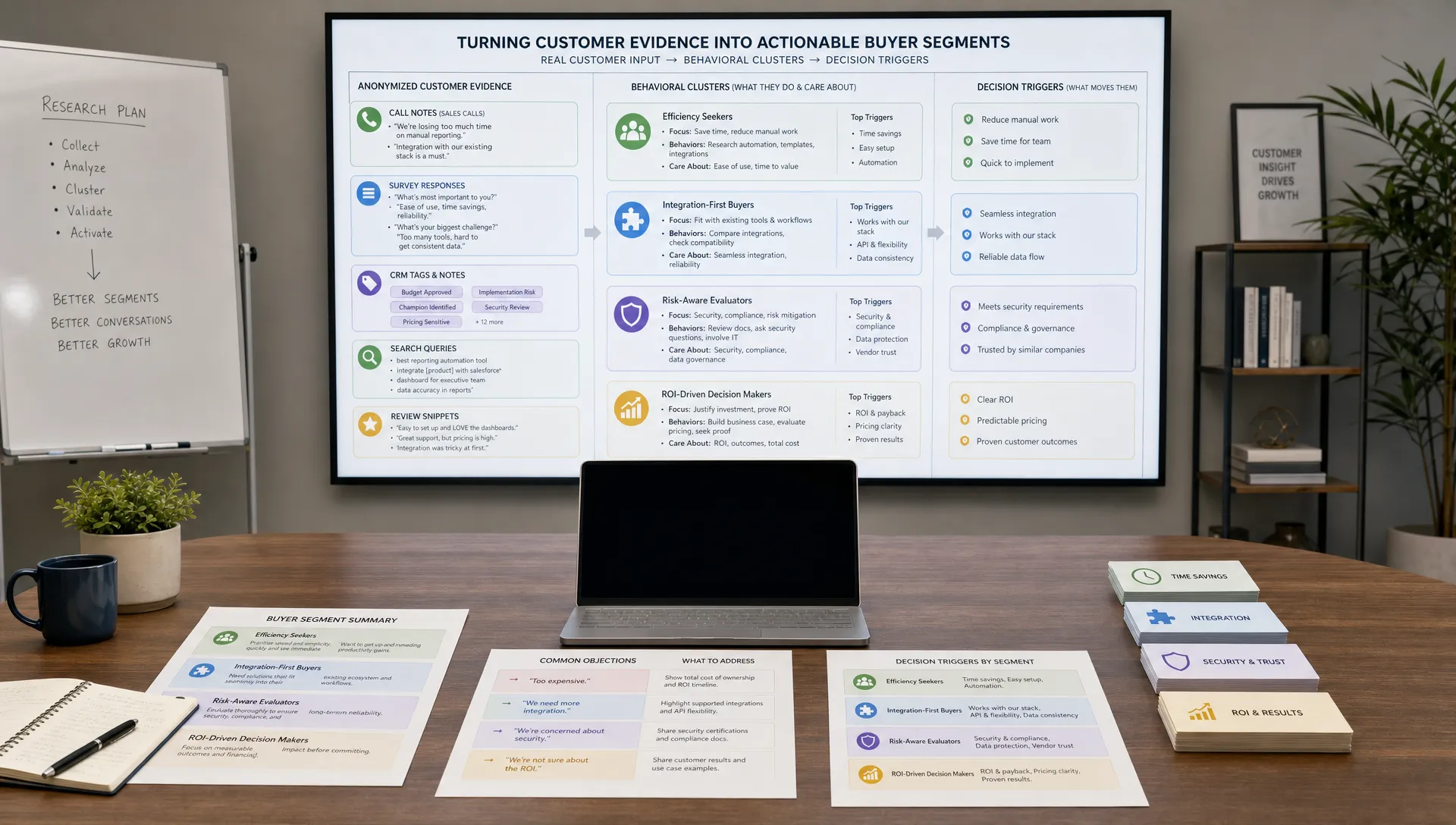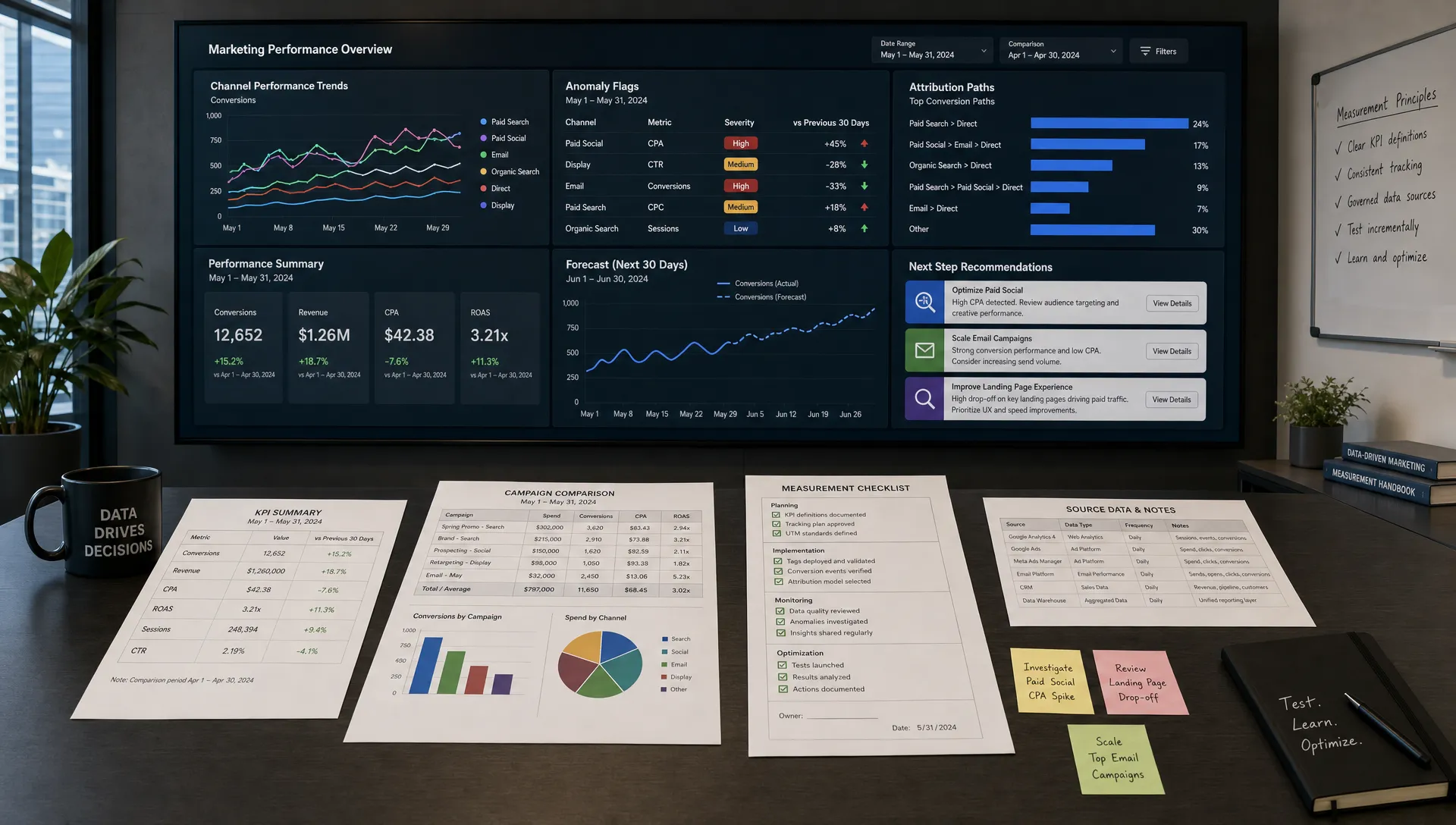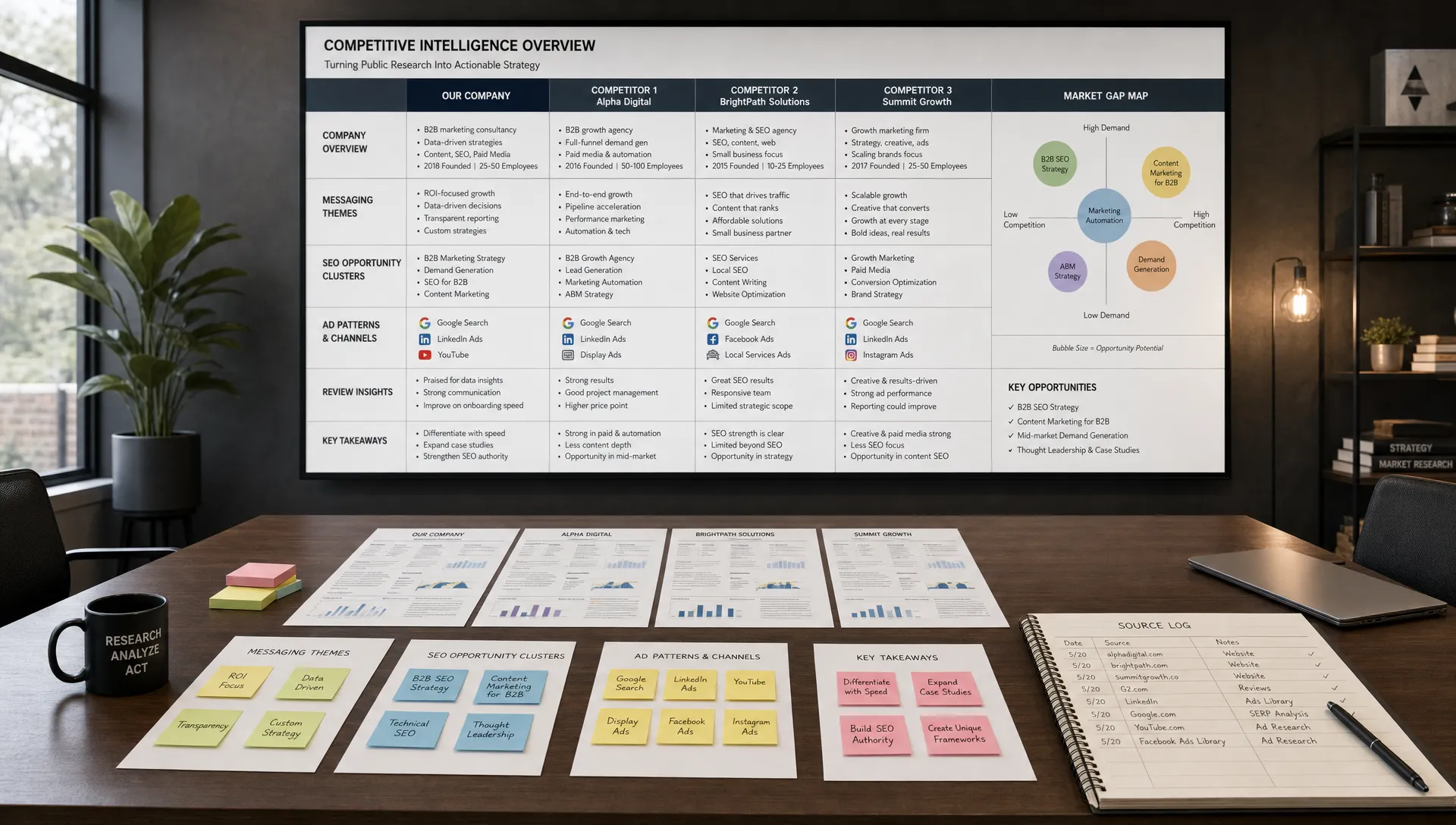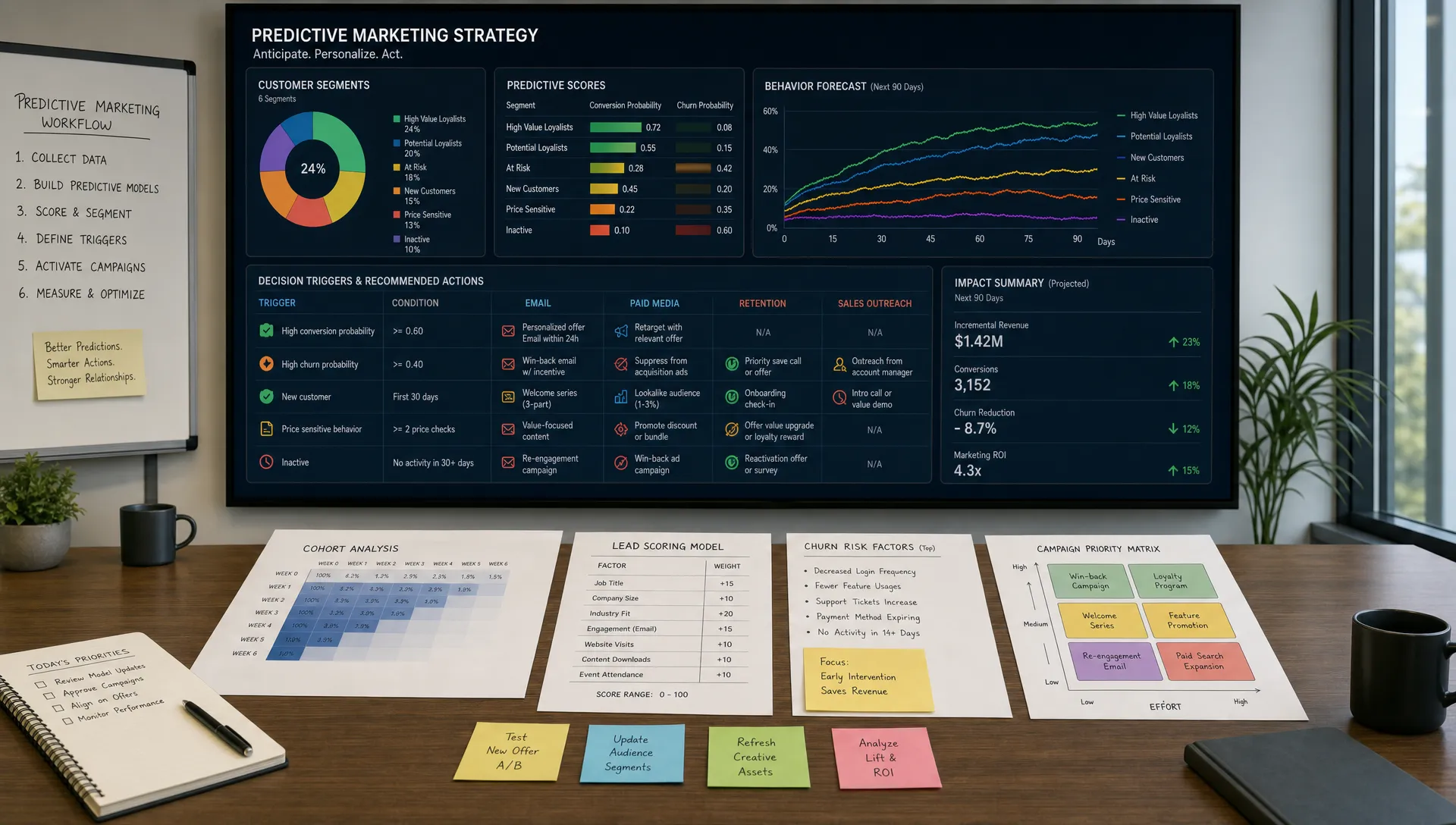
Customer feedback used to be something a marketing or product team could read manually: a few survey responses, a handful of sales notes and the occasional review. That breaks quickly when feedback starts arriving from support tickets, chat transcripts, call recordings, app store reviews, social comments, cancellation forms and customer success notes.
AI changes the scale problem. Instead of sampling a few comments and hoping they represent the whole customer base, teams can classify thousands of responses, detect recurring themes, compare segments and spot shifts before they become visible in quarterly reports. The goal is not to replace judgment. The goal is to give marketers, product leaders and customer-facing teams a faster way to understand what customers are really saying.
Used well, AI helps you move from anecdote to evidence. Used poorly, it creates polished summaries that hide messy data, bias and important exceptions. The difference is workflow.
AI is especially useful when feedback is high-volume, unstructured or spread across too many systems. Large language models can read open-ended comments, identify themes, classify sentiment, extract objections and summarize patterns in plain language. Embedding models can group similar comments even when customers use different words. Analytics tools can show whether a complaint is isolated, growing or concentrated in a valuable customer segment.
That said, AI should not be treated as a truth machine. A model can misread sarcasm, overstate confidence, miss niche terminology or flatten contradictory feedback into a tidy conclusion. Human review matters most when insights will affect pricing, product roadmaps, legal claims, customer communications or retention campaigns.
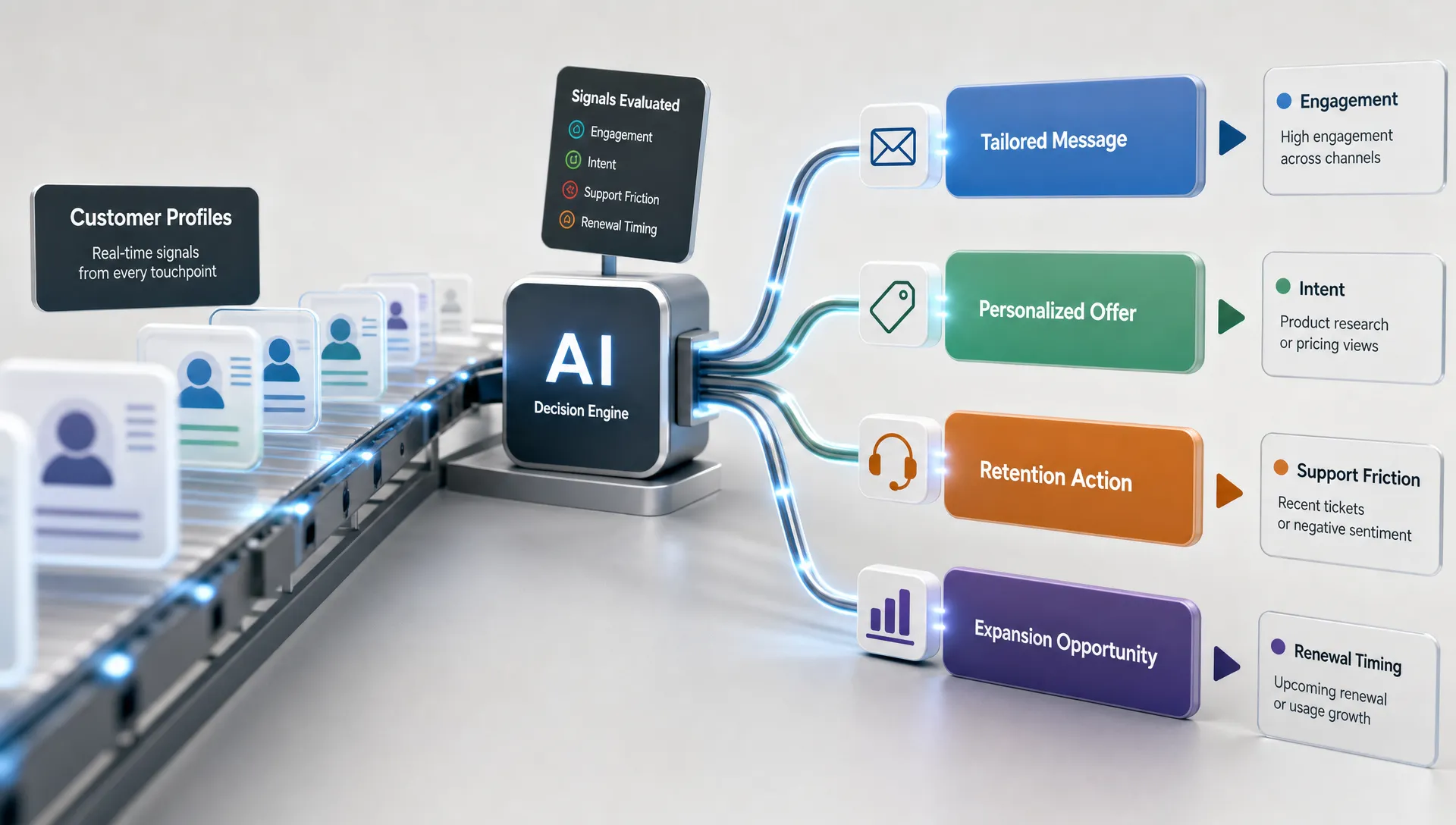
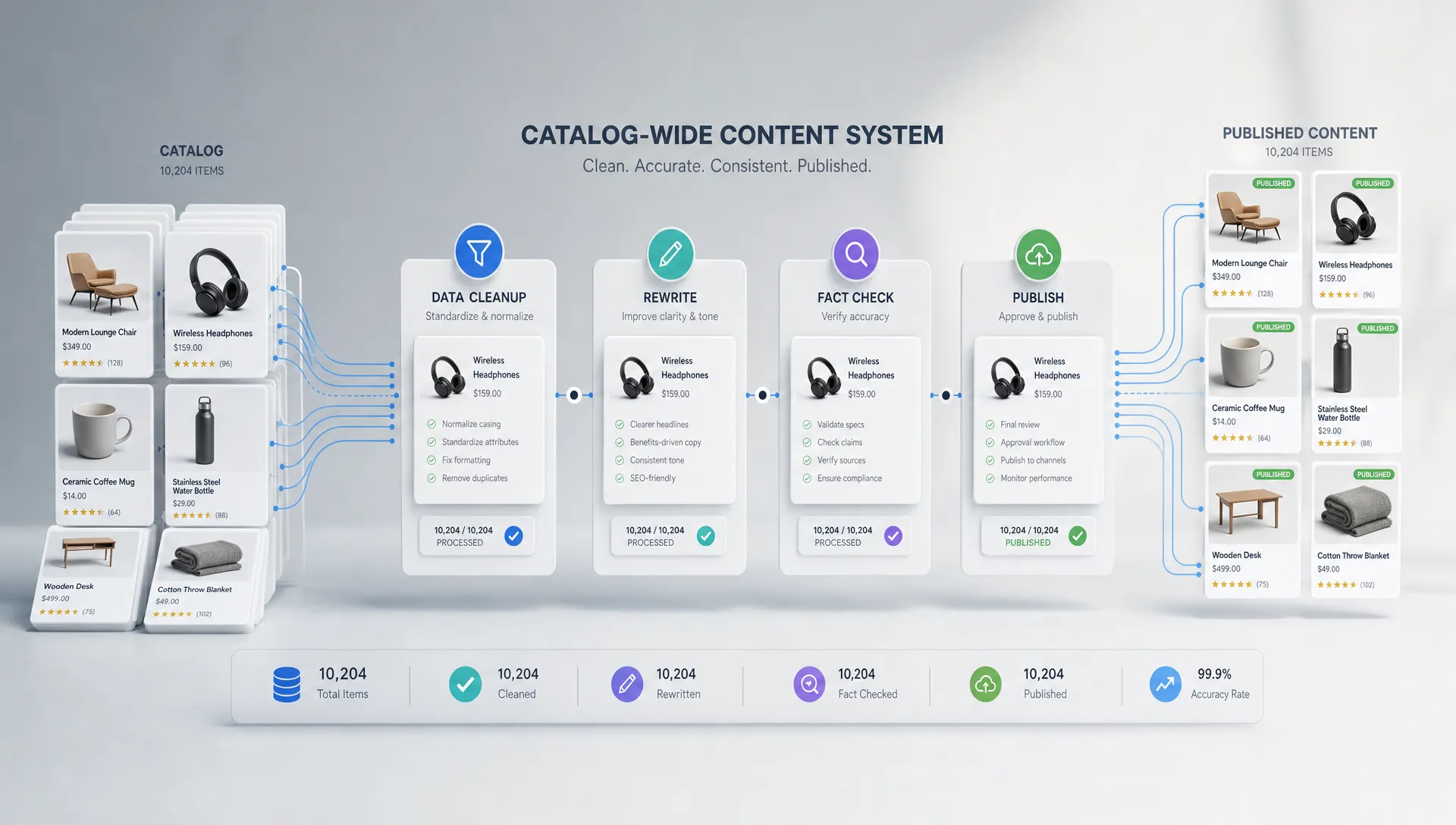
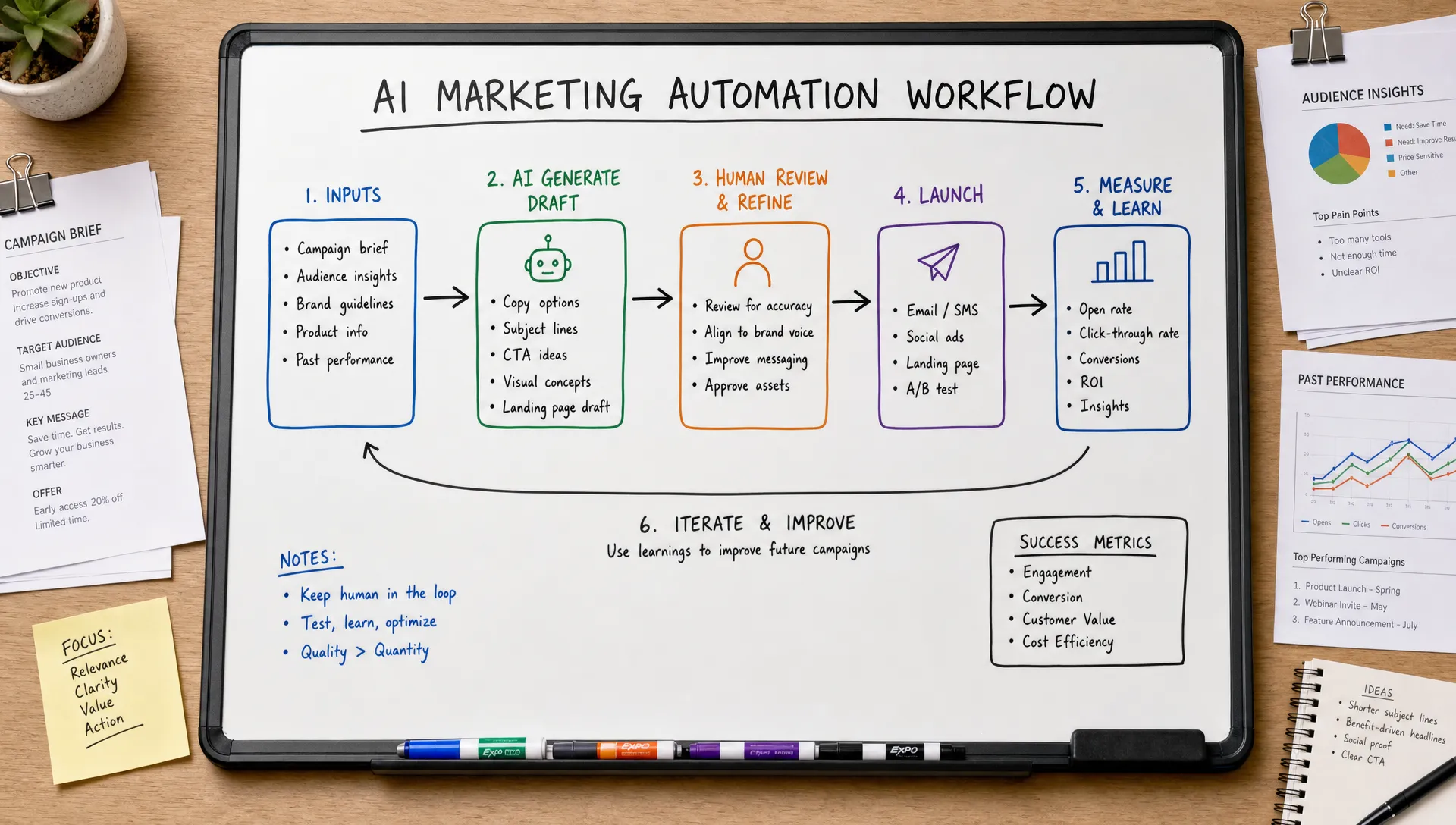
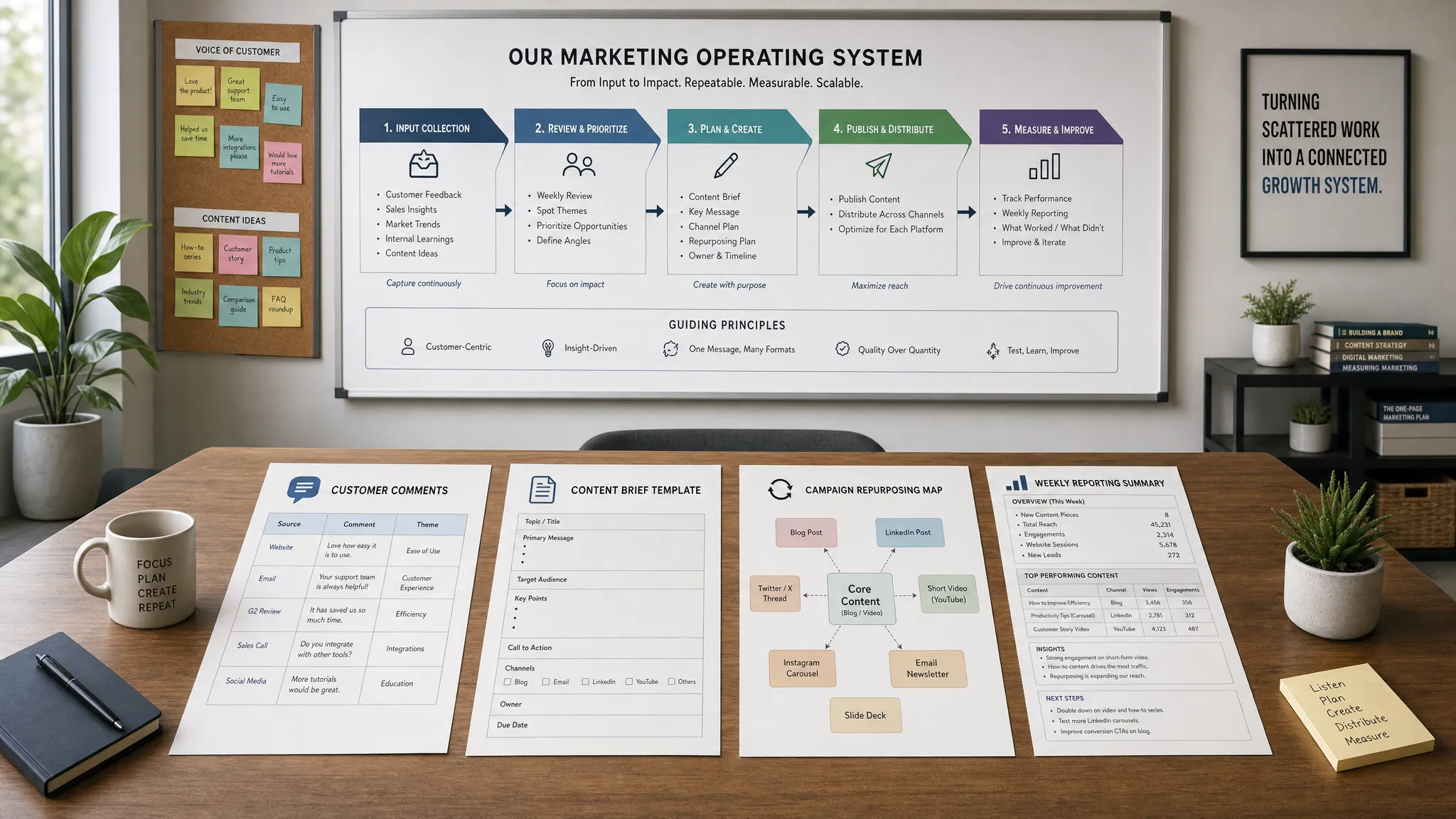
A practical AI feedback system usually combines four capabilities: organizing raw comments, labeling them consistently, quantifying what matters and routing insights to the right team. If one of those pieces is missing, you may end up with interesting summaries that do not change decisions.
Before choosing AI tools, define what decision the feedback analysis should improve. This prevents the common mistake of building a generic dashboard that shows sentiment trends but does not tell anyone what to do next.
A marketing team may want to understand why prospects hesitate before buying. A product team may need to rank usability issues by revenue impact. A customer success team may want early warnings that accounts are at risk. Each use case requires a different taxonomy, dataset and success metric.
| Business question | Useful feedback sources | Best output from AI analysis |
|---|---|---|
| Why do customers churn? | Cancellation forms, support tickets, account notes, renewal calls | Ranked churn drivers by segment and severity |
| Which objections block conversion? | Sales calls, live chat, demo notes, review comments | Objection themes with customer wording and frequency |
| What product improvements should be prioritized? | Feature requests, bug reports, community posts, usability surveys | Theme clusters linked to affected customer types |
| Which messages should marketing use? | Reviews, testimonials, survey responses, social comments | Voice-of-customer phrases grouped by pain point and desired outcome |
| Where is support demand rising? | Help desk tickets, chatbot logs, call transcripts | Topic trends and escalation risks over time |
The best question is specific enough to guide action. “What do customers think?” is too broad. “Which onboarding complaints are increasing among new enterprise customers?” is much more useful.
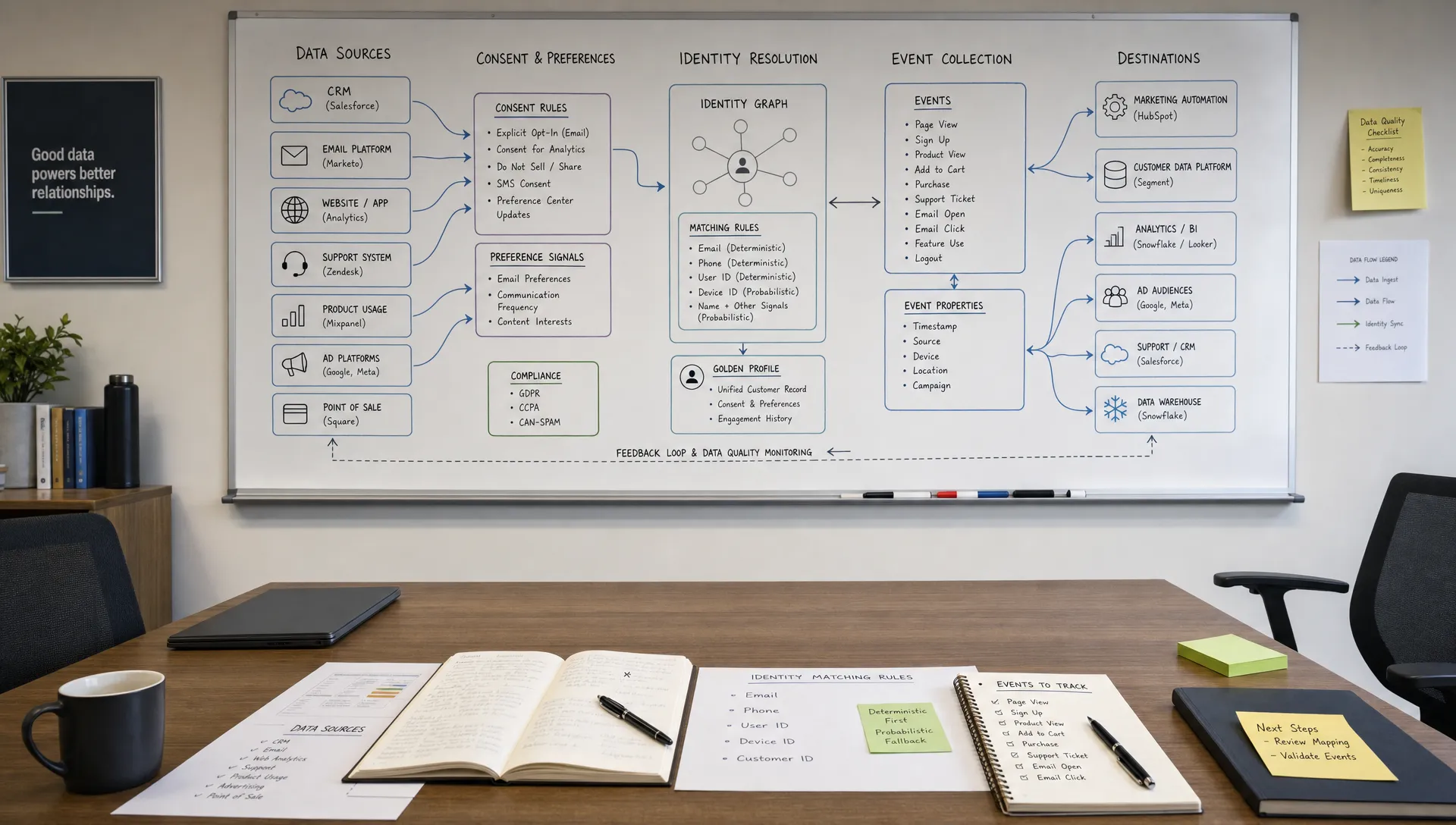
Customer feedback at scale rarely lives in one place. Your highest-quality insights often come from the combination of structured and unstructured sources. Ratings and survey scores tell you what happened. Open-text feedback explains why.
Common sources include post-purchase surveys, NPS or CSAT comments, product reviews, help desk tickets, chatbot logs, email replies, sales call transcripts, customer success notes, social listening data, community discussions, app store reviews, return reasons and cancellation forms.
You do not need to connect every source on day one. Start with the feedback channels closest to your business decision. If you are improving onboarding, analyze support tickets, welcome email replies and early lifecycle survey comments. If you are improving product pages, prioritize reviews, pre-purchase chat logs and sales objections.
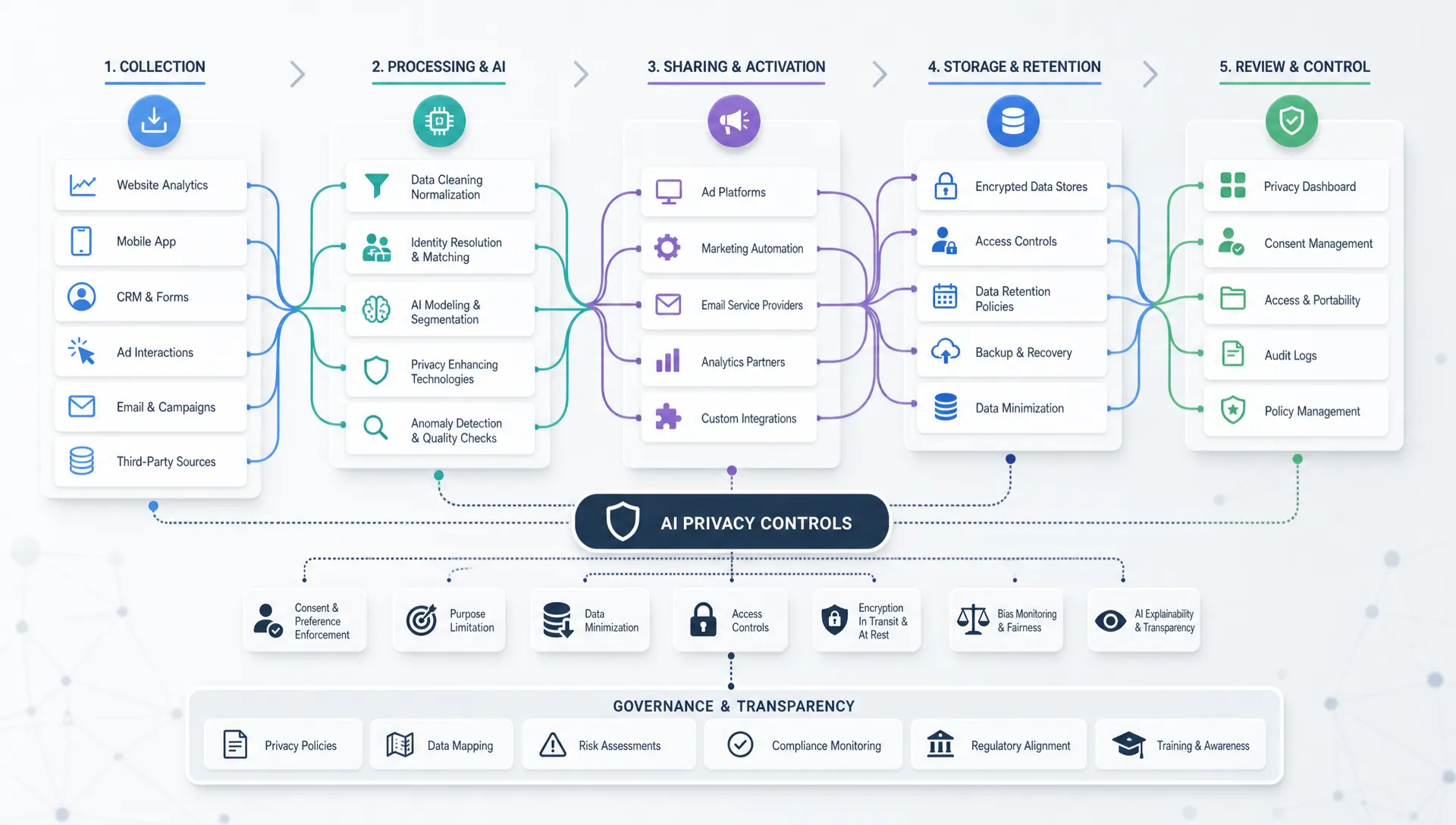
Consent and privacy also matter. Customer feedback may contain names, email addresses, health information, financial details or confidential business information. Remove or mask sensitive data before sending it to AI systems unless your contracts, security controls and compliance policies clearly allow that use. This is not only a legal issue. Clean feedback data produces more reliable analysis.
AI analysis is only as strong as the customer data behind it. If comments have no date, customer type, product line, lifecycle stage or channel, the model can summarize what people said but struggle to explain where the issue is happening.
At minimum, structure your dataset with a unique feedback ID, feedback text, source channel, date, rating if available, product or service area, customer segment, lifecycle stage and status. Add revenue band, plan type, region or industry only when those fields are relevant and safe to use.
This preparation step is where many AI marketing projects either become useful or stall. If your customer records are fragmented, inconsistent or full of duplicate entries, start by building cleaner foundations. AIMarketer Hub has a practical guide on creating AI-ready customer data for marketing that pairs well with any feedback analysis workflow.
A clean dataset lets you ask sharper questions, such as whether negative sentiment is rising among first-time buyers, whether enterprise customers mention implementation complexity more often than small businesses or whether a new feature is creating more support demand than expected.
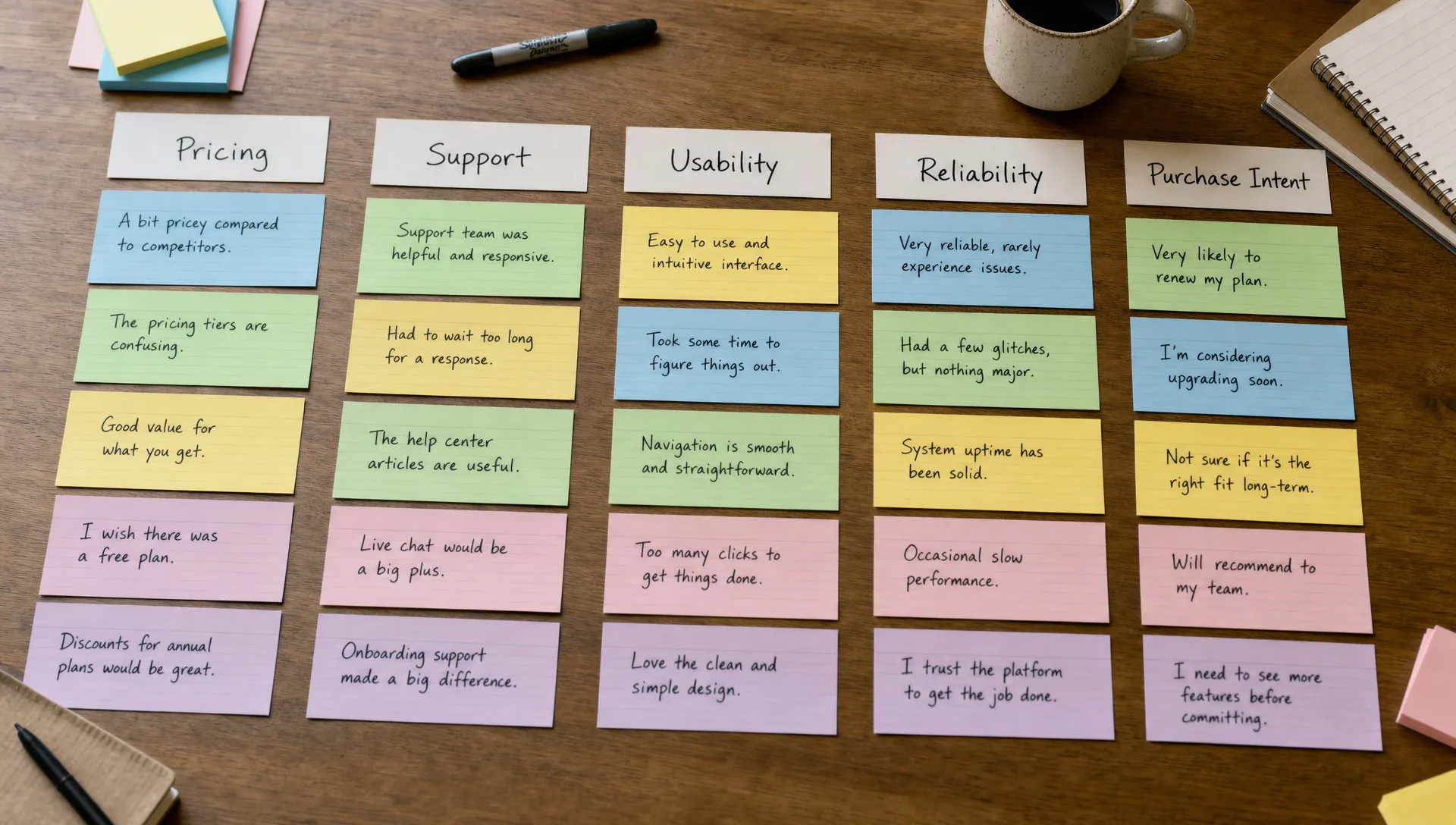
A taxonomy is the set of labels you use to classify feedback. Without one, AI tools may generate a new set of topics every time they run, making it difficult to compare results month over month.
A useful taxonomy should include both business-defined categories and AI-discovered themes. Business-defined categories keep analysis aligned with teams and reporting. AI-discovered themes help you catch patterns you did not know to look for.
| Tag type | Example labels | Why it matters |
|---|---|---|
| Sentiment | Positive, neutral, negative, mixed | Shows emotional direction but should not be used alone |
| Theme | Pricing, onboarding, reliability, support, integrations | Groups feedback into actionable areas |
| Customer journey stage | Awareness, purchase, activation, renewal, cancellation | Connects feedback to funnel or lifecycle moments |
| Urgency | Low, medium, high, critical | Helps separate mild friction from immediate risk |
| Product or service area | Checkout, dashboard, billing, mobile app, delivery | Routes issues to the right owner |
| Intent | Complaint, feature request, praise, objection, confusion | Clarifies what the customer is trying to communicate |
Keep the first version simple. If your taxonomy has 80 labels, human reviewers will apply them inconsistently and AI models will struggle to maintain precision. Start with 10 to 20 high-value labels, review results and expand only where the extra detail supports a real decision.
Different AI techniques solve different parts of the feedback problem. A single model prompt may work for a small batch of comments, but a repeatable workflow usually combines classification, clustering, summarization and trend analysis.
| AI method | Best use case | Watch out for |
|---|---|---|
| Sentiment analysis | Measuring emotional tone across channels and time periods | Sarcasm, mixed comments and domain-specific language can reduce accuracy |
| LLM classification | Applying your taxonomy to open-ended comments | Labels need clear definitions and human quality checks |
| Embedding-based clustering | Finding similar comments even when wording differs | Clusters still need human naming and interpretation |
| Topic modeling | Discovering broad themes in large datasets | Topics can be too vague without refinement |
| Summarization | Condensing long threads, calls or ticket histories | Summaries may omit minority viewpoints or edge cases |
| Entity extraction | Pulling out product names, competitors, locations or features | Requires validation when names are ambiguous |
| Trend detection | Spotting increases in complaints, requests or praise | Needs consistent time stamps and enough historical data |
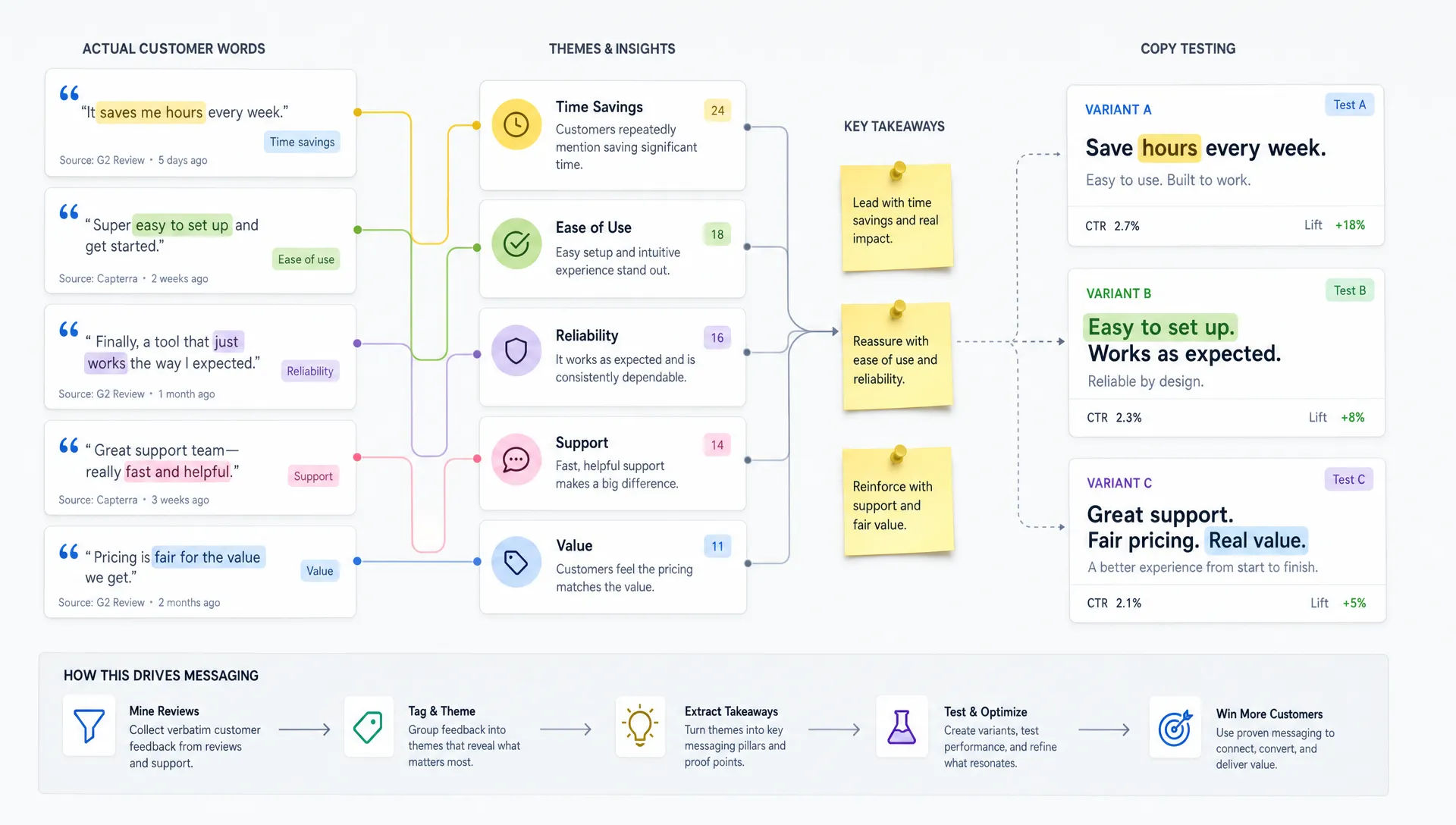
For marketing teams, the highest-value combination is often theme classification plus quote extraction. The theme tells you what is happening at scale. The quote preserves the customer’s exact language, which is critical for messaging, positioning and content creation.
If you use a large language model directly, avoid vague prompts like “Analyze this customer feedback.” You will get a polished answer, but it may not be consistent enough for reporting.
Instead, ask the model to return structured fields, cite the exact phrase that supports each label and mark uncertainty when the comment is ambiguous. This gives reviewers something concrete to audit.
A basic classification prompt can look like this:
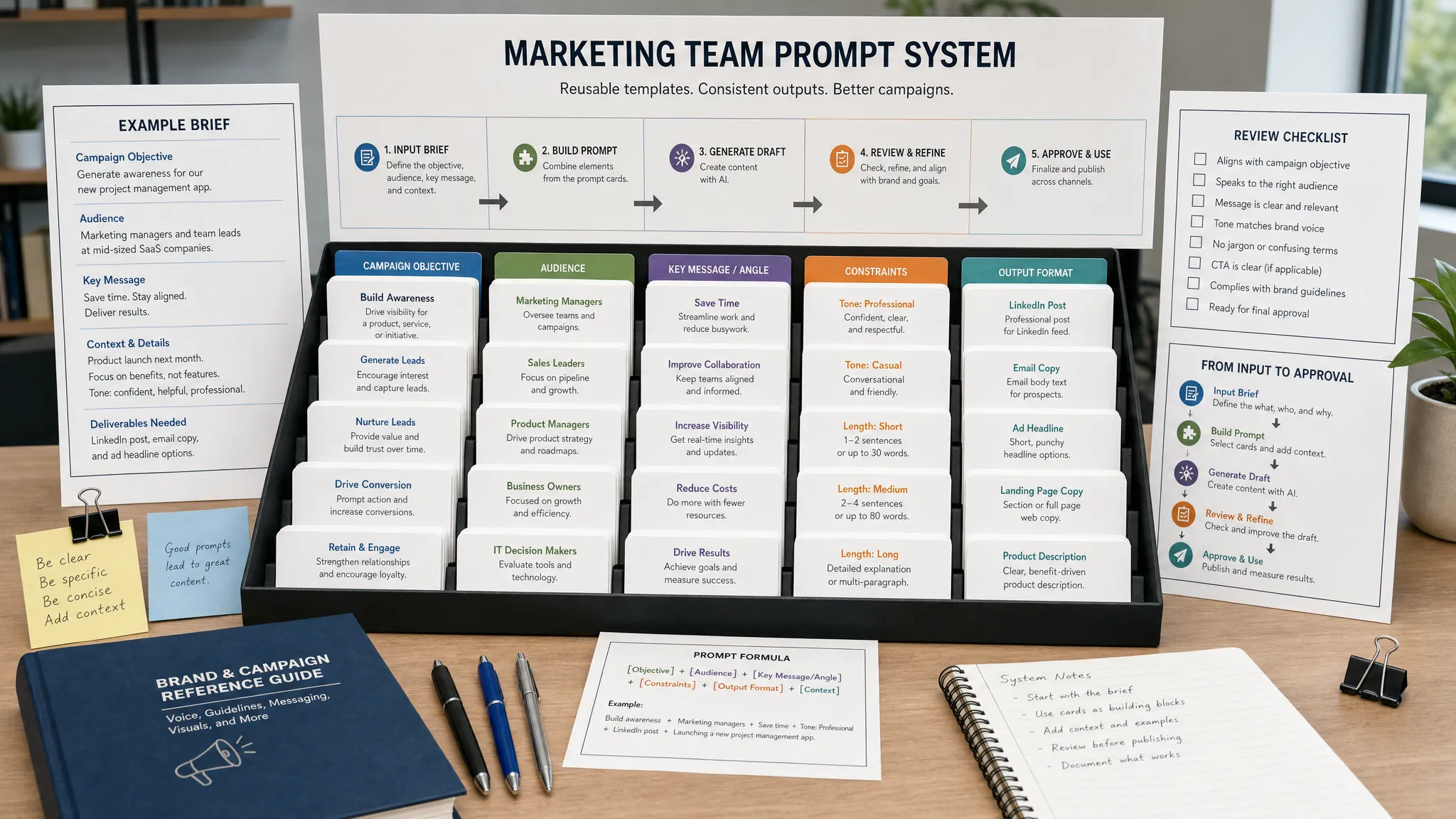
You are analyzing customer feedback for a marketing and product team.
Classify each comment using only these themes: pricing, onboarding, reliability, support, usability, integrations, feature request, purchase objection, praise, other.
Return: comment_id, primary_theme, secondary_theme if present, sentiment, urgency, evidence_quote and confidence from 1 to 5.
If the comment does not contain enough information, use other and explain why.
For summarization, ask the model to separate evidence from interpretation:
Summarize the feedback below for a weekly customer insights report.
Include the top 5 themes, the strongest evidence quotes, any emerging themes and recommended follow-up questions.
Do not claim a trend unless multiple comments support it.
For root cause analysis, keep the model grounded:
Review these negative onboarding comments.
Identify likely root causes, but separate confirmed facts from hypotheses.
For each hypothesis, list what additional data would be needed to validate it.
These prompts are not final templates. They are starting points. The right wording depends on your industry, feedback sources and taxonomy. The principle is simple: require structure, require evidence and make uncertainty visible.
A recurring customer complaint is not automatically a priority. You need to evaluate frequency, severity, customer value, growth rate and business impact.
For example, a low-volume issue affecting high-value enterprise renewals may deserve more attention than a high-volume complaint from customers who are not a strategic fit. A small spike in complaints after a product release may matter more than a stable complaint category that has existed for years.
A practical prioritization model can include these factors:
| Factor | What to measure | Why it matters |
|---|---|---|
| Frequency | Number and percentage of comments mentioning the theme | Shows scale |
| Severity | Urgency, negative sentiment and escalation language | Shows pain level |
| Segment impact | Customer type, plan, region, industry or lifecycle stage | Shows who is affected |
| Revenue or retention exposure | Account value, churn risk or conversion stage | Shows business importance |
| Trend direction | Increase, decrease or stability over time | Shows momentum |
| Confidence | Human review score and model agreement | Shows whether the insight is reliable |
Do not reduce every insight to sentiment score. Sentiment is useful, but it can be misleading. A polite enterprise customer saying “we may need to review alternatives” may carry more risk than an angry one-time buyer leaving a short complaint. AI can flag both, but your business context determines priority.
Aggregated feedback hides important differences. New customers may complain about setup. Long-term customers may request advanced features. Small businesses may focus on price. Enterprise buyers may focus on security, integrations and support.
This is where AI feedback analysis connects directly to customer segmentation. You can compare themes by persona, lifecycle stage, industry, account size, acquisition channel or product usage pattern. If you already use AI for segmentation, feedback themes can become a powerful qualitative layer. For a deeper setup process, see AIMarketer Hub’s guide to AI for customer segmentation.
Segmentation also prevents overcorrecting based on the loudest group. If 40 percent of negative feedback comes from a segment that represents 5 percent of revenue and has low retention, the right action may be better expectation-setting rather than a major roadmap change. If a smaller cluster comes from your most profitable accounts, it may need immediate attention.
AI feedback analysis becomes valuable only when it changes workflows. A monthly insight deck that nobody acts on is not enough. Build clear paths from insight to action.
Marketing teams can use AI-labeled feedback to refine positioning, landing page copy, email sequences, ad angles, FAQs and sales enablement. If customers repeatedly describe the same frustration in their own words, that language is often stronger than internally generated copy. AIMarketer Hub covers this in more detail in its article on turning customer reviews into better marketing copy.
Product teams can use clustered feedback to validate roadmap items, spot usability friction and compare feature requests by customer value. Customer success teams can identify early churn signals, create better onboarding resources and flag accounts that mention unresolved blockers. Support teams can improve help center content by finding repeated questions that should not require a ticket.
The same workflow works across very different industries. A SaaS platform might analyze onboarding complaints, an ecommerce brand might analyze return reasons and technical businesses such as crypto mining hardware and hosting providers might use feedback themes to understand questions about setup, hosting reliability, repair support and hardware performance.
The safest way to use AI at scale is to combine automation with targeted human review. You do not need a person to read every comment forever. You do need people to review samples, ambiguous cases, high-impact themes and outputs that will guide strategic decisions.
Start by creating a small “golden set” of feedback examples that your team has manually labeled. Use it to test whether the AI applies labels consistently. Review false positives and false negatives, then refine label definitions and prompts.
Quality checks should answer practical questions: Is the model confusing pricing complaints with value objections? Is it labeling feature requests as usability issues? Is it missing comments where customers mention a competitor? Is it overconfident when comments are vague?
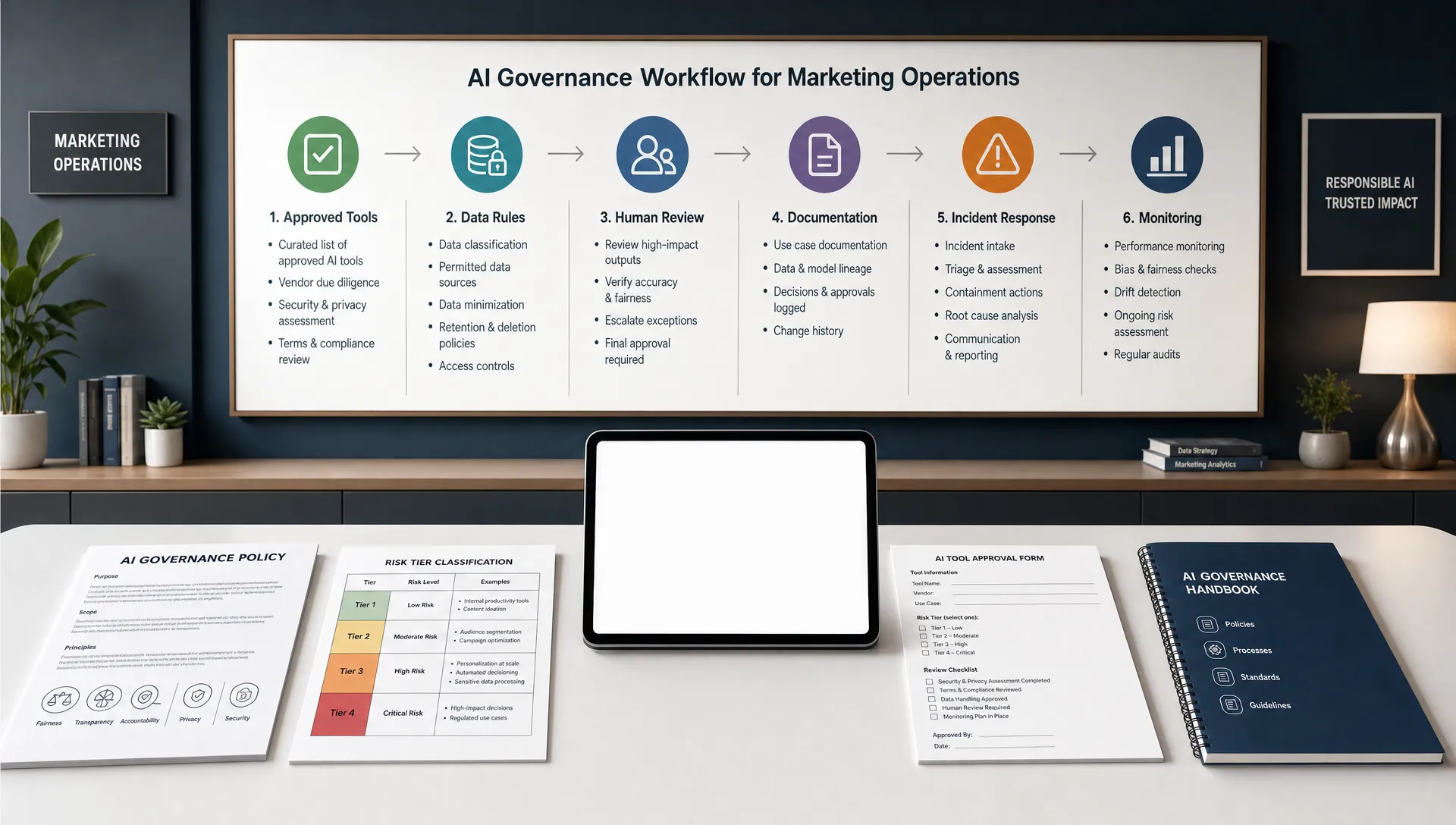
For governance, it helps to document model use, data sources, review processes and escalation rules. The NIST AI Risk Management Framework is a useful reference for teams that want a more formal approach to trustworthy AI practices.
One-off analysis is useful for discovery. Ongoing analysis is where feedback becomes a strategic asset.
A weekly report can highlight emerging issues, sharp sentiment changes and urgent themes. A monthly report can compare trends, segments and product areas. A quarterly report can connect feedback patterns to churn, conversion, retention and roadmap decisions.
Keep reports short enough for teams to use. A good customer feedback report usually includes the top themes, what changed since the last period, which segments are affected, evidence quotes, recommended actions, owners and open questions. Avoid dumping raw AI summaries into Slack or a dashboard without interpretation.
Also track whether actions taken from feedback actually worked. If you rewrite onboarding emails, watch whether related support tickets decline. If you update product pages to address a common objection, monitor conversion rate and chat questions. If you improve a feature, compare pre-change and post-change feedback for the same theme.
Many AI feedback projects fail for operational reasons, not technical ones. The model may be capable, but the process around it is weak.
Avoid these mistakes:
The strongest programs treat AI as an analyst assistant, not an executive decision-maker. They use automation to process volume and humans to interpret meaning, validate risk and decide what to change.
You do not need a complex data science program to begin. A focused 30-day pilot can prove value and reveal the operational work required.
In week one, choose one business question and gather feedback from two or three relevant sources. Clean the data, remove sensitive information and add basic metadata such as date, channel, product and customer segment.
In week two, create a simple taxonomy and manually label a small sample. Use those examples to test prompts or configure your AI tool. Compare AI labels with human labels and refine your definitions.
In week three, analyze the full pilot dataset. Cluster themes, extract evidence quotes, quantify patterns and segment the results. Ask a small group from marketing, product, support and customer success to review the findings.
In week four, choose two or three actions based on the analysis. That might be a landing page update, a new help center article, a support macro, an onboarding email change or a product fix. Define how you will measure whether the action improves customer outcomes.
Once the pilot works, expand sources and automate the repeatable parts. The most mature teams do not stop at analysis. They build a feedback loop where customer language, complaints and requests continuously inform campaigns, content, product decisions and retention efforts.
What is the best AI tool for analyzing customer feedback? The best tool depends on your data sources, privacy requirements, team workflow and reporting needs. Some teams use customer experience platforms with built-in text analytics. Others use large language models, BI tools and automation platforms together. Start with the decision you need to improve, then choose the tool that fits that workflow.
Can AI analyze customer feedback from surveys and reviews together? Yes, but you should preserve source and context. A one-star review, a support ticket and a survey response may all mention “pricing,” but they represent different moments in the customer journey. Keep source, date, rating and segment metadata attached to each comment.
How accurate is AI sentiment analysis? Sentiment analysis can be useful for broad trends, but it is imperfect. Accuracy depends on language, context, industry terms and whether comments contain mixed emotions. For important decisions, combine sentiment with theme classification, evidence quotes and human review.
How much feedback do I need before AI analysis is useful? AI can summarize small batches, but scale becomes more valuable when you have enough comments to compare themes across time, channels or segments. Even a few hundred well-structured comments can reveal useful patterns if the business question is focused.
Should AI-generated insights be shared directly with teams? Share AI-assisted insights, but include evidence, confidence and recommended action. Raw AI summaries can sound more certain than the data supports. A useful report shows what customers said, how often it appeared, who it affects and what the team should do next.
AI can help you analyze customer feedback at scale, but the real advantage comes from connecting insights to action. When feedback is clean, structured and reviewed with care, it can improve marketing copy, product priorities, onboarding, support content and retention strategy.
AIMarketer Hub helps marketers and businesses use AI more practically through guides, tools, prompt resources, SEO support and AI-powered marketing workflows. Explore AIMarketer Hub to build smarter systems for turning customer insight into measurable growth.