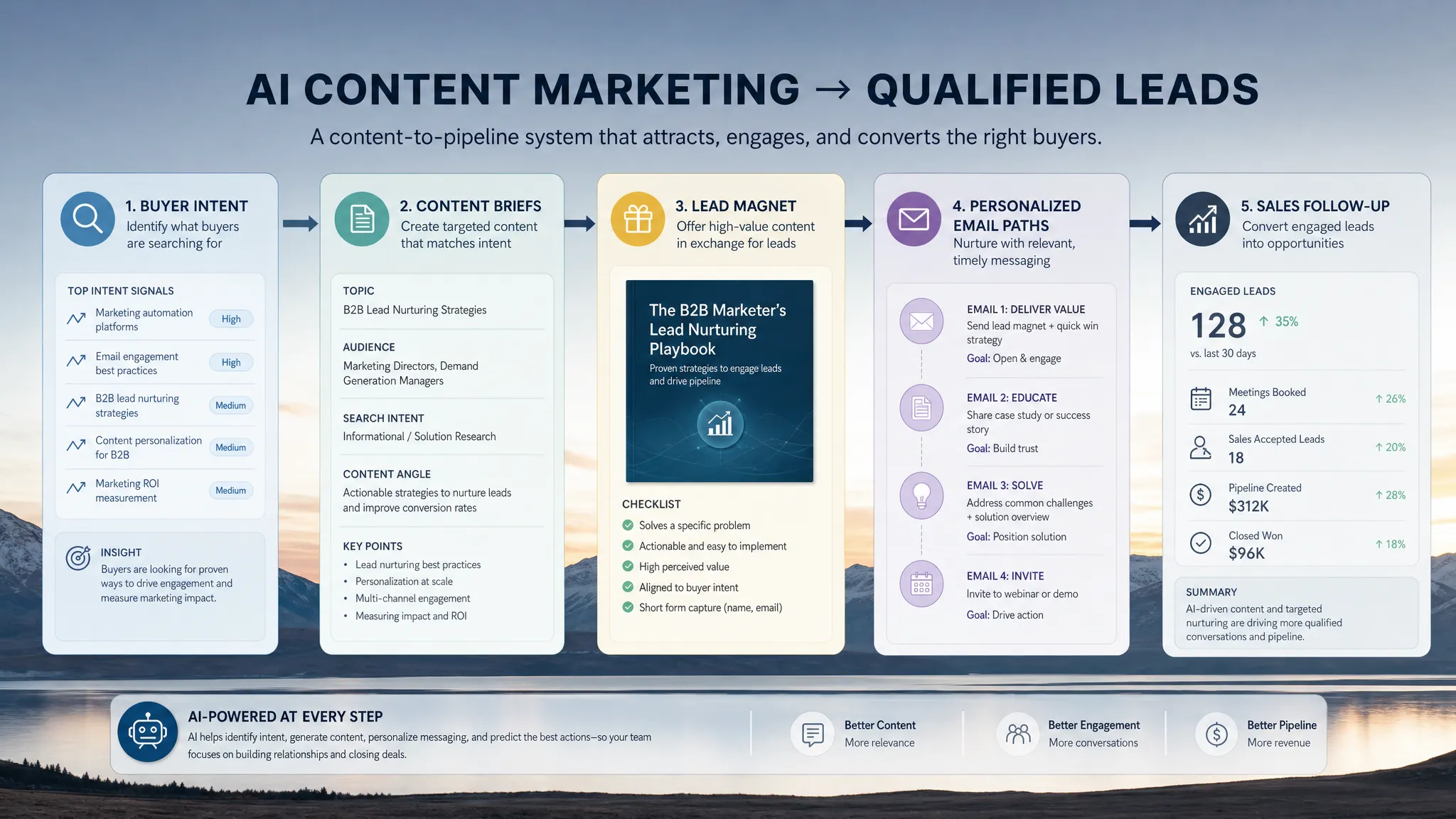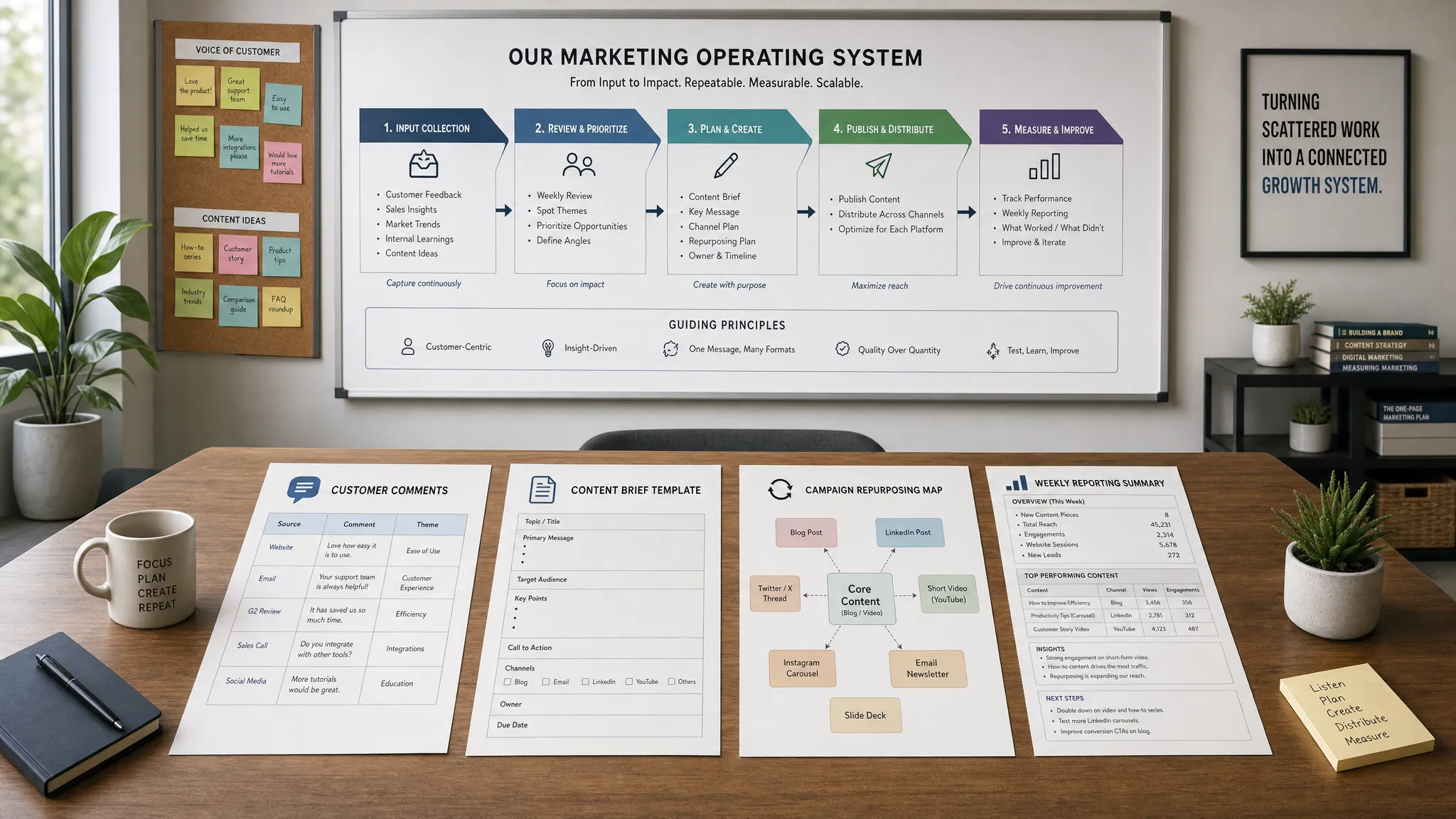
Small marketing teams rarely fail because they lack ideas. They fail because the work is fragmented: research lives in one document, content briefs in another, campaign assets in scattered folders, and performance insights arrive too late to influence the next launch.
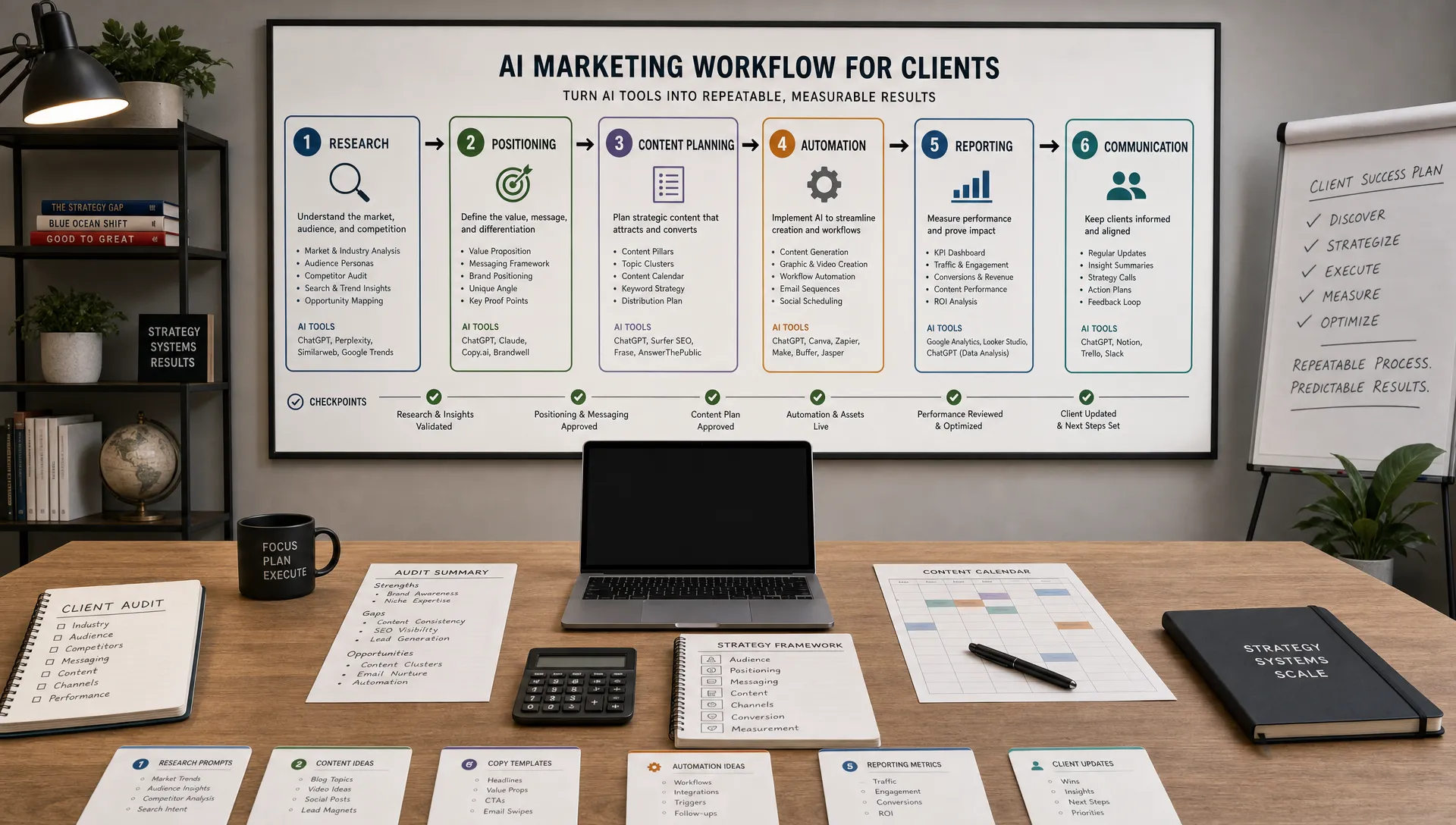
That is where AI workflows matter. A workflow is not a random prompt, a standalone chatbot session, or a shortcut that removes strategy. It is a repeatable process that turns inputs into useful outputs with clear human review points. For small teams, the best AI workflows reduce coordination work, speed up execution, and help marketers spend more time on judgment, creativity, and customer understanding.
In 2026, the competitive advantage is no longer simply using AI tools. It is knowing where AI belongs in the marketing operating system.
McKinsey has estimated that generative AI could increase marketing productivity by 5 to 15 percent of total marketing spending. For a small team, that productivity gain can be the difference between shipping one campaign per month and running a consistent growth engine.
The best AI workflows are narrow, repeatable, and measurable. They do not ask AI to own strategy. Instead, they give AI a specific role in a process that a marketer already understands.
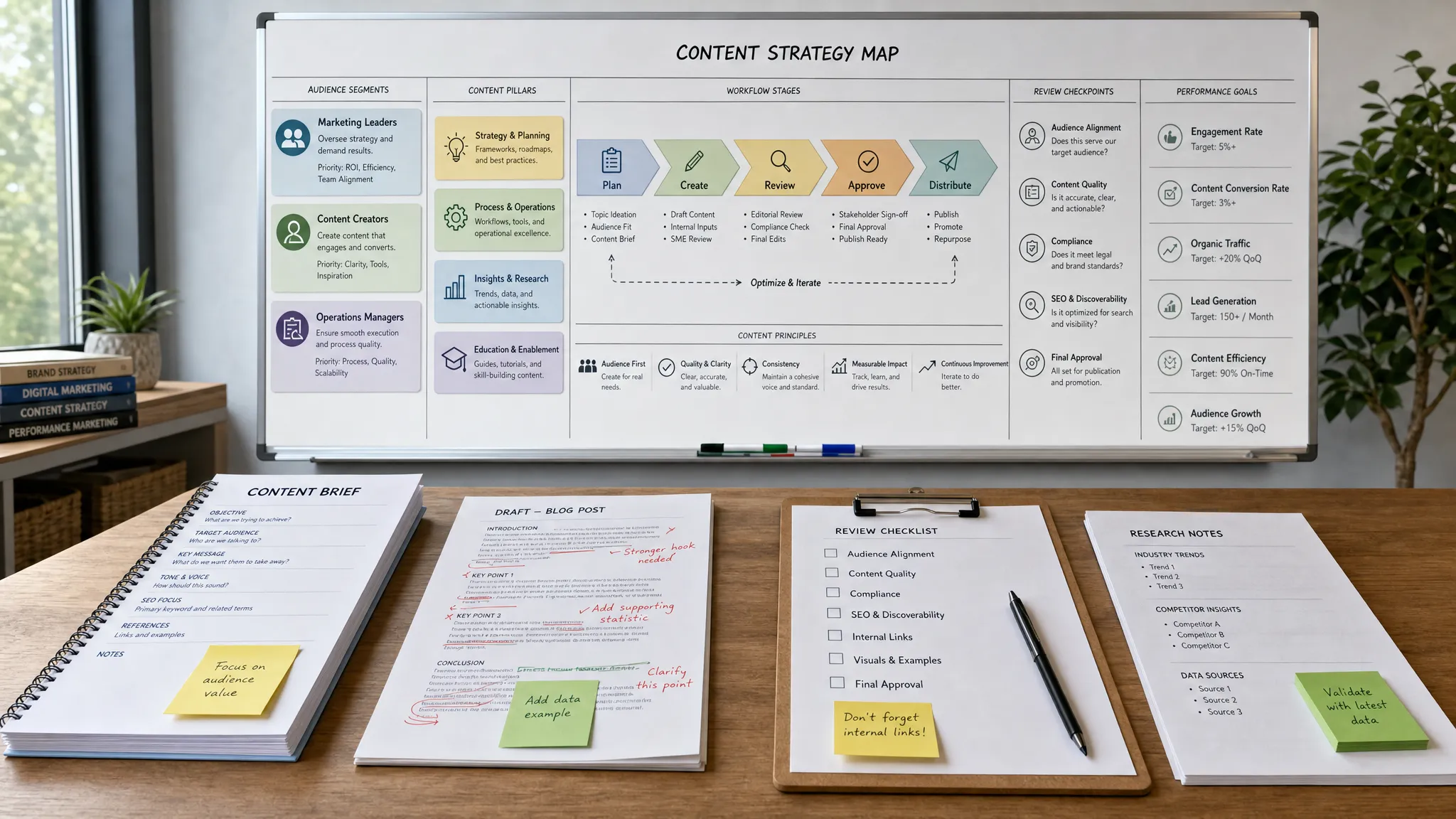
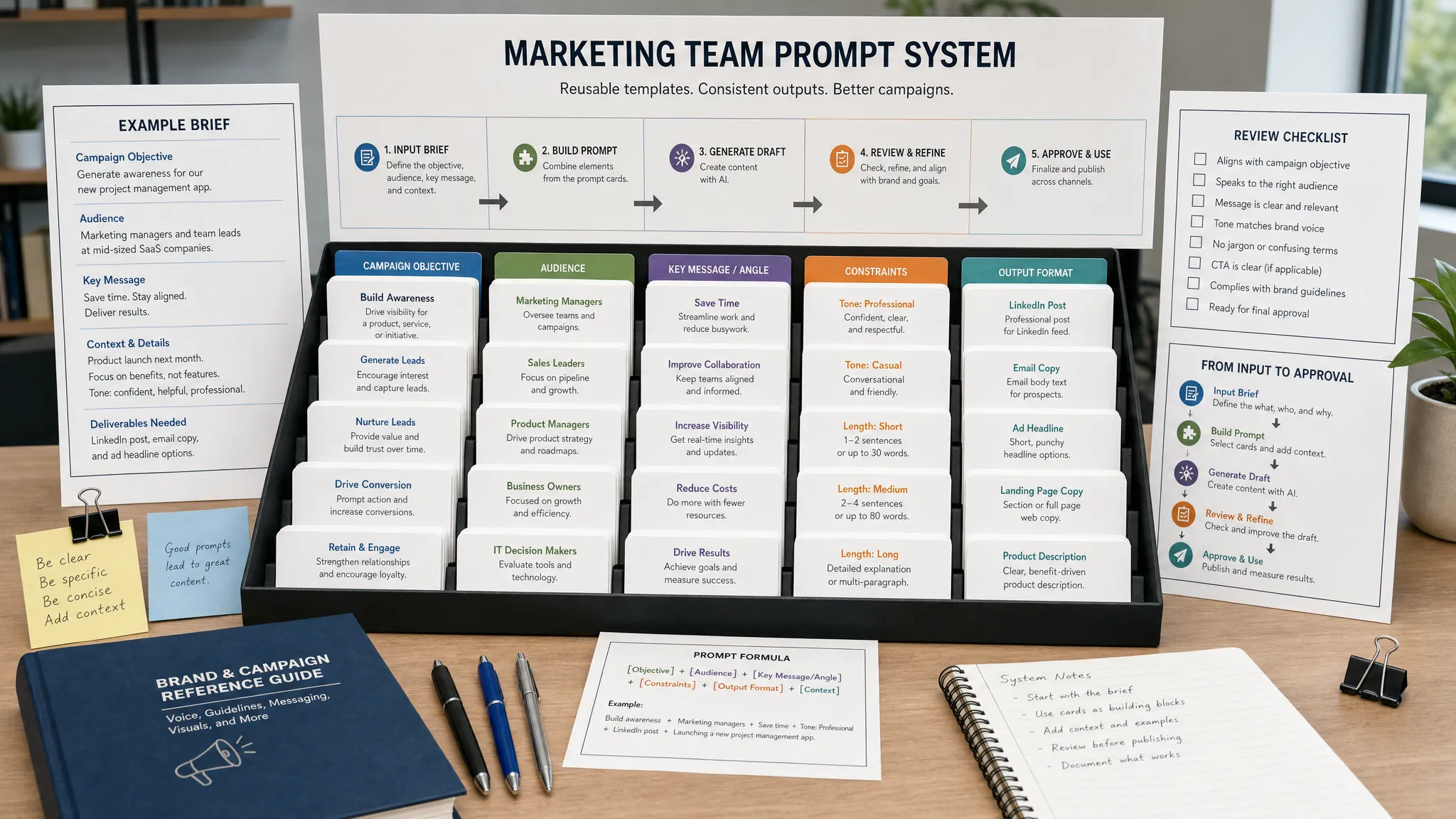
A good workflow has five parts: an input, a context layer, an AI-assisted task, a human checkpoint, and a measurable output. Without those pieces, AI becomes another tab to manage rather than a way to improve team velocity.
Workflow element | What it means                                  | Example
Input            | The raw material AI works from                 | Customer reviews, campaign data, sales notes, search queries
Context          | The rules and background that guide the output | Brand voice, audience, offer, positioning, compliance notes
AI task          | The specific work AI performs                  | Summarize, cluster, draft, compare, repurpose, analyze
Human checkpoint | The decision a marketer must make              | Approve insight, edit claim, reject weak angle, prioritize test
Metric | The result you track | Time saved, content velocity, conversion rate, cost per lead Small teams should not automate everything at once. Start with workflows that remove bottlenecks but still leave strategic judgment in human hands.
AI workflow                      | Best for                             | AI role                                | Human role                           | Primary metric
Voice-of-customer research       | Positioning and messaging            | Find patterns in customer language     | Validate insights and choose angles  | Message clarity
Content brief and draft creation | Blog posts, landing pages, guides    | Structure briefs and first drafts      | Add expertise and edit for accuracy  | Production time
SEO content refresh              | Existing pages and articles          | Identify gaps and update opportunities | Prioritize changes and verify intent | Organic traffic recovery
Campaign repurposing             | Social, email, ads, sales enablement | Turn one asset into many formats       | Adapt tone and select channels       | Asset output per campaign
Paid media creative testing      | Search and social ads                | Generate creative variations           | Set hypotheses and budget rules      | Cost per acquisition
Email nurture creation           | Leads and customers                  | Draft sequences by segment             | Check relevance and compliance       | Conversion rate
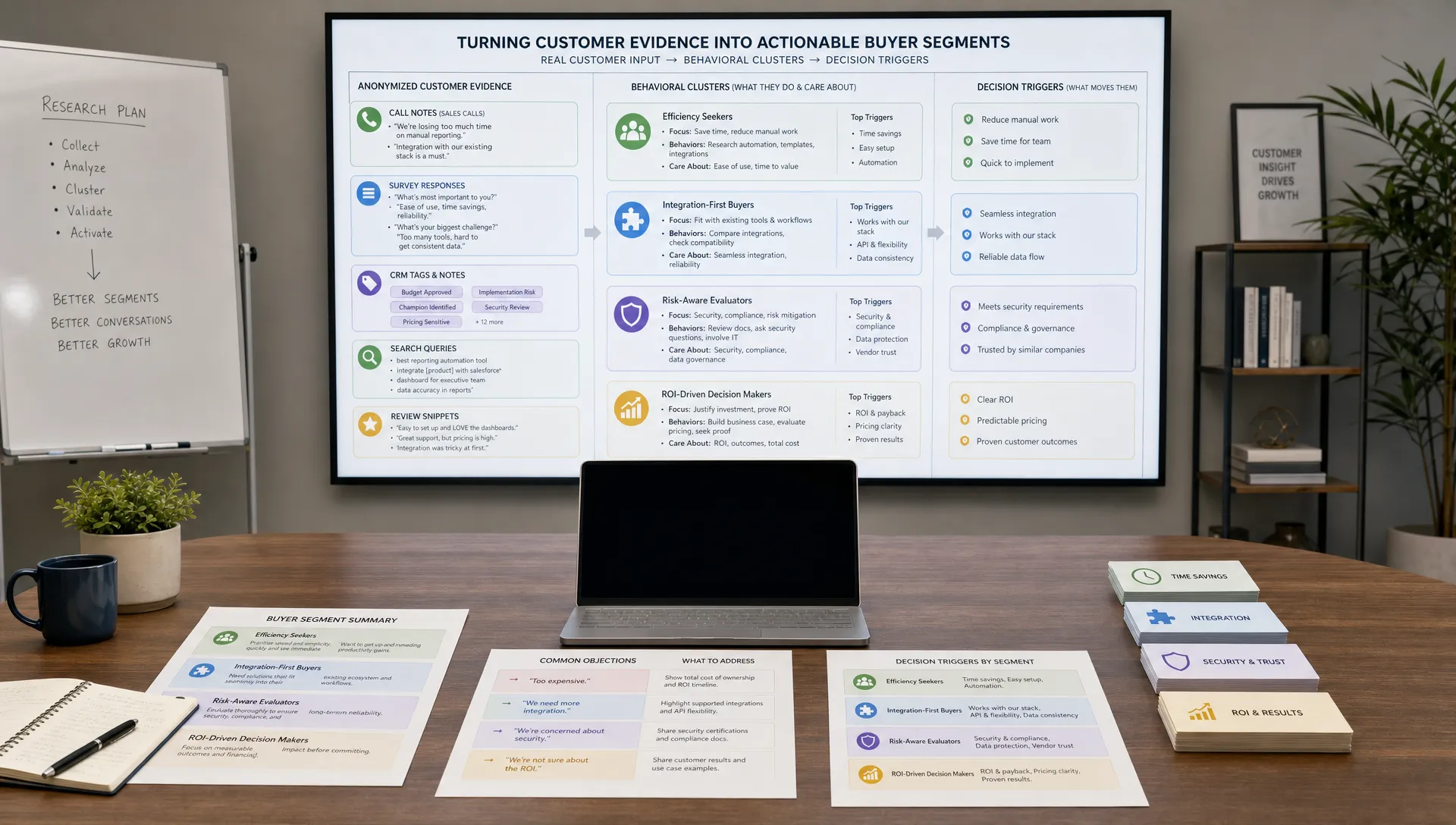
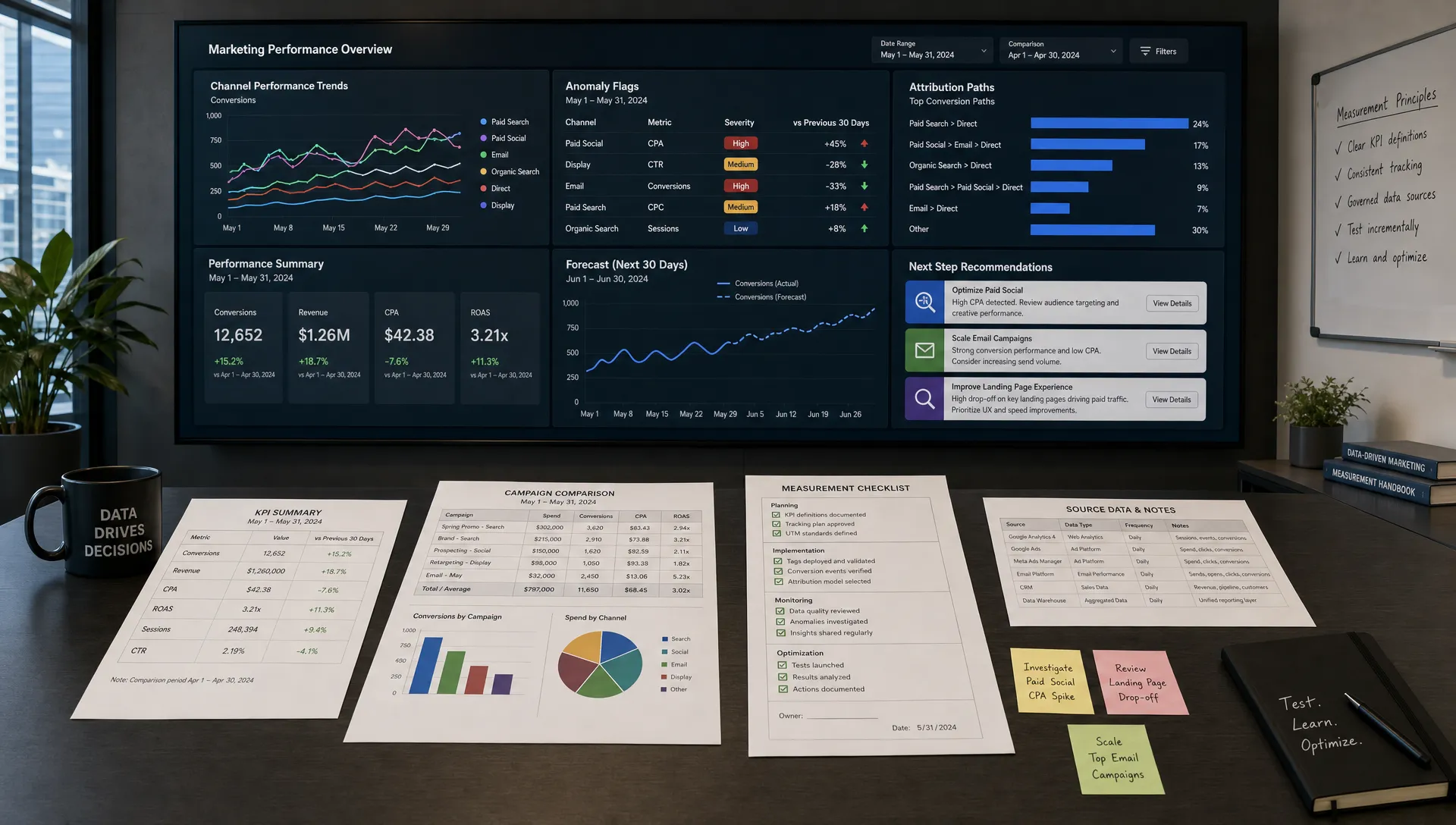
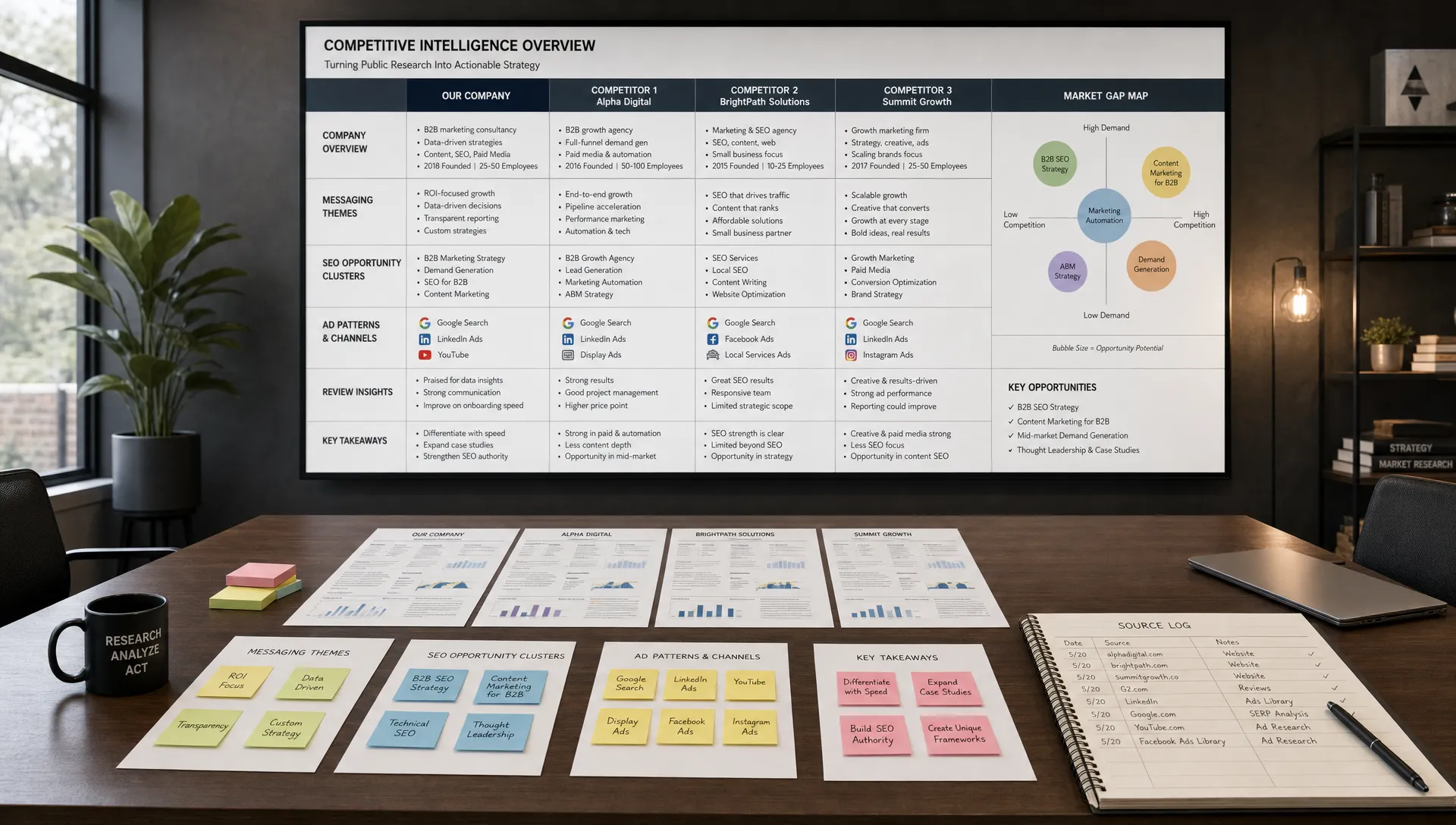
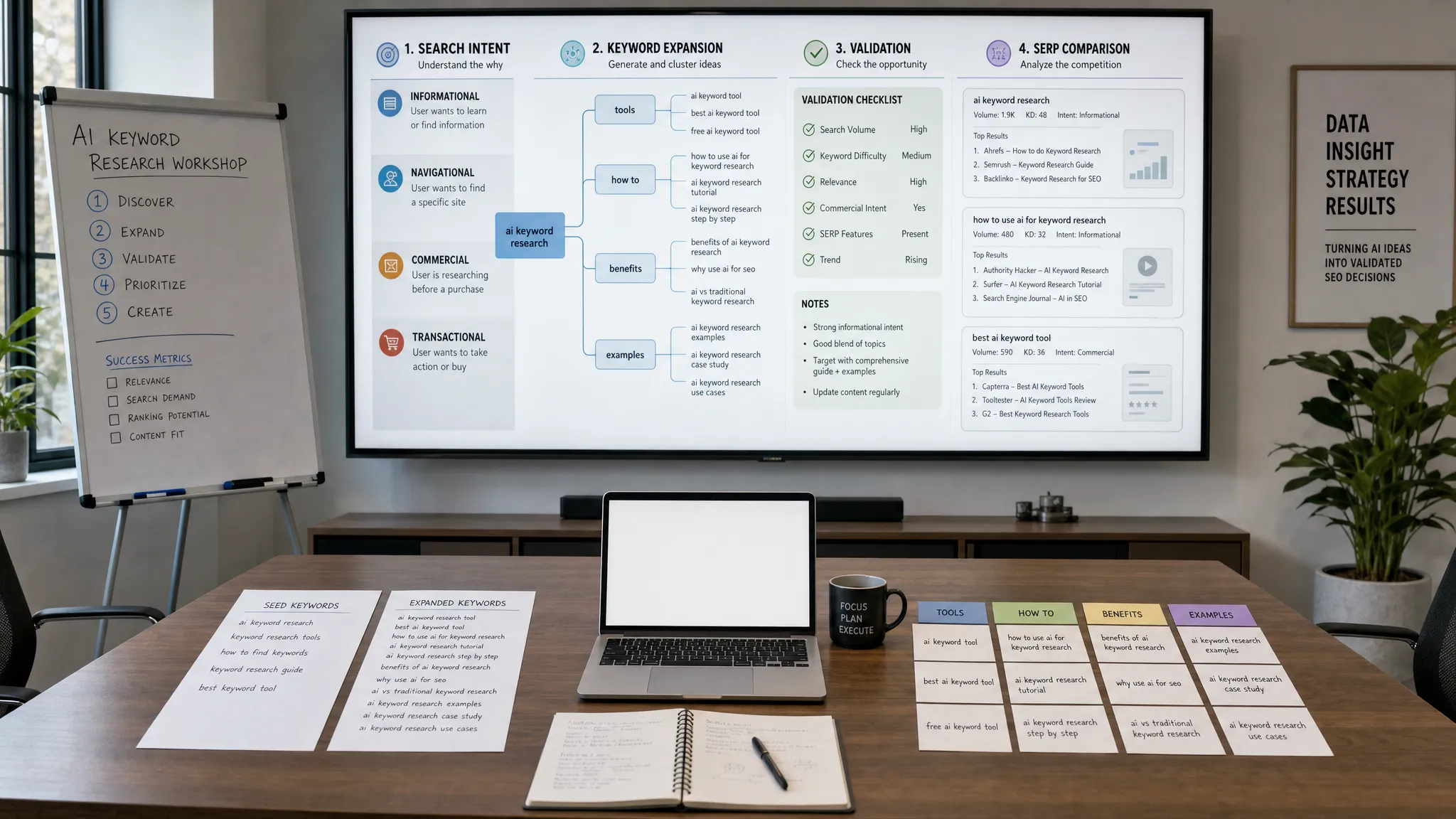
Reporting and insight summaries | Weekly performance reviews | Summarize data and flag anomalies | Decide next actions | Speed to decision Most small teams do not need more brainstorming. They need sharper customer language. AI is especially useful for turning messy qualitative inputs into patterns your team can use in campaigns.
Start by gathering source material from places where customers speak naturally. This might include sales call notes, support tickets, product reviews, survey responses, social comments, community discussions, or form submissions. The goal is not to let AI invent a customer profile. The goal is to help your team see repeated pain points, objections, desired outcomes, and buying triggers faster.
A practical voice-of-customer workflow looks like this:
The final deliverable should not be a long research report. It should be a simple messaging document that answers four questions: What problem does the customer describe? What do they want instead? What stops them from buying? What language do they naturally use?
This workflow is especially valuable before launching a campaign, rewriting a homepage, or entering a new market segment. It helps a small team avoid generic messaging and reduces the risk of building content around internal assumptions.
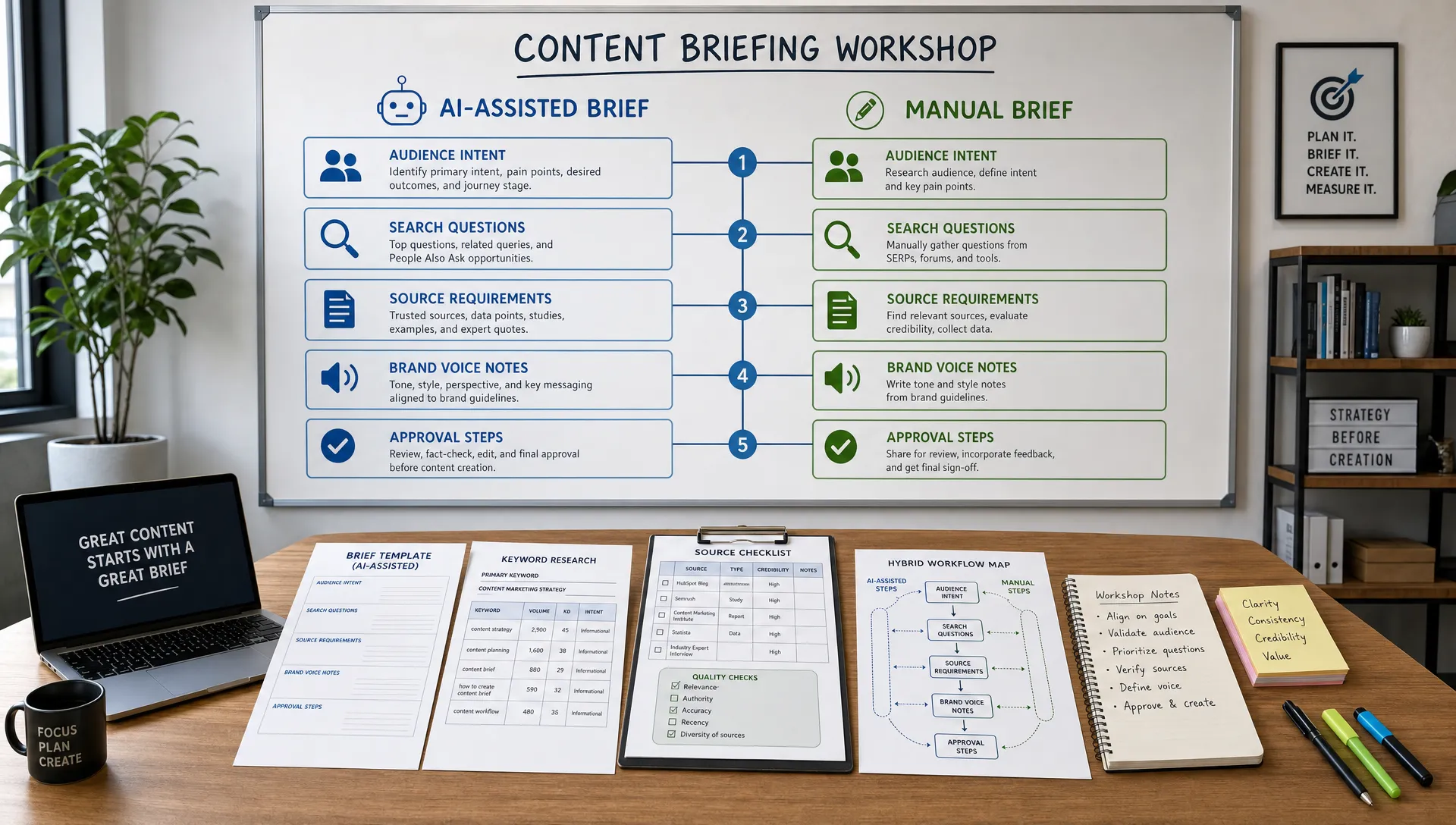
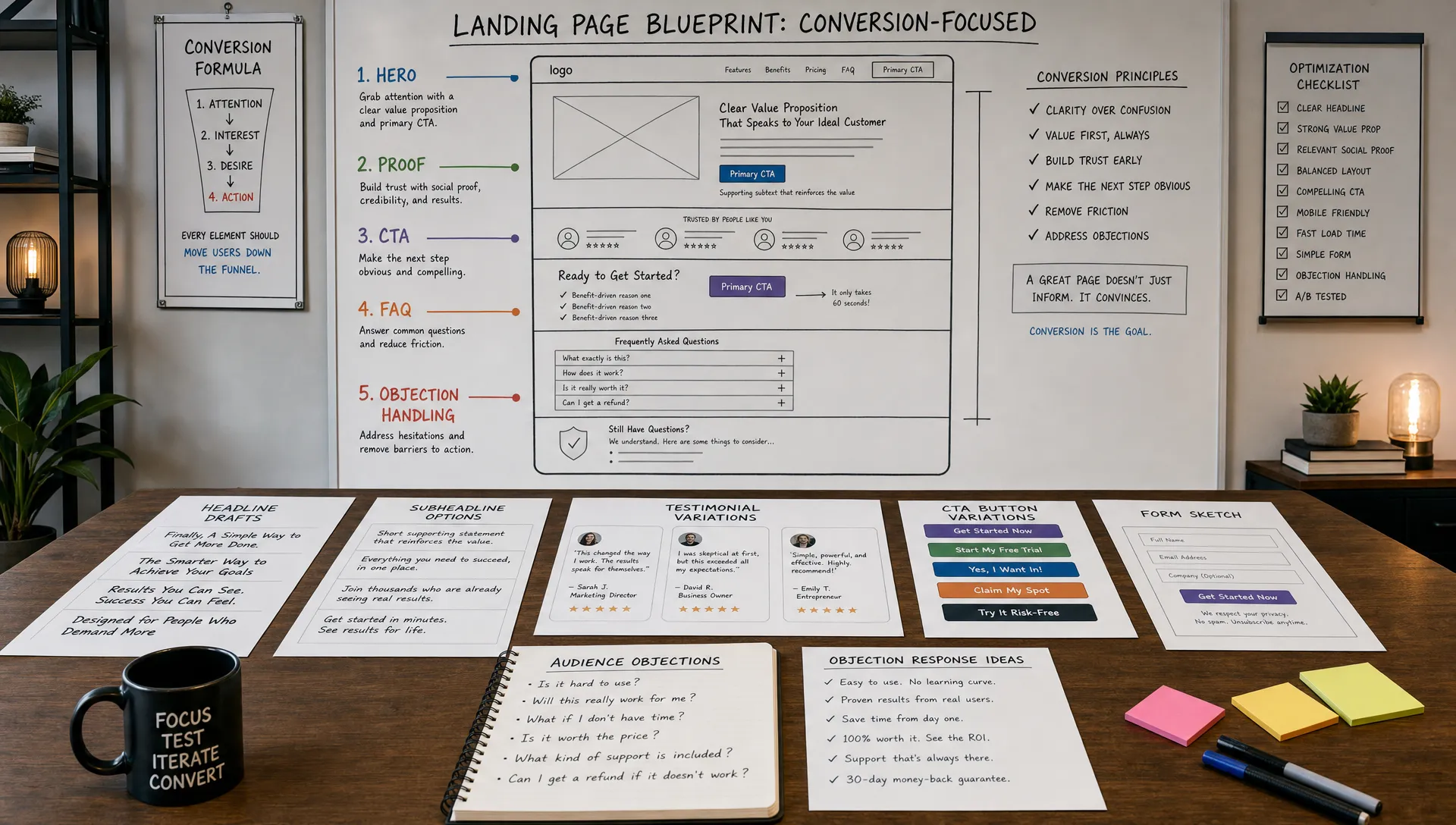
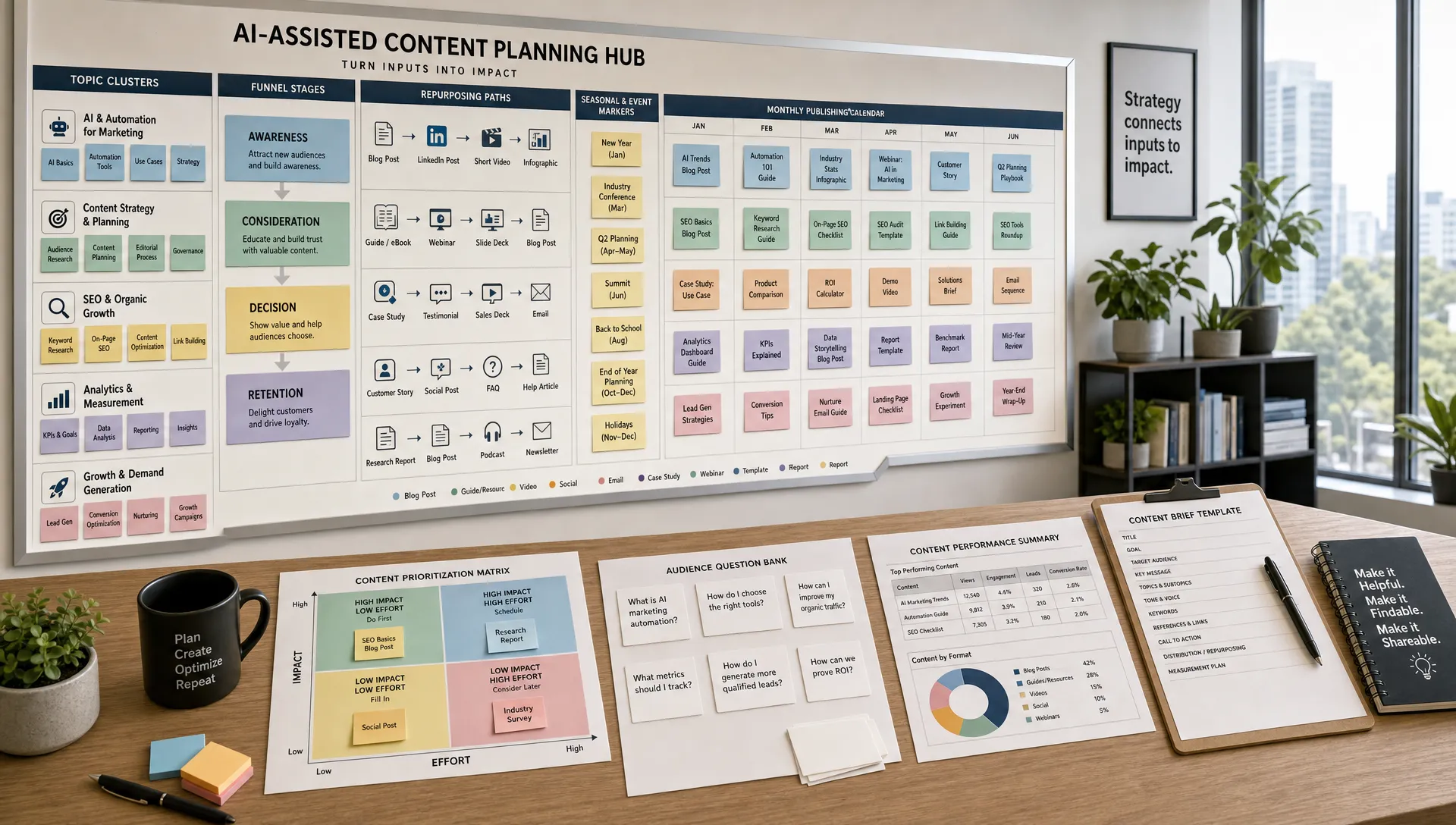
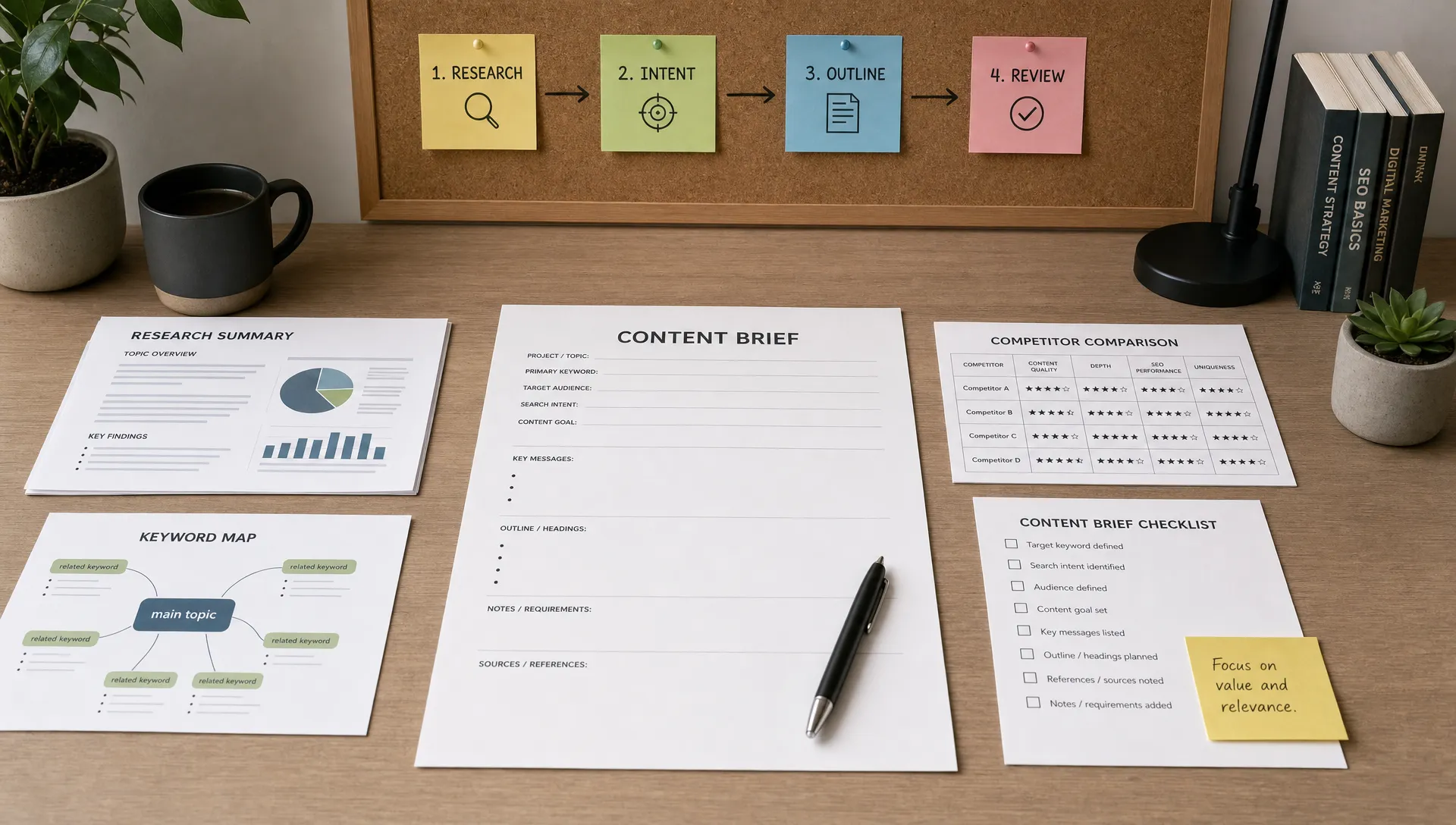
Content creation is one of the most obvious AI use cases, but it is also one of the easiest to get wrong. If AI starts with a vague prompt, the output usually sounds generic. If it starts with audience insight, search intent, examples, subject matter notes, and brand guidance, it becomes much more useful.
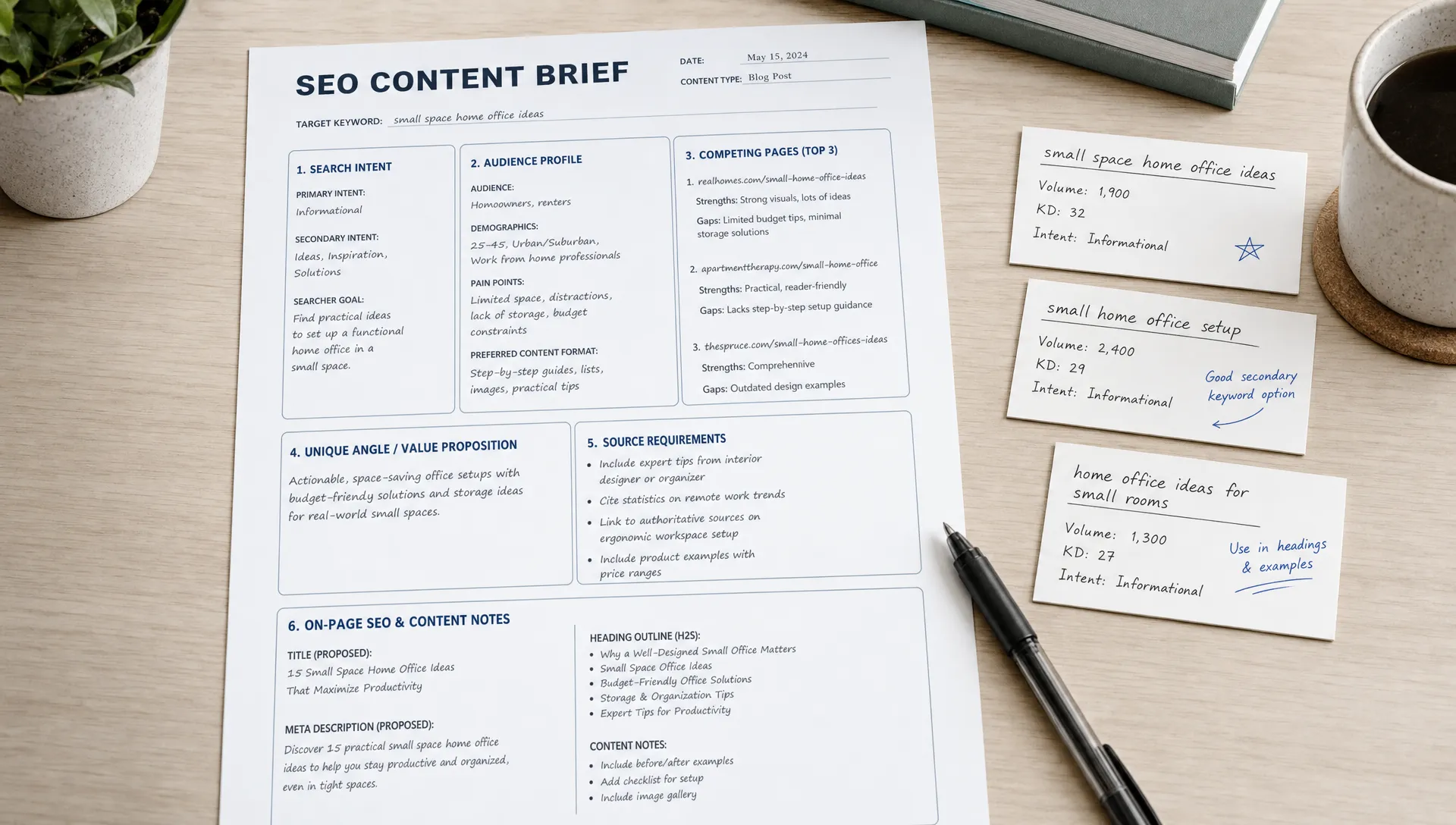
The workflow should begin before drafting. AI can help your team move from an idea to a strong brief, then from a brief to a first draft. The human marketer should still own the point of view, examples, claims, and final edit.
Stage           | AI can help with                                        | Human must own
Topic selection | Cluster ideas by audience need and funnel stage         | Choose topics that support business goals
Brief creation  | Suggest outline, questions, examples, and search intent | Add expertise, positioning, and internal priorities
Drafting        | Create a first version from the approved brief          | Improve accuracy, tone, originality, and flow
Editing         | Flag repetition, weak transitions, and missing sections | Approve claims, add examples, and finalize voice
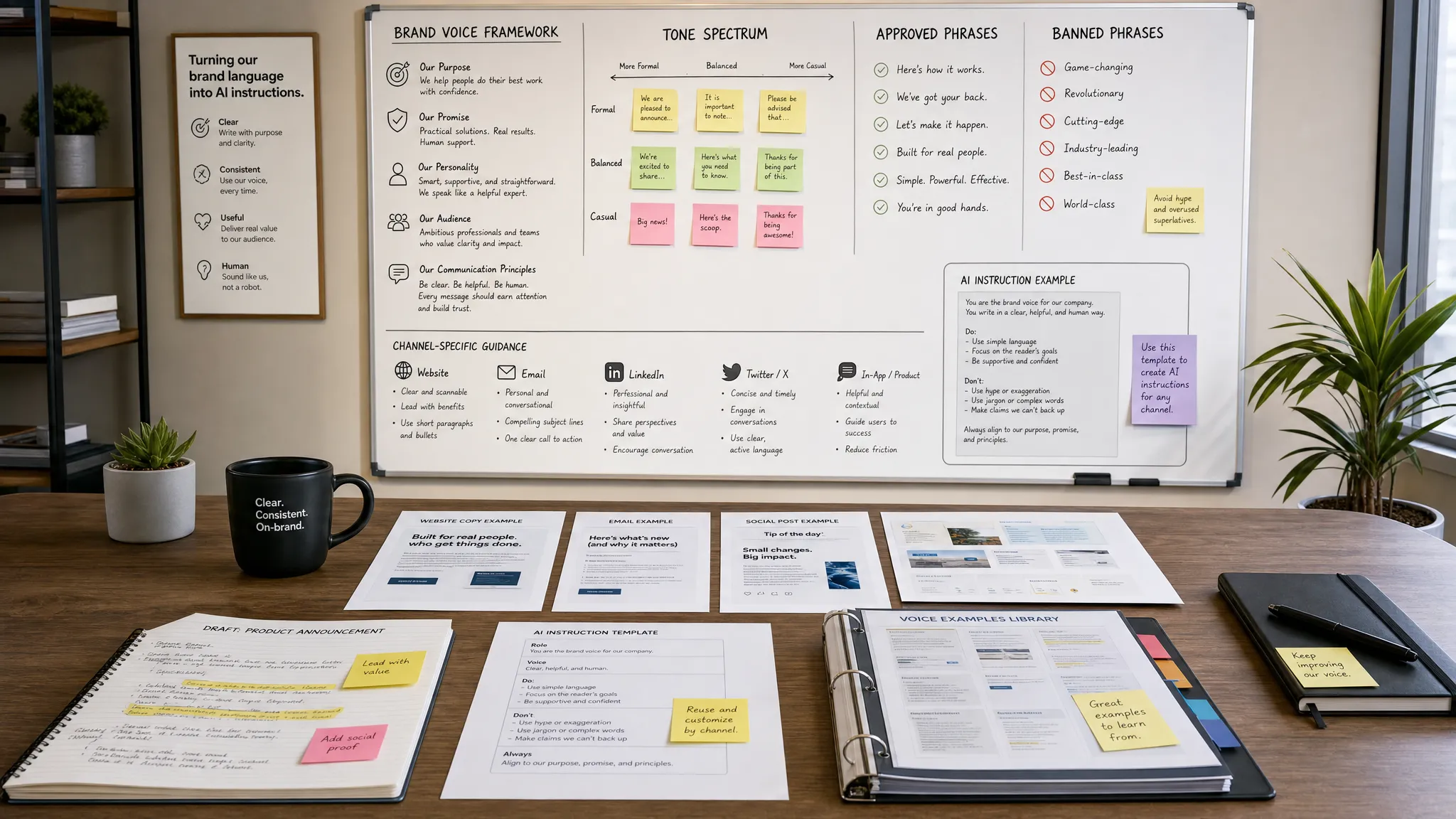
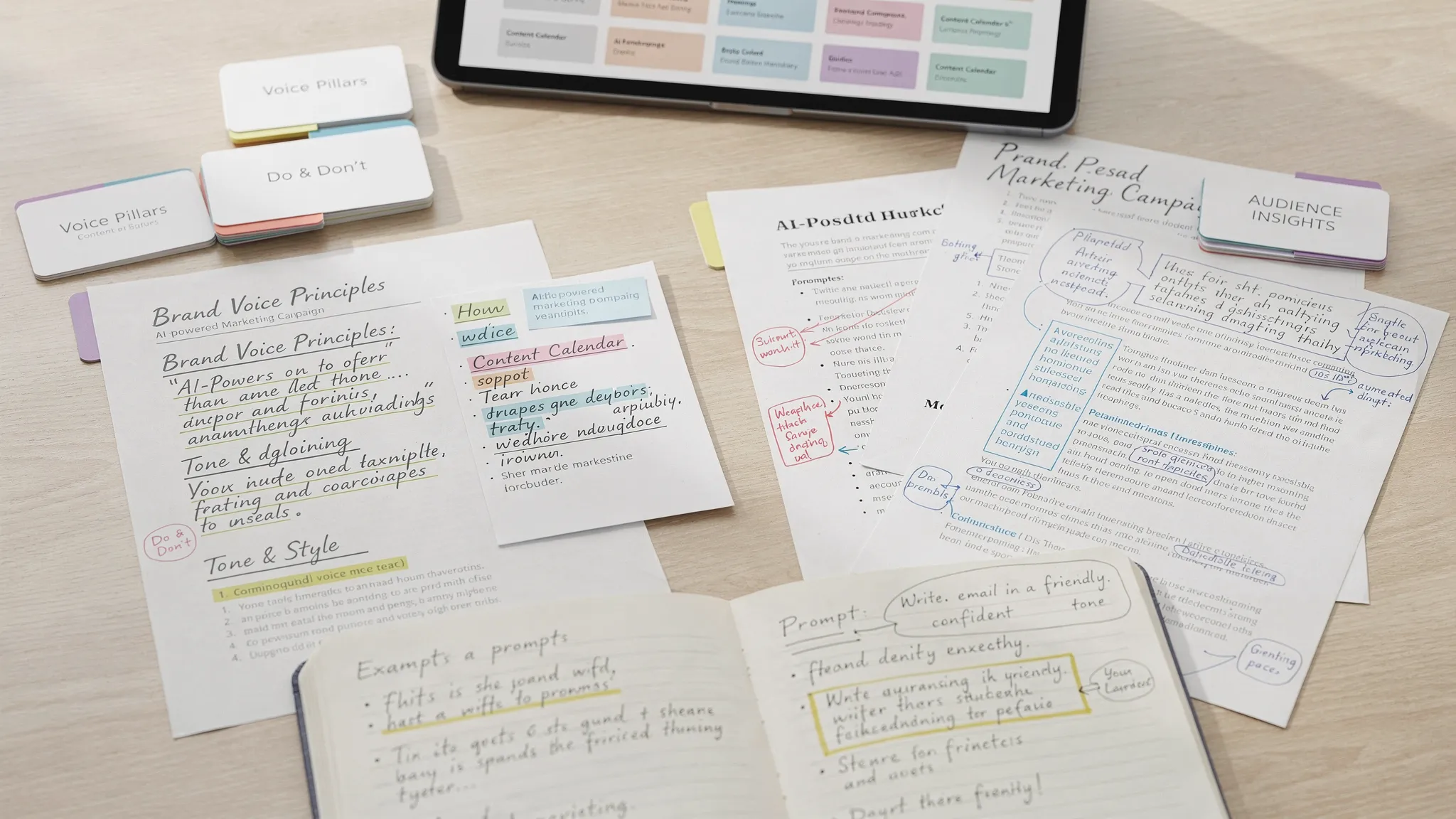
Distribution | Turn the article into email and social snippets | Choose timing, audience, and channel fit Brand consistency also matters. Before using AI to produce content at scale, create a short brand voice guide with approved phrases, banned phrases, tone examples, and positioning notes. For a deeper approach, see this guide on how to use AI without losing your brand voice.
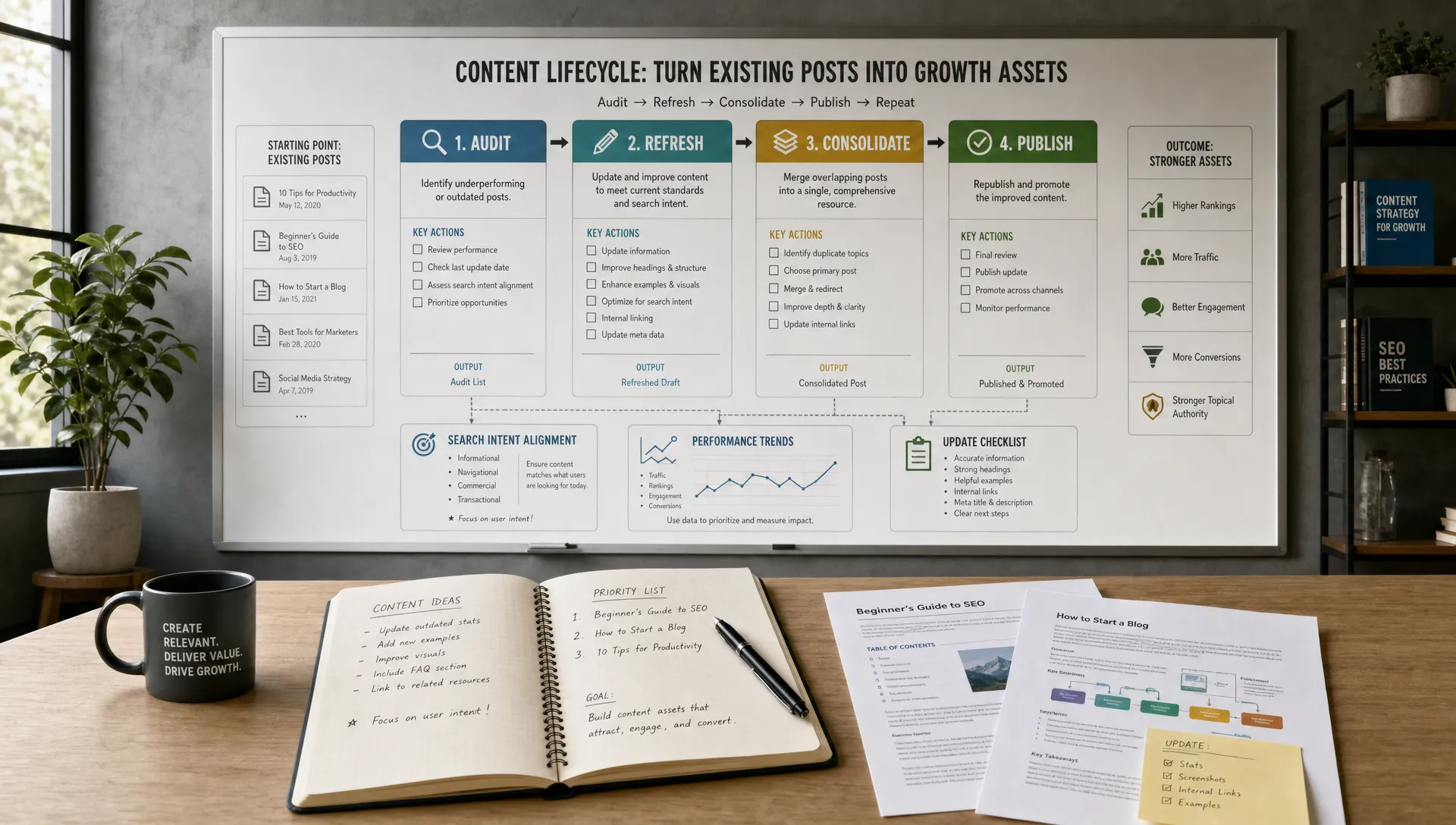
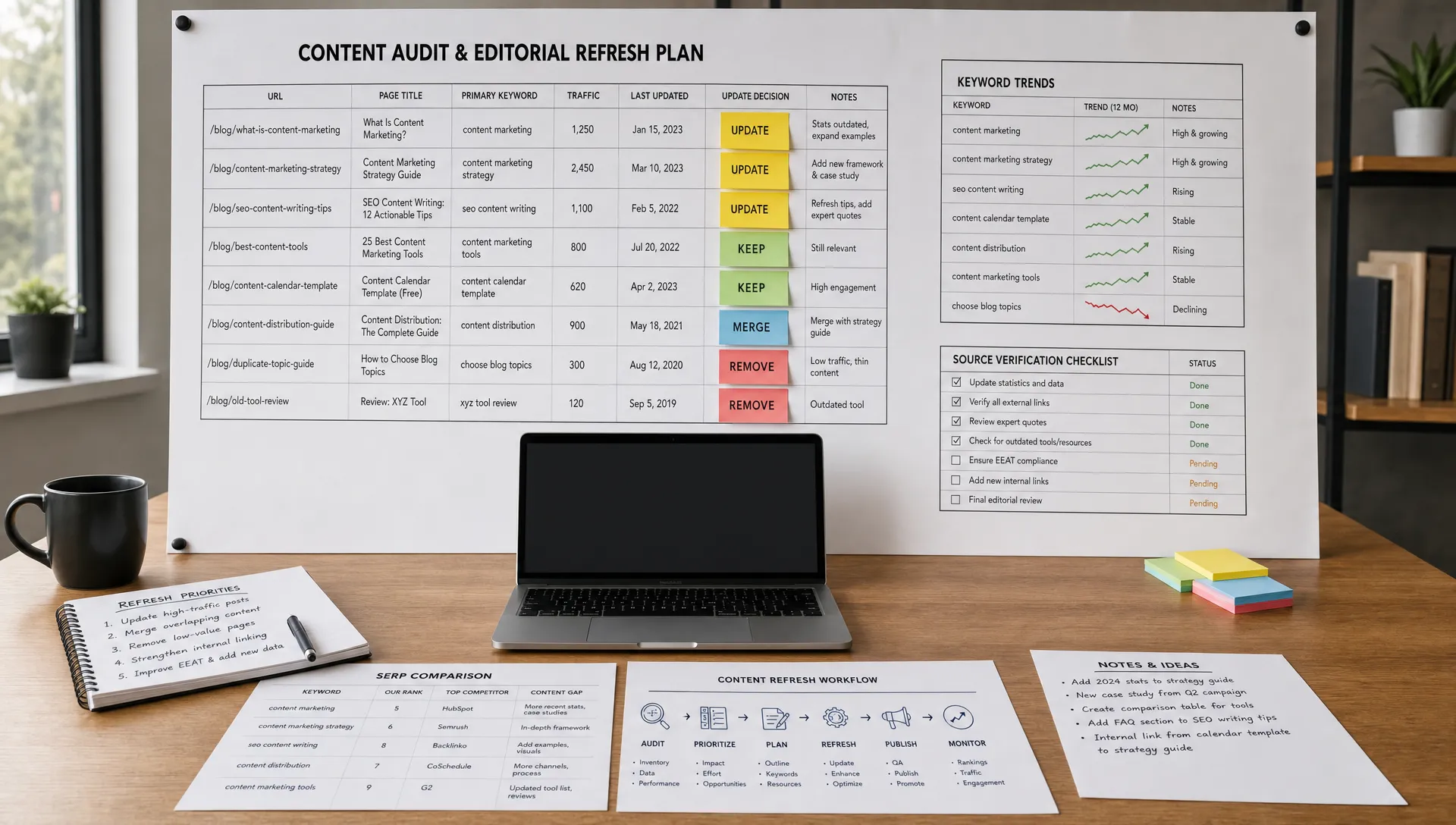
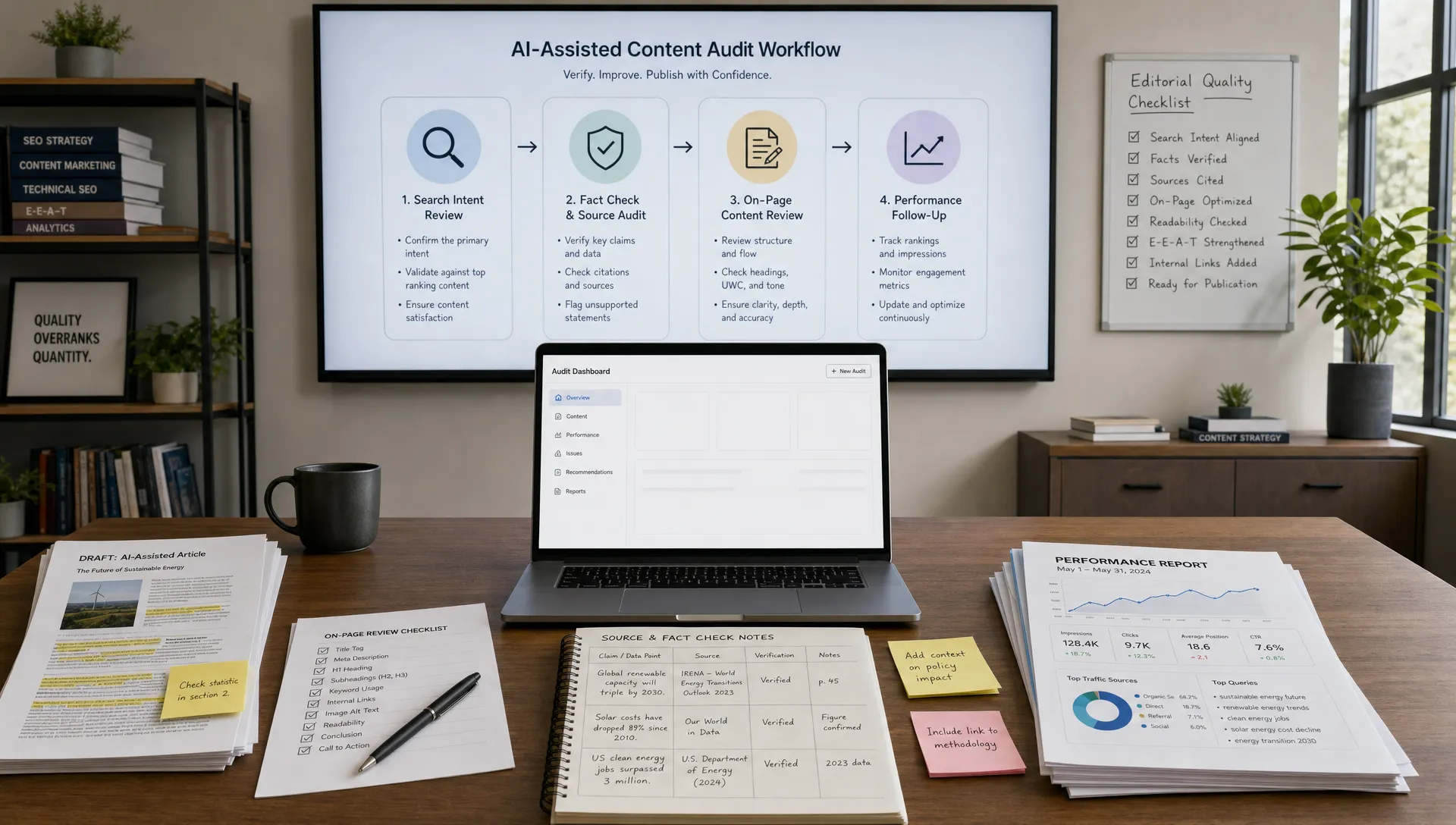
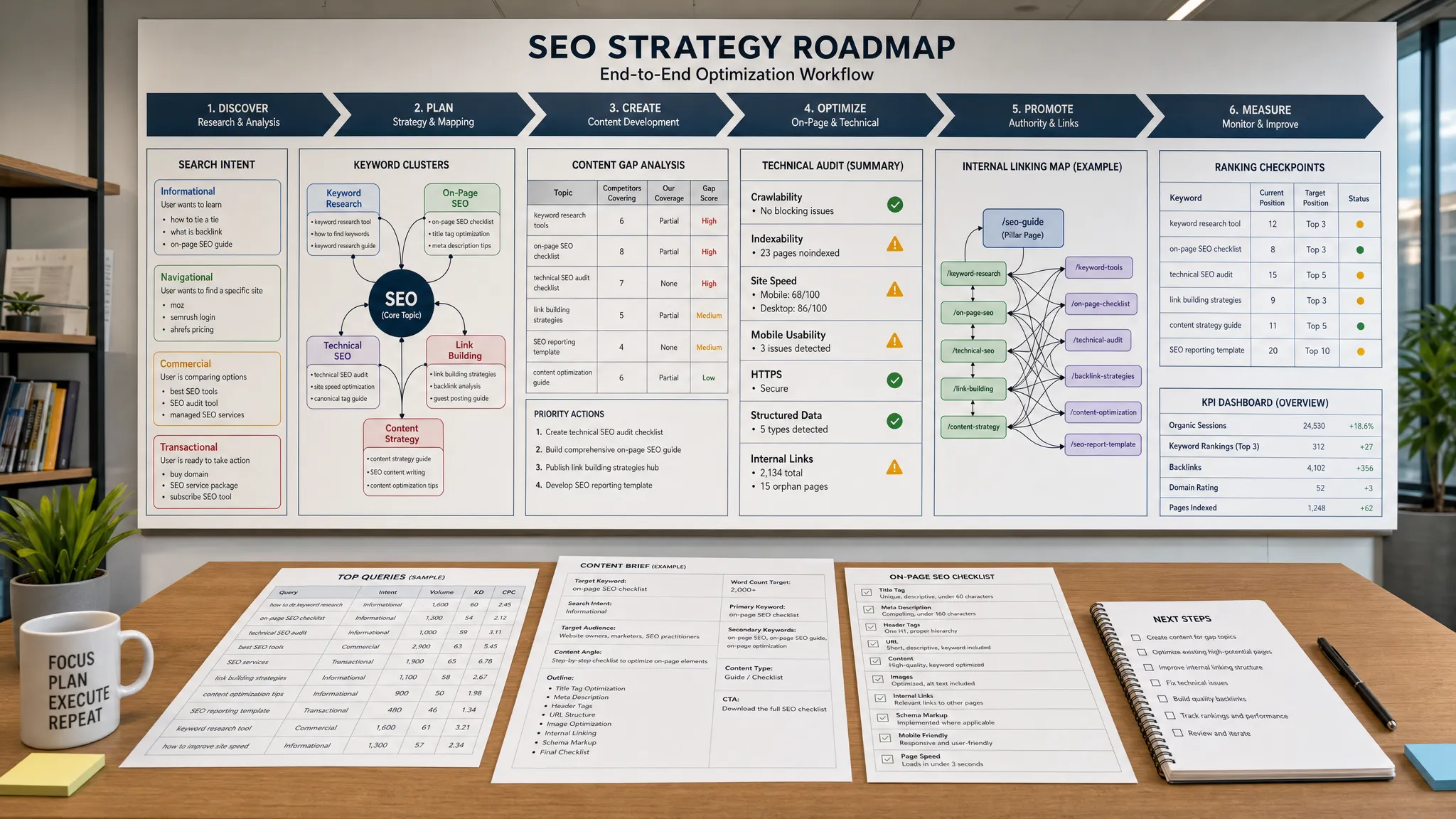
For small marketing teams, refreshing existing content is often a faster win than creating new articles from scratch. You already have indexed pages, historical data, backlinks, and search impressions. AI can help identify what needs to change, but the team still needs to decide whether the page deserves the investment.
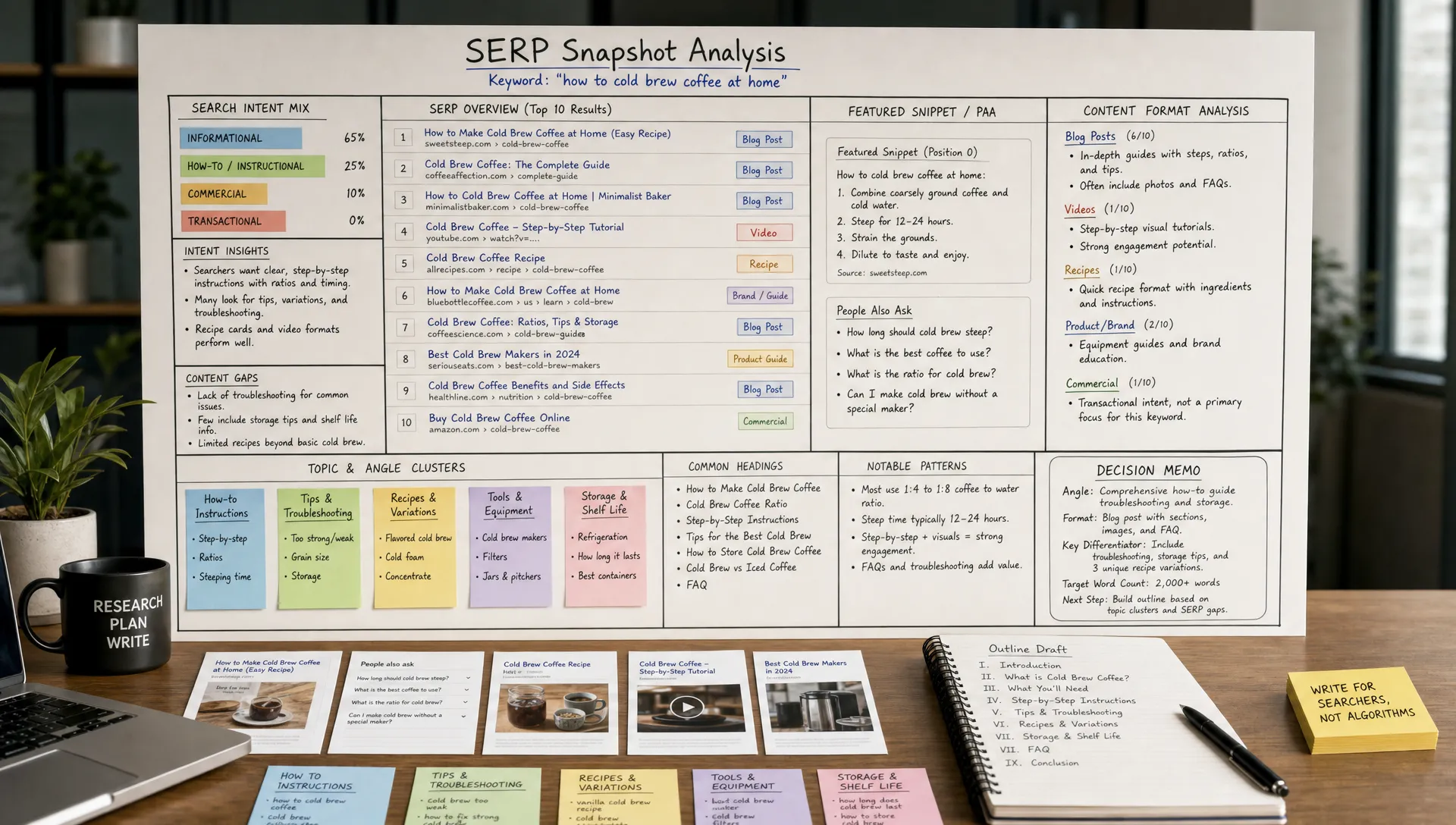
Start with pages that have declining organic traffic, strong impressions but weak click-through rate, or rankings on page two of search results. Export query data from your analytics or search performance tools, then ask AI to group the queries by intent. This helps reveal whether the page is attracting the right audience or trying to satisfy too many needs at once.
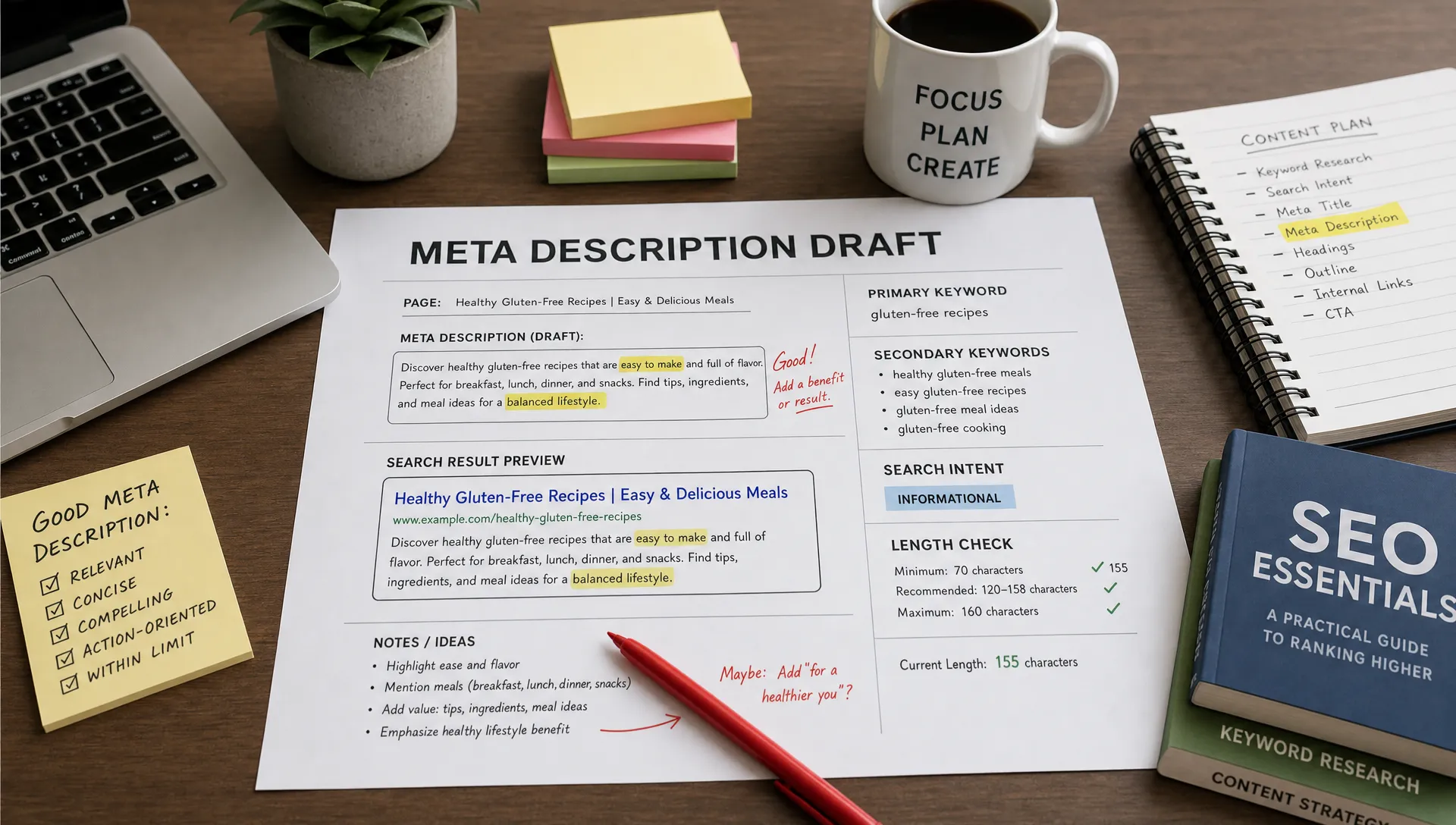
Next, compare the existing page to the current search intent. AI can summarize missing subtopics, outdated examples, thin sections, unclear headings, and FAQ opportunities. It can also help rewrite meta descriptions, improve title variations, and identify internal linking opportunities.
Google Search Central recommends creating helpful, reliable, people-first content, which is a useful reminder for AI-assisted SEO. Your goal is not to make a page longer just because AI can. Your goal is to make the page more useful, more accurate, and better aligned with the searcher’s task.
A simple refresh workflow can run every month. Choose five existing URLs, identify the intent gap, update the content, improve internal links, and monitor rankings or conversions for the next 30 to 60 days.
Small teams often underuse their best ideas. A webinar becomes a recording and nothing else. A customer interview becomes a quote in Slack. A strong blog post gets published once, then disappears.
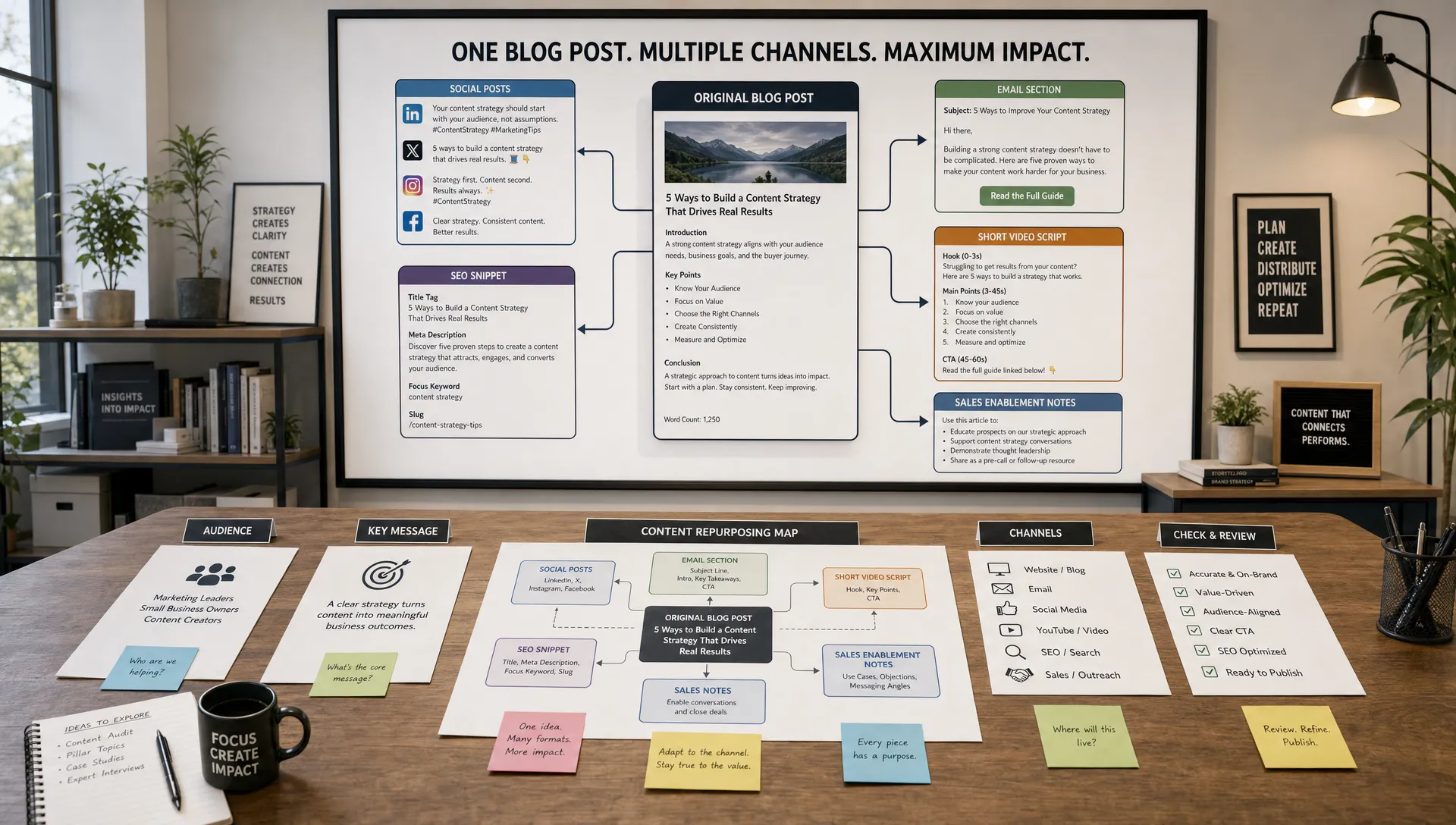
AI can turn one source asset into a campaign package. For example, a single expert interview can become a blog outline, email newsletter, LinkedIn post, short video script, sales one-pager, ad concepts, and FAQ content. The key is to repurpose the idea, not duplicate the same wording everywhere.
The workflow starts with one approved source asset. Give AI the transcript, article, or campaign brief, then ask it to extract the core argument, supporting points, proof, objections, and calls to action. From there, generate channel-specific versions.
For social, AI can create multiple hooks and angles. For email, it can draft a short nurture sequence. For sales, it can turn the same material into objection-handling talking points. For paid media, it can generate headline and description variations tied to specific audience pains.
The human review step is essential because each channel has a different job. A LinkedIn post should not read like a landing page. An email should not sound like an ad. A sales enablement piece should not be overloaded with brand language when the seller needs clarity.
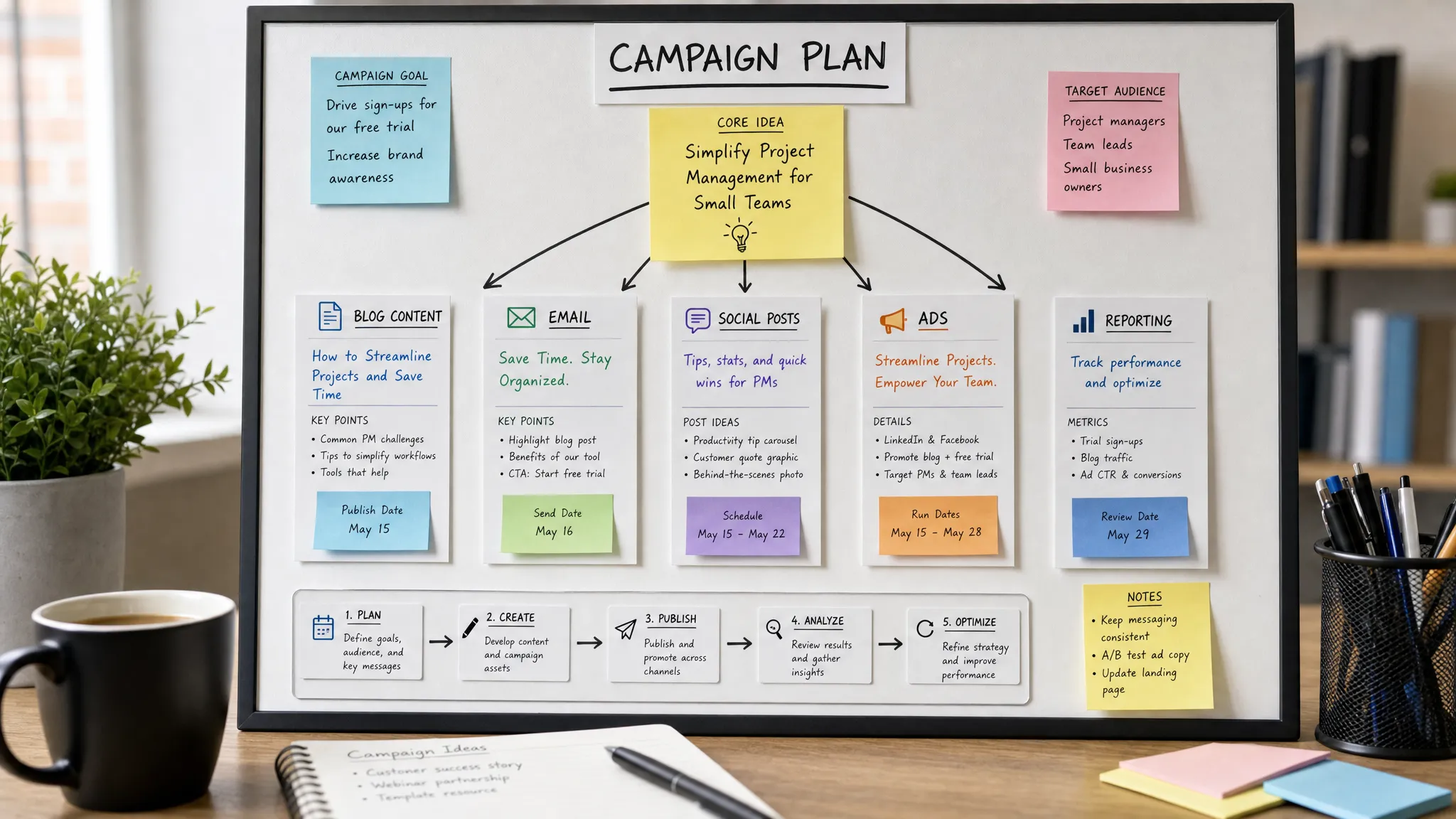
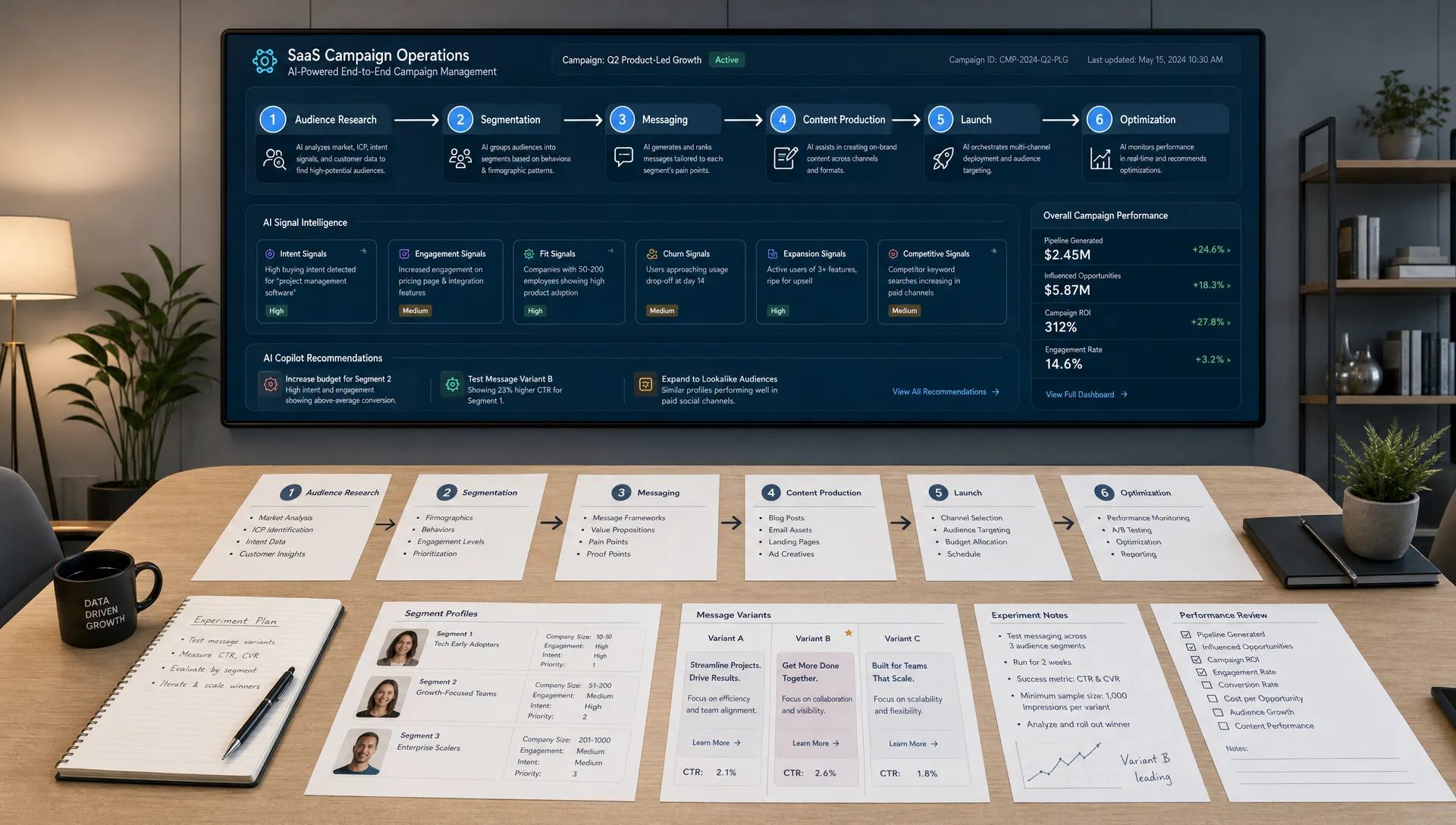
AI is useful in paid media because performance depends on iteration. Small changes to hooks, audience framing, offers, and creative angles can affect cost per lead or cost per acquisition. AI can help generate variations quickly, but your team still needs a testing discipline.
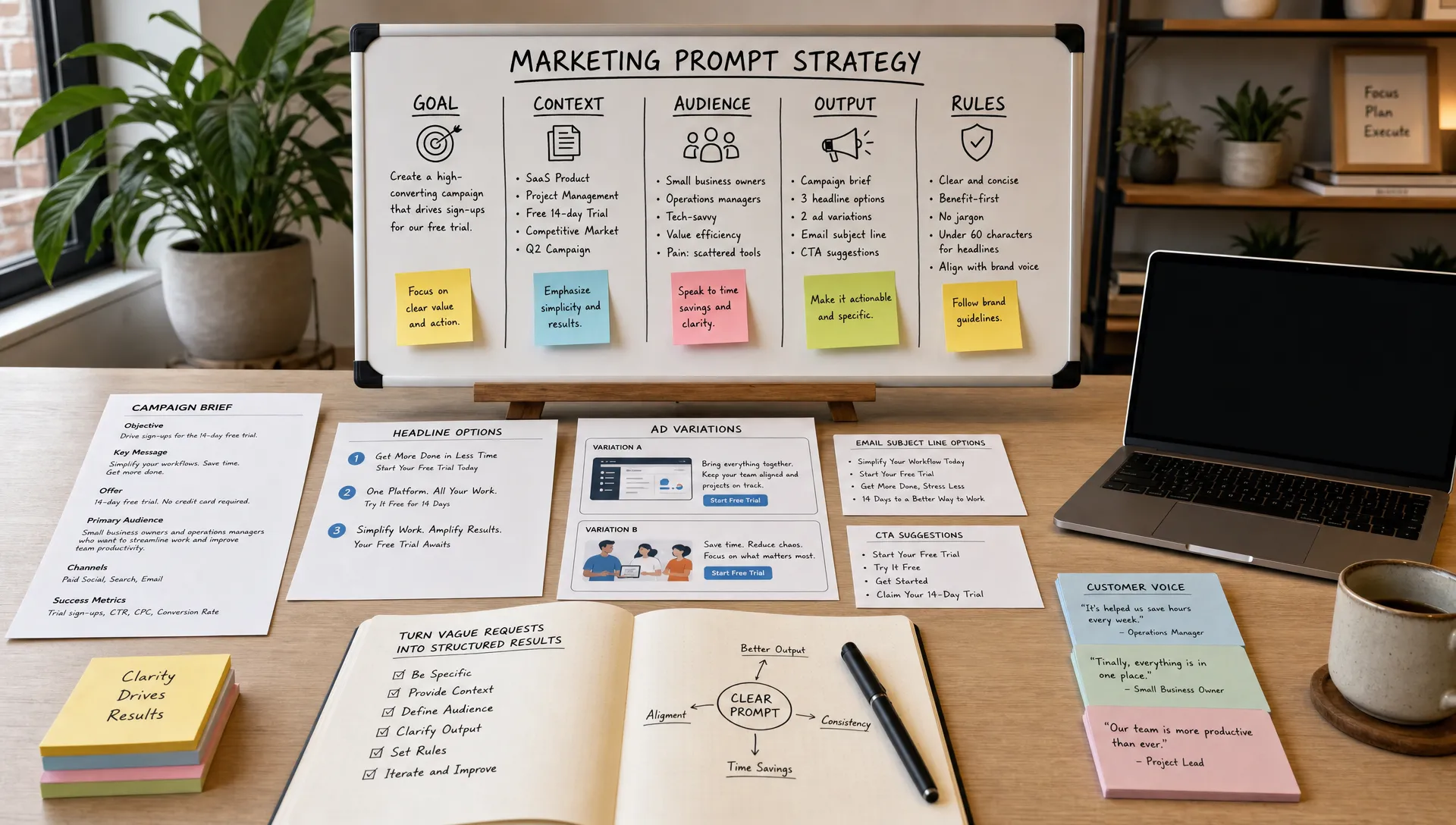
Start with a human hypothesis. For example, your team might believe that prospects respond better to time savings than cost savings, or that a proof-led ad will outperform a pain-led ad. Then use AI to create variations around that hypothesis.
A strong paid media workflow includes the campaign goal, target audience, offer, platform, character limits, prohibited claims, and examples of past winners. AI can generate headline variations, primary text, call-to-action options, and landing page alignment notes.
Do not let AI generate endless variations without a testing plan. Choose a small number of meaningful differences and run clean tests. If every ad changes the hook, format, audience, and offer at once, you will not know what caused the result.
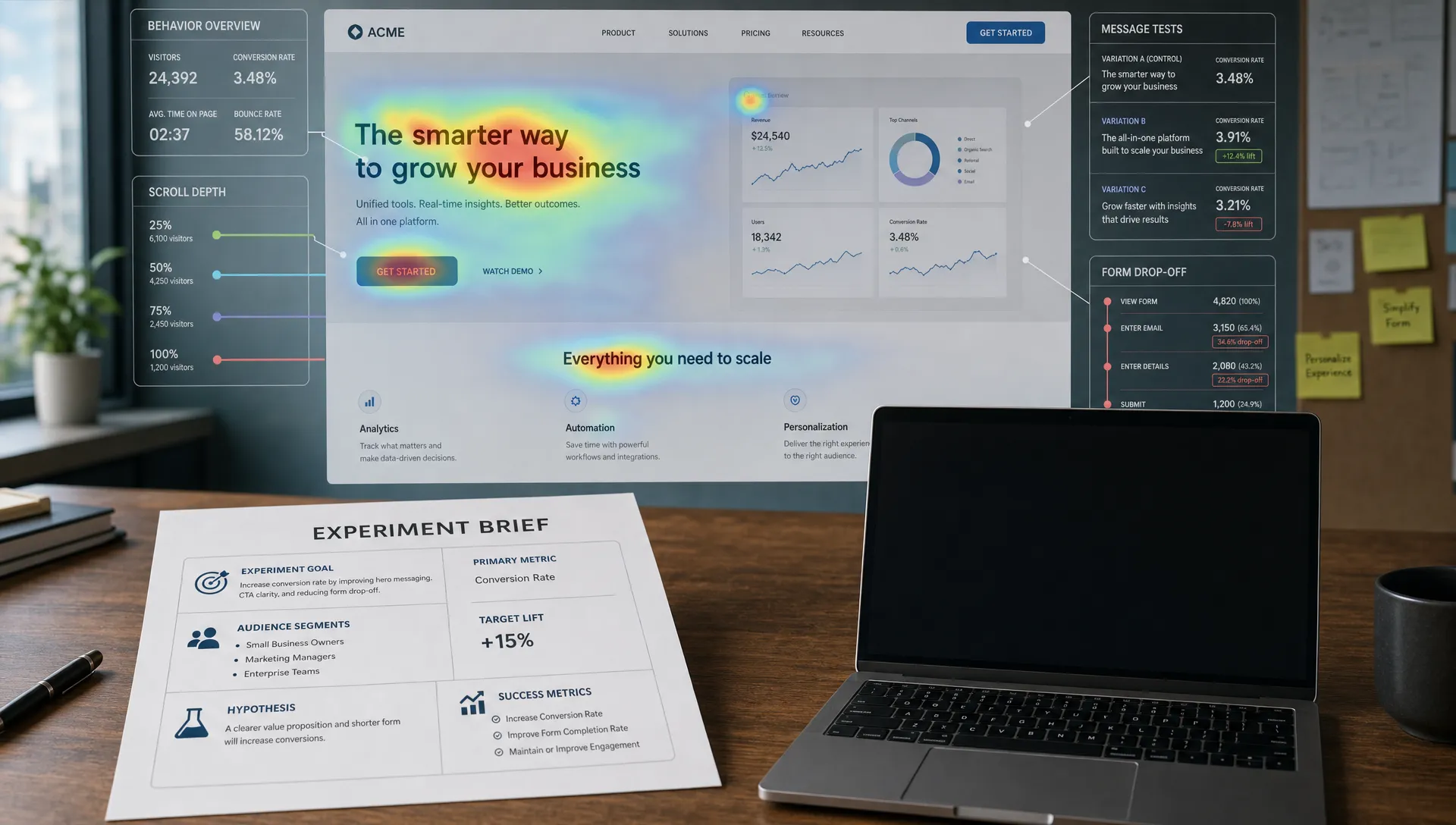
AI can also help after the test. Feed in the results and ask for patterns: Which messages produced higher click-through rates? Which ads attracted low-quality leads? Which angle converted well but had limited reach? The output should guide the next test cycle, not replace media strategy.
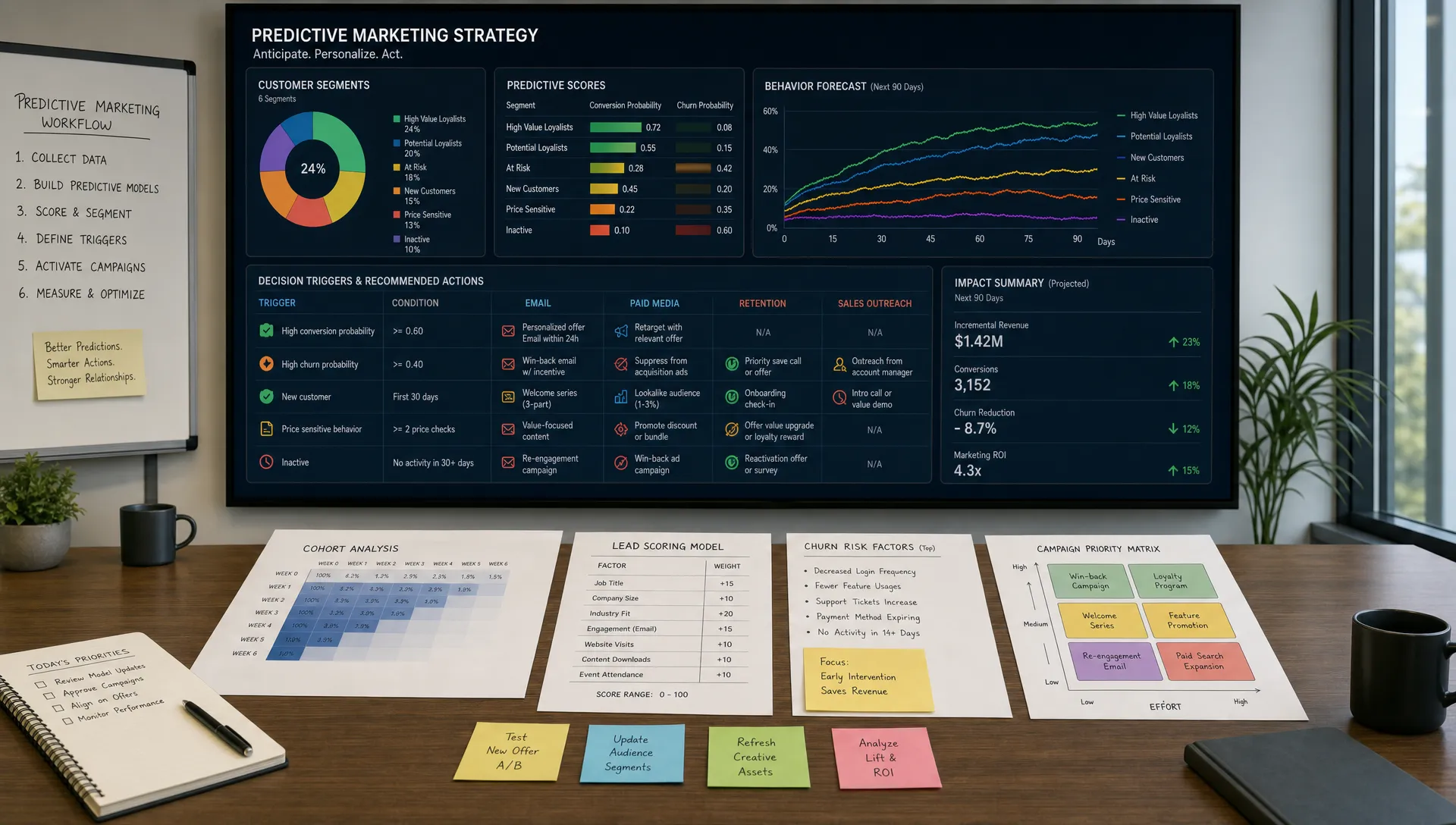
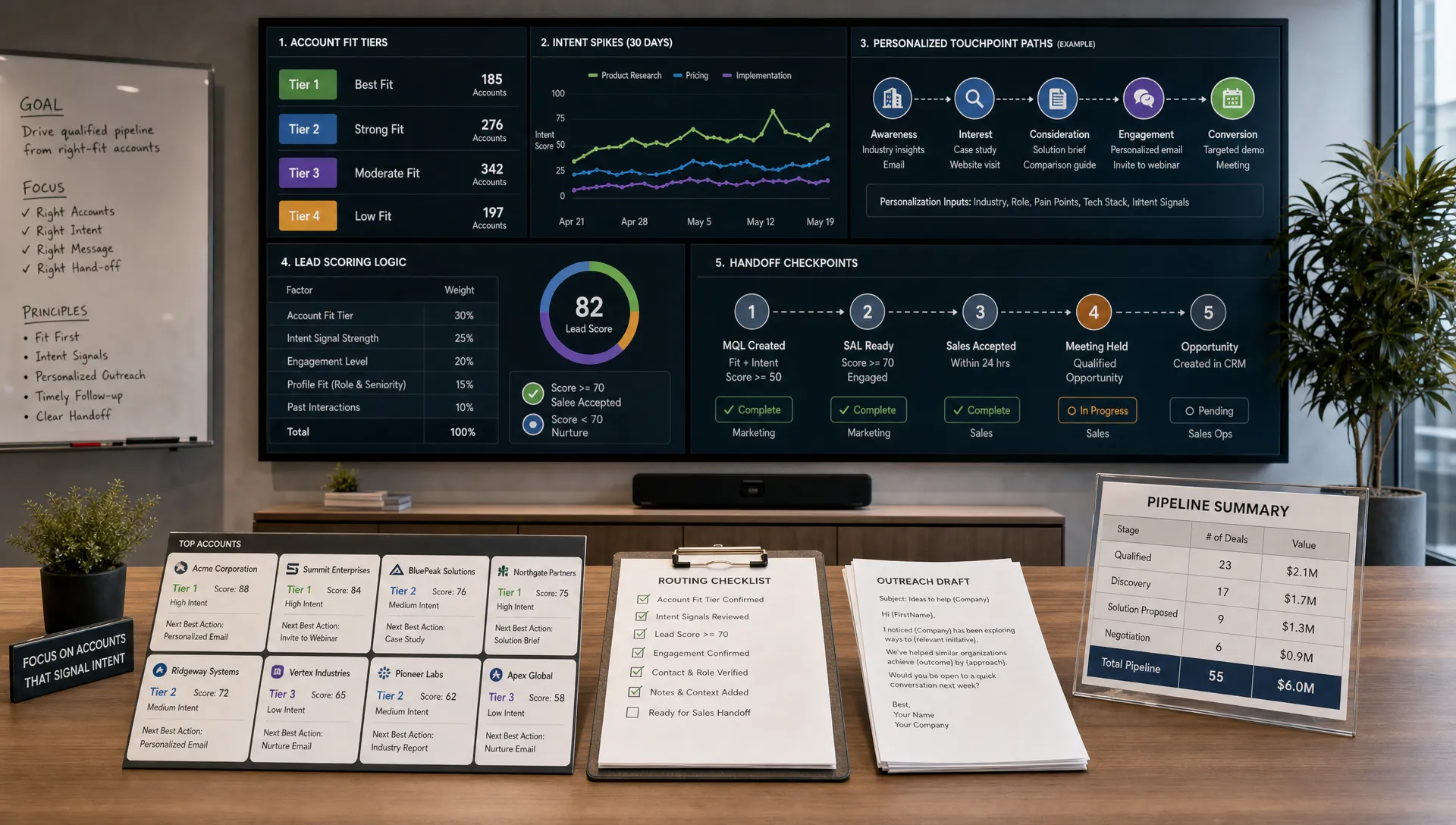
Email is a strong use case for AI marketing automation because it depends on segmentation, timing, and relevance. Small teams often know they need better nurture sequences, but they do not have the time to map every stage manually.
Start by defining the lifecycle stages that matter to your business. Common stages include new subscriber, lead magnet download, product interest, trial or demo request, inactive lead, customer onboarding, and renewal or upsell. For each stage, identify what the person likely knows, what they need next, and what action you want them to take.
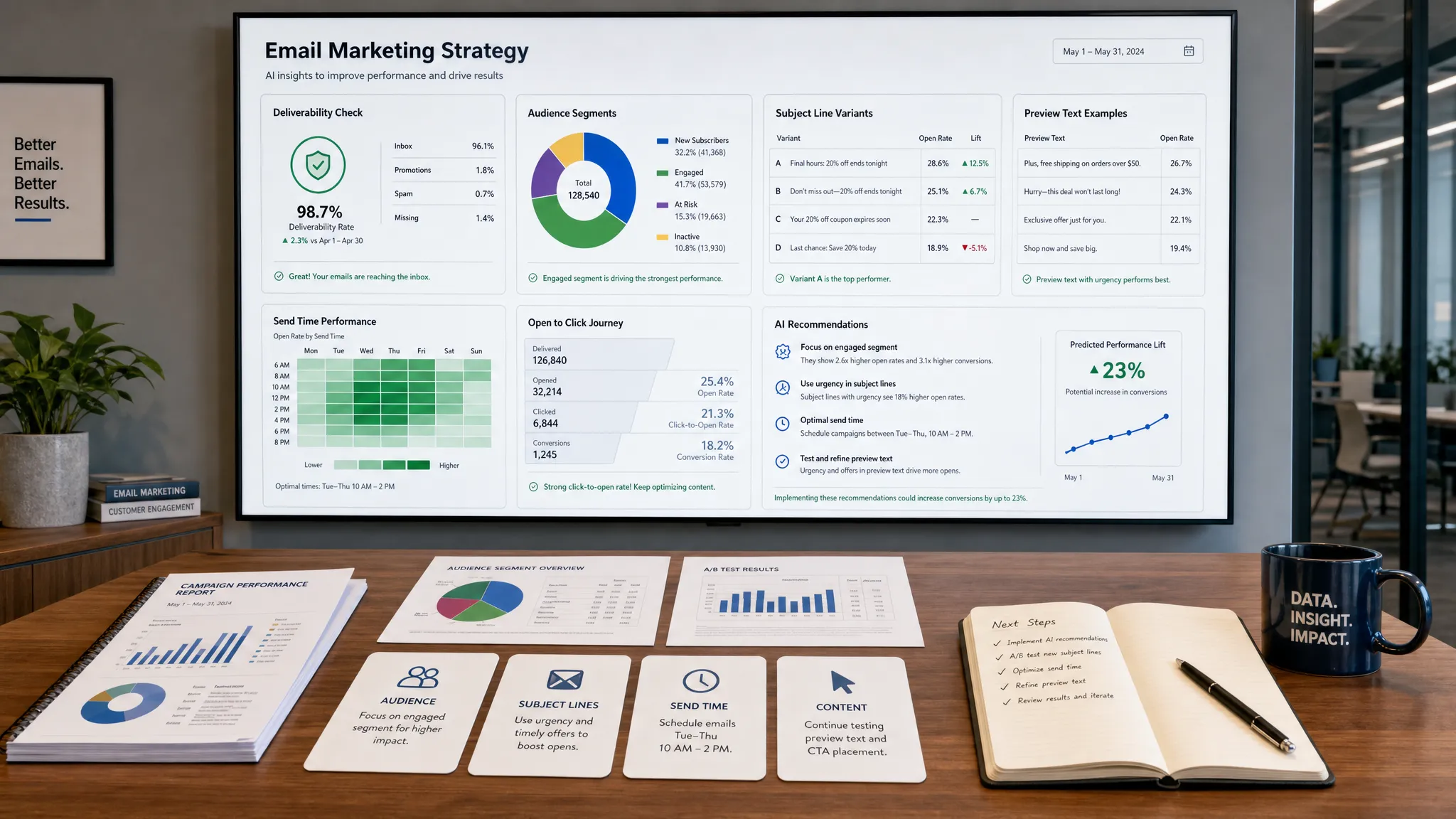
AI can then draft emails based on the stage, audience, offer, and objection. It can produce subject line options, preview text, body copy, and follow-up variations. It can also adapt the same sequence for different segments, such as small businesses, agencies, SaaS buyers, or finance teams.
The human checkpoint should focus on three things: relevance, consent, and accuracy. Make sure the email matches the user’s actual behavior, respects your compliance requirements, and does not overpromise. If your team operates in regulated industries such as finance or legal, add an extra review step before publishing.
The best email workflow is not just faster writing. It is a better nurture map. AI helps your team build the structure, but marketers must decide what message is appropriate at each moment.
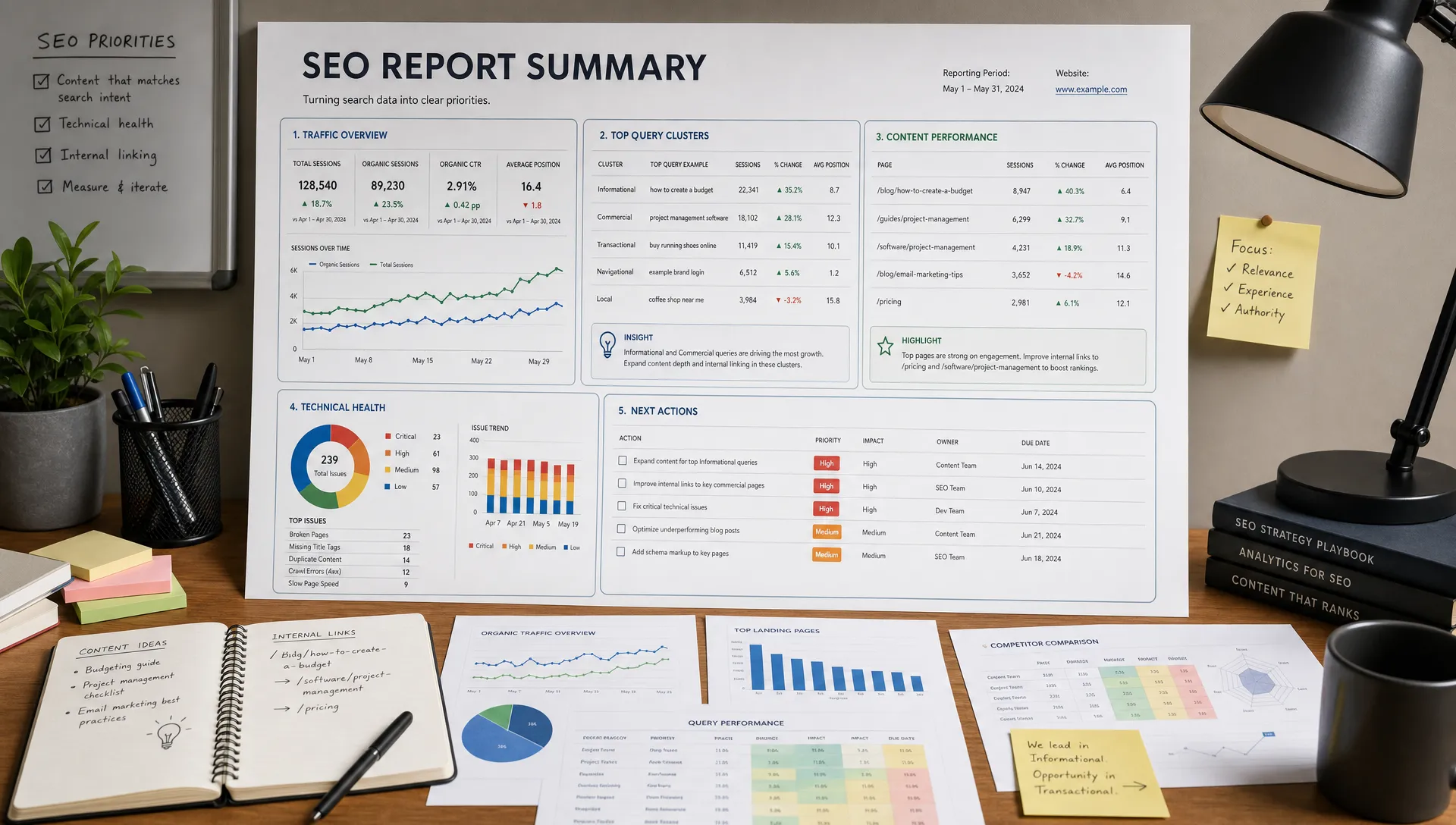
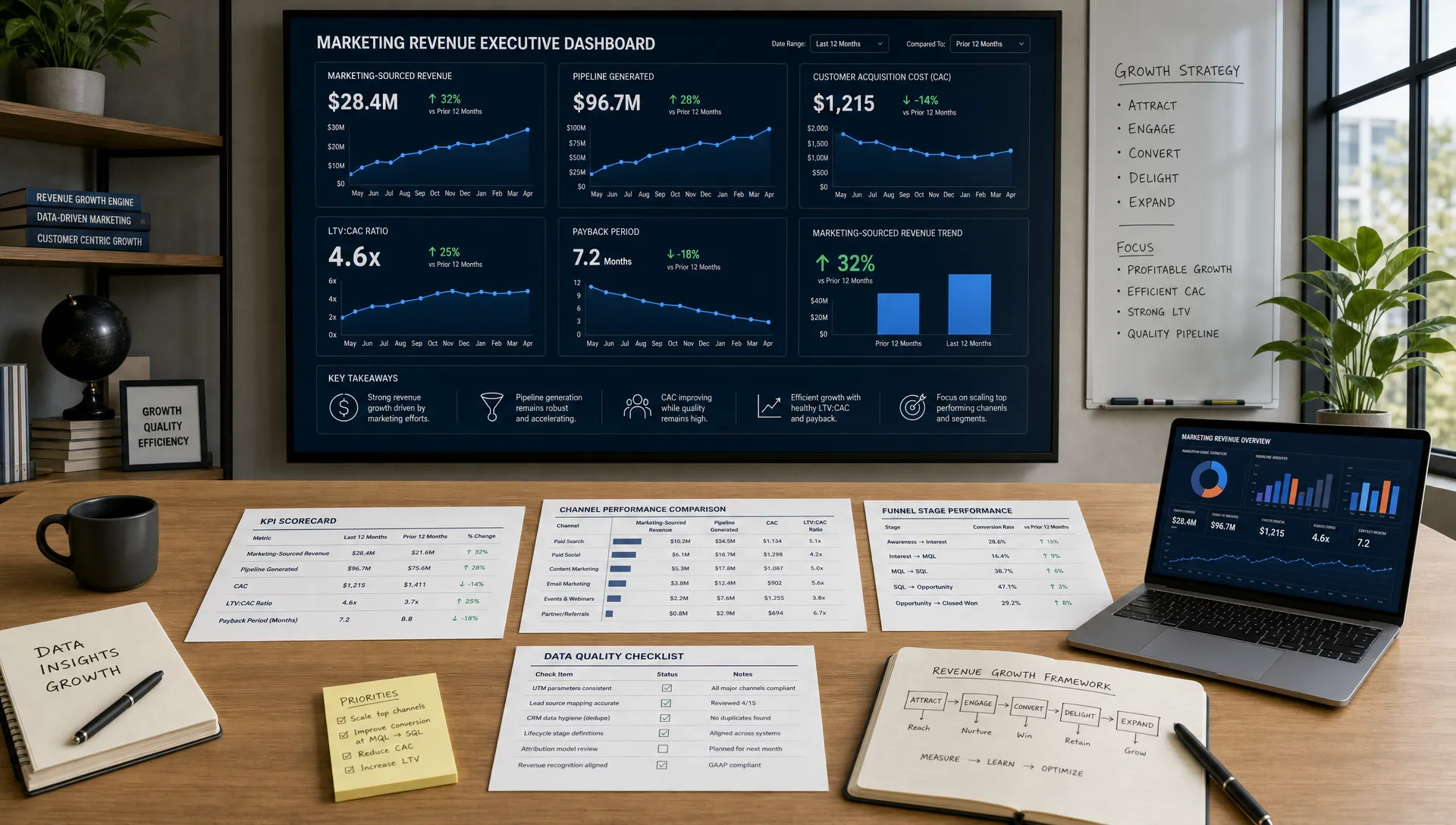
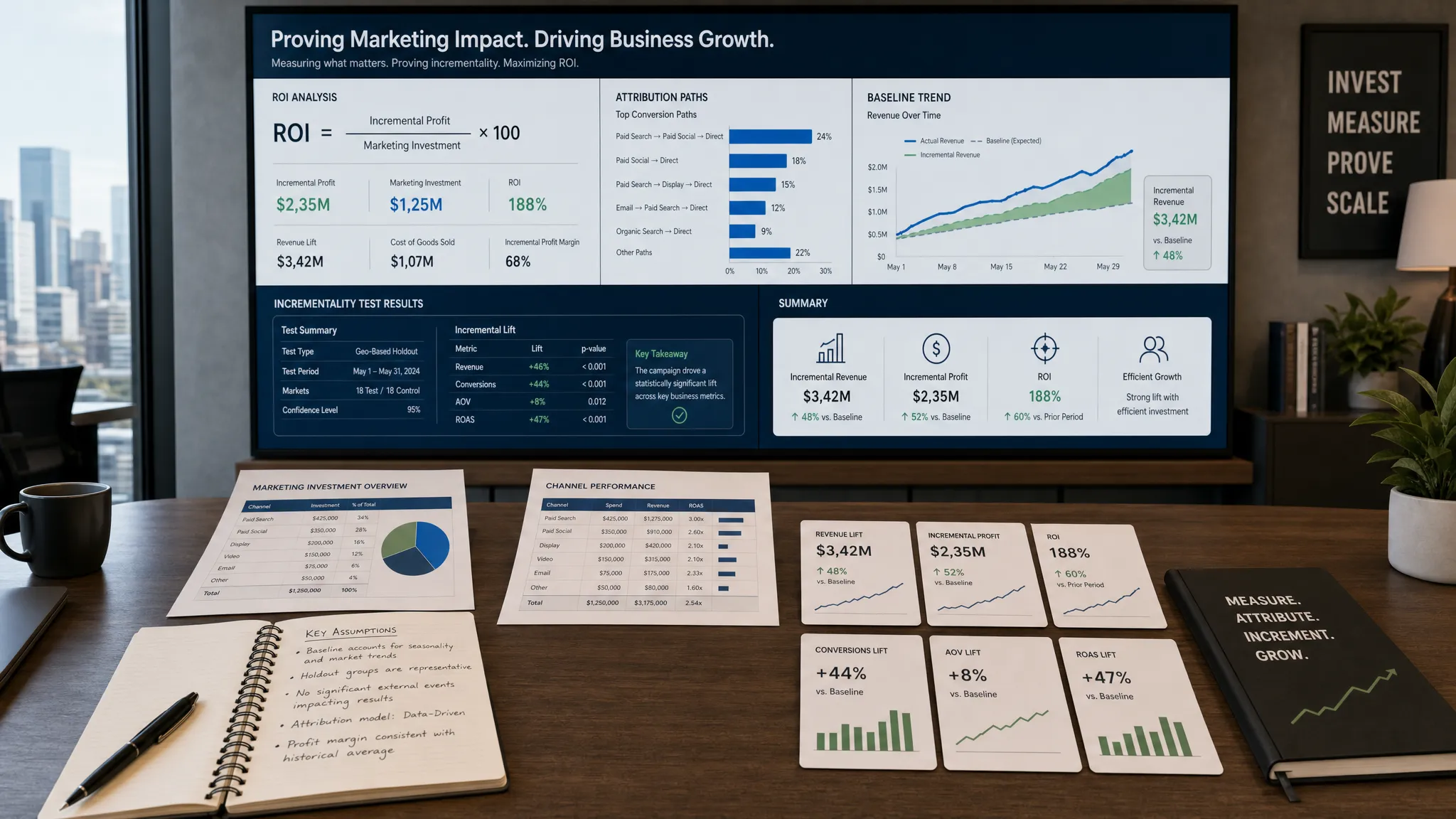
Reporting is a hidden time drain for small teams. Pulling numbers, formatting slides, and explaining what changed can take hours. AI-powered analytics workflows can compress that work into a clearer weekly rhythm.
The workflow starts with consistent data sources. These might include website analytics, ad platforms, email reports, CRM data, and SEO tools. Instead of asking AI to interpret messy exports from scratch each week, create a standard reporting template with the same sections every time.
A useful weekly AI reporting prompt might ask for performance changes, likely causes, unusual spikes or drops, channel-level summaries, and recommended next actions. The output should separate facts from interpretations. For example, the fact might be that paid search cost per lead increased by 18 percent. The interpretation might be that a new keyword group is spending faster than expected.
The marketer’s role is to decide what matters. AI can surface patterns, but the team should choose the actions. A good weekly summary ends with three decisions: what to continue, what to stop, and what to test next.
Over time, this workflow creates a stronger learning loop. Campaigns improve because the team is not waiting until the end of the month to notice what is working.
If your team is new to AI workflows, avoid launching all seven at once. Pick one workflow, document it, test it, improve it, then move to the next. The goal is adoption, not novelty.
Week   | Focus                             | Practical outcome
Week 1 | Choose one bottleneck             | Identify the workflow that saves the most time or improves the highest-value output
Week 2 | Build the prompt and context pack | Create reusable prompts, brand notes, source documents, and review criteria
Week 3 | Run the workflow on real work     | Use it for a live campaign, content piece, refresh, or report
Week 4 | Measure and standardize | Compare time saved, quality, and performance, then document the final process AI workflows work best when the team agrees on rules. Without guardrails, speed can create quality problems. With the right guardrails, AI becomes a reliable assistant rather than a risk.
Use a source library for approved information. This can include product descriptions, customer proof points, positioning statements, case studies, brand voice examples, and compliance notes. The more reliable the source material, the better the output.
Protect customer and company data. Do not paste sensitive personal information, confidential contracts, private financial data, or unreleased strategy into tools that are not approved for that use. If your company has legal or security requirements, make them part of the workflow documentation.
Require human approval for public-facing assets. AI can draft and analyze, but marketers should verify claims, statistics, links, tone, and audience fit. This is especially important for industries where accuracy and trust are central to conversion.
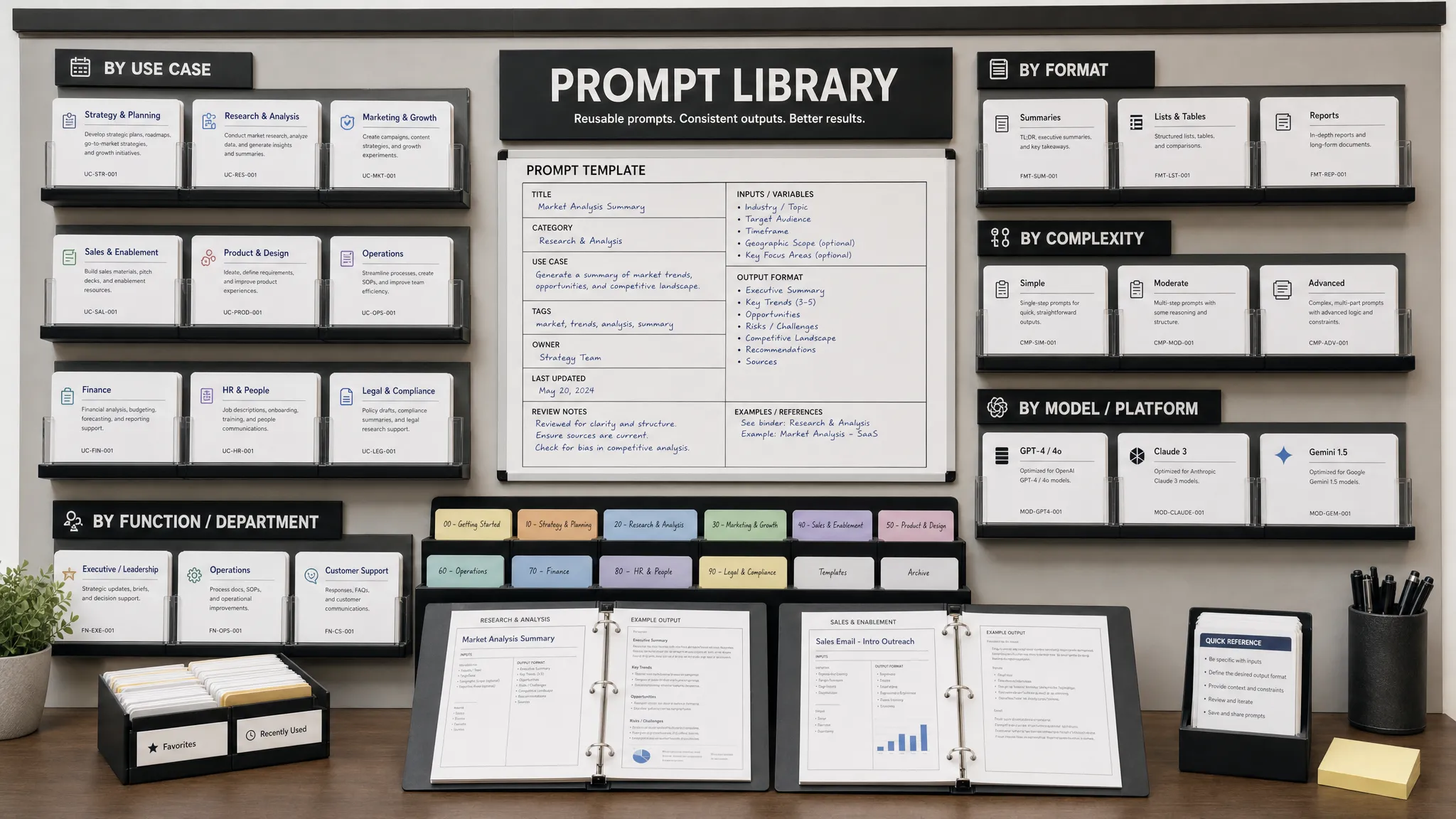
Track prompts and outcomes. Save the prompts that work, the context that improves quality, and the metrics that show impact. A prompt library becomes more valuable over time because the team stops starting from a blank page.
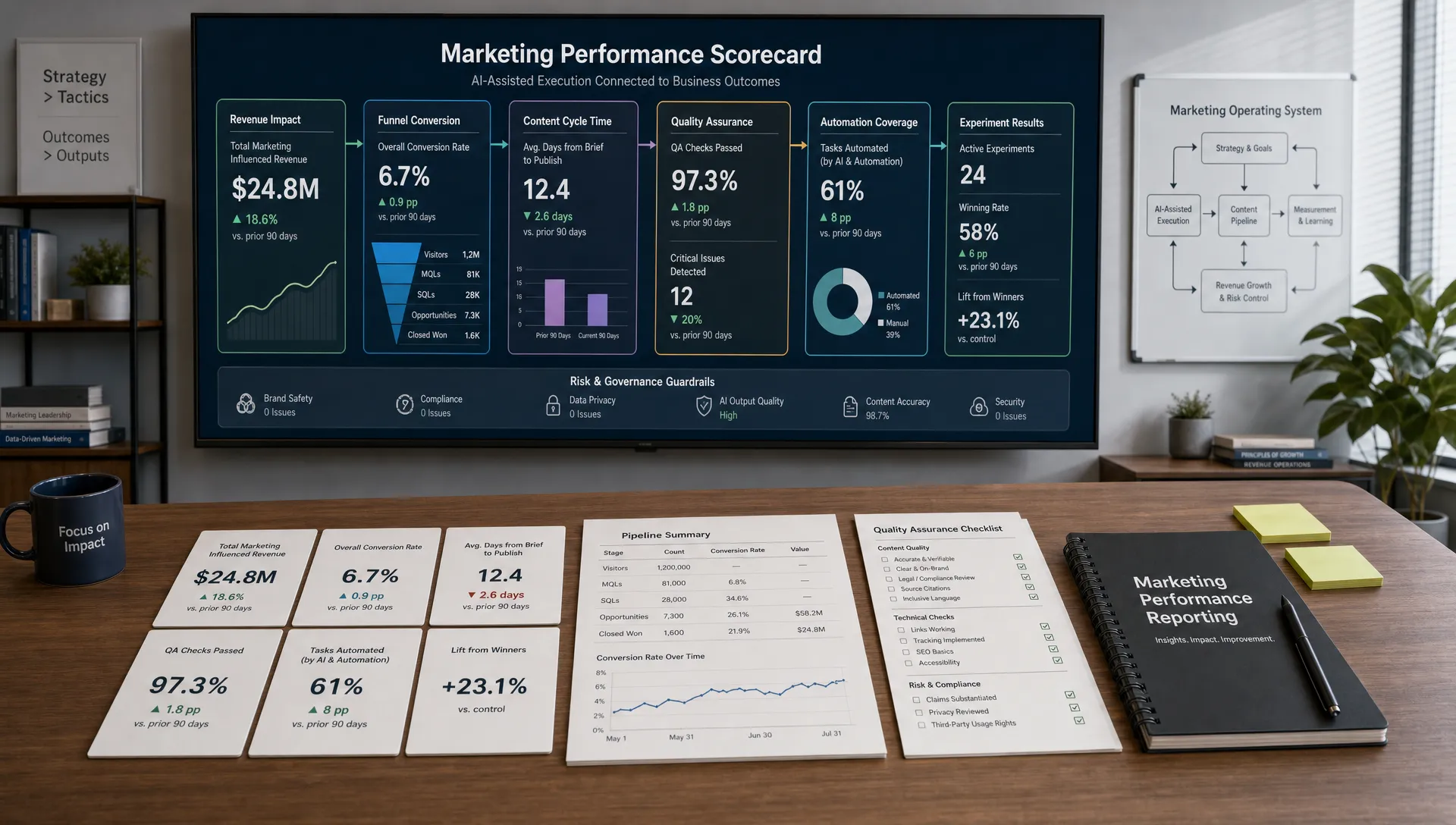
The easiest mistake is measuring AI only by speed. Time saved matters, but a workflow that produces faster weak content is not a win. Measure efficiency and quality together.
Goal                | Metric to track                                                | What good looks like
Save time           | Hours spent per brief, draft, report, or campaign package      | Fewer production hours without more revisions
Improve quality     | Editorial approval rate, stakeholder feedback, accuracy checks | Fewer rewrites and stronger alignment with strategy
Increase output     | Number of assets shipped per campaign                          | More channel-ready assets from the same core idea
Improve performance | CTR, conversion rate, organic traffic, cost per lead           | Better results from tested messaging and faster iteration
Strengthen learning | Number of documented insights and experiments | Clearer decisions after each campaign cycle What is the best AI workflow for a small marketing team to start with? Start with the workflow that removes your biggest recurring bottleneck. For many small teams, that is content briefing, campaign repurposing, or weekly reporting because these tasks happen often and are easy to standardize.
Can AI replace a marketing team member? AI can automate parts of research, drafting, analysis, and repurposing, but it should not replace strategy, judgment, customer understanding, or final approval. The strongest workflows combine AI speed with human expertise.
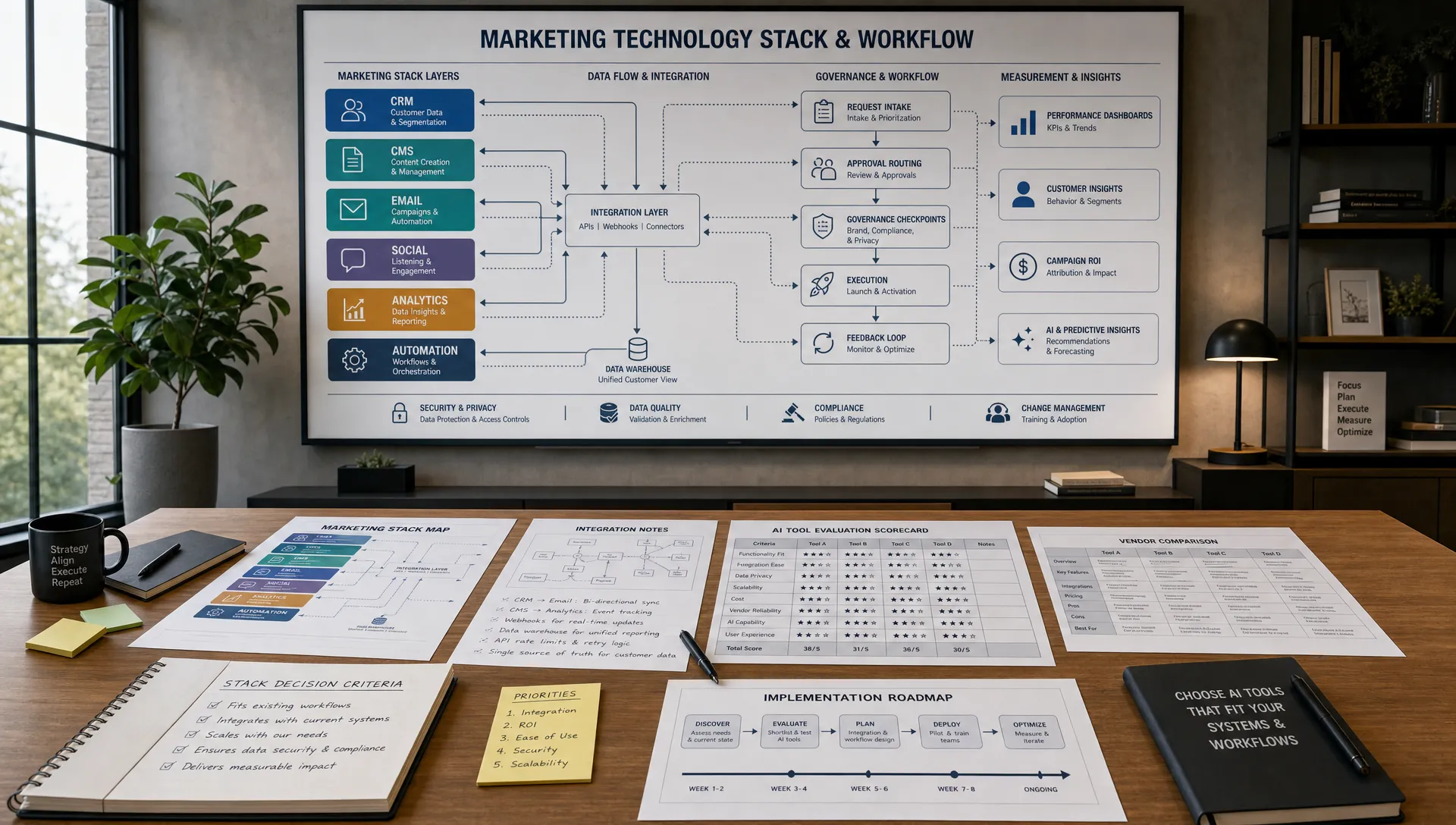
How many AI tools does a small marketing team need? Most teams do not need a large stack. Start with a reliable AI assistant, your analytics tools, your content workspace, and any existing CRM, email, or SEO platform. Add tools only when a workflow clearly needs them.
How do we keep AI-generated marketing content from sounding generic? Give AI stronger inputs: customer language, audience context, product details, examples, brand voice rules, and a clear point of view. Generic prompts usually create generic content.
Are AI workflows useful for regulated industries? Yes, but they need stricter review. Teams in finance, legal, healthcare, or other regulated sectors should add compliance checkpoints, avoid unsupported claims, and protect sensitive data.
The best AI workflows for small marketing teams are not complicated. They are consistent. They help your team research faster, create stronger content, refresh SEO assets, test campaigns, nurture leads, and understand performance without adding unnecessary complexity.
If you want practical AI marketing tools, prompt ideas, SEO resources, calculators, and industry-specific guides in one place, explore AIMarketer Hub. Start with one workflow, measure the result, and build from there.