Webinars still work because they combine authority, education and a clear conversion moment. The problem is that many teams treat webinar marketing as a checklist: announce the event, send reminders, run the session, then blast the recording to everyone. That approach leaves a lot of intent data unused.
AI changes the workflow. It can help you identify the right audience, tailor promotion by segment, create better content faster and turn attendee behavior into practical follow-up. Used well, AI for webinar marketing does not replace strategy. It removes repetitive work so marketers can focus on the offer, the story and the next step.
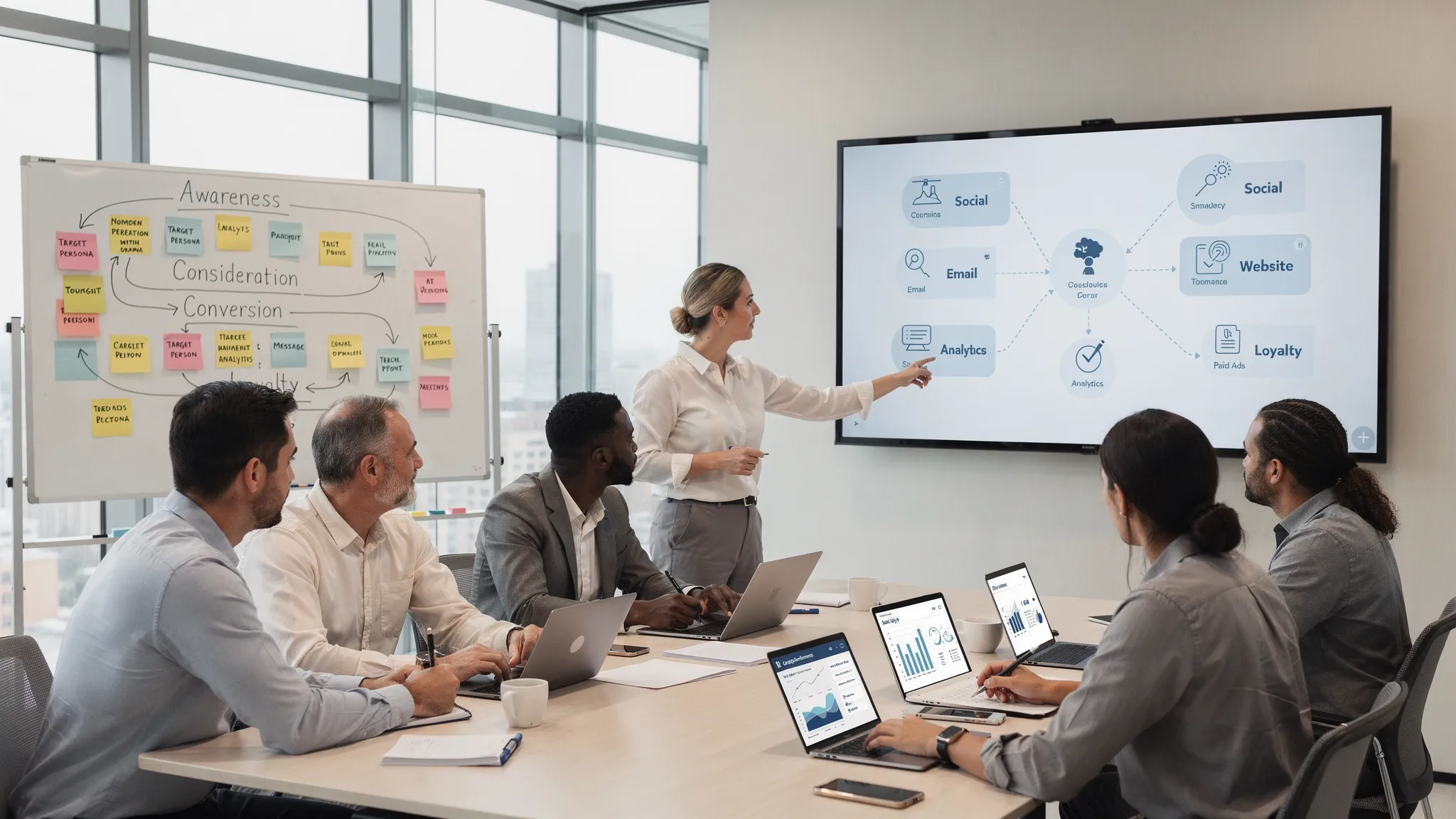
For most teams, the strongest use case is not a fully automated webinar funnel. It is a smarter operating system for three stages: promote, personalize and follow up.
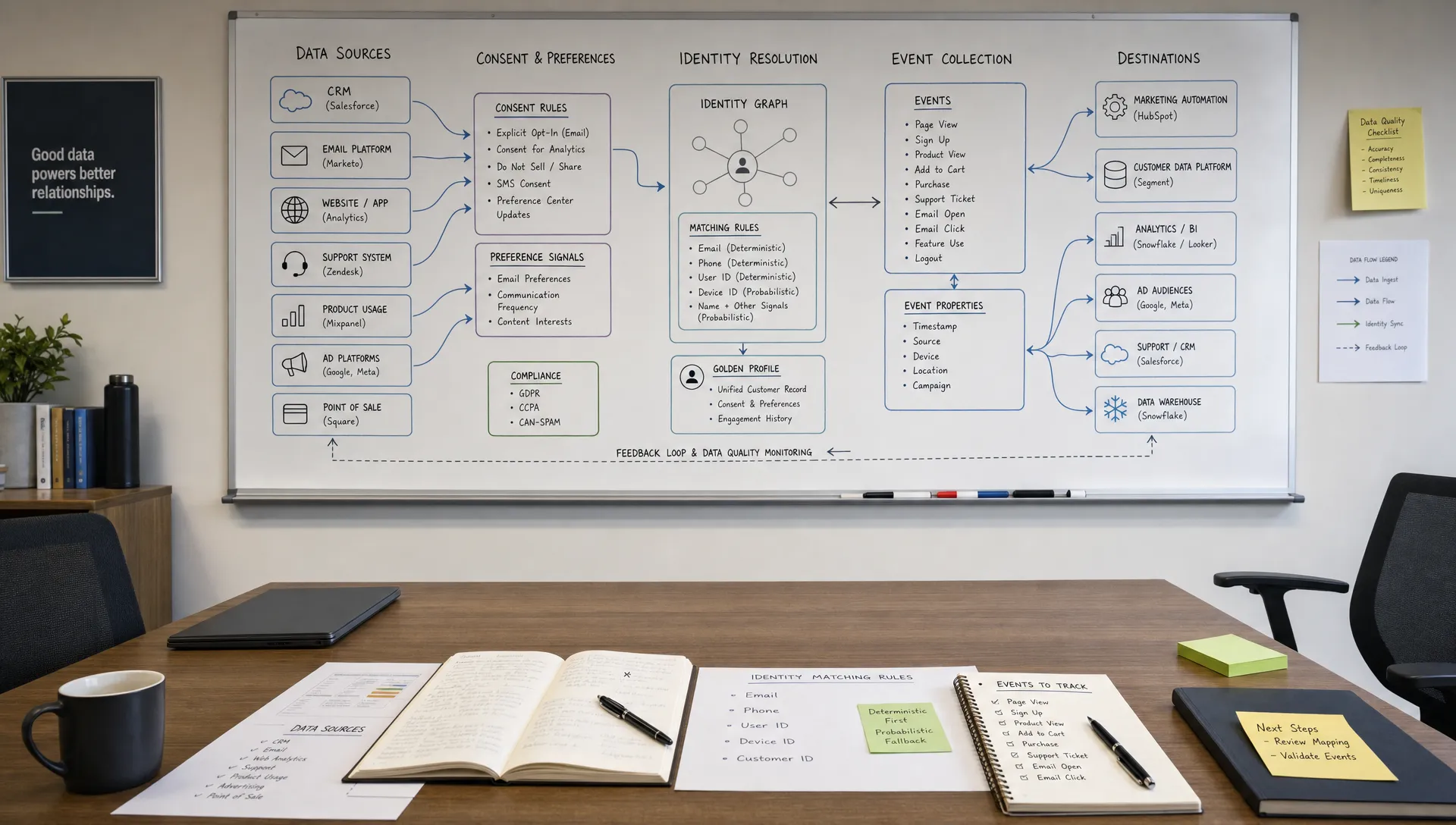
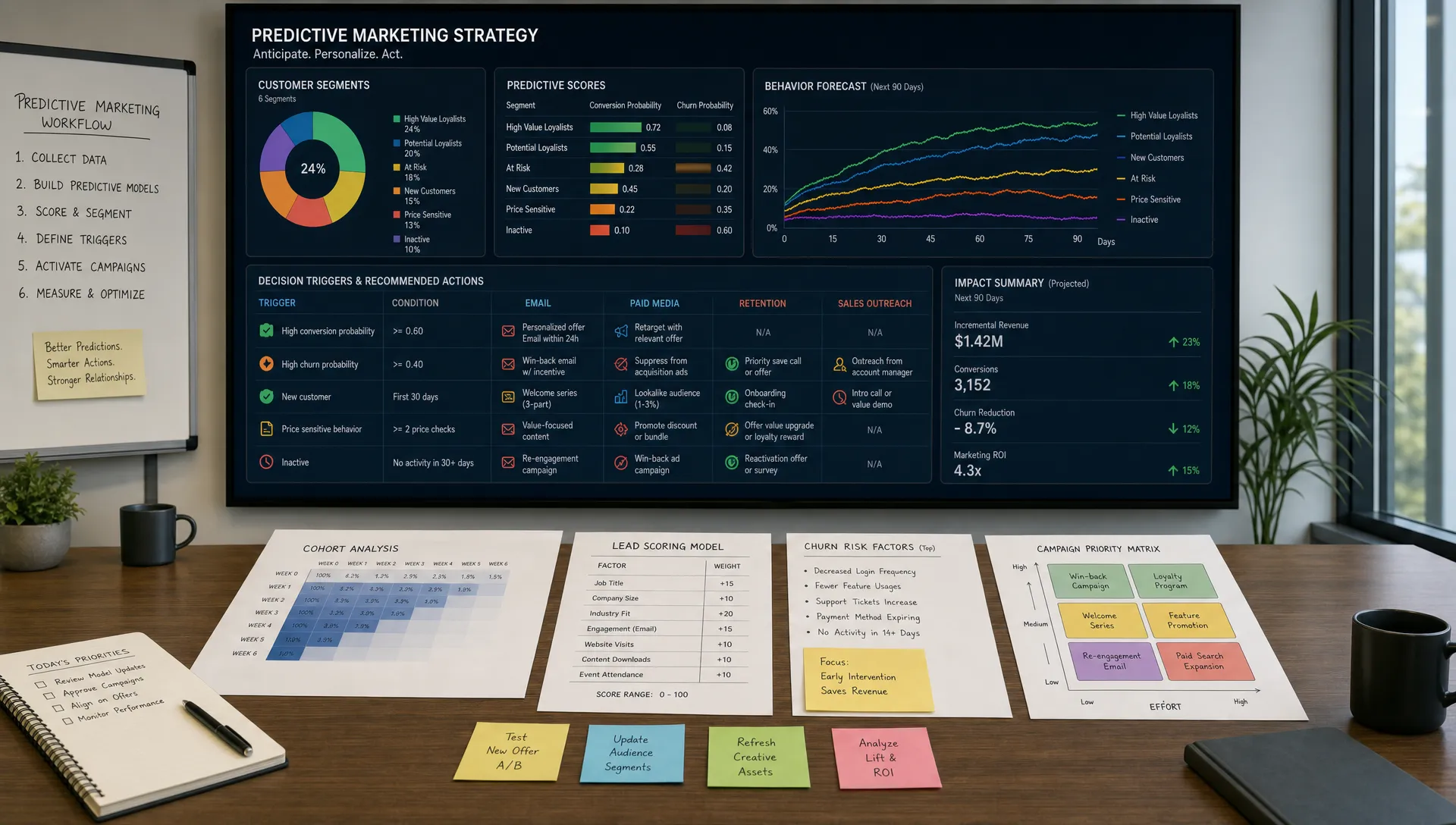
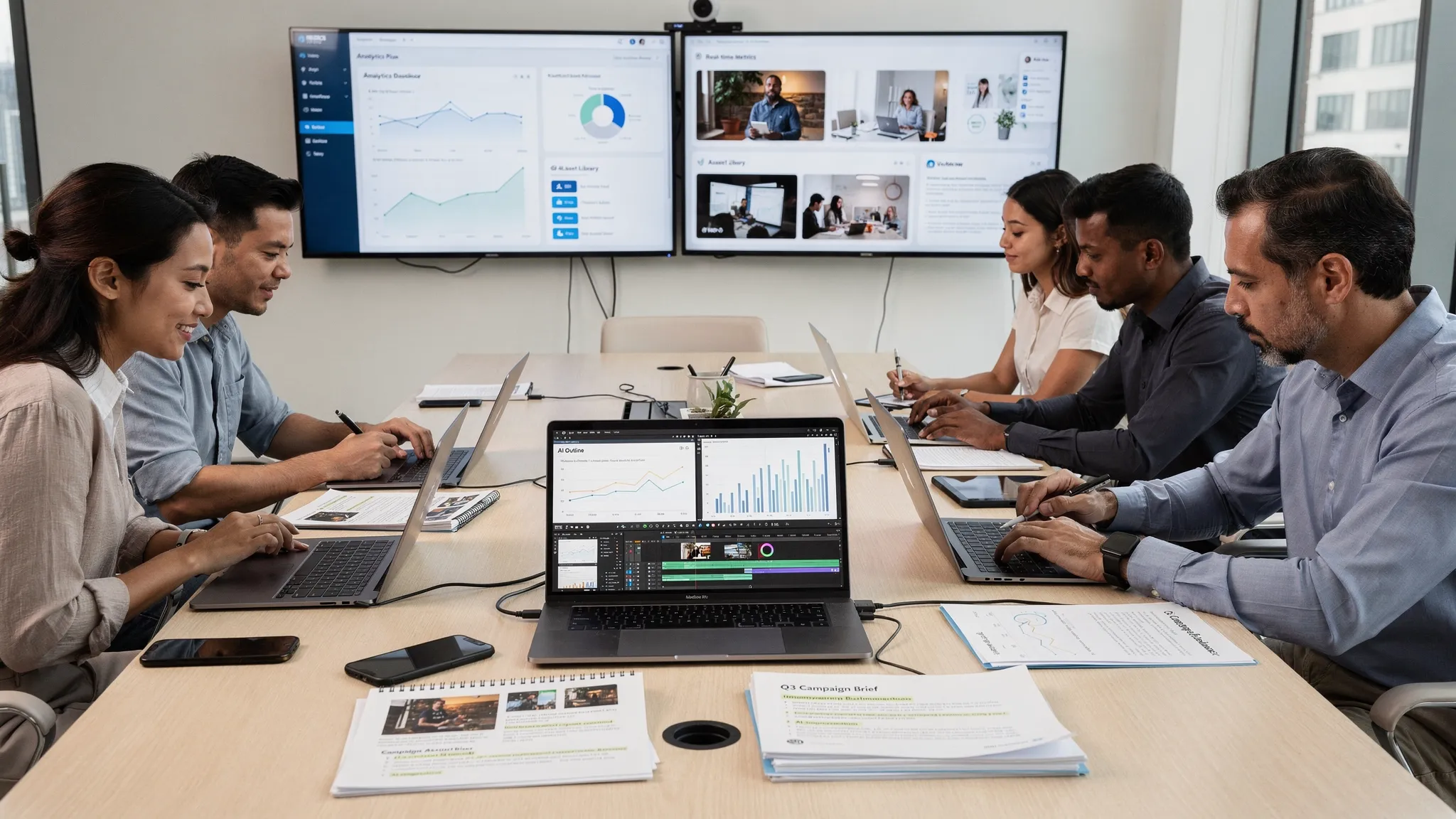
Webinar campaigns generate many inputs that AI can organize quickly: registration data, CRM fields, email engagement, poll answers, chat questions, attendance duration and replay activity. Each of those signals can reveal what a prospect cares about and how ready they are to take action.
Without AI, marketers often reduce this data to two buckets: attended or did not attend. That is too blunt. Someone who watched 52 minutes, answered a pricing poll and asked about implementation is not the same as someone who stayed for six minutes. Someone who missed the live webinar but watched the full replay may be just as qualified as an attendee.
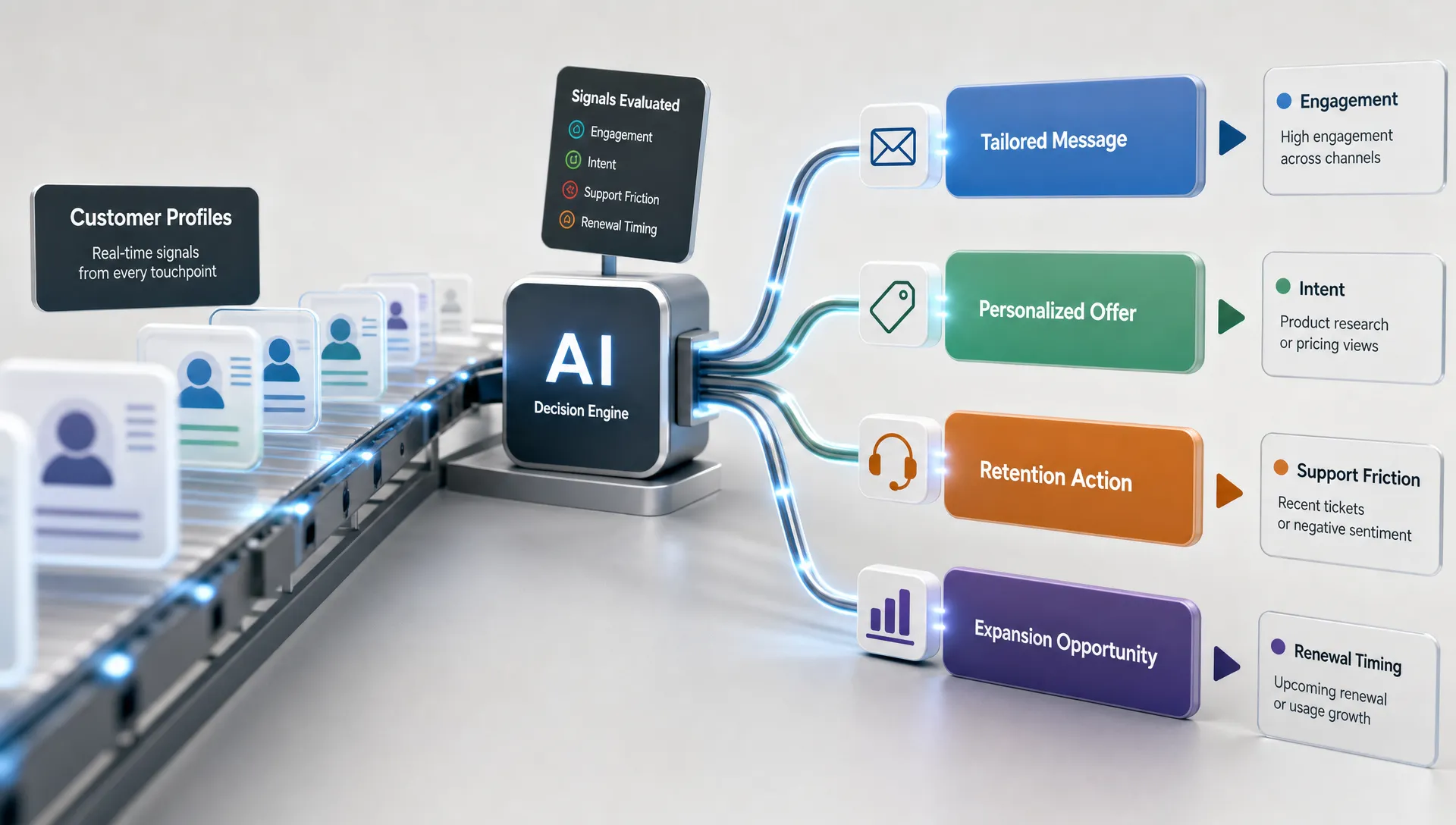
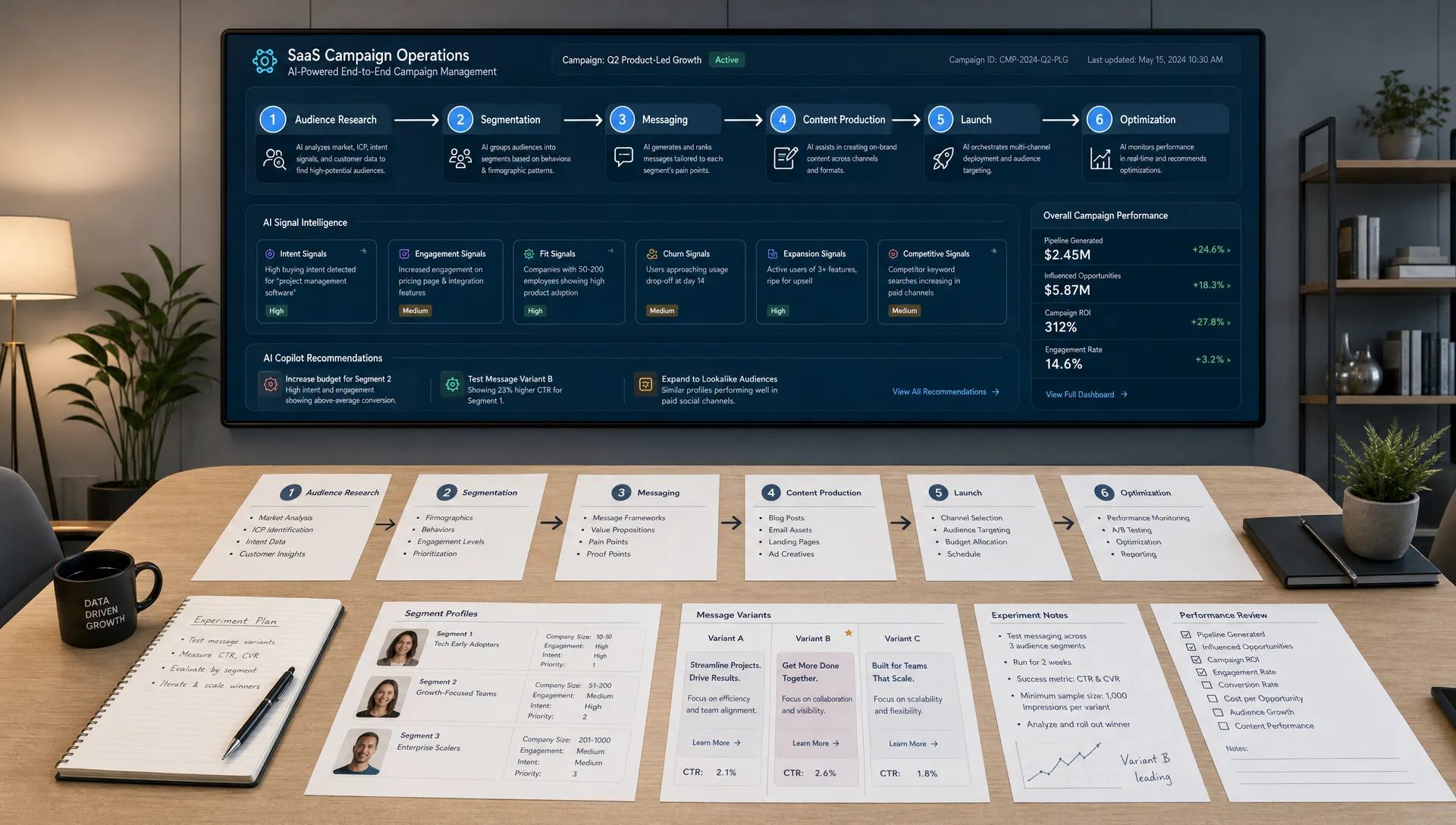
AI helps by turning these small behavioral signals into campaign decisions. It can suggest audience segments, draft message variations, summarize questions, identify intent patterns and recommend the right follow-up path. The key is to connect AI to a clear marketing workflow instead of using it only to generate random promotional copy.
If your team is still choosing where AI belongs in the broader funnel, start with a focused workflow rather than a tool-first rollout. This guide to AI marketing automation explains how to pick one business outcome, map the process and avoid common automation traps.
AI becomes more useful when the webinar has a specific job. A product demo webinar, an executive thought leadership session, a partner event and a customer training session all need different promotion, personalization and follow-up logic.
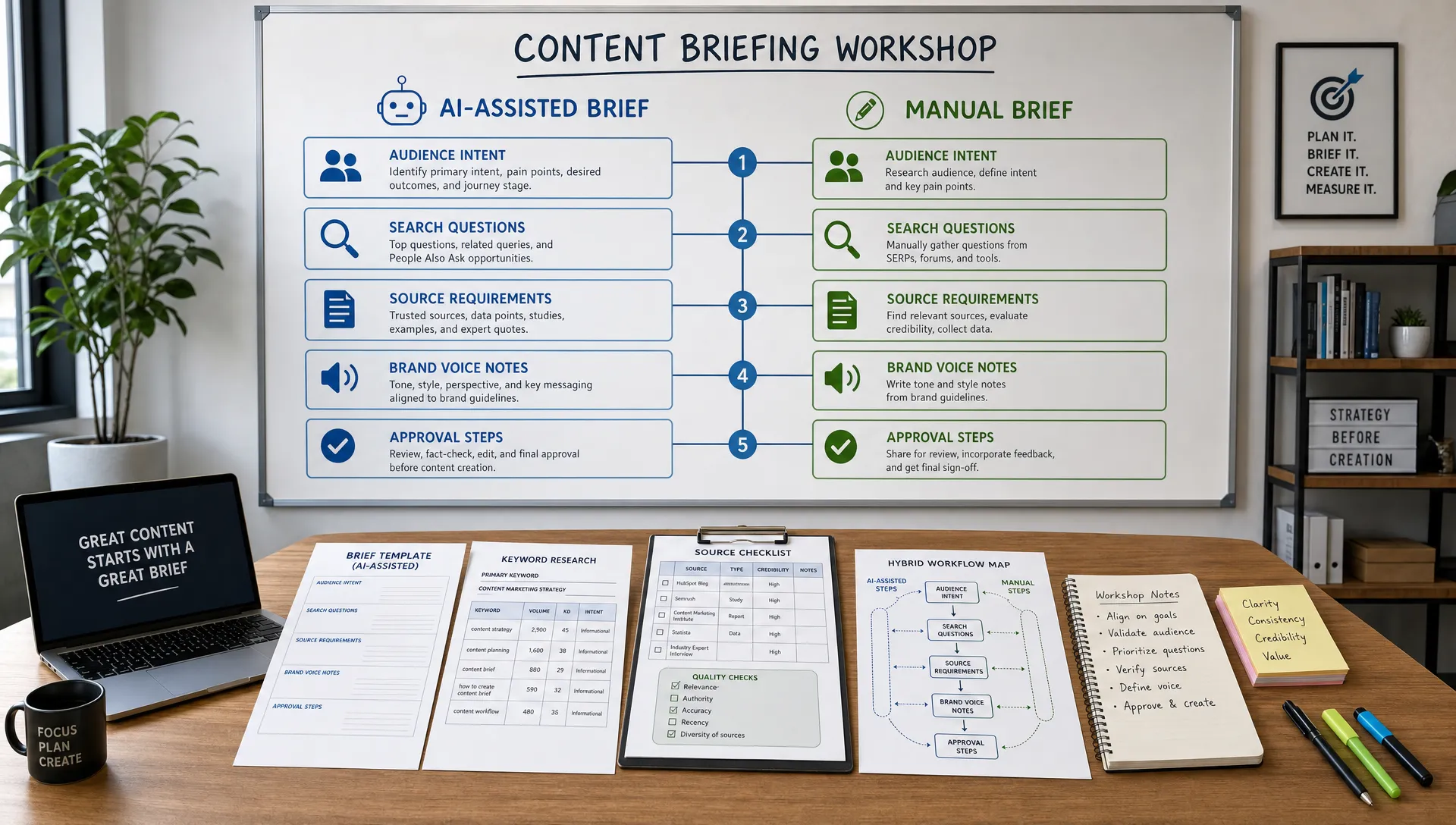
Before generating assets, define the campaign in plain language:
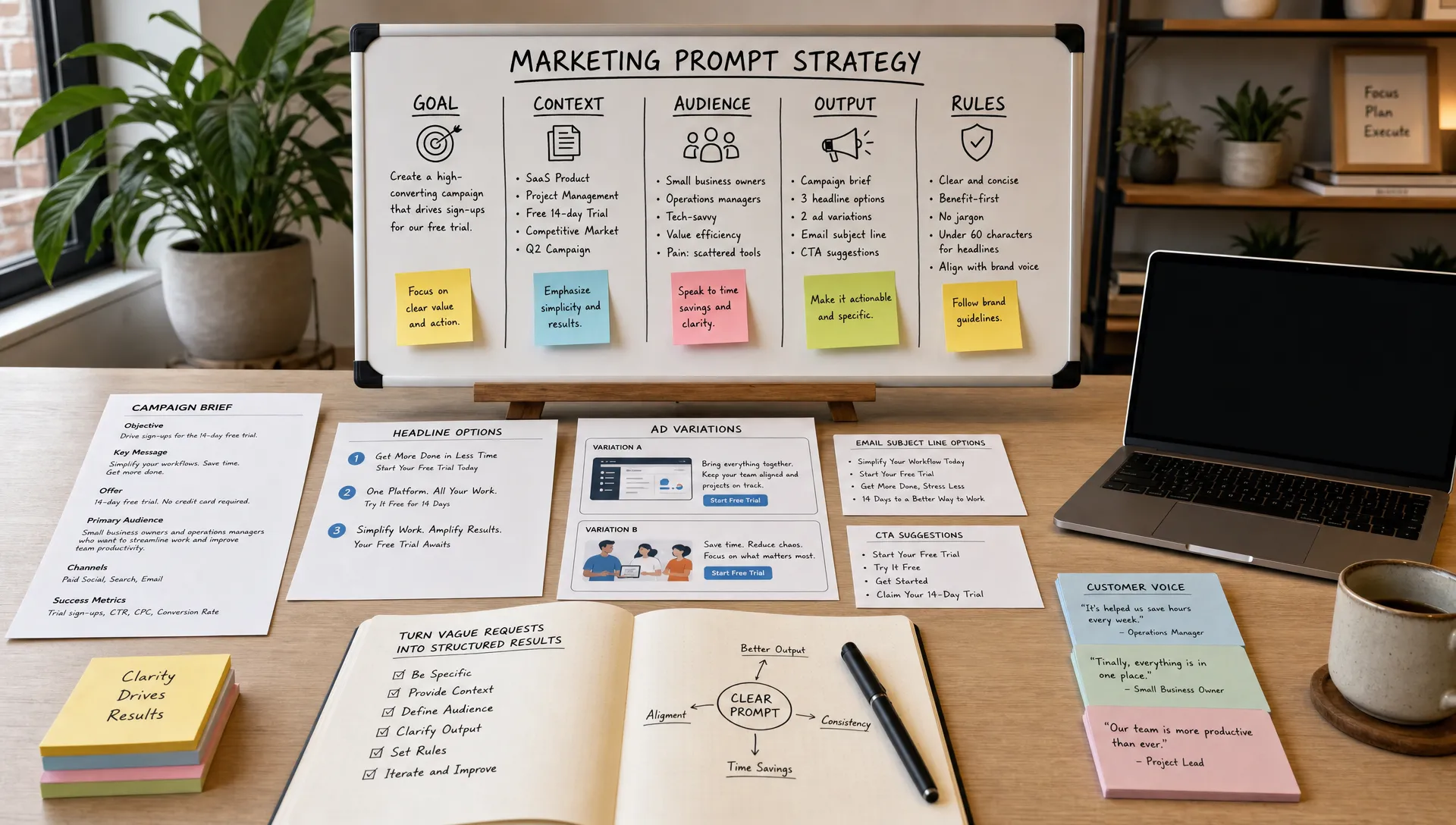
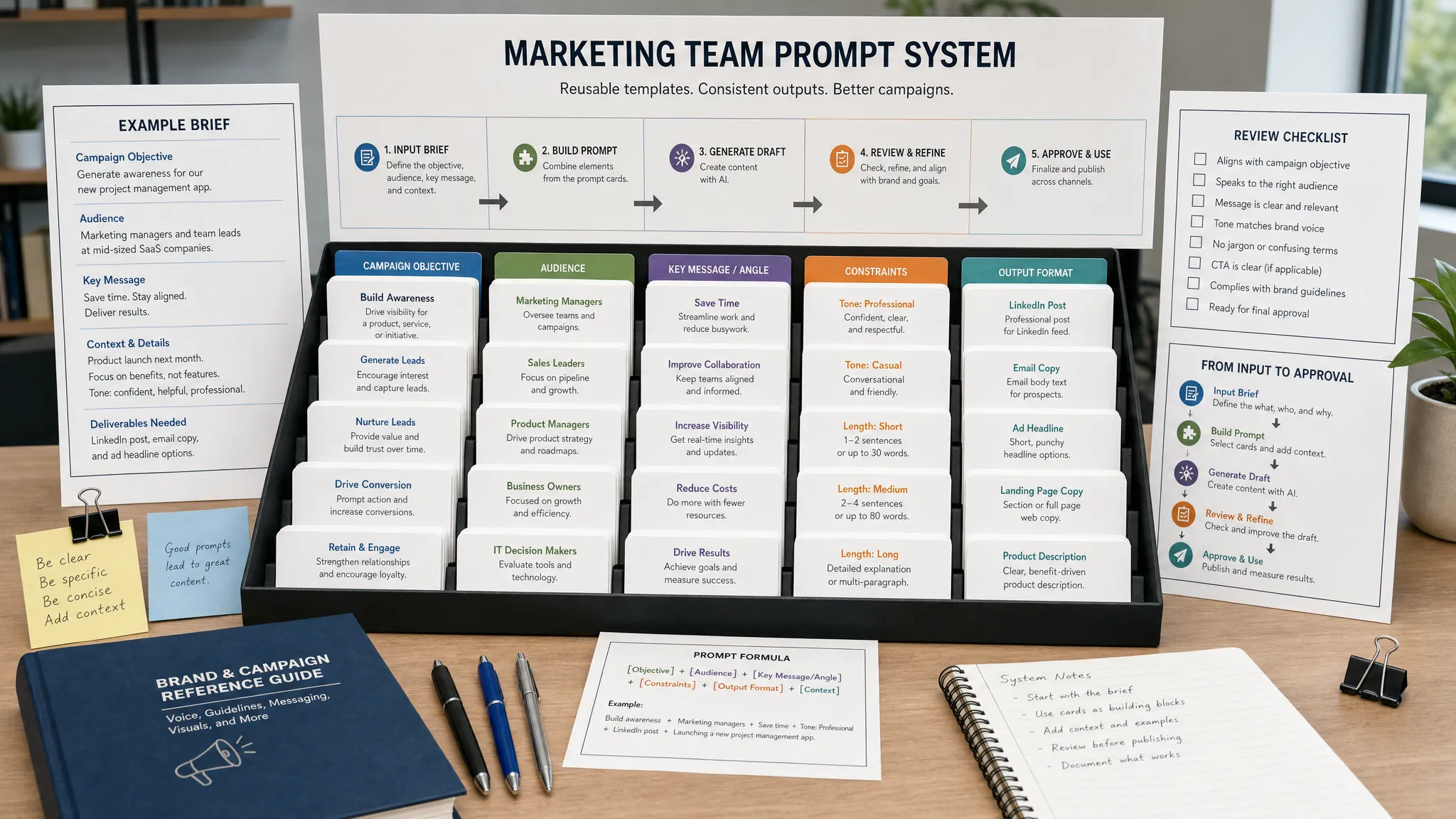
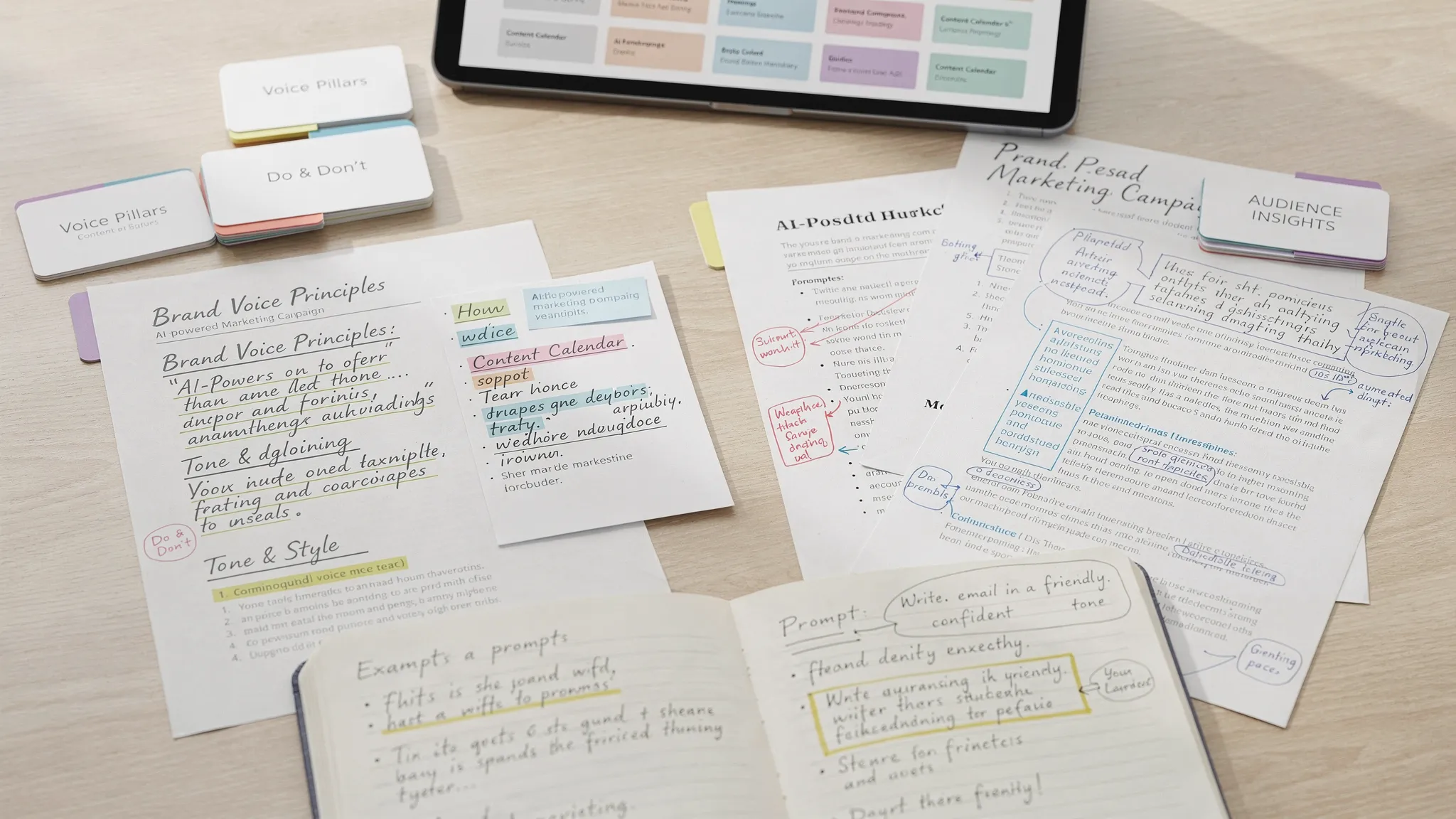
This strategic input becomes the context for your AI prompts. If the brief is vague, the output will be vague. A prompt that says, write webinar emails, will produce generic copy. A prompt that includes audience pain points, objections, stage of awareness, offer, tone and channel constraints will produce assets closer to something your team can use.
Promotion is where many webinar campaigns underperform. The topic may be strong, but the invite sounds like every other event in the inbox. AI can help you create sharper angles for each audience segment and channel.
Start by asking AI to analyze the webinar promise from different buyer perspectives. A CFO might care about cost control and risk. A marketing manager might care about execution speed. A founder might care about growth without hiring. The same webinar can have several legitimate hooks, but each one should point back to the same core session.
AI can also help build a campaign calendar. Feed it the live date, audience, channels, event format and approval timelines. Ask for a promotion plan that includes announcement emails, reminder emails, LinkedIn posts, partner blurbs, retargeting copy and sales team outreach prompts. You are not looking for final copy in one pass. You are looking for a complete first draft of the promotional system.
| Promotion asset | How AI can help | Human review needed |
|---|---|---|
| Email invitations | Draft segment-specific hooks, subject lines and preview text | Accuracy, tone, list fit and deliverability |
| Social posts | Create channel-specific versions for LinkedIn, X or community posts | Brand voice and relevance to the audience |
| Landing pages | Suggest headlines, benefit bullets and FAQ copy | Offer clarity, claims and conversion flow |
| Partner copy | Adapt the webinar value for partner audiences | Relationship context and co-branding rules |
| Sales outreach | Turn the topic into short, personalized rep messages | Account context and compliance |
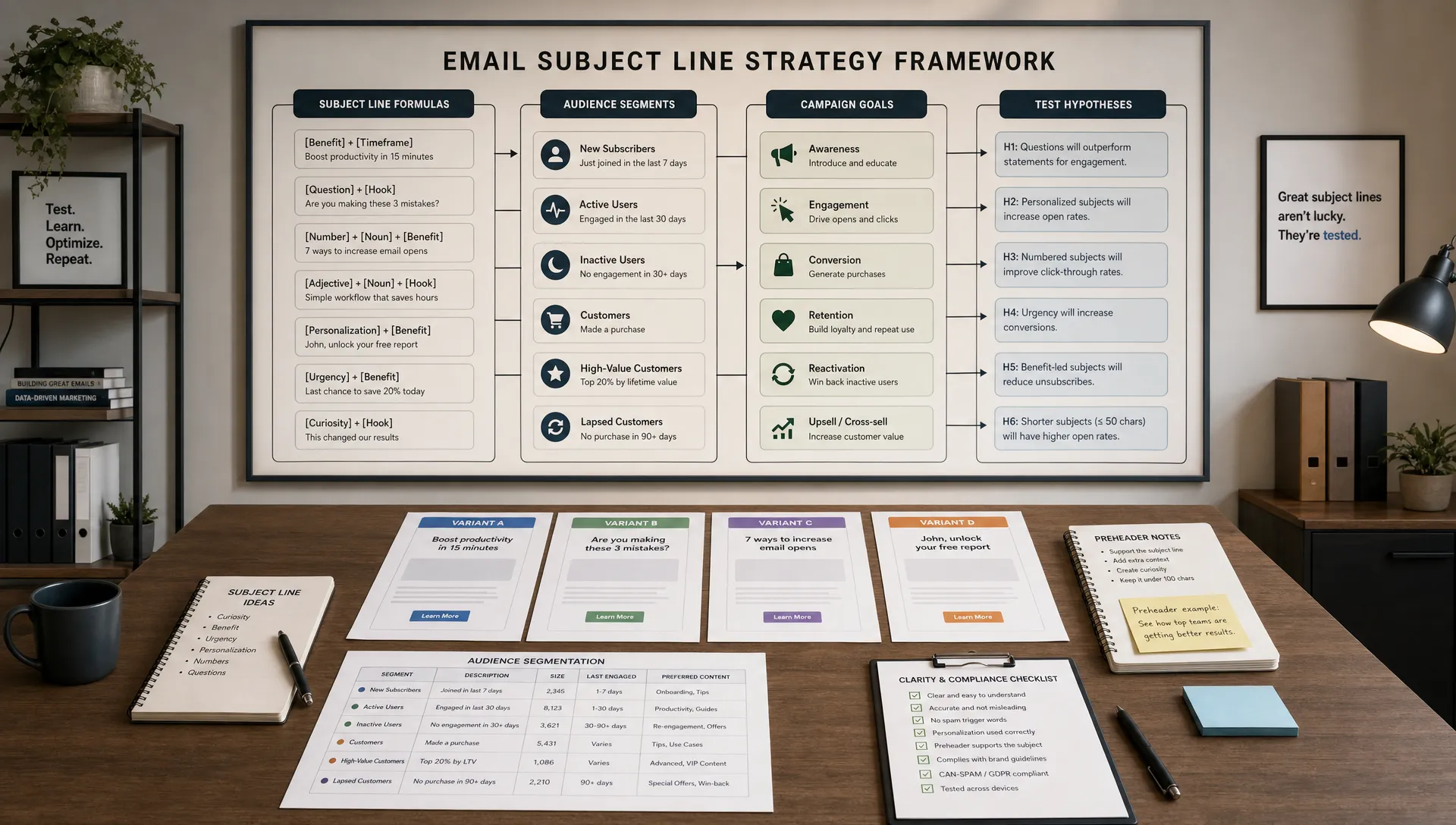
For email, AI is especially useful when you ask for options by intent rather than generic creativity. For example, request five subject lines for problem-aware prospects, five for current customers and five for executives who need a business case. If email is a key registration channel, AIMarketer Hub has a practical guide to AI prompts for email subject lines that can help you brief AI more effectively.
Promotion can also improve when you look beyond your own audience. If your webinar is aimed at entrepreneurs, creators or women building careers and businesses, browsing audience-led publishers such as Haley Marie Blog can help you understand the topics, language and adjacent interests that already resonate with that community. Use that research to shape your angle, not to copy someone else's content.
Personalization does not mean creating hundreds of completely different webinar experiences. It means using the information you already have to make the next message more relevant.
A simple starting point is segmenting registrants by role, industry, company size or stated interest. If your registration form asks one smart question, such as biggest challenge or primary goal, AI can help sort responses into themes. Those themes can then guide confirmation emails, pre-event resources and follow-up paths.
For example, a webinar on AI marketing automation might attract three types of registrants. Some want to save time on content creation. Some want better lead scoring. Others want analytics and reporting improvements. The live session can serve all three groups, but the pre-event email can highlight the section that matters most to each person.
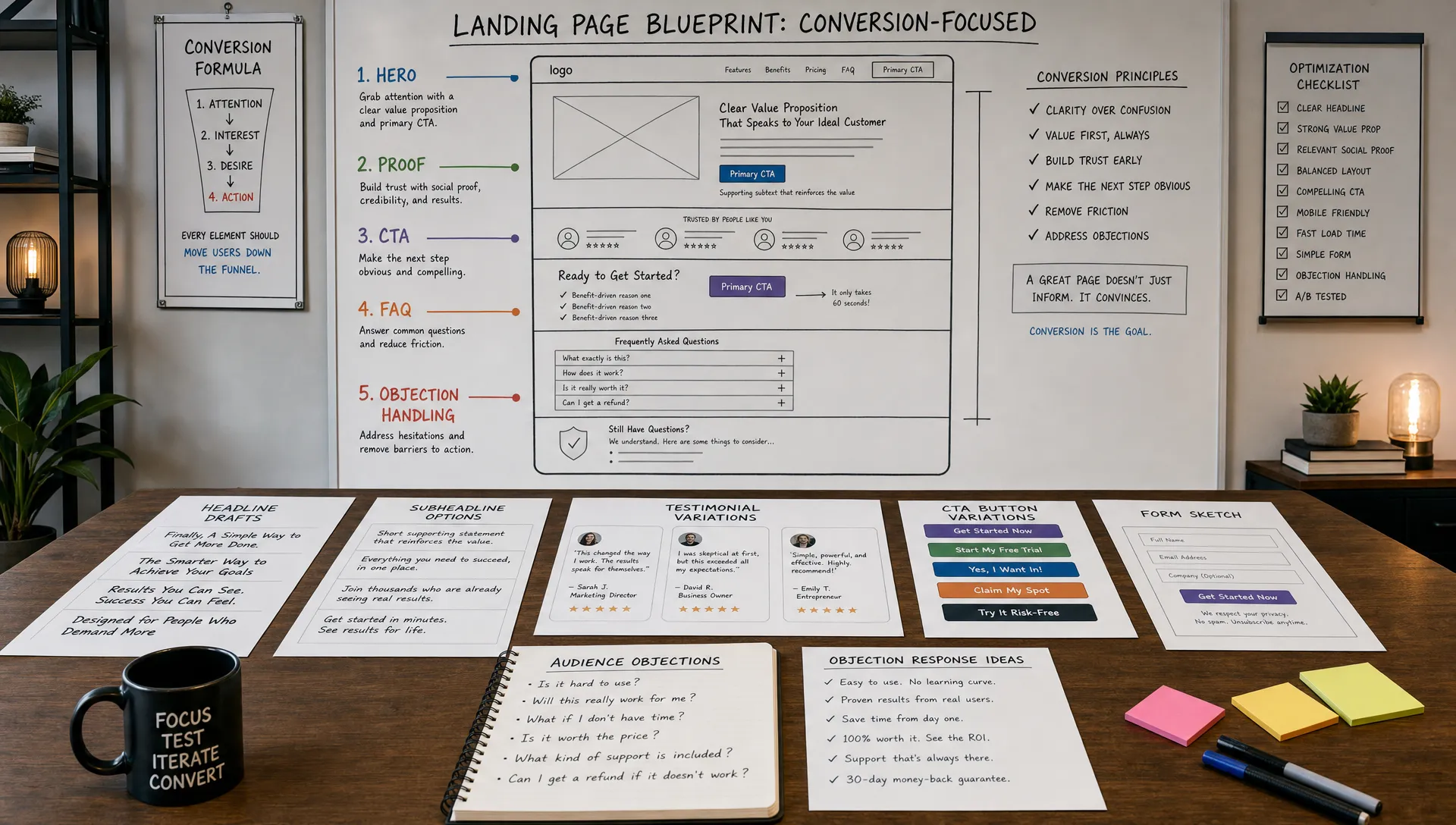
AI can also help personalize webinar landing pages. You might create one version for SaaS marketers, another for agencies and another for small business owners. The core webinar stays the same, but the headline, examples and proof points shift by audience. This works best when you have enough traffic or list size to justify the extra versions.
Another practical use case is pre-webinar question analysis. Ask registrants to submit a question when they sign up. AI can cluster those questions into themes, surface the most common objections and suggest which questions should be addressed live. This helps the presenter avoid a generic session and makes the audience feel heard before the webinar starts.
AI can support the live experience, but it should not take over the human parts of the event. Attendees came for perspective, clarity and interaction. They did not come to hear a presenter read AI-generated talking points.
Before the webinar, AI can help structure the agenda around audience intent. Give it the topic, target persona, promised outcome and submitted questions. Ask for a 45-minute flow that balances teaching, examples, interaction and conversion. Then edit the flow based on your expertise.
AI can also generate poll ideas, discussion prompts and Q&A categories. Polls are useful because they increase engagement and create follow-up signals. A poll about biggest challenge can guide post-webinar nurture. A poll about timeline can help sales prioritize outreach. A poll about current tools can support segmentation for future campaigns.
During the session, AI transcription and note-taking tools can create a searchable record of questions, objections and high-interest moments. After the webinar, those notes become the raw material for follow-up emails, content repurposing, sales briefs and product marketing insights.
The rule is simple: use AI to improve preparation, capture and analysis. Keep the voice, judgment and relationship-building human.
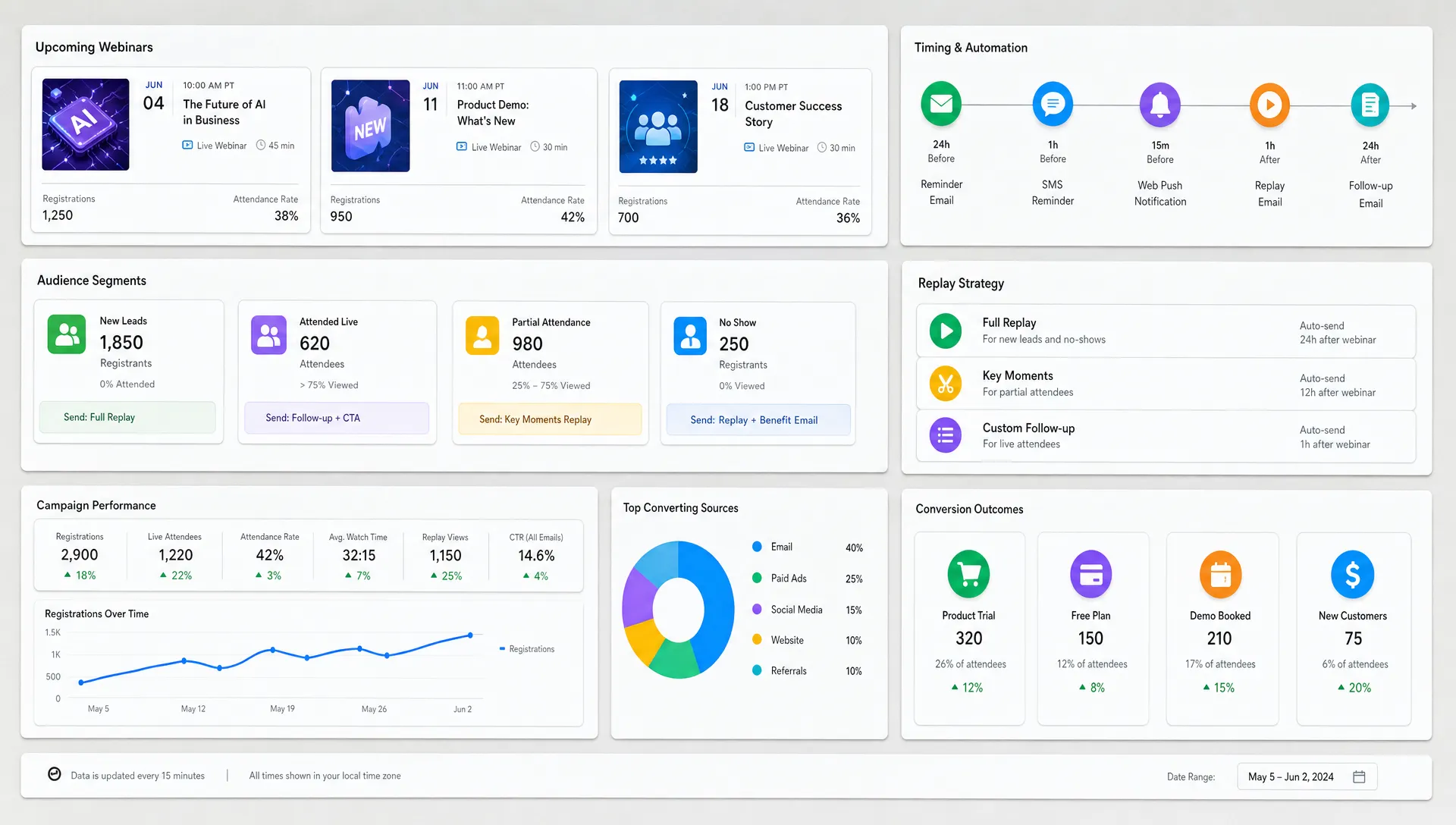
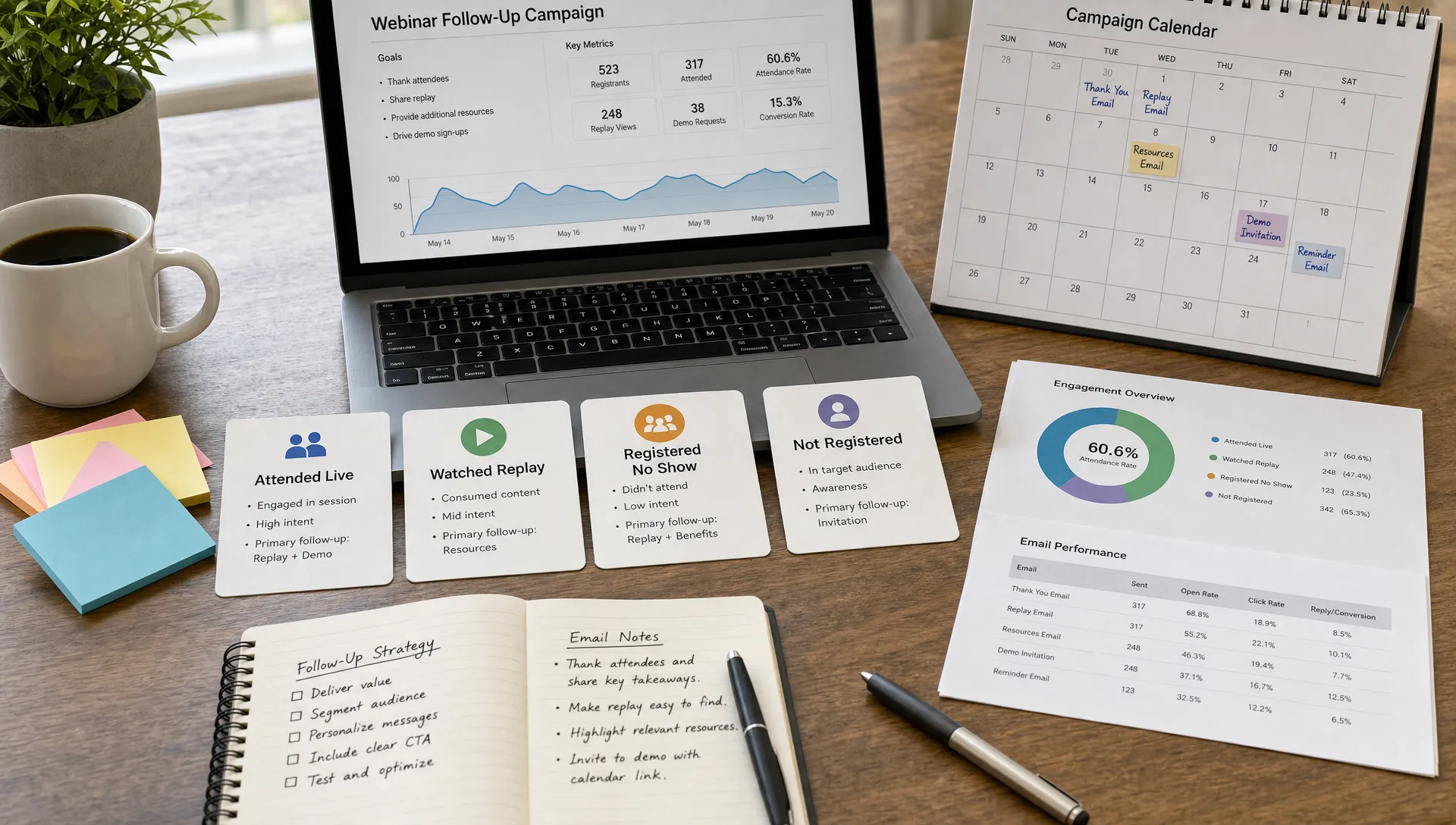
The follow-up stage is where AI for webinar marketing can have the biggest revenue impact. The common mistake is sending the same replay email to everyone. A better approach is to segment follow-up by behavior and intent.
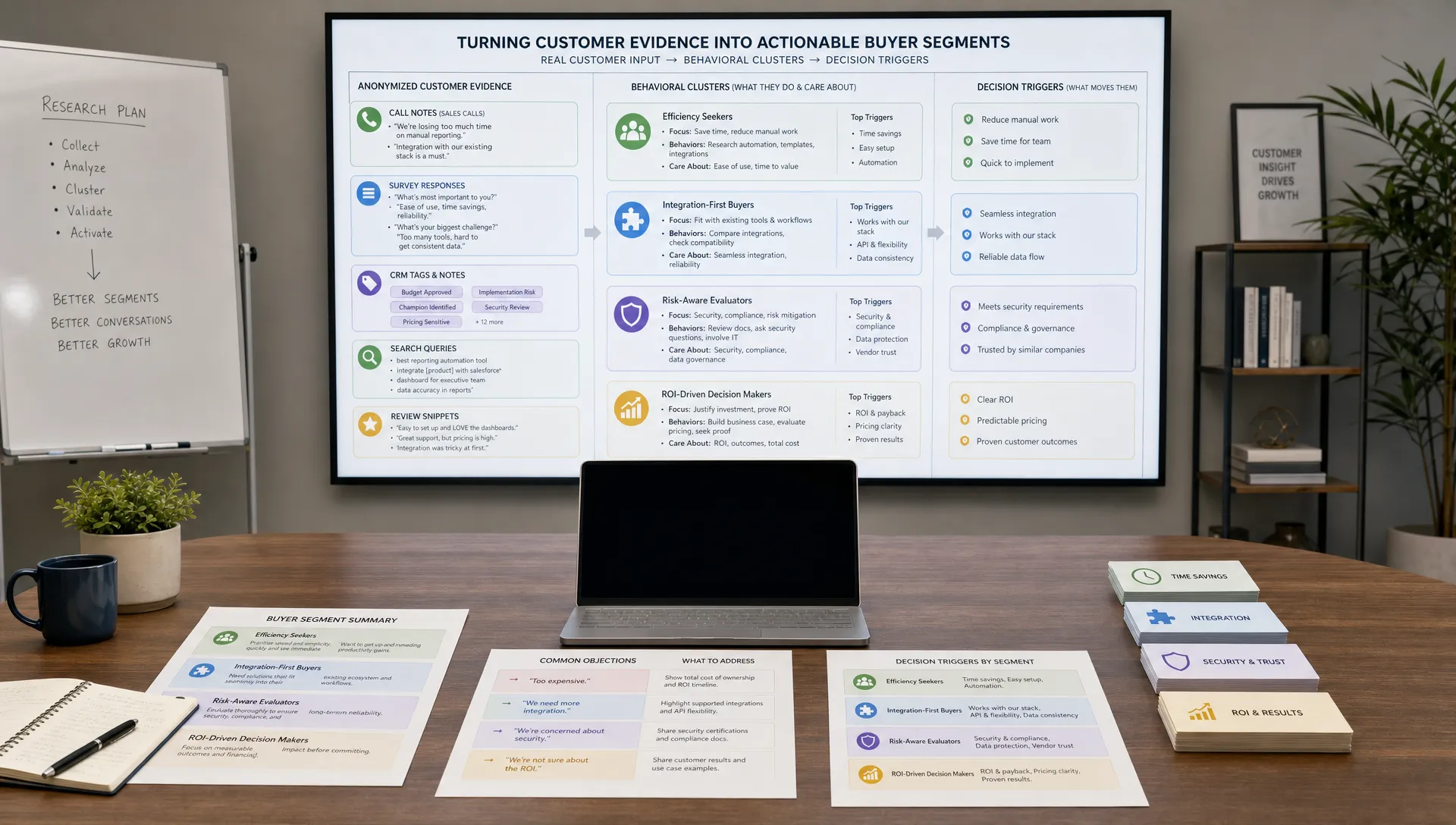
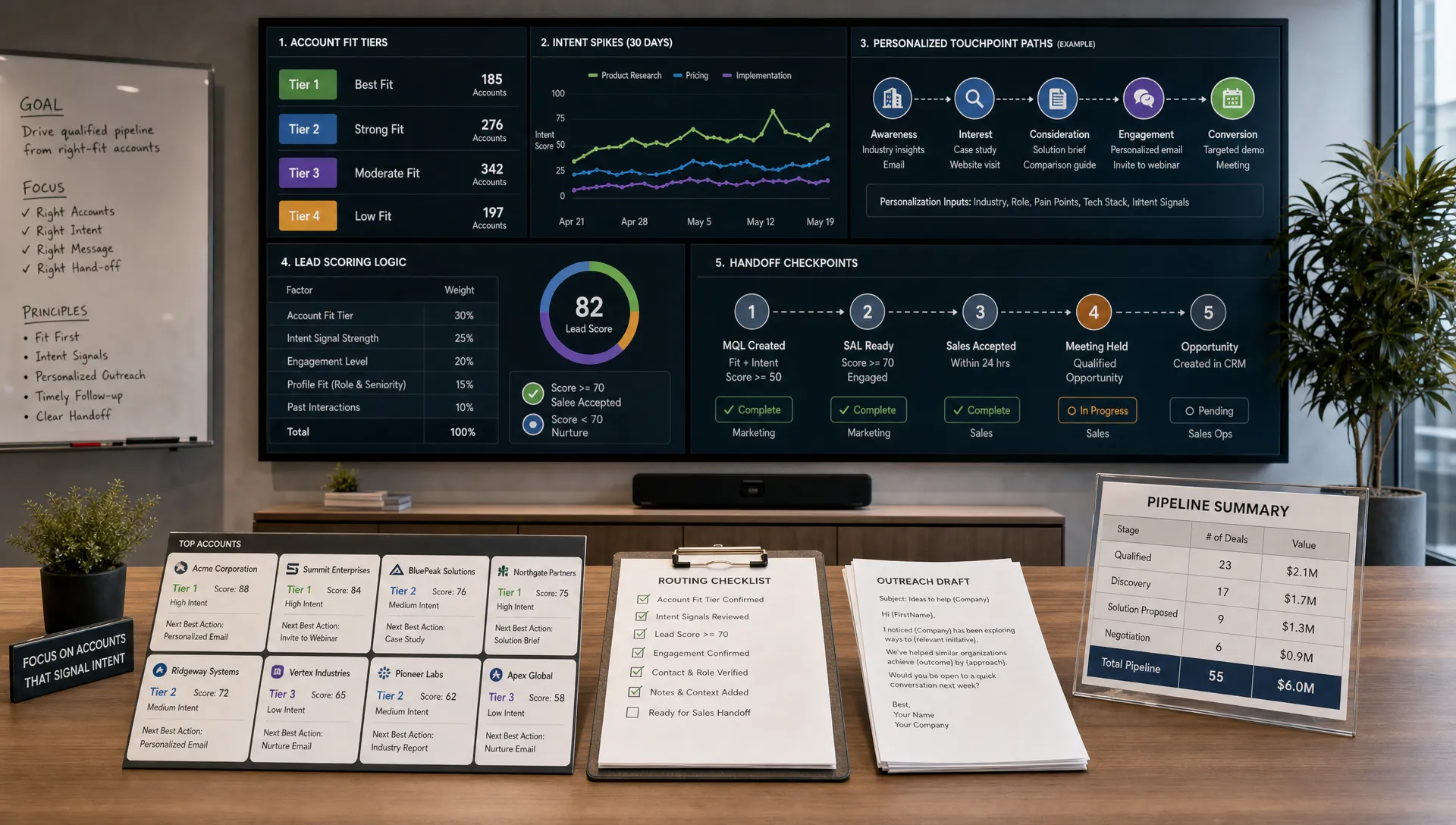
Attendance status is only the first signal. Look at how long someone stayed, which polls they answered, whether they asked a question, which links they clicked and whether they watched the replay. AI can help summarize these signals into practical audience groups.
| Post-webinar segment | Likely intent | AI-assisted follow-up idea |
|---|---|---|
| Attended most of the session and asked a buying question | High intent | Draft a sales-ready summary and a personal outreach email |
| Attended but did not engage | Moderate intent | Send the recording with a short guide to the most relevant section |
| Registered but missed it | Unknown intent | Send a replay email with a new hook and time-stamped highlights |
| Watched the replay later | Active but asynchronous | Trigger a follow-up based on replay completion or topic viewed |
| Asked an educational question | Research stage | Add to a nurture track with related resources and examples |
AI can draft these follow-up messages quickly, but the best results come when you include context. For sales outreach, include the attendee's company, role, question, poll response and the webinar section they engaged with. For nurture emails, include the pain point or content theme, not just the fact that they attended.
This is also where lead qualification matters. A webinar can produce a large list, but not every registrant should go to sales. AI chatbots and scoring workflows can help ask follow-up questions, identify urgency and route people to the right next step. If that is part of your funnel, this practical guide to AI chatbots for lead qualification shows how to design qualification questions without making the experience feel like an interrogation.
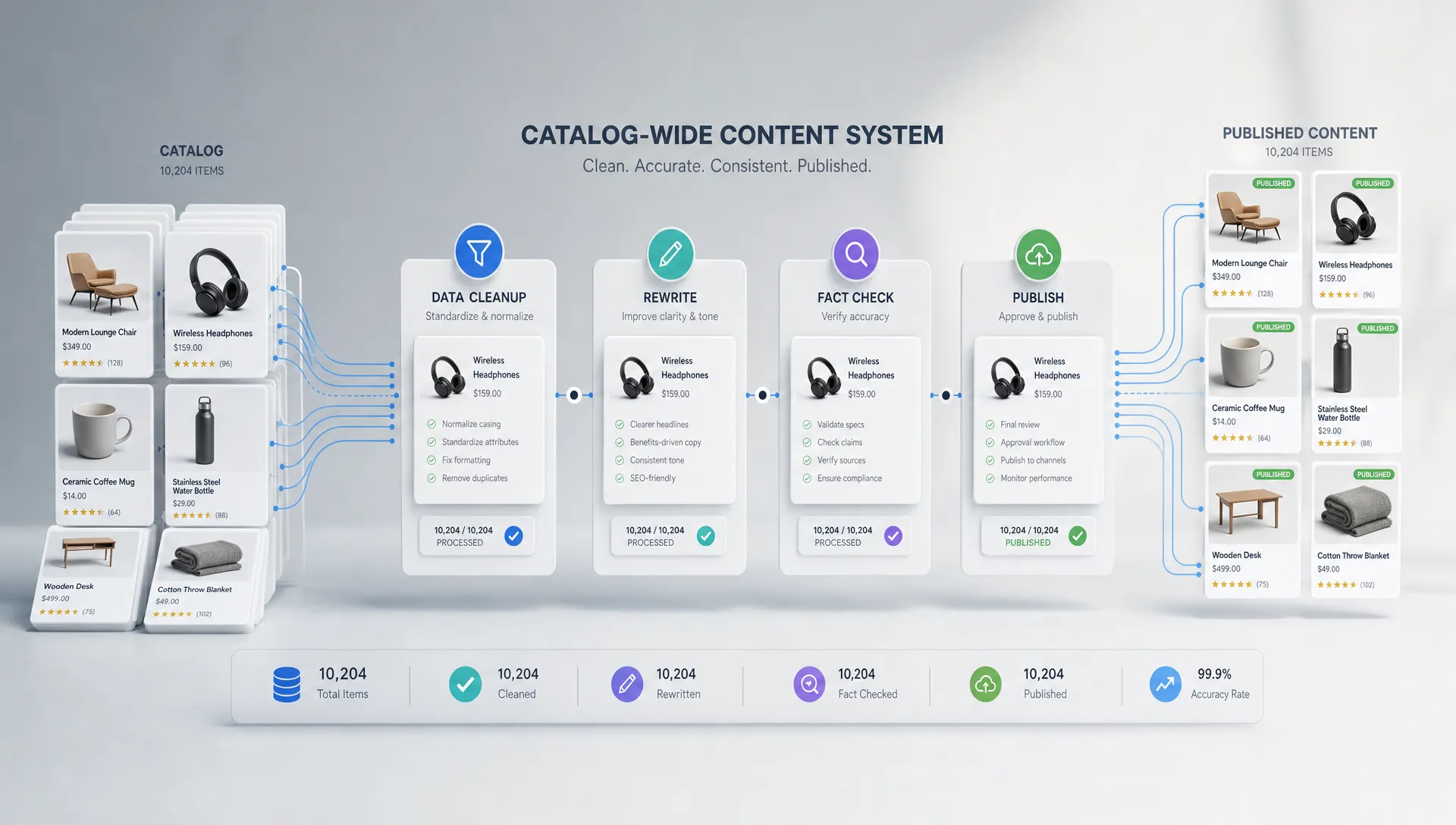
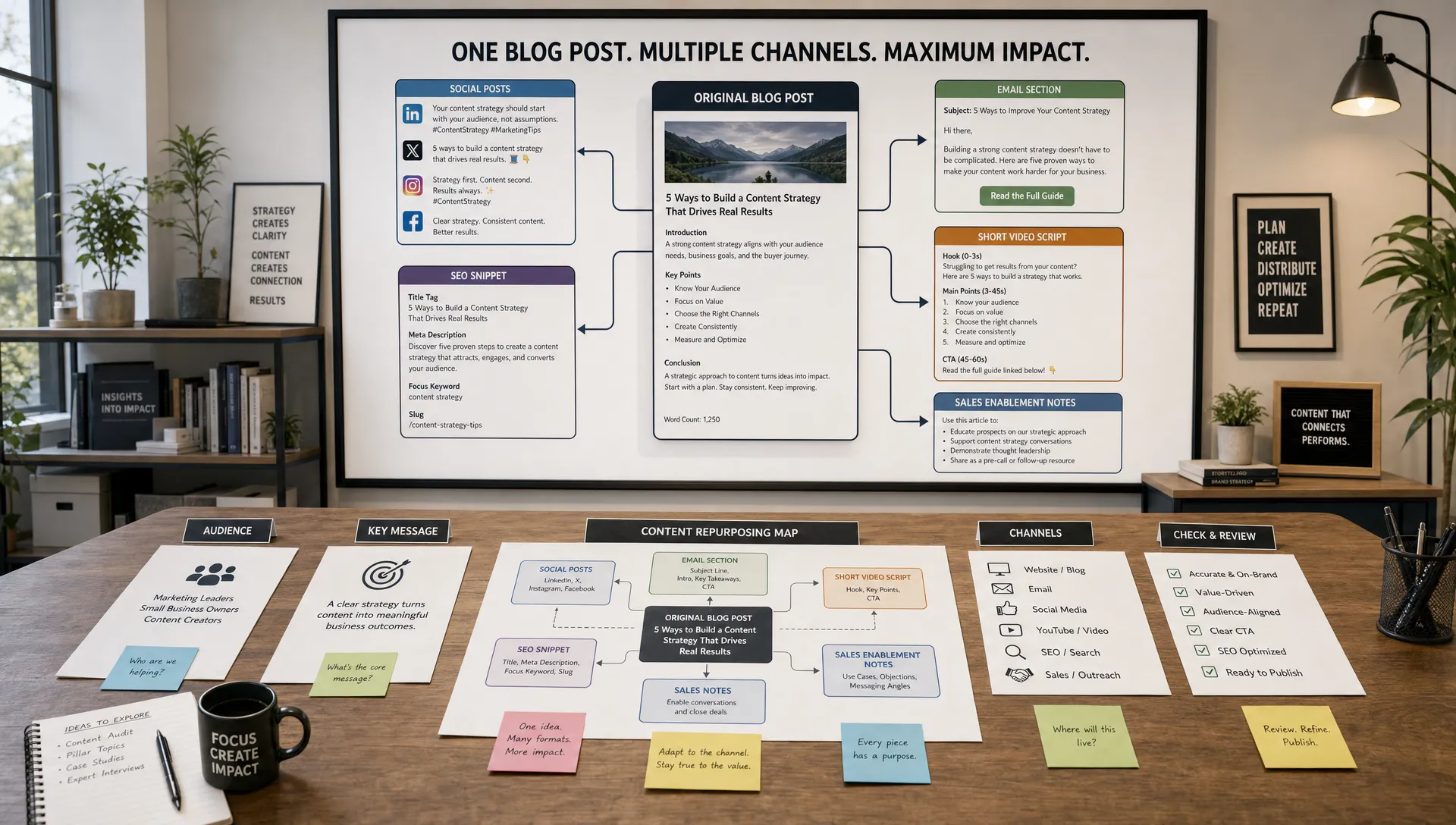
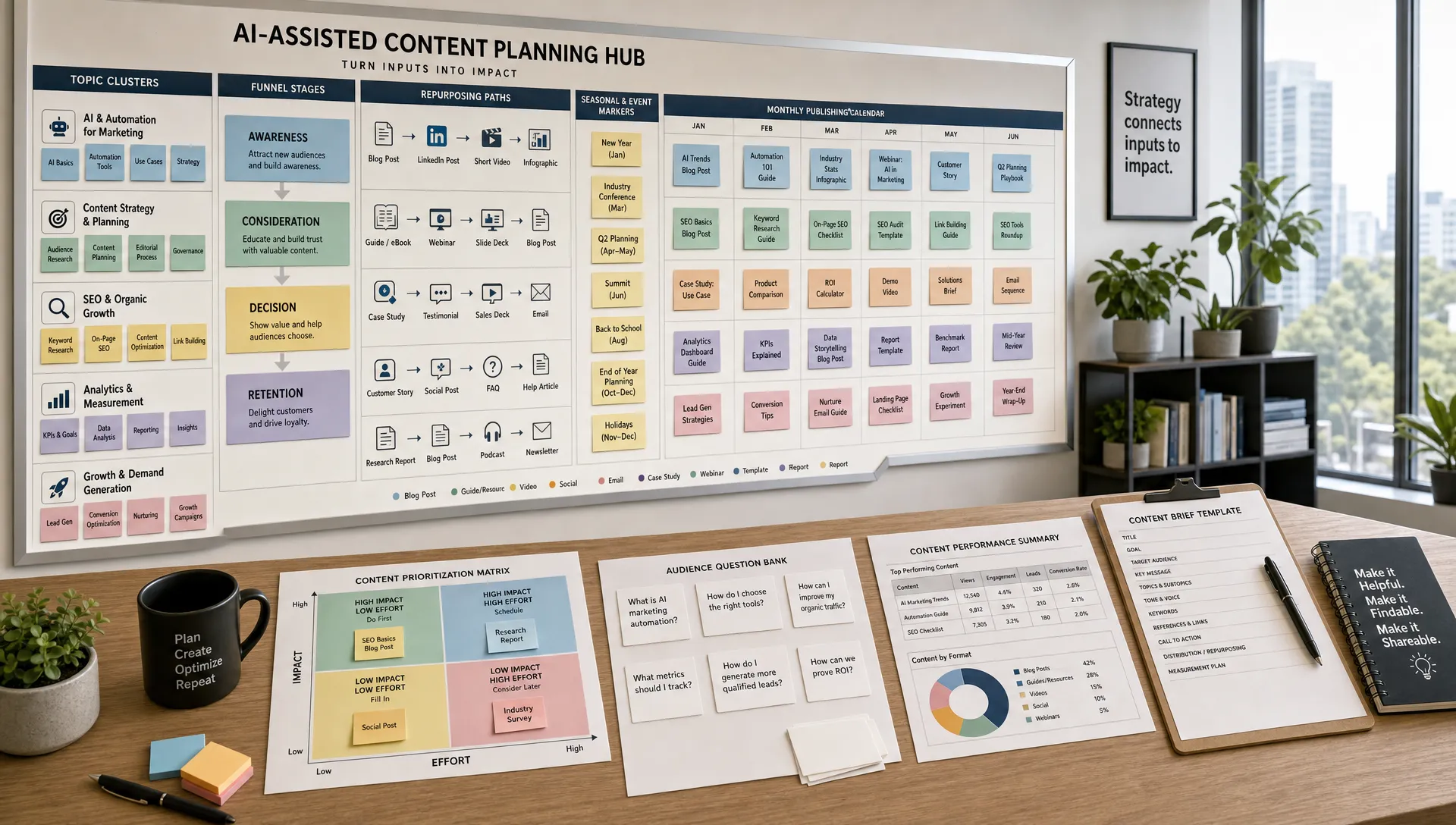
A single webinar should not live as one recording buried in a resource library. AI can help you turn it into a cluster of content assets while the topic is still fresh.
Start with the transcript. Ask AI to identify the strongest explanations, audience questions, objections, examples and quotable moments. From there, create derivative assets for different channels. A practical repurposing plan might include:
Human editing matters here. AI may flatten nuance, overstate claims or miss the real insight behind a question. Treat its output as a draft and let a subject matter expert sharpen the argument.
Repurposing also improves future webinar strategy. If one clip, question or topic receives more engagement than the rest, that signal can inspire a follow-up webinar, comparison guide, product demo or sales enablement asset.
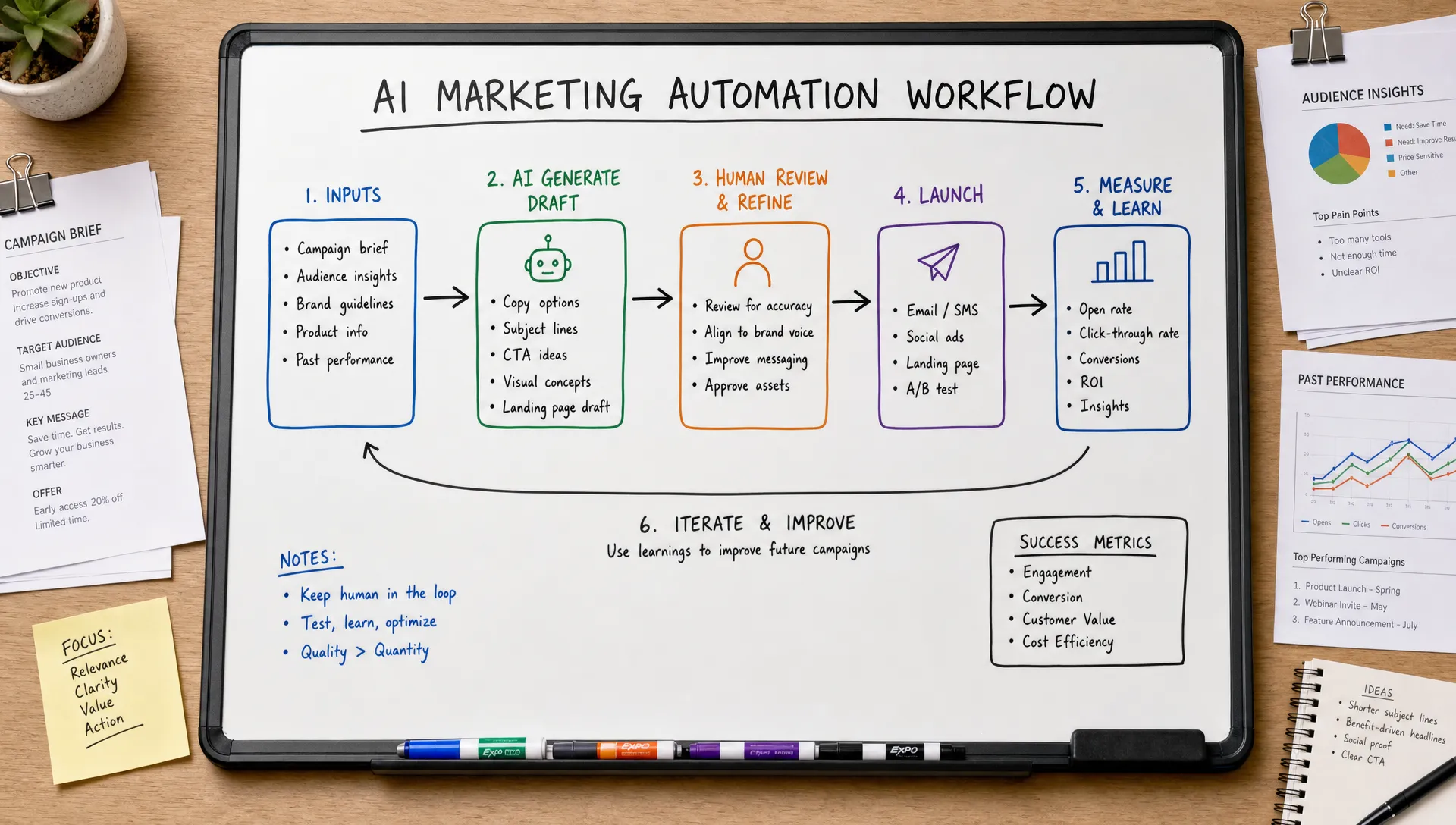
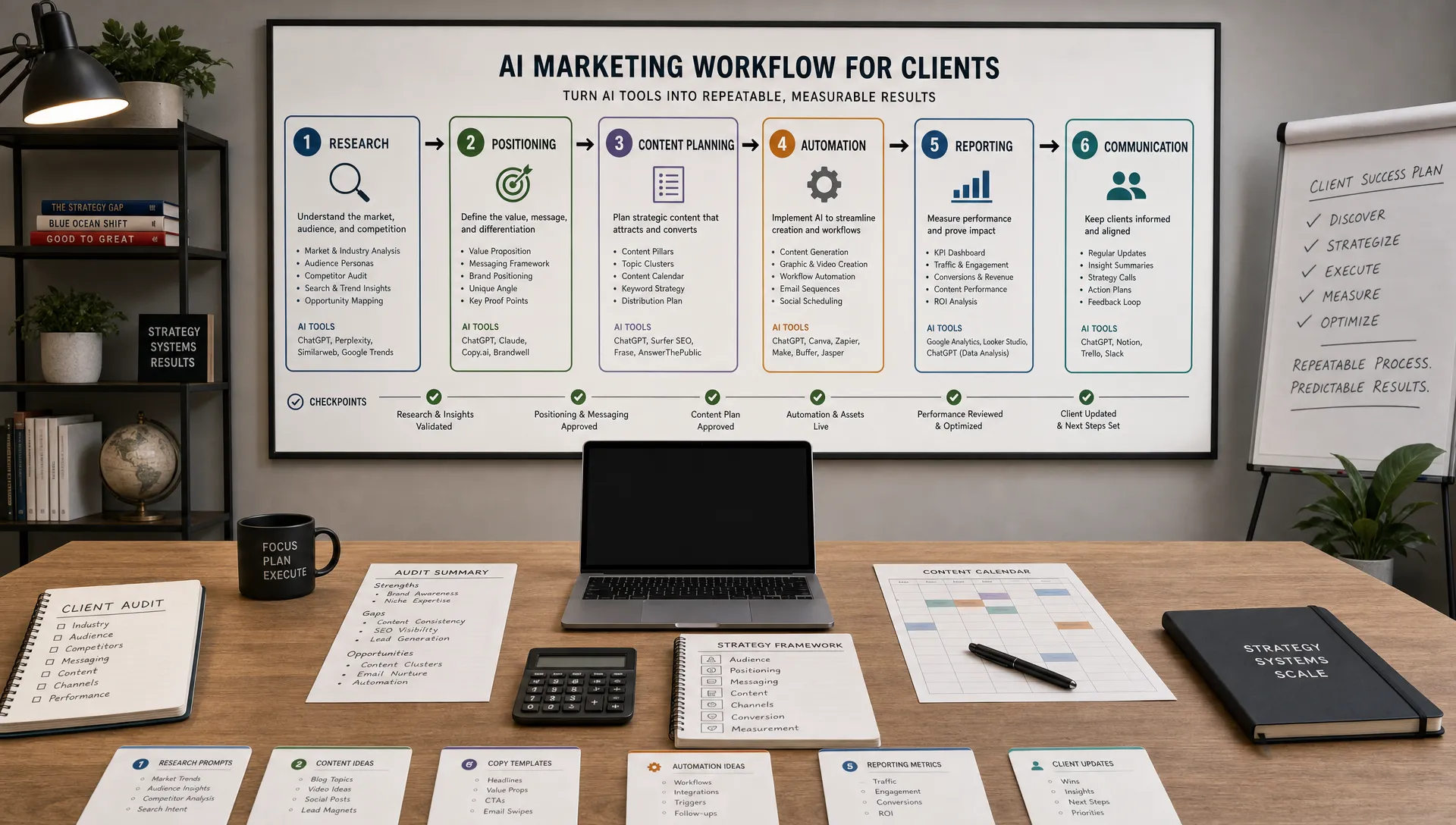
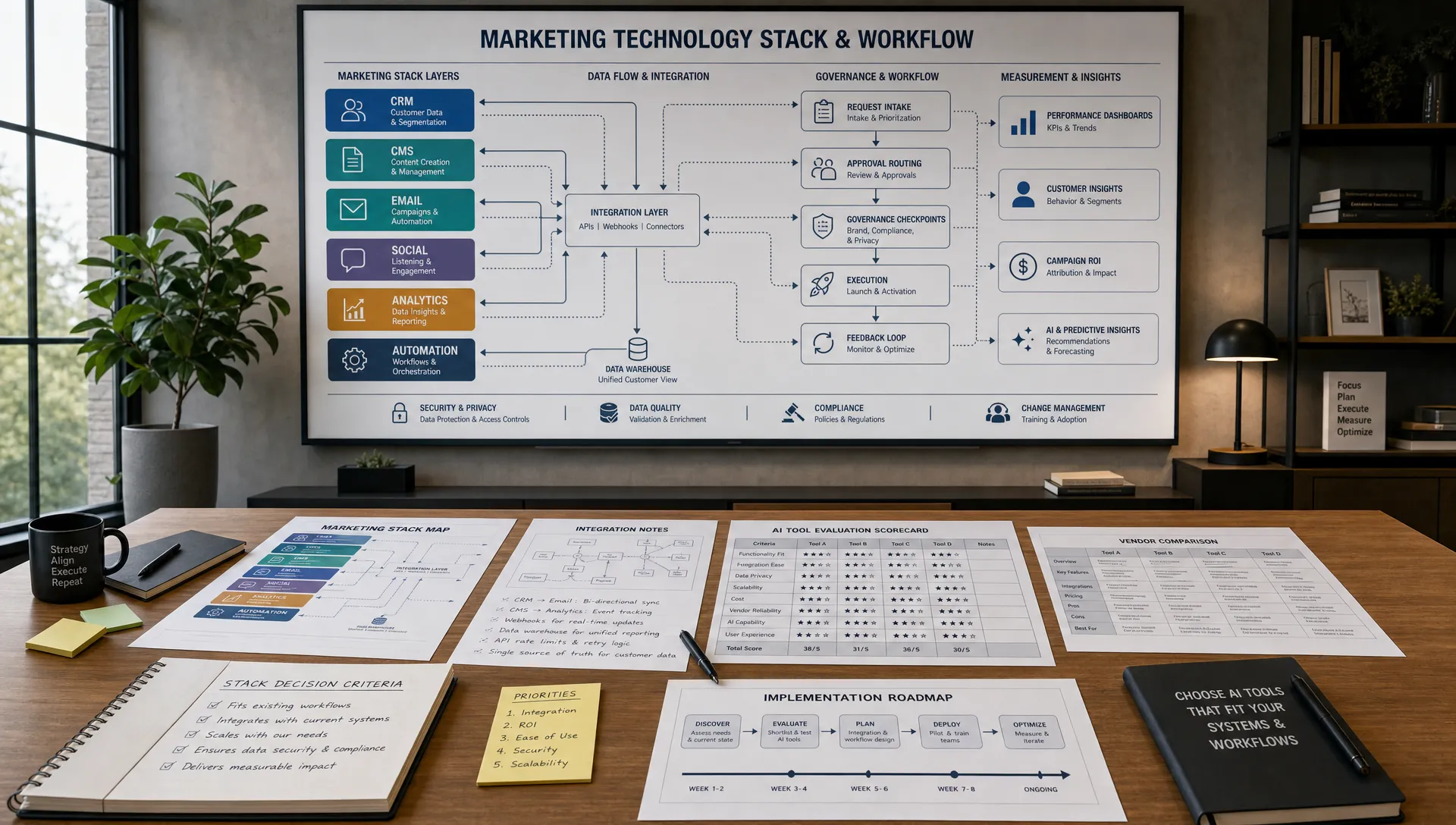
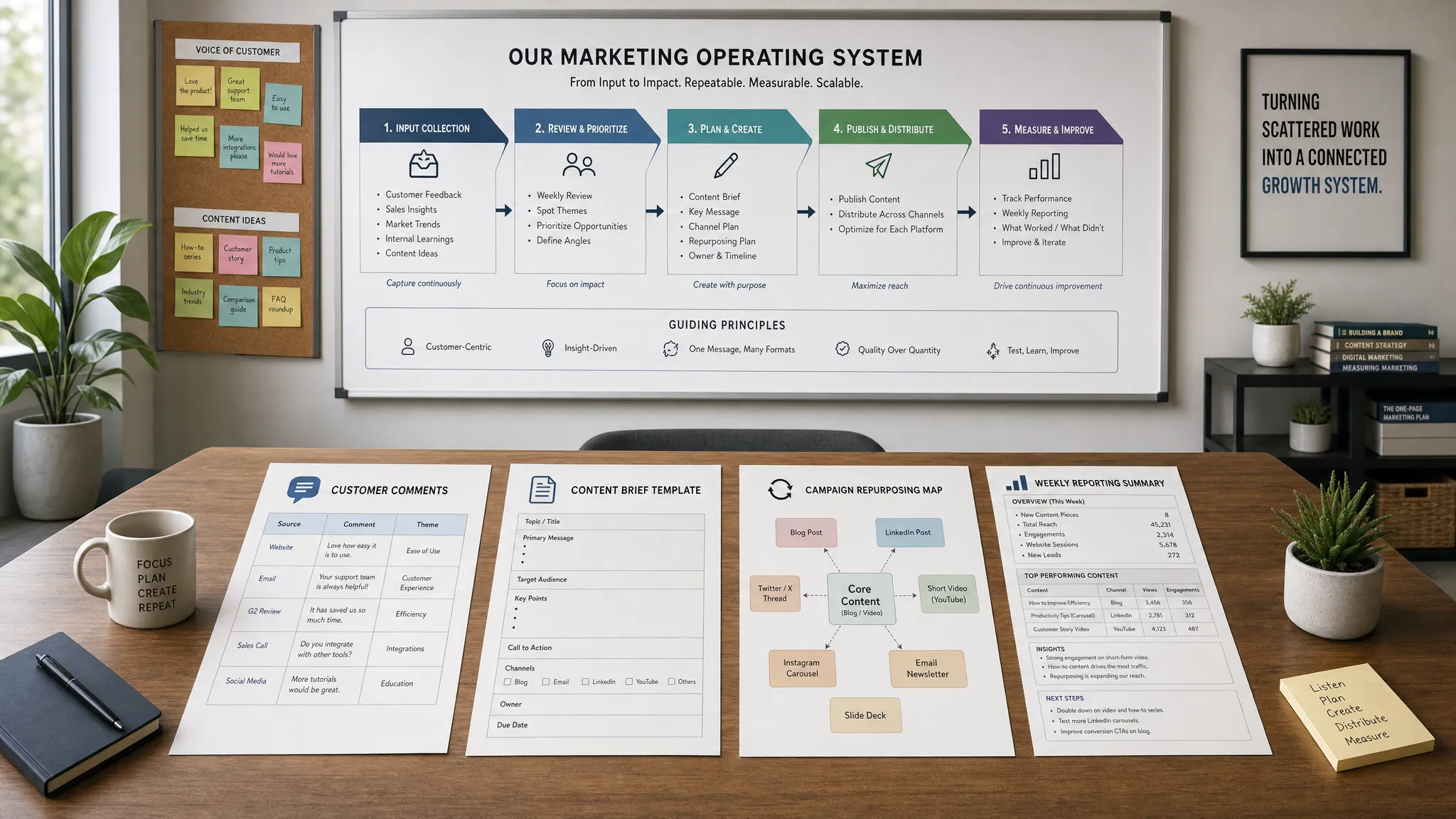
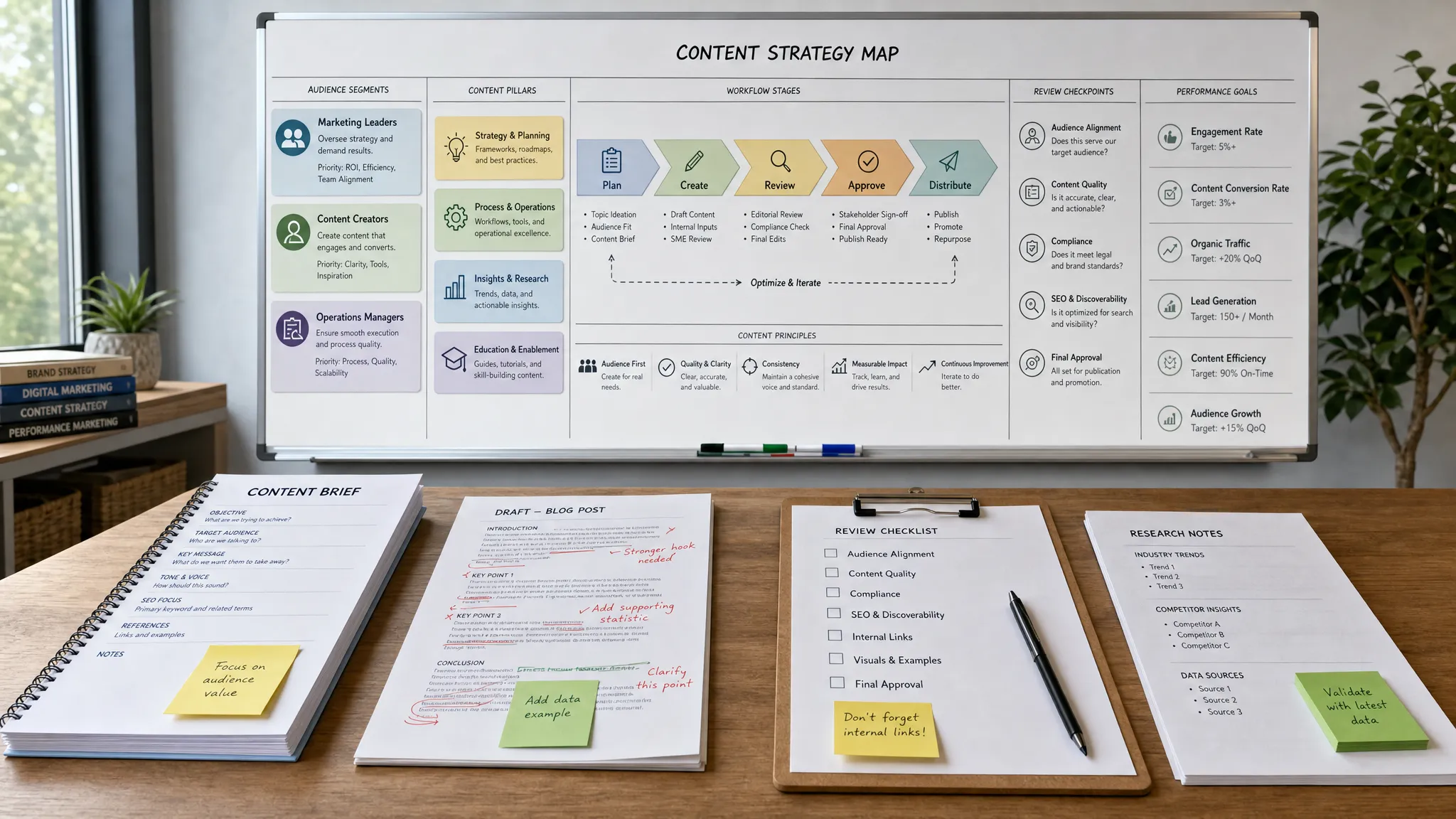
You do not need a complex tech stack to start. A useful workflow can begin with your webinar platform, CRM, email tool, analytics data and a secure AI writing or analysis tool. The process should be documented so the team can repeat it.
A lean AI webinar workflow looks like this:
The most important step is the performance review. AI can help summarize what happened, but the team must decide what to change next time. Did a certain audience segment register but fail to attend? Did a topic attract early-stage leads when sales wanted high-intent accounts? Did the follow-up happen fast enough? Those answers improve the next campaign.
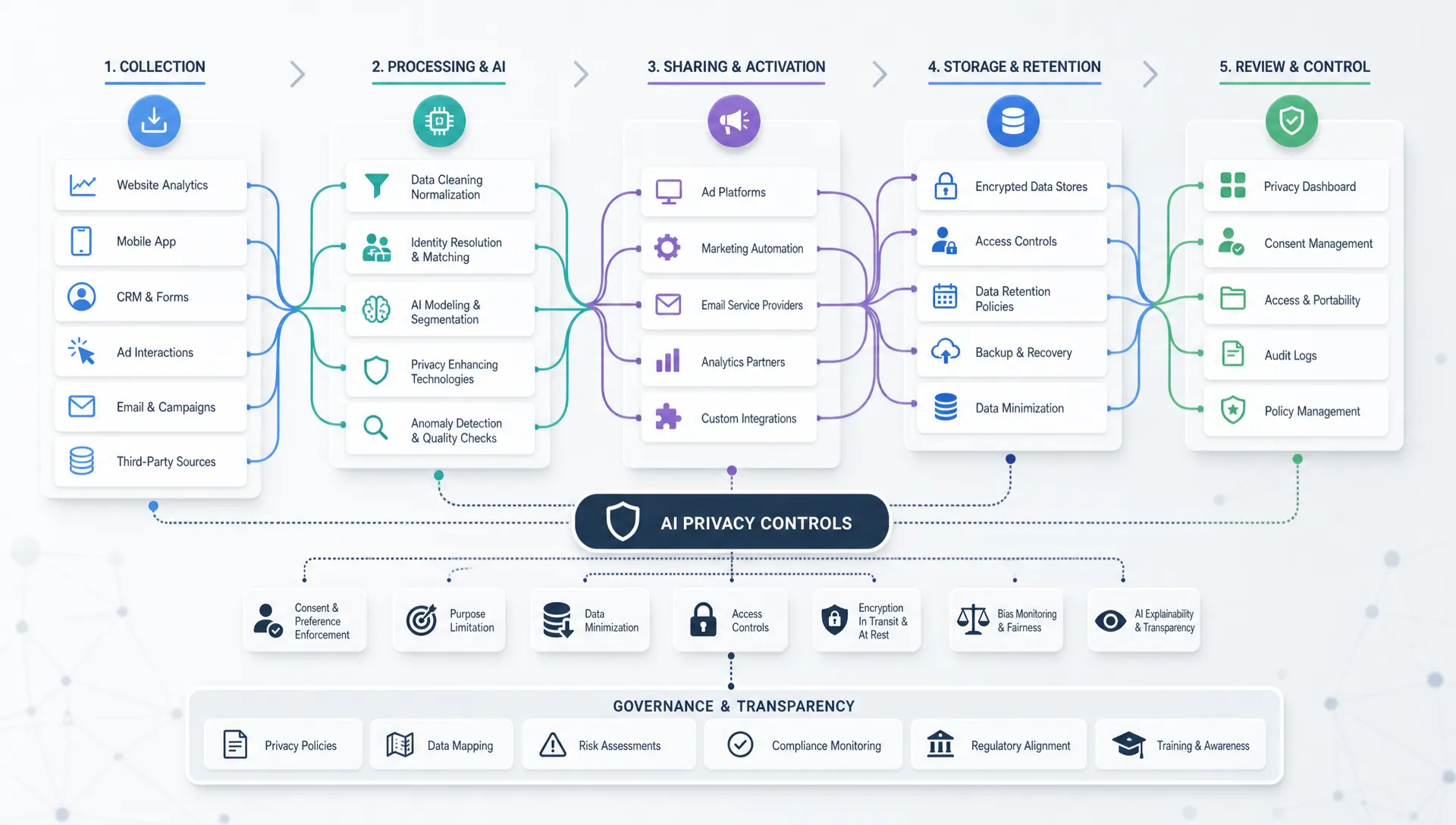
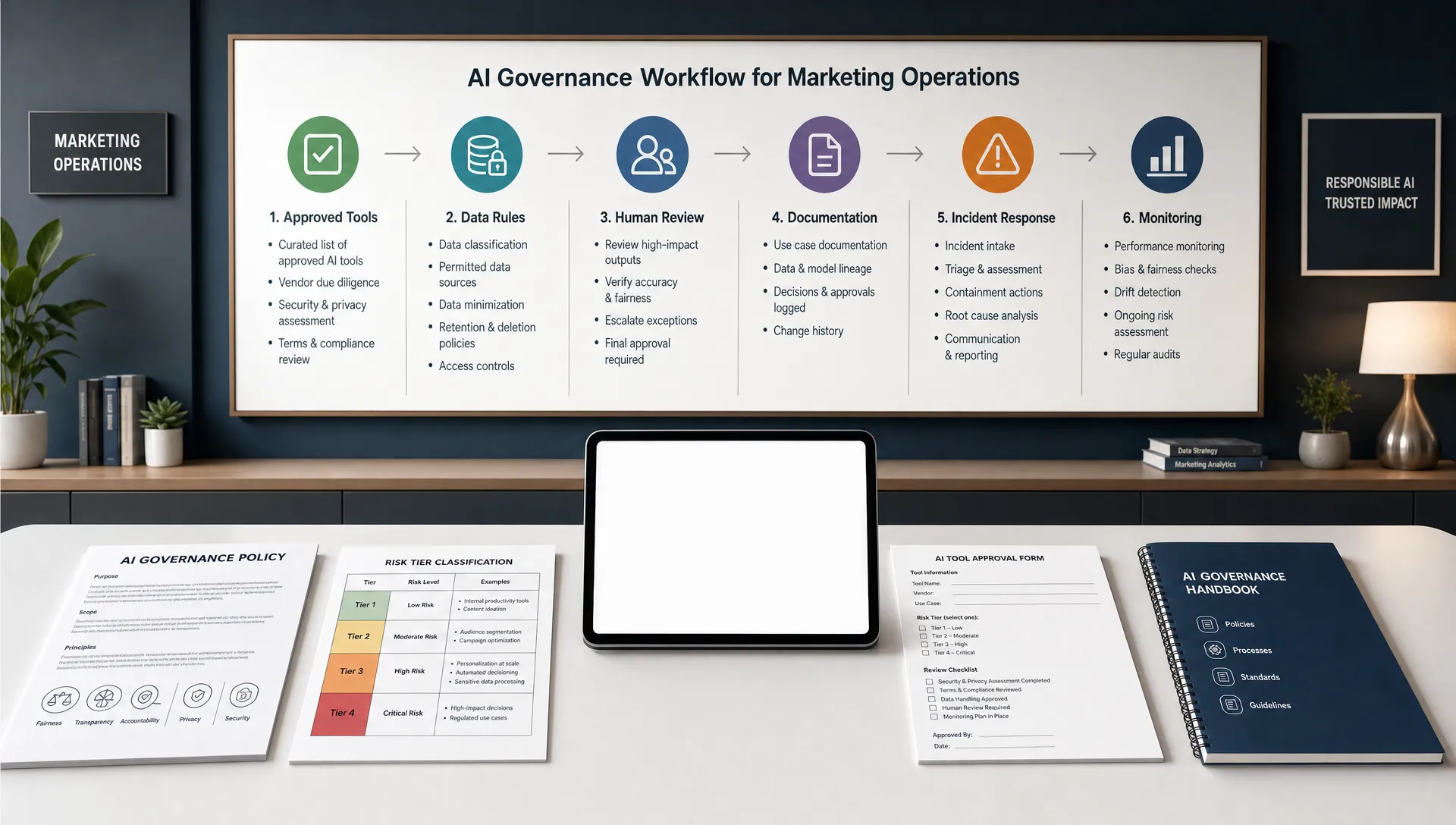
AI can speed up webinar execution, but careless automation can damage trust. Set guardrails before the campaign goes live.
First, review every claim. If your webinar touches performance, finance, legal, health or technical topics, do not let AI invent statistics, guarantees or customer results. Use approved proof points and source material.
Second, protect customer and attendee data. Avoid pasting sensitive personal information into tools that are not approved by your organization. Make sure your registration forms, consent language and data handling practices match your privacy obligations.
Third, keep personalization useful rather than invasive. Referencing a submitted question is helpful. Mentioning too many behavioral details in an email can feel uncomfortable. The goal is relevance, not surveillance.
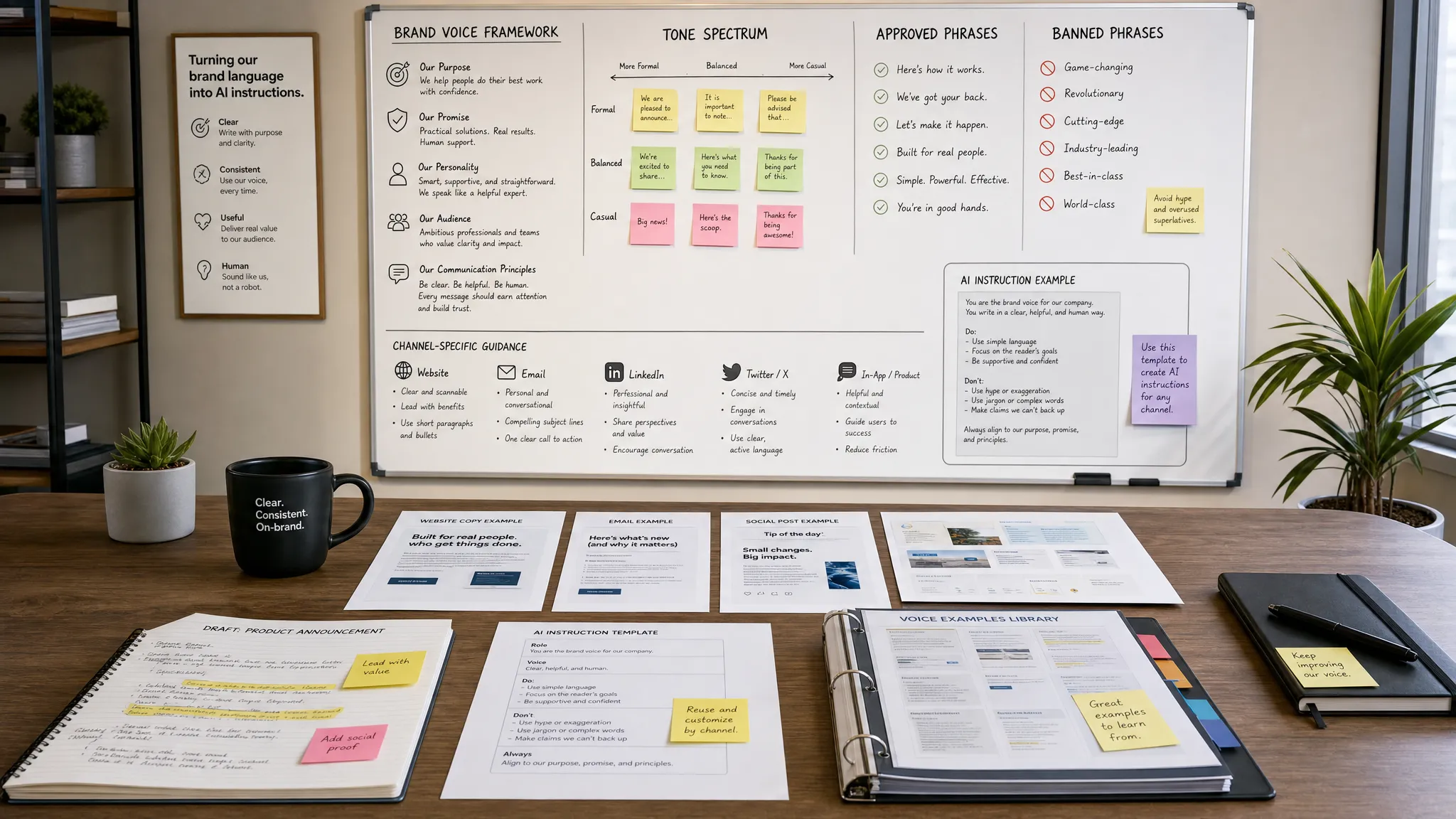
Fourth, maintain one brand voice. AI can create twenty versions of a message, but they should still sound like the same company. Build a reusable prompt or style guide that includes tone, vocabulary, banned phrases and compliance rules.
Do not measure AI by how much content it produces. Measure whether it improves the campaign outcome.
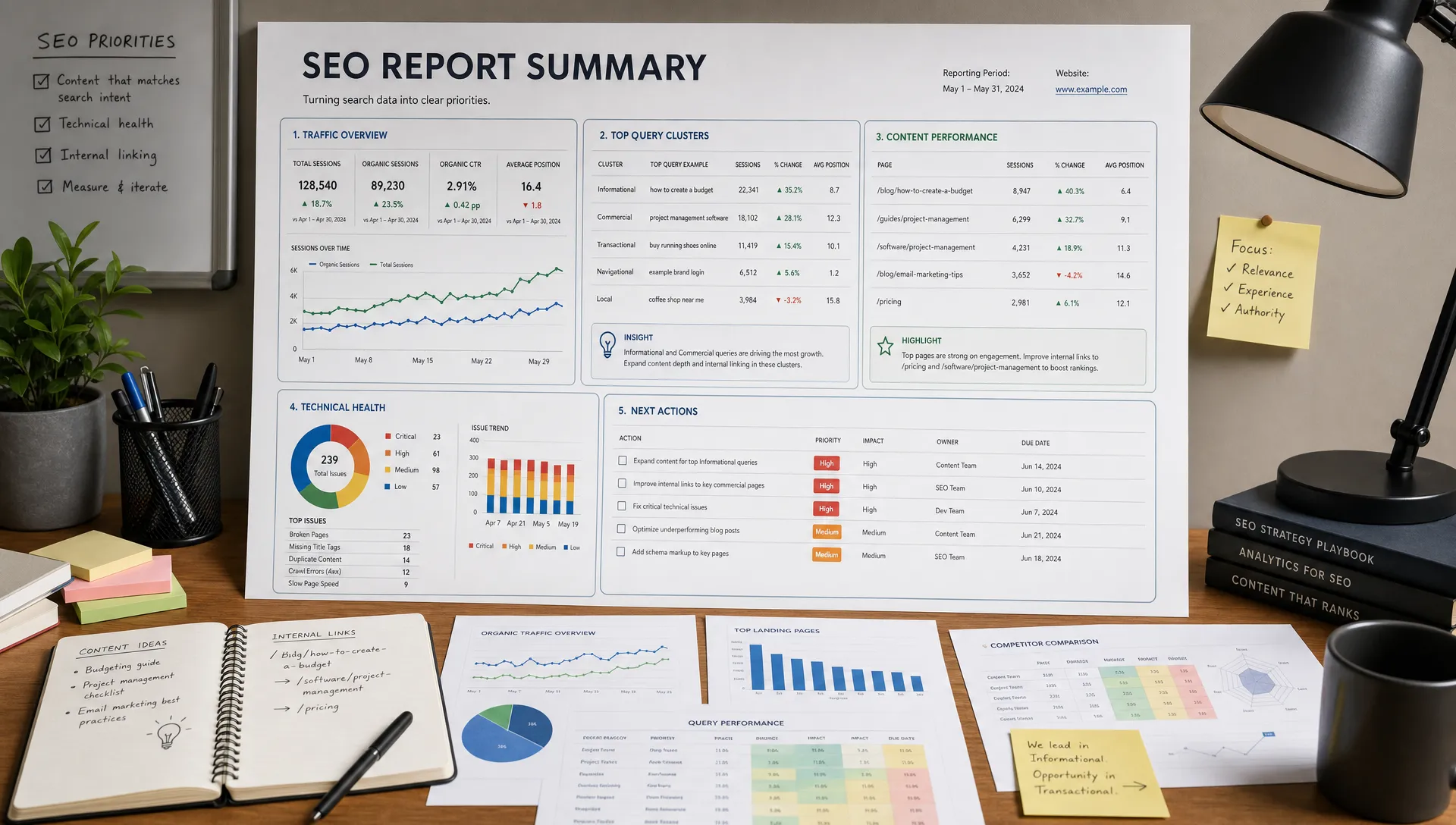
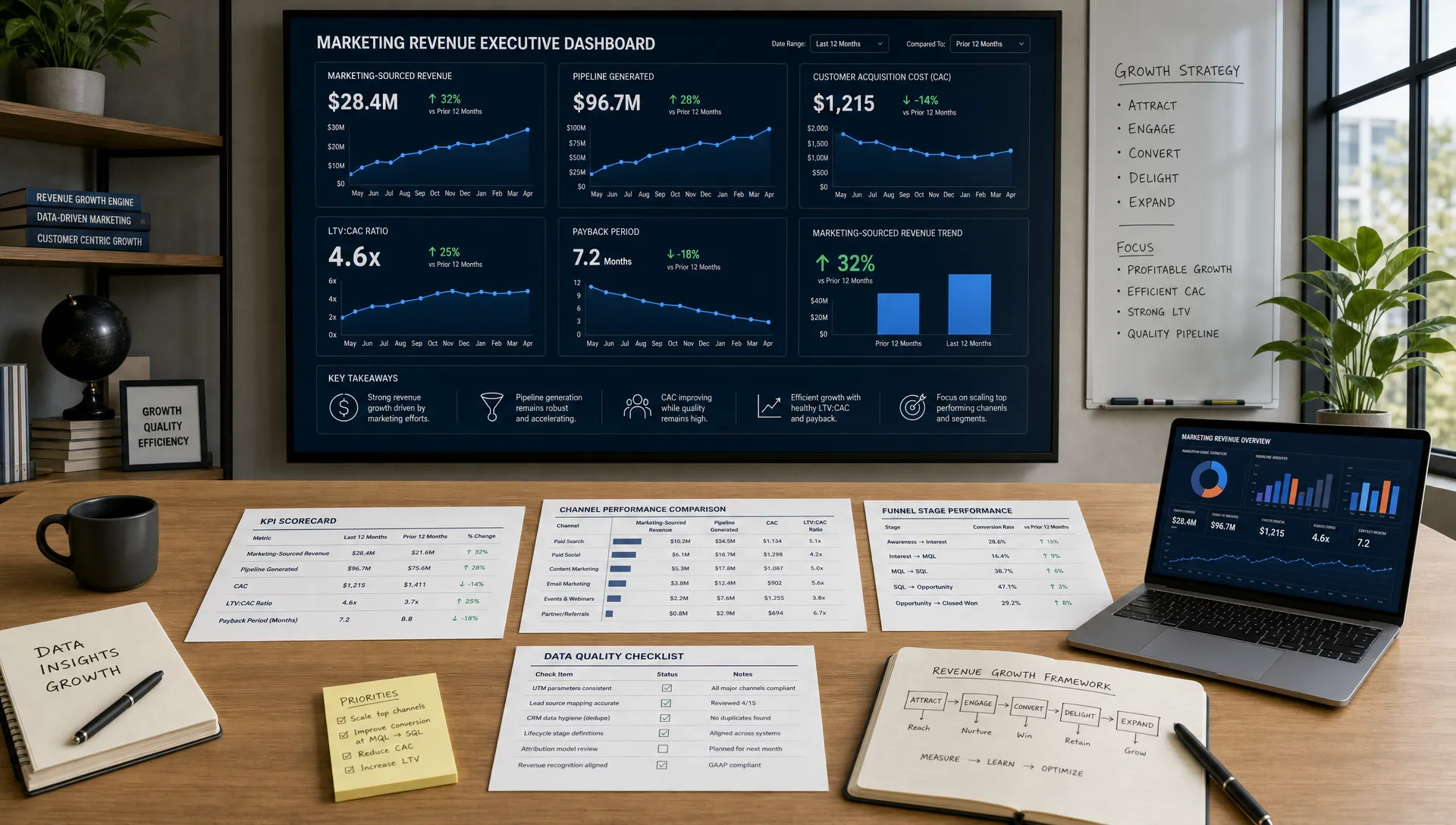
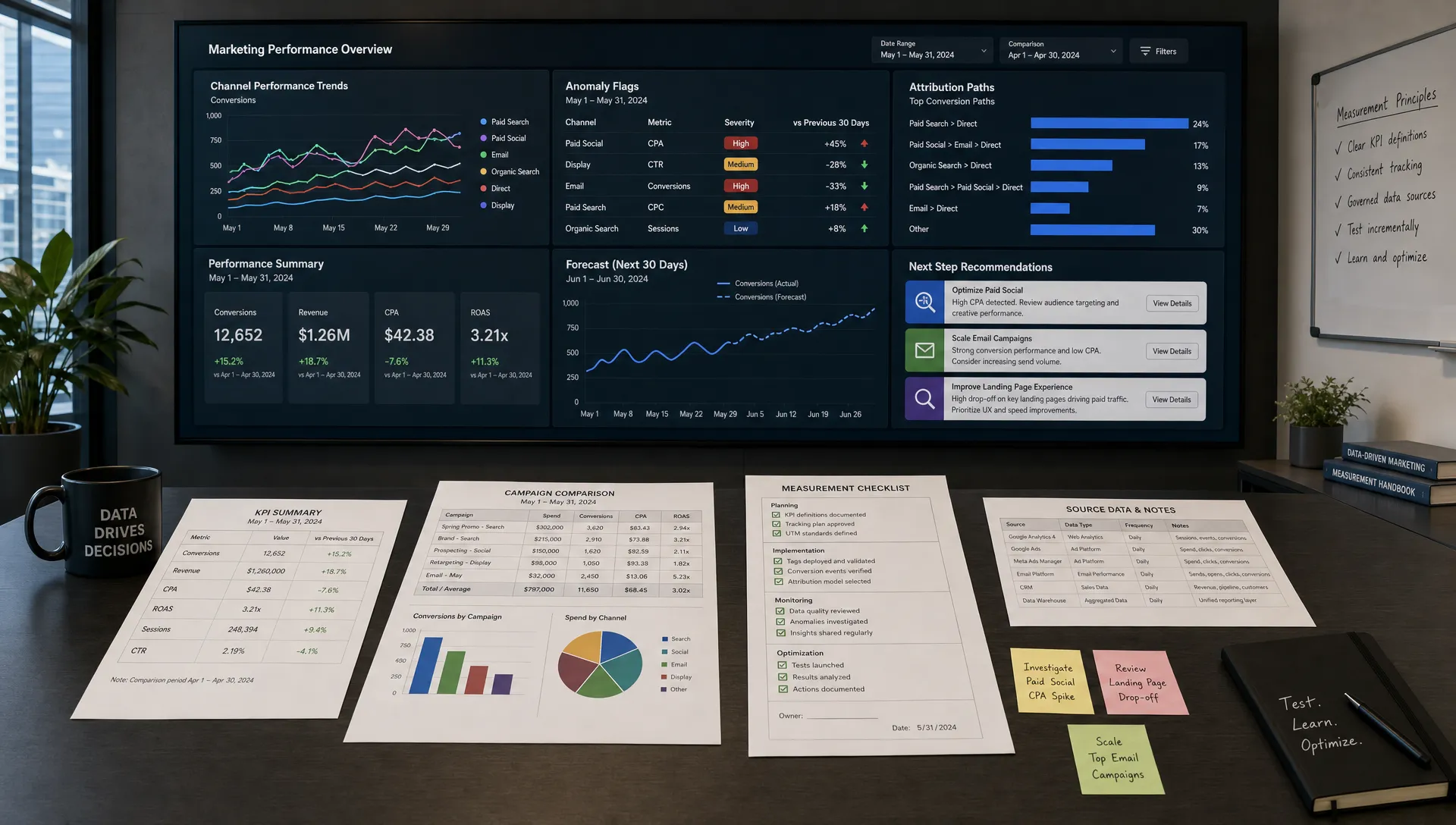
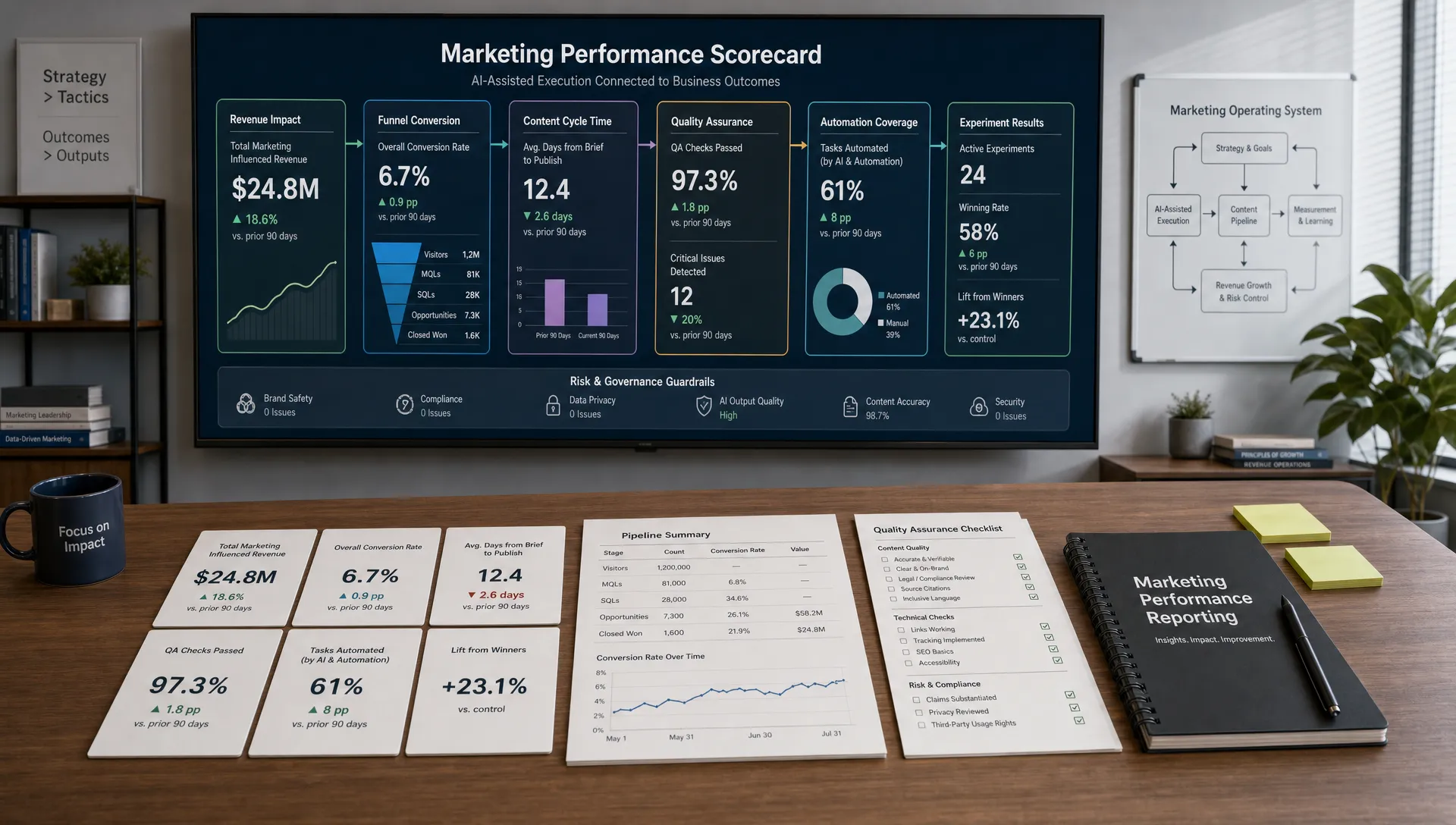
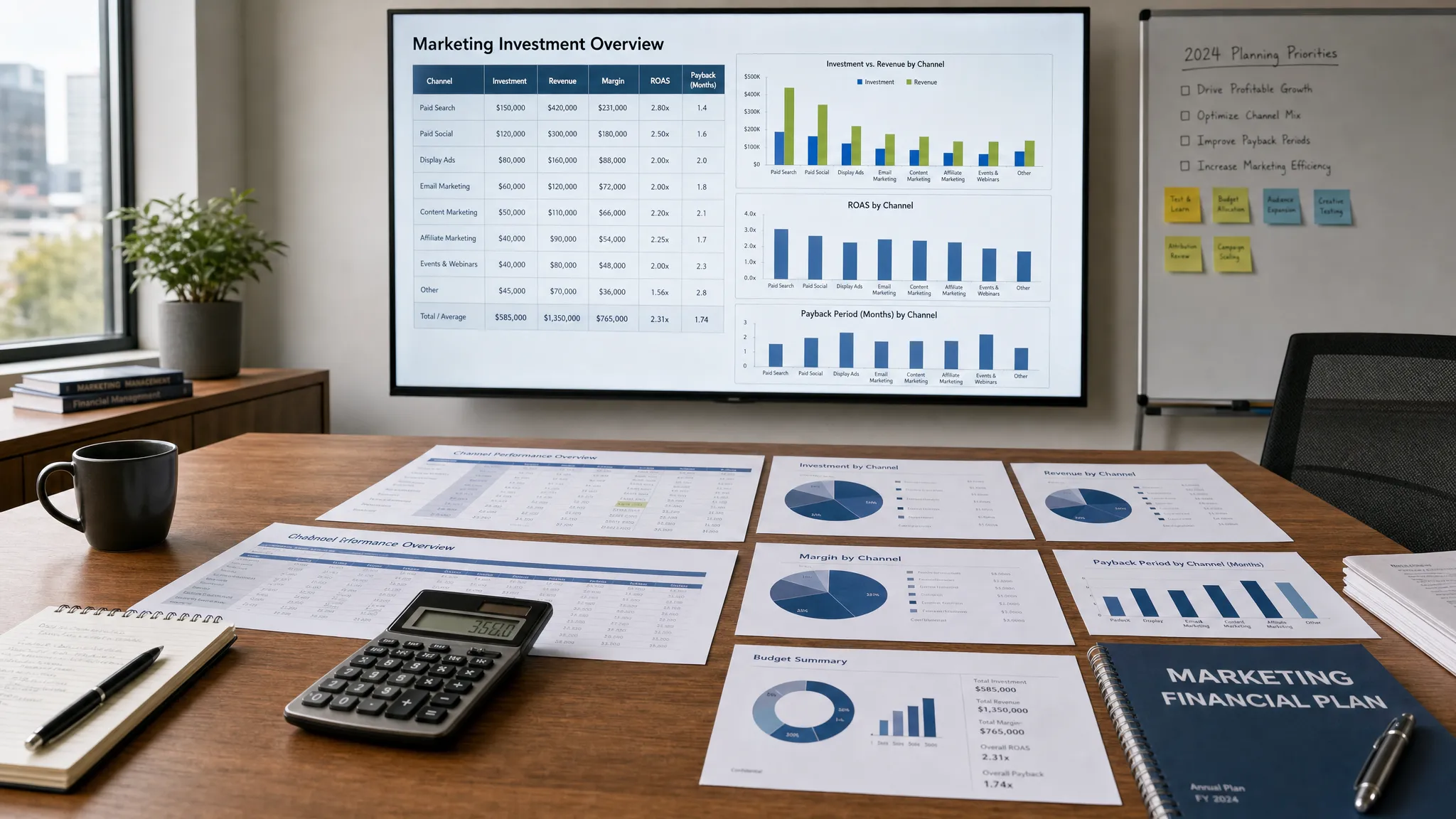
Useful webinar marketing metrics include registration conversion rate, attendance rate, attendance duration, poll participation, question volume, replay engagement, sales-accepted leads, meetings booked, pipeline influenced and content reuse performance. Email metrics still matter, but opens and clicks should connect to attendee quality and next-step conversion.
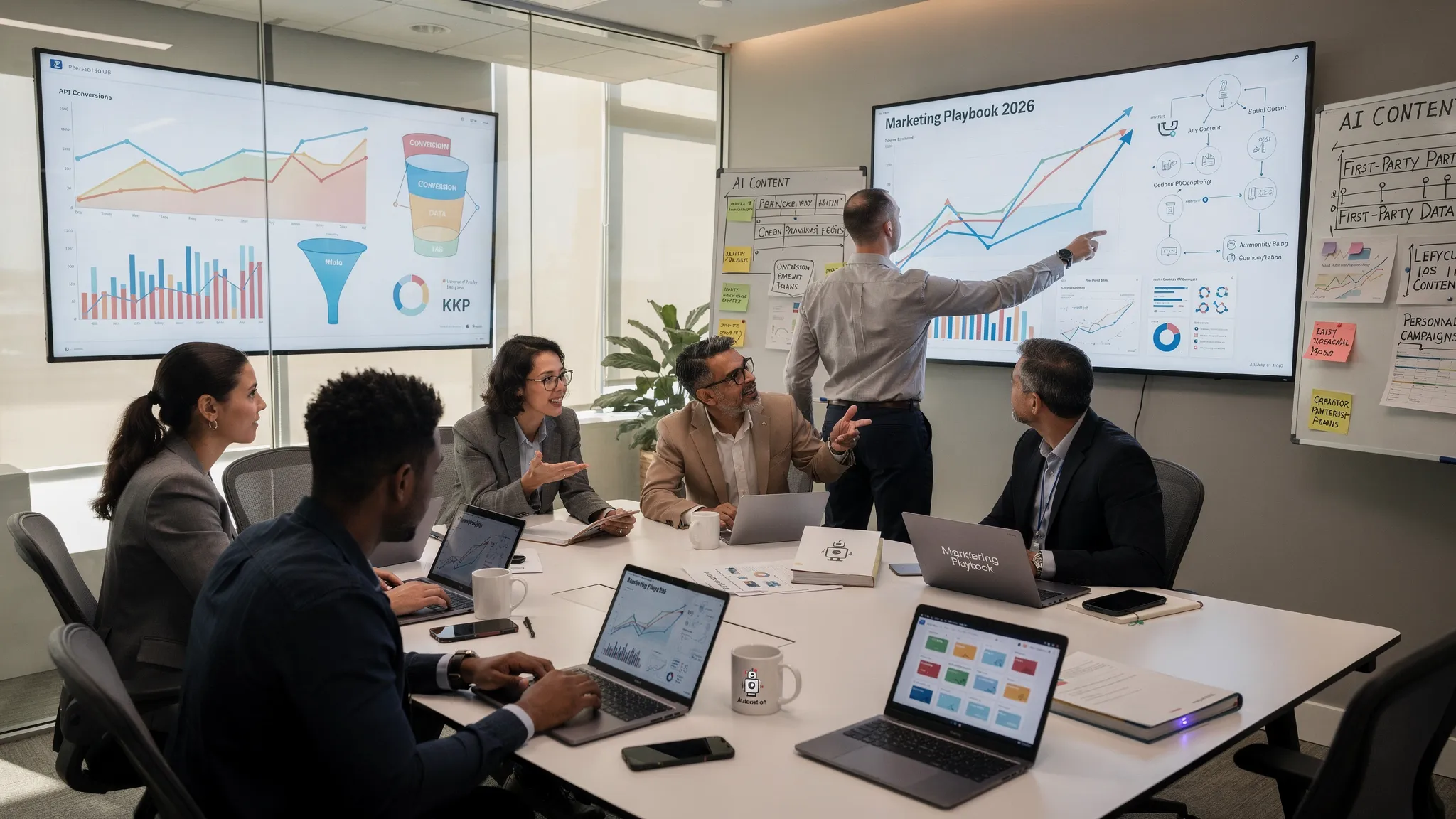
Compare AI-assisted campaigns against previous webinars with similar topics and audiences. Look for practical changes: faster launch time, more relevant questions, better attendance from target accounts, quicker follow-up or higher conversion from engaged attendees. That is where AI becomes a performance tool rather than a content shortcut.
How can AI help promote a webinar? AI can create audience segments, draft email and social copy, suggest campaign calendars, adapt messaging for partners and generate subject line variations. The strongest results come when AI works from a clear brief with audience, offer, tone and conversion goal.
Can AI personalize webinar follow-up emails? Yes. AI can use attendance, poll responses, submitted questions, replay activity and CRM data to draft more relevant follow-up emails. Marketers should still review the copy for accuracy, privacy and brand voice.
What webinar data should marketers give to AI? Useful inputs include the campaign brief, registration fields, submitted questions, attendance duration, poll answers, chat transcripts, replay engagement and conversion data. Avoid sharing sensitive personal data unless the tool is approved for that use.
Is AI webinar marketing only for large teams? No. Small teams can use AI to save time on promotion, summarize attendee questions, repurpose transcripts and create follow-up drafts. The key is to start with one repeatable workflow instead of trying to automate the whole funnel at once.
Should AI write the webinar script? AI can draft an outline, talking points and transitions, but the presenter should bring the expertise, examples and point of view. A webinar that sounds fully scripted by AI will usually feel generic.
AI for webinar marketing works best when it supports a clear strategy: attract the right audience, personalize the experience and follow up based on real intent. Start with one upcoming webinar and apply AI to the parts that slow your team down most, such as promotional copy, question analysis, segmentation or post-event content.
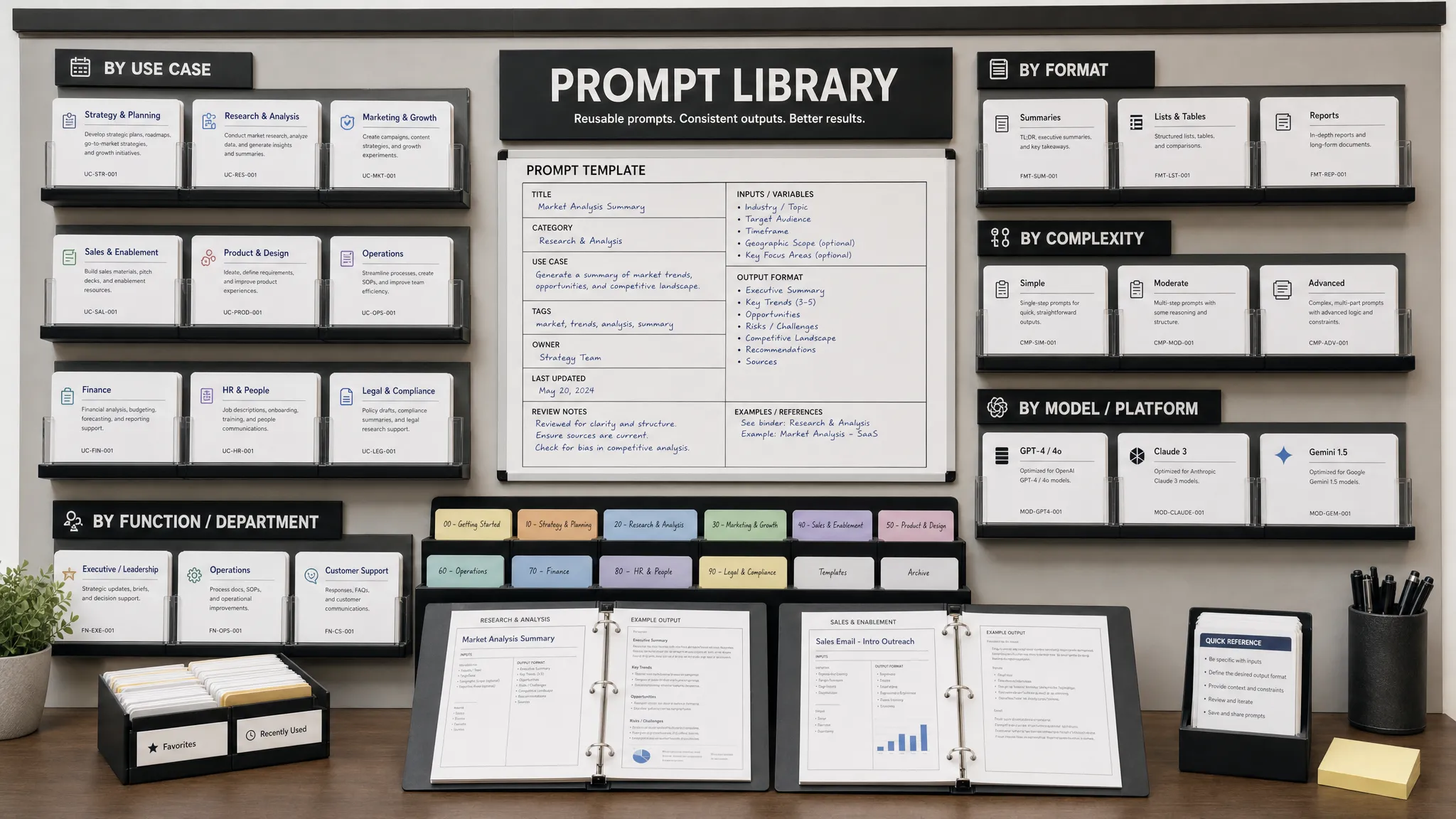
AIMarketer Hub helps marketers build more practical AI workflows with content generation resources, prompt libraries, SEO tools, performance analytics and industry-specific guides. Use those resources to turn your next webinar from a one-time event into a repeatable marketing asset.