AI chatbots for lead qualification work best when they are treated as part of the revenue system, not as a shiny website widget. The goal is simple: help the right visitors get to the right next step faster, while giving sales and marketing teams cleaner data to act on.
That matters because lead response speed still has a major impact on conversion. A classic Harvard Business Review study, The Short Life of Online Sales Leads, found that companies responding within an hour were far more likely to qualify a lead than companies that waited longer. Today, buyers expect even faster answers, especially when they are comparing vendors, looking for pricing, or trying to solve an urgent problem.
A well-designed AI chatbot can greet a visitor, understand intent, ask the next best question, score the lead, route it to sales, and trigger the right follow-up. A poorly designed one can frustrate buyers, collect unreliable data, and flood the CRM with noise. This guide focuses on the practical version: how to build chatbot qualification flows that your sales team will actually trust.
A lead qualification chatbot is not just a form with friendlier wording. Its job is to turn an anonymous or partially known website visitor into a categorized opportunity, nurture contact, support request, or disqualified lead.
At a minimum, it should help you answer five questions:
Traditional chatbots follow rigid rules. They ask the same question in the same order and route people based on button clicks. AI chatbots add flexibility. They can interpret natural language, summarize conversations, recognize urgency, and adapt follow-up questions based on context.
The best systems often use a hybrid approach. Rules handle important boundaries, such as required consent, geographic eligibility, product fit, and compliance limits. AI handles interpretation, summarization, and personalization. This balance keeps the experience useful without handing too much control to an unpredictable model.
AI chatbots are most valuable when your business has meaningful inbound demand and not every lead should receive the same response. If all website inquiries go to the same person and your sales cycle is simple, a clear form may be enough. If your team receives mixed inquiries across sales, partnerships, support, recruiting, and existing customers, AI-powered qualification can save real time.
They are especially useful for B2B SaaS companies, agencies, professional services firms, financial services, legal services, education providers, and local service businesses with multiple intake paths. They can also support content-driven funnels where visitors arrive through blog posts, calculators, comparison pages, webinars, and downloadable guides.
A chatbot is worth testing when you see patterns like slow sales response time, low form completion rates, too many unqualified demo requests, unclear CRM data, or high-intent visitors leaving pricing and service pages without taking action.
Before writing a single chatbot message, define what a qualified lead means for your business. This sounds obvious, but many chatbot projects fail because marketing, sales, and leadership use different definitions.
For one company, a qualified lead might be a director-level buyer at a 200-person SaaS business who wants a demo this quarter. For another, it might be a homeowner in a specific ZIP code who needs service within seven days. For a law firm, it may depend on practice area, location, urgency, and conflict checks.
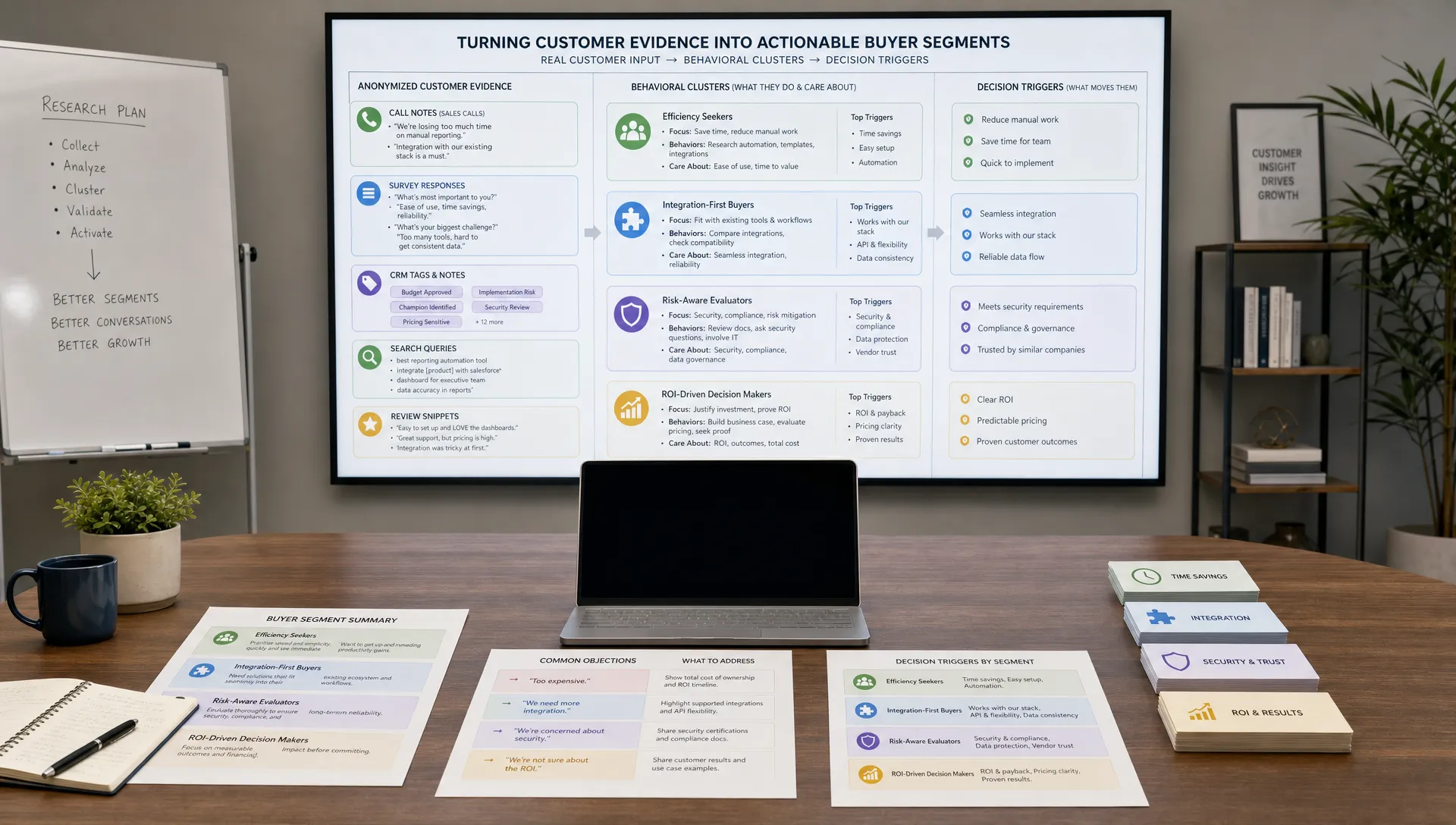
Your qualification criteria should come from real customer evidence. If your personas are vague, the chatbot will ask vague questions. If you need a stronger foundation, start by using AI to organize customer interviews, CRM notes, reviews, and sales call insights into practical buyer segments. AIMarketer Hub has a step-by-step guide on how to create buyer personas with AI that fits naturally before chatbot design.
For most teams, qualification should cover six categories:
Do not ask every question upfront. The chatbot should collect the minimum information needed to decide the next best action. More questions can come later through sales calls, email nurturing, or progressive profiling.
A chatbot conversation should feel like a guided shortcut, not an interrogation. The first few seconds matter. If the bot opens with a generic message such as How can I help, it may receive vague answers. If it opens with relevant choices tied to the page, it can qualify faster.
On a pricing page, the chatbot can ask whether the visitor wants a quote, a feature comparison, implementation details, or help choosing a plan. On a blog post, it can offer a related checklist, ask whether the visitor is researching a problem, or invite them to describe their use case. On a demo page, it can ask about company type and timeline before sending the lead to scheduling.
A practical flow usually follows this order:
Keep the tone conversational but direct. A chatbot that tries too hard to sound human can create mistrust. It is better to be transparent that the assistant is automated and designed to help route the request quickly.
Imagine a visitor lands on a page for an AI marketing automation service. The chatbot could start with a page-specific prompt:
Welcome. I can help you find the right AI marketing workflow. Are you trying to generate more leads, improve content production, automate reporting, or compare tools?
If the visitor selects generate more leads, the chatbot asks a follow-up:
What best describes your current lead generation challenge: not enough traffic, low conversion rates, slow follow-up, poor lead quality, or unclear attribution?
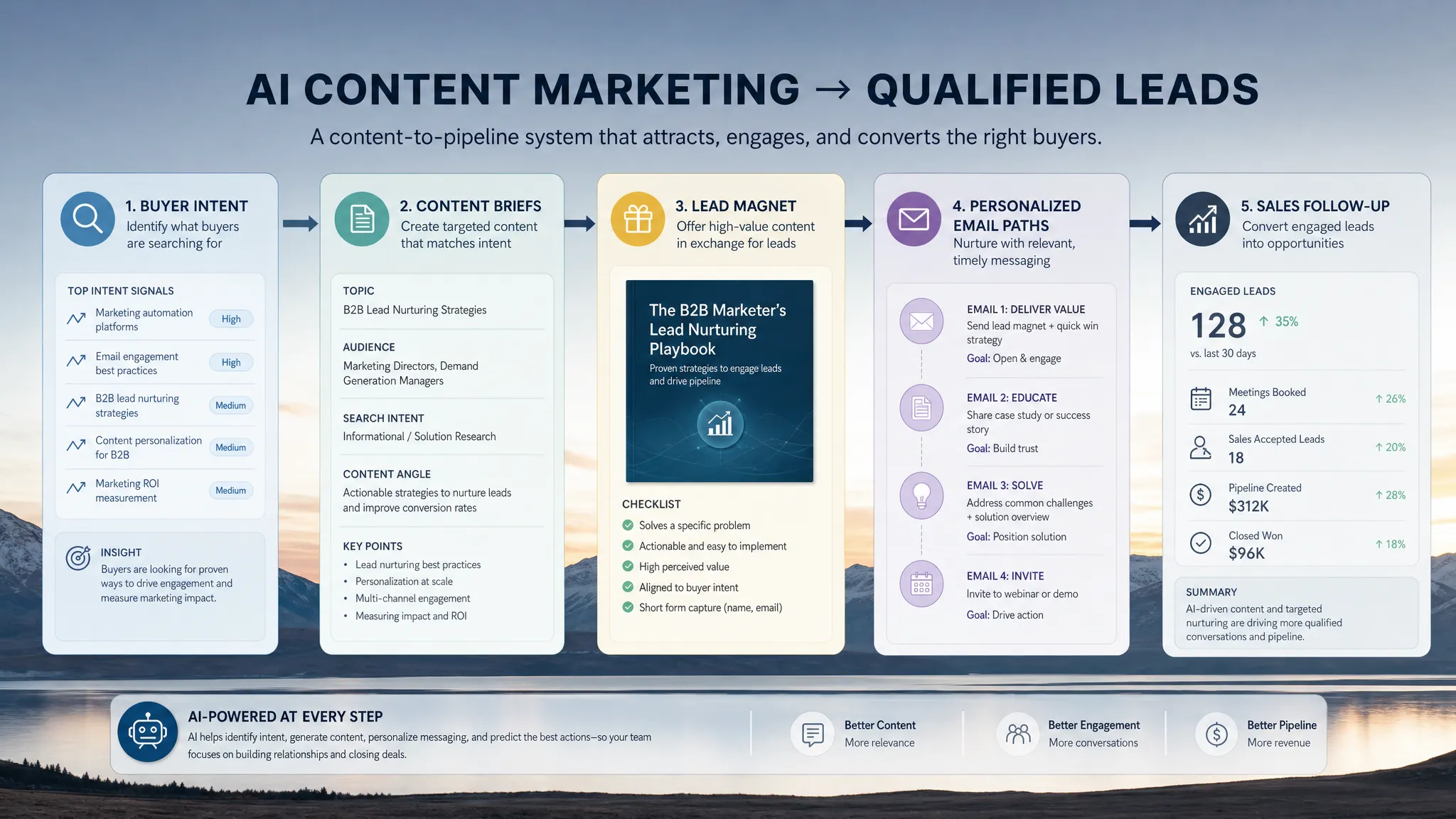
From there, it can ask about company size, current tools, timeline, and whether the visitor wants a guide, a consultation, or a product comparison. If the visitor shows high intent, the chatbot offers a calendar link and sends a summary to sales. If the visitor is early in research, it recommends a relevant guide and adds the contact to a nurture path.
The important detail is that every question has a purpose. If the answer does not change routing, scoring, or personalization, it probably does not belong in the first conversation.
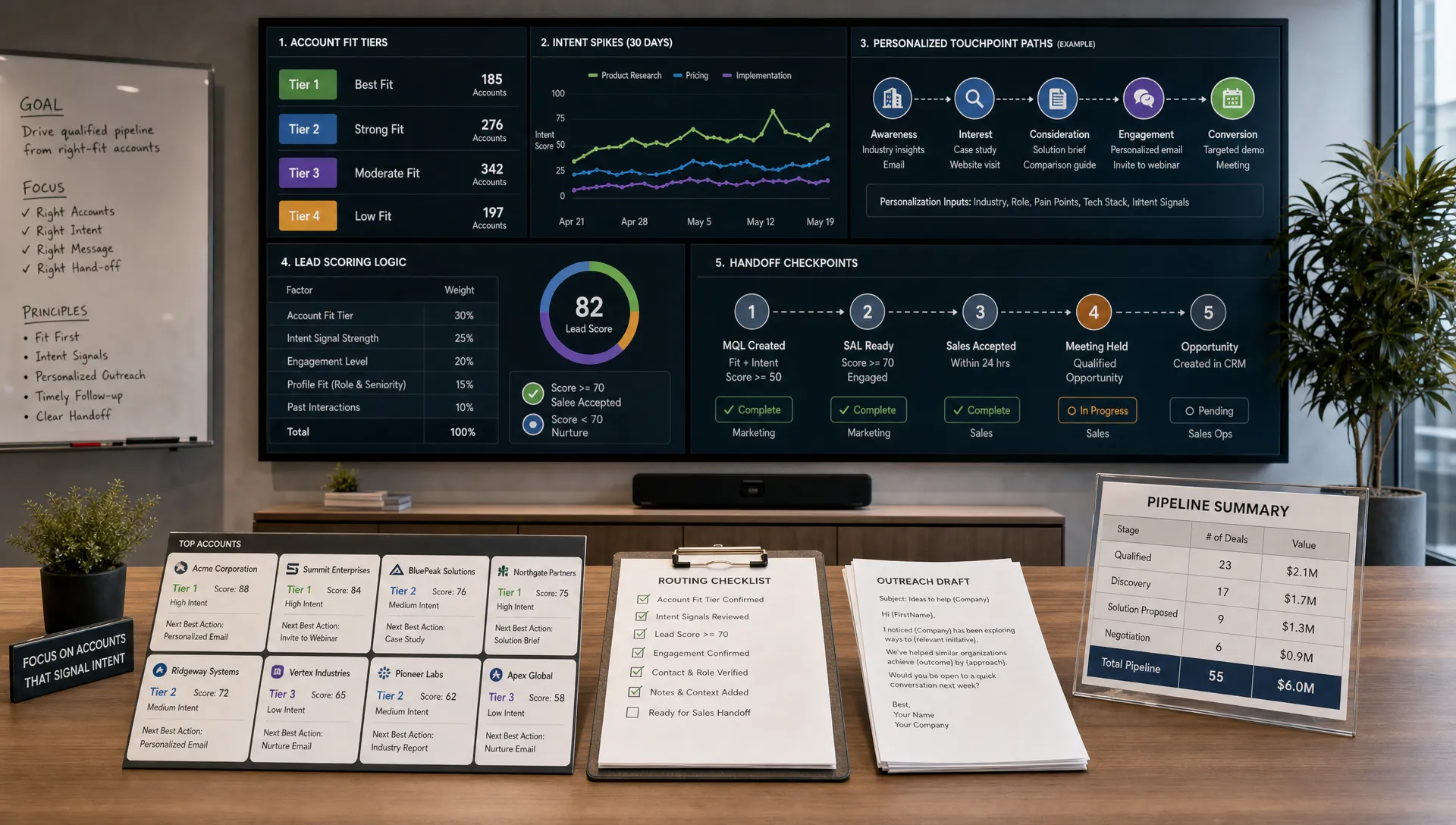
Lead scoring makes chatbot conversations operational. Without scoring, the bot may collect information but still leave humans to interpret everything manually. With scoring, it can prioritize sales-ready leads, segment nurture leads, and reduce wasted follow-up.
A simple model is often better than a complex one at the start. Assign points to fit, intent, readiness, and data quality. Then review results with sales every week until the score reflects reality.
For example, you might structure scoring like this:
A lead above 80 might go directly to sales scheduling. A lead between 50 and 79 might enter a targeted nurture sequence or receive a follow-up question. A lead below 50 might receive educational content, self-service resources, or support routing.

Scoring should not be static. If sales says high-scoring leads are not converting, inspect the assumptions. Maybe budget is less predictive than urgency. Maybe job title matters less than trigger event. Maybe leads from a specific page convert better even when they provide less information. Treat your scoring model as a living hypothesis.
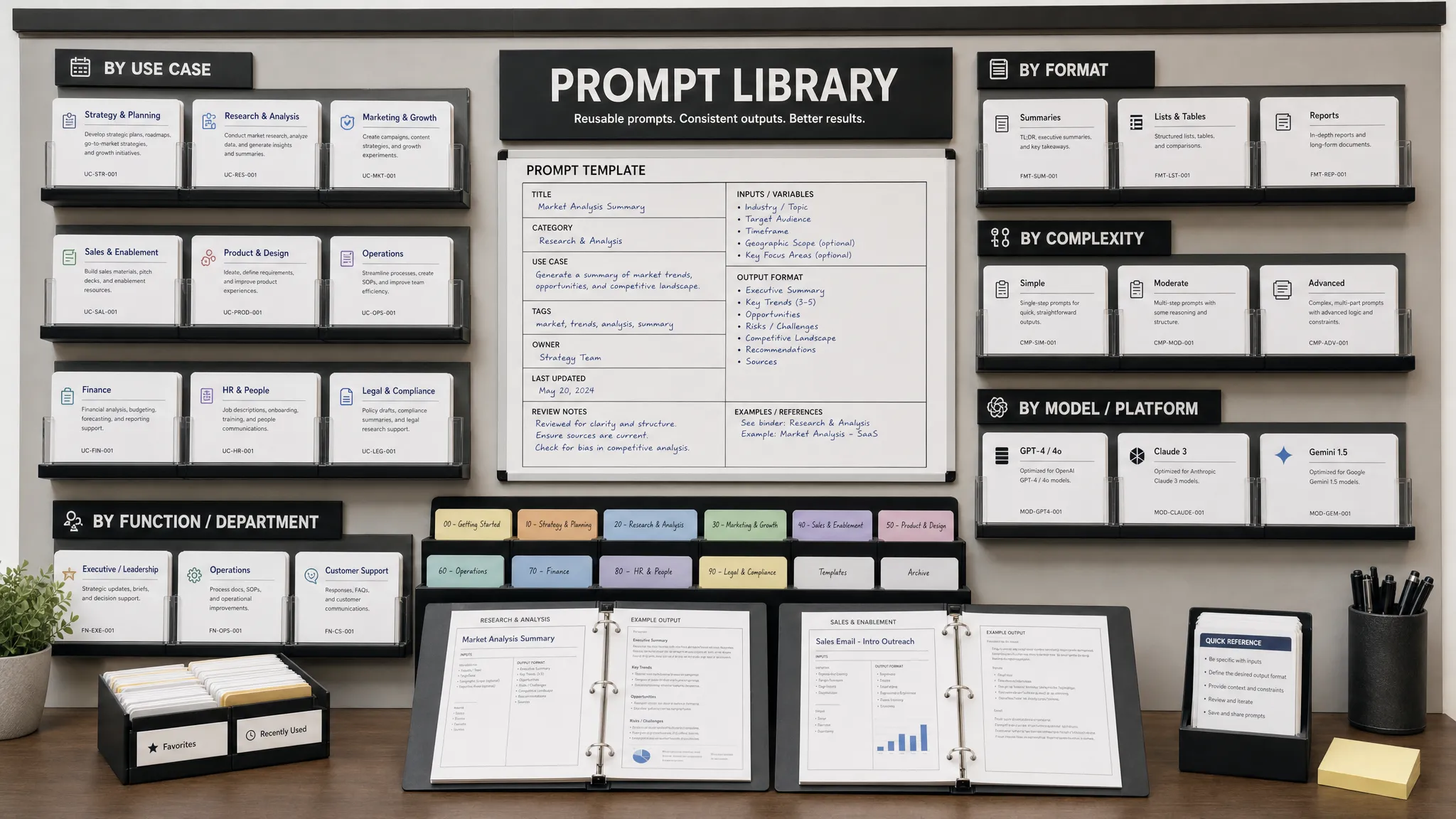
Your chatbot needs instructions that define its role, boundaries, tone, and routing logic. These instructions should be specific enough to produce consistent behavior, but flexible enough to handle natural language.
A useful internal prompt might look like this:
Role: You are an AI lead qualification assistant for a B2B marketing team.
Goal: Understand the visitor's intent, collect only essential qualification details, and recommend the next best action.
Tone: Helpful, concise, transparent, and professional.
Rules: Ask one question at a time. Do not claim a human has reviewed the request. Do not promise pricing, approval, results, or availability. If the visitor asks for legal, financial, medical, or other regulated advice, provide a safe handoff to a qualified professional.
Qualification data: capture business goal, company type, timeline, current tools, urgency, contact details, and consent.
Routing: If the lead has strong fit and urgent timeline, offer a meeting. If the lead is researching, recommend a relevant guide. If the request is support-related, route to support.
Output for CRM: summarize the visitor's problem, qualification answers, score, recommended next step, and any risk flags.
You can adapt this for your industry, offer, and sales process. The key is to make the AI produce structured outputs, not just friendly replies. Your CRM and marketing automation tools need clean fields, tags, summaries, and next steps.
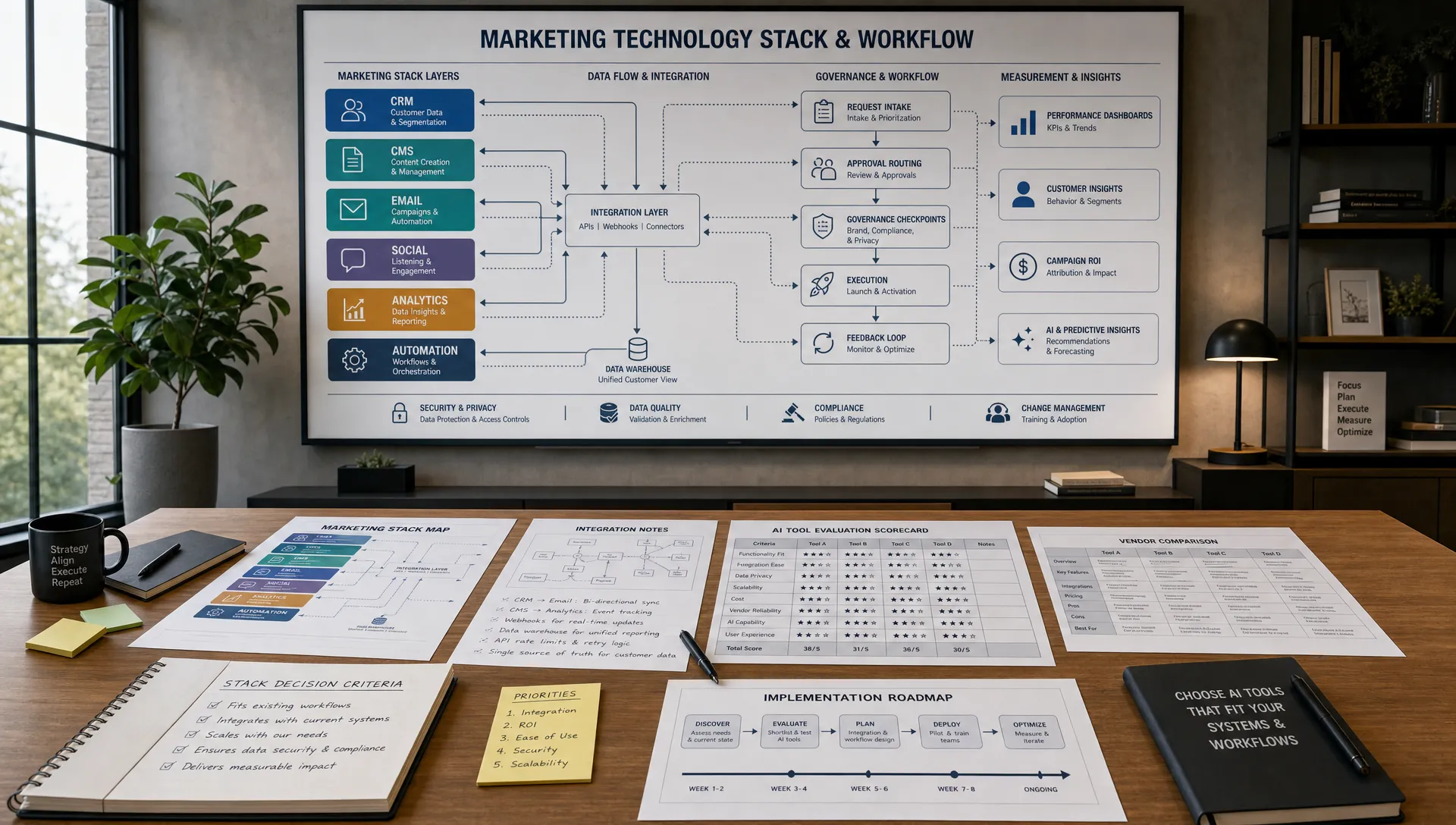
A chatbot becomes much more valuable when it connects to the rest of your marketing and sales workflow. Standalone chat transcripts are easy to ignore. Integrated chatbot data can trigger sales alerts, email sequences, retargeting audiences, CRM updates, and performance analytics.
Common integrations include your CRM, calendar scheduling tool, email marketing platform, customer support system, analytics platform, and enrichment tools. For B2B teams, account identification and firmographic enrichment can also help the chatbot ask fewer questions while improving routing.
If you are still evaluating vendors, look beyond the demo. Ask how the platform handles CRM field mapping, data retention, consent logs, hallucination controls, fallback rules, human handoff, analytics, and integrations. AIMarketer Hub's guide on how to pick the right AI marketing platform can help you compare options with a workflow-first lens.
Do not over-automate too quickly. Start with the few integrations that matter most: CRM lead creation, sales notification, meeting booking, and nurture segmentation. Once those are reliable, expand into enrichment, personalization, and deeper analytics.
Lead qualification is only useful if it leads to a better next step. A chatbot should not simply say thanks and disappear. It should move the visitor forward while giving your team the context they need.
Most leads fall into one of four routing paths.
Sales-ready leads should receive a clear meeting option, fast sales notification, and CRM summary. The sales rep should see the visitor's answers, page source, score, and suggested opening line.
Marketing-qualified leads should receive targeted content based on their pain point, plus a nurture sequence that continues the conversation. For example, a visitor researching AI content workflows might receive a guide, a case study, and an invitation to a webinar.
Low-fit but legitimate leads should receive helpful self-service resources. This protects the buyer experience without consuming sales time.
Non-sales inquiries should be routed away from sales. Existing customer questions, vendor pitches, job seekers, press inquiries, and support requests need separate paths.
This is where AI marketing automation pays off. The chatbot qualifies the lead, but automation ensures the follow-up happens immediately and consistently.
AI chatbots often collect personal data, business needs, and sometimes sensitive context. That means privacy and compliance cannot be an afterthought. Your chatbot should disclose that it is automated, explain why information is being collected, and avoid asking for sensitive details unless there is a clear business need and approved process.
The FTC has also warned companies to be careful with exaggerated AI claims. Its guidance to keep your AI claims in check is a useful reminder: do not imply that an AI chatbot can guarantee outcomes, replace professional judgment, or make decisions beyond its design.
Regulated industries need extra guardrails. In financial services, legal services, healthcare, insurance, and employment contexts, a chatbot may need disclaimers, consent language, restricted topics, audit logs, and human review.
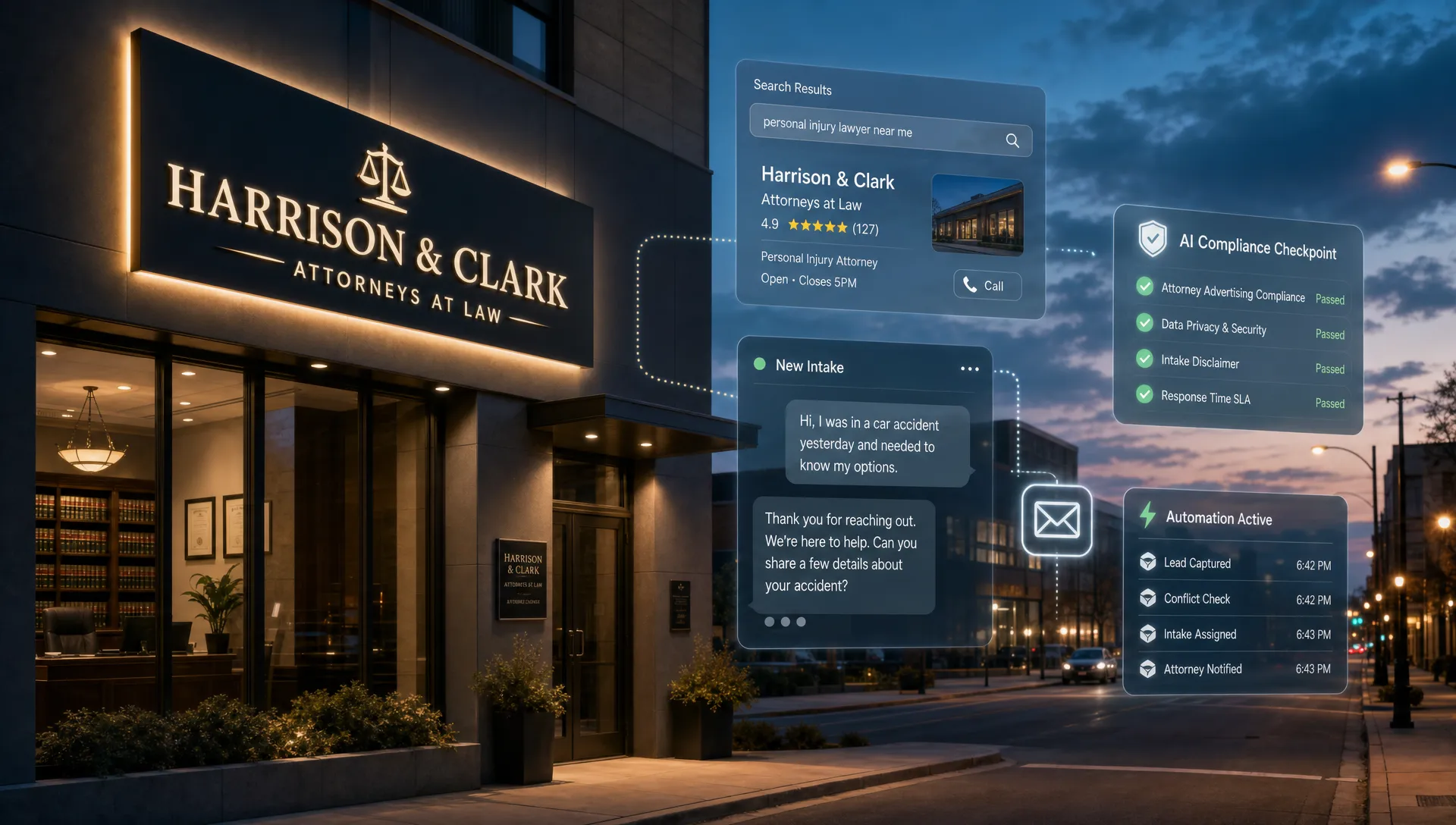
Consider a legal services example. For a local firm such as Clair Gjertsen Weathers PLLC, a chatbot could help route inquiries by practice area, such as foreclosure defense, bankruptcy, real estate, landlord-tenant issues, wills and estates, consumer debt defense, or civil litigation. But it should not provide legal advice, evaluate the merits of a case, or imply attorney-client relationship formation without firm-approved language and human intake review.
The same principle applies across industries: use the chatbot to collect context and route efficiently, not to make claims or decisions that require professional expertise.
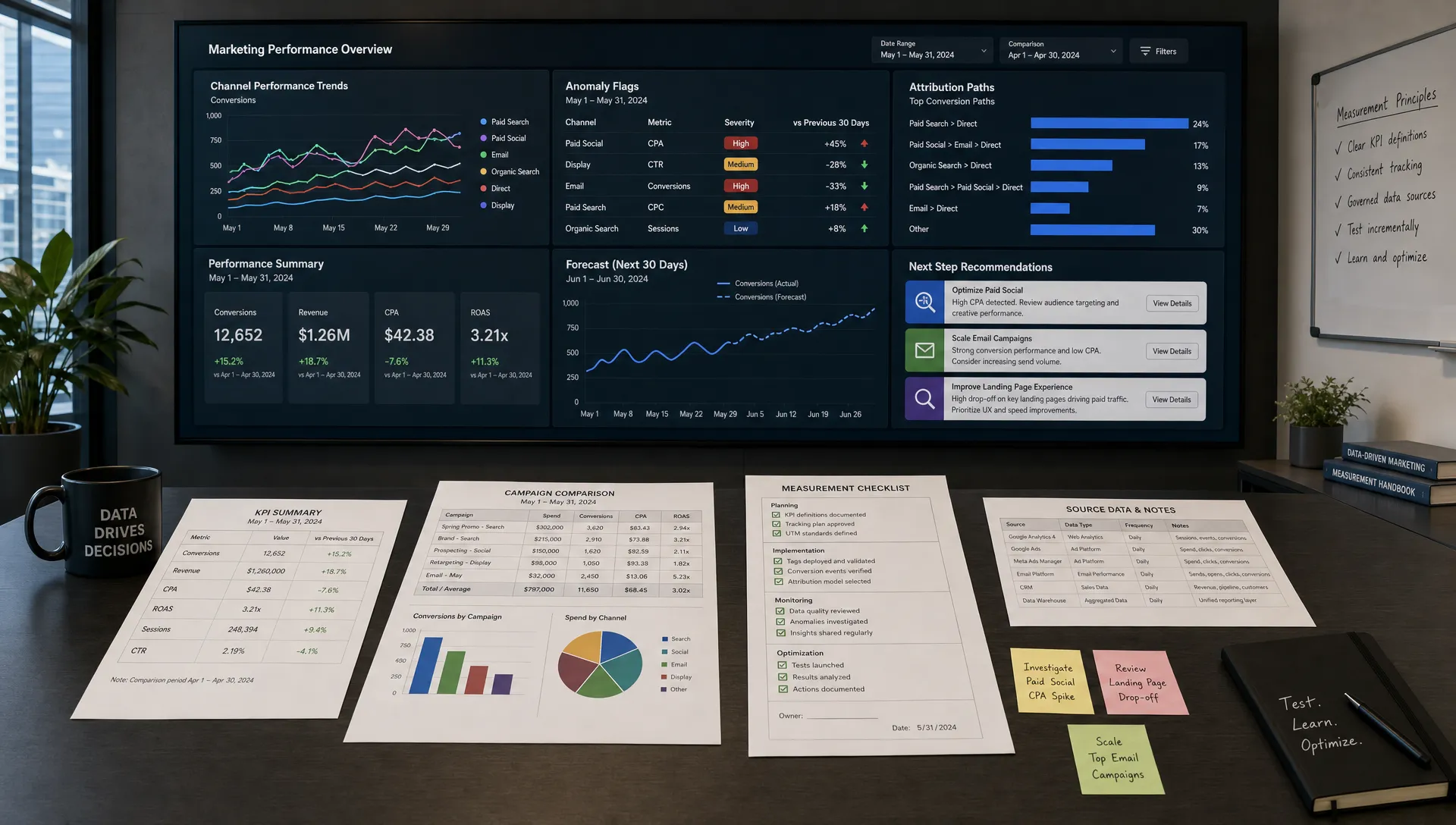
Many teams over-focus on chatbot open rate or conversation count. Those metrics can be useful, but they do not prove business value. A chatbot that starts many conversations but creates low-quality leads may hurt sales productivity.
Measure the full funnel instead:
Review transcripts regularly. Look for confusing questions, repeated objections, abandonment points, and visitor language that can improve landing pages, sales scripts, and email campaigns. If you are also testing landing pages and offers, this connects naturally with broader conversion work. For tool ideas, see AIMarketer Hub's overview of AI tools for conversion rate optimization.
The most common mistake is asking too much too soon. Visitors do not want to complete a long qualification interview before they understand why it benefits them. Start with the problem they are trying to solve, then request contact details when the next step is clear.
Another mistake is pretending the bot is a person. Buyers usually do not mind automation when it is helpful, but they do mind feeling misled. A transparent assistant builds more trust than a fake human persona.
Teams also fail when they launch without sales alignment. If sales does not trust the scoring model or CRM summary, reps will ignore chatbot leads. Involve sales early, review transcripts together, and adjust the scoring model based on real outcomes.
Finally, avoid letting the AI improvise in risky areas. Keep pricing rules, eligibility criteria, compliance statements, refund policies, and professional advice boundaries tightly controlled. AI can summarize and route, but your business rules should govern the experience.
You do not need a massive implementation project to start. A focused 30-day pilot can prove whether AI chatbots improve lead qualification for your business.
A narrow pilot is better than a broad launch. Once one path works, you can adapt it for different pages, segments, industries, and campaigns.
Are AI chatbots better than forms for lead qualification? They can be, especially when visitors have different needs or when fast routing matters. Forms are still useful for simple requests, but chatbots can ask adaptive follow-up questions, clarify intent, and trigger immediate next steps.
Should a chatbot ask for budget? It depends on your market. Budget can be useful for B2B services and enterprise sales, but asking too early may reduce engagement. If budget is sensitive, ask about project scope, timeline, or priority first.
How do I stop an AI chatbot from hallucinating? Use constrained prompts, approved knowledge sources, clear fallback rules, and human handoff for uncertain questions. Keep critical claims, pricing, compliance language, and eligibility rules controlled by your business logic.
What is a good lead score threshold? Start with a simple threshold, such as 80 out of 100 for sales-ready leads, then adjust based on sales acceptance and conversion data. The best threshold is the one that predicts real opportunities, not just chatbot engagement.
Can AI chatbots qualify leads in regulated industries? Yes, but they need stricter controls. They should collect context, route inquiries, and provide approved general information, while avoiding professional advice, eligibility decisions, or unsupported claims.
AI chatbots for lead qualification can improve speed, routing, and personalization, but only when they are connected to a clear strategy. Start with your buyer segments, define what qualified means, ask only useful questions, score transparently, and review outcomes with sales.
If you are building the marketing system around your chatbot, AIMarketer Hub can help you sharpen the strategy with AI marketing guides, prompt resources, SEO tools, calculators, and analytics-focused resources for growing teams. Use the chatbot to learn from every visitor conversation, then turn those insights into better content, stronger campaigns, and faster follow-up.