Blogging has changed. The teams winning organic traffic in 2026 are not simply publishing more posts, they are building better workflows. They use blog tools to research faster, draft with more context, optimize for search intent, refresh older content, and measure what actually produces qualified traffic.
The challenge is that the market is crowded. There are AI writers, SEO platforms, keyword databases, content scoring tools, editing apps, project management systems, CMS plugins, visual design tools, and analytics dashboards. Many of them overlap. Some speed up your process. Others quietly create more work.
This guide breaks down the best blog tools by the job they help you do, so you can build a practical stack for faster writing and better SEO without paying for tools you do not need.
If you want a fast overview before going deeper, here is how to think about the core categories:
The best stack is not the longest stack. It is the one that removes bottlenecks from your workflow while helping you publish content that is useful, accurate, and aligned with search intent.
A good blog tool should make one part of your content process measurably easier. It might help you find low-competition opportunities, build stronger outlines, improve readability, catch technical SEO issues, or identify which articles need updating.
A bad tool does the opposite. It produces generic recommendations, pushes you toward keyword stuffing, adds another dashboard no one checks, or creates content that sounds polished but says nothing new.
Before adding a tool, ask three questions. Does it save time on a task your team actually repeats? Does it improve the quality or performance of the article? Does it fit into your existing workflow without forcing your team to duplicate work?
For SEO specifically, the tool should help you understand intent, not just keyword volume. A blog post about best blog tools has a different job than a post about how to write a blog introduction or how to create a content calendar. The right tool helps you see what the reader needs at that moment and how to satisfy that need better than competing pages.
Keyword research tools are often the first stop in a blog workflow, but they are easy to misuse. Search volume is useful, but it should not be the only decision factor. A topic with modest volume can still be valuable if it attracts high-intent readers, supports a product page, or strengthens topical authority.
Google Search Console is one of the most valuable tools for existing websites because it shows real queries, impressions, clicks, average positions, and click-through rates. It is especially useful for finding articles that already rank on page two, pages with declining impressions, and keywords where your title may not match the reader's intent.
Semrush, Ahrefs, Moz, and similar SEO platforms are strong for competitor research, keyword difficulty estimates, backlink analysis, and topic clustering. They are most useful when you need to understand the broader search landscape, not just your own website data. For example, you can compare the pages currently ranking for a keyword, identify content gaps, and decide whether you need a listicle, guide, comparison page, glossary entry, or product-led article.
Tools like AlsoAsked and AnswerThePublic are helpful for discovering question-based searches. They can reveal the specific subtopics readers care about, which is useful for FAQ sections, H2 planning, and content refreshes. Just remember that every question does not need its own section. Use these tools to understand patterns, then structure the article around what is genuinely useful.
For audience language, do not ignore communities. Reddit threads, LinkedIn comments, customer support tickets, sales call notes, and review sites often reveal the exact phrases people use when describing their problems. SEO tools show search demand. Audience research shows emotion, hesitation, objections, and vocabulary.
AI writing tools are now a normal part of content operations, but they work best as assistants, not autopilot systems. The fastest teams use AI to speed up ideation, outlining, first drafts, repurposing, and editing. They still rely on human judgment for positioning, examples, accuracy, and brand voice.
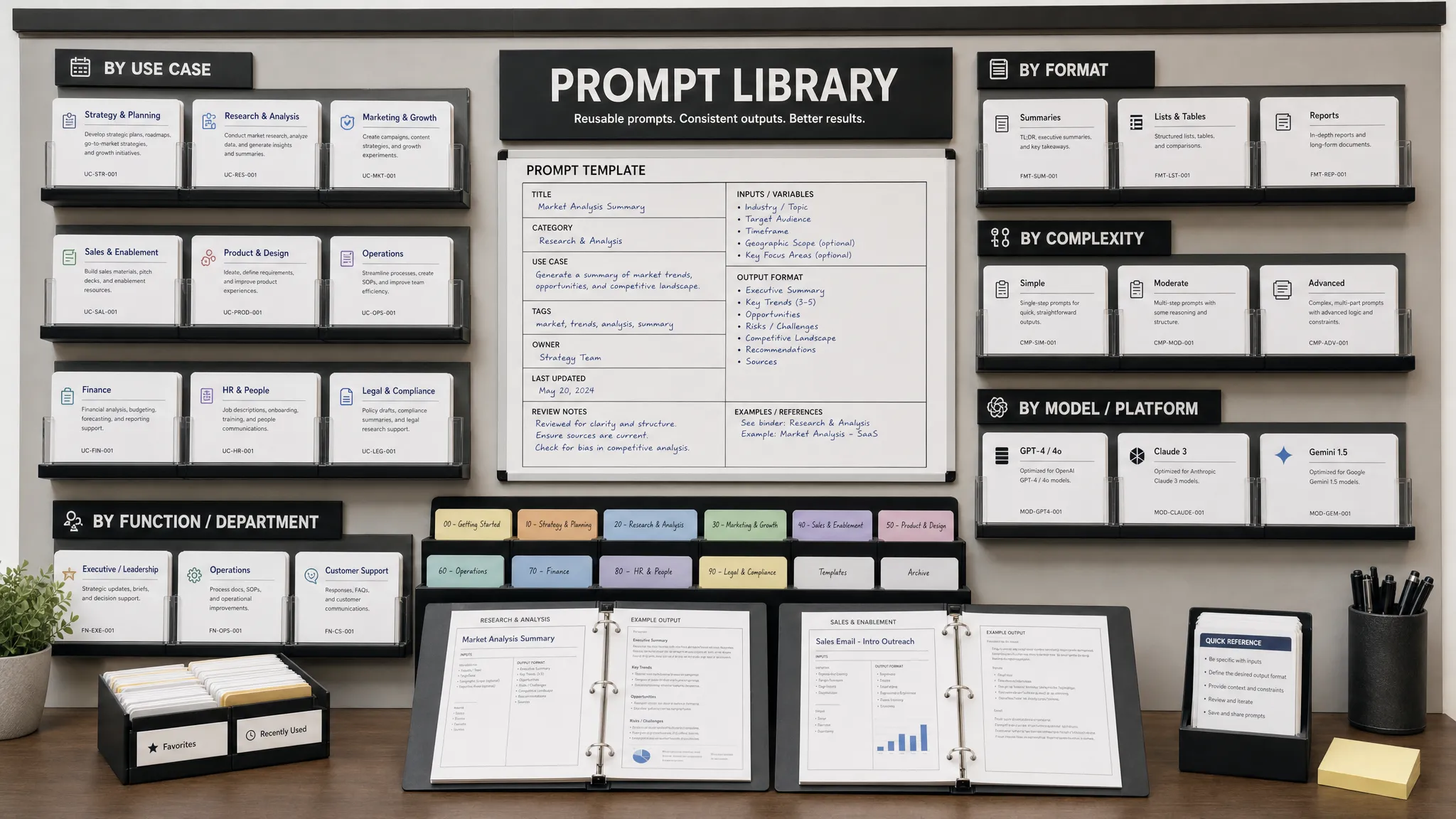
AIMarketer Hub is a strong fit for marketers who want a practical AI marketing workspace rather than a single-purpose writing app. Its AI content generation, prompt library for marketers, SEO tools, performance analytics, and resource library can help teams move from idea to draft to optimization with less context switching.
General AI assistants like ChatGPT and Claude are useful for brainstorming angles, simplifying complex explanations, generating headline variations, turning interview notes into rough outlines, and repurposing long-form content into newsletters or social posts. Jasper and Copy.ai are often used by marketing teams that want structured campaign and copywriting workflows.
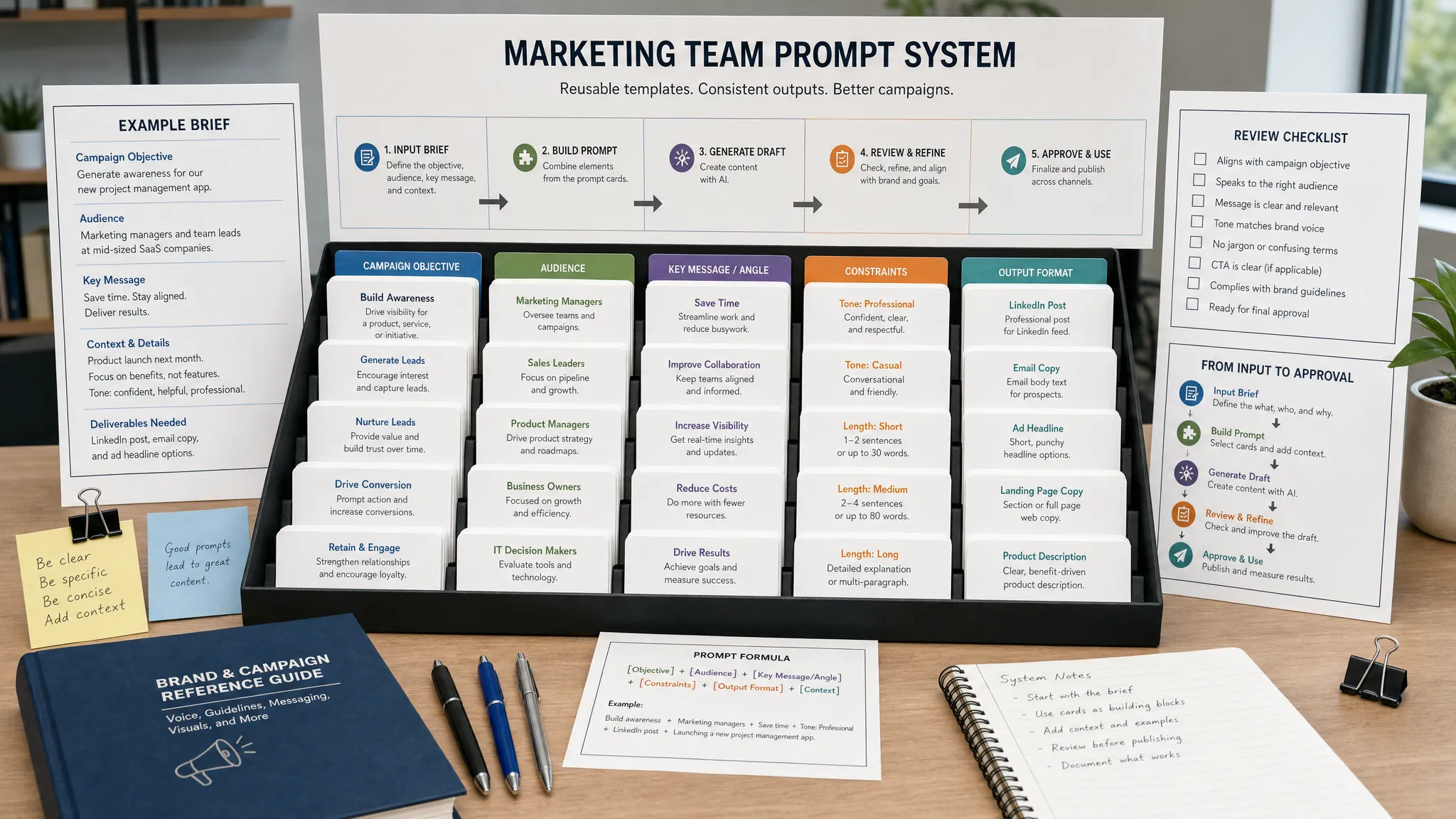
The quality of AI output depends heavily on the input. A vague prompt creates generic content. A strong prompt includes audience, search intent, target reader knowledge level, brand voice, article goal, must-cover points, sources, and examples.
A practical AI prompt for blog drafting could look like this:
Act as a senior content strategist. Create a blog outline for a B2B marketing audience searching for best blog tools. Focus on faster writing, SEO quality, workflow efficiency, and tool selection. Include sections for research, drafting, editing, optimization, publishing, analytics, and common mistakes. Avoid keyword stuffing and prioritize practical advice.
Use AI to accelerate the blank-page stage, then add human expertise. That might mean including original examples, screenshots, customer insights, internal data, expert commentary, or lessons from real campaigns.
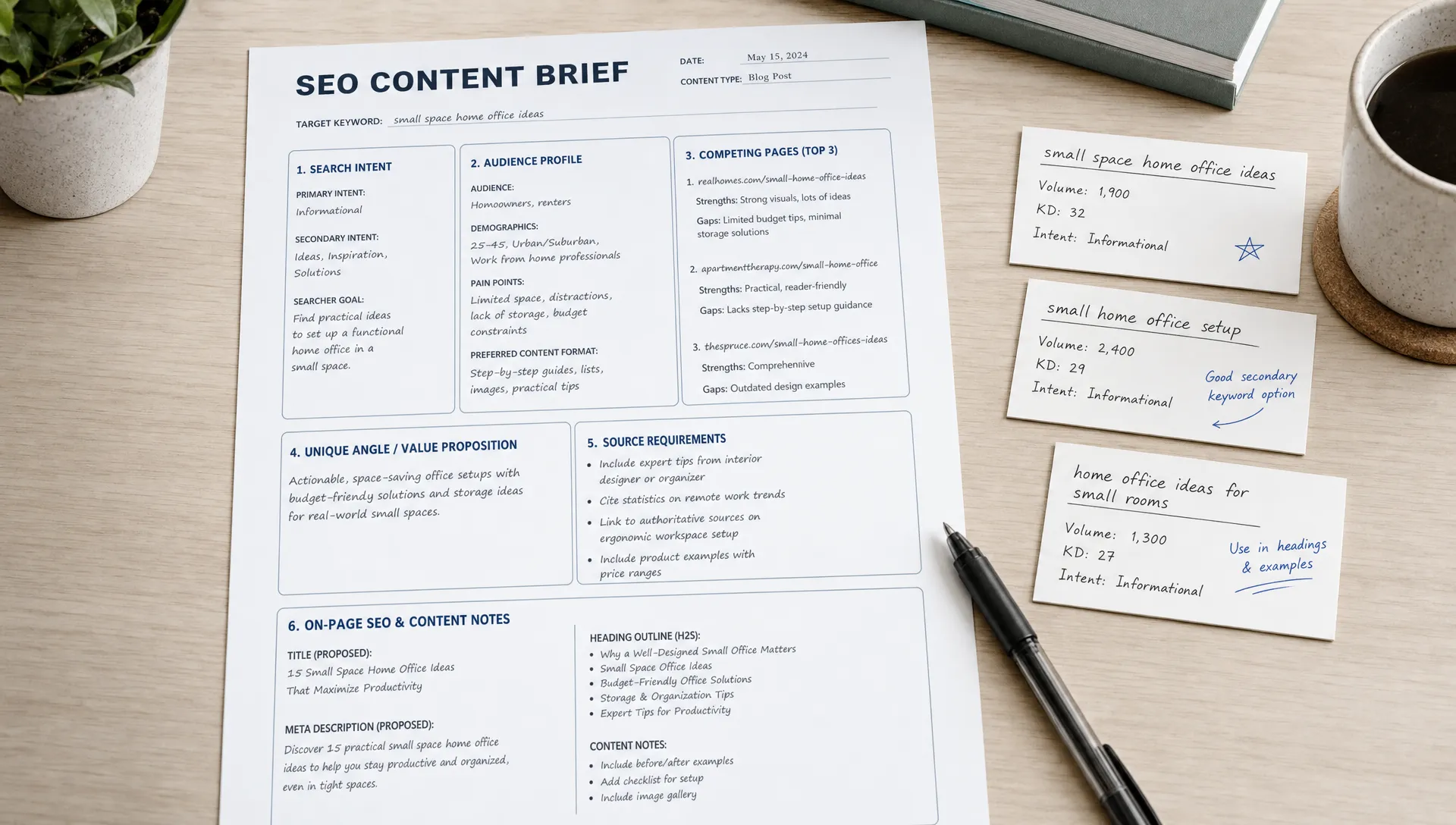
Content brief tools help turn research into a writer-ready plan. They can analyze top-ranking pages, suggest related terms, surface questions, and estimate how comprehensive your article needs to be.
Frase is useful for brief creation, competitor page analysis, and question research. Clearscope is known for content optimization and term coverage. Surfer SEO provides content scoring and SERP-based recommendations. MarketMuse is often used for content strategy, topical authority, and gap analysis. NeuronWriter is another option for teams that want SEO writing guidance in a more streamlined environment.
These tools can be powerful, but they should not be treated as final judges. A high content score does not automatically mean the article is useful. Sometimes optimization tools recommend terms that are only loosely relevant or encourage writers to add phrases unnaturally.
Use optimization tools to check whether you missed important subtopics, not to force every suggested phrase into the article. Better SEO comes from satisfying the reader's goal more completely than competing pages. That includes clarity, structure, examples, experience, and credible information.
Editing tools can improve speed because they reduce the number of review cycles. They catch grammar issues, awkward phrasing, repetitive wording, overly long sentences, and tone inconsistencies before the draft reaches an editor.
Grammarly is a popular choice for grammar, tone, and clarity checks. ProWritingAid is useful for deeper style analysis, repetition, and sentence structure. Hemingway Editor helps identify dense writing, passive voice, and hard-to-read sentences.
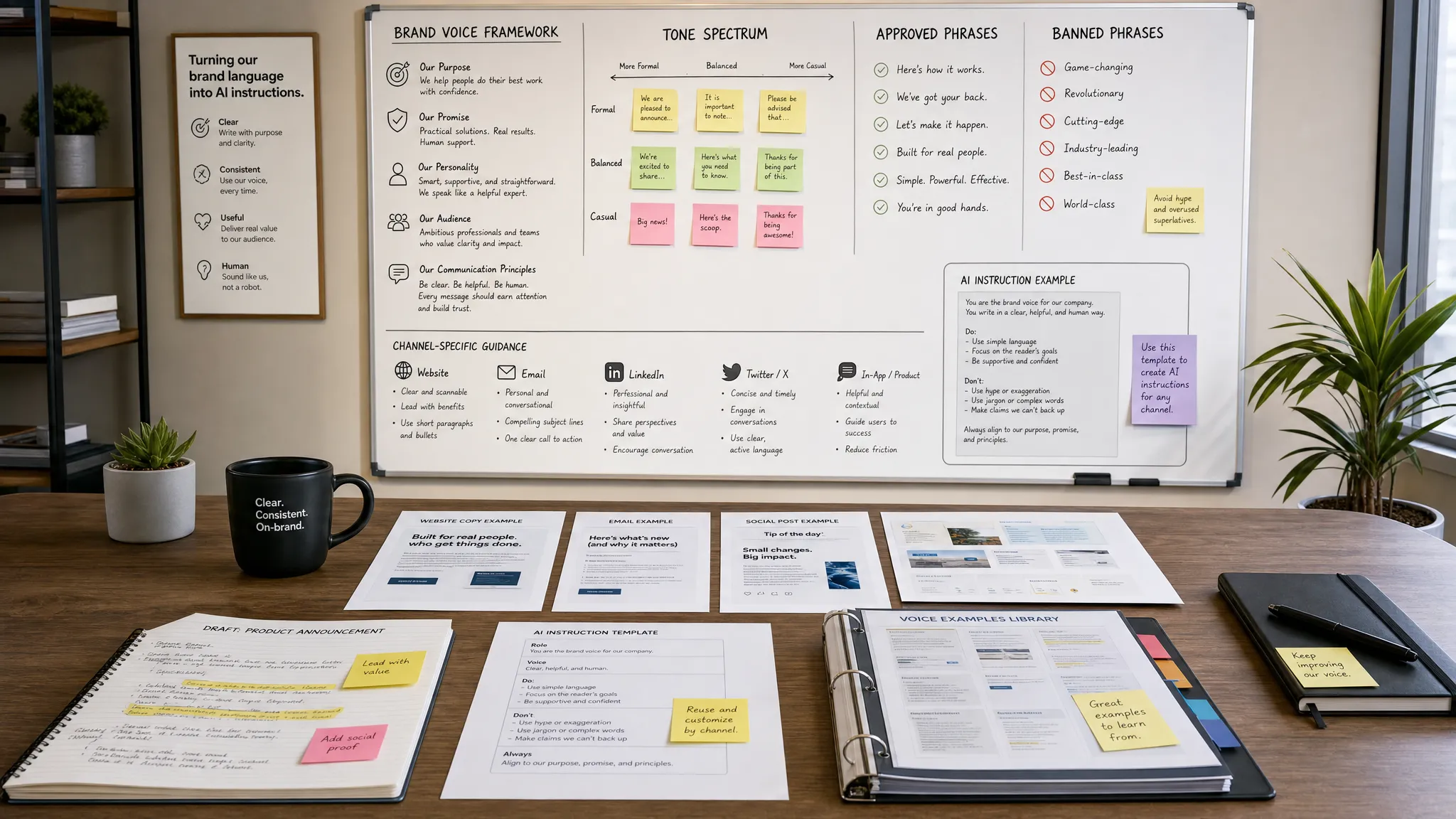
For brand voice, the tool matters less than the system behind it. Create a simple voice guide that defines your audience, tone, vocabulary, examples, banned phrases, formatting preferences, and proof points. Store it in Notion, Google Docs, or your content operations platform. Then use AI and editing tools to check drafts against that guide.
Plagiarism checks can also be useful, especially when working with multiple writers or AI-assisted drafts. Be more cautious with AI detection tools. They can produce false positives and should not be the only basis for evaluating a writer's work. The better standard is originality, usefulness, factual accuracy, and whether the article reflects real expertise.
The more people involved in your blog, the more important your workflow becomes. A solo marketer can manage drafts in Google Docs. A growing team needs editorial calendars, approval stages, briefs, asset management, ownership, deadlines, and performance notes.
Notion is flexible for content calendars, briefs, research notes, and documentation. Airtable works well when you want a more database-driven editorial system with views by status, campaign, author, funnel stage, or content type. Trello is simple and visual for smaller workflows. Asana is stronger for cross-functional marketing teams that need tasks, dependencies, and recurring processes.
Google Docs remains one of the best writing collaboration tools because it is fast, familiar, and easy to review. Comments, suggestions, version history, and sharing controls make it practical for writers, editors, subject matter experts, and legal reviewers.
At a certain stage, content operations are not just about software. They are also about the people contributing to your content. If you hire freelance writers, editors, SEO specialists, or content strategists, platforms built around verifiable trust profiles can help you assess credibility before you assign strategic work or share sensitive brand materials.
Your content management system should make publishing easy without creating technical SEO problems. WordPress is still widely used because it is flexible, plugin-friendly, and supported by a large ecosystem. Webflow gives design-focused teams more visual control. Ghost is a strong option for publishers and newsletters. HubSpot CMS can be useful for teams already running marketing automation and CRM workflows in HubSpot.
For WordPress users, Yoast SEO and Rank Math are common on-page SEO plugins. They help with title tags, meta descriptions, schema basics, XML sitemaps, redirects, and readability checks. They are helpful guardrails, but they do not replace strategy. A green score in a plugin does not guarantee rankings.
For technical checks, Screaming Frog and Sitebulb can crawl your site to find broken links, redirect chains, missing metadata, duplicate titles, thin pages, canonical issues, and indexability problems. PageSpeed Insights can help diagnose performance issues that affect user experience.
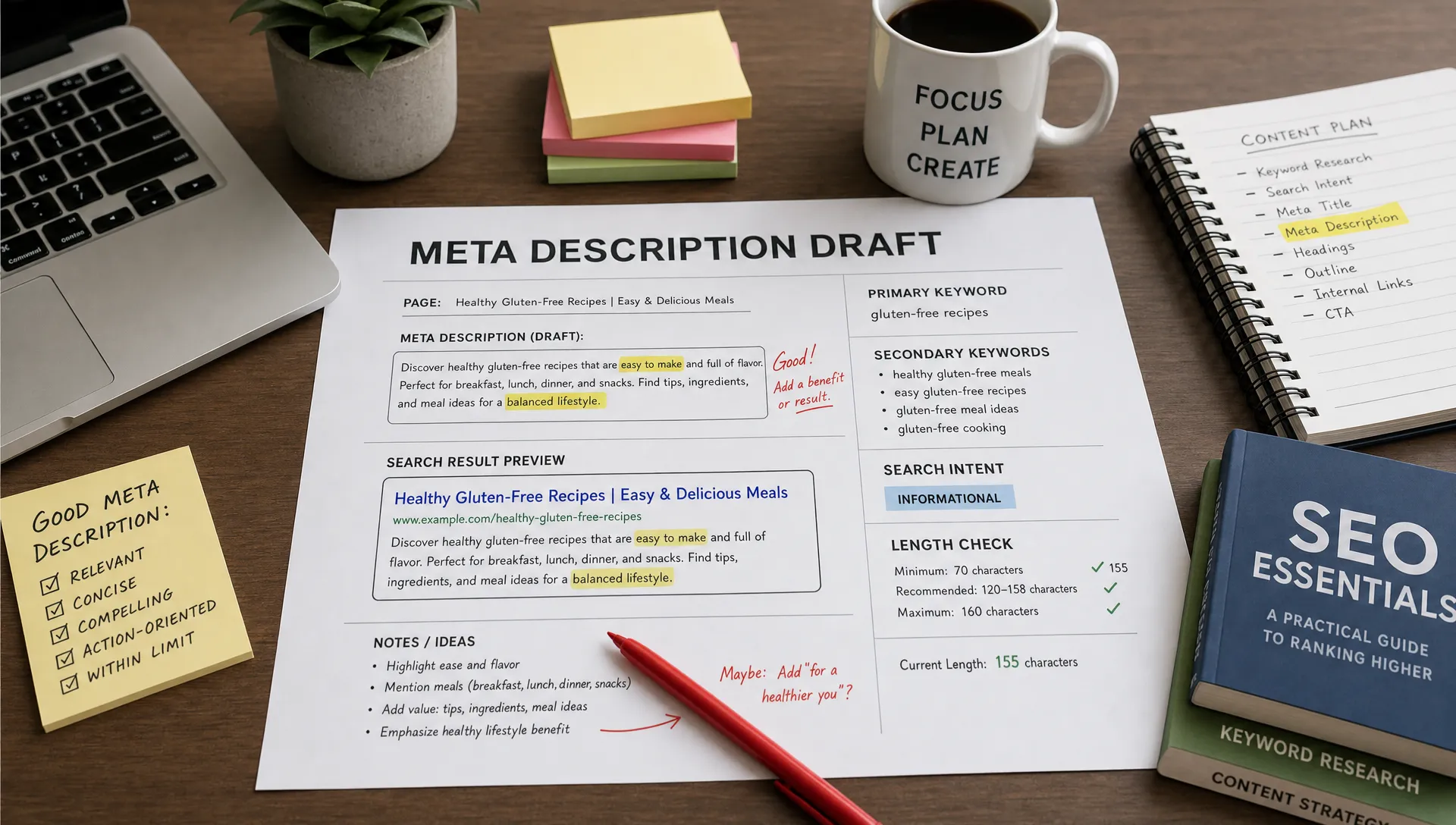
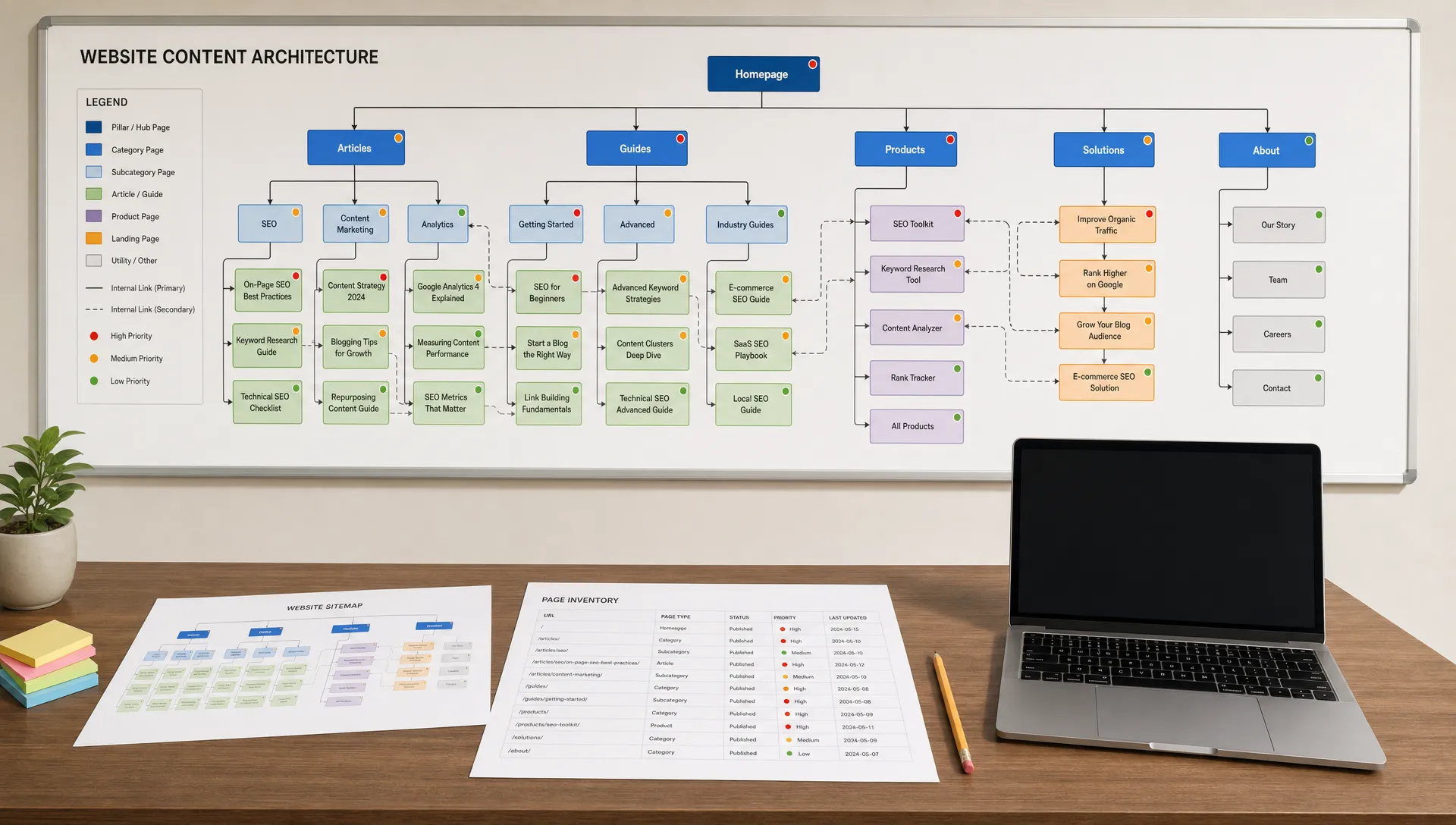
Publishing tools should support clean structure. Use descriptive URLs, clear headings, optimized title tags, concise meta descriptions, compressed images, relevant internal links, and schema where appropriate. These basics still matter because they help both users and search engines understand the page.
A blog post is rarely just text. Strong visuals can improve comprehension, make the article more memorable, and create assets for social distribution. Canva is useful for quick blog graphics, social cards, and simple diagrams. Figma is better for teams with design systems or more complex visual needs. Adobe Express is another accessible option for fast branded graphics.
Distribution tools help your article reach people after publication. Buffer, Hootsuite, and Later can schedule social posts. Beehiiv, Mailchimp, and ConvertKit can turn blog content into email newsletters. LinkedIn scheduling tools can help B2B teams repurpose posts into founder-led or expert-led commentary.
The key is to plan distribution before publishing. A blog article can become a newsletter, a LinkedIn carousel, a short video script, a sales enablement asset, an FAQ entry, or a lead nurture email. The best blog tools help you extend the life of the article, not just publish it once and move on.
SEO gains often come from improving what you already have. Analytics tools help you decide which posts to update, consolidate, expand, or retire.
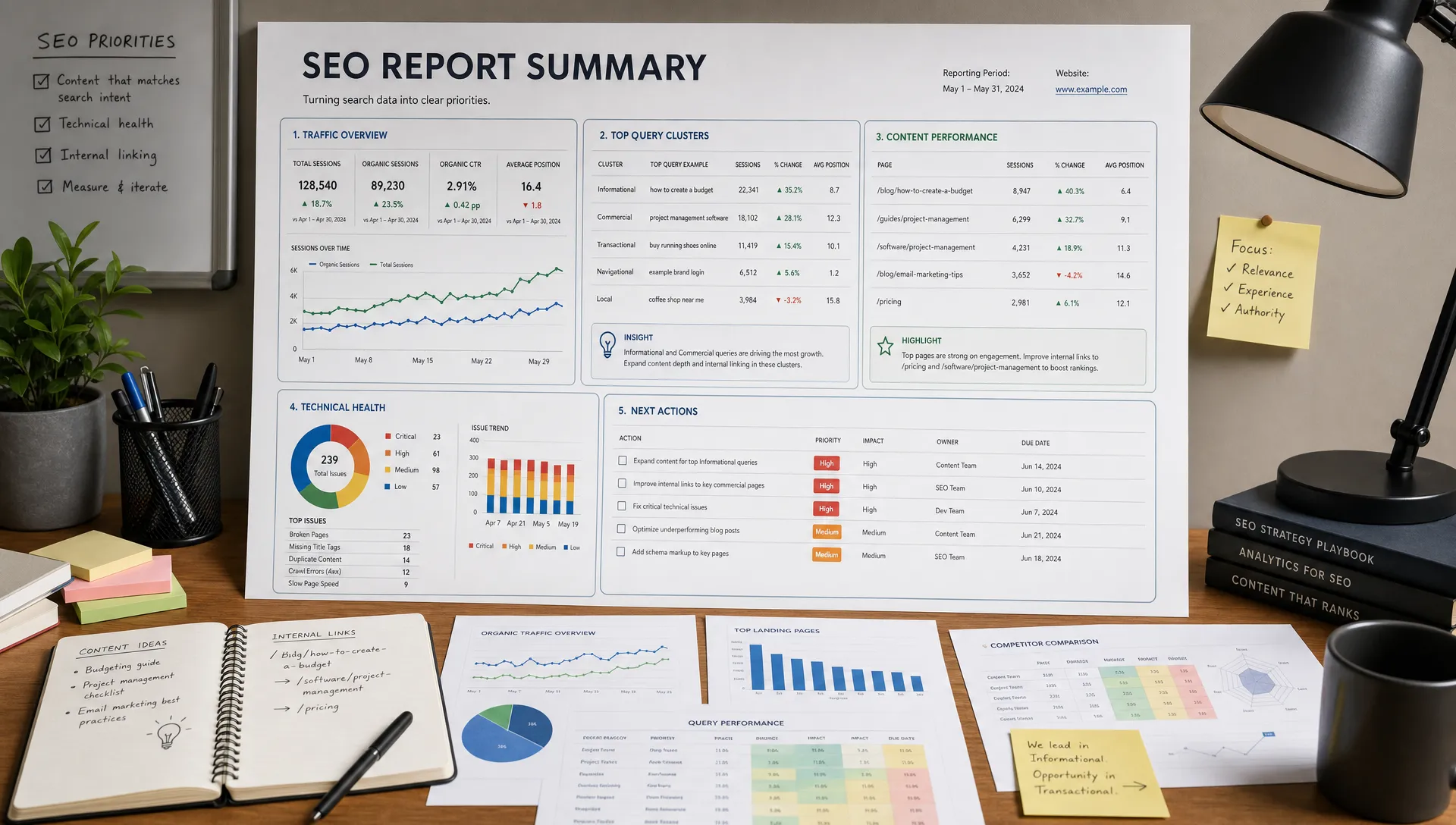
Google Search Console is essential for monitoring queries, impressions, clicks, click-through rate, and ranking changes. Google Analytics 4 helps you understand engagement, conversions, traffic sources, and user behavior after visitors land on your site. Looker Studio can bring these metrics into dashboards that are easier for teams and stakeholders to review.
Microsoft Clarity and similar behavior analytics tools can show scroll depth, rage clicks, and session recordings. These insights are useful when a page gets traffic but fails to convert or engage.
Refresh decisions should be based on patterns. If impressions are rising but clicks are low, improve the title and meta description. If rankings are slipping, compare the article against current SERP expectations. If traffic is strong but conversions are weak, add clearer calls to action, internal links, examples, or next-step resources.
A solo marketer or founder does not need a large software budget. Start with Google Search Console, Google Analytics 4, Google Docs, one AI writing assistant, one SEO research tool, a CMS, and a basic design tool like Canva. The goal is to publish consistently while learning which topics attract the right audience.
A small marketing team should add stronger process and optimization. AIMarketer Hub can help centralize AI content generation, prompts, SEO support, analytics, and marketing resources. Pair that with a keyword research platform, an editorial calendar in Notion or Airtable, an editing tool, and a CMS plugin for on-page checks.
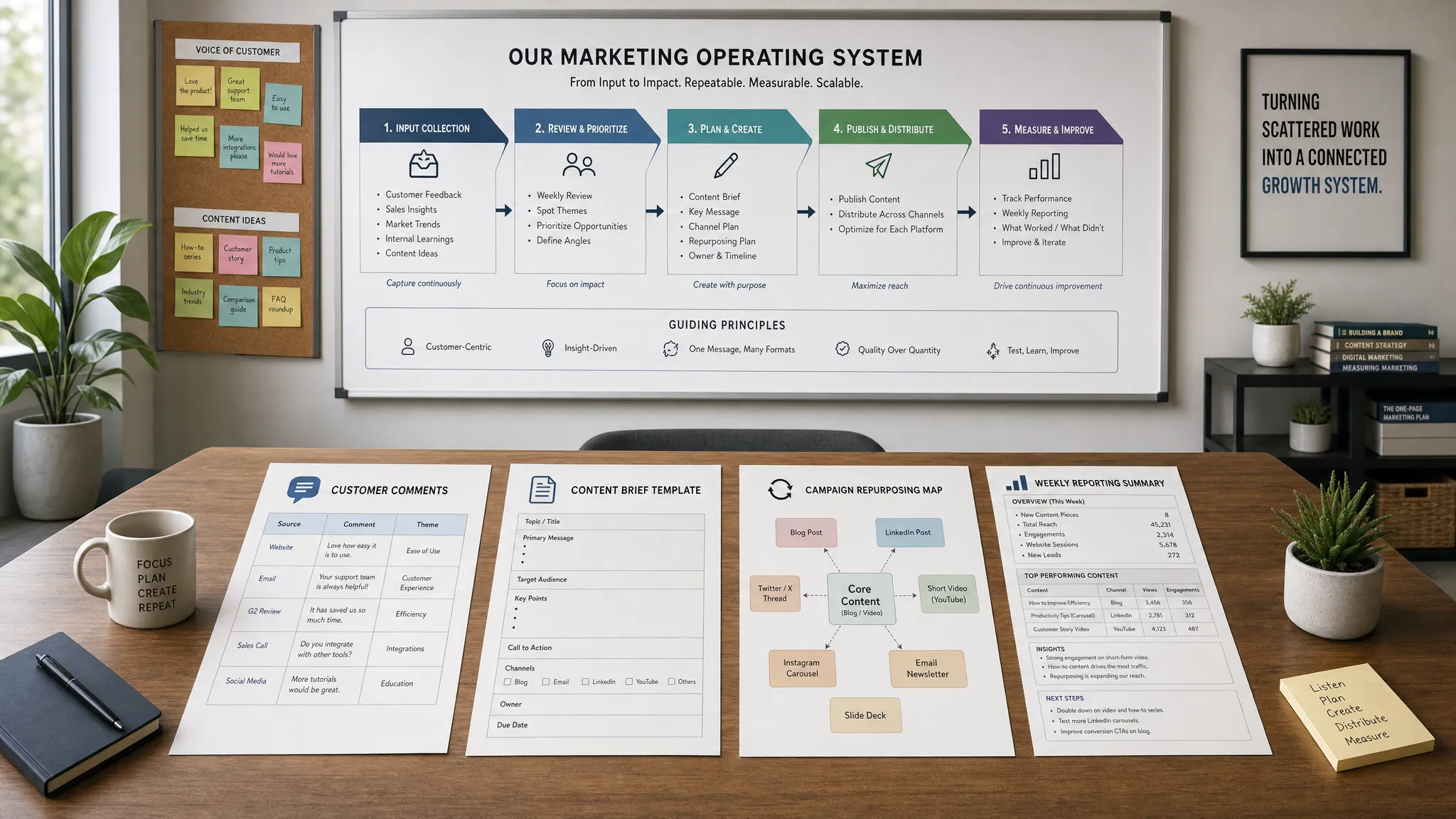
A growing content operation needs more governance. Add technical SEO crawling, content brief templates, content scoring, project management, analytics dashboards, and a documented refresh process. At this stage, workflow quality matters as much as writing speed. Every article should have an owner, goal, target audience, search intent, distribution plan, and measurement plan.
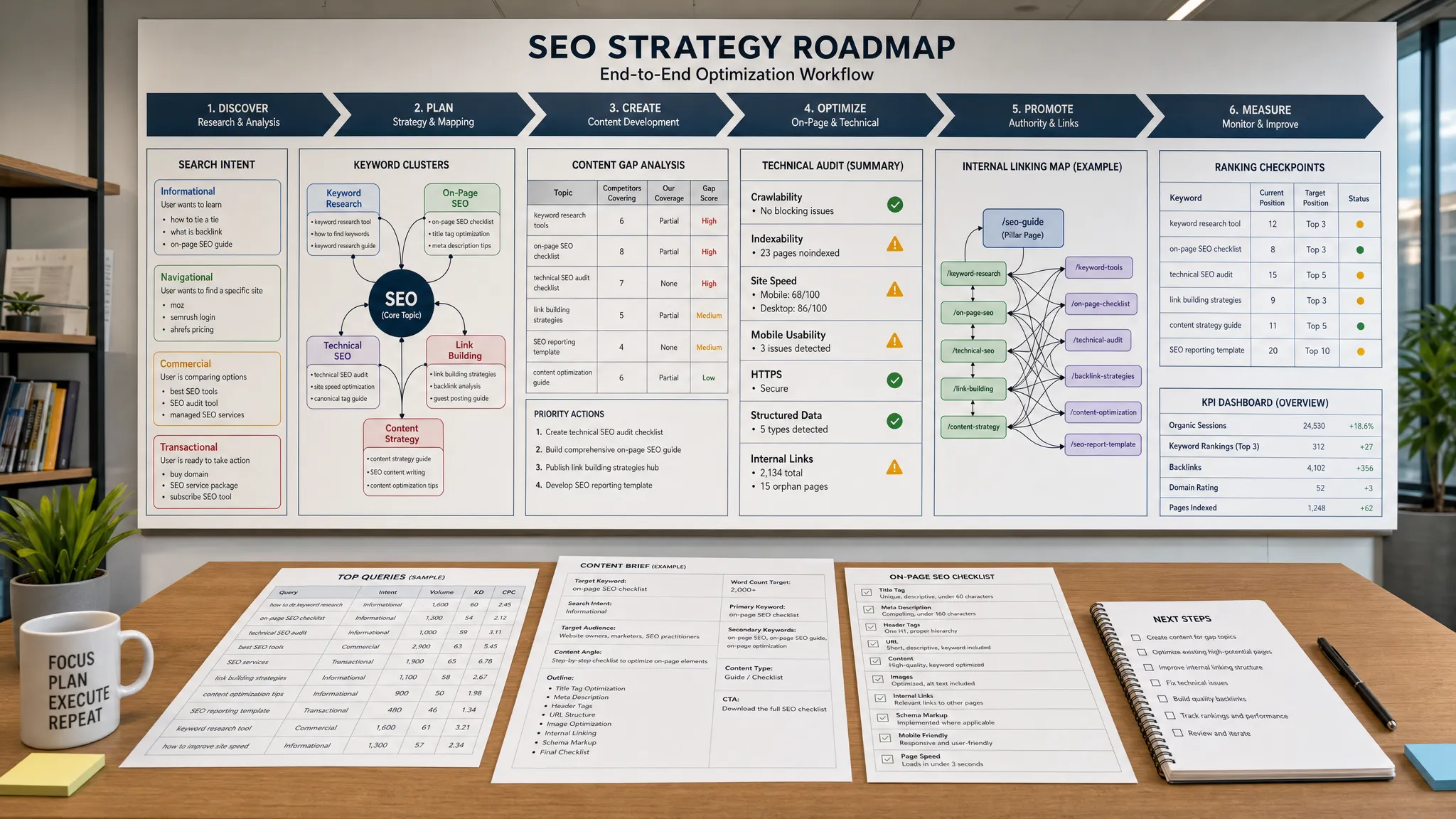
Start with search and audience research. Use SEO tools to find topics with demand, then validate the language and pain points through customer conversations, community research, and sales notes. This prevents content that ranks for the wrong audience.
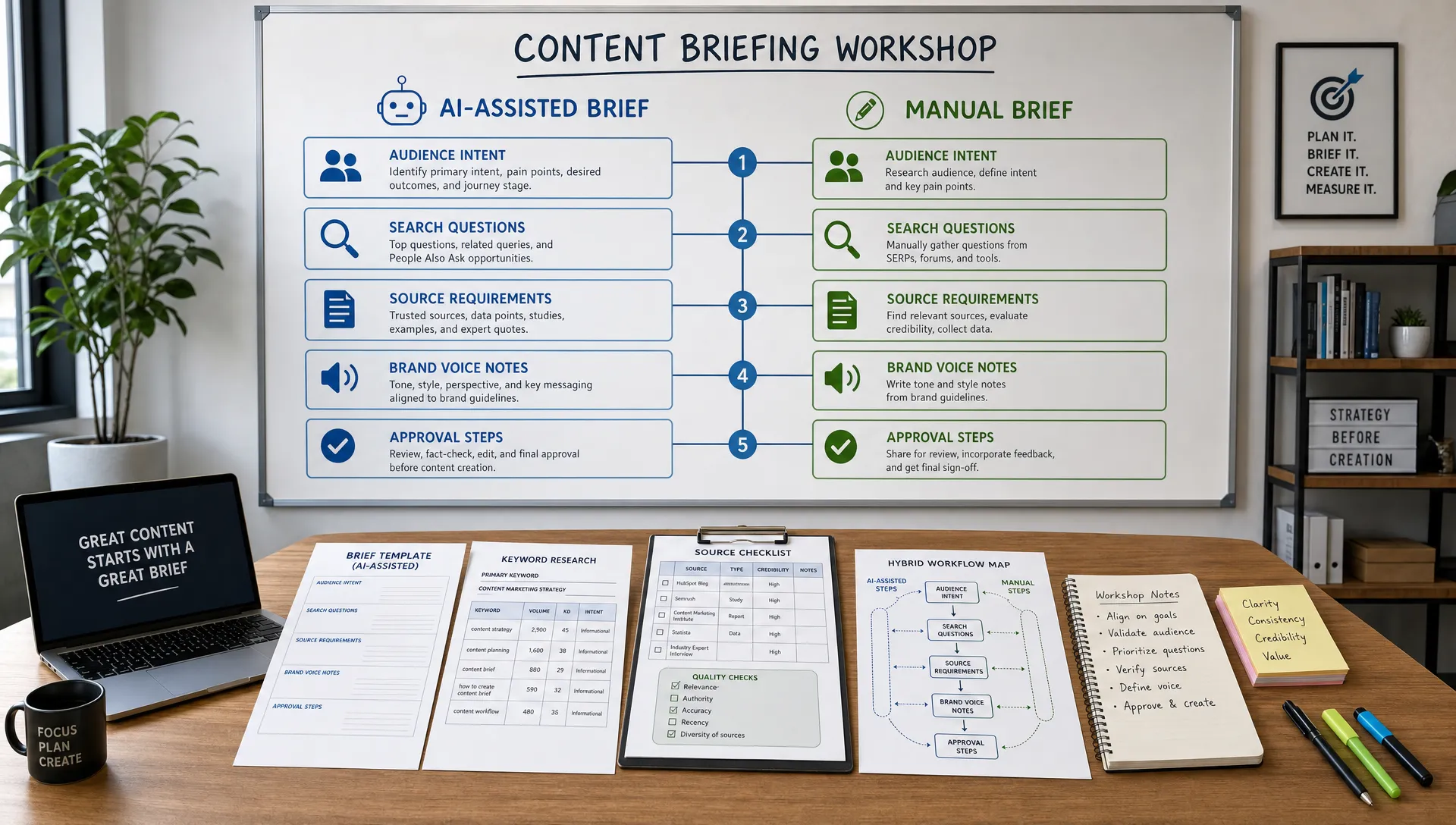
Next, build a brief. A good brief includes the reader problem, search intent, target keyword, related questions, recommended structure, internal links, examples to include, expert inputs, and the desired conversion path. Briefs are where SEO strategy becomes writer guidance.
Then use AI for momentum. Generate angle options, outline variations, introductions, examples, and draft sections. Do not publish the first output. Use it as a starting point and layer in expertise, original perspective, and brand-specific insights.
After drafting, edit for clarity. Shorten long sentences, remove filler, strengthen transitions, check claims, and make sure every section earns its place. If a section exists only to include a keyword, cut it or rewrite it around a real reader need.
Optimize after the article is useful, not before. Add internal links, refine headings, check title and meta description, review entity coverage, compress images, and test readability. SEO should sharpen the article, not make it robotic.
Finally, measure and refresh. Track clicks, impressions, rankings, engagement, assisted conversions, and backlinks. Schedule content updates based on performance, seasonality, and product changes. A blog is an asset library, not a one-time publishing feed.
The first mistake is buying too many tools with overlapping features. If three platforms all generate briefs, suggest keywords, and score content, your team will waste time reconciling conflicting recommendations.
The second mistake is letting tools define quality. SEO tools can show patterns, but they cannot fully understand your brand, customer conversations, product positioning, or expert knowledge. Human judgment is still the difference between average content and content people trust.
The third mistake is skipping measurement. Faster writing is only valuable if it produces better business outcomes. Track organic traffic, qualified leads, newsletter signups, demo requests, assisted conversions, or whatever goal your blog supports.
The fourth mistake is ignoring content maintenance. Even strong articles lose performance when search intent shifts, competitors improve, examples age, or product information changes. Build refreshes into your editorial calendar from the start.
What are blog tools? Blog tools are software platforms that help with planning, researching, writing, editing, optimizing, publishing, distributing, and measuring blog content. They can include AI writers, SEO tools, CMS plugins, analytics dashboards, and project management apps.
What is the best blog tool for SEO? There is no single best SEO blog tool for every team. Google Search Console is essential for performance data, while tools like Ahrefs, Semrush, Frase, Clearscope, and Surfer SEO can help with keyword research, briefs, and optimization.
Can AI blog tools help content rank faster? AI tools can speed up research, outlining, drafting, and editing, but rankings depend on content quality, search intent fit, site authority, internal linking, technical SEO, and usefulness. AI should support expertise, not replace it.
How many blog tools does a small team need? Most small teams can start with five core tools: a keyword research tool, an AI writing assistant, an editing tool, a CMS or publishing platform, and analytics. Add more only when you have a clear workflow gap.
Are content optimization scores important? They are useful as guidance, but they should not control the article. A content score can reveal missing subtopics, but the final goal is to answer the reader's question clearly, accurately, and better than competing pages.
The best blog tools help your team write faster, but they also help you think more clearly. They turn scattered ideas into briefs, drafts into polished assets, and published posts into measurable growth channels.
If you want a practical place to improve your AI-assisted marketing workflow, explore AIMarketer Hub. You can use its AI content generation, marketer prompt library, SEO tools, performance analytics, and curated resources to create content with more speed, structure, and strategic focus.